
CASE STUDY DEMONSTRATING THE POWER OF WORKSPACE ONE
- Slides: 9
CASE STUDY DEMONSTRATING THE POWER OF WORKSPACE ONE BY MOBILE JON
CASE STUDY • M-Corp is a company with 250, 000 global employees - mix of knowledge and task workers. They want to offer all employees a choice on laptop - PC or Mac. Also, employees can get a corporate-owned corporate that will be DEP enabled and restricted or they can bring their own device with MAM (or adaptive management if the user wants seamless auth, etc). • BYOD users will get a $50+ stipend based on location • The New CIO has hired me as a consultant and expects me to use this new investment called Workspace ONE. He needs it to simplify everyone’s life and make him not feel sorry he took
THE RULES • All Infrastructure Setup will be presumed already installed(e. g. no walkthroughs of setting up Air. Lift servers, Cloud Connectors, IDM Connectors, UAG, etc) • Each Phase of the case study will be its own blog article. • No set date for each article as I will be making sure each one is solid before release. • It will be awesome!
PHASE 1: OPTIMIZING WS 1 UEM TO SUPPORT CORPORATE PCS AND MACS • • • Configuring LDAP Setting up automatic user account synchronization for all employees including new employees Setting up CA Integration Setting up the EULA Setting up Syslog to build actionable intelligence Building Your Base Profiles Setting up an optimal Org Group setup Setting up your initial user groups and smart groups Locking down enrollment types and versions to meet your IT Security Strategy Implementing Security Measures to deliver a strong DLP strategy (Encryption, WIP, Gatekeeper) Building Roles and Empowering Admins across the Enterprise with Least Privilege (Letting developers manage their own apps, giving the help desk what they need, empowering specific lines of business)
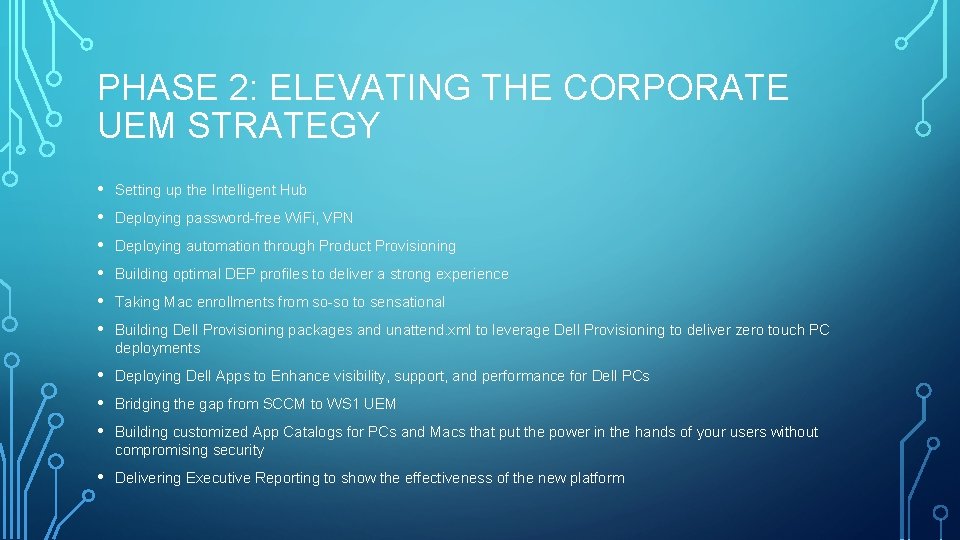
PHASE 2: ELEVATING THE CORPORATE UEM STRATEGY • • • Setting up the Intelligent Hub • • • Deploying Dell Apps to Enhance visibility, support, and performance for Dell PCs • Delivering Executive Reporting to show the effectiveness of the new platform Deploying password-free Wi. Fi, VPN Deploying automation through Product Provisioning Building optimal DEP profiles to deliver a strong experience Taking Mac enrollments from so-so to sensational Building Dell Provisioning packages and unattend. xml to leverage Dell Provisioning to deliver zero touch PC deployments Bridging the gap from SCCM to WS 1 UEM Building customized App Catalogs for PCs and Macs that put the power in the hands of your users without compromising security
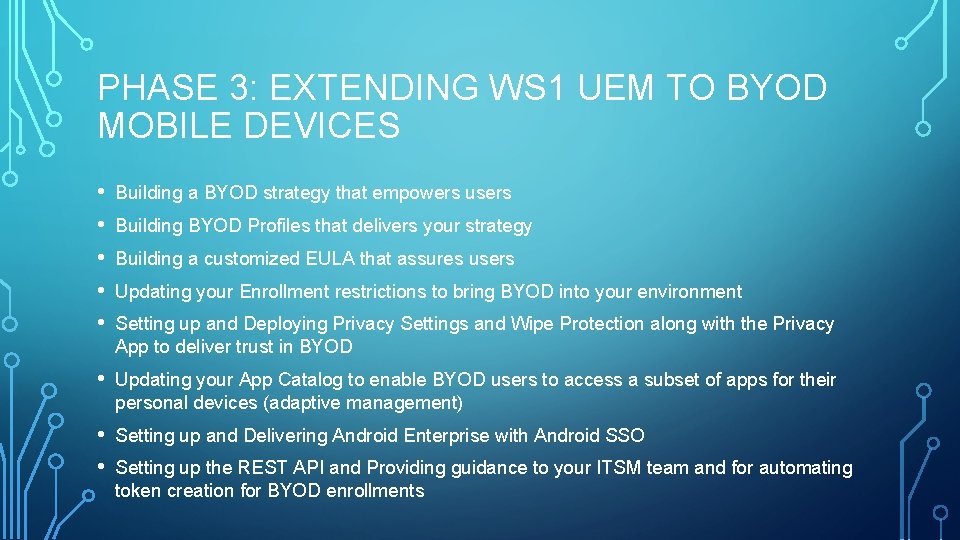
PHASE 3: EXTENDING WS 1 UEM TO BYOD MOBILE DEVICES • • • Building a BYOD strategy that empowers users • Updating your App Catalog to enable BYOD users to access a subset of apps for their personal devices (adaptive management) • • Setting up and Delivering Android Enterprise with Android SSO Building BYOD Profiles that delivers your strategy Building a customized EULA that assures users Updating your Enrollment restrictions to bring BYOD into your environment Setting up and Deploying Privacy Settings and Wipe Protection along with the Privacy App to deliver trust in BYOD Setting up the REST API and Providing guidance to your ITSM team and for automating token creation for BYOD enrollments
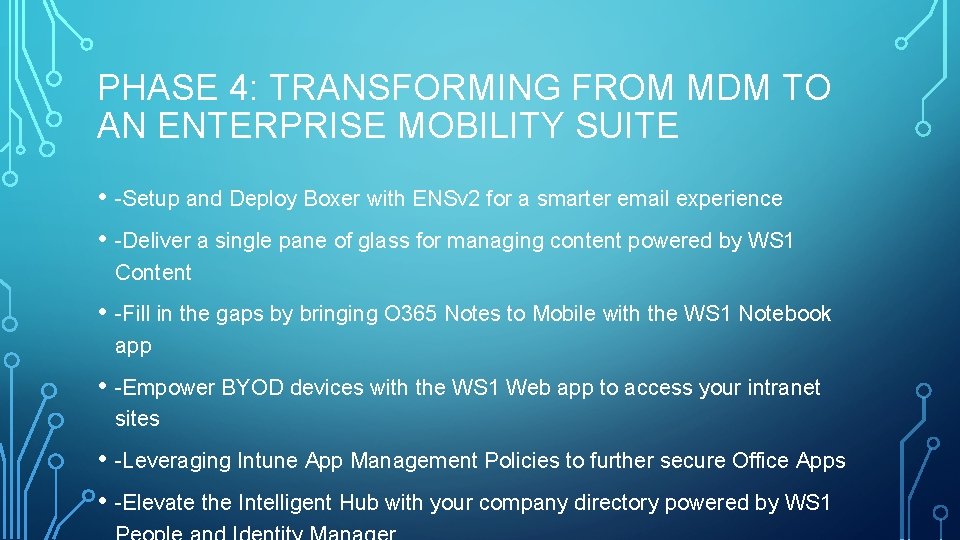
PHASE 4: TRANSFORMING FROM MDM TO AN ENTERPRISE MOBILITY SUITE • -Setup and Deploy Boxer with ENSv 2 for a smarter email experience • -Deliver a single pane of glass for managing content powered by WS 1 Content • -Fill in the gaps by bringing O 365 Notes to Mobile with the WS 1 Notebook app • -Empower BYOD devices with the WS 1 Web app to access your intranet sites • -Leveraging Intune App Management Policies to further secure Office Apps • -Elevate the Intelligent Hub with your company directory powered by WS 1
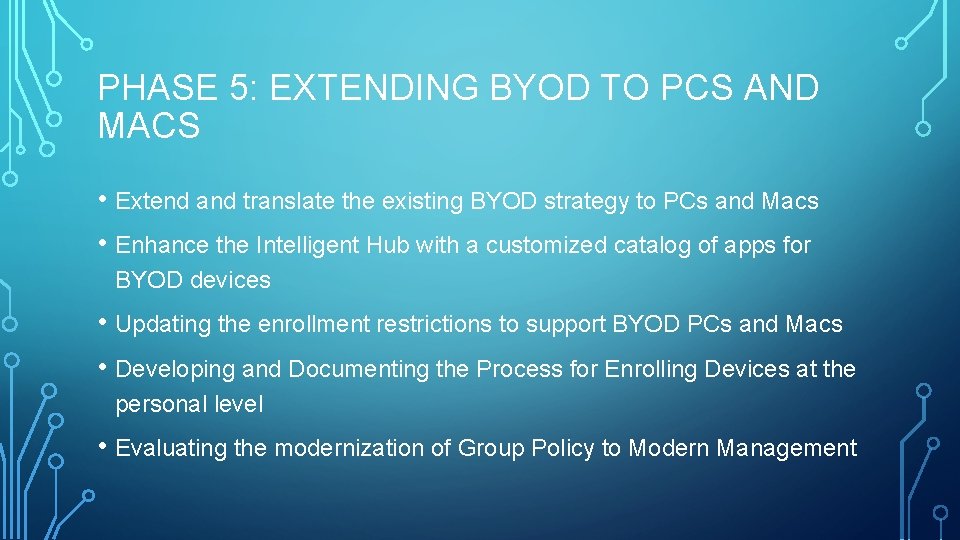
PHASE 5: EXTENDING BYOD TO PCS AND MACS • Extend and translate the existing BYOD strategy to PCs and Macs • Enhance the Intelligent Hub with a customized catalog of apps for BYOD devices • Updating the enrollment restrictions to support BYOD PCs and Macs • Developing and Documenting the Process for Enrolling Devices at the personal level • Evaluating the modernization of Group Policy to Modern Management
PHASE 6: DELIVERING CORPORATE IOS DEVICES • Extending DEP to corporate i. Phones and IPads while delivering a zero touch enrollment for i. Pads shipped directly to users • Delivering a secure and locked-down device to corporate users while helping them to be productive • Delivering a full suite of apps allowing users to work from anywhere with a true desktop replacement