
Cascading Style Sheets CSS This lecture will cover


- Slides: 26
Cascading Style Sheets (CSS)
This lecture will cover… • Introduction to Cascading Style Sheets (CSS) – What is CSS? – External stylesheets, embedded and inline styles – CSS syntax – rules, properties and values – Selectors – Inheritance and specificity • This week’s lab tutorial • This week’s reading
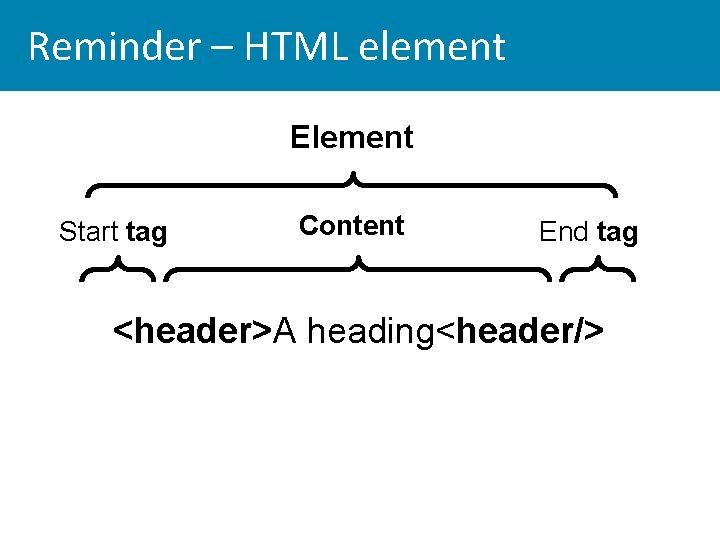
Reminder – HTML element Element Start tag Content End tag <header>A heading<header/>
Cascading stylesheets • CSS is a declarative language for specifying the presentation of HTML elements by a browser • CSS has been developed since 1998 by W 3 C • Current stable (signed off) standard is CSS 2. 1 • CSS 3 is evolving rapidly: many of its properties are supported in all modern browsers; newer properties are implemented by browsers experimentally • Reference - CSS properties and browser support • http: //docs. webplatform. org/wiki/css/properties • http: //caniuse. com/#cats=CSS
• Web browsers have their own built-in stylesheet • If an HTML document is not linked to a style-sheet the browsers will present the page according to its own stylesheet
Progressive enhancement • Older browsers don't support CSS 3 – but we can still use most CSS 3 properties • If a browser cannot display a CSS 3 property the fallback will usually be acceptable • E. g. CSS 3 rounded corners and drop shadow – older browsers will display right angle corners and no shadow, but users can still access the content and HTML structure and the element looks OK • One of the reasons why it's good practice to create well-formed, valid HTML and good content FIRST
CSS 3 • CSS 3 – can easily write styles that in the past could only be done with Java. Script, or digital images, e. g. – Rounded corners – Drop shadow on borders and text – Opacity – Decorative borders – Importing fonts from the web – Animation - transitions and transforms
Cascading stylesheets • CSS has lead to economies in website development and maintenance – Structure of content (HTML) and presentation (CSS) are separate: presentation is controlled by a single stylesheet and can easily be changed • Web page accessibility improved – Different stylesheets can be attached to the same HTML document - e. g. a rich graphic style for GUI browsers; a print stylesheet – optimised for readability with navigation elements removed
Attaching a stylesheet • Best practice is ALWAYS to write CSS rules in an external stylesheet file • This is attached to all the HTML documents to which it applies by referring to it by the <link> tag in the document head <link href="stylesheet. css" rel="stylesheet" type="text/css"> • The 'rel' attribute specifies the relationship between the web document and the file it is linking to – i. e. its stylesheet • In the index. html file provided in the lab tutorials the link is commented out • Copy the 'Getting started' stylesheet into your website folder. You can find this in the Unit 10 Resources post
Embedded and inline CSS • Embedded stylesheet - the styles are written inside <style> tags in the <head> of the HTML document • inline styles - within the <body> of the HTML document. . . you should keep this in check and delete them! • Embedded and inline styles will over-ride the stylesheet – which makes pages hard to debug, change and maintain • The "cascade" – lower level rules over-ride higher level
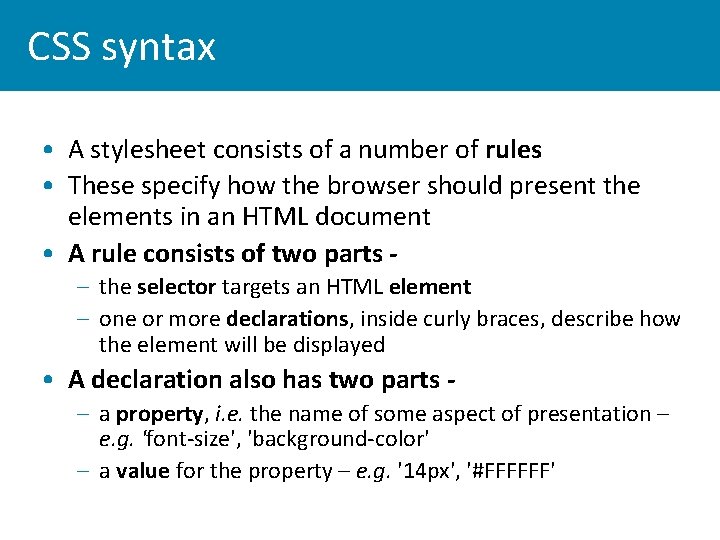
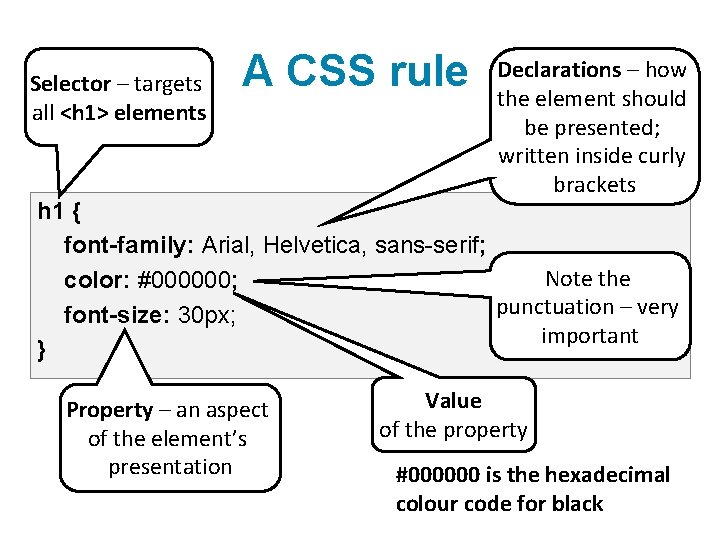
CSS syntax • A stylesheet consists of a number of rules • These specify how the browser should present the elements in an HTML document • A rule consists of two parts – the selector targets an HTML element – one or more declarations, inside curly braces, describe how the element will be displayed • A declaration also has two parts – a property, i. e. the name of some aspect of presentation – e. g. 'font-size', 'background-color' – a value for the property – e. g. '14 px', '#FFFFFF'
Selector – targets all <h 1> elements A CSS rule Declarations – how the element should be presented; written inside curly brackets h 1 { font-family: Arial, Helvetica, sans-serif; Note the color: #000000; punctuation – very font-size: 30 px; important } Property – an aspect of the element’s presentation Value of the property #000000 is the hexadecimal colour code for black
CSS properties • CSS syntax is straightforward • The scope of the language comes from the many properties that can be used to specify the presentation of an element • When a number of properties are combined in a rule they can be used to create graphic effects like rollover menu buttons and complex layouts • Learning CSS basics means learning properties and how to apply them correctly • Using Notepad++ - you'll need a reference list of properties, e. g. http: //meiert. com/en/indices/css-properties/
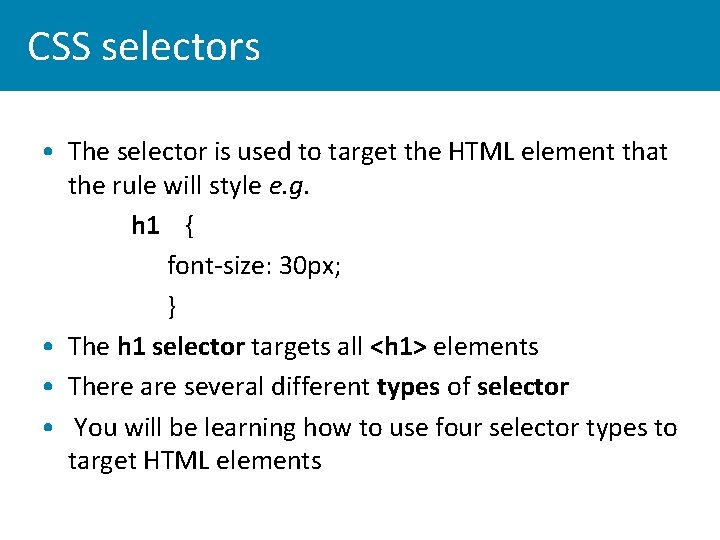
CSS selectors • The selector is used to target the HTML element that the rule will style e. g. • h 1 { – font-size: 30 px; –} • The h 1 selector targets all <h 1> elements • There are several different types of selector • You will be learning how to use four selector types to target HTML elements
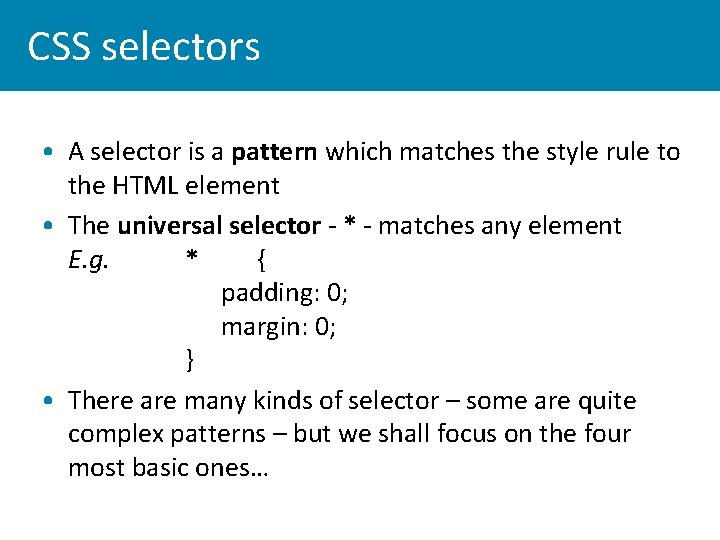
CSS selectors • A selector is a pattern which matches the style rule to the HTML element • The universal selector - * - matches any element • E. g. * { padding: 0; margin: 0; } • There are many kinds of selector – some are quite complex patterns – but we shall focus on the four most basic ones…
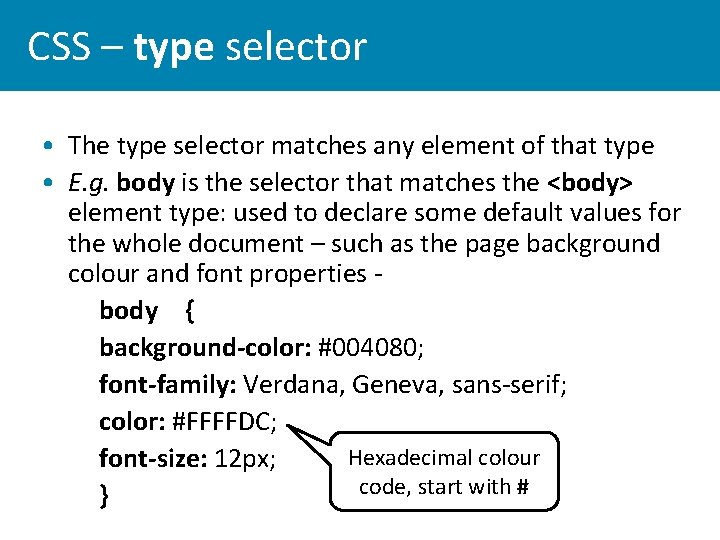
CSS – type selector • The type selector matches any element of that type • E. g. body is the selector that matches the <body> element type: used to declare some default values for the whole document – such as the page background colour and font properties body { background-color: #004080; font-family: Verdana, Geneva, sans-serif; color: #FFFFDC; Hexadecimal colour font-size: 12 px; code, start with # }
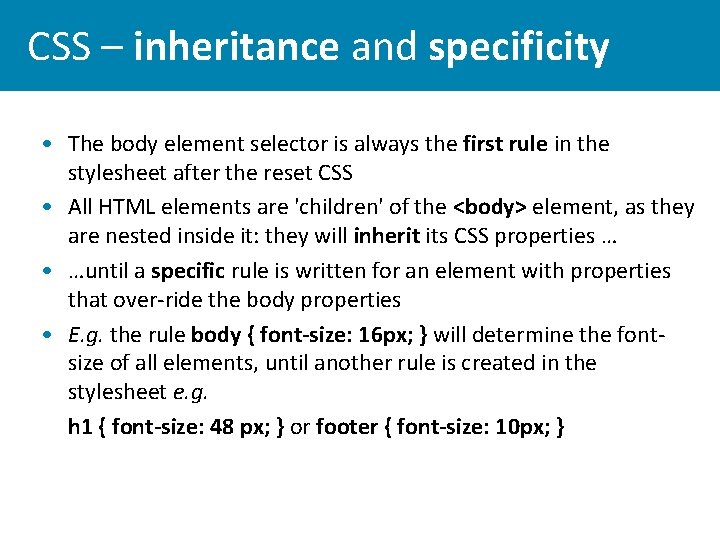
CSS – inheritance and specificity • The body element selector is always the first rule in the stylesheet after the reset CSS • All HTML elements are 'children' of the <body> element, as they are nested inside it: they will inherit its CSS properties … • …until a specific rule is written for an element with properties that over-ride the body properties • E. g. the rule body { font-size: 16 px; } will determine the fontsize of all elements, until another rule is created in the stylesheet e. g. • h 1 { font-size: 48 px; } or footer { font-size: 10 px; }
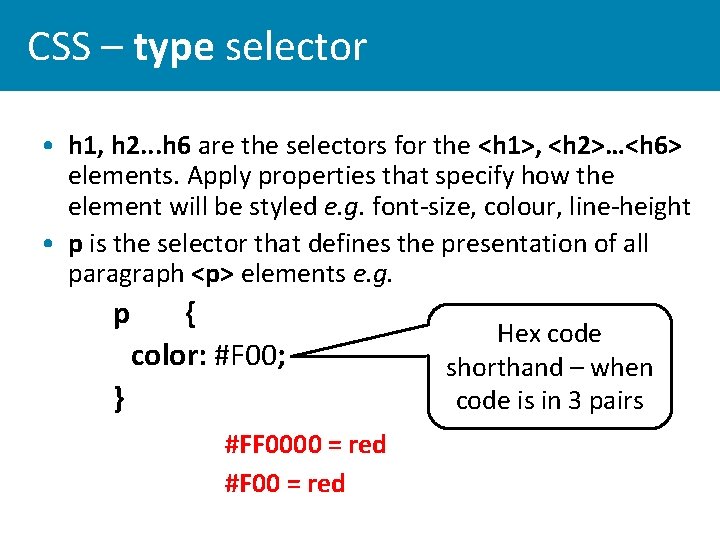
CSS – type selector • h 1, h 2. . . h 6 are the selectors for the <h 1>, <h 2>…<h 6> elements. Apply properties that specify how the element will be styled e. g. font-size, colour, line-height • p is the selector that defines the presentation of all paragraph <p> elements e. g. p { color: #F 00; } #FF 0000 = red #F 00 = red Hex code shorthand – when code is in 3 pairs
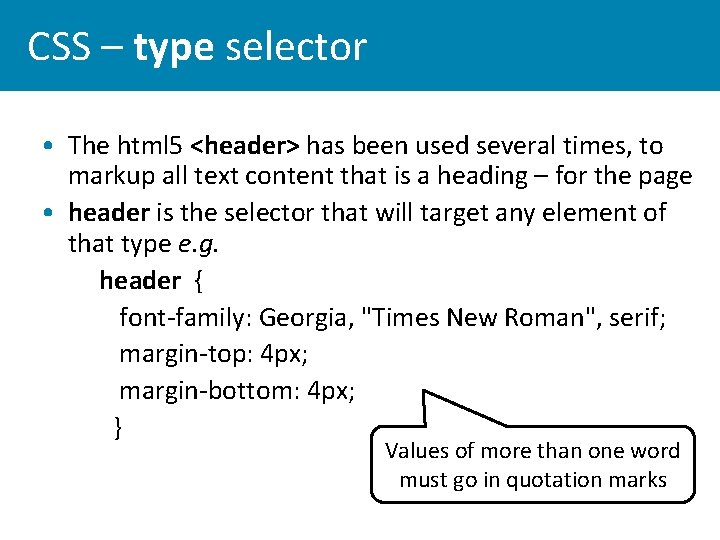
CSS – type selector • The html 5 <header> has been used several times, to markup all text content that is a heading – for the page • header is the selector that will target any element of that type e. g. – header { font-family: Georgia, "Times New Roman", serif; margin-top: 4 px; margin-bottom: 4 px; } Values of more than one word must go in quotation marks
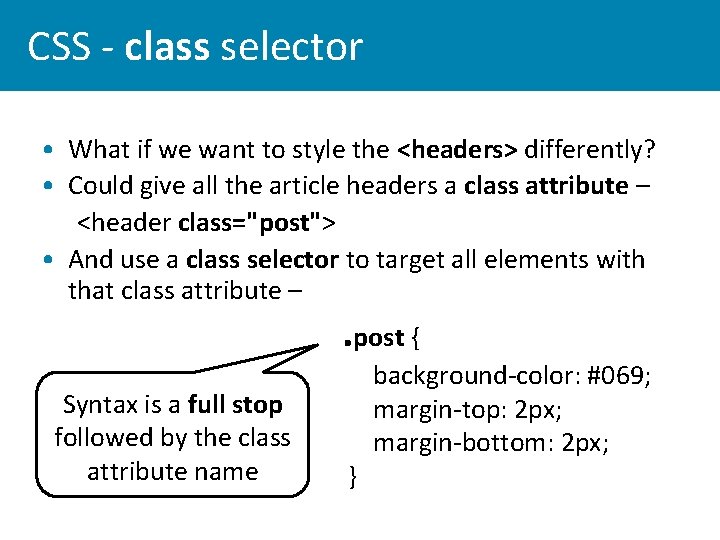
CSS - class selector • What if we want to style the <headers> differently? • Could give all the article headers a class attribute – <header class="post"> • And use a class selector to target all elements with that class attribute – . post { Syntax is a full stop followed by the class attribute name } background-color: #069; margin-top: 2 px; margin-bottom: 2 px;
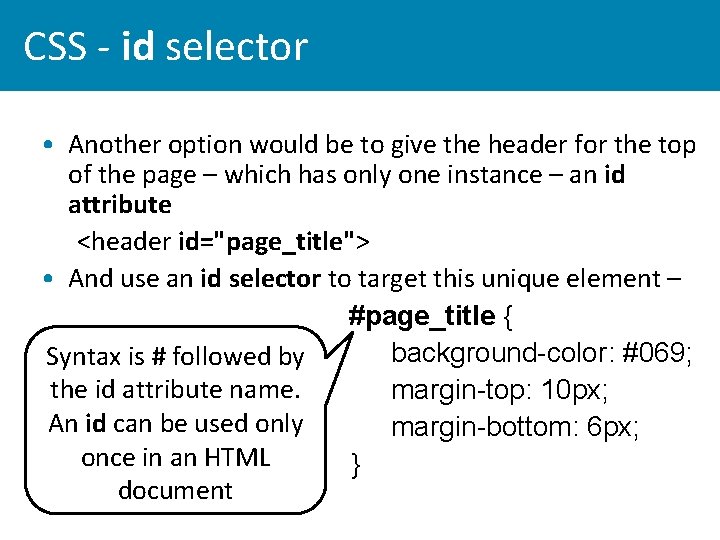
CSS - id selector • Another option would be to give the header for the top of the page – which has only one instance – an id attribute <header id="page_title"> • And use an id selector to target this unique element – #page_title { background-color: #069; Syntax is # followed by the id attribute name. margin-top: 10 px; An id can be used only margin-bottom: 6 px; once in an HTML } document
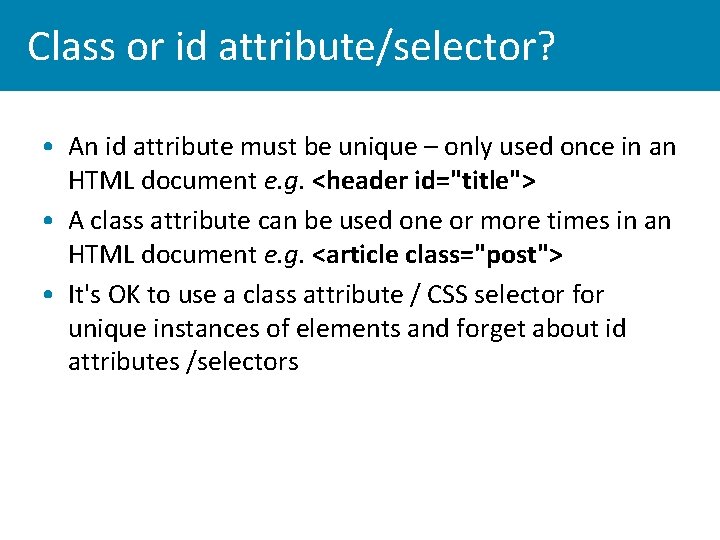
Class or id attribute/selector? • An id attribute must be unique – only used once in an HTML document e. g. <header id="title"> • A class attribute can be used one or more times in an HTML document e. g. <article class="post"> • It's OK to use a class attribute / CSS selector for unique instances of elements and forget about id attributes /selectors
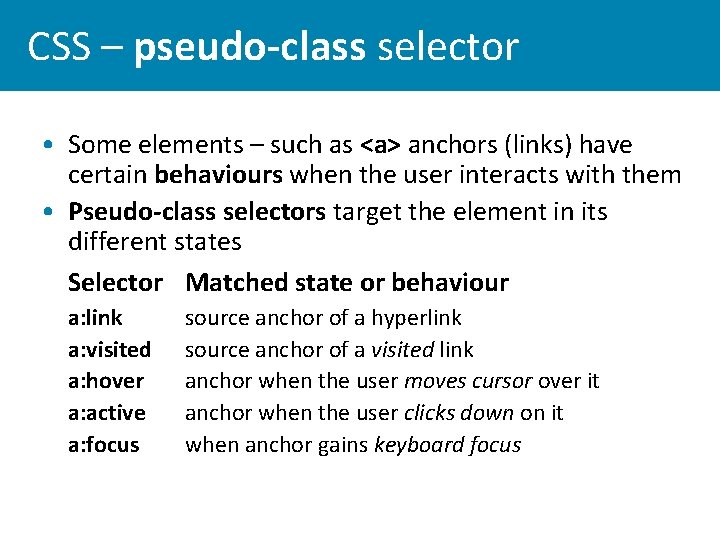
CSS – pseudo-class selector • Some elements – such as <a> anchors (links) have certain behaviours when the user interacts with them • Pseudo-class selectors target the element in its different states Selector Matched state or behaviour • • • a: link a: visited a: hover a: active a: focus source anchor of a hyperlink source anchor of a visited link anchor when the user moves cursor over it anchor when the user clicks down on it when anchor gains keyboard focus
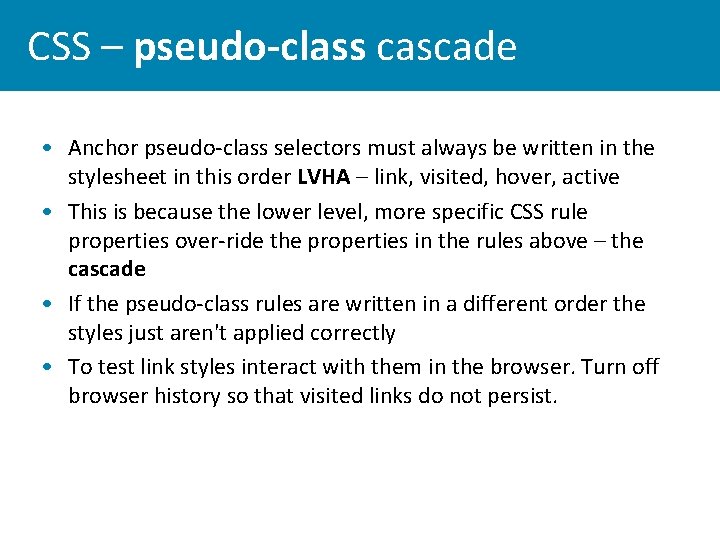
CSS – pseudo-class cascade • Anchor pseudo-class selectors must always be written in the stylesheet in this order LVHA – link, visited, hover, active • This is because the lower level, more specific CSS rule properties over-ride the properties in the rules above – the cascade • If the pseudo-class rules are written in a different order the styles just aren't applied correctly • To test link styles interact with them in the browser. Turn off browser history so that visited links do not persist.
This week’s lab tutorial • You need a page with a range of HTML elements and content to target with CSS selectors before moving on to … • CSS Tutorial– introduction to stylesheets - writing rules with the selectors covered in this lecture
Reading and links • Jon Duckett, HTML & CSS: design and build websites. Read Chapter 10 (Introducing CSS) • Web Platform Docs – Using selectors http: //docs. webplatform. org/wiki/tutorials/using_selectors • Online – Selectutorial http: //css. maxdesign. com. au/selectutorial/ • CSS properties reference – • http: //docs. webplatform. org/wiki/css/properties • http: //meiert. com/en/indices/css-properties/