
Cascading Style Sheets CSS 1 Learning Outcomes In
- Slides: 50
Cascading Style Sheets CSS 1
Learning Outcomes • In this chapter, you will learn how to: – What is DHTML (dynamic HTML) – Describe the evolution of style sheets from print media to the Web – List advantages of using Cascading Style Sheets – Use color on web pages – Create style sheets that configure common color and text properties – Apply inline styles – Use embedded style sheets 2
Dynamic HTML (DHTML) DHTML is not a language or even a single technology, but, rather a collection of web page tools that, when used in various combinations, lets designers create dynamic effects.
Defining DHTML • To use DHTML you have to be familiar with three different technologies: – HTML – Java. Script – Style Sheets • It’s the interaction between these three that make pages dynamic.
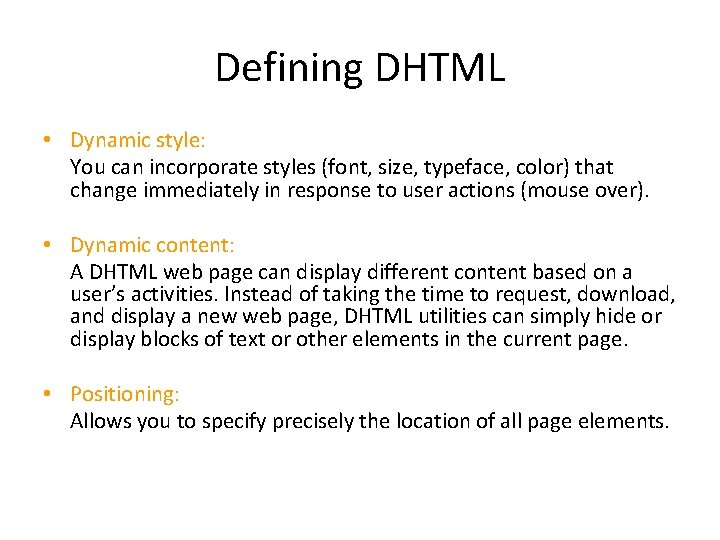
Defining DHTML • Dynamic style: You can incorporate styles (font, size, typeface, color) that change immediately in response to user actions (mouse over). • Dynamic content: A DHTML web page can display different content based on a user’s activities. Instead of taking the time to request, download, and display a new web page, DHTML utilities can simply hide or display blocks of text or other elements in the current page. • Positioning: Allows you to specify precisely the location of all page elements.
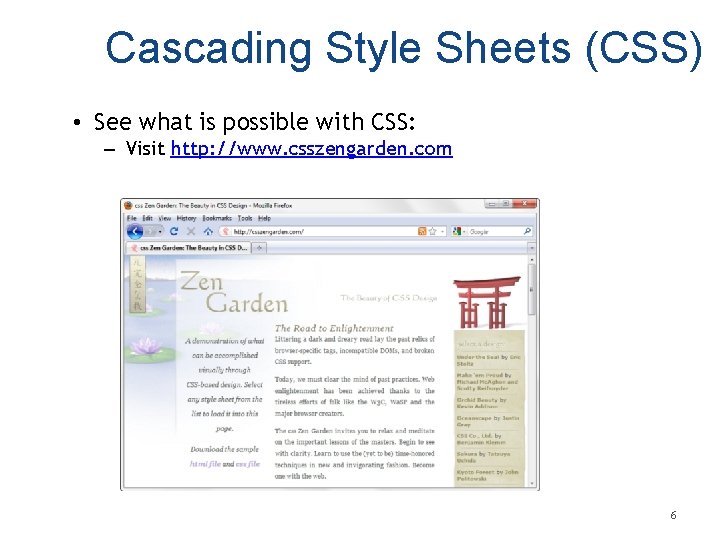
Cascading Style Sheets (CSS) • See what is possible with CSS: – Visit http: //www. csszengarden. com 6
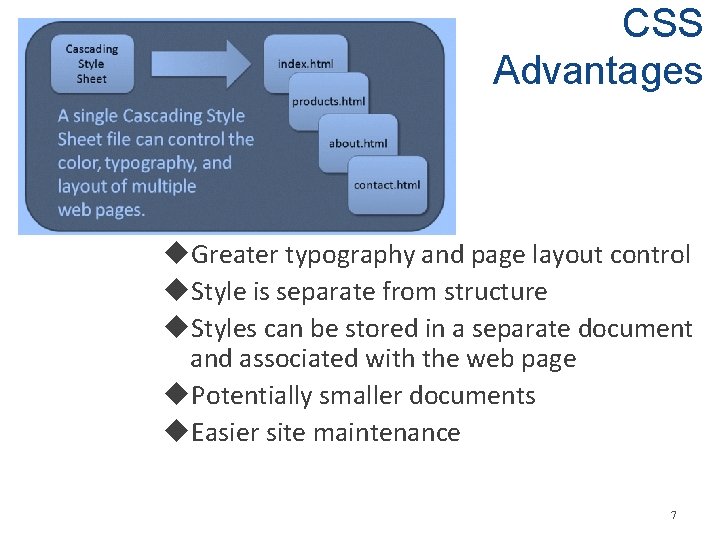
CSS Advantages Greater typography and page layout control Style is separate from structure Styles can be stored in a separate document and associated with the web page Potentially smaller documents Easier site maintenance 7
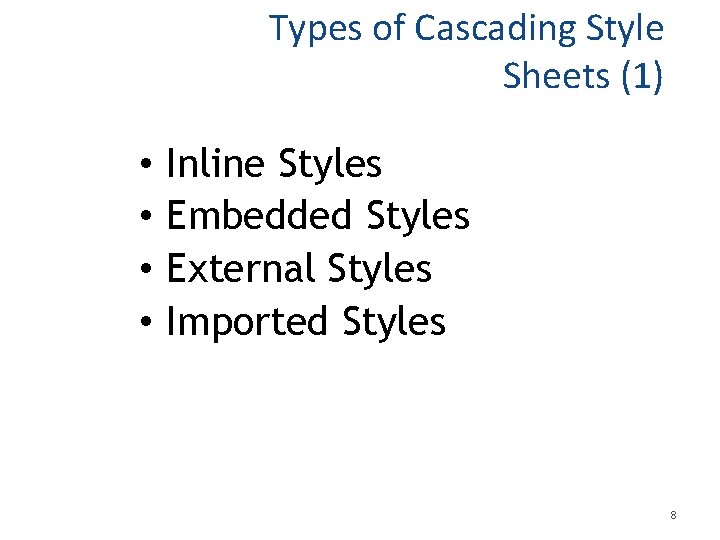
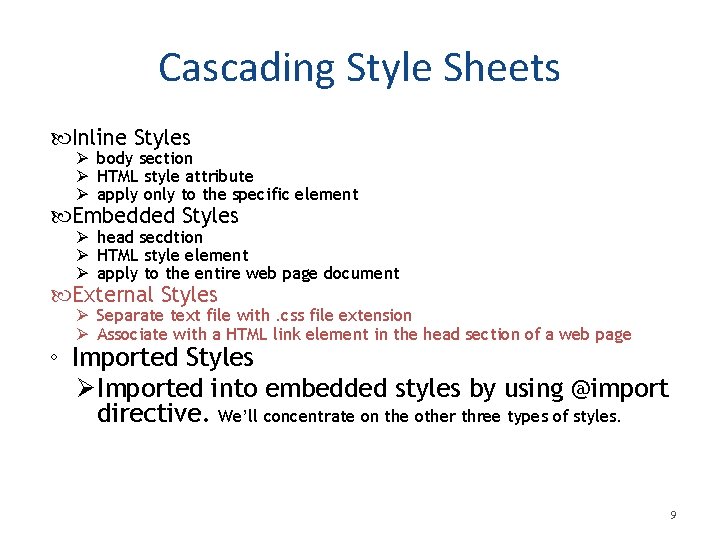
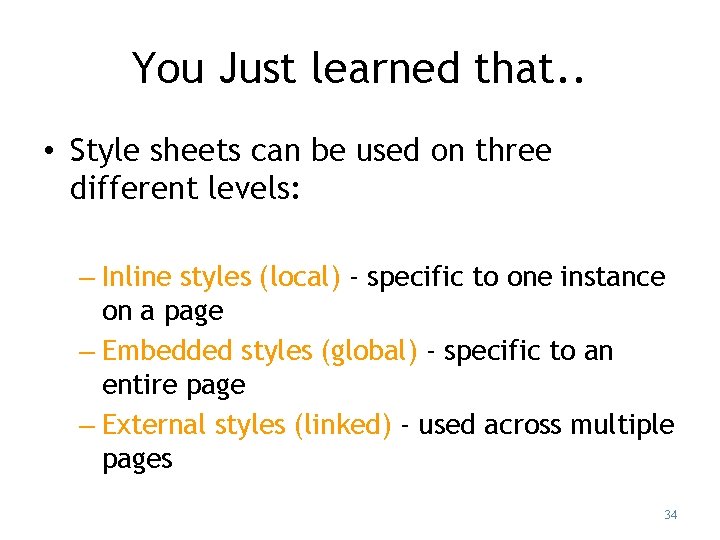
Types of Cascading Style Sheets (1) • • Inline Styles Embedded Styles External Styles Imported Styles 8
Cascading Style Sheets Inline Styles Ø body section Ø HTML style attribute Ø apply only to the specific element Embedded Styles Ø head secdtion Ø HTML style element Ø apply to the entire web page document External Styles Ø Separate text file with. css file extension Ø Associate with a HTML link element in the head section of a web page ◦ Imported Styles Ø Imported into embedded styles by using @import directive. We’ll concentrate on the other three types of styles. 9
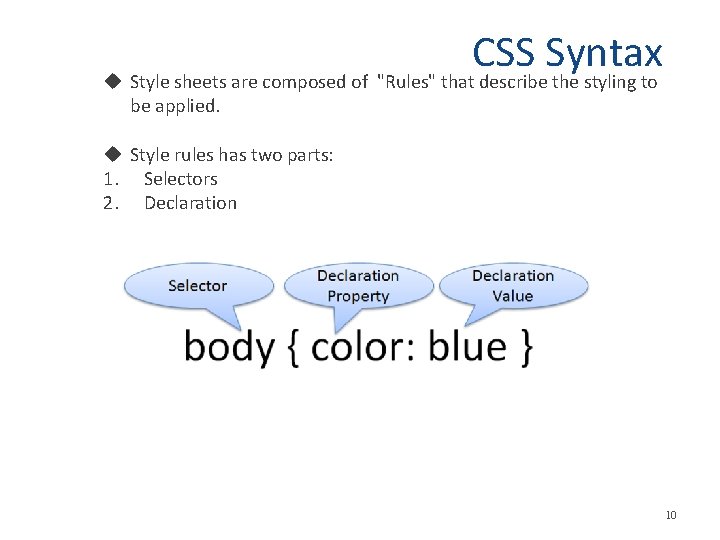
CSS Syntax Style sheets are composed of "Rules" that describe the styling to be applied. Style rules has two parts: 1. Selectors 2. Declaration 10
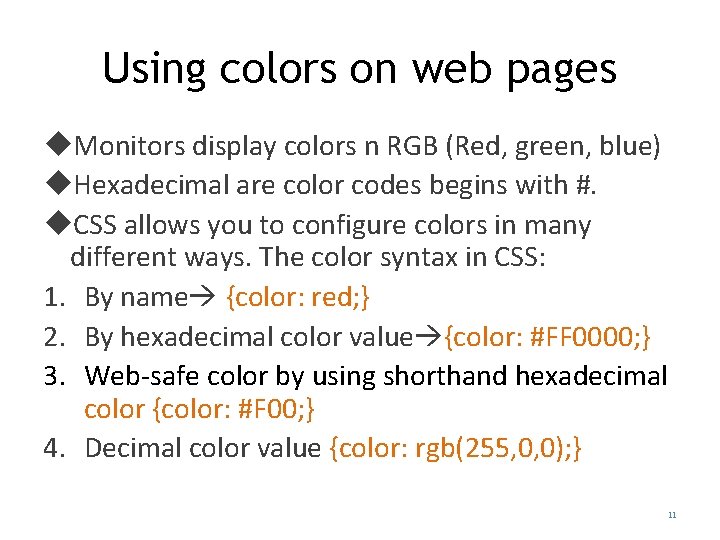
Using colors on web pages Monitors display colors n RGB (Red, green, blue) Hexadecimal are color codes begins with #. CSS allows you to configure colors in many different ways. The color syntax in CSS: 1. By name {color: red; } 2. By hexadecimal color value {color: #FF 0000; } 3. Web-safe color by using shorthand hexadecimal color {color: #F 00; } 4. Decimal color value {color: rgb(255, 0, 0); } 11
Where to find hexadecimal color values? • Many websites provide color pickers tools. • For example try: http: //www. colorpicker. com/ 12 Copyright © Terry Felke-Morris
The Color Property The color property configures the text color of the element. The background-color configure the background of the element. To configure more than one property for a selector use a ; 13
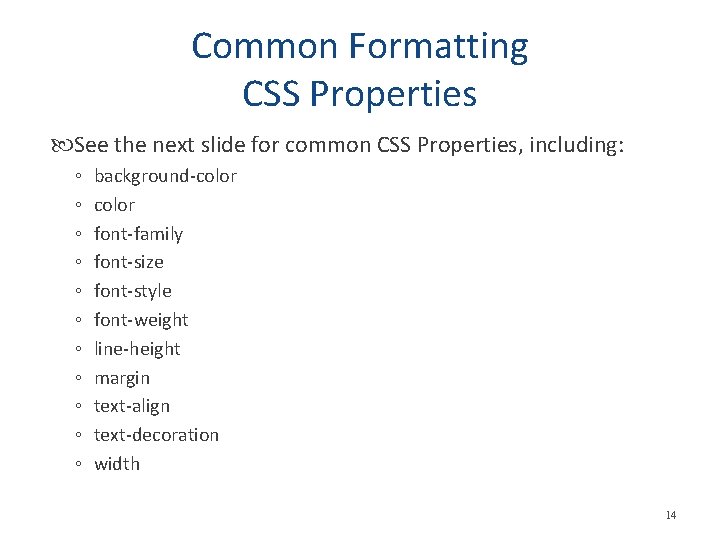
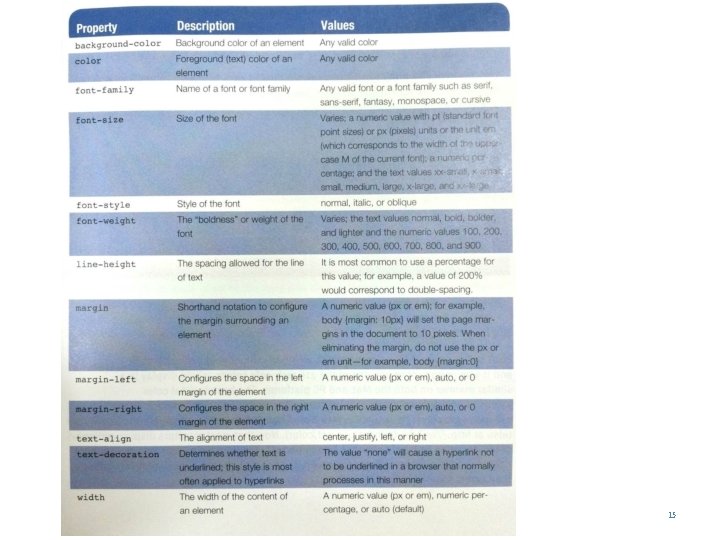
Common Formatting CSS Properties See the next slide for common CSS Properties, including: ◦ ◦ ◦ background-color font-family font-size font-style font-weight line-height margin text-align text-decoration width 14
15
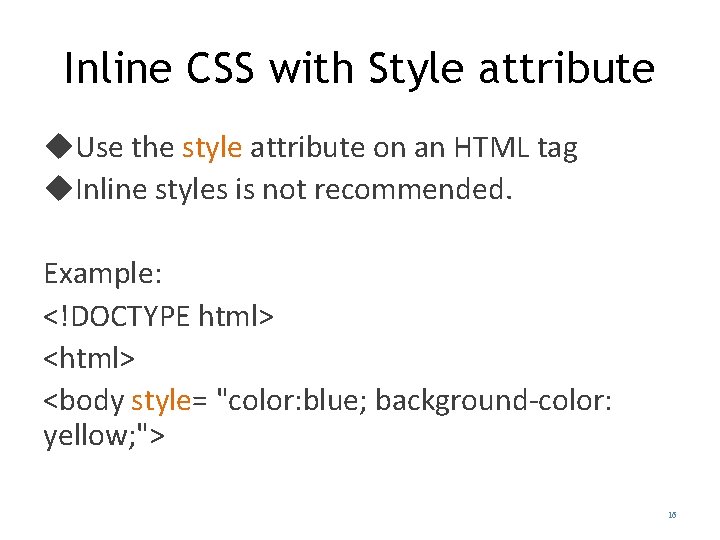
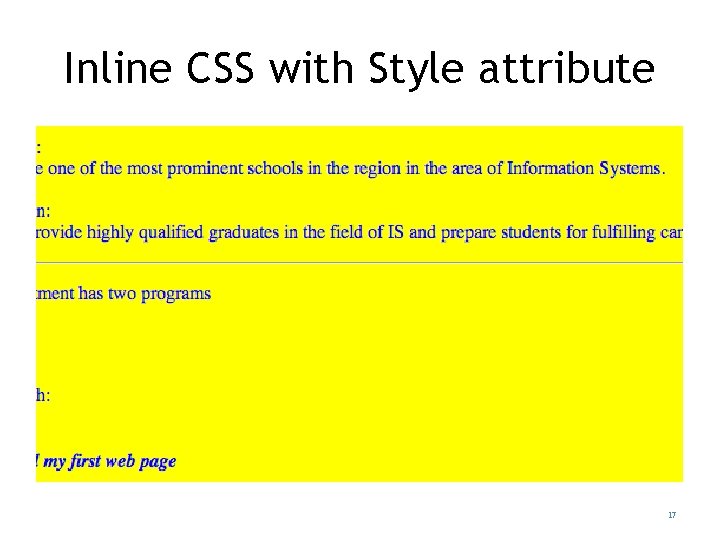
Inline CSS with Style attribute Use the style attribute on an HTML tag Inline styles is not recommended. Example: <!DOCTYPE html> <body style= "color: blue; background-color: yellow; "> 16
Inline CSS with Style attribute 17
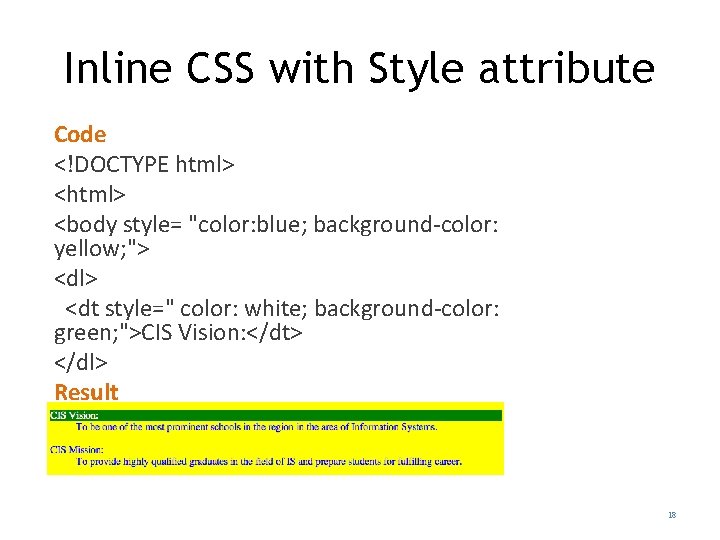
Inline CSS with Style attribute Code <!DOCTYPE html> <body style= "color: blue; background-color: yellow; "> <dl> <dt style=" color: white; background-color: green; ">CIS Vision: </dt> </dl> Result 18
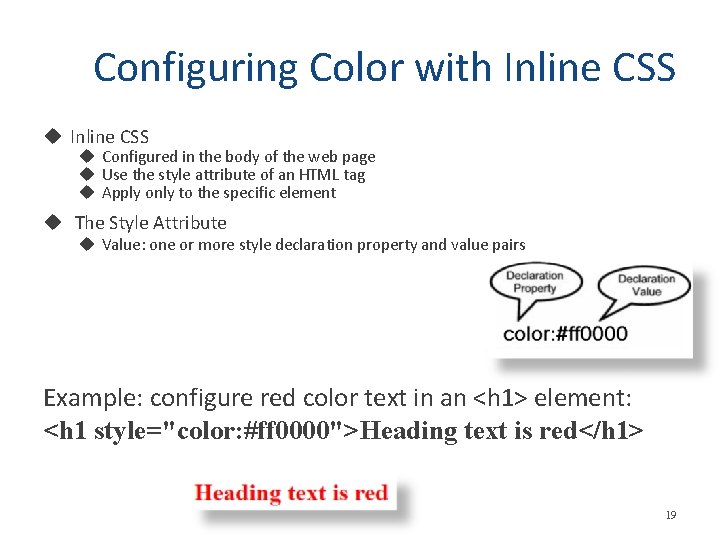
Configuring Color with Inline CSS Configured in the body of the web page Use the style attribute of an HTML tag Apply only to the specific element The Style Attribute Value: one or more style declaration property and value pairs Example: configure red color text in an <h 1> element: <h 1 style="color: #ff 0000">Heading text is red</h 1> 19
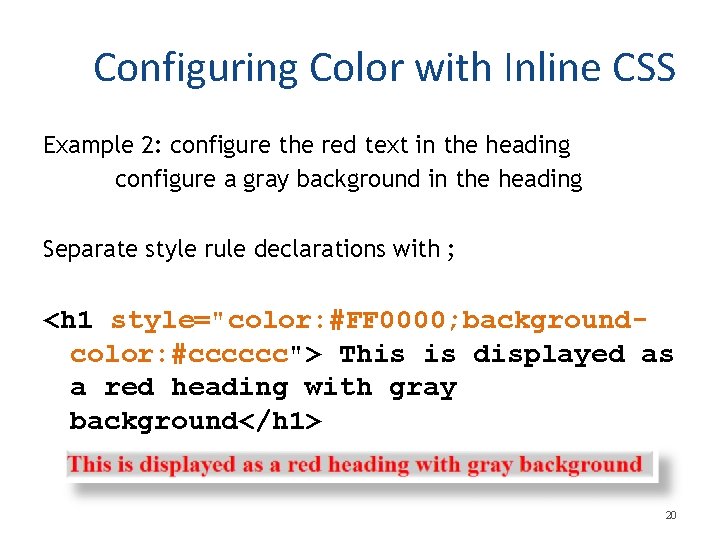
Configuring Color with Inline CSS Example 2: configure the red text in the heading configure a gray background in the heading Separate style rule declarations with ; <h 1 style="color: #FF 0000; backgroundcolor: #cccccc"> This is displayed as a red heading with gray background</h 1> 20
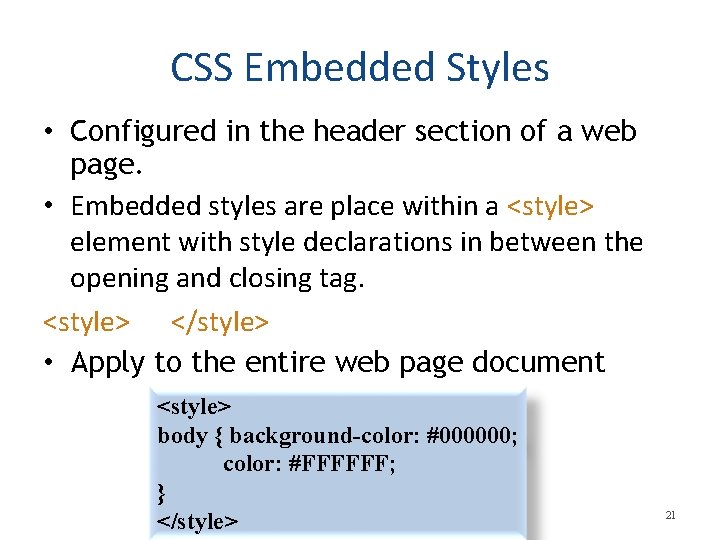
CSS Embedded Styles • Configured in the header section of a web page. • Embedded styles are place within a <style> element with style declarations in between the opening and closing tag. <style> </style> • Apply to the entire web page document <style> body { background-color: #000000; color: #FFFFFF; } </style> 21
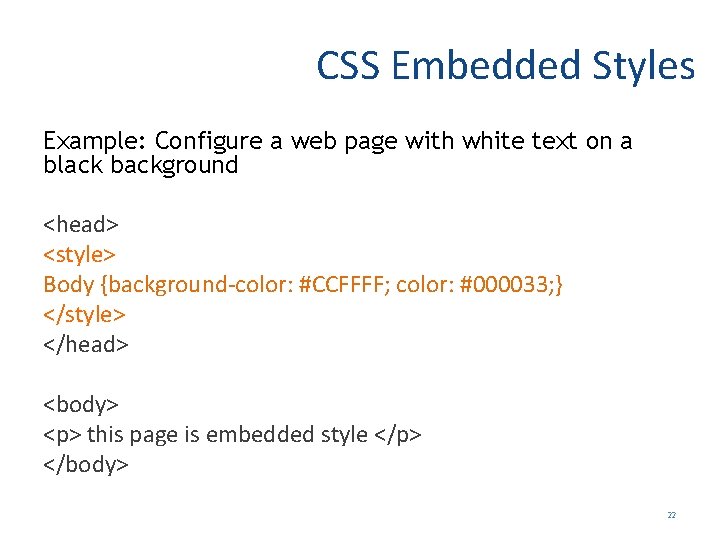
CSS Embedded Styles Example: Configure a web page with white text on a black background <head> <style> Body {background-color: #CCFFFF; color: #000033; } </style> </head> <body> <p> this page is embedded style </p> </body> 22
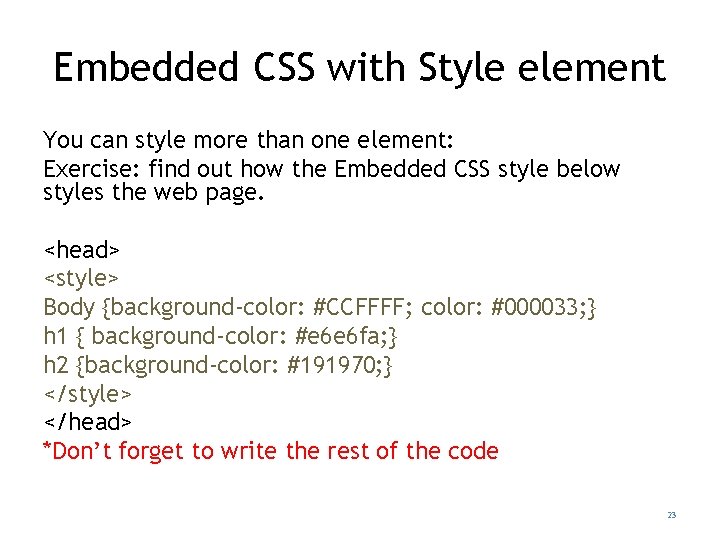
Embedded CSS with Style element You can style more than one element: Exercise: find out how the Embedded CSS style below styles the web page. <head> <style> Body {background-color: #CCFFFF; color: #000033; } h 1 { background-color: #e 6 e 6 fa; } h 2 {background-color: #191970; } </style> </head> *Don’t forget to write the rest of the code 23
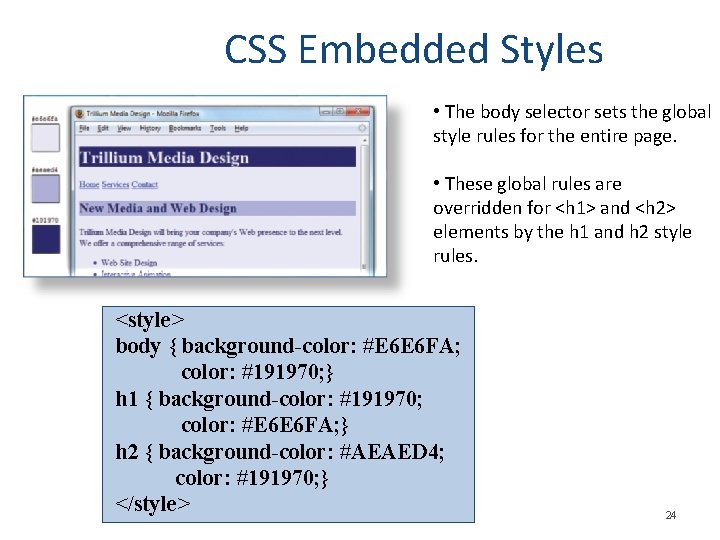
CSS Embedded Styles • The body selector sets the global style rules for the entire page. • These global rules are overridden for <h 1> and <h 2> elements by the h 1 and h 2 style rules. <style> body { background-color: #E 6 E 6 FA; color: #191970; } h 1 { background-color: #191970; color: #E 6 E 6 FA; } h 2 { background-color: #AEAED 4; color: #191970; } </style> 24
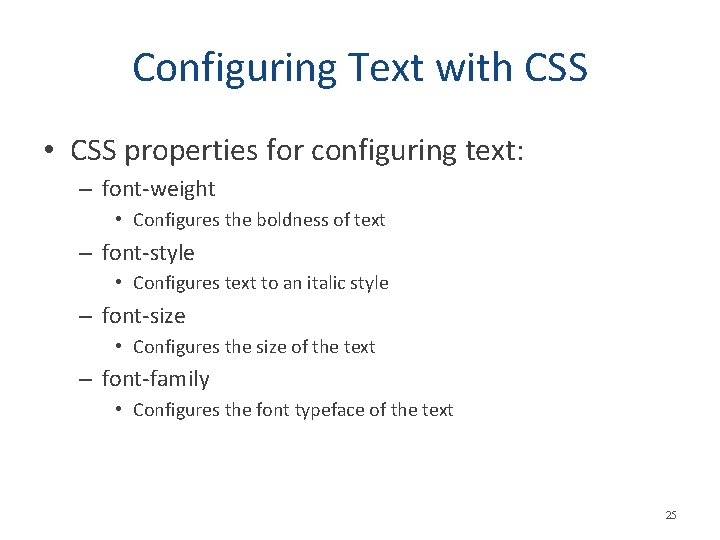
Configuring Text with CSS • CSS properties for configuring text: – font-weight • Configures the boldness of text – font-style • Configures text to an italic style – font-size • Configures the size of the text – font-family • Configures the font typeface of the text 25
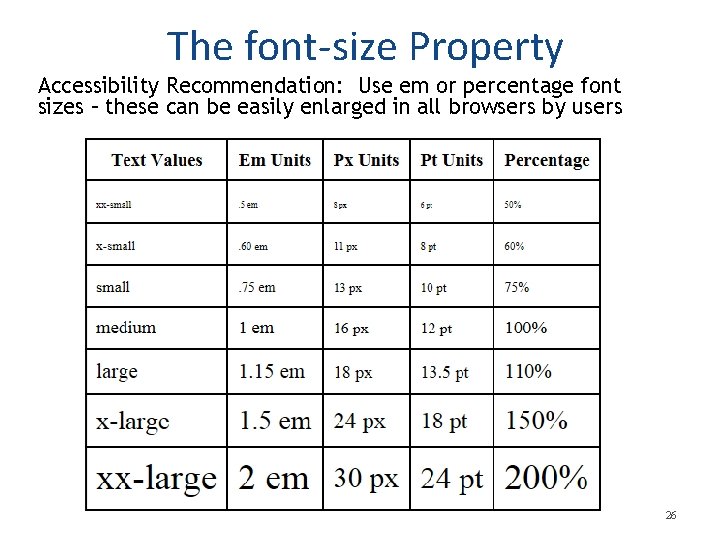
The font-size Property Accessibility Recommendation: Use em or percentage font sizes – these can be easily enlarged in all browsers by users 26
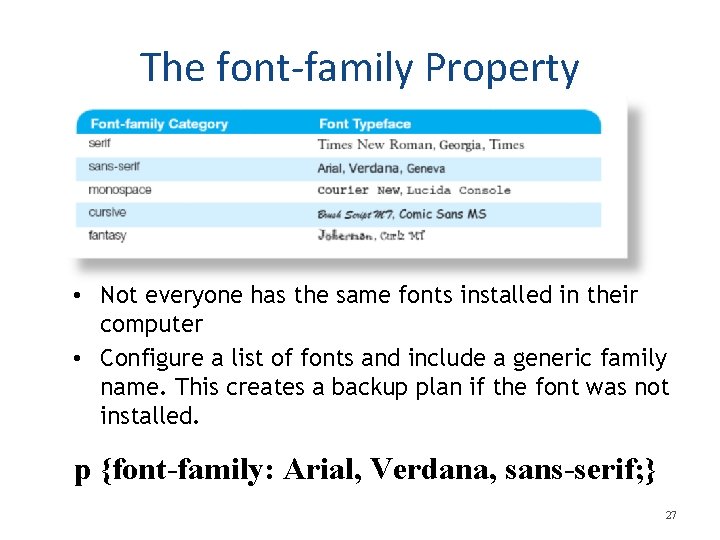
The font-family Property • Not everyone has the same fonts installed in their computer • Configure a list of fonts and include a generic family name. This creates a backup plan if the font was not installed. p {font-family: Arial, Verdana, sans-serif; } 27
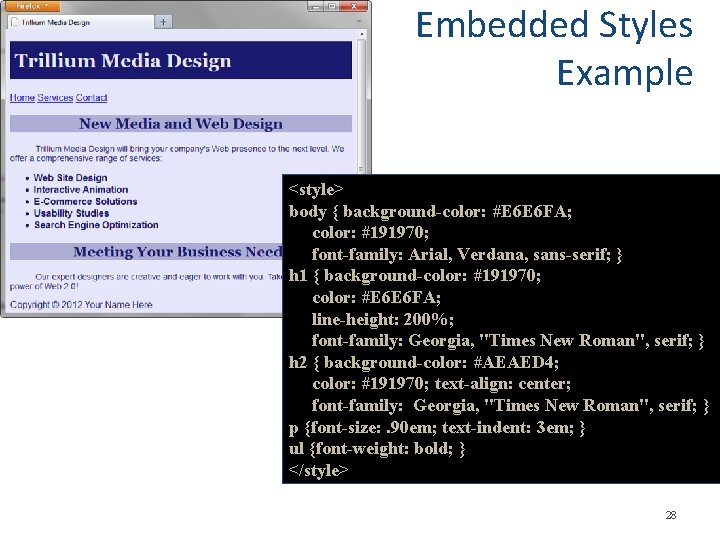
Embedded Styles Example <style> body { background-color: #E 6 E 6 FA; color: #191970; font-family: Arial, Verdana, sans-serif; } h 1 { background-color: #191970; color: #E 6 E 6 FA; line-height: 200%; font-family: Georgia, "Times New Roman", serif; } h 2 { background-color: #AEAED 4; color: #191970; text-align: center; font-family: Georgia, "Times New Roman", serif; } p {font-size: . 90 em; text-indent: 3 em; } ul {font-weight: bold; } </style> 28
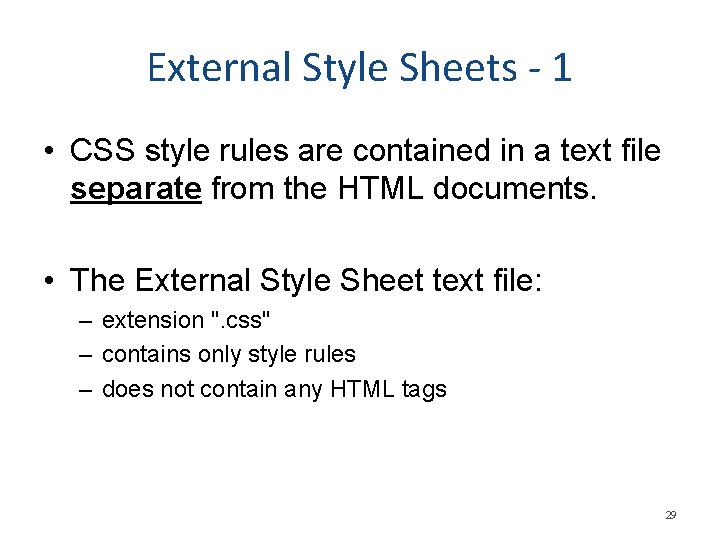
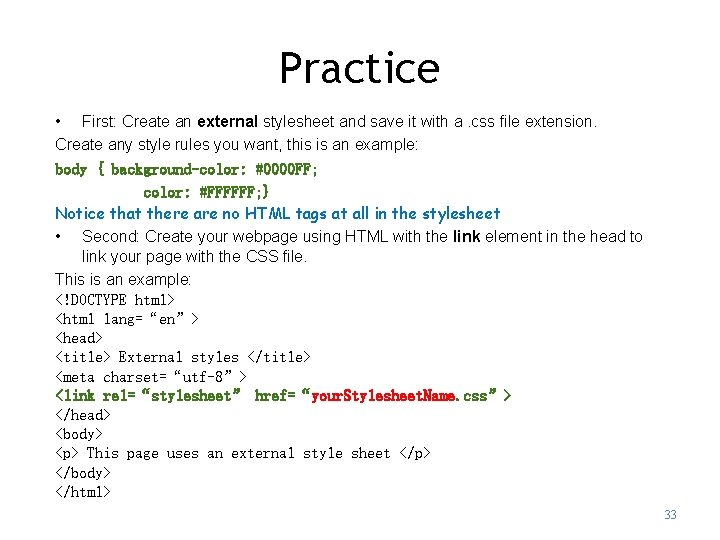
External Style Sheets - 1 • CSS style rules are contained in a text file separate from the HTML documents. • The External Style Sheet text file: – extension ". css" – contains only style rules – does not contain any HTML tags 29
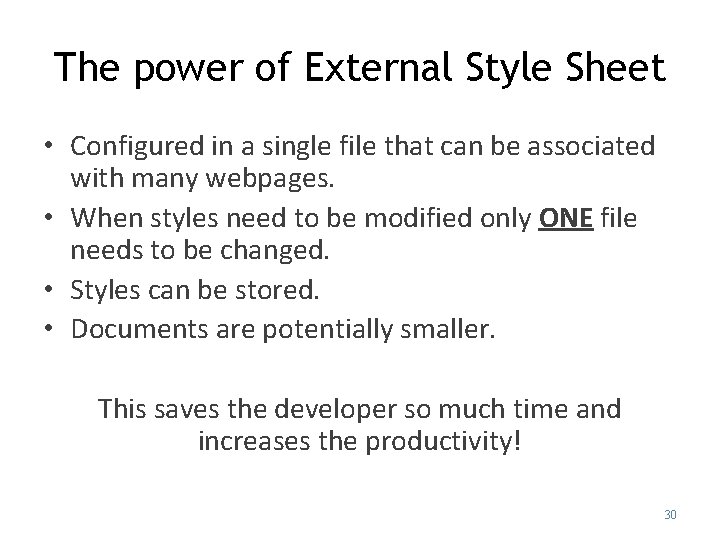
The power of External Style Sheet • Configured in a single file that can be associated with many webpages. • When styles need to be modified only ONE file needs to be changed. • Styles can be stored. • Documents are potentially smaller. This saves the developer so much time and increases the productivity! 30
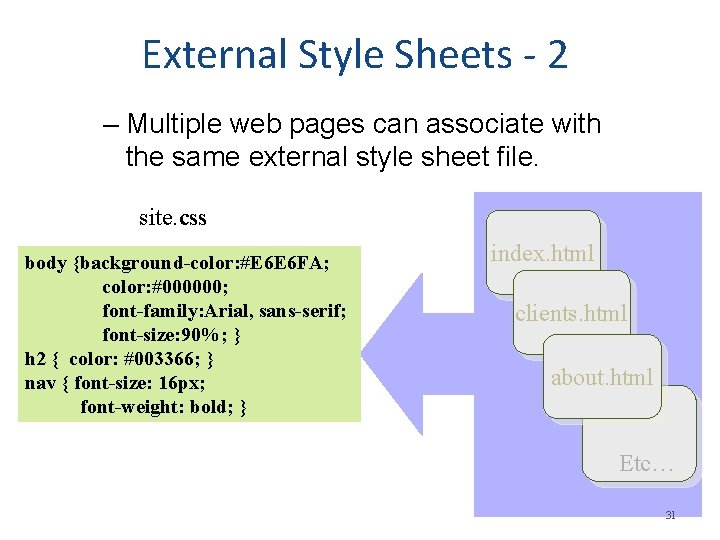
External Style Sheets - 2 – Multiple web pages can associate with the same external style sheet file. site. css body {background-color: #E 6 E 6 FA; color: #000000; font-family: Arial, sans-serif; font-size: 90%; } h 2 { color: #003366; } nav { font-size: 16 px; font-weight: bold; } index. html clients. html about. html Etc… 31
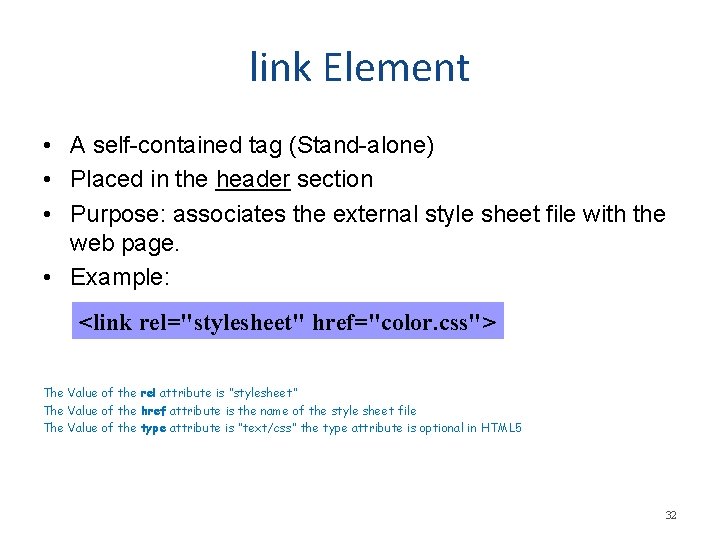
link Element • A self-contained tag (Stand-alone) • Placed in the header section • Purpose: associates the external style sheet file with the web page. • Example: <link rel="stylesheet" href="color. css"> The Value of the rel attribute is “stylesheet” The Value of the href attribute is the name of the style sheet file The Value of the type attribute is “text/css” the type attribute is optional in HTML 5 32
Practice • First: Create an external stylesheet and save it with a. css file extension. Create any style rules you want, this is an example: body { background-color: #0000 FF; color: #FFFFFF; } Notice that there are no HTML tags at all in the stylesheet • Second: Create your webpage using HTML with the link element in the head to link your page with the CSS file. This is an example: <!DOCTYPE html> <html lang=“en”> <head> <title> External styles </title> <meta charset=“utf-8”> <link rel=“stylesheet” href=“your. Stylesheet. Name. css”> </head> <body> <p> This page uses an external style sheet </p> </body> </html> 33
You Just learned that. . • Style sheets can be used on three different levels: – Inline styles (local) - specific to one instance on a page – Embedded styles (global) - specific to an entire page – External styles (linked) - used across multiple pages 34
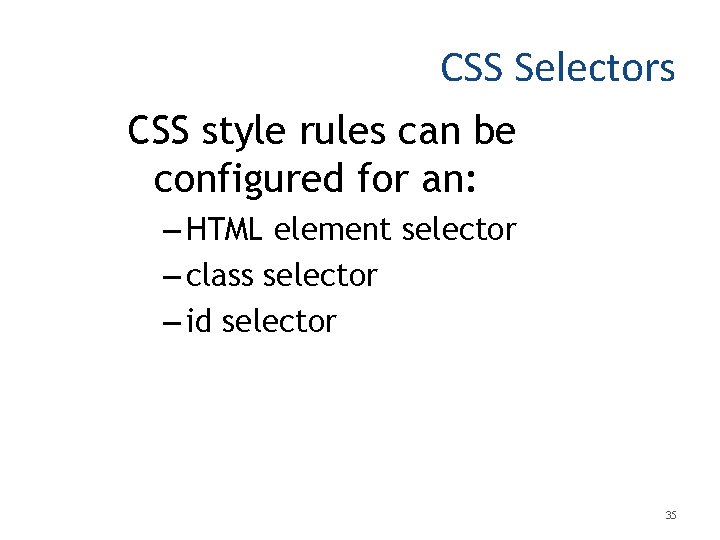
CSS Selectors CSS style rules can be configured for an: – HTML element selector – class selector – id selector 35
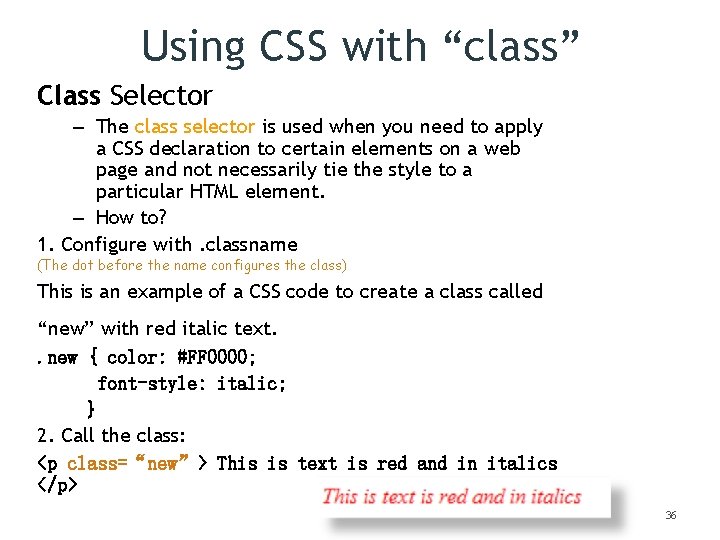
Using CSS with “class” Class Selector – The class selector is used when you need to apply a CSS declaration to certain elements on a web page and not necessarily tie the style to a particular HTML element. – How to? 1. Configure with. classname (The dot before the name configures the class) This is an example of a CSS code to create a class called “new” with red italic text. . new { color: #FF 0000; font-style: italic; } 2. Call the class: <p class=“new”> This is text is red and in italics </p> 36
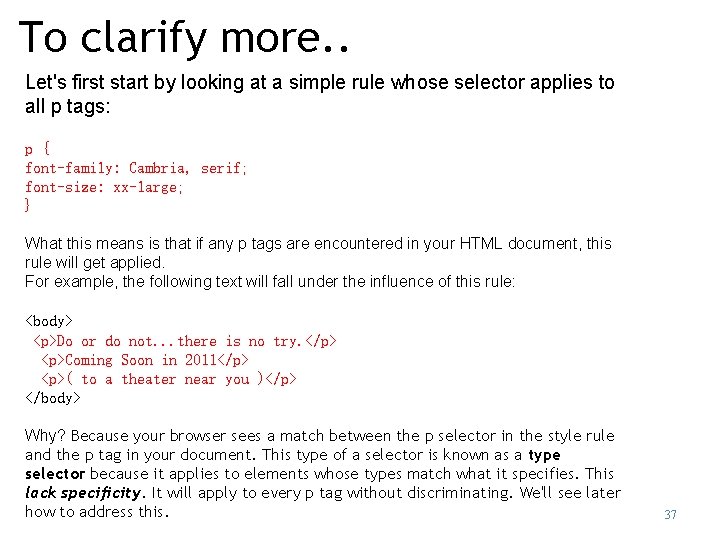
To clarify more. . Let's first start by looking at a simple rule whose selector applies to all p tags: p { font-family: Cambria, serif; font-size: xx-large; } What this means is that if any p tags are encountered in your HTML document, this rule will get applied. For example, the following text will fall under the influence of this rule: <body> <p>Do or do not. . . there is no try. </p> <p>Coming Soon in 2011</p> <p>( to a theater near you )</p> </body> Why? Because your browser sees a match between the p selector in the style rule and the p tag in your document. This type of a selector is known as a type selector because it applies to elements whose types match what it specifies. This lack specificity. It will apply to every p tag without discriminating. We'll see later how to address this. 37
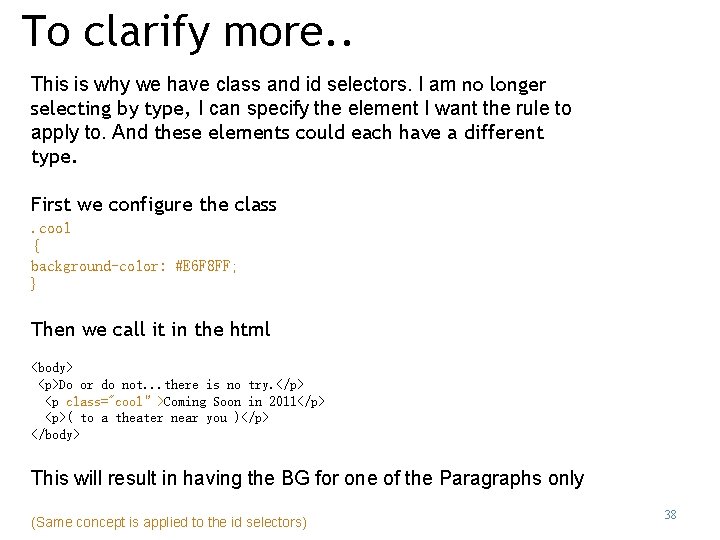
To clarify more. . This is why we have class and id selectors. I am no longer selecting by type, I can specify the element I want the rule to apply to. And these elements could each have a different type. First we configure the class. cool { background-color: #E 6 F 8 FF; } Then we call it in the html <body> <p>Do or do not. . . there is no try. </p> <p class="cool”>Coming Soon in 2011</p> <p>( to a theater near you )</p> </body> This will result in having the BG for one of the Paragraphs only (Same concept is applied to the id selectors) 38
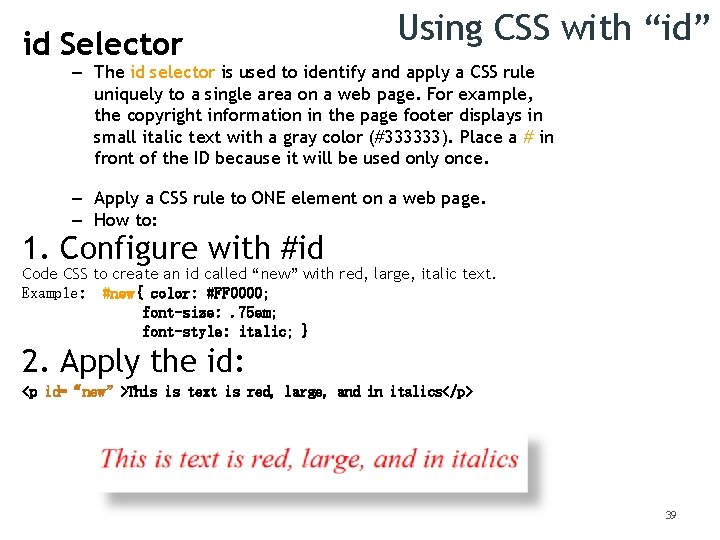
id Selector Using CSS with “id” – The id selector is used to identify and apply a CSS rule uniquely to a single area on a web page. For example, the copyright information in the page footer displays in small italic text with a gray color (#333333). Place a # in front of the ID because it will be used only once. – Apply a CSS rule to ONE element on a web page. – How to: 1. Configure with #id Code CSS to create an id called “new” with red, large, italic text. Example: #new{ color: #FF 0000; font-size: . 75 em; font-style: italic; } 2. Apply the id: <p id=“new”>This is text is red, large, and in italics</p> 39
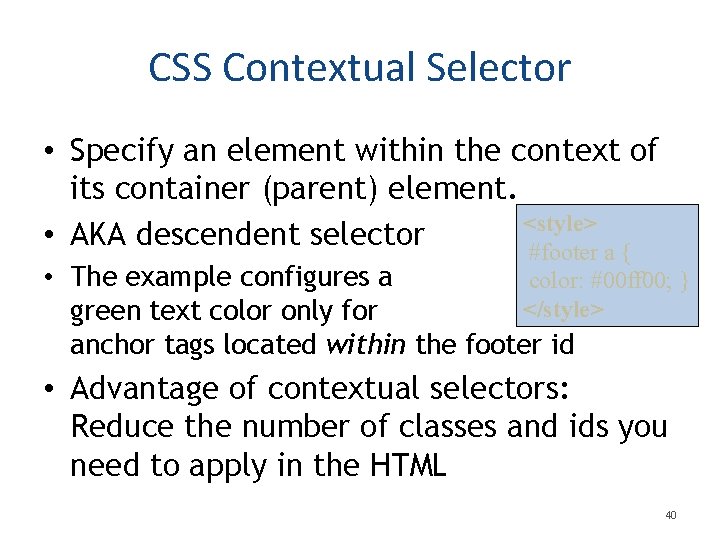
CSS Contextual Selector • Specify an element within the context of its container (parent) element. <style> • AKA descendent selector #footer a { • The example configures a color: #00 ff 00; } </style> green text color only for anchor tags located within the footer id • Advantage of contextual selectors: Reduce the number of classes and ids you need to apply in the HTML 40
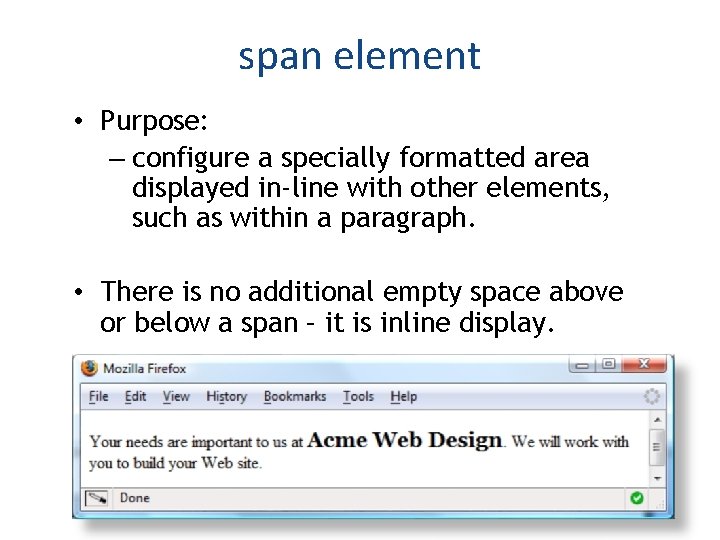
span element • Purpose: – configure a specially formatted area displayed in-line with other elements, such as within a paragraph. • There is no additional empty space above or below a span – it is inline display. 41
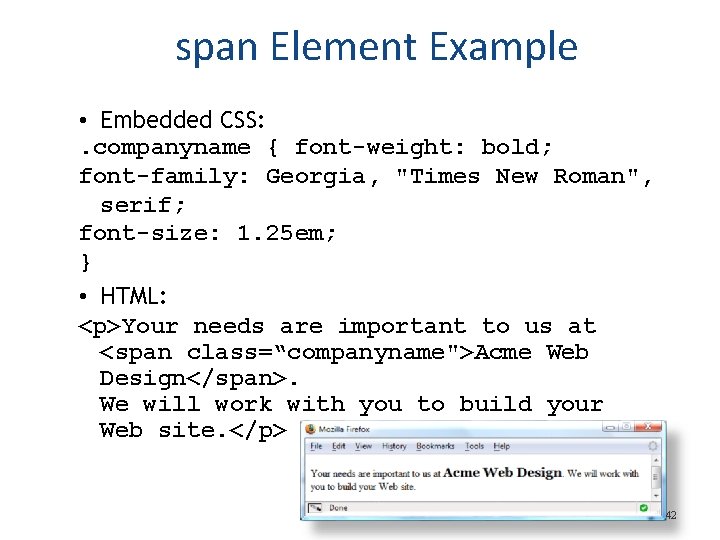
span Element Example • Embedded CSS: . companyname { font-weight: bold; font-family: Georgia, "Times New Roman", serif; font-size: 1. 25 em; } • HTML: <p>Your needs are important to us at <span class=“companyname">Acme Web Design</span>. We will work with you to build your Web site. </p> 42
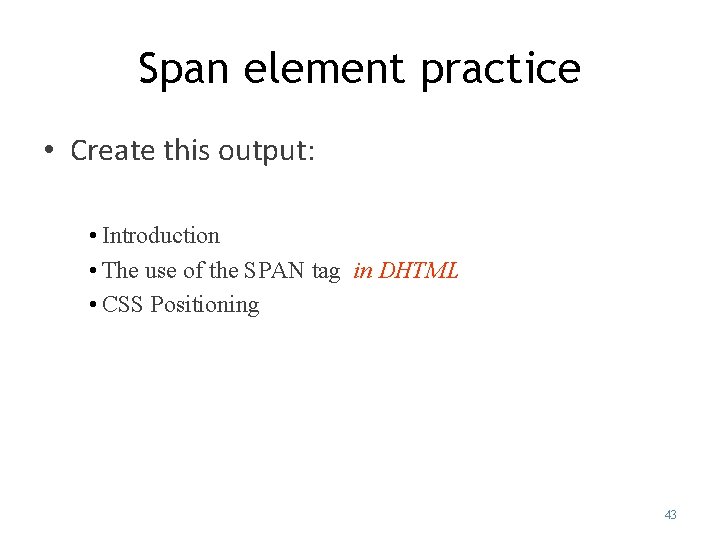
Span element practice • Create this output: • Introduction • The use of the SPAN tag in DHTML • CSS Positioning 43
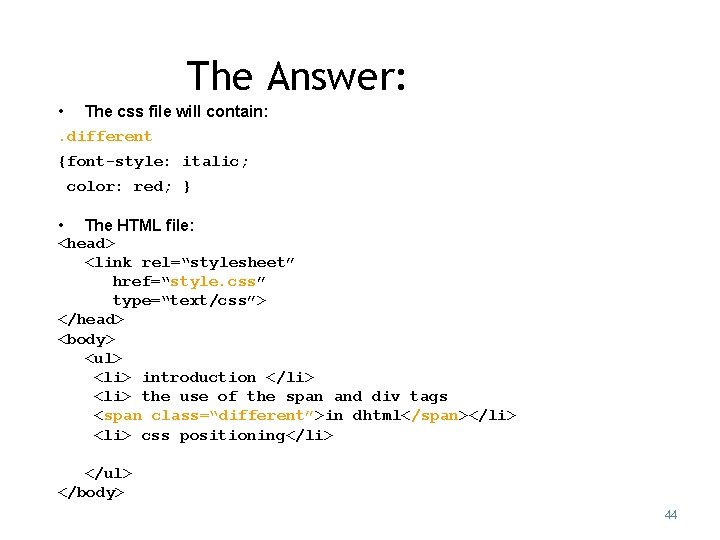
The Answer: • The css file will contain: . different {font-style: italic; color: red; } • The HTML file: <head> <link rel=“stylesheet” href=“style. css” type=“text/css”> </head> <body> <ul> <li> introduction </li> <li> the use of the span and div tags <span class=“different”>in dhtml</span></li> <li> css positioning</li> </ul> </body> 44
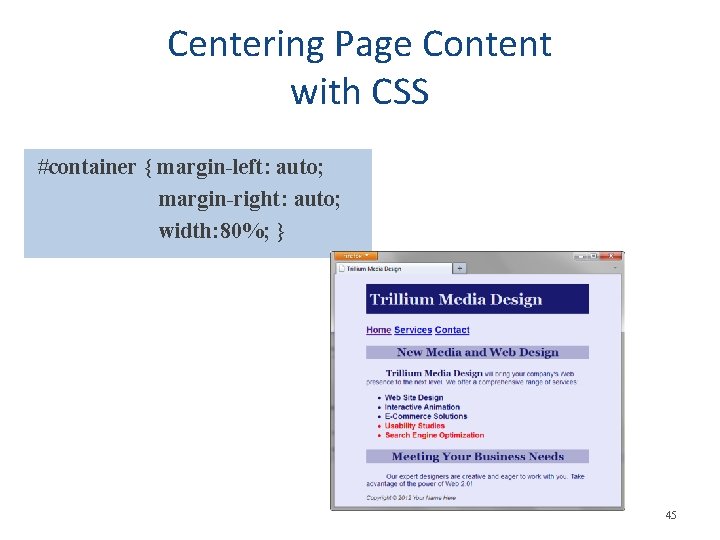
Centering Page Content with CSS #container { margin-left: auto; margin-right: auto; width: 80%; } 45
Page layouts • Fixed Width Layouts – The width of the page is set with a specific numerical value. (in pixels) – They remain that width, regardless of the size of the browser window viewing the page. – Fixed width layouts allow a designer more direct control over how the page will look in most situations. • Liquid Layouts – layouts that are based on percentages of the current browser window's size. – They flex with the size of the window, even if the current viewer changes their browser size as they're viewing the site. 46 Copyright © Terry Felke-Morris
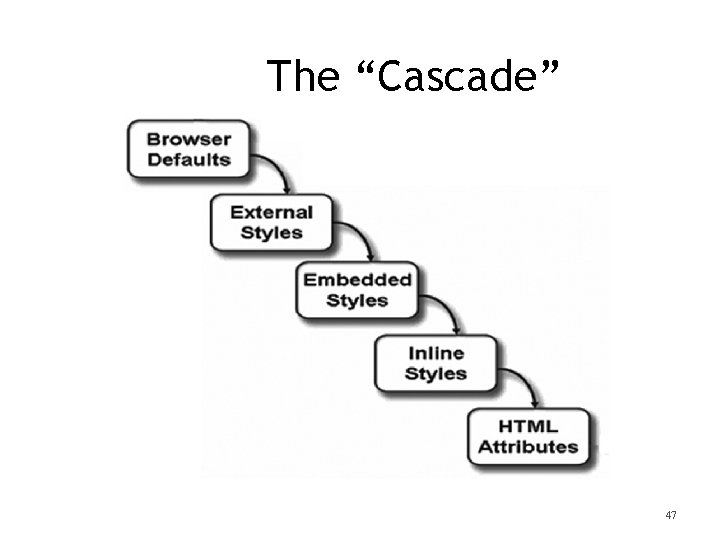
The “Cascade” 47
The “Cascade” • Suppose we have an HTML page that calls in a linked style sheet. It’s perfectly legal to add other global and local style sheet definitions to this page, but it begs the question: Which style sheet definition takes precedence? Well, the basic rule is that the most specific setting wins. Global style sheets take precedence over linked style sheets, and local style sheets take precedence over both global and linked style sheets. 48
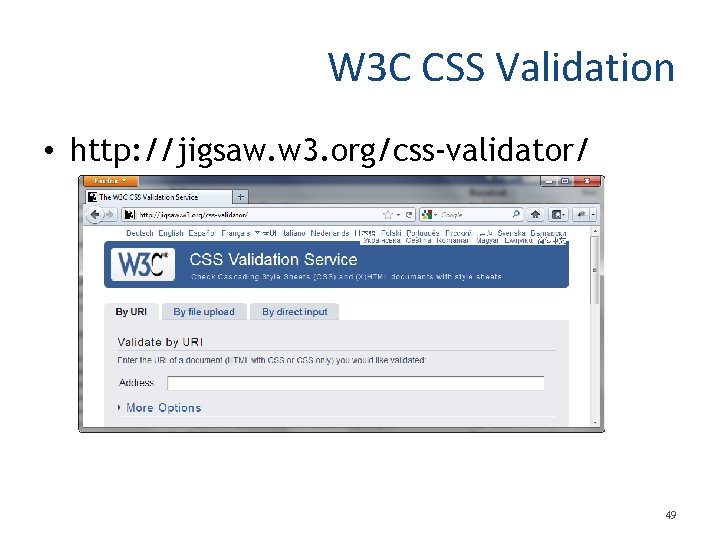
W 3 C CSS Validation • http: //jigsaw. w 3. org/css-validator/ 49
Summary • This chapter introduced you to Cascading Style Sheet Rules associated with color and text on web pages. • You configured inline styles, embedded styles, and external styles. • You applied CSS style rues to HTML, class, and id selectors. • You are able to submit your CSS to the W 3 C CSS Validation test. 50