
Cascading Style Sheet CSS CS 299 Web Programming
Cascading Style Sheet (CSS) CS 299 – Web Programming and Design
What is CSS? • CSS stands for Cascading Style Sheets – – – Styles define how to display HTML elements Styles are normally stored in Style Sheets Styles were added to HTML 4. 0 to solve a problem External style sheets can save a lot of work External style sheets are stored in CSS files Multiple style definitions will cascade into one • Example: my homepage • Another example: http: //www. w 3 schools. com/css/demo_default. htm (. html) CS 299 – Web Programming and Design 2

Multiple Ways to Define Style • External Style Sheet (. css files) • Internal Style Sheet • Inline Styles • Examples: http: //www. w 3 schools. com/html_styles. asp • More: default style, CSS changed by Java. Script CS 299 – Web Programming and Design 3
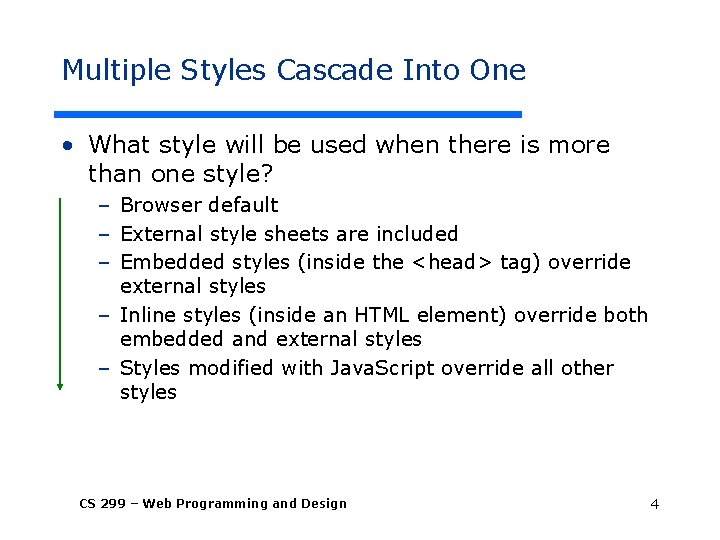
Multiple Styles Cascade Into One • What style will be used when there is more than one style? – Browser default – External style sheets are included – Embedded styles (inside the <head> tag) override external styles – Inline styles (inside an HTML element) override both embedded and external styles – Styles modified with Java. Script override all other styles CS 299 – Web Programming and Design 4

CSS Style Rule property names declarations p{ font-size: x-large ; background-color: yellow } selector string CS 299 – Web Programming and Design declaration block 5
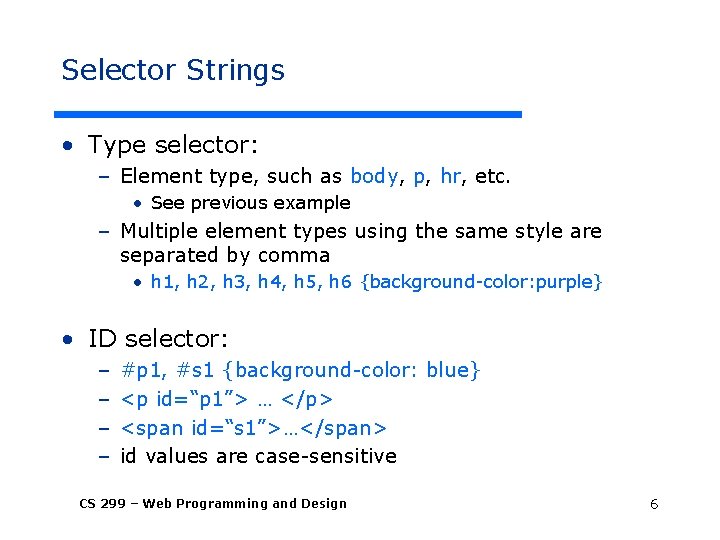
Selector Strings • Type selector: – Element type, such as body, p, hr, etc. • See previous example – Multiple element types using the same style are separated by comma • h 1, h 2, h 3, h 4, h 5, h 6 {background-color: purple} • ID selector: – – #p 1, #s 1 {background-color: blue} <p id=“p 1”> … </p> <span id=“s 1”>…</span> id values are case-sensitive CS 299 – Web Programming and Design 6
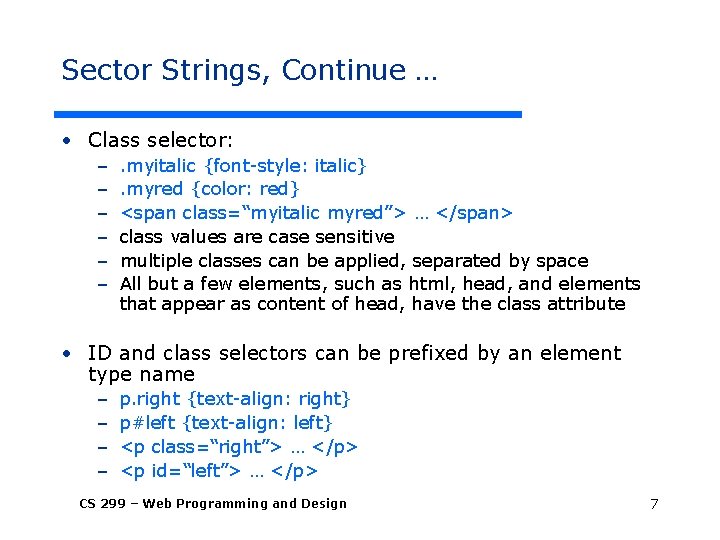
Sector Strings, Continue … • Class selector: – – – . myitalic {font-style: italic}. myred {color: red} <span class=“myitalic myred”> … </span> class values are case sensitive multiple classes can be applied, separated by space All but a few elements, such as html, head, and elements that appear as content of head, have the class attribute • ID and class selectors can be prefixed by an element type name – – p. right {text-align: right} p#left {text-align: left} <p class=“right”> … </p> <p id=“left”> … </p> CS 299 – Web Programming and Design 7
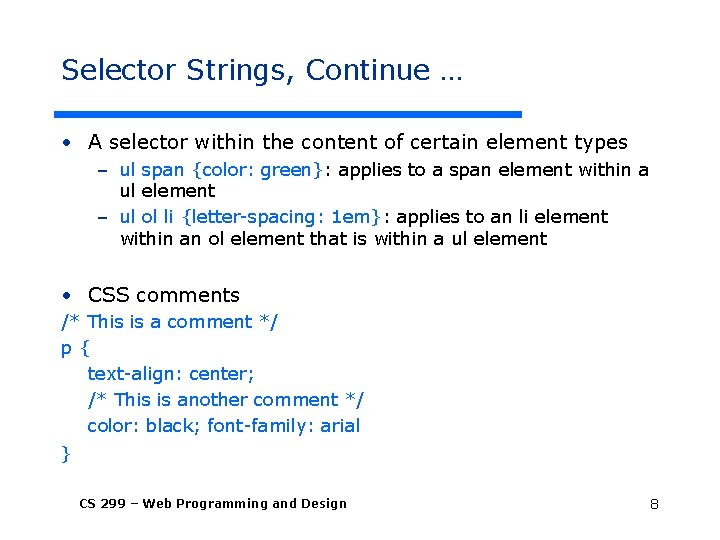
Selector Strings, Continue … • A selector within the content of certain element types – ul span {color: green}: applies to a span element within a ul element – ul ol li {letter-spacing: 1 em}: applies to an li element within an ol element that is within a ul element • CSS comments /* This is a comment */ p{ text-align: center; /* This is another comment */ color: black; font-family: arial } CS 299 – Web Programming and Design 8

How to Insert a Style Sheet? • External style sheet <head> <link rel="stylesheet" type="text/css" href="mystyle. css" /> </head> • Internal style sheet <head> <style type="text/css"> hr {color: sienna} p {margin-left: 20 px} </style> </head> • Inline style <p style="color: sienna; margin-left: 20 px"> This is a paragraph </p> CS 299 – Web Programming and Design 9
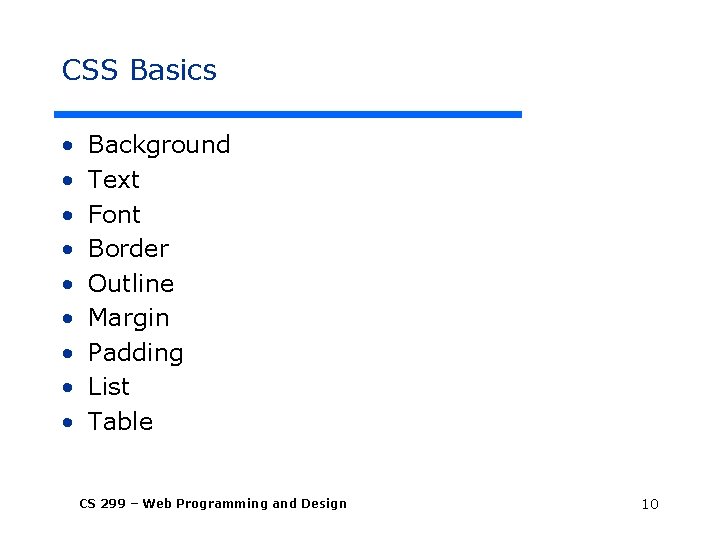
CSS Basics • • • Background Text Font Border Outline Margin Padding List Table CS 299 – Web Programming and Design 10
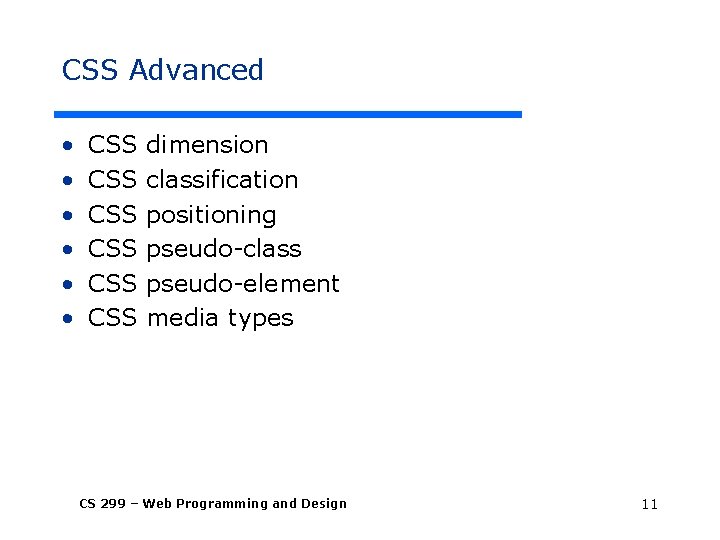
CSS Advanced • • • CSS CSS CSS dimension classification positioning pseudo-class pseudo-element media types CS 299 – Web Programming and Design 11
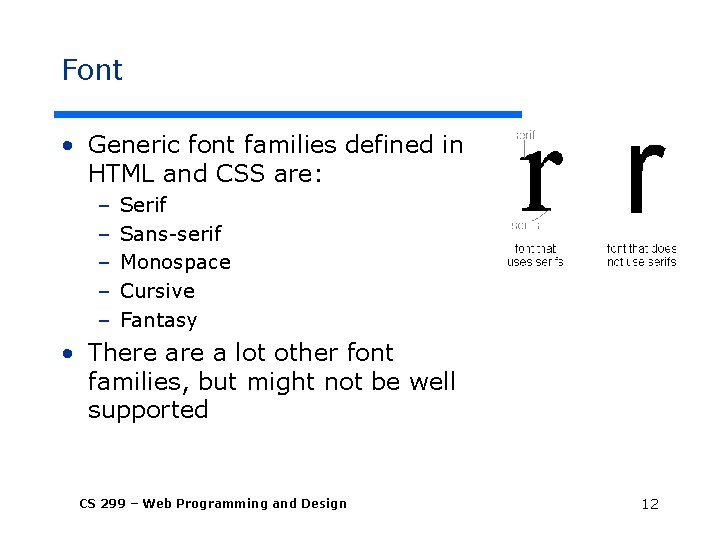
Font • Generic font families defined in HTML and CSS are: – – – Serif Sans-serif Monospace Cursive Fantasy • There a lot other font families, but might not be well supported CS 299 – Web Programming and Design 12
How to Select a Font Family? • Rules-of-Thumb – Don’t use more than 3 -4 fonts on any one page – Don’t change the font in mid sentence unless you have a very good reason – Sans-serif for online, serif for print – Monospace for typewriter and code – Script and fantasy for accents • Sans-serif fonts are the basis of your site, for example: – Arial, geneva, helvetica, lucida sans, trebuchet, verdana – Verdana is a font family that was actually invented for use on the web CS 299 – Web Programming and Design 13
Selecting Font, Continue • Use serif fonts for print – If you have print friendly versions of your site, use serif fonts – Examples: garamond, georgia, new york, times new roman • Monospace for bode examples – Use it to provide instructions, give examples, or imply typewritten text – Examples: courier, courier new, lucida console, monaco • Example: – http: //www. csupomona. edu/~ftang/www/courses/CS 299 -S 09/examples/font. html CS 299 – Web Programming and Design 14
More Case Studies of CSS from CSS Tutorials @ http: //webdesign. about. com/od/css/Cascading_Style_Sheets. htm CS 299 – Web Programming and Design
Case Study • Understanding CSS “float” – http: //webdesign. about. com/od/advancedcss/a/aa 010107. htm CS 299 – Web Programming and Design 16
Case Study • Tableless layouts – http: //webdesign. about. com/od/css/a/aa 102102 a. htm • There are many potential problems about using table for layout – http: //webdesign. about. com/od/layout/a/aa 111102 a. htm • Frames can also be substituted by CSS – http: //webdesign. about. com/od/css/a/aa 110402 a. htm CS 299 – Web Programming and Design 17
Case Study • Fixed width layouts vs. Liquid layouts – http: //webdesign. about. com/od/layout/i/aa 060506. htm • Fixed width layouts: – The width of the entire page is set with a specific numerical value • Liquid layouts: – The width of the entire page is flexible depending upon how wide the viewer’s browser is CS 299 – Web Programming and Design 18
Case Study • How to build a 3 -column layout: – http: //webdesign. about. com/od/csstutorials/ss/css_layout_sbs. htm • Steps: – – – – Draw your layout Create and style a Container element Use a Headline Tag for the Header To get 3 columns, start by building 2 columns Then add 2 columns inside the wide second column Add in the Footer Add in your personal style and content CS 299 – Web Programming and Design 19
Free Web Templates • http: //webdesign. about. com/od/websitetemplates/a/bl_layouts. htm • http: //www. csszengarden. com CS 299 – Web Programming and Design 20
- Slides: 20