
CAS London Conference Primary Computing Planning afternoon Jane
- Slides: 24
CAS London Conference Primary Computing Planning afternoon Jane Waite & Gillian Ingram #CASLdn. Conf 20
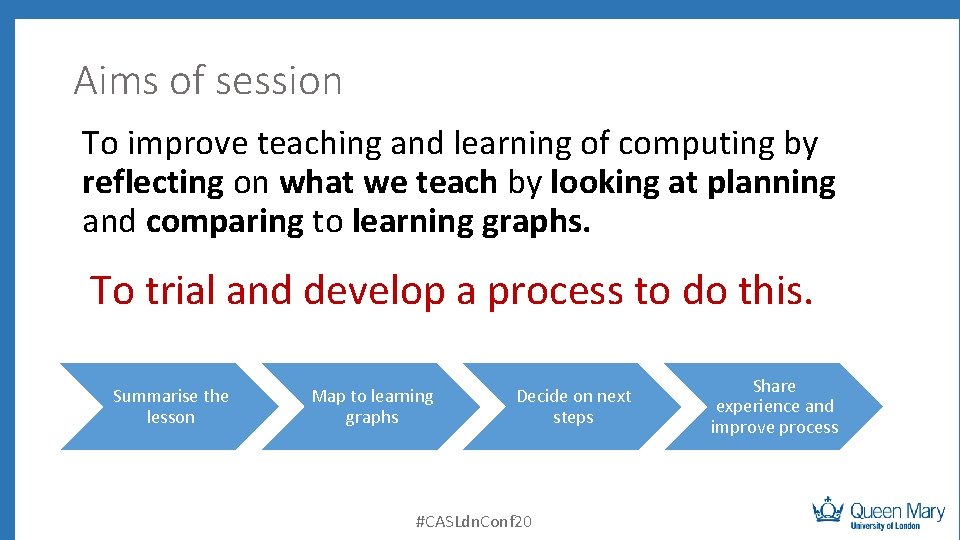
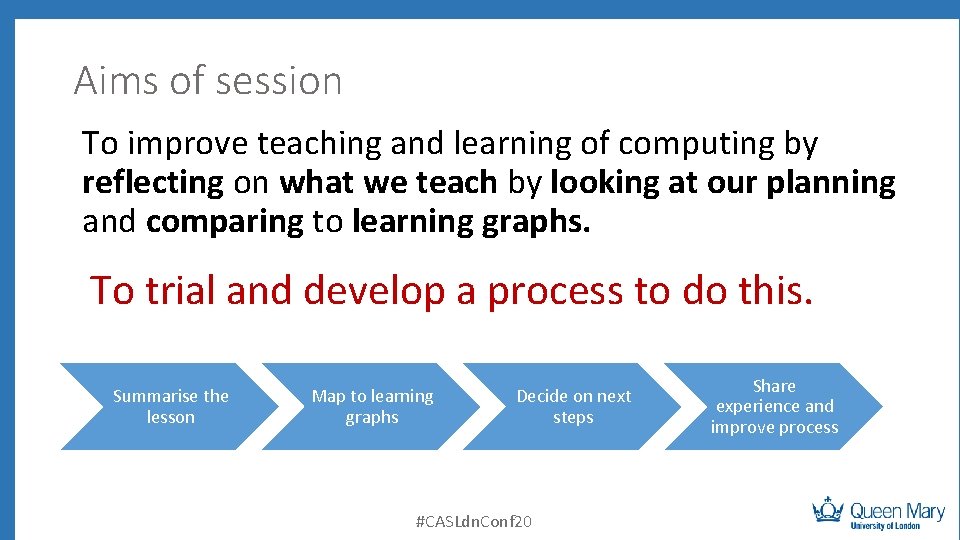
Aims of session To improve teaching and learning of computing by reflecting on what we teach by looking at planning and comparing to learning graphs. To trial and develop a process to do this. Summarise the lesson Map to learning graphs Decide on next steps #CASLdn. Conf 20 Share experience and improve process
Learning objectives • Know what a learning graph is • Know and can apply a process to review planning using learning graphs • Evaluate and improve the process #CASLdn. Conf 20
To meet our learning objectives 1. 2. 3. 4. 5. 6. 7. Introduction to learning graphs - Sway Introduction to a suggested review process – Jane Review your planning – small groups - all Feedback to the whole group - all What does this all mean to inspections – Gillian Repeat 3/ 4 Review the process used #CASLdn. Conf 20
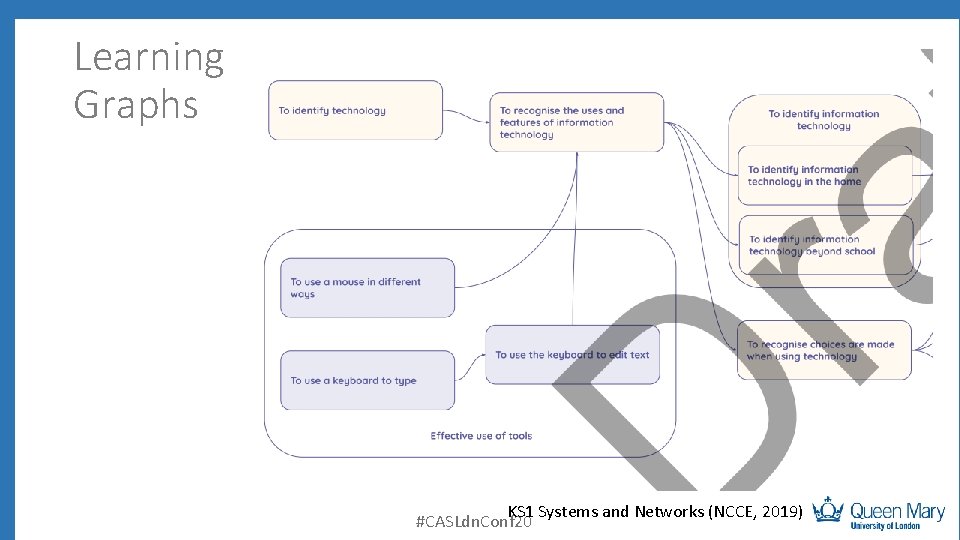
Learning Graphs KS 1 Systems and Networks (NCCE, 2019) #CASLdn. Conf 20
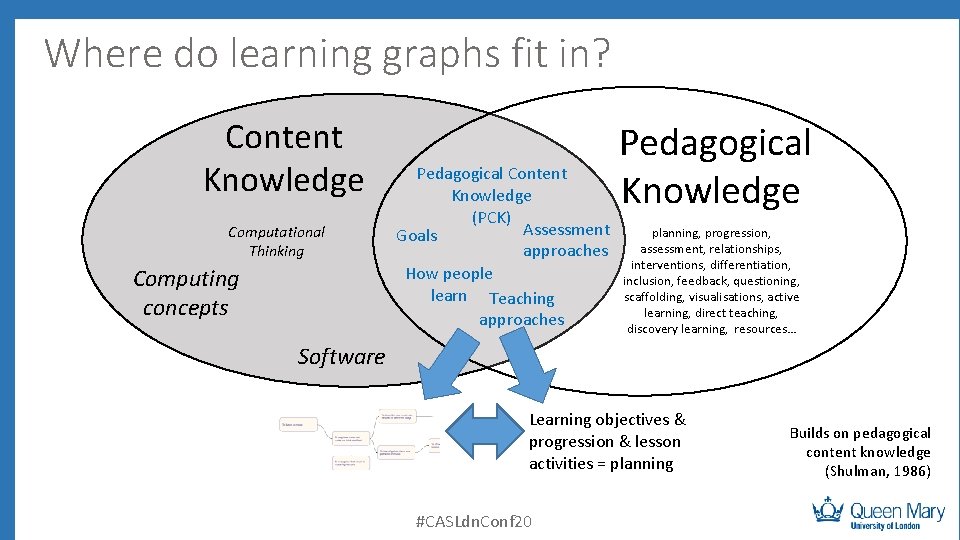
Where do learning graphs fit in? Content Knowledge Computational Thinking Computing concepts Pedagogical Content Knowledge (PCK) Assessment Goals approaches How people learn Teaching approaches Pedagogical Knowledge planning, progression, assessment, relationships, interventions, differentiation, inclusion, feedback, questioning, scaffolding, visualisations, active learning, direct teaching, discovery learning, resources… Software Learning objectives & progression & lesson activities = planning #CASLdn. Conf 20 Builds on pedagogical content knowledge (Shulman, 1986)
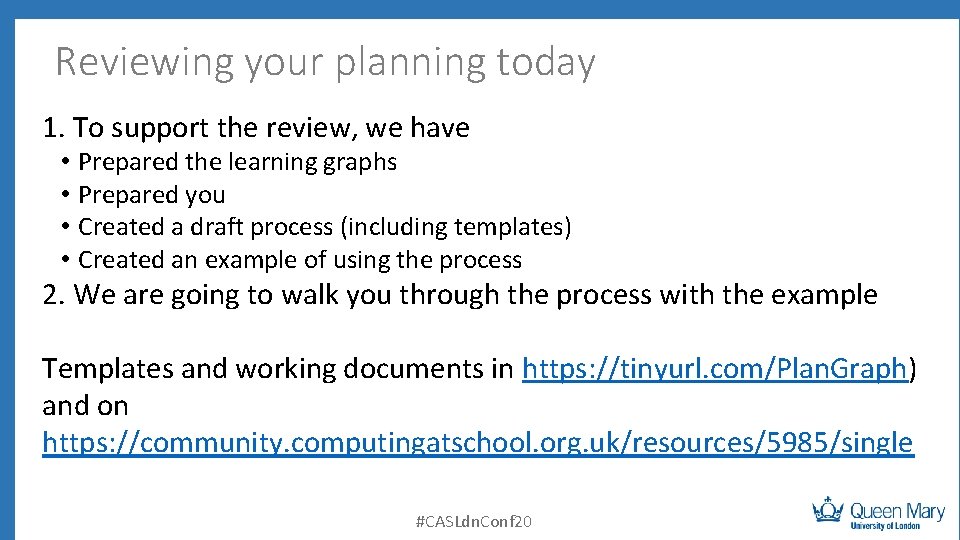
Reviewing your planning today 1. To support the review, we have • • Prepared the learning graphs Prepared you Created a draft process (including templates) Created an example of using the process 2. We are going to walk you through the process with the example Templates and working documents in https: //tinyurl. com/Plan. Graph) and on https: //community. computingatschool. org. uk/resources/5985/single #CASLdn. Conf 20
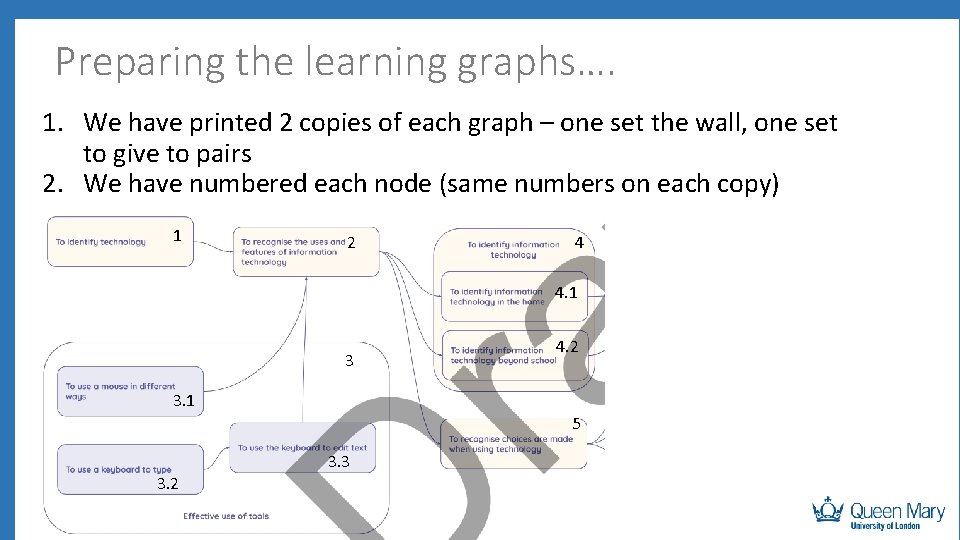
Preparing the learning graphs…. 1. We have printed 2 copies of each graph – one set the wall, one set to give to pairs 2. We have numbered each node (same numbers on each copy) 1 2 4 4. 1 4. 2 3 3. 1 5 3. 2 3. 3 #CASLdn. Conf 20
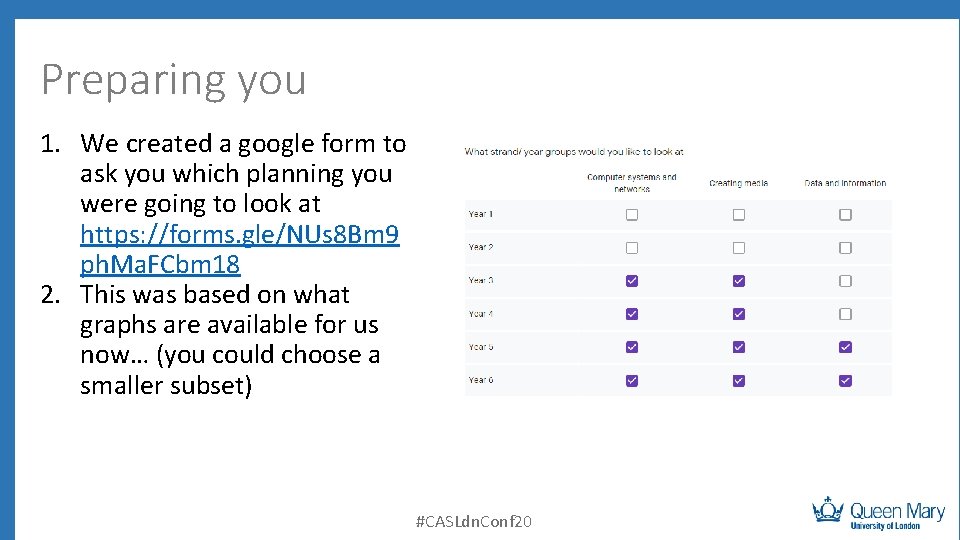
Preparing you 1. We created a google form to ask you which planning you were going to look at https: //forms. gle/NUs 8 Bm 9 ph. Ma. FCbm 18 2. This was based on what graphs are available for us now… (you could choose a smaller subset) #CASLdn. Conf 20
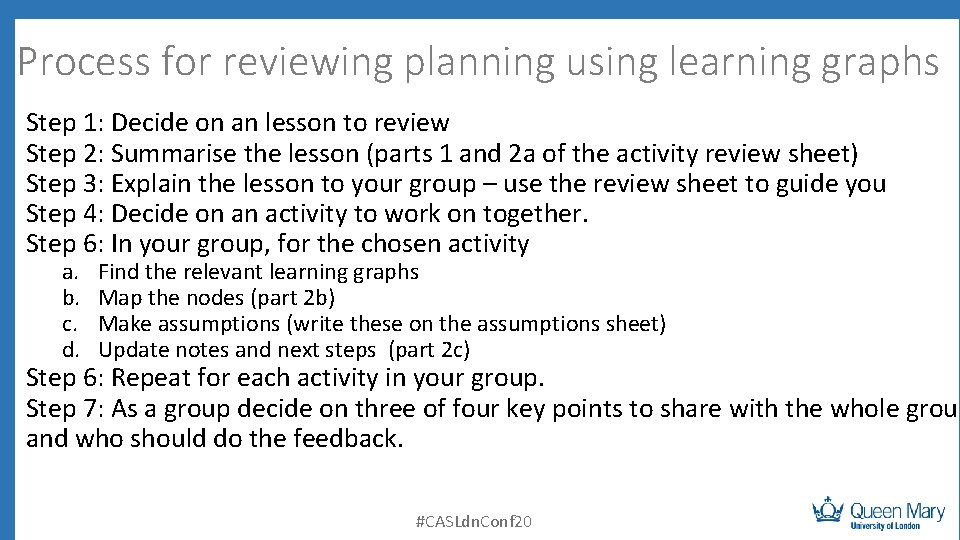
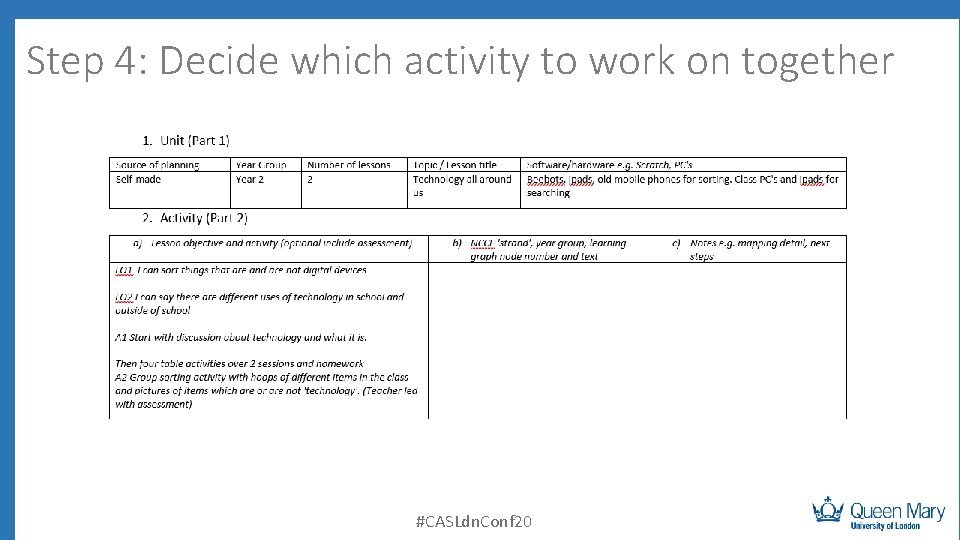
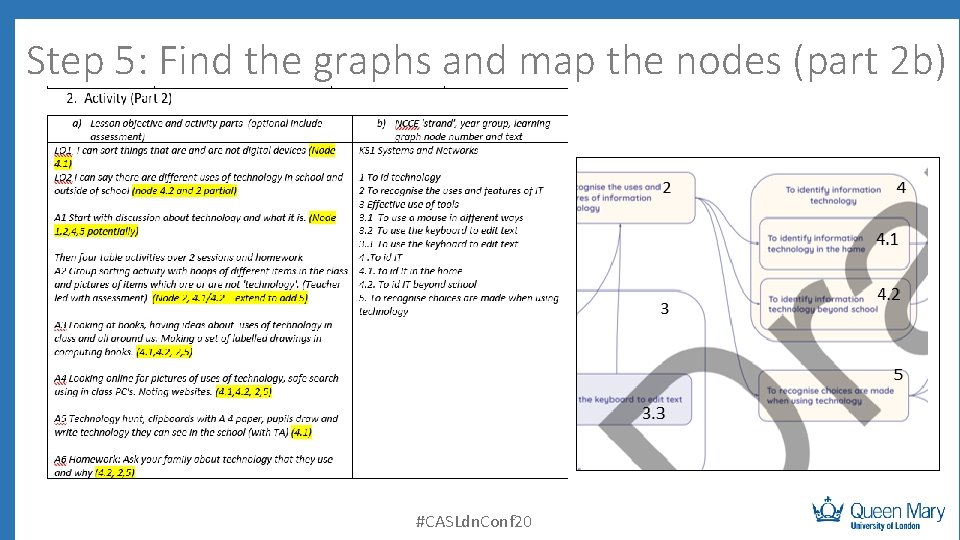
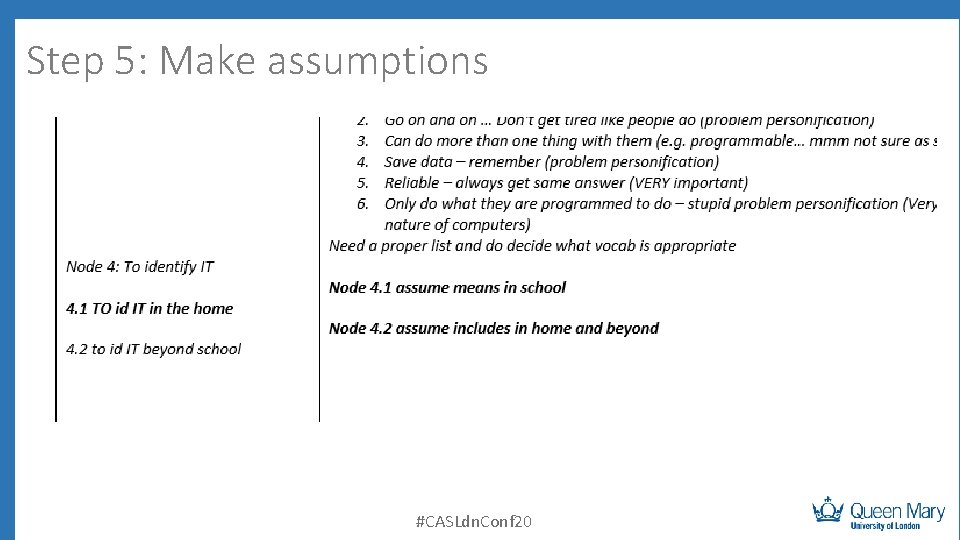
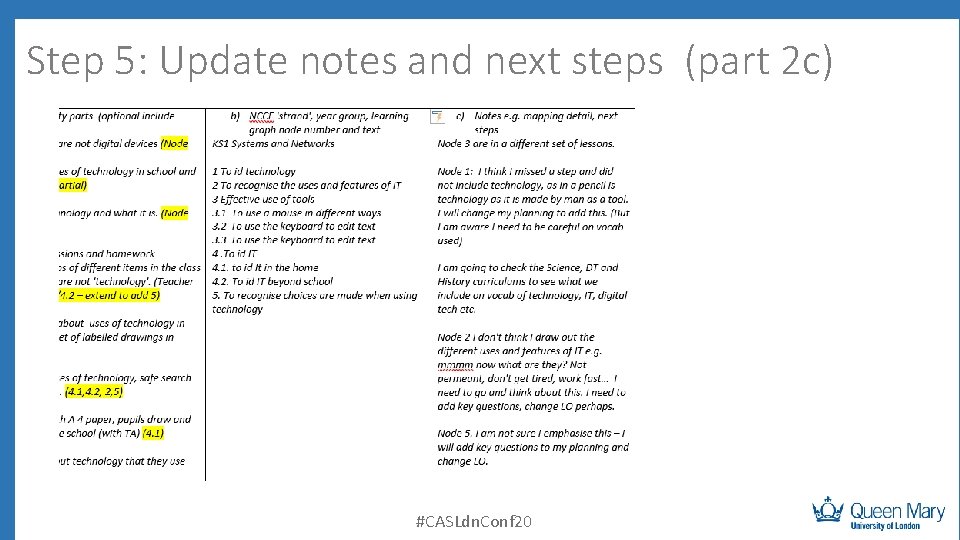
Process for reviewing planning using learning graphs Step 1: Decide on an lesson to review Step 2: Summarise the lesson (parts 1 and 2 a of the activity review sheet) Step 3: Explain the lesson to your group – use the review sheet to guide you Step 4: Decide on an activity to work on together. Step 6: In your group, for the chosen activity a. b. c. d. Find the relevant learning graphs Map the nodes (part 2 b) Make assumptions (write these on the assumptions sheet) Update notes and next steps (part 2 c) Step 6: Repeat for each activity in your group. Step 7: As a group decide on three of four key points to share with the whole group and who should do the feedback. #CASLdn. Conf 20
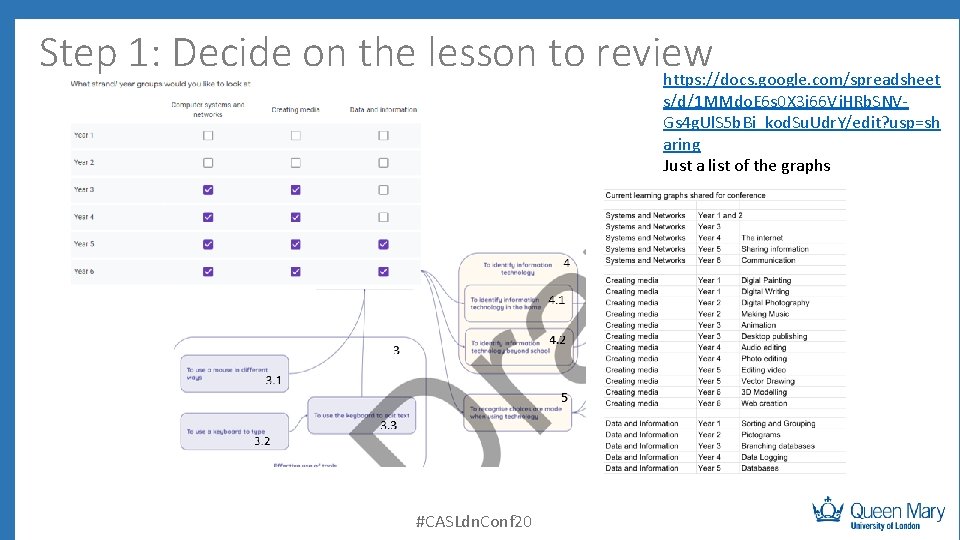
Step 1: Decide on the lesson to review https: //docs. google. com/spreadsheet s/d/1 MMdo. E 6 s 0 X 3 i 66 Vj. HRb. SNVGs 4 g. Ul. S 5 b. Bi_kod. Su. Udr. Y/edit? usp=sh aring Just a list of the graphs #CASLdn. Conf 20
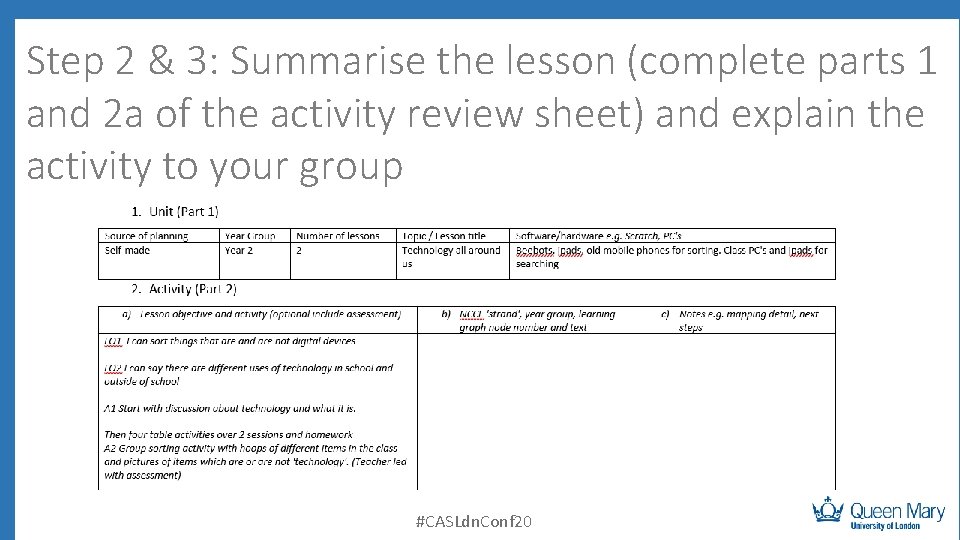
Step 2 & 3: Summarise the lesson (complete parts 1 and 2 a of the activity review sheet) and explain the activity to your group #CASLdn. Conf 20
Step 4: Decide which activity to work on together #CASLdn. Conf 20
Step 5: Find the graphs and map the nodes (part 2 b) #CASLdn. Conf 20
Step 5: Make assumptions #CASLdn. Conf 20
Step 5: Update notes and next steps (part 2 c) #CASLdn. Conf 20
Step 6: Repeat for all activities in your group #CASLdn. Conf 20
Step 7: Feedback to the whole group • How well did the nodes map to your LO? • What was missing? • What was extra? • What next steps did you come up with? #CASLdn. Conf 20
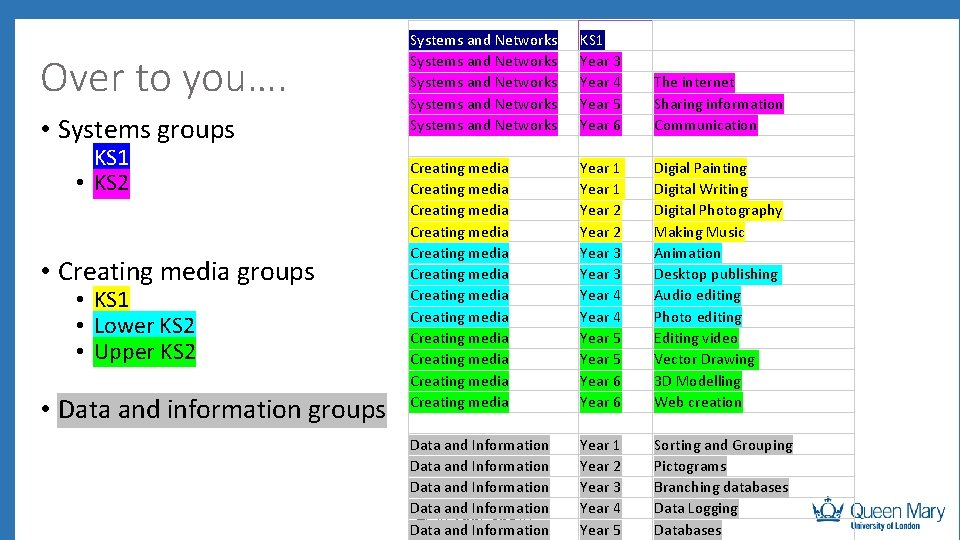
Over to you…. • Systems groups • KS 1 • KS 2 • Creating media groups • KS 1 • Lower KS 2 • Upper KS 2 • Data and information groups Systems and Networks Systems and Networks KS 1 Year 3 Year 4 Year 5 Year 6 The internet Sharing information Communication Creating media Creating media Creating media Year 1 Year 2 Year 3 Year 4 Year 5 Year 6 Digial Painting Digital Writing Digital Photography Making Music Animation Desktop publishing Audio editing Photo editing Editing video Vector Drawing 3 D Modelling Web creation Data and Information #CASLdn. Conf 20 Data and Information Year 1 Year 2 Year 3 Year 4 Year 5 Sorting and Grouping Pictograms Branching databases Data Logging Databases
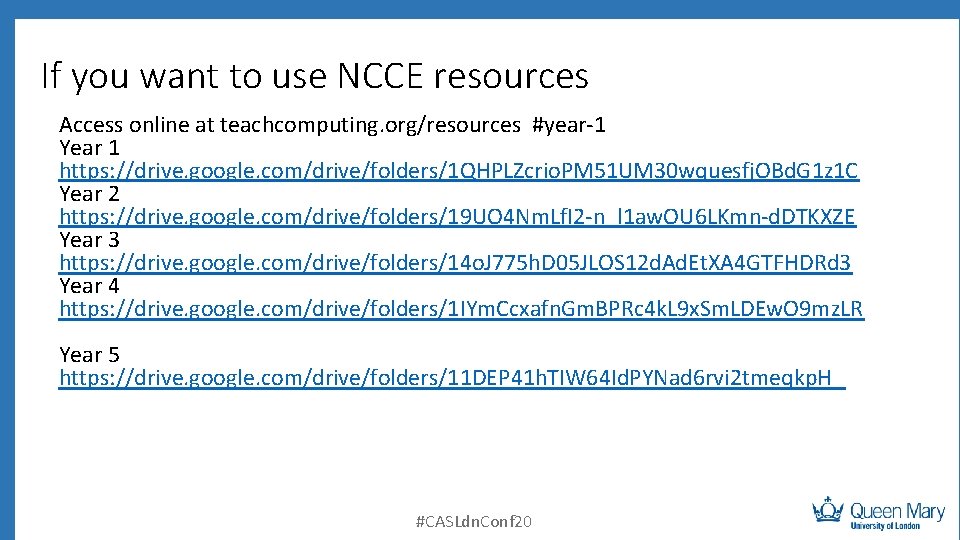
If you want to use NCCE resources Access online at teachcomputing. org/resources #year-1 Year 1 https: //drive. google. com/drive/folders/1 QHPLZcrio. PM 51 UM 30 wquesfj. OBd. G 1 z 1 C Year 2 https: //drive. google. com/drive/folders/19 UO 4 Nm. Lf. I 2 -n_l 1 aw. OU 6 LKmn-d. DTKXZE Year 3 https: //drive. google. com/drive/folders/14 o. J 775 h. D 05 JLOS 12 d. Ad. Et. XA 4 GTFHDRd 3 Year 4 https: //drive. google. com/drive/folders/1 IYm. Ccxafn. Gm. BPRc 4 k. L 9 x. Sm. LDEw. O 9 mz. LR Year 5 https: //drive. google. com/drive/folders/11 DEP 41 h. TIW 64 Id. PYNad 6 rvi 2 tmeqkp. H_ #CASLdn. Conf 20
What does all this means for inspections? #CASLdn. Conf 20
What next? #CASLdn. Conf 20
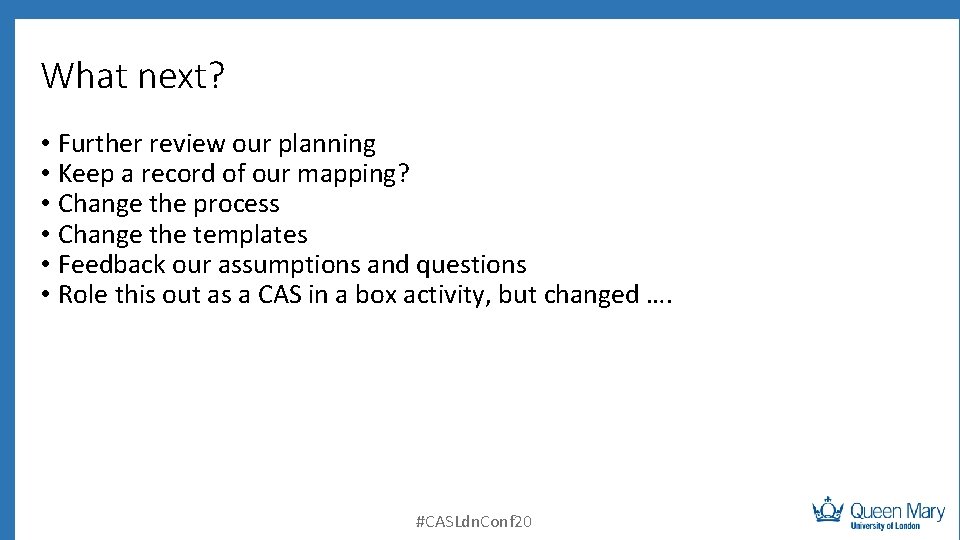
What next? • Further review our planning • Keep a record of our mapping? • Change the process • Change the templates • Feedback our assumptions and questions • Role this out as a CAS in a box activity, but changed …. #CASLdn. Conf 20
Aims of session To improve teaching and learning of computing by reflecting on what we teach by looking at our planning and comparing to learning graphs. To trial and develop a process to do this. Summarise the lesson Map to learning graphs Decide on next steps #CASLdn. Conf 20 Share experience and improve process