
Carnegie Mellon Overview Introduction to Operating Systems Some

- Slides: 14
Carnegie Mellon Overview Introduction to Operating Systems Some of the following slides are adapted from Matt Welsh, Harvard Univ.
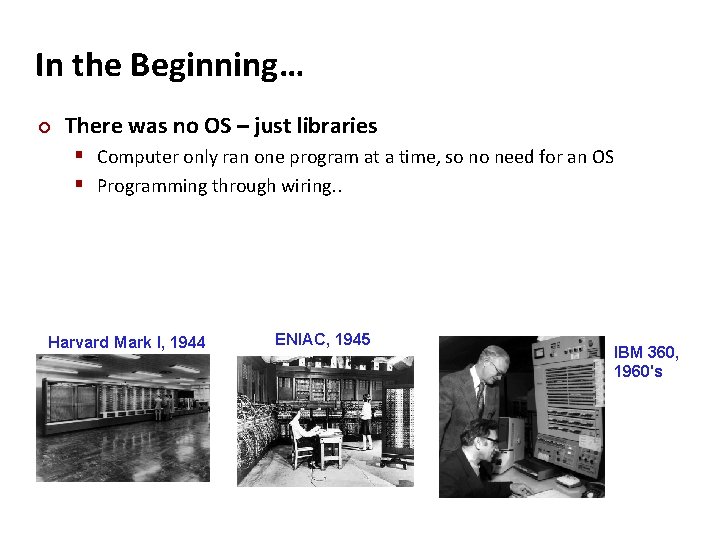
Carnegie Mellon In the Beginning… ¢ There was no OS – just libraries § Computer only ran one program at a time, so no need for an OS § Programming through wiring. . Harvard Mark I, 1944 ENIAC, 1945 IBM 360, 1960's
Carnegie Mellon
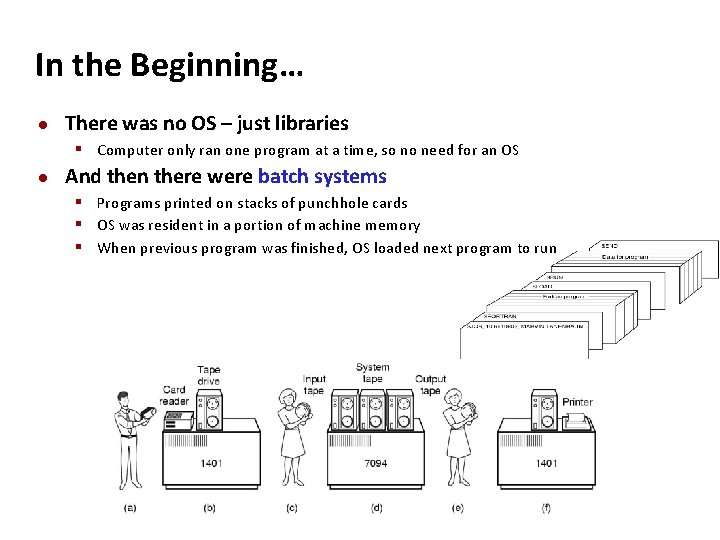
Carnegie Mellon In the Beginning… There was no OS – just libraries § Computer only ran one program at a time, so no need for an OS And then there were batch systems § Programs printed on stacks of punchhole cards § OS was resident in a portion of machine memory § When previous program was finished, OS loaded next program to run
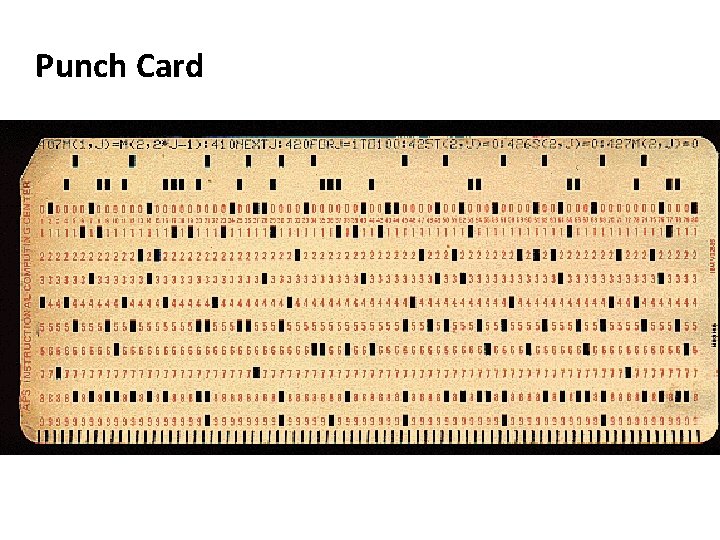
Carnegie Mellon Punch Card
Carnegie Mellon In the Beginning… There was no OS – just libraries § Computer only ran one program at a time, so no need for an OS And then there were batch systems § Programs printed on stacks of punchhole cards § OS was resident in a portion of machine memory § When previous program was finished, OS loaded next program to run
Carnegie Mellon In the Beginning… There was no OS – just libraries § Computer only ran one program at a time, so no need for an OS And then there were batch systems § Programs printed on stacks of punchhole cards § OS was resident in a portion of machine memory § When previous program was finished, OS loaded next program to run Disk spooling § Disks were much read stack onto disk while previous program is running § With multiple programs on disk, need to decide which to run next! § But, CPU still idle while program accesses a peripheral (e. g. , tape or disk!)
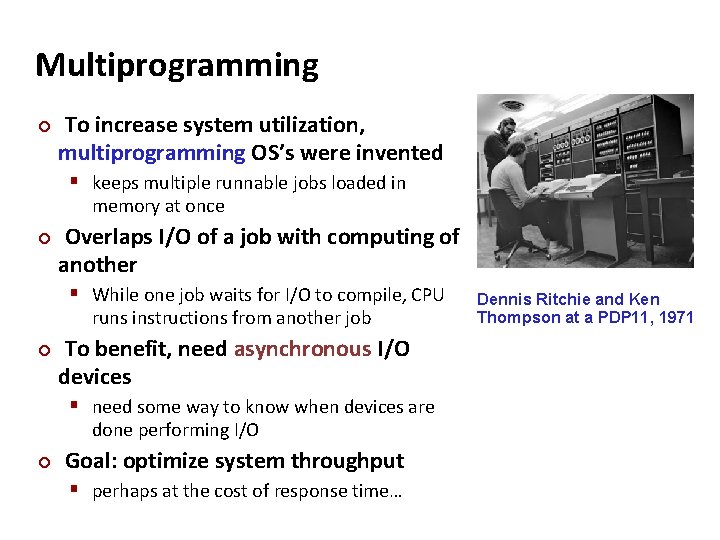
Carnegie Mellon Multiprogramming ¢ To increase system utilization, multiprogramming OS’s were invented § keeps multiple runnable jobs loaded in memory at once ¢ Overlaps I/O of a job with computing of another § While one job waits for I/O to compile, CPU runs instructions from another job ¢ To benefit, need asynchronous I/O devices § need some way to know when devices are done performing I/O ¢ Goal: optimize system throughput § perhaps at the cost of response time… Dennis Ritchie and Ken Thompson at a PDP 11, 1971
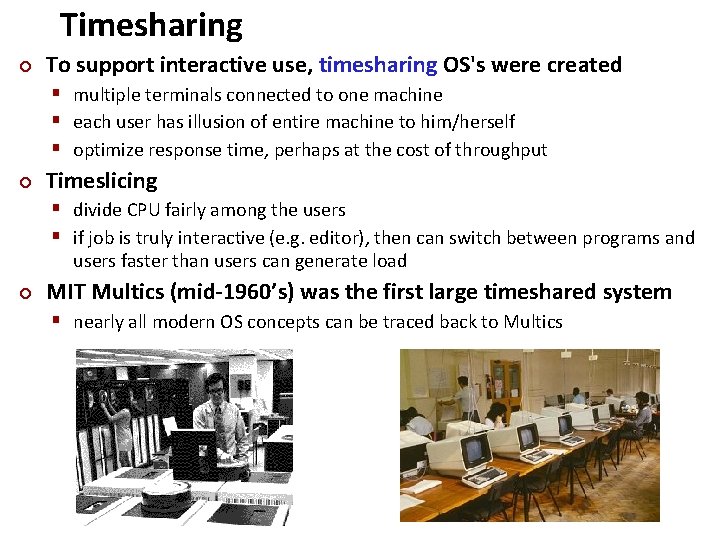
Timesharing ¢ Carnegie Mellon To support interactive use, timesharing OS's were created § multiple terminals connected to one machine § each user has illusion of entire machine to him/herself § optimize response time, perhaps at the cost of throughput ¢ Timeslicing § divide CPU fairly among the users § if job is truly interactive (e. g. editor), then can switch between programs and users faster than users can generate load ¢ MIT Multics (mid-1960’s) was the first large timeshared system § nearly all modern OS concepts can be traced back to Multics
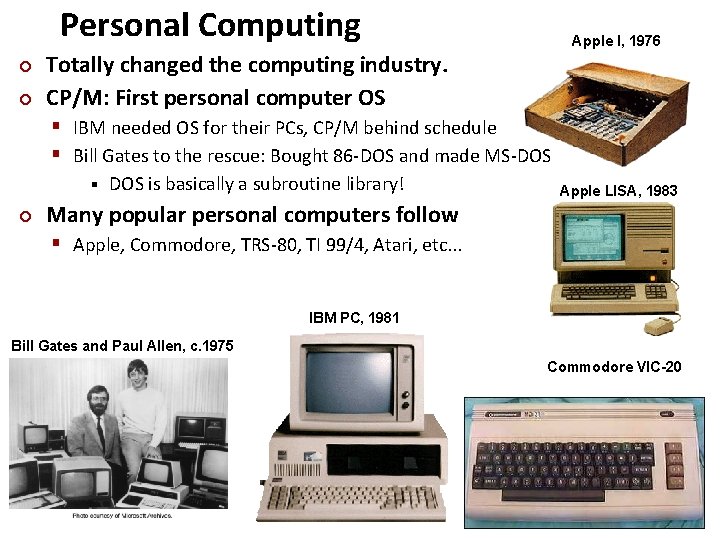
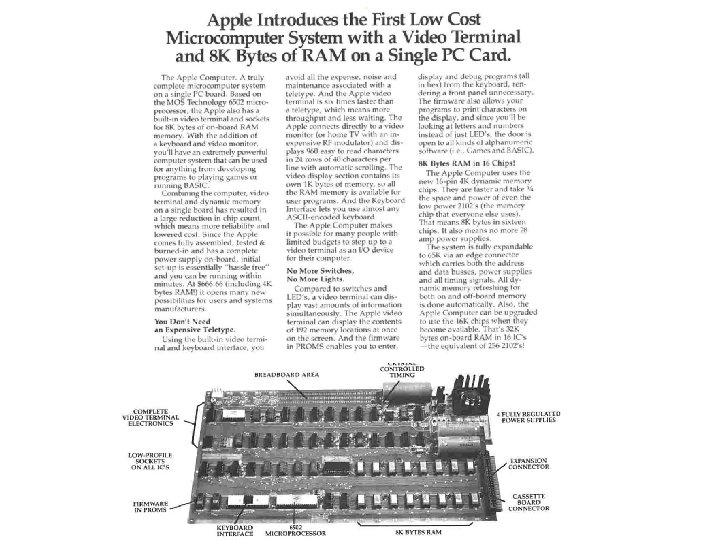
Personal Computing ¢ ¢ Carnegie Mellon Apple I, 1976 Totally changed the computing industry. CP/M: First personal computer OS § IBM needed OS for their PCs, CP/M behind schedule § Bill Gates to the rescue: Bought 86 -DOS and made MS-DOS § ¢ DOS is basically a subroutine library! Apple LISA, 1983 Many popular personal computers follow § Apple, Commodore, TRS-80, TI 99/4, Atari, etc. . . IBM PC, 1981 Bill Gates and Paul Allen, c. 1975 Commodore VIC-20
Carnegie Mellon
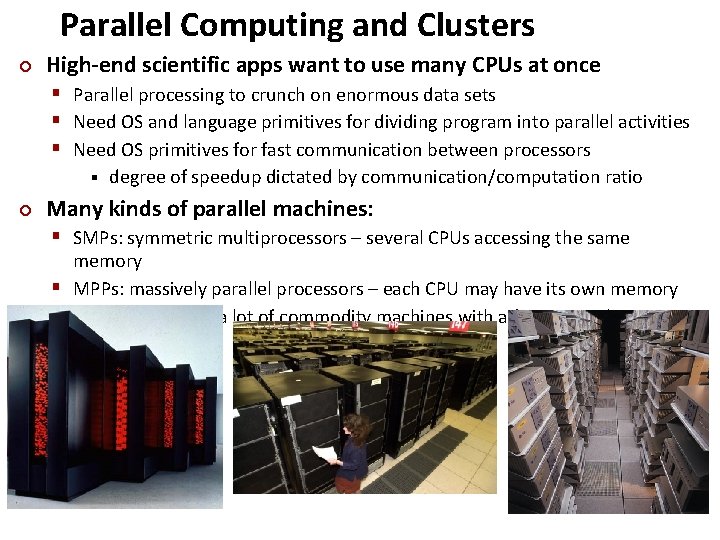
Parallel Computing and Clusters ¢ Carnegie Mellon High-end scientific apps want to use many CPUs at once § Parallel processing to crunch on enormous data sets § Need OS and language primitives for dividing program into parallel activities § Need OS primitives for fast communication between processors § ¢ degree of speedup dictated by communication/computation ratio Many kinds of parallel machines: § SMPs: symmetric multiprocessors – several CPUs accessing the same memory § MPPs: massively parallel processors – each CPU may have its own memory § Clusters: connect a lot of commodity machines with a fast network
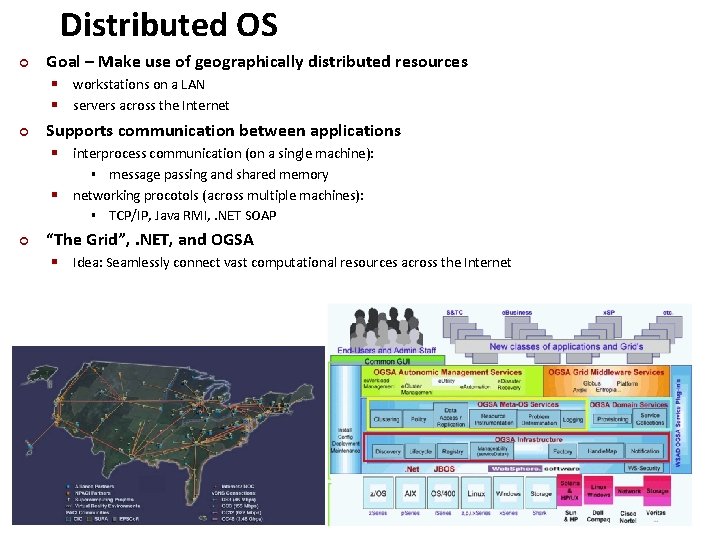
Distributed OS ¢ Goal – Make use of geographically distributed resources § workstations on a LAN § servers across the Internet ¢ Supports communication between applications § interprocess communication (on a single machine): message passing and shared memory networking procotols (across multiple machines): § TCP/IP, Java RMI, . NET SOAP § § ¢ “The Grid”, . NET, and OGSA § Idea: Seamlessly connect vast computational resources across the Internet Carnegie Mellon
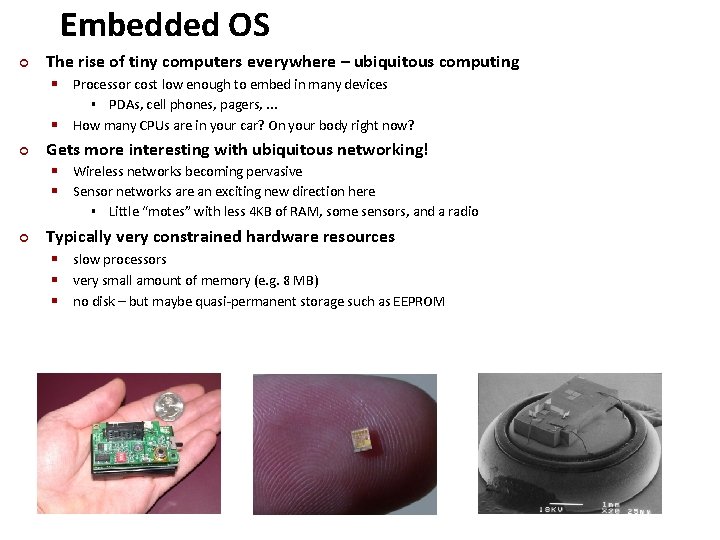
Embedded OS ¢ The rise of tiny computers everywhere – ubiquitous computing § Processor cost low enough to embed in many devices PDAs, cell phones, pagers, . . . How many CPUs are in your car? On your body right now? § § ¢ Gets more interesting with ubiquitous networking! § Wireless networks becoming pervasive § Sensor networks are an exciting new direction here § ¢ Little “motes” with less 4 KB of RAM, some sensors, and a radio Typically very constrained hardware resources § slow processors § very small amount of memory (e. g. 8 MB) § no disk – but maybe quasi-permanent storage such as EEPROM Carnegie Mellon