
Carnegie Mellon Linux Boot Camp Jenna Mac Carley
Carnegie Mellon Linux Boot Camp Jenna Mac. Carley, Peter Pearson, Shashank Goyal 9/19/2015
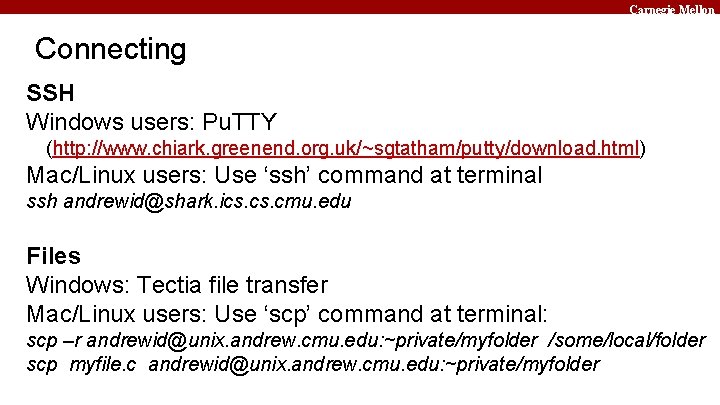
Carnegie Mellon Connecting SSH Windows users: Pu. TTY (http: //www. chiark. greenend. org. uk/~sgtatham/putty/download. html) Mac/Linux users: Use ‘ssh’ command at terminal ssh andrewid@shark. ics. cmu. edu Files Windows: Tectia file transfer Mac/Linux users: Use ‘scp’ command at terminal: scp –r andrewid@unix. andrew. cmu. edu: ~private/myfolder /some/local/folder scp myfile. c andrewid@unix. andrew. cmu. edu: ~private/myfolder
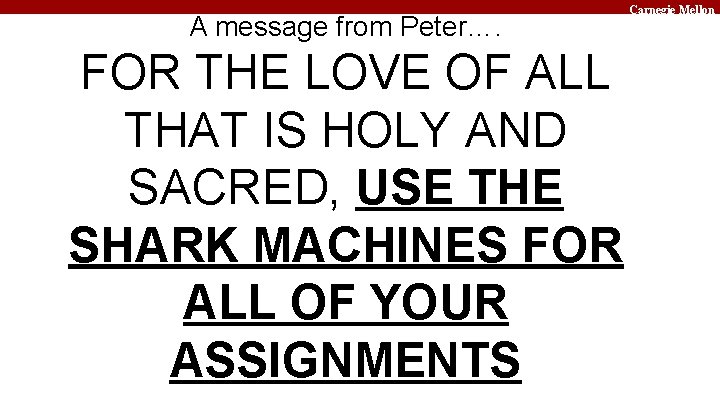
A message from Peter…. FOR THE LOVE OF ALL THAT IS HOLY AND SACRED, USE THE SHARK MACHINES FOR ALL OF YOUR ASSIGNMENTS Carnegie Mellon
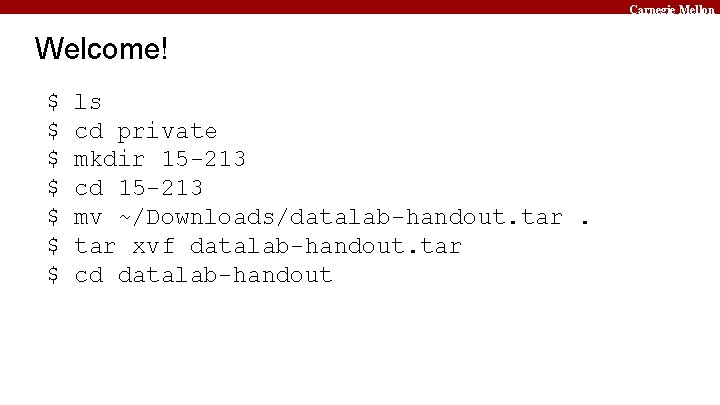
Carnegie Mellon Welcome! $ $ $ $ ls cd private mkdir 15 -213 cd 15 -213 mv ~/Downloads/datalab-handout. tar xvf datalab-handout. tar cd datalab-handout
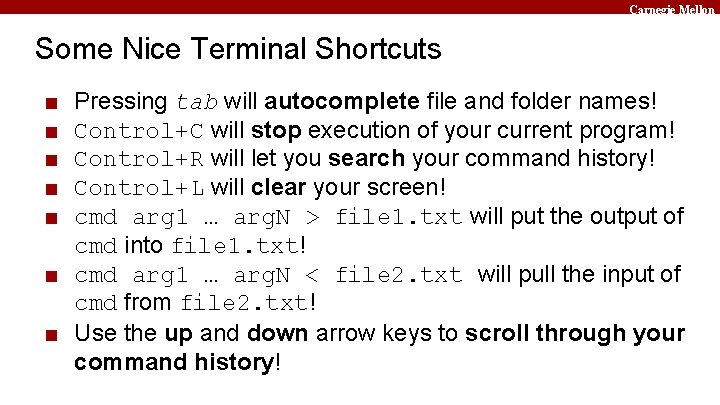
Carnegie Mellon Some Nice Terminal Shortcuts ■ ■ ■ Pressing tab will autocomplete file and folder names! Control+C will stop execution of your current program! Control+R will let you search your command history! Control+L will clear your screen! cmd arg 1 … arg. N > file 1. txt will put the output of cmd into file 1. txt! ■ cmd arg 1 … arg. N < file 2. txt will pull the input of cmd from file 2. txt! ■ Use the up and down arrow keys to scroll through your command history!
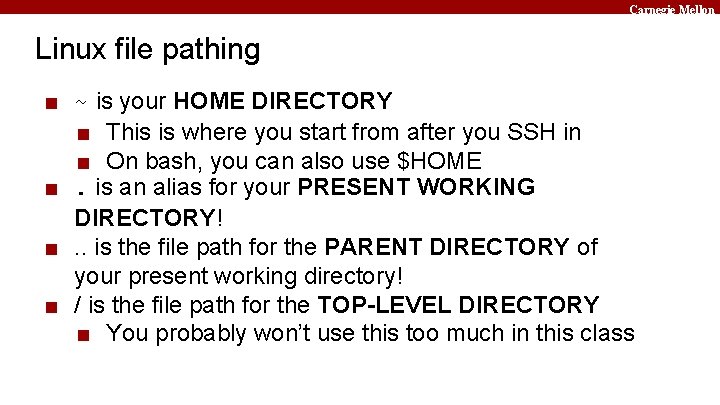
Carnegie Mellon Linux file pathing ■ ~ is your HOME DIRECTORY ■ This is where you start from after you SSH in ■ On bash, you can also use $HOME ■. is an alias for your PRESENT WORKING DIRECTORY! ■. . is the file path for the PARENT DIRECTORY of your present working directory! ■ / is the file path for the TOP-LEVEL DIRECTORY ■ You probably won’t use this too much in this class
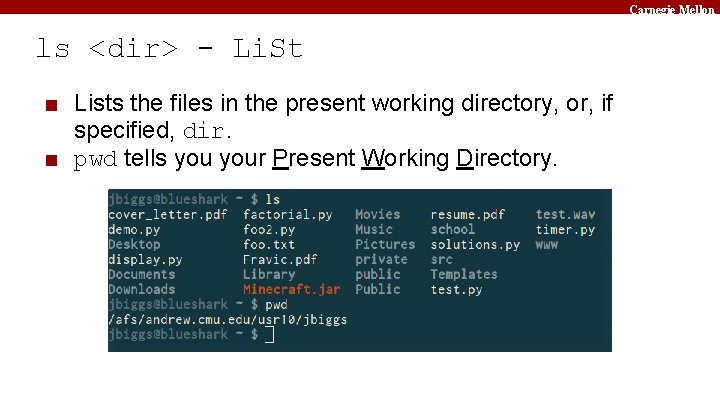
Carnegie Mellon ls <dir> - Li. St ■ Lists the files in the present working directory, or, if specified, dir. ■ pwd tells your Present Working Directory.
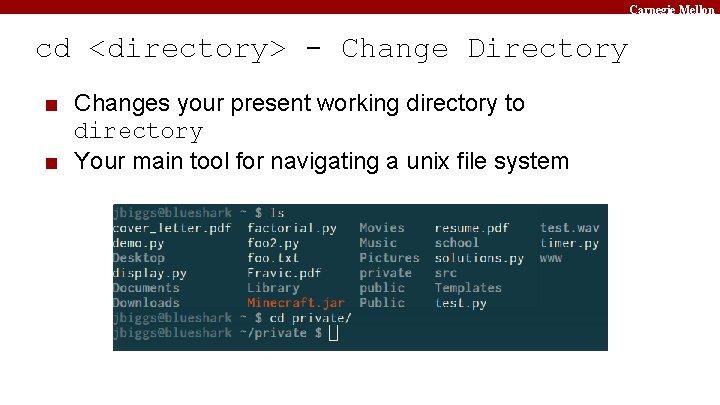
Carnegie Mellon cd <directory> - Change Directory ■ Changes your present working directory to directory ■ Your main tool for navigating a unix file system
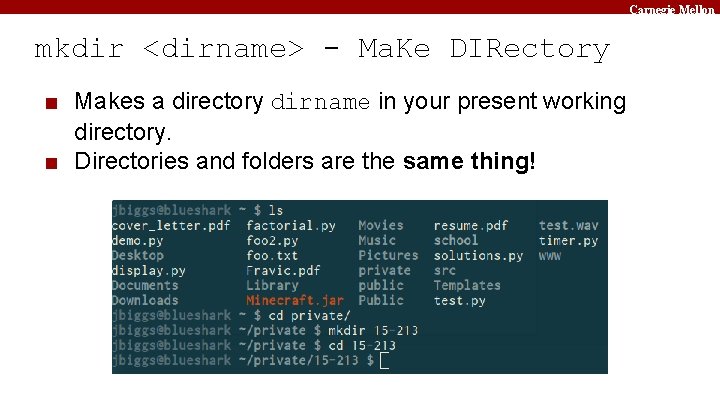
Carnegie Mellon mkdir <dirname> - Ma. Ke DIRectory ■ Makes a directory dirname in your present working directory. ■ Directories and folders are the same thing!
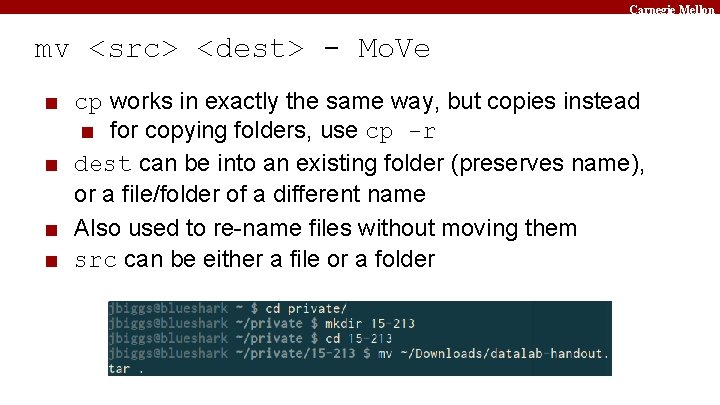
Carnegie Mellon mv <src> <dest> - Mo. Ve ■ cp works in exactly the same way, but copies instead ■ for copying folders, use cp -r ■ dest can be into an existing folder (preserves name), or a file/folder of a different name ■ Also used to re-name files without moving them ■ src can be either a file or a folder
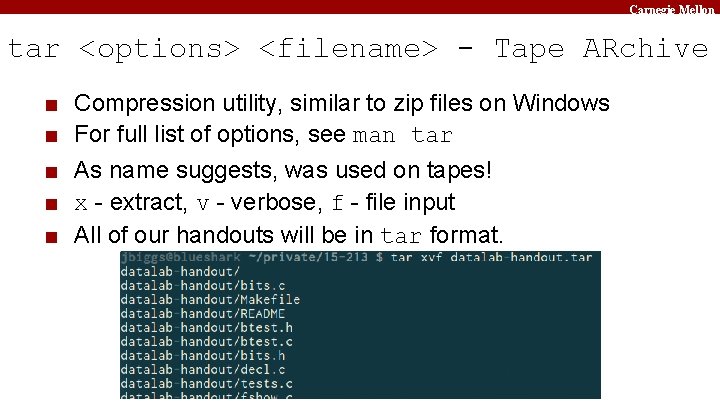
Carnegie Mellon tar <options> <filename> - Tape ARchive ■ ■ ■ Compression utility, similar to zip files on Windows For full list of options, see man tar As name suggests, was used on tapes! x - extract, v - verbose, f - file input All of our handouts will be in tar format.
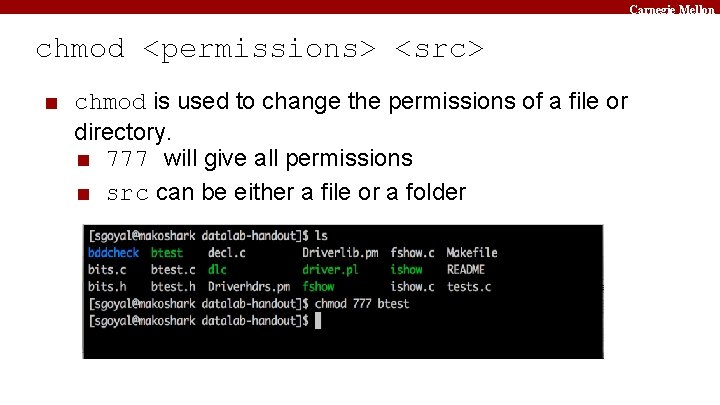
Carnegie Mellon chmod <permissions> <src> ■ chmod is used to change the permissions of a file or directory. ■ 777 will give all permissions ■ src can be either a file or a folder
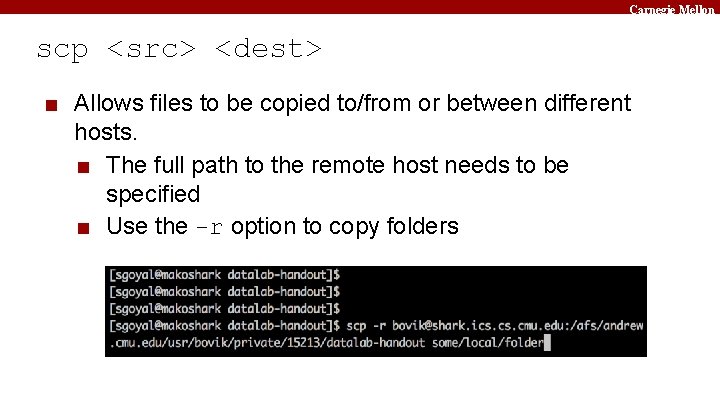
Carnegie Mellon scp <src> <dest> ■ Allows files to be copied to/from or between different hosts. ■ The full path to the remote host needs to be specified ■ Use the -r option to copy folders
Carnegie Mellon rm <file 1> <file 2> … <filen> - Re. Move ■ Essentially the delete utility ■ To remove an (empty) directory, use rmdir ■ To remove a folder and its contents, use rm -rf ▪ Please be careful, don’t delete your project. ▪ There is no “Trash” here. It’s gone. ▪ If someone asks you to use rm –rf / ignore them
Carnegie Mellon What’s in a file? (using cat) ■ cat <file 1> <file 2> … <filen> lets you display the contents of a file in the terminal window. ■ Use cat -n to add line numbers! ■ You can combine multiple files into one! ■ cat <file 1> … <filen> > file. txt ■ Good for seeing what’s in small files. ■ Try cat -n bits. c. Too big, right?
Carnegie Mellon What’s in a file? (using less) ■ less <file> will give you a scrollable interface for viewing large files without editing them. ■ To find something, use / ▪ To view the next occurrence, press n ▪ To view previous occurrence, press N ■ To quit, use q ■ Try it: Type “/is. Power 2”
Carnegie Mellon What’s in a file? (using grep) ■ grep <pattern> <file> will output any lines of file that have pattern as a substring ■ grep -v will output lines without pattern as substring ■ grep -R will search recursively ■ Try it: grep ‘is. Power 2’ bits. c ■ grep -v ‘*’ bits. c ■ grep -R ‘unsigned’.
Carnegie Mellon man <thing> ■ What is that command? What is this C standard library function? What does this library do? Check to see if it has a man page! ■ Pages viewed with less ■ Try it! ■ man grep ■ man tar ■ man printf ■ man strlen
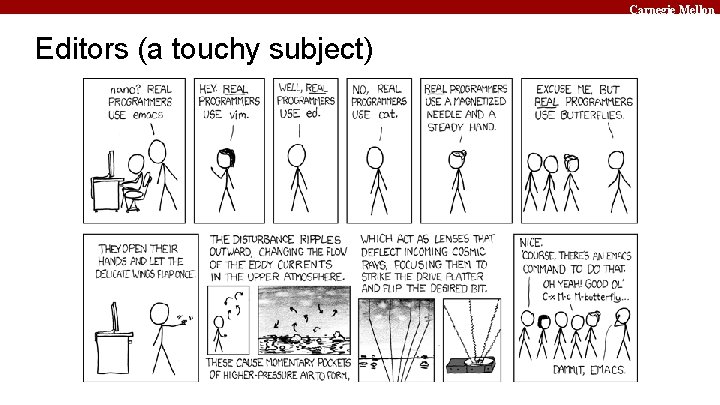
Carnegie Mellon Editors (a touchy subject)
Carnegie Mellon Vim (vi – improved) Basics ■ Some different modes: ■ Normal mode: ▪ The first mode you enter. Hit the escape key to return to this mode at any time ▪ Everything entered here is interpreted as a command ■ Command-line mode: ▪ Used for entering editor commands (necessary to save file & quit the editor) ▪ Enter “: ” in Normal mode to get to this mode ■ Insert mode: ▪ To edit text ▪ Enter “i” in Normal mode to get to this mode
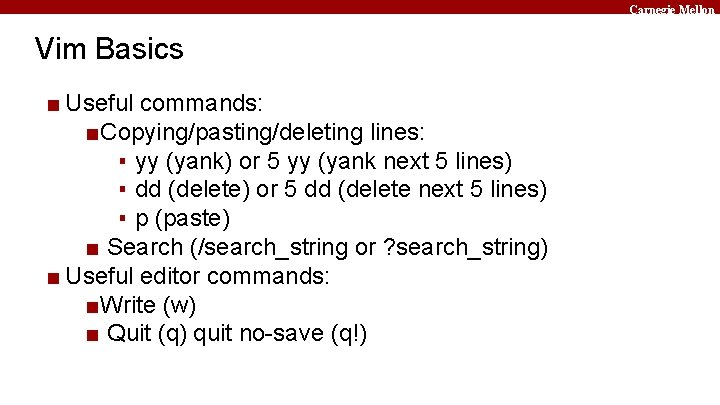
Carnegie Mellon Vim Basics ■ Useful commands: ■Copying/pasting/deleting lines: ▪ yy (yank) or 5 yy (yank next 5 lines) ▪ dd (delete) or 5 dd (delete next 5 lines) ▪ p (paste) ■ Search (/search_string or ? search_string) ■ Useful editor commands: ■Write (w) ■ Quit (q) quit no-save (q!)
Carnegie Mellon Vimrc File ■ Stores vim configuration info ■ Can make your editing experience even better! ■ Notably: ■ Smart indentation ■ Line numbers ■ Changing tabs to default to 2 or 4 spaces ■ Colors ■ To edit, type: vim ~/. vimrc
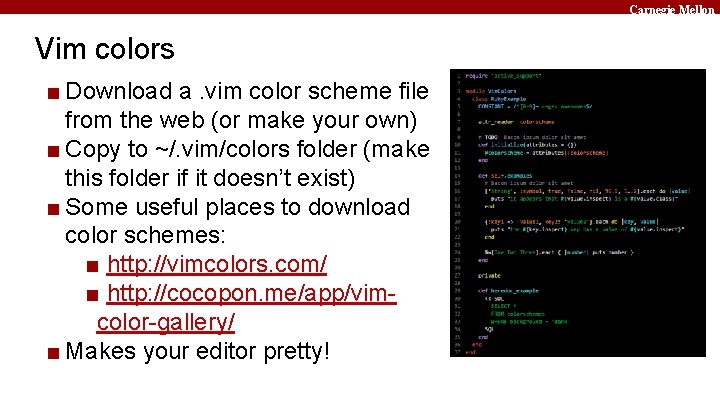
Carnegie Mellon Vim colors ■ Download a. vim color scheme file from the web (or make your own) ■ Copy to ~/. vim/colors folder (make this folder if it doesn’t exist) ■ Some useful places to download color schemes: ■ http: //vimcolors. com/ ■ http: //cocopon. me/app/vimcolor-gallery/ ■ Makes your editor pretty!
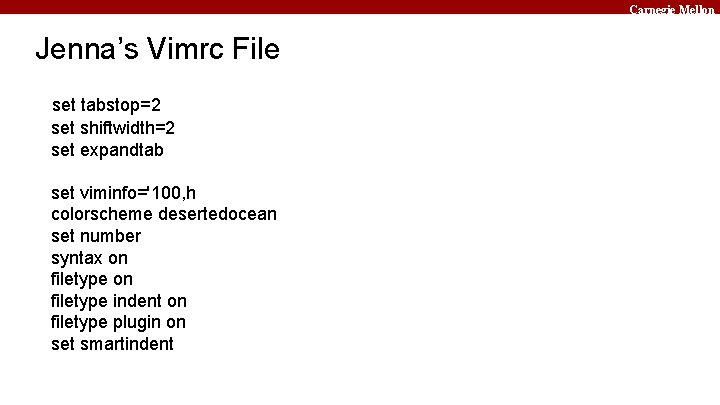
Carnegie Mellon Jenna’s Vimrc File set tabstop=2 set shiftwidth=2 set expandtab set viminfo='100, h colorscheme desertedocean set number syntax on filetype indent on filetype plugin on set smartindent
Carnegie Mellon More resources on Vim ■ A good intro tutorial: http: //www. engadget. com/2012/07/10/vim-how-to/ ■ An interactive tutorial: http: //www. openvim. com/ ■ man vim ■ Google
Carnegie Mellon Commands related to 15 -213 ■ ■ gdb, the GNU Debugger, will be used for bomb lab. objdump –d displays the symbols in an executable. gcc is the GNU C Compiler. make reads a configuration file to run a series of commands. Often used for compiling your programs. ■ We will provide other tools in the handouts as well
Carnegie Mellon
- Slides: 27