
Carnegie Mellon Files and Filesystems Carnegie Mellon Filesystems
- Slides: 36
Carnegie Mellon Files and Filesystems
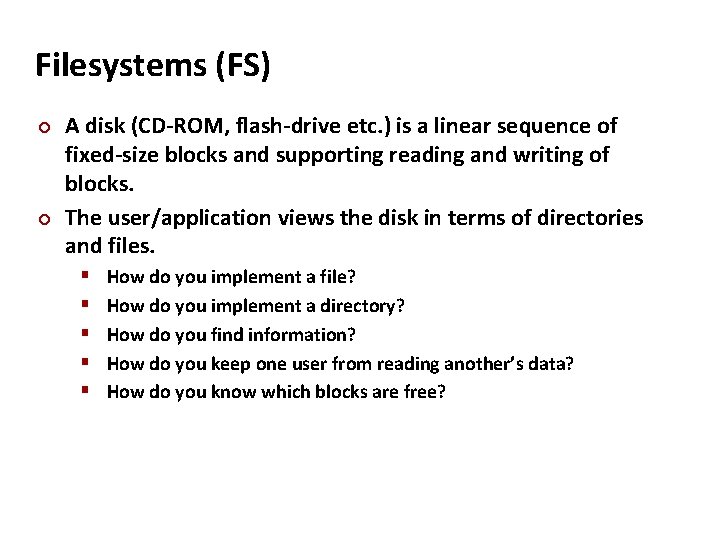
Carnegie Mellon Filesystems (FS) A disk (CD-ROM, flash-drive etc. ) is a linear sequence of fixed-size blocks and supporting reading and writing of blocks. The user/application views the disk in terms of directories and files. How do you implement a file? How do you implement a directory? How do you find information? How do you keep one user from reading another’s data? How do you know which blocks are free?
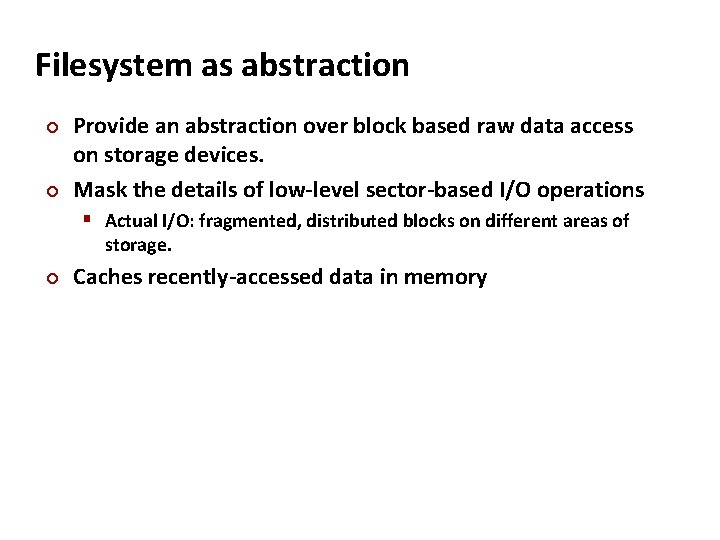
Carnegie Mellon Filesystem as abstraction Provide an abstraction over block based raw data access on storage devices. Mask the details of low-level sector-based I/O operations Actual I/O: fragmented, distributed blocks on different areas of storage. Caches recently-accessed data in memory
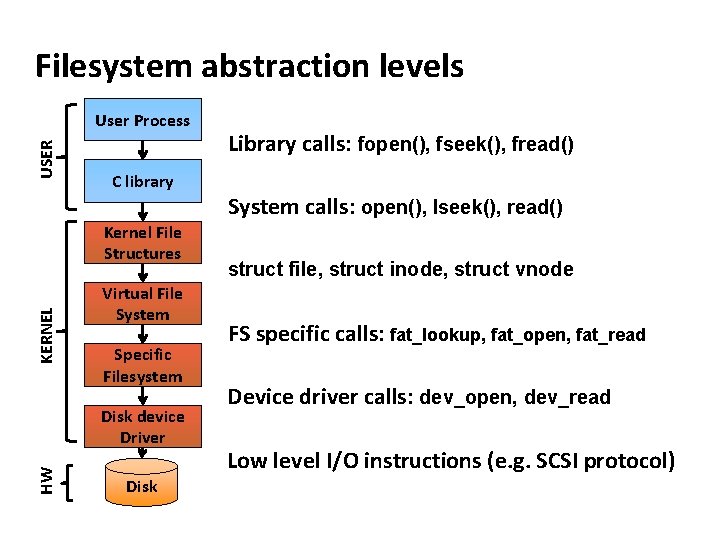
Carnegie Mellon Filesystem abstraction levels USER User Process C library KERNEL Kernel File Structures Virtual File System Specific Filesystem HW Disk device Driver Disk Library calls: fopen(), fseek(), fread() System calls: open(), lseek(), read() struct file, struct inode, struct vnode FS specific calls: fat_lookup, fat_open, fat_read Device driver calls: dev_open, dev_read Low level I/O instructions (e. g. SCSI protocol)
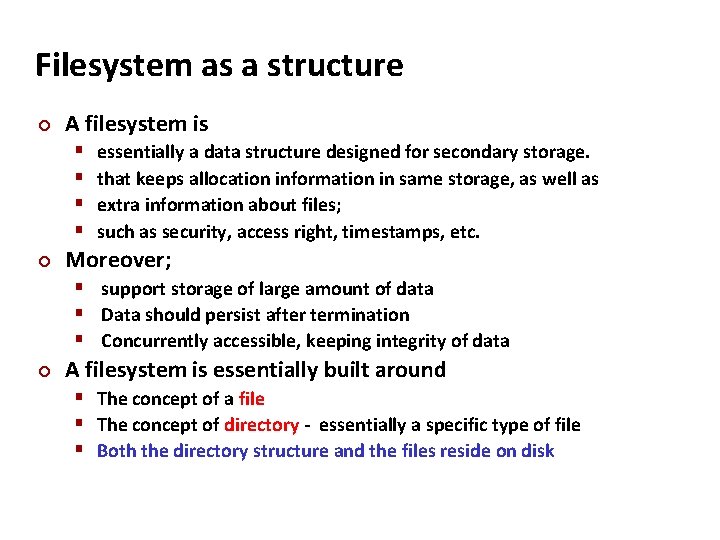
Carnegie Mellon Filesystem as a structure A filesystem is essentially a data structure designed for secondary storage. that keeps allocation information in same storage, as well as extra information about files; such as security, access right, timestamps, etc. Moreover; support storage of large amount of data Data should persist after termination Concurrently accessible, keeping integrity of data A filesystem is essentially built around The concept of a file The concept of directory - essentially a specific type of file Both the directory structure and the files reside on disk
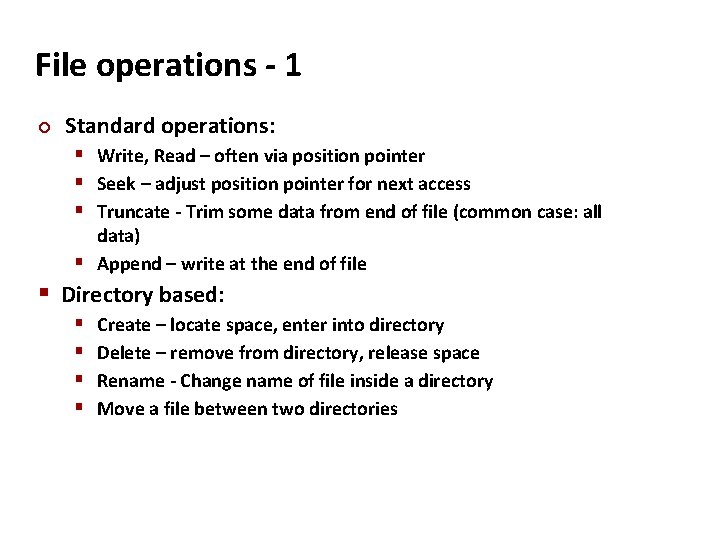
Carnegie Mellon File operations - 1 Standard operations: Write, Read – often via position pointer Seek – adjust position pointer for next access Truncate - Trim some data from end of file (common case: all data) Append – write at the end of file Directory based: Create – locate space, enter into directory Delete – remove from directory, release space Rename - Change name of file inside a directory Move a file between two directories
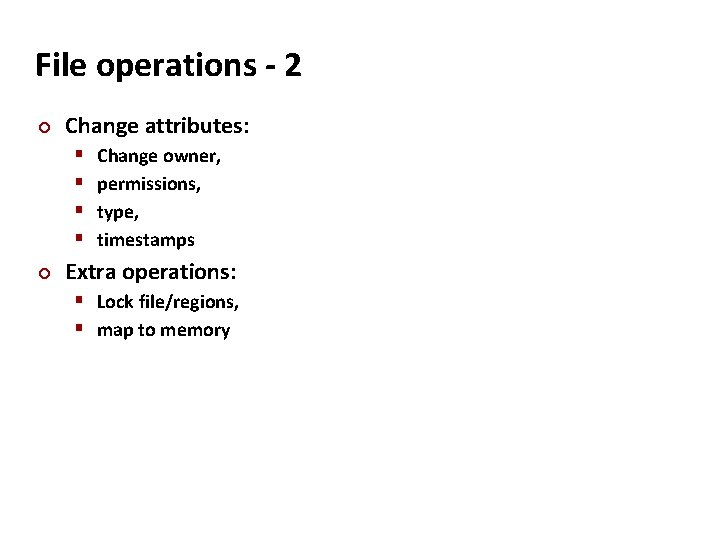
Carnegie Mellon File operations - 2 Change attributes: Change owner, permissions, type, timestamps Extra operations: Lock file/regions, map to memory
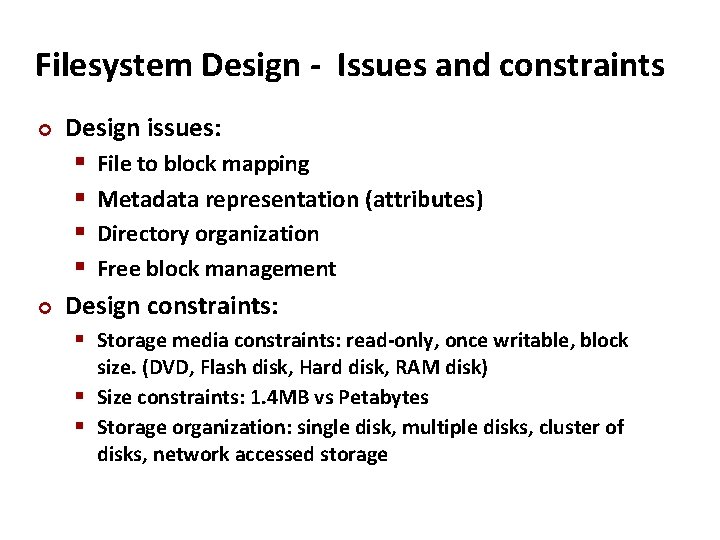
Carnegie Mellon Filesystem Design - Issues and constraints Design issues: File to block mapping Metadata representation (attributes) Directory organization Free block management Design constraints: Storage media constraints: read-only, once writable, block size. (DVD, Flash disk, Hard disk, RAM disk) Size constraints: 1. 4 MB vs Petabytes Storage organization: single disk, multiple disks, cluster of disks, network accessed storage
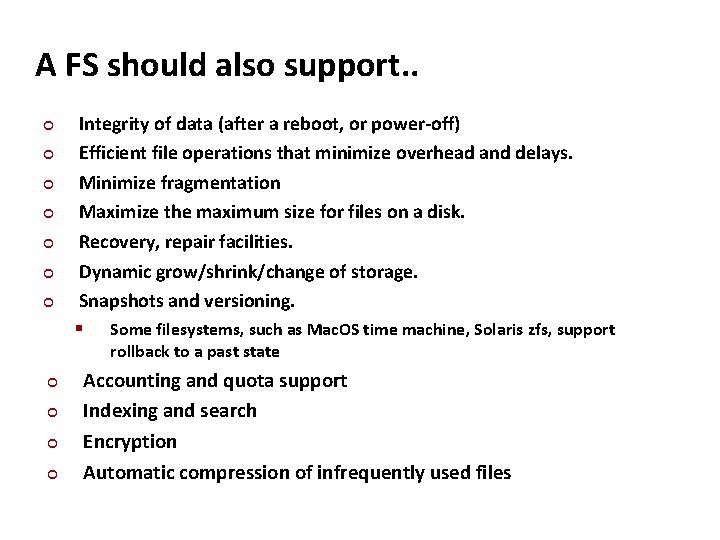
Carnegie Mellon A FS should also support. . Integrity of data (after a reboot, or power-off) Efficient file operations that minimize overhead and delays. Minimize fragmentation Maximize the maximum size for files on a disk. Recovery, repair facilities. Dynamic grow/shrink/change of storage. Snapshots and versioning. Some filesystems, such as Mac. OS time machine, Solaris zfs, support rollback to a past state Accounting and quota support Indexing and search Encryption Automatic compression of infrequently used files
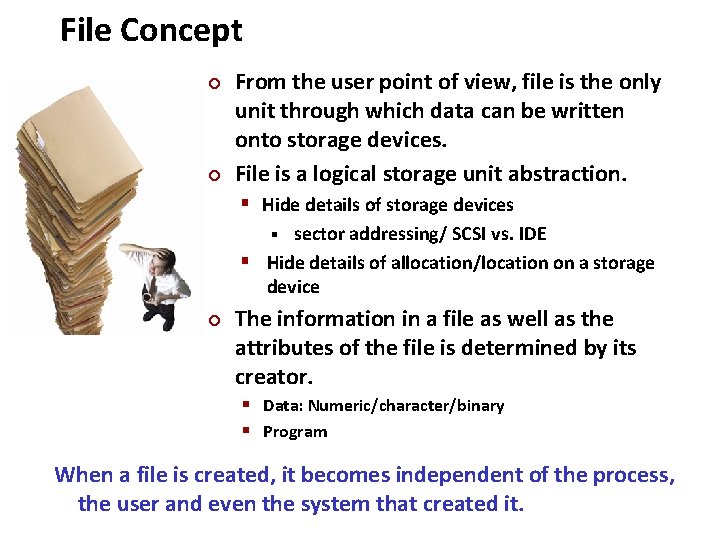
Carnegie Mellon File Concept From the user point of view, file is the only unit through which data can be written onto storage devices. File is a logical storage unit abstraction. Hide details of storage devices sector addressing/ SCSI vs. IDE Hide details of allocation/location on a storage device The information in a file as well as the attributes of the file is determined by its creator. Data: Numeric/character/binary Program When a file is created, it becomes independent of the process, the user and even the system that created it.
Carnegie Mellon File to Block Mapping Files are logically continuous regions. Since they grow, shrink, deleted, actual data blocks can be distributed in different regions of disk. Filesystem needs to keep track of this information.
Carnegie Mellon File Block Management File blocks can be accessed sequentially (text files) or randomly (indexed files). Spatial locality of files, keeping blocks of the file consecutive on disk, has advantages in some storage types, especially hard disks. Contiguous allocation: Allocation of large contiguous areas. Fixed size allocation: Allocation of fixed size blocks. Linkage of blocks in a file is provided by filesystem.
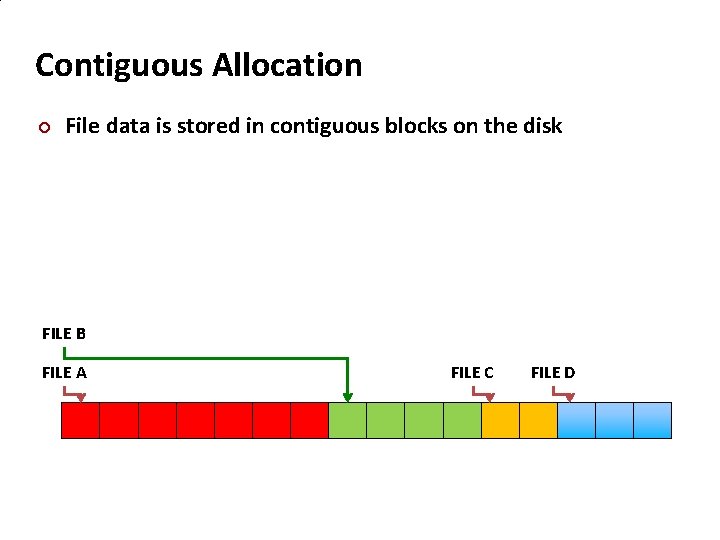
Carnegie Mellon Contiguous Allocation File data is stored in contiguous blocks on the disk FILE B FILE A FILE C FILE D
Carnegie Mellon Contiguous Allocation Harder to manage. Avoiding external fragmentation is a challenge. For main memory: buddy system, free lists of various sizes are used. Harder problem for slower devices like disks. File growth is harder to control. Size is not known in advance. File grows in increments of blocks, not like memory (first allocate and fill later). Fixed size allocation, easier to implement. Fast sequential acccess
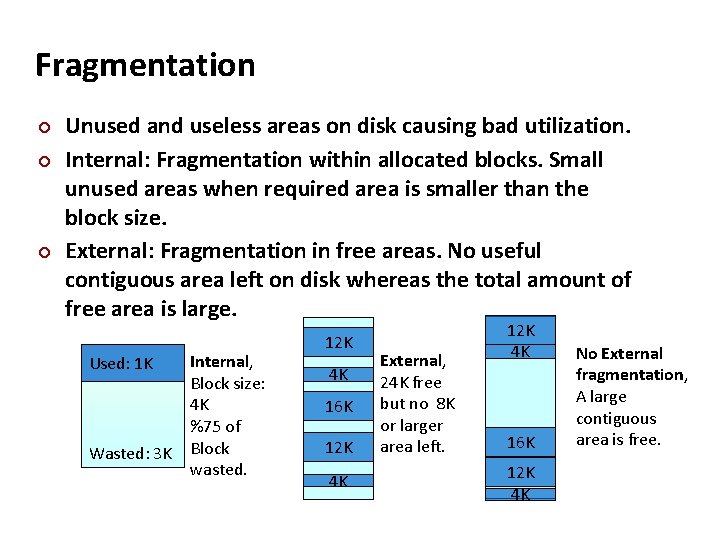
Carnegie Mellon Fragmentation Unused and useless areas on disk causing bad utilization. Internal: Fragmentation within allocated blocks. Small unused areas when required area is smaller than the block size. External: Fragmentation in free areas. No useful contiguous area left on disk whereas the total amount of free area is large. Used: 1 K Wasted: 3 K Internal, Block size: 4 K %75 of Block wasted. 12 K 4 K 16 K 12 K 4 K External, 24 K free but no 8 K or larger area left. 12 K 4 K 16 K 12 K 4 K No External fragmentation, A large contiguous area is free.
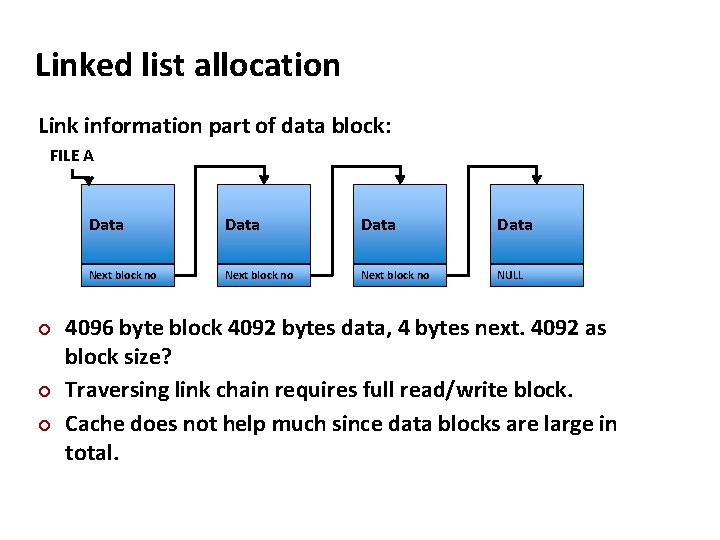
Carnegie Mellon Linked list allocation Link information part of data block: FILE A Data Next block no NULL 4096 byte block 4092 bytes data, 4 bytes next. 4092 as block size? Traversing link chain requires full read/write block. Cache does not help much since data blocks are large in total.
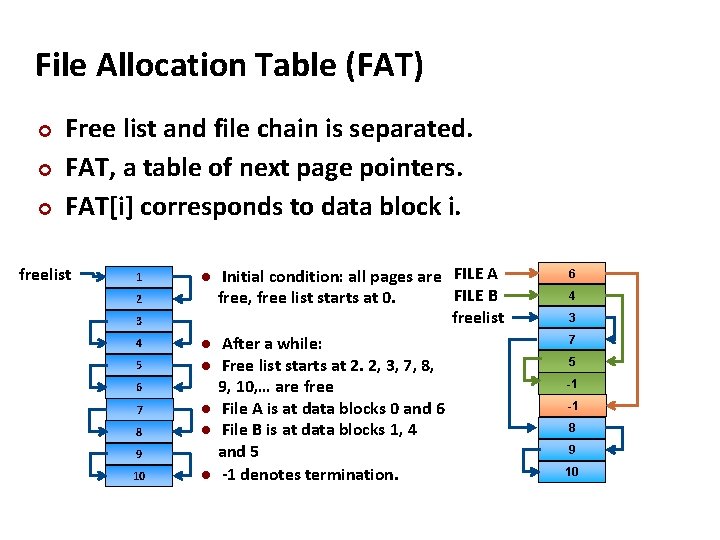
Carnegie Mellon File Allocation Table (FAT) Free list and file chain is separated. FAT, a table of next page pointers. FAT[i] corresponds to data block i. freelist 1 2 3 4 5 6 7 8 9 10 Initial condition: all pages are FILE A FILE B free, free list starts at 0. freelist After a while: Free list starts at 2. 2, 3, 7, 8, 9, 10, … are free File A is at data blocks 0 and 6 File B is at data blocks 1, 4 and 5 -1 denotes termination. 6 4 3 7 5 -1 -1 8 9 10
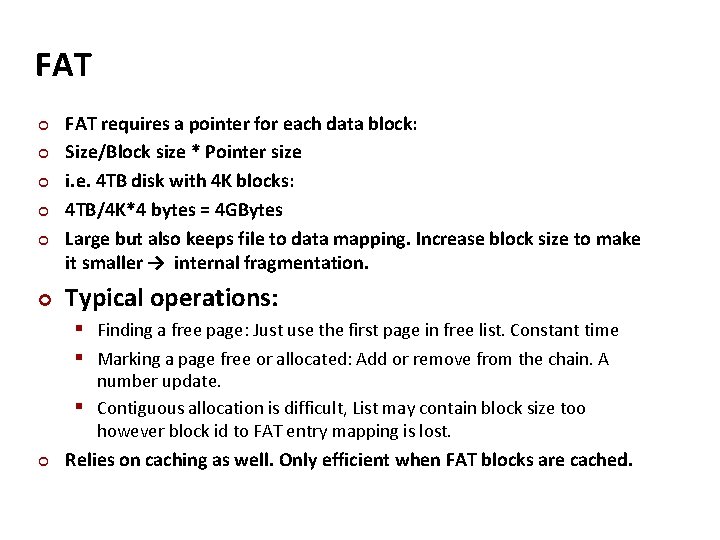
Carnegie Mellon FAT FAT requires a pointer for each data block: Size/Block size * Pointer size i. e. 4 TB disk with 4 K blocks: 4 TB/4 K*4 bytes = 4 GBytes Large but also keeps file to data mapping. Increase block size to make it smaller → internal fragmentation. Typical operations: Finding a free page: Just use the first page in free list. Constant time Marking a page free or allocated: Add or remove from the chain. A number update. Contiguous allocation is difficult, List may contain block size too however block id to FAT entry mapping is lost. Relies on caching as well. Only efficient when FAT blocks are cached.
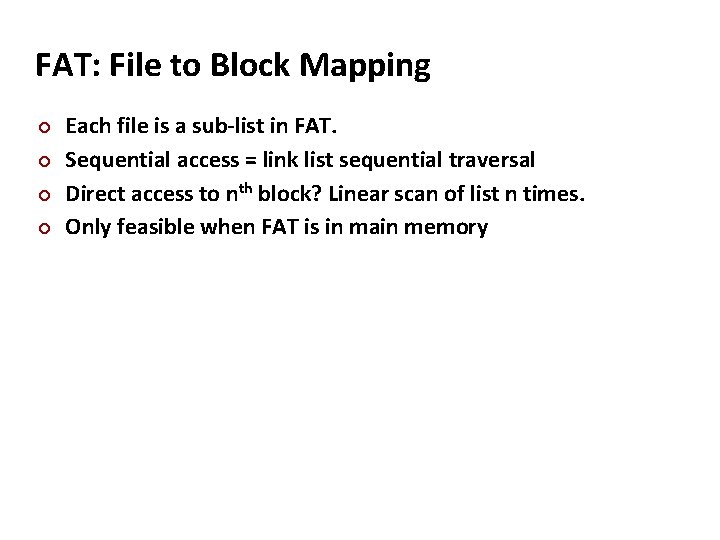
Carnegie Mellon FAT: File to Block Mapping Each file is a sub-list in FAT. Sequential access = link list sequential traversal Direct access to nth block? Linear scan of list n times. Only feasible when FAT is in main memory
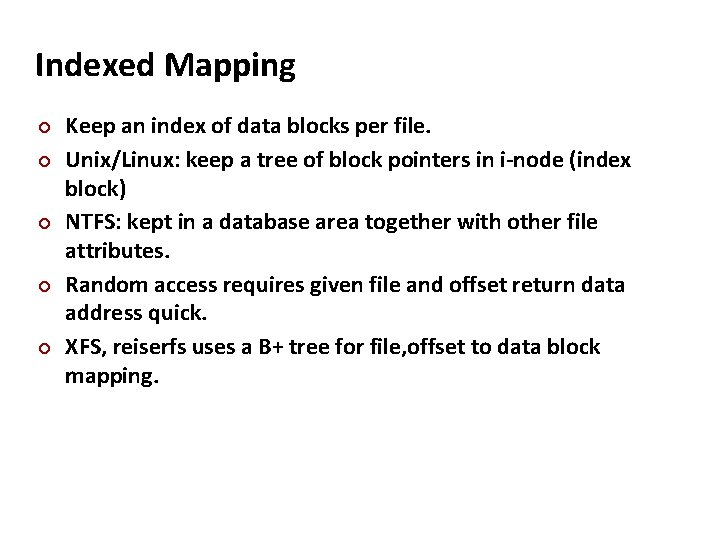
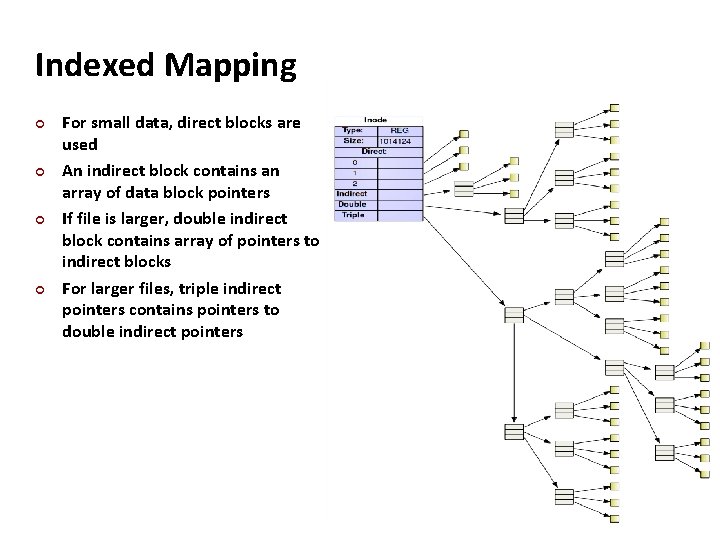
Carnegie Mellon Indexed Mapping Keep an index of data blocks per file. Unix/Linux: keep a tree of block pointers in i-node (index block) NTFS: kept in a database area together with other file attributes. Random access requires given file and offset return data address quick. XFS, reiserfs uses a B+ tree for file, offset to data block mapping.
Carnegie Mellon Indexed Mapping For small data, direct blocks are used An indirect block contains an array of data block pointers If file is larger, double indirect block contains array of pointers to indirect blocks For larger files, triple indirect pointers contains pointers to double indirect pointers
Carnegie Mellon Block/Cluster Size Block size affects and is affected by: Storage device native block size. (no smaller read, smaller writes require, read, update in mem, write VM page size (caching) Filesystems may choose a cluster of blocks as unit to support larger disks and file sizes. Large cluster size → Internal fragmentation Small cluster size bad → locality.
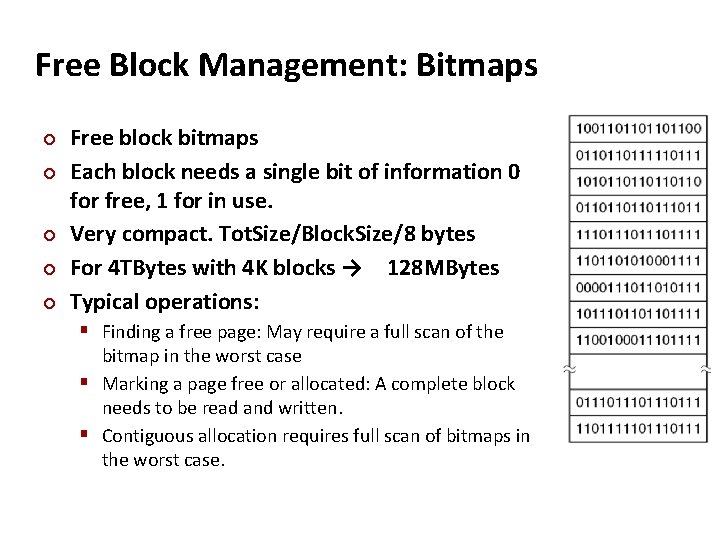
Carnegie Mellon Free Block Management: Bitmaps Free block bitmaps Each block needs a single bit of information 0 for free, 1 for in use. Very compact. Tot. Size/Block. Size/8 bytes For 4 TBytes with 4 K blocks → 128 MBytes Typical operations: Finding a free page: May require a full scan of the bitmap in the worst case Marking a page free or allocated: A complete block needs to be read and written. Contiguous allocation requires full scan of bitmaps in the worst case.
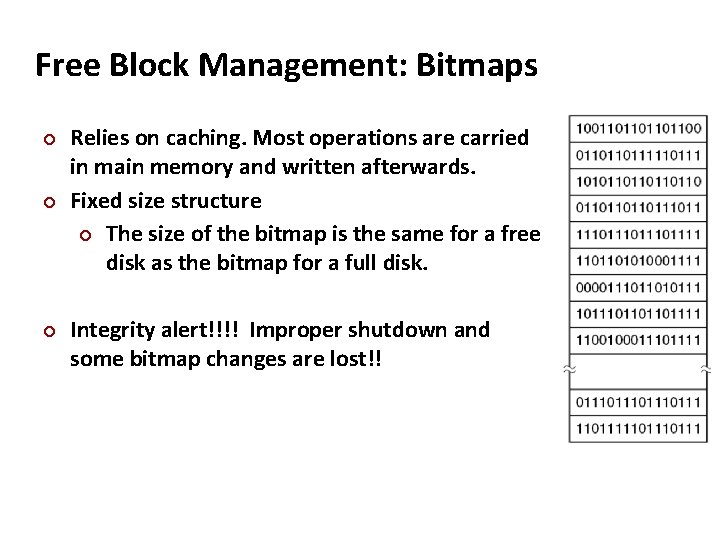
Carnegie Mellon Free Block Management: Bitmaps Relies on caching. Most operations are carried in main memory and written afterwards. Fixed size structure The size of the bitmap is the same for a free disk as the bitmap for a full disk. Integrity alert!!!! Improper shutdown and some bitmap changes are lost!!
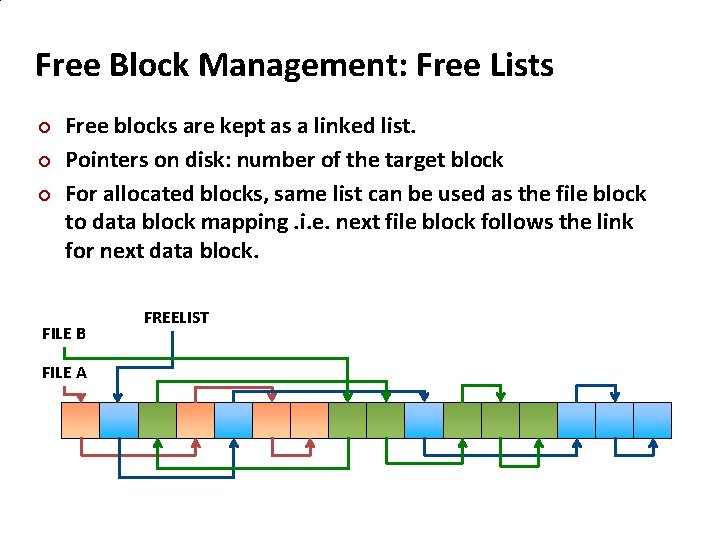
Carnegie Mellon Free Block Management: Free Lists Free blocks are kept as a linked list. Pointers on disk: number of the target block For allocated blocks, same list can be used as the file block to data block mapping. i. e. next file block follows the link for next data block. FILE B FILE A FREELIST
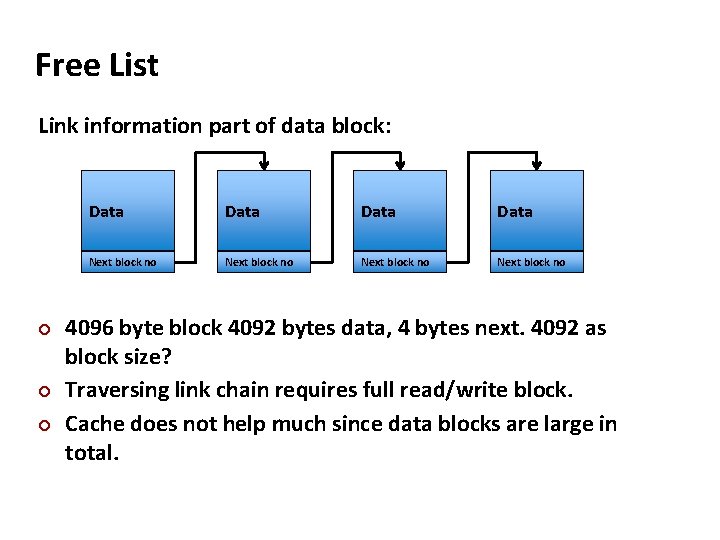
Carnegie Mellon Free List Link information part of data block: Data Next block no 4096 byte block 4092 bytes data, 4 bytes next. 4092 as block size? Traversing link chain requires full read/write block. Cache does not help much since data blocks are large in total.
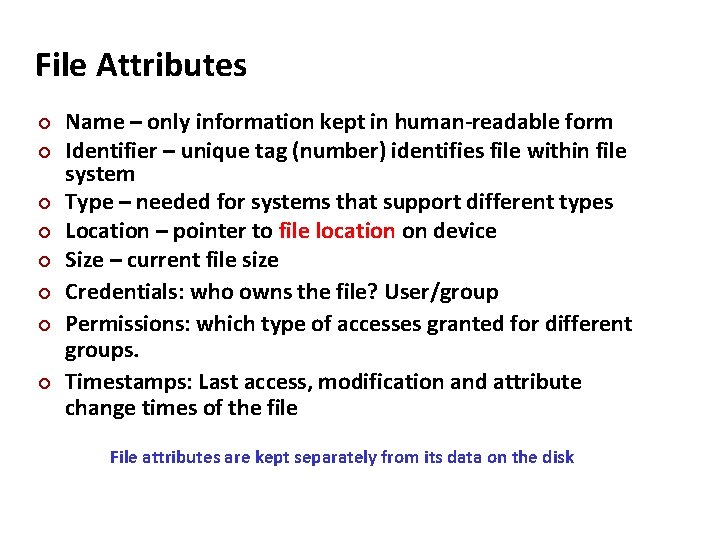
Carnegie Mellon File Attributes Name – only information kept in human-readable form Identifier – unique tag (number) identifies file within file system Type – needed for systems that support different types Location – pointer to file location on device Size – current file size Credentials: who owns the file? User/group Permissions: which type of accesses granted for different groups. Timestamps: Last access, modification and attribute change times of the file File attributes are kept separately from its data on the disk
Carnegie Mellon File Type/Extension File type provides information on what can be done with that file to the OS. Windows uses a three letter code following a dot as extension to determine file type. *. exe are executable, *. c are C source files Unix like systems do not rely on extension, but look at first group of bytes to determine the file type (ELF binary vs. a script) See “man file”, “man magic” Mac OS TEXT/APPL is used for all files. Creator application is stored as an attribute.
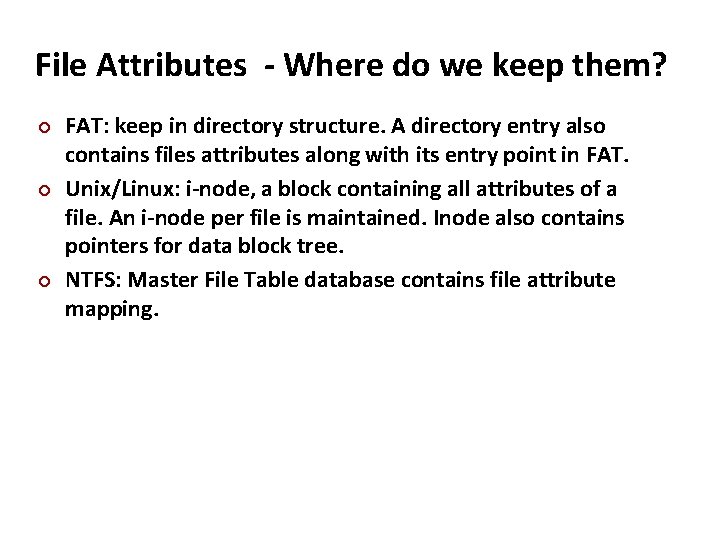
Carnegie Mellon File Attributes - Where do we keep them? FAT: keep in directory structure. A directory entry also contains files attributes along with its entry point in FAT. Unix/Linux: i-node, a block containing all attributes of a file. An i-node per file is maintained. Inode also contains pointers for data block tree. NTFS: Master File Table database contains file attribute mapping.
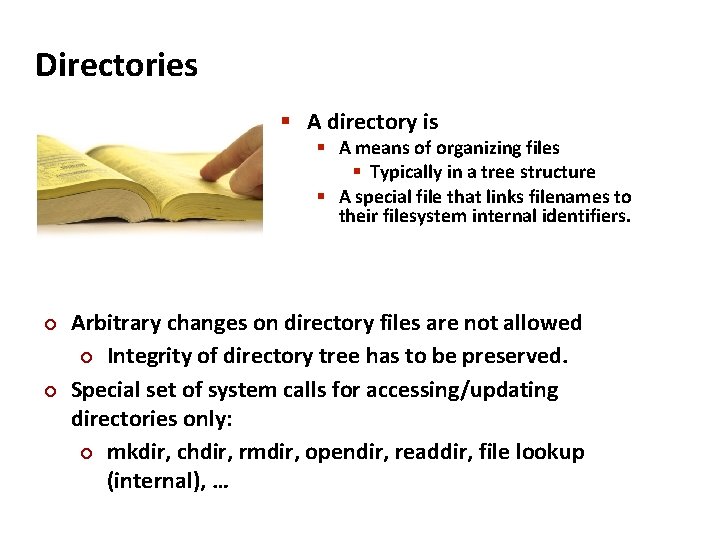
Carnegie Mellon Directories A directory is A means of organizing files Typically in a tree structure A special file that links filenames to their filesystem internal identifiers. Arbitrary changes on directory files are not allowed Integrity of directory tree has to be preserved. Special set of system calls for accessing/updating directories only: mkdir, chdir, rmdir, opendir, readdir, file lookup (internal), …
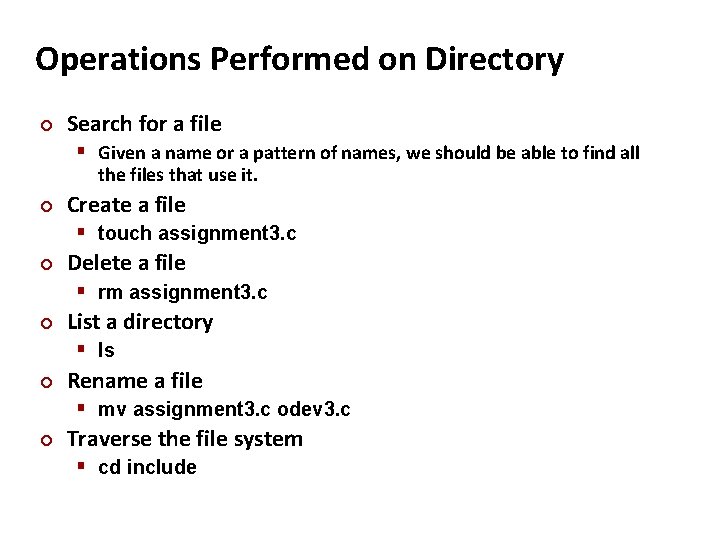
Carnegie Mellon Operations Performed on Directory Search for a file Given a name or a pattern of names, we should be able to find all the files that use it. Create a file touch assignment 3. c Delete a file rm assignment 3. c List a directory ls Rename a file mv assignment 3. c odev 3. c Traverse the file system cd include
Carnegie Mellon Directory requirements Efficiency – locating a file quickly Naming – convenient to users Two users can have same name for different files The same file can have several different names Grouping – logical grouping of files by properties, (e. g. , all Java programs, all games, …)
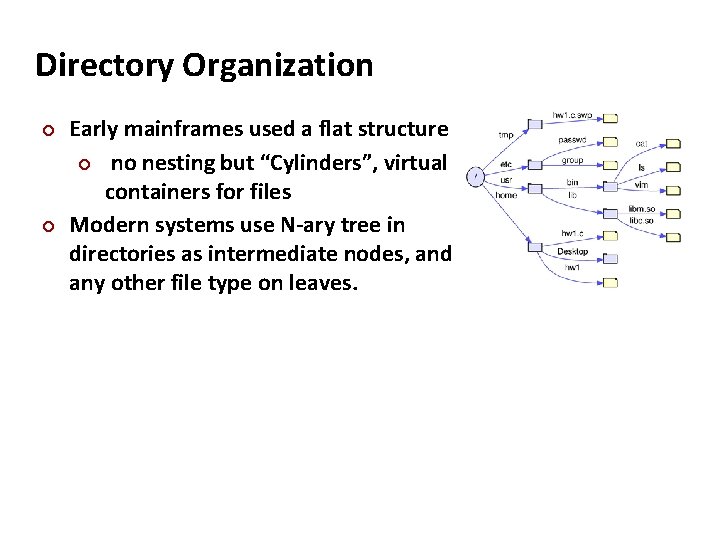
Carnegie Mellon Directory Organization Early mainframes used a flat structure no nesting but “Cylinders”, virtual containers for files Modern systems use N-ary tree in directories as intermediate nodes, and any other file type on leaves.
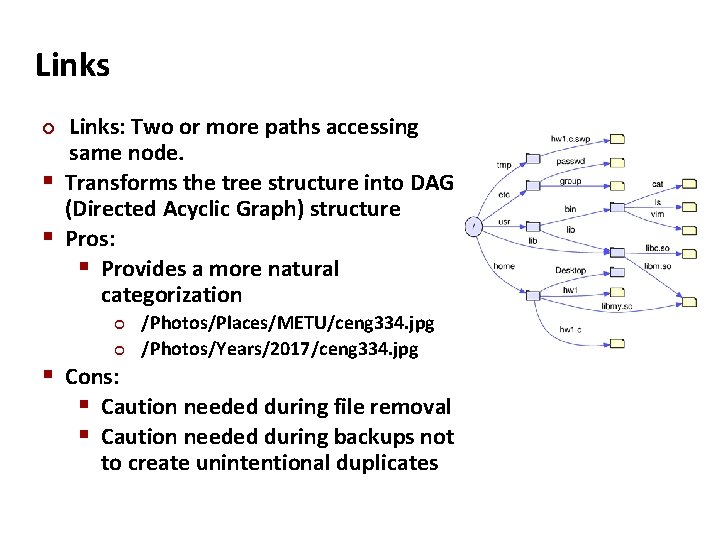
Carnegie Mellon Links: Two or more paths accessing same node. Transforms the tree structure into DAG (Directed Acyclic Graph) structure Pros: Provides a more natural categorization /Photos/Places/METU/ceng 334. jpg /Photos/Years/2017/ceng 334. jpg Cons: Caution needed during file removal Caution needed during backups not to create unintentional duplicates
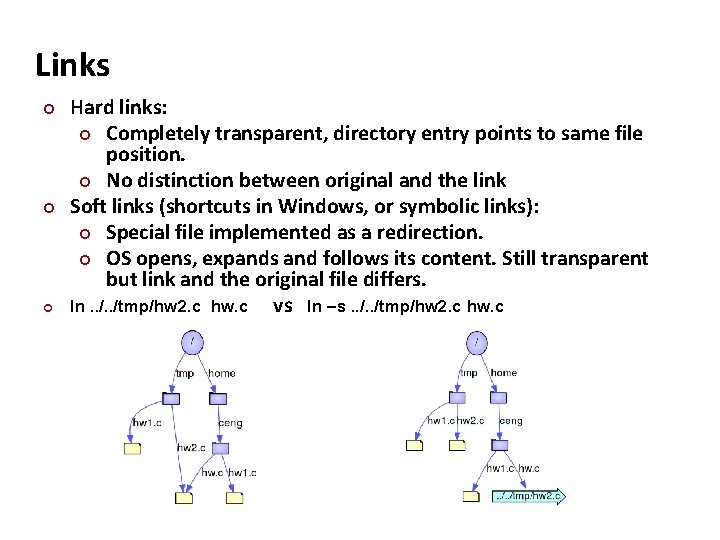
Carnegie Mellon Links Hard links: Completely transparent, directory entry points to same file position. No distinction between original and the link Soft links (shortcuts in Windows, or symbolic links): Special file implemented as a redirection. OS opens, expands and follows its content. Still transparent but link and the original file differs. ln. . /tmp/hw 2. c hw. c vs ln –s. . /tmp/hw 2. c hw. c
Carnegie Mellon Links - discussion Hard links: more efficient, cannot span multiple filesystems, cannot link directories. Soft links: can span multiple filesystems, can link directories, but may dangle (link may exist without its target), when relative (i. e. . . /dir/file. txt) it can be moved with the original file. Directory linking may cause cycles. Cycles causes no problems for the OS but programs accessing filesystem recursively may end up in infinite loops. OS’s can break cycles of soft links by limiting total number of link expansions in a path.