
Carnegie Mellon ECE Computing Infrastructure 2018 Prepared by
Carnegie Mellon ECE Computing Infrastructure 2018 Prepared by ECE IT Services Franz Franchetti, Faculty Director Dan Fassinger, Executive Manager
Carnegie Mellon Outline � Personal Computing � CIT Partnerships � CMU Andrew Computing � PSC Bridges � ECE Physical Spaces � XSEDE Project � ECE Compute Clusters � Cloud Providers � ECE Data Science Cloud � Licensing Considerations � ECE HTCondor � Tales from the Trenches � Hands-on: accounts, getting started
Carnegie Mellon Introductions Dan Fassinger Executive Manager ECE IT Services Jim Mc. Kinney Data Center Manager ECE IT Services Hours: M-F 8 a-5 p Location: Hamerschlag Hall A 200 suites Docs and resources: https: //userguide. its. cit. cmu. edu/ Email: help@ece. cmu. edu
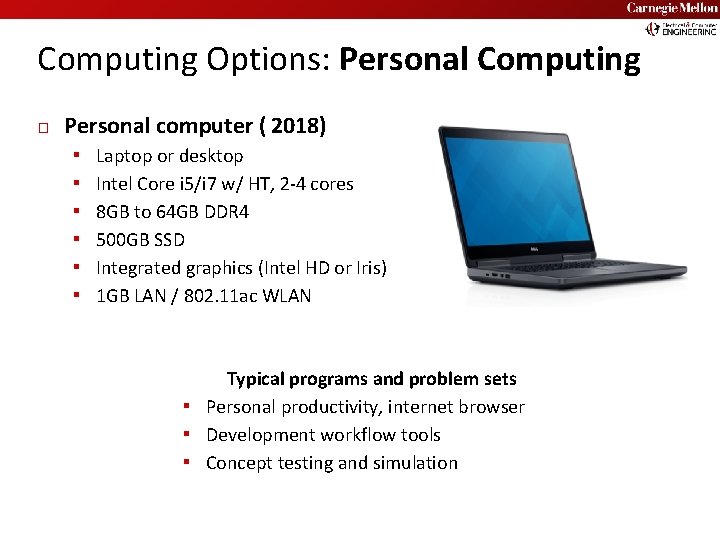
Carnegie Mellon Computing Options: Personal Computing � Personal computer ( 2018) ▪ ▪ ▪ Laptop or desktop Intel Core i 5/i 7 w/ HT, 2 -4 cores 8 GB to 64 GB DDR 4 500 GB SSD Integrated graphics (Intel HD or Iris) 1 GB LAN / 802. 11 ac WLAN Typical programs and problem sets ▪ Personal productivity, internet browser ▪ Development workflow tools ▪ Concept testing and simulation
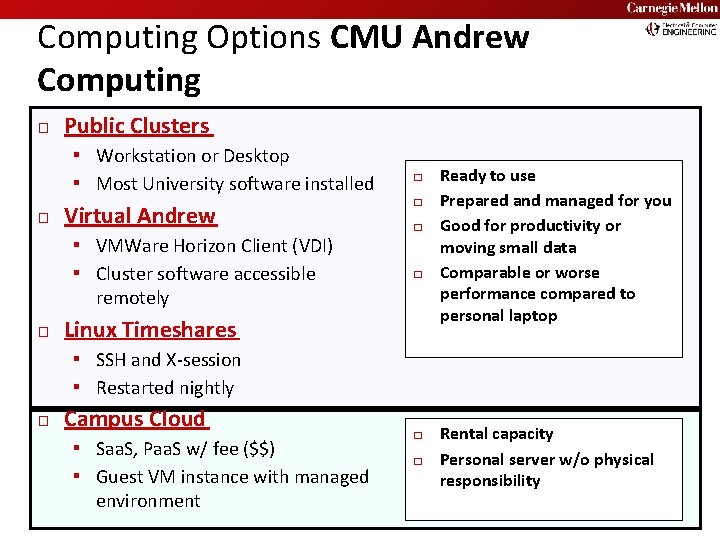
Computing Options CMU Andrew Computing � Public Clusters ▪ Workstation or Desktop ▪ Most University software installed � Virtual Andrew ▪ VMWare Horizon Client (VDI) ▪ Cluster software accessible � � remotely � Carnegie Mellon Linux Timeshares Ready to use Prepared and managed for you Good for productivity or moving small data Comparable or worse performance compared to personal laptop ▪ SSH and X-session ▪ Restarted nightly � Campus Cloud ▪ Saa. S, Paa. S w/ fee ($$) ▪ Guest VM instance with managed environment � � Rental capacity Personal server w/o physical responsibility
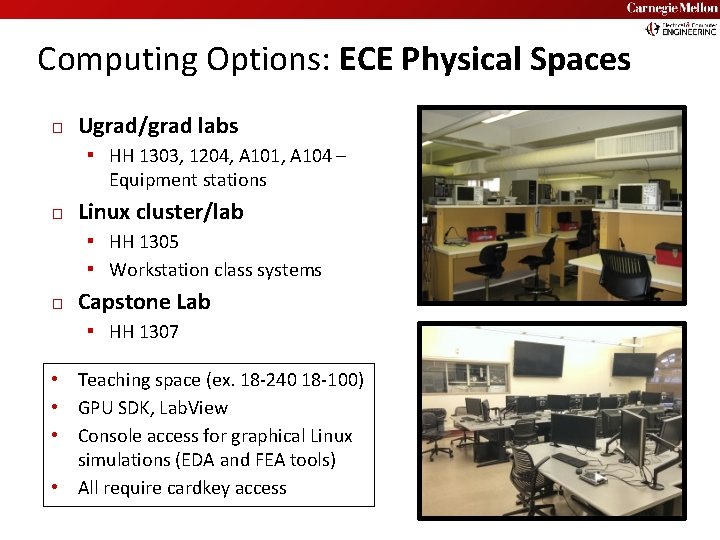
Carnegie Mellon Computing Options: ECE Physical Spaces � Ugrad/grad labs ▪ HH 1303, 1204, A 101, A 104 – Equipment stations � Linux cluster/lab ▪ HH 1305 ▪ Workstation class systems � Capstone Lab ▪ HH 1307 Teaching space (ex. 18 -240 18 -100) GPU SDK, Lab. View Console access for graphical Linux simulations (EDA and FEA tools) • All require cardkey access • • •
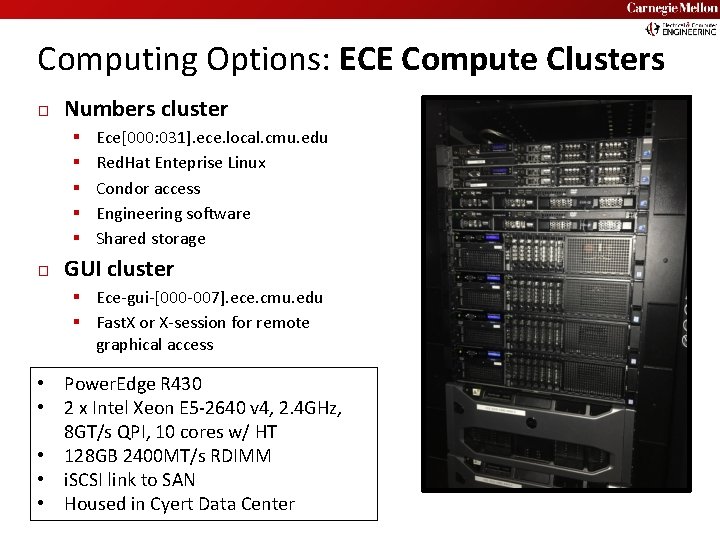
Carnegie Mellon Computing Options: ECE Compute Clusters � Numbers cluster ▪ ▪ ▪ � Ece[000: 031]. ece. local. cmu. edu Red. Hat Enteprise Linux Condor access Engineering software Shared storage GUI cluster ▪ Ece-gui-[000 -007]. ece. cmu. edu ▪ Fast. X or X-session for remote graphical access Power. Edge R 430 2 x Intel Xeon E 5 -2640 v 4, 2. 4 GHz, 8 GT/s QPI, 10 cores w/ HT • 128 GB 2400 MT/s RDIMM • i. SCSI link to SAN • Housed in Cyert Data Center • •
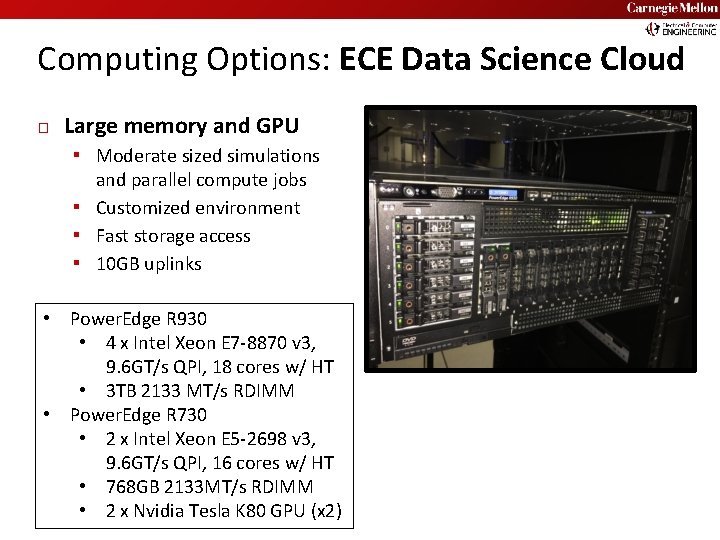
Carnegie Mellon Computing Options: ECE Data Science Cloud � Large memory and GPU ▪ Moderate sized simulations and parallel compute jobs ▪ Customized environment ▪ Fast storage access ▪ 10 GB uplinks • • Power. Edge R 930 • 4 x Intel Xeon E 7 -8870 v 3, 9. 6 GT/s QPI, 18 cores w/ HT • 3 TB 2133 MT/s RDIMM Power. Edge R 730 • 2 x Intel Xeon E 5 -2698 v 3, 9. 6 GT/s QPI, 16 cores w/ HT • 768 GB 2133 MT/s RDIMM • 2 x Nvidia Tesla K 80 GPU (x 2)
Carnegie Mellon Computing Options: ECE HTCondor � � • • Batch submission system Job queuing, scheduling Serial or parallel jobs Harness compute power of entire clusters Access via ECE Numbers Cluster Submitting first Condor job ▪ ▪ � Prepare Compile Submit Retrieve Use with Matlab, Comsol, Cadence, std. engineering simulations
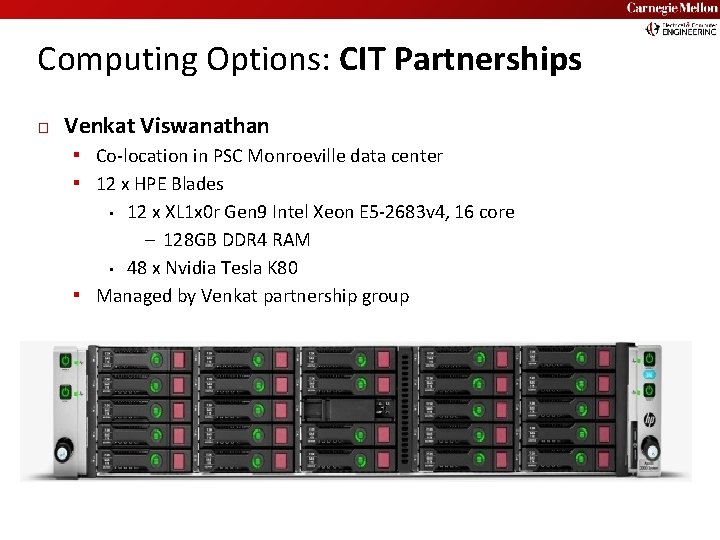
Carnegie Mellon Computing Options: CIT Partnerships � Venkat Viswanathan ▪ Co-location in PSC Monroeville data center ▪ 12 x HPE Blades 12 x XL 1 x 0 r Gen 9 Intel Xeon E 5 -2683 v 4, 16 core – 128 GB DDR 4 RAM ▪ 48 x Nvidia Tesla K 80 ▪ Managed by Venkat partnership group ▪
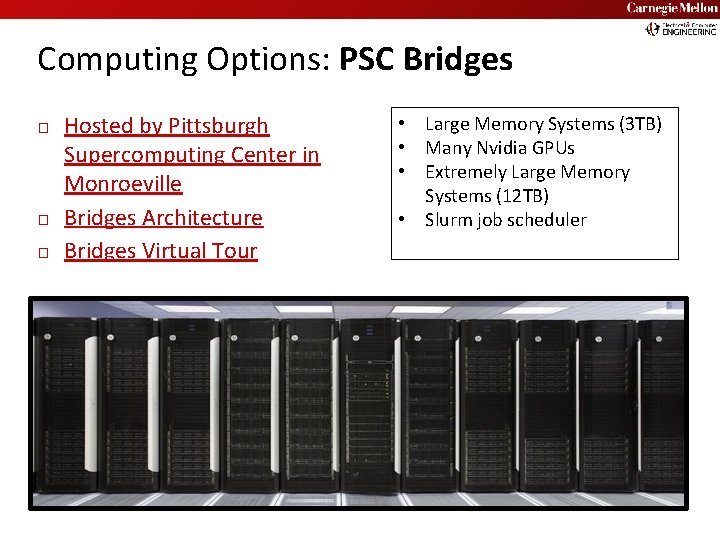
Carnegie Mellon Computing Options: PSC Bridges � � � Hosted by Pittsburgh Supercomputing Center in Monroeville Bridges Architecture Bridges Virtual Tour • • Large Memory Systems (3 TB) Many Nvidia GPUs Extremely Large Memory Systems (12 TB) Slurm job scheduler
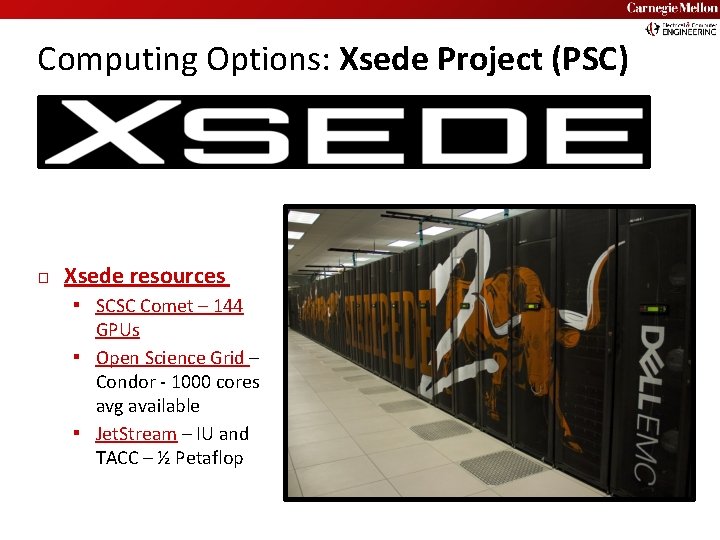
Carnegie Mellon Computing Options: Xsede Project (PSC) � Xsede resources ▪ SCSC Comet – 144 GPUs ▪ Open Science Grid – Condor - 1000 cores avg available ▪ Jet. Stream – IU and TACC – ½ Petaflop
Carnegie Mellon Computing Options: Cloud Providers � Amazon AWS ▪ https: //aws. amazon. com/grants/ ▪ https: //aws. amazon. com/education/awseducate/ � Google Cloud Compute ▪ https: //cloud. google. com/edu/ ▪ https: //lp. google-mkto. com/Cloud. Edu. Grants_Faculty. html � Microsoft Azure ▪ https: //www. microsoft. com/en-us/research/academic-programs/ ▪ https: //azure. microsoft. com/en-us/free/
Computing Options: Licensing Considerations � � Each software package is different Network concurrent seats ▪ Limited number ▪ Off campus may not work – can’t contact license server w/o VPN � Use Restrictions ▪ ▪ ▪ ▪ Geographic location Remote access Student vs research version Watermarking Education/limited functionality Variations in software features Government requirements Carnegie Mellon
- Slides: 14