
Canvas Notes Canvas Element canvas Used to draw
- Slides: 32
Canvas Notes
Canvas Element <canvas> Used to draw graphics on a web page - Can draw paths, boxes, circles, text and add images By default, has no border and no content
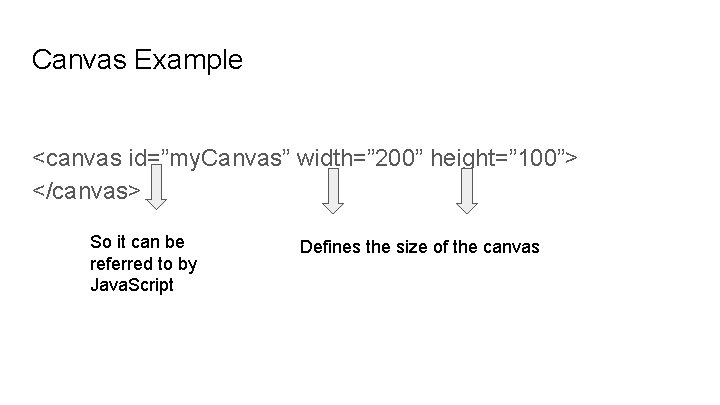
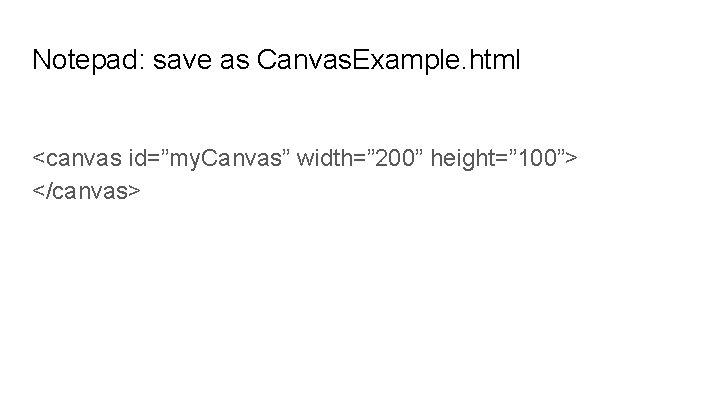
Canvas Example <canvas id=”my. Canvas” width=” 200” height=” 100”> </canvas> So it can be referred to by Java. Script Defines the size of the canvas
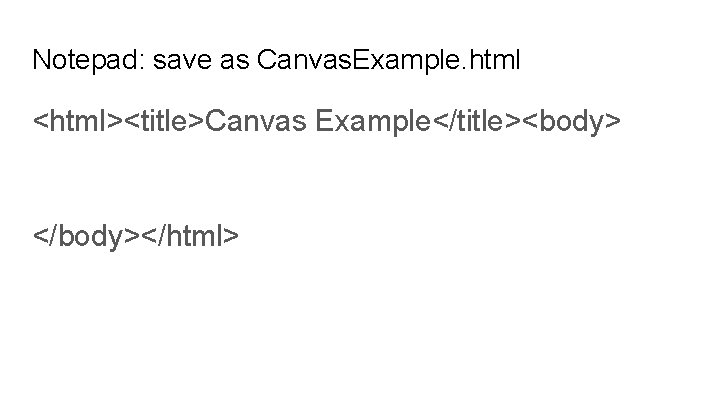
Notepad: save as Canvas. Example. html <html><title>Canvas Example</title><body> </body></html>
Notepad: save as Canvas. Example. html <canvas id=”my. Canvas” width=” 200” height=” 100”> </canvas>
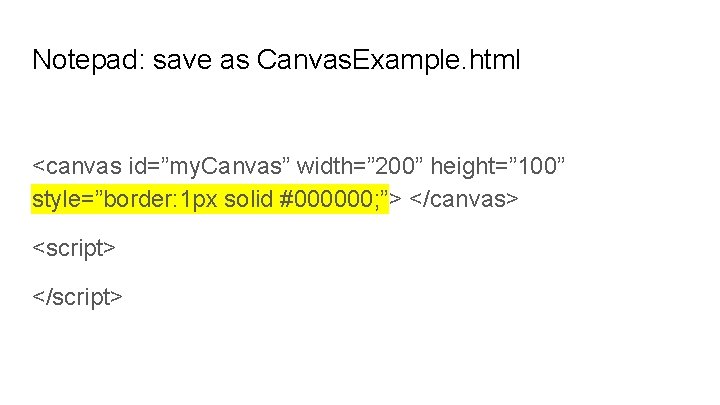
Notepad: save as Canvas. Example. html <canvas id=”my. Canvas” width=” 200” height=” 100” style=”border: 1 px solid #000000; ”> </canvas> <script> </script>
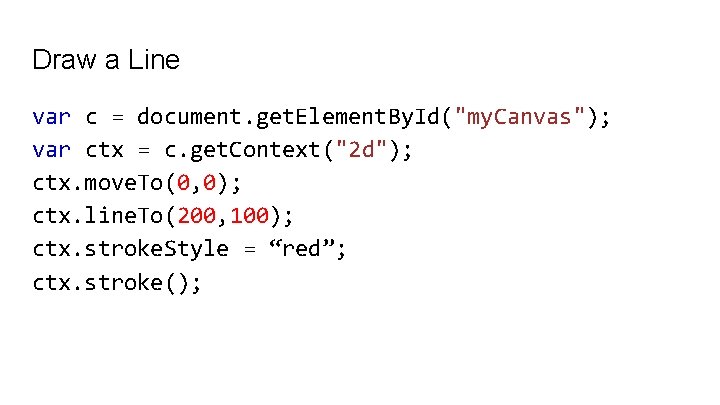
Draw a line Use the following methods - move. To(x, y) - defines the starting point of the line - line. To(x, y) - defines the ending point of the line
Draw a line Define a starting point (0, 0), and an ending point (200, 100). Use the stroke() method to actually draw the line
Draw a Line var c = document. get. Element. By. Id("my. Canvas"); var ctx = c. get. Context("2 d"); ctx. move. To(0, 0); ctx. line. To(200, 100); ctx. stroke. Style = “red”; ctx. stroke();
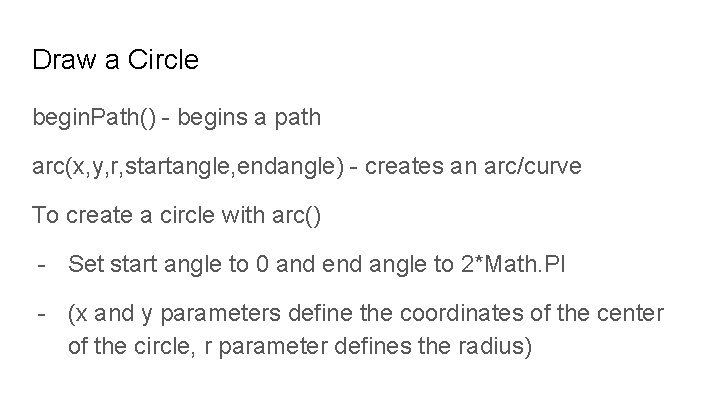
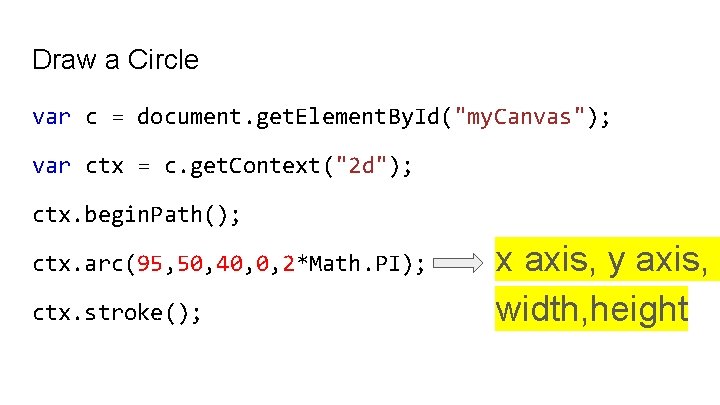
Draw a Circle begin. Path() - begins a path arc(x, y, r, startangle, endangle) - creates an arc/curve To create a circle with arc() - Set start angle to 0 and end angle to 2*Math. PI - (x and y parameters define the coordinates of the center of the circle, r parameter defines the radius)
Draw a Circle var c = document. get. Element. By. Id("my. Canvas"); var ctx = c. get. Context("2 d"); ctx. begin. Path(); ctx. arc(95, 50, 40, 0, 2*Math. PI); ctx. stroke(); x axis, y axis, width, height
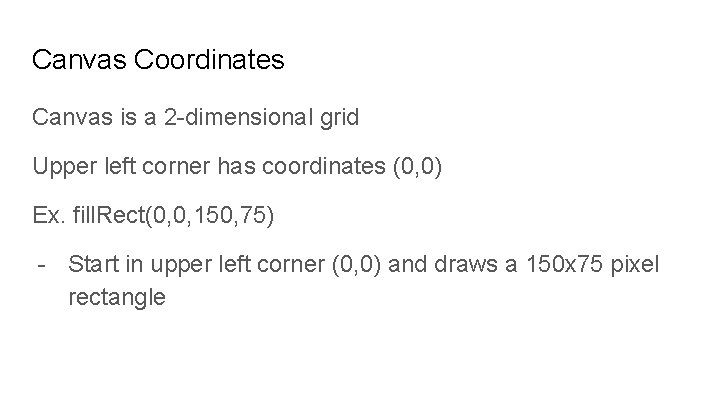
Canvas Coordinates Canvas is a 2 -dimensional grid Upper left corner has coordinates (0, 0) Ex. fill. Rect(0, 0, 150, 75) - Start in upper left corner (0, 0) and draws a 150 x 75 pixel rectangle
Change the Background Color ctx. fill. Rect(0, 0, 150, 75); - fill. Rect(x, y, width, height) method draws a rectangle ctx. fill. Style = "#FF 0000"; - Fills the drawing object with the color red
Drawing text on the canvas To draw text on a canvas, the most important property and methods are: font - defines the font properties for the text fill. Text(text, x, y) - draws "filled" text on the canvas stroke. Text(text, x, y) - draws text on the canvas (no fill)
Using fill. Text() var canvas = document. get. Element. By. Id("my. Canvas"); var ctx = canvas. get. Context("2 d"); ctx. font = "30 px Arial"; ctx. fill. Text("Hello World", 10, 50);
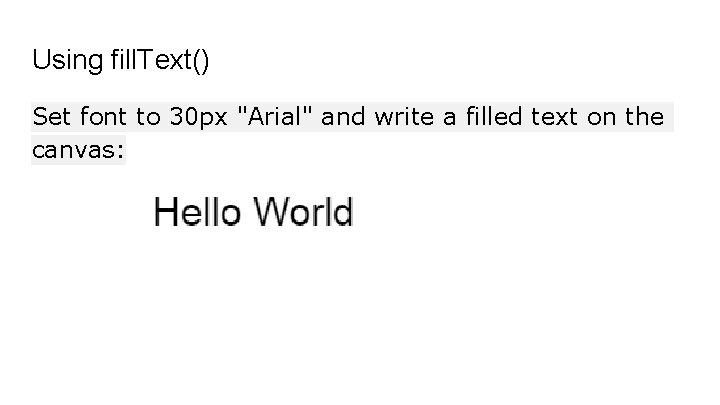
Using fill. Text() Set font to 30 px "Arial" and write a filled text on the canvas:
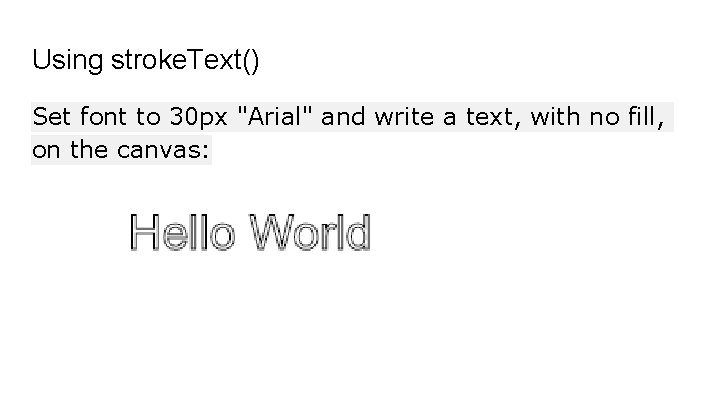
Using stroke. Text() Set font to 30 px "Arial" and write a text, with no fill, on the canvas:
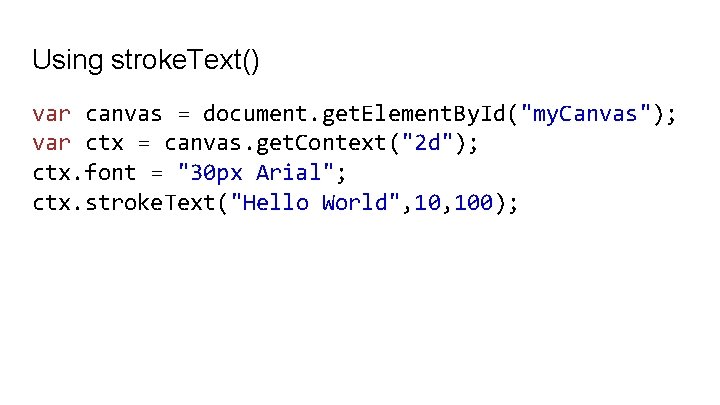
Using stroke. Text() var canvas = document. get. Element. By. Id("my. Canvas"); var ctx = canvas. get. Context("2 d"); ctx. font = "30 px Arial"; ctx. stroke. Text("Hello World", 100);
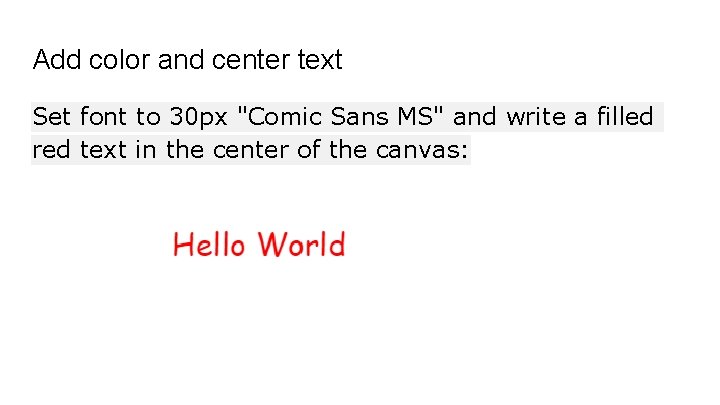
Add color and center text Set font to 30 px "Comic Sans MS" and write a filled red text in the center of the canvas:
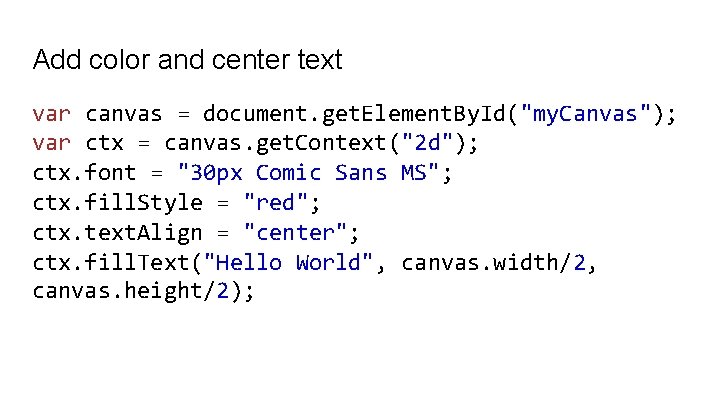
Add color and center text var canvas = document. get. Element. By. Id("my. Canvas"); var ctx = canvas. get. Context("2 d"); ctx. font = "30 px Comic Sans MS"; ctx. fill. Style = "red"; ctx. text. Align = "center"; ctx. fill. Text("Hello World", canvas. width/2, canvas. height/2);
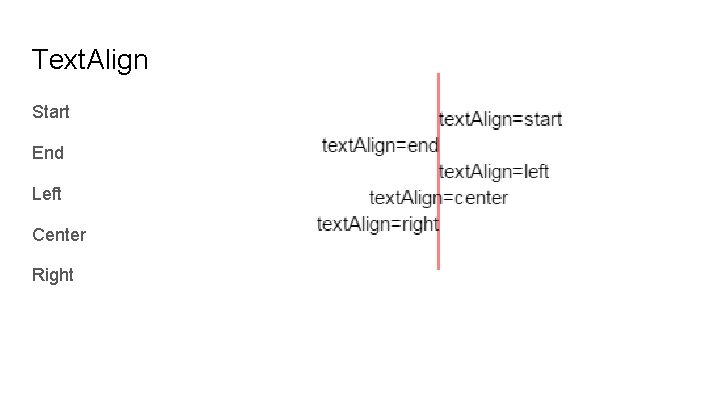
Text. Align Start End Left Center Right
Canvas Gradients can be used to fill rectangles, circles, lines, text, etc.
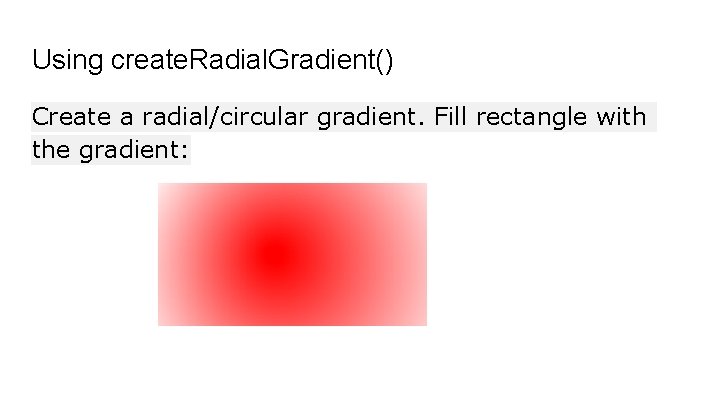
Canvas Gradients There are two different types of gradients: create. Linear. Gradient(x, y, x 1, y 1) - creates a linear gradient create. Radial. Gradient(x, y, r, x 1, y 1, r 1) - creates a radial/circular gradient
Canvas Gradients Add two or more color stops using the add. Color. Stop() method - specifies the color stops, and its position along the gradient (anywhere between 0 and 1) To use the gradient, set the fill. Style or stroke. Style property to the gradient, then draw the shape (rectangle, text, or a line).
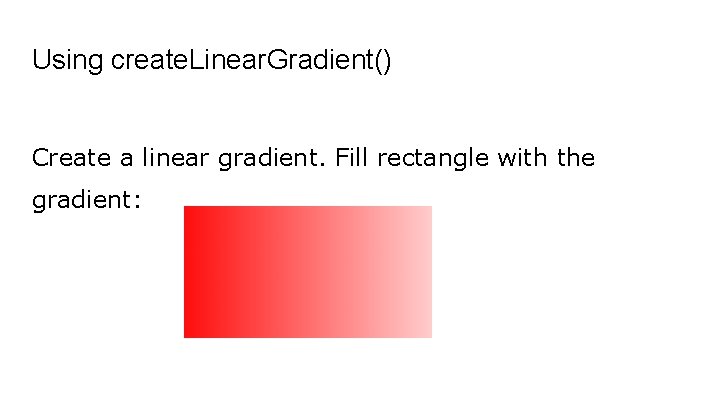
Using create. Linear. Gradient() Create a linear gradient. Fill rectangle with the gradient:
Using create. Linear. Gradient() var c=document. get. Element. By. Id("my. Canvas"); var ctx=c. get. Context("2 d");
Using create. Linear. Gradient() // Create gradient var grd=ctx. create. Linear. Gradient(0, 0, 200, 0); grd. add. Color. Stop(0, "red"); grd. add. Color. Stop(1, "white");
Using create. Linear. Gradient() // Fill with gradient ctx. fill. Style=grd; ctx. fill. Rect(10, 150, 80);
Using create. Radial. Gradient() Create a radial/circular gradient. Fill rectangle with the gradient:
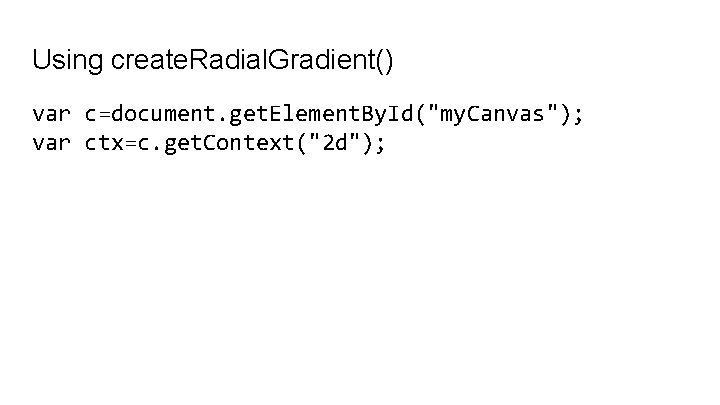
Using create. Radial. Gradient() var c=document. get. Element. By. Id("my. Canvas"); var ctx=c. get. Context("2 d");
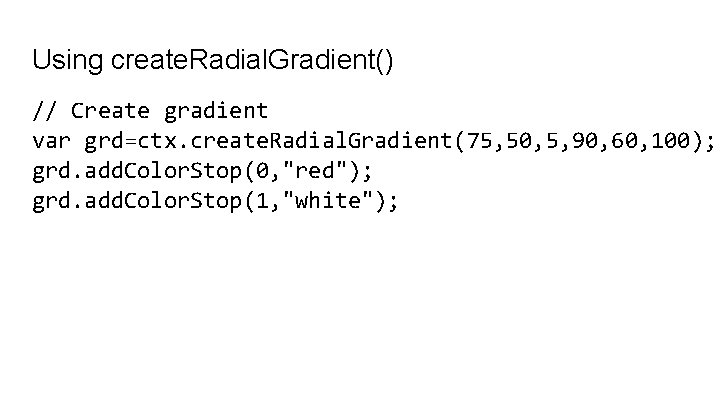
Using create. Radial. Gradient() // Create gradient var grd=ctx. create. Radial. Gradient(75, 50, 5, 90, 60, 100); grd. add. Color. Stop(0, "red"); grd. add. Color. Stop(1, "white");
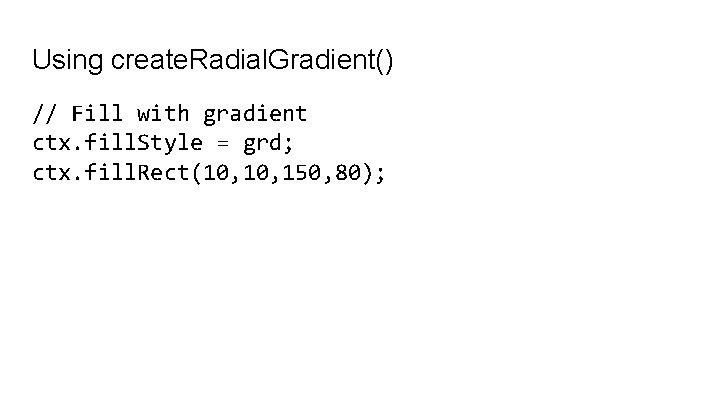
Using create. Radial. Gradient() // Fill with gradient ctx. fill. Style = grd; ctx. fill. Rect(10, 150, 80);