
Campus network as a P 4 Lab Xiaoqi
Campus network as a P 4 Lab Xiaoqi Chen, Princeton University https: //p 4 campus. cs. princeton. edu 1
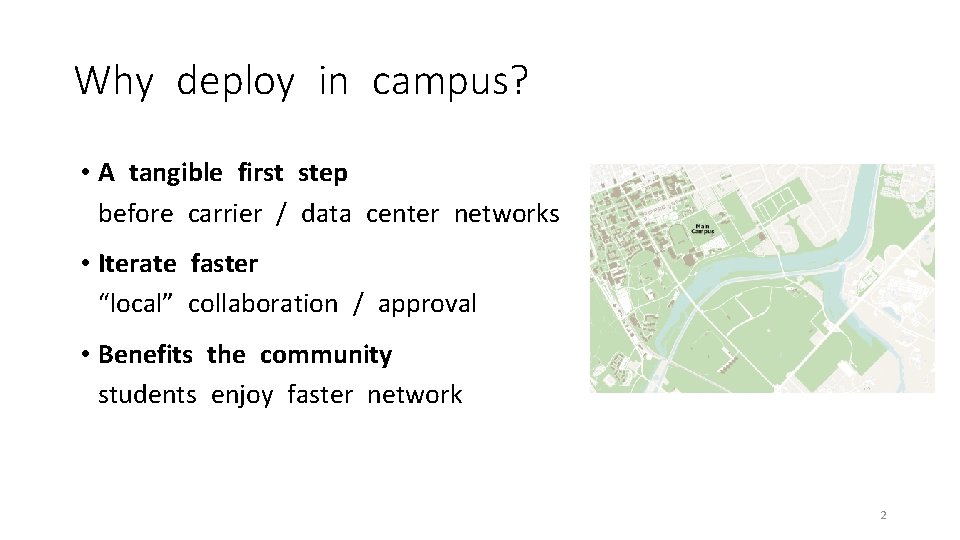
Why deploy in campus? • A tangible first step before carrier / data center networks • Iterate faster “local” collaboration / approval • Benefits the community students enjoy faster network 2
Campus network as a testbed! • A representative enterprise network • Internet peering, many routers, firewall, different user roles • Same problems as all networks • Congestion, drops, failures, attacks • An open and dynamic network • BYOD, a lot of experimental stuff, less restrictive access 3
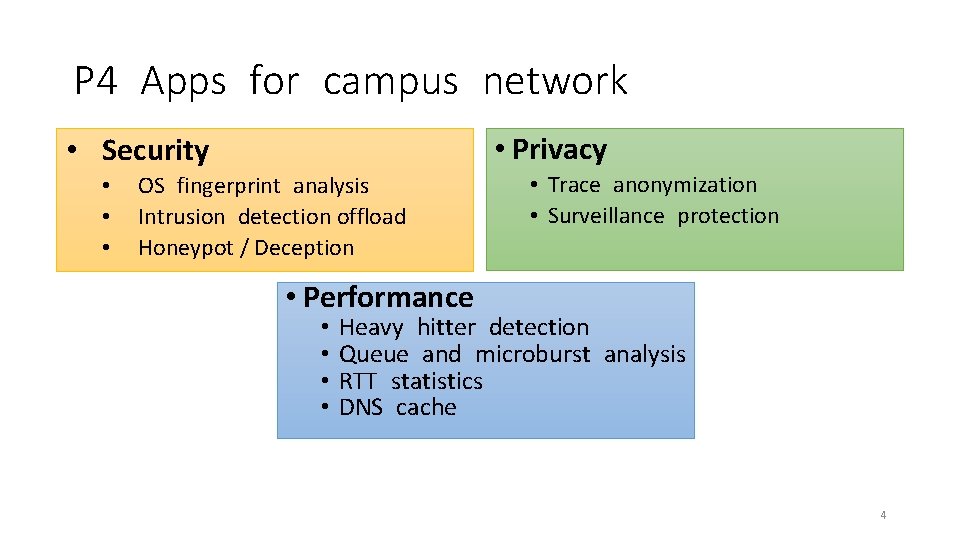
P 4 Apps for campus network • Privacy • Security • • • OS fingerprint analysis Intrusion detection offload Honeypot / Deception • Trace anonymization • Surveillance protection • Performance • • Heavy hitter detection Queue and microburst analysis RTT statistics DNS cache 4
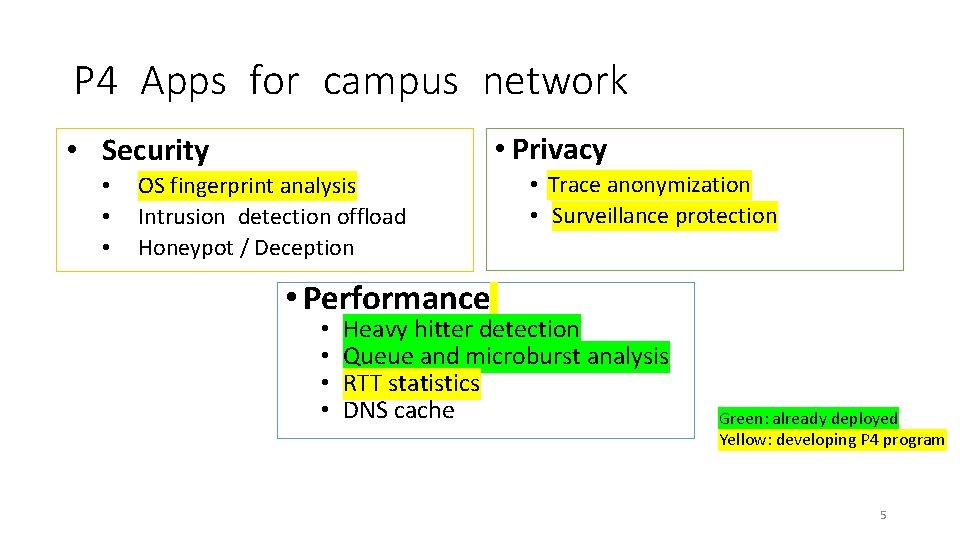
P 4 Apps for campus network • Privacy • Security • • • OS fingerprint analysis Intrusion detection offload Honeypot / Deception • Trace anonymization • Surveillance protection • Performance • • Heavy hitter detection Queue and microburst analysis RTT statistics DNS cache Green: already deployed Yellow: developing P 4 program 5
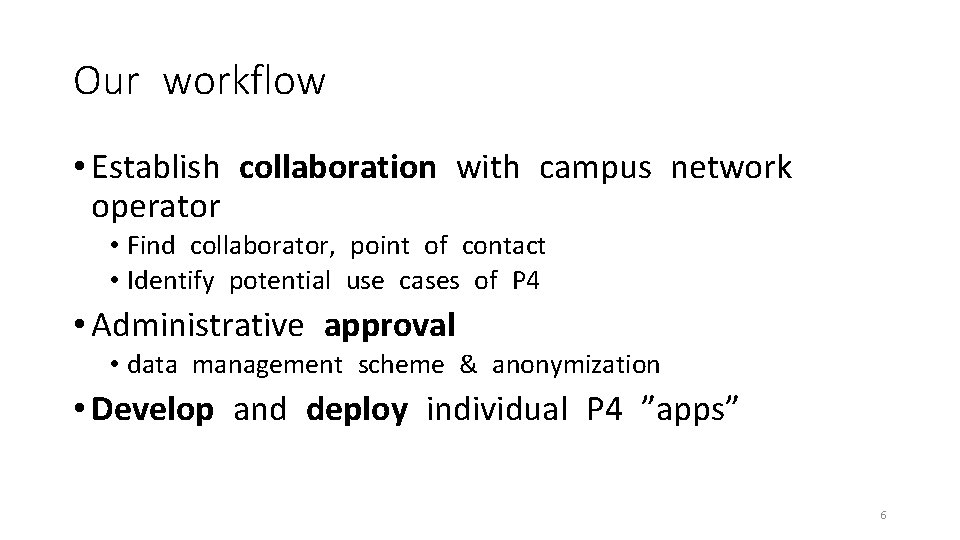
Our workflow • Establish collaboration with campus network operator • Find collaborator, point of contact • Identify potential use cases of P 4 • Administrative approval • data management scheme & anonymization • Develop and deploy individual P 4 ”apps” 6
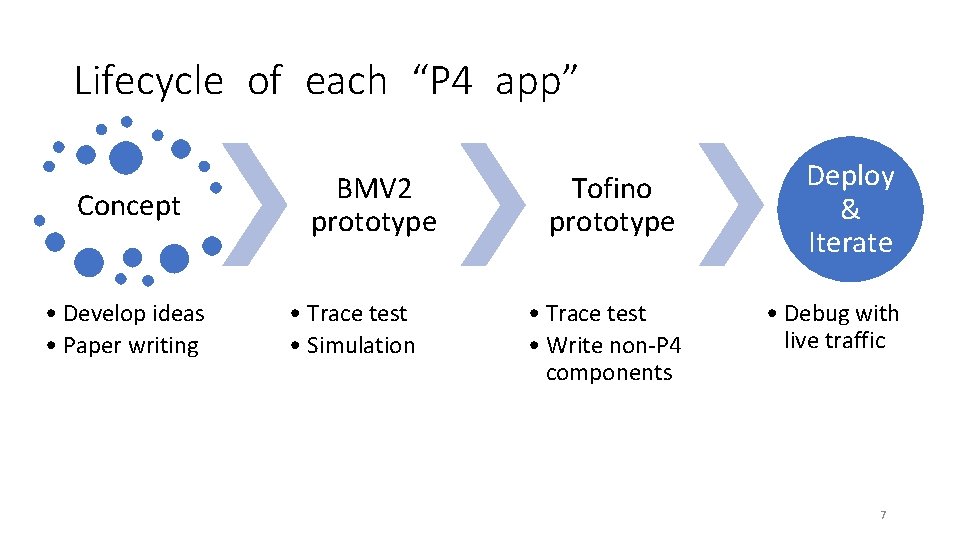
Lifecycle of each “P 4 app” Concept • Develop ideas • Paper writing BMV 2 prototype • Trace test • Simulation Tofino prototype Deploy & Iterate • Trace test • Write non-P 4 components • Debug with live traffic 7
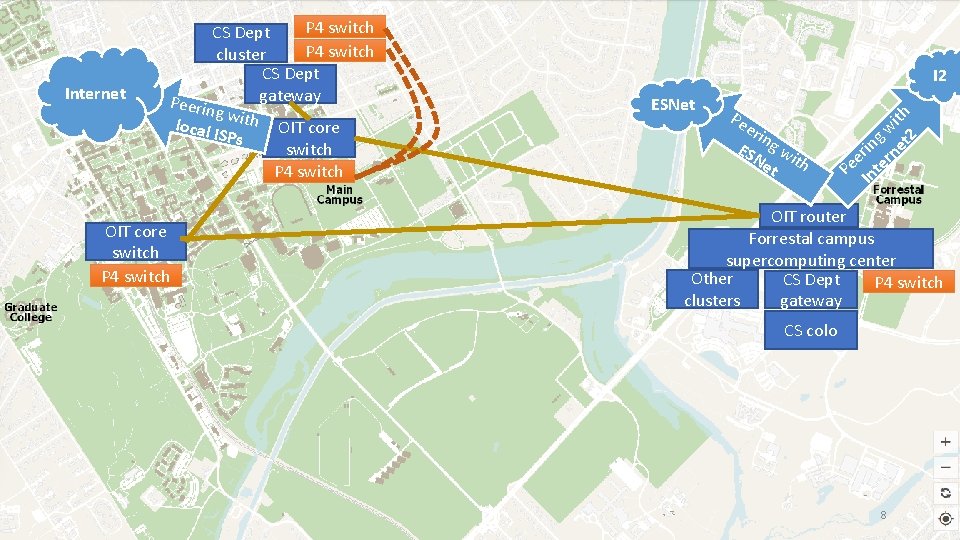
Internet P 4 switch CS Dept P 4 switch cluster CS Dept gateway Peerin gw local I ith OIT core SPs switch P 4 switch OIT core switch P 4 switch I 2 ESNet Pe eri n ES g w Ne ith t ith w 2 g in net r e er e P Int OIT router Forrestal campus supercomputing center Other CS Dept P 4 switch clusters gateway CS colo 8
Case study 1: PRECISION • Goal: Monitor heavy hitter flows in the network. • Challenge: • Border link speed is 10/100 Gbps, can’t capture & analyze on CPU • Sampling captures the largest flows, but miss medium-sized flows • Use a heavy-hitter detection P 4 program • Maintain & update a list of heavy flows in data plane • See our ICNP’ 18 paper for more detail Efficient Measurement on Programmable Switches Using Probabilistic Recirculation. Ran Ben-Basat, Xiaoqi Chen, Gil Einziger, Ori Rottenstreich 9
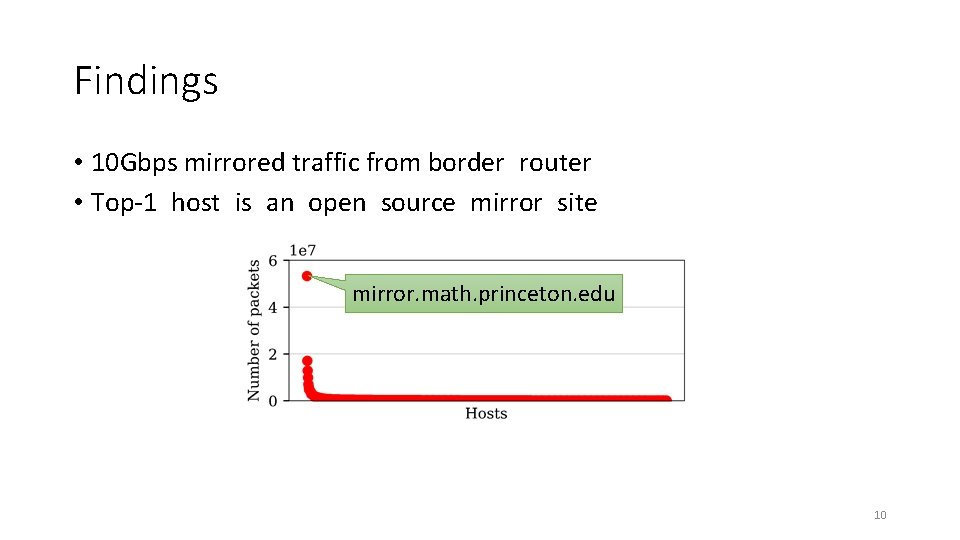
Findings • 10 Gbps mirrored traffic from border router • Top-1 host is an open source mirror site mirror. math. princeton. edu 10
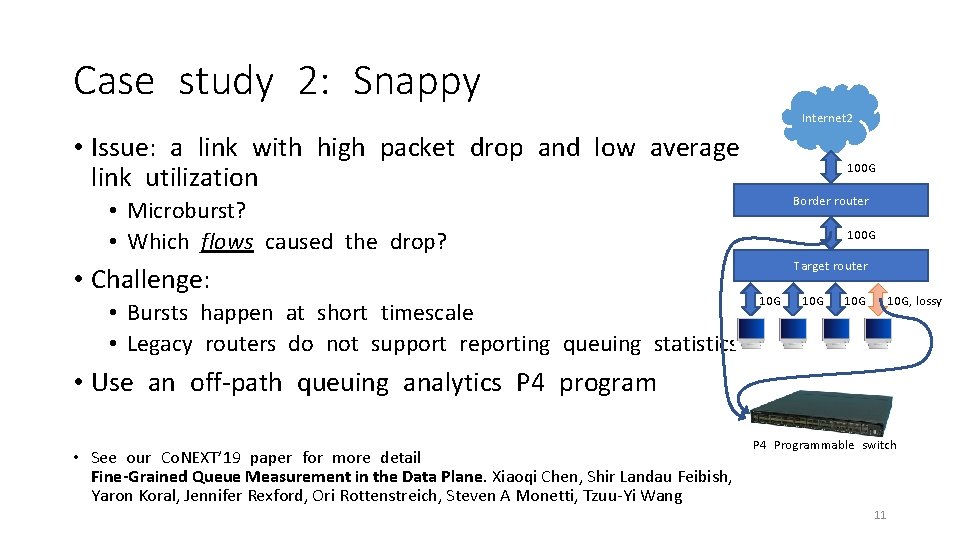
Case study 2: Snappy Internet 2 • Issue: a link with high packet drop and low average link utilization 100 G Border router • Microburst? • Which flows caused the drop? • Challenge: • Bursts happen at short timescale • Legacy routers do not support reporting queuing statistics 100 G Target router 10 G 10 G, lossy • Use an off-path queuing analytics P 4 program • See our Co. NEXT’ 19 paper for more detail Fine-Grained Queue Measurement in the Data Plane. Xiaoqi Chen, Shir Landau Feibish, Yaron Koral, Jennifer Rexford, Ori Rottenstreich, Steven A Monetti, Tzuu-Yi Wang P 4 Programmable switch 11
Findings • For each high loss event, there are bursts of packets from Perf. Sonar servers from Internet 2 • Maybe: simultaneous throughput tests? • Claim: they’ll be scheduled “exclusively”? • For other high queue utilization events without loss, there are only one throughput testing flow
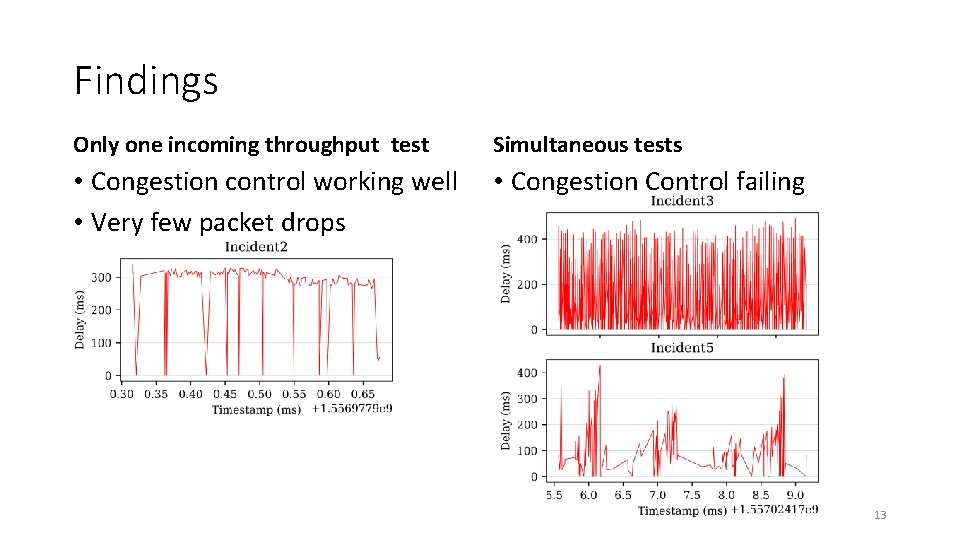
Findings Only one incoming throughput test Simultaneous tests • Congestion control working well • Very few packet drops • Congestion Control failing 13
Lesson learned • From BMV 2+Mininet to Tofino+Campus Net • Fitting and adapting P 4 • Think about hardware while designing algorithm • Debugging back and forth unavoidable, need fast iteration • Can provide value for campus network • Even small improvement / innovation can be useful for operators! 14
Share our apps, share our methodology • Contact us for code sharing • Build a collection of apps! • Work with campus network operators everywhere! • Deploy P 4 into many academic networks • Start administrative approval process early • Reach out to us: p 4 campus@princeton. edu • Learn more: https: //p 4 campus. cs. princeton. edu 15
- Slides: 15