
Cal SAWS Correspondence Overview Prepared and Presented by

Cal. SAWS Correspondence Overview Prepared and Presented by Tiffany Huckaby 9/19/2019
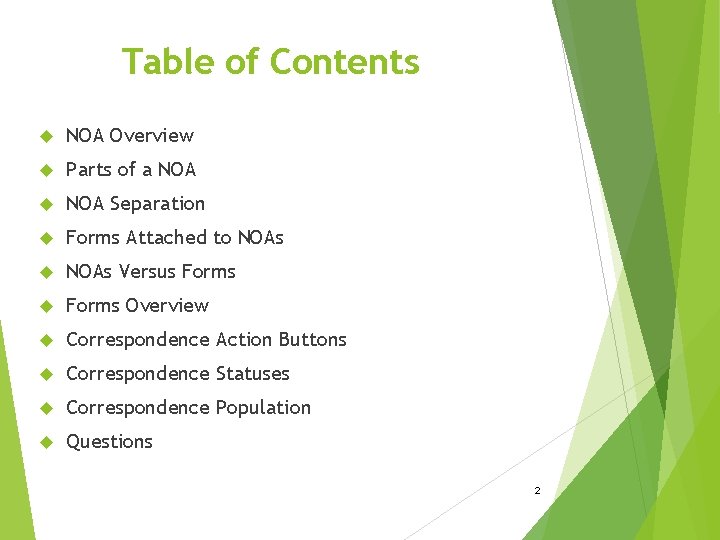
Table of Contents NOA Overview Parts of a NOA Separation Forms Attached to NOAs Versus Forms Overview Correspondence Action Buttons Correspondence Statuses Correspondence Population Questions 2
PLEASE NOTE!!! To provide the most material within a short amount of time the following slides/images have been taken from previous presentations on the Correspondence implementation of NOAs and Forms. The examples will be pulled from both C-IV and LRS/Cal. SAWS Correspondence. However the information contained in this presentation is true for both systems. 3
PLEASE NOTE!!! The following is only a non-Technical explanation of how NOAs and Forms are structured, designed, and generated. This is to provide a general understanding of Correspondence to improve SCR reviews. This will not cover: Differences between C-IV, Cal. SAWS, Cal. WIN Generation conditions and variable population of specific existing NOAs and Forms. 4
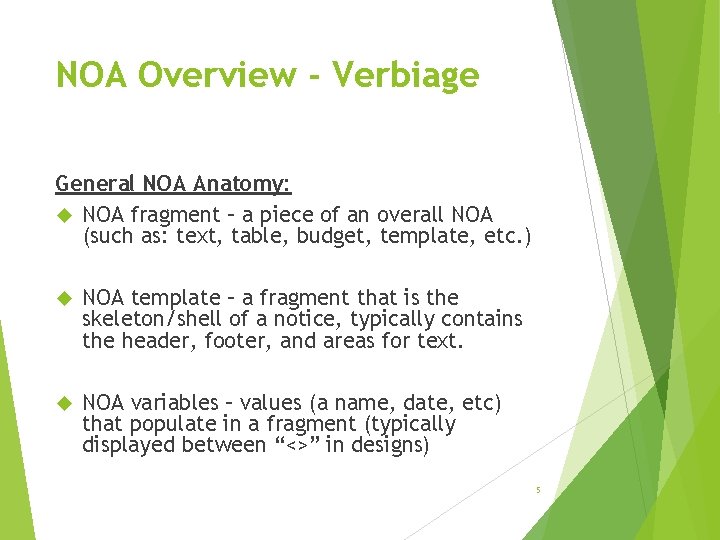
NOA Overview - Verbiage General NOA Anatomy: NOA fragment – a piece of an overall NOA (such as: text, table, budget, template, etc. ) NOA template – a fragment that is the skeleton/shell of a notice, typically contains the header, footer, and areas for text. NOA variables – values (a name, date, etc) that populate in a fragment (typically displayed between “<>” in designs) 5
NOA Overview – NOA Text NOA text is provided from the following: A State Form or NOA. A description in Policy stating specific noticing requirements not currently explicitly in an existing State Form or NOA. An existing County Form or NOA that is reviewed by the committee and altered to meet all counties. An EDBC scenario that may not have an applicable State Form or NOA however is deemed to require noticing. 6
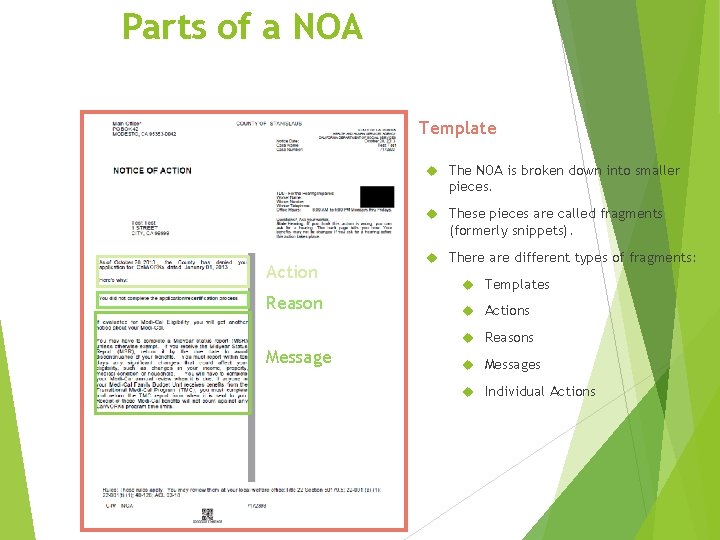
Parts of a NOA Template The NOA is broken down into smaller pieces. These pieces are called fragments (formerly snippets). Action Reason There are different types of fragments: Templates Actions Reasons Messages Individual Actions
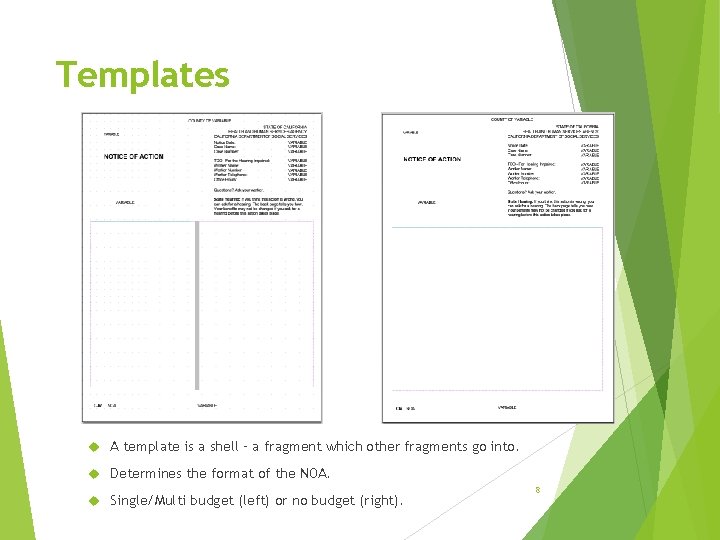
Templates A template is a shell – a fragment which other fragments go into. Determines the format of the NOA. Single/Multi budget (left) or no budget (right). 8

Actions This explains the action taken towards the case (usually through EDBC). Cal. SAWS: May be associated to a Reason. 9
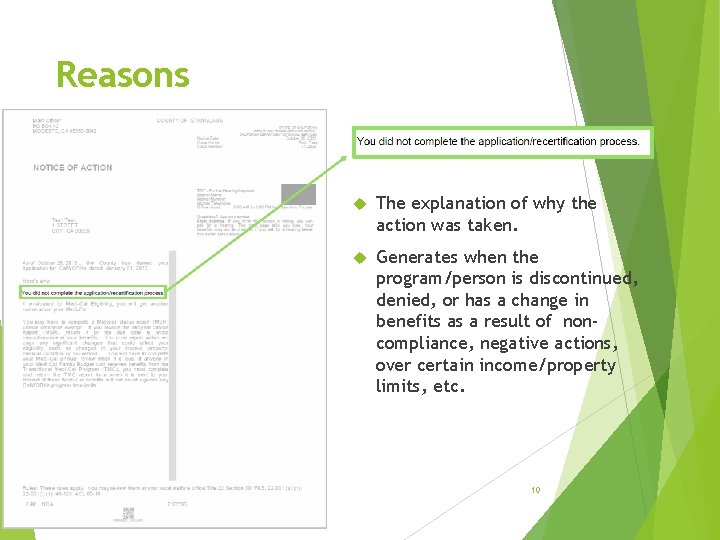
Reasons The explanation of why the action was taken. Generates when the program/person is discontinued, denied, or has a change in benefits as a result of noncompliance, negative actions, over certain income/property limits, etc. 10

Messages Additional information such as EBT Cards, Reapplication, Reporting, Limits, etc. Cal. SAWS: May be associated to a Reason. 11
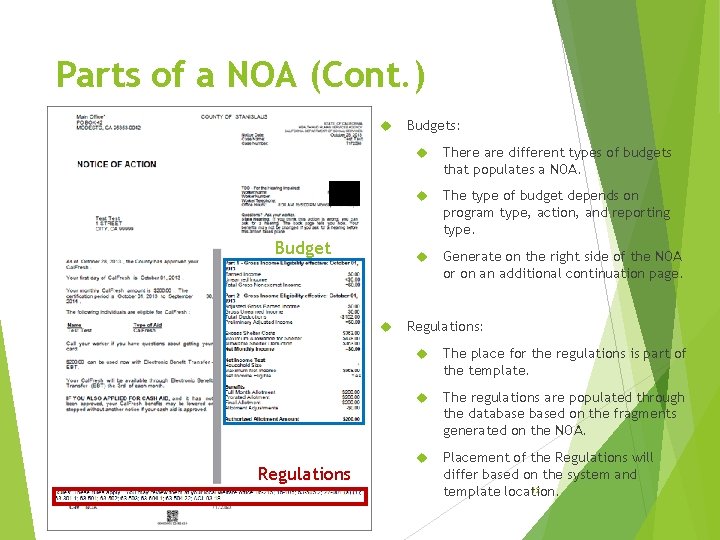
Parts of a NOA (Cont. ) Budget Regulations Budgets: There are different types of budgets that populates a NOA. The type of budget depends on program type, action, and reporting type. Generate on the right side of the NOA or on an additional continuation page. Regulations: The place for the regulations is part of the template. The regulations are populated through the databased on the fragments generated on the NOA. Placement of the Regulations will differ based on the system and 12 template location.
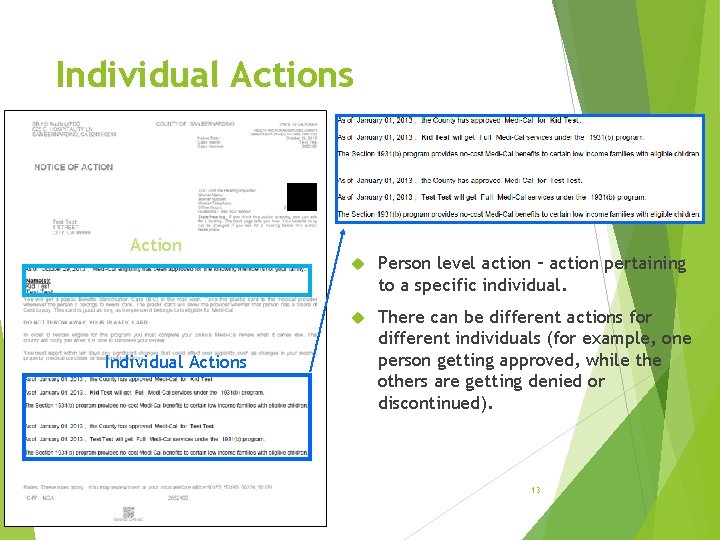
Individual Actions Action Individual Actions Person level action – action pertaining to a specific individual. There can be different actions for different individuals (for example, one person getting approved, while the others are getting denied or discontinued). 13
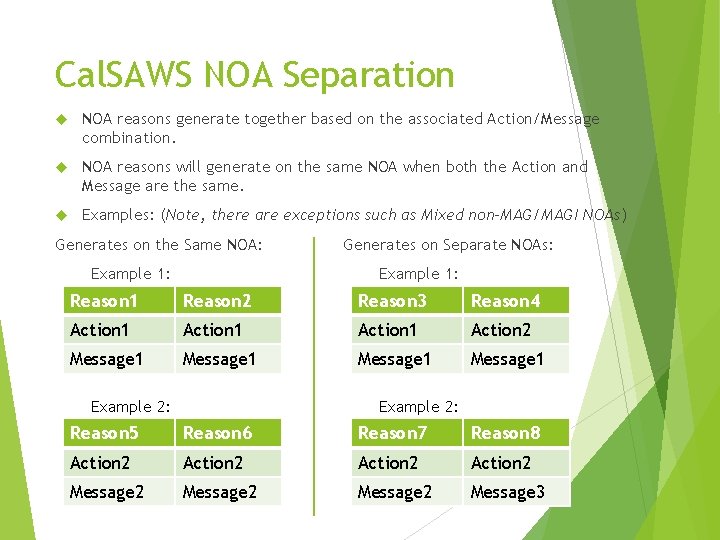
Cal. SAWS NOA Separation NOA reasons generate together based on the associated Action/Message combination. NOA reasons will generate on the same NOA when both the Action and Message are the same. Examples: (Note, there are exceptions such as Mixed non-MAG/MAGI NOAs) Generates on the Same NOA: Example 1: Generates on Separate NOAs: Example 1: Reason 1 Reason 2 Reason 3 Reason 4 Action 1 Action 2 Message 1 Example 2: Reason 5 Reason 6 Reason 7 Reason 8 Action 2 Message 2 14 Message 3
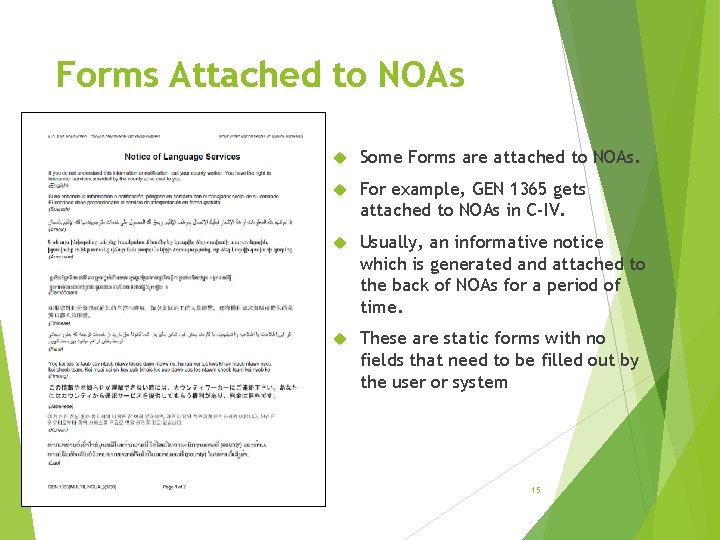
Forms Attached to NOAs Some Forms are attached to NOAs. For example, GEN 1365 gets attached to NOAs in C-IV. Usually, an informative notice which is generated and attached to the back of NOAs for a period of time. These are static forms with no fields that need to be filled out by the user or system 15
NOAs Versus Forms Often mistaken for each other. Implementation may differ from the type of document. There are many notices that are generated as a Form instead of a dynamic NOA. These are for when a worker may need to generate a notice manually or the notice requires worker entered information. There are many Forms that generate like a NOA. When required to generate from EDBC or generate with other NOA generated language, forms may be implemented like NOA fragments. 16
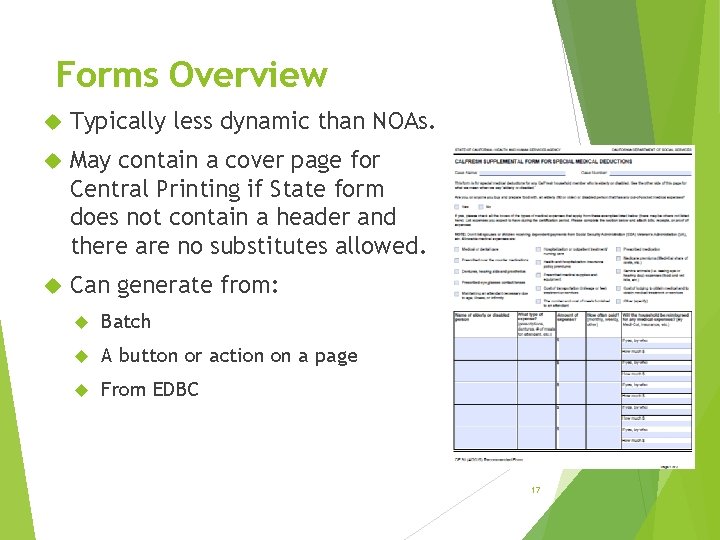
Forms Overview Typically less dynamic than NOAs. May contain a cover page for Central Printing if State form does not contain a header and there are no substitutes allowed. Can generate from: Batch A button or action on a page From EDBC 17
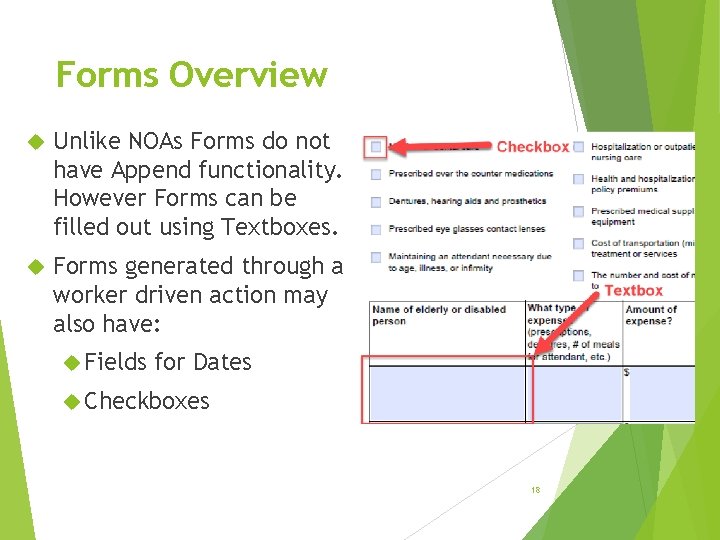
Forms Overview Unlike NOAs Forms do not have Append functionality. However Forms can be filled out using Textboxes. Forms generated through a worker driven action may also have: Fields for Dates Checkboxes 18
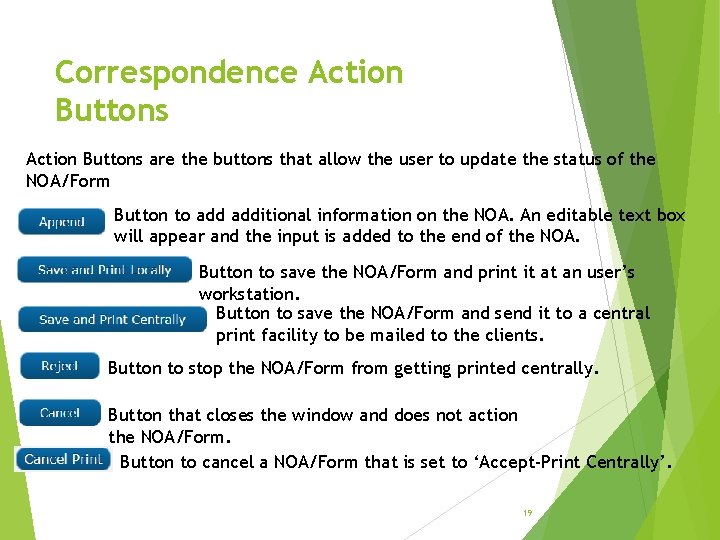
Correspondence Action Buttons are the buttons that allow the user to update the status of the NOA/Form Button to additional information on the NOA. An editable text box will appear and the input is added to the end of the NOA. Button to save the NOA/Form and print it at an user’s workstation. Button to save the NOA/Form and send it to a central print facility to be mailed to the clients. Button to stop the NOA/Form from getting printed centrally. Button that closes the window and does not action the NOA/Form. Button to cancel a NOA/Form that is set to ‘Accept-Print Centrally’. 19
Correspondence Statuses Un-Actioned NOA/Form Status: Pending Review: Default status when the NOA first generates. If un-actioned the NOA is mailed centrally at night. User Actioned NOA/Form Statuses: Statuses when a NOA generates and has been Actioned by the user: Accept–Print Centrally: Actioned with the ‘Save and Print Centrally’ button. Accept–On Hold: Actioned with the ‘Save and Print Centrally’ button when previous status was ‘On Hold’. Rejected: Actioned with the ‘Reject’ button. Printed Locally: Actioned with the ‘Save and Print Locally’ button. Overridden: Actioned with the ‘Append’ button. Print Central Cancelled: Actioned with the ‘Cancel Print’ button. 20
Correspondence Statuses (cont. ) System Actioned NOA/Form Statuses: Statuses when a NOA generates and has been Actioned via the System Printed Centrally: Status after a NOA has been printed centrally. Printing Error: Status after an error caused the NOA to not print at Central. Incomplete: Status when there may not of been enough information from EDBC to produce a complete NOA. (Cal. HEERS DER for example, has come back incomplete). On Hold: Status when a NOA is batch generated and is being kept until a set date to allow for workers to review. 21
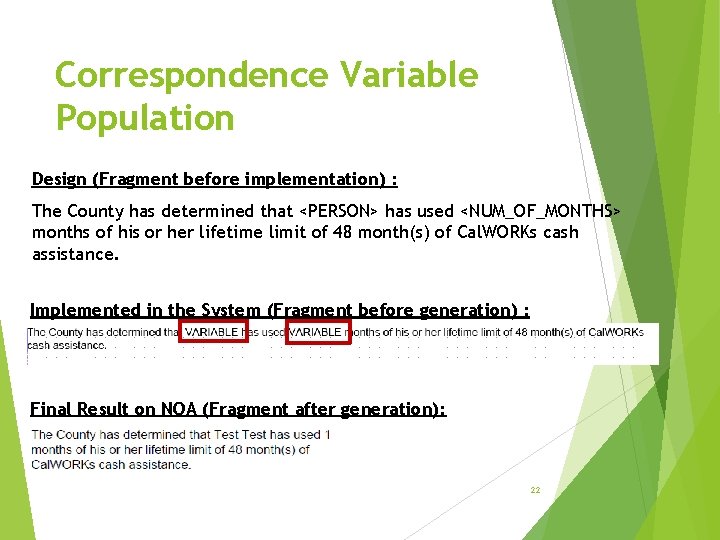
Correspondence Variable Population Design (Fragment before implementation) : The County has determined that <PERSON> has used <NUM_OF_MONTHS> months of his or her lifetime limit of 48 month(s) of Cal. WORKs cash assistance. Implemented in the System (Fragment before generation) : Final Result on NOA (Fragment after generation): 22
Questions? 23
- Slides: 23