
CAL FIRE Field Unit Contract Workload Map Analysis


- Slides: 10
CAL FIRE Field Unit Contract Workload Map Analysis Tom Lutzenberger GEOG 90 Final Project Presentation November 30, 2017
Project Scope • Develop a visual presentation of workload demand generated by CAL FIRE units impacted contracting administration resources. • Accurately differentiate between units based on real time accounting data for contract financial commitment. • Potential benefits – identify who is generating the most contracts to provide targeted training. • Potential benefits – triage limited administrative resources to put attention where it’s needed the most by the Department.
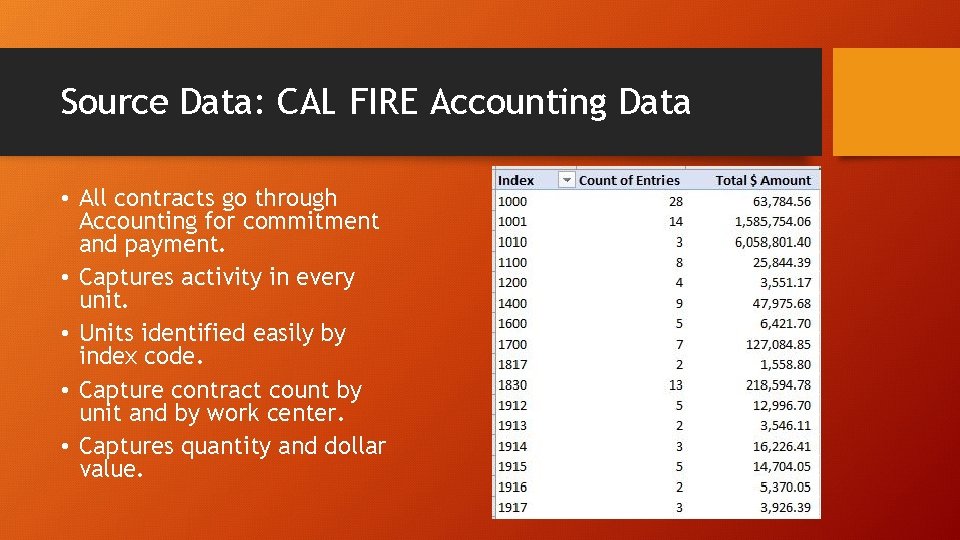
Source Data: CAL FIRE Accounting Data • All contracts go through Accounting for commitment and payment. • Captures activity in every unit. • Units identified easily by index code. • Capture contract count by unit and by work center. • Captures quantity and dollar value.
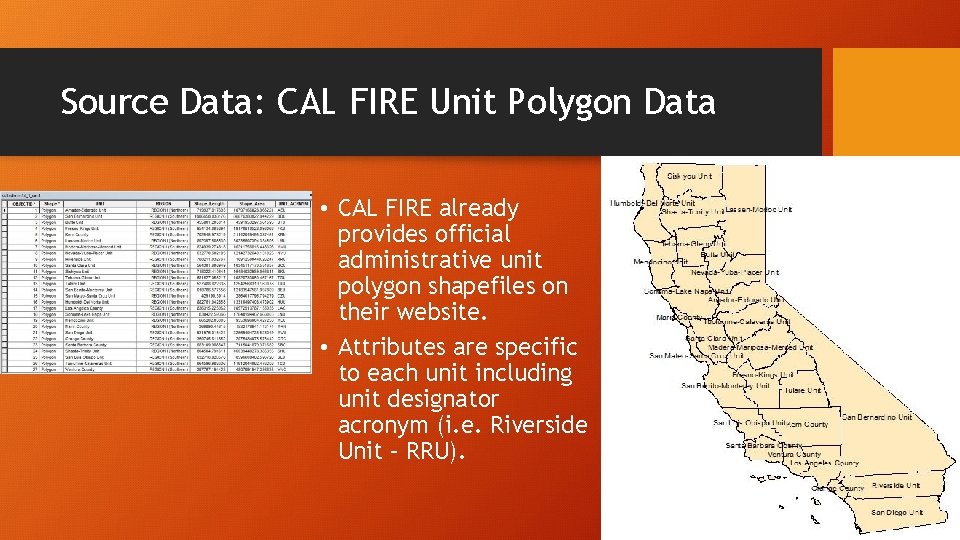
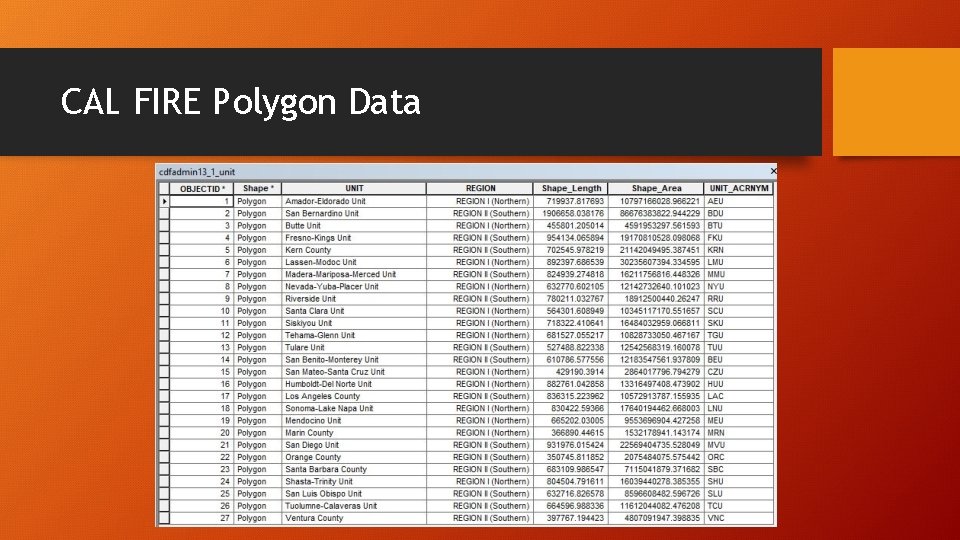
Source Data: CAL FIRE Unit Polygon Data • CAL FIRE already provides official administrative unit polygon shapefiles on their website. • Attributes are specific to each unit including unit designator acronym (i. e. Riverside Unit – RRU).
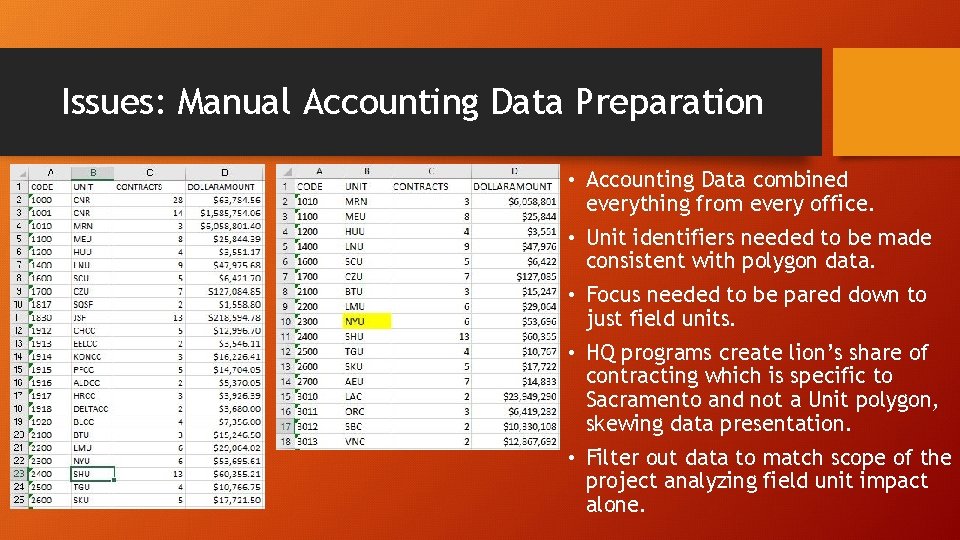
Issues: Manual Accounting Data Preparation • Accounting Data combined everything from every office. • Unit identifiers needed to be made consistent with polygon data. • Focus needed to be pared down to just field units. • HQ programs create lion’s share of contracting which is specific to Sacramento and not a Unit polygon, skewing data presentation. • Filter out data to match scope of the project analyzing field unit impact alone.
CAL FIRE Polygon Data
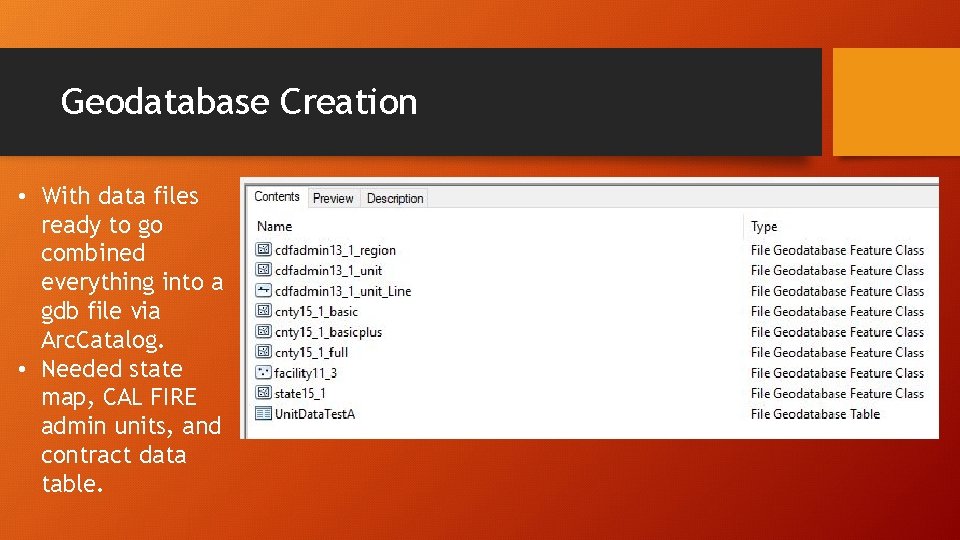
Geodatabase Creation • With data files ready to go combined everything into a gdb file via Arc. Catalog. • Needed state map, CAL FIRE admin units, and contract data table.
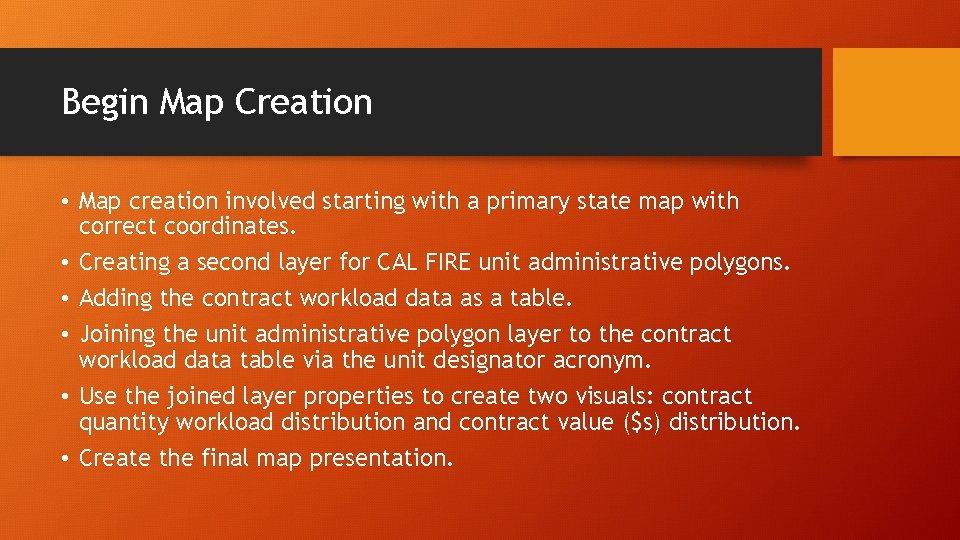
Begin Map Creation • Map creation involved starting with a primary state map with correct coordinates. • Creating a second layer for CAL FIRE unit administrative polygons. • Adding the contract workload data as a table. • Joining the unit administrative polygon layer to the contract workload data table via the unit designator acronym. • Use the joined layer properties to create two visuals: contract quantity workload distribution and contract value ($s) distribution. • Create the final map presentation.
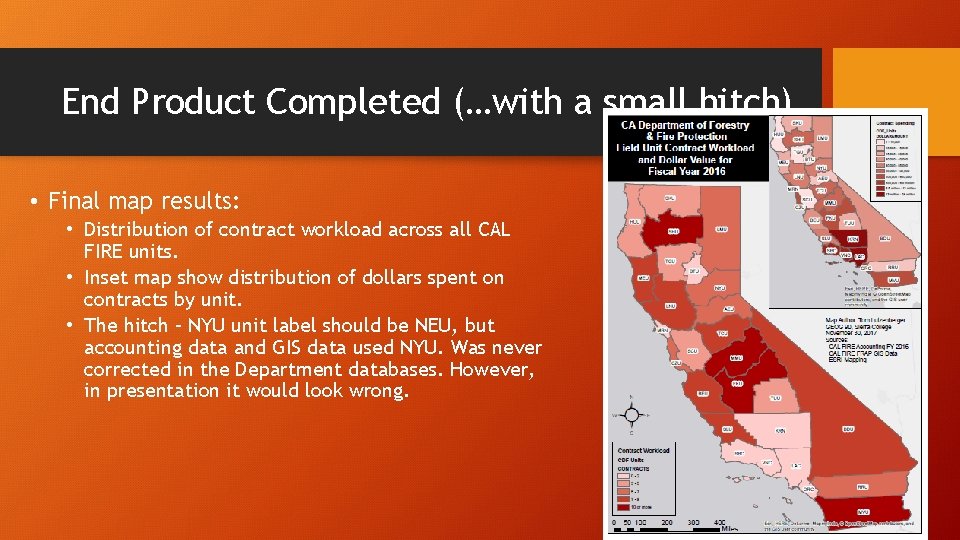
End Product Completed (…with a small hitch). • Final map results: • Distribution of contract workload across all CAL FIRE units. • Inset map show distribution of dollars spent on contracts by unit. • The hitch – NYU unit label should be NEU, but accounting data and GIS data used NYU. Was never corrected in the Department databases. However, in presentation it would look wrong.
Questions? End.