
CAD for LEGO 1 What is it It
- Slides: 21
CAD for LEGO 1
What is it • It is a "CAD" like set of programs used to create virtual LEGO like models on a computer • LDraw is the foundation piece • LDraw is a system of LEGO-style 3 D modeling • Created by James Jessiman • Has over 1200 parts (3051. DAT files) • It is Freeware 2
System Programs • • Original LDraw package Parts Library (2005 -1) MLCad v 3. 2 - most popular 3 rd party editor L 3 P, L 3 PAO & POV-Ray - used to create 3 D images called renders • LSynth - used to create flexible elements • LPub - used to automatically render building instruction steps • Mega. POV - is a modified version of POV-Ray used to create renderings with edge lines 3
Why use it • • • Document Models Create building instructions like LEGO Render 3 -D photo realistic images Create Animation Enhance FLL presentations Have Fun 4
How to install it 5
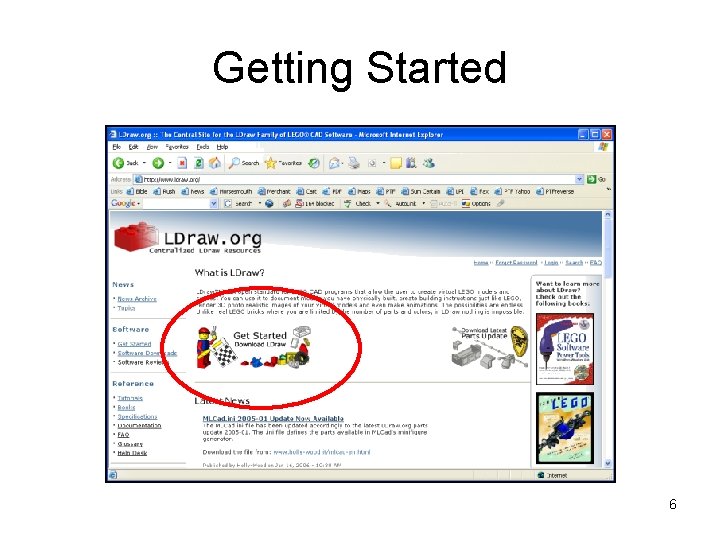
Getting Started 6
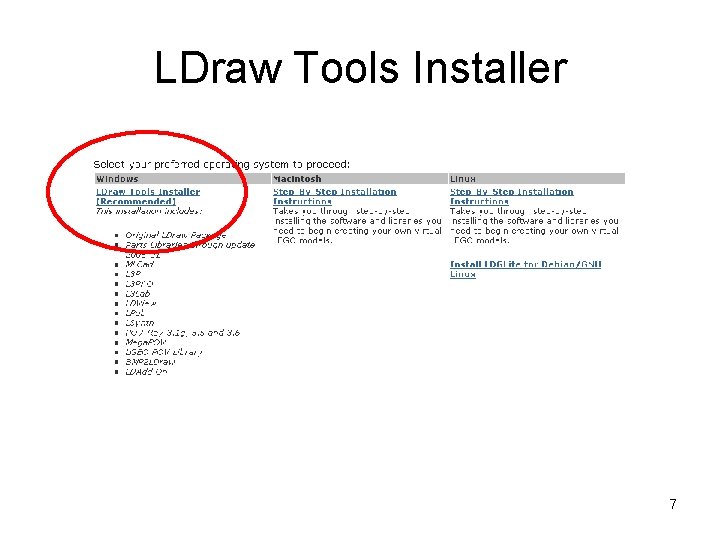
LDraw Tools Installer 7
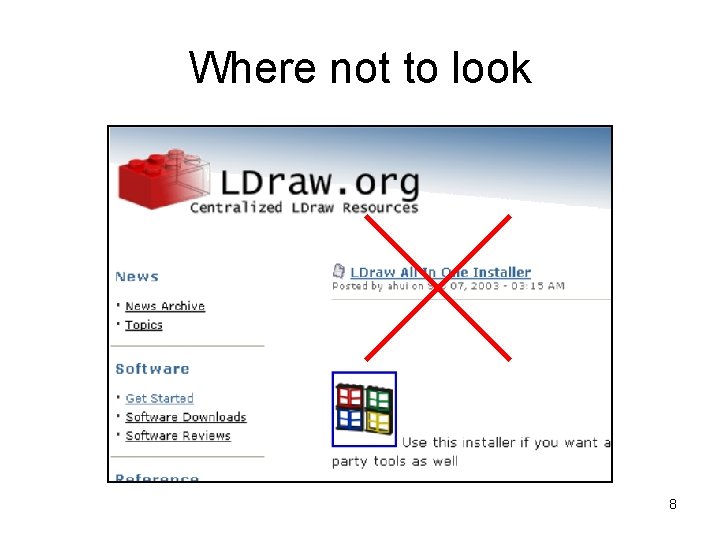
Where not to look 8
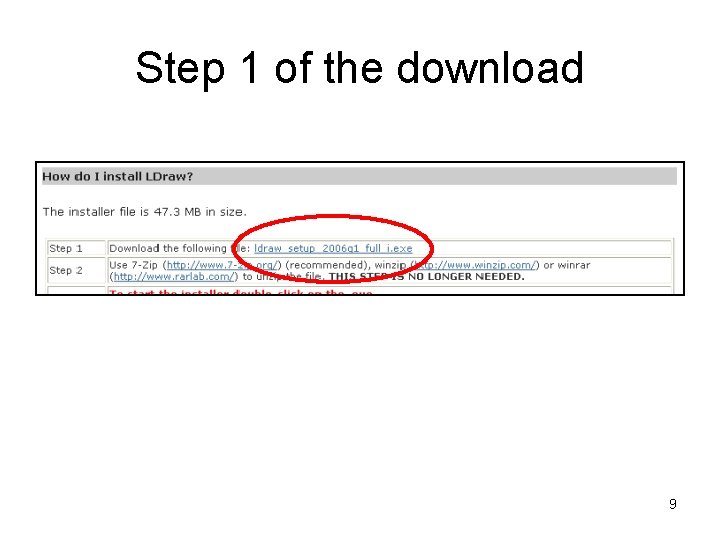
Step 1 of the download 9
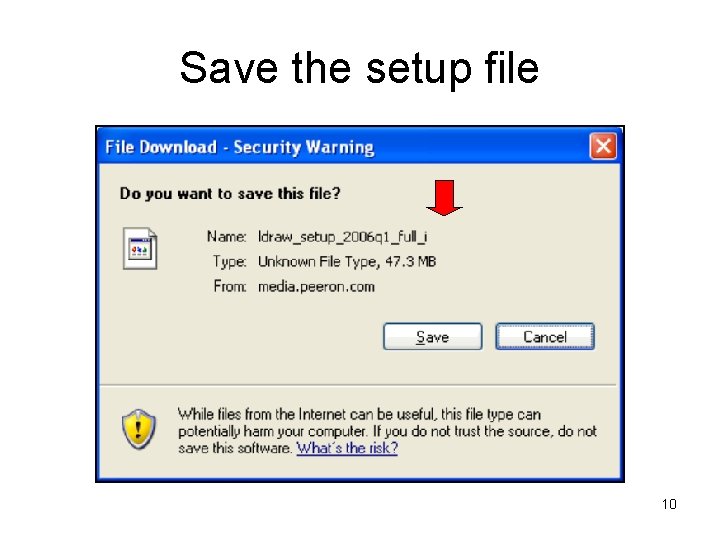
Save the setup file 10
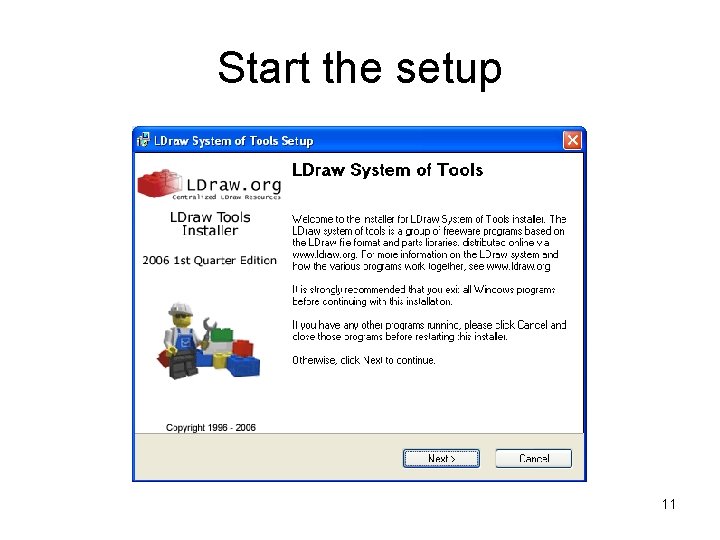
Start the setup 11
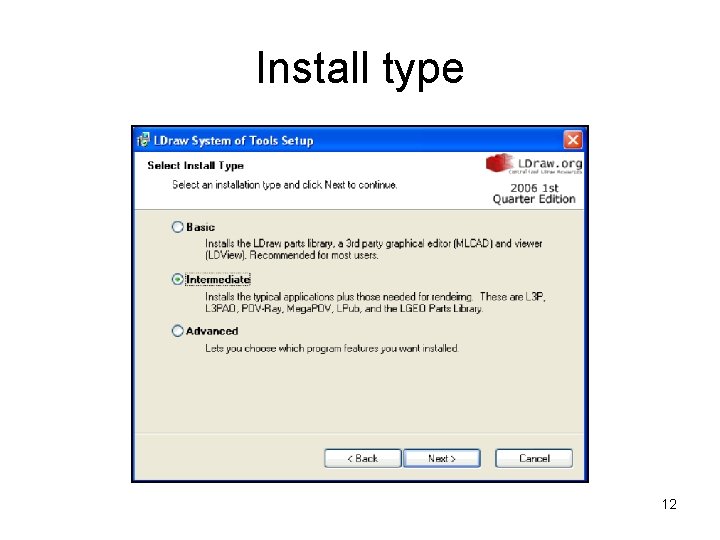
Install type 12
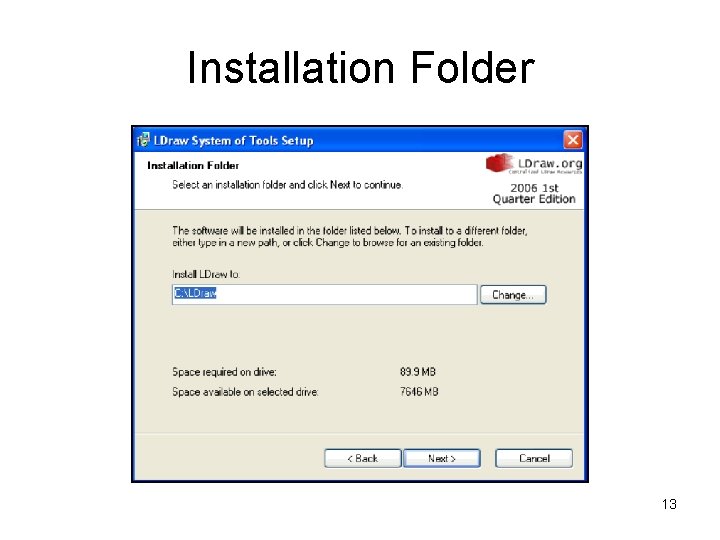
Installation Folder 13
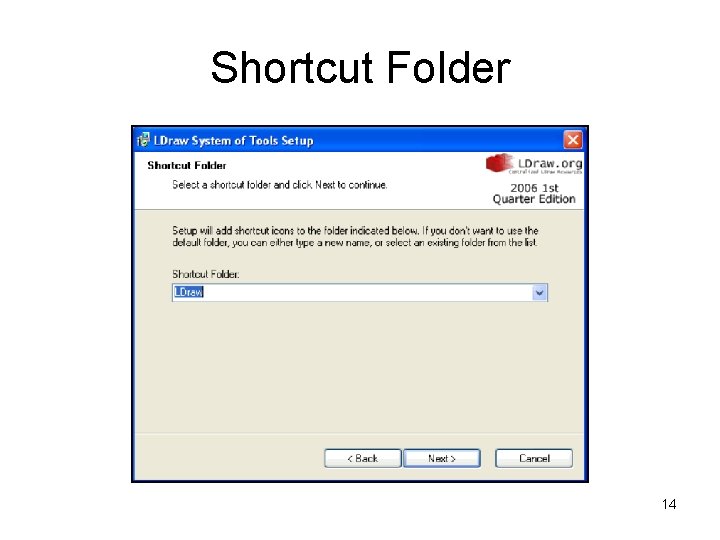
Shortcut Folder 14
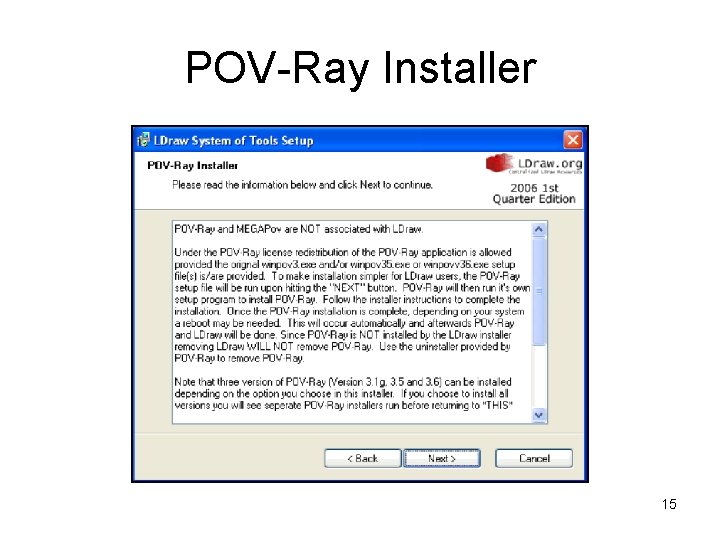
POV-Ray Installer 15
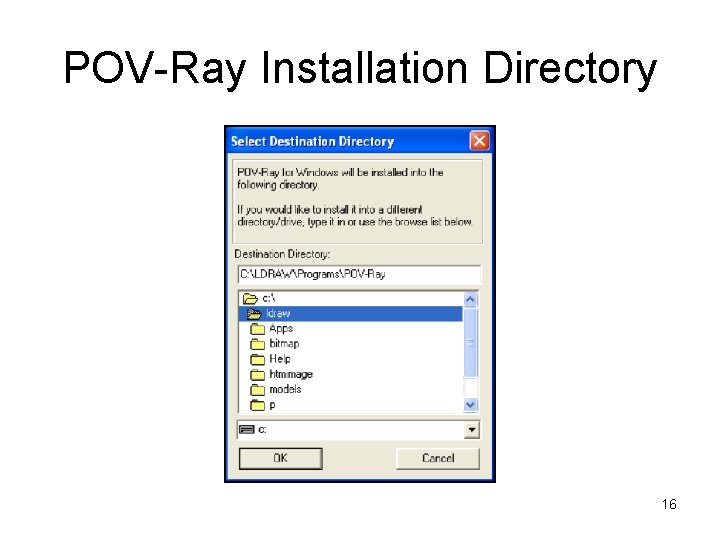
POV-Ray Installation Directory 16
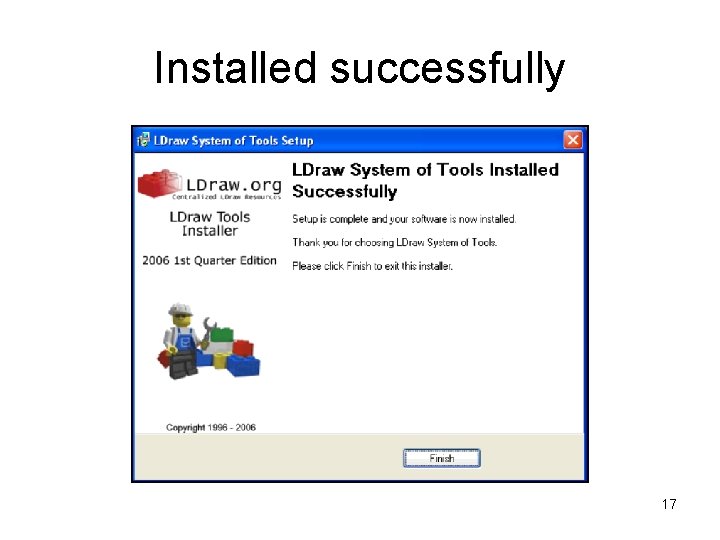
Installed successfully 17
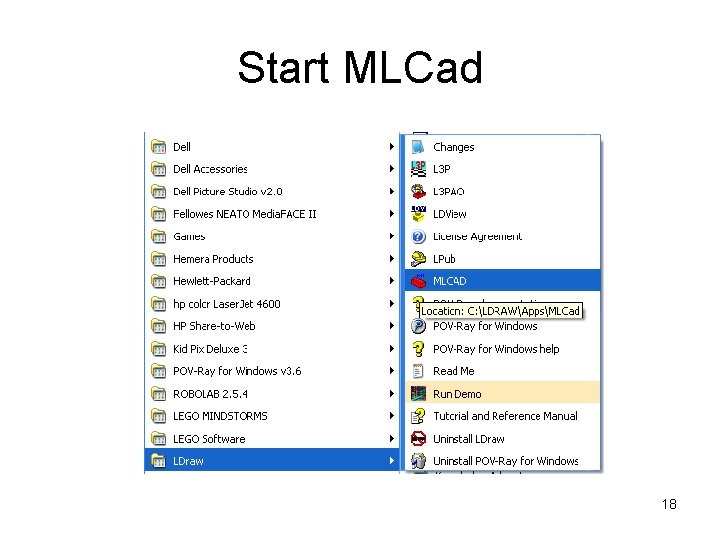
Start MLCad 18
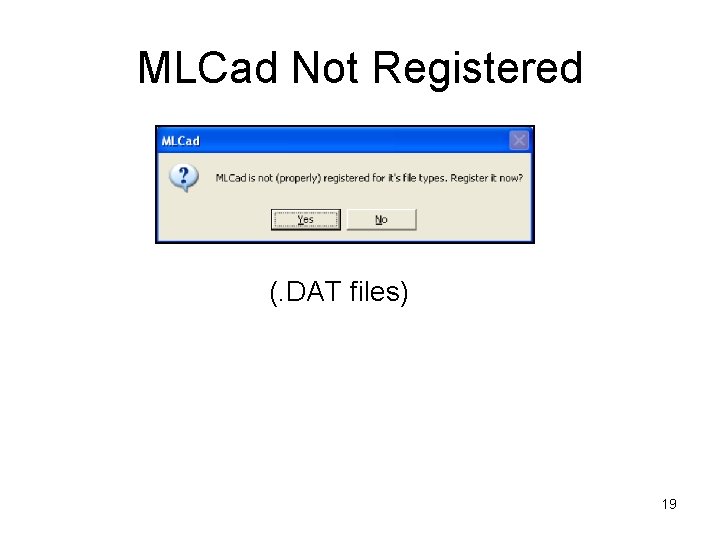
MLCad Not Registered (. DAT files) 19
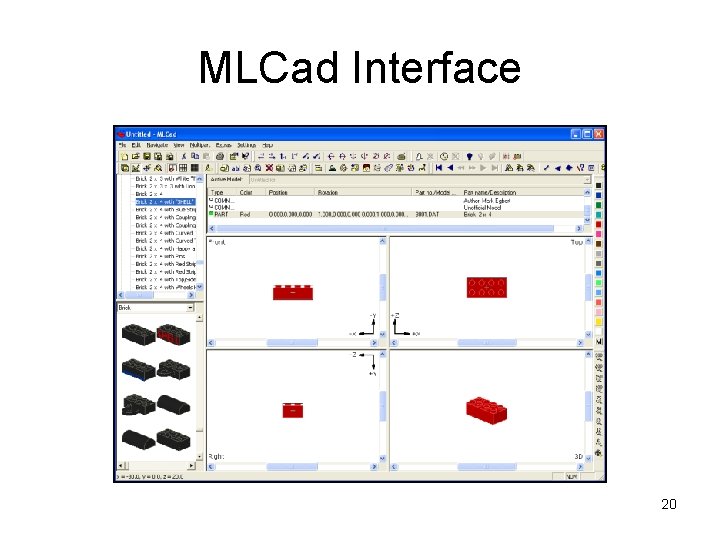
MLCad Interface 20
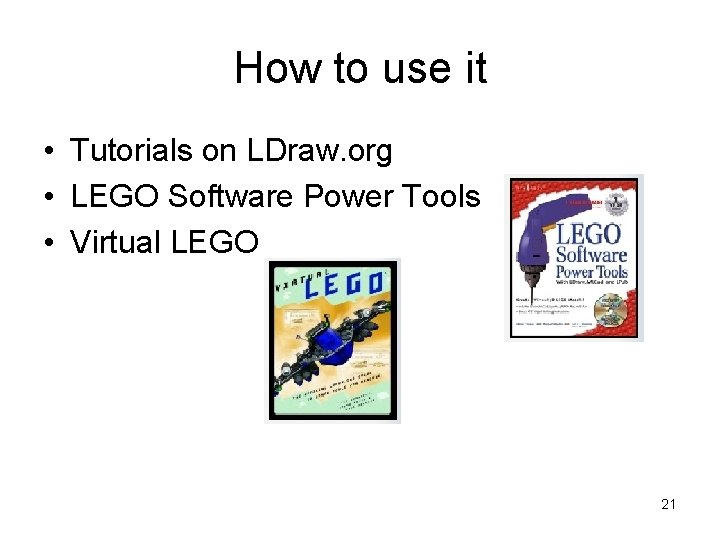
How to use it • Tutorials on LDraw. org • LEGO Software Power Tools • Virtual LEGO 21