
CAB Dashboard Drivers place Display Steering wheel buttons
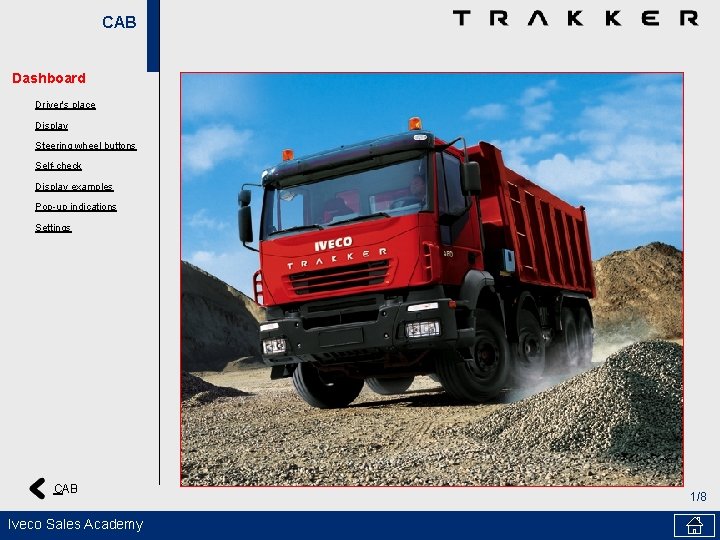
CAB Dashboard Driver's place Display Steering wheel buttons Self-check Display examples Pop-up indications Settings CAB Iveco Sales Academy 1/8
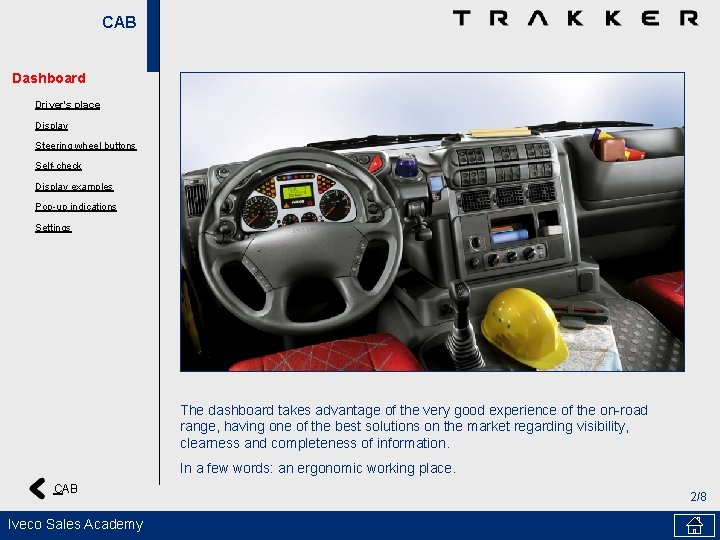
CAB Dashboard Driver's place Display Steering wheel buttons Self-check Display examples Pop-up indications Settings The dashboard takes advantage of the very good experience of the on-road range, having one of the best solutions on the market regarding visibility, clearness and completeness of information. In a few words: an ergonomic working place. CAB Iveco Sales Academy 2/8
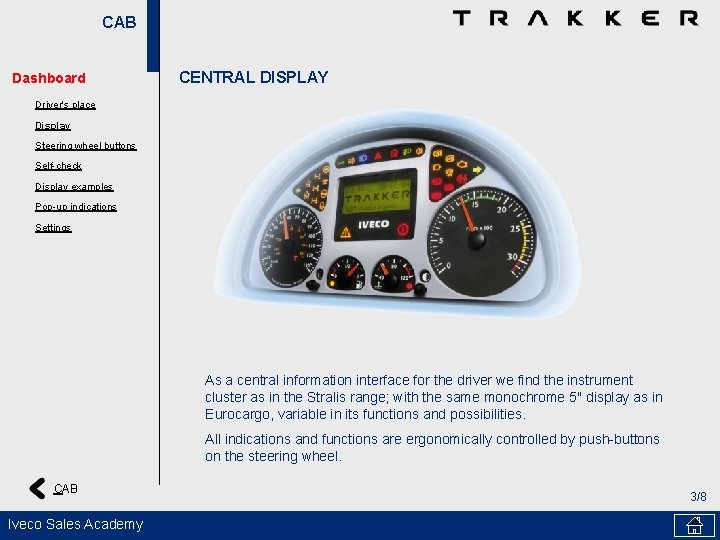
CAB Dashboard CENTRAL DISPLAY Driver's place Display Steering wheel buttons Self-check Display examples Pop-up indications Settings As a central information interface for the driver we find the instrument cluster as in the Stralis range; with the same monochrome 5" display as in Eurocargo, variable in its functions and possibilities. All indications and functions are ergonomically controlled by push-buttons on the steering wheel. CAB Iveco Sales Academy 3/8
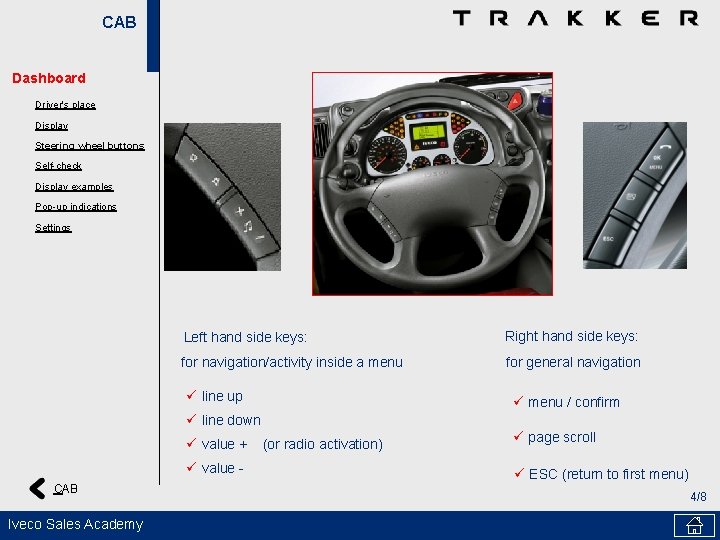
CAB Dashboard Driver's place Display Steering wheel buttons Self-check Display examples Pop-up indications Settings Left hand side keys: Right hand side keys: for navigation/activity inside a menu for general navigation ü line up ü menu / confirm ü line down ü value + ü value CAB Iveco Sales Academy (or radio activation) ü page scroll ü ESC (return to first menu) 4/8
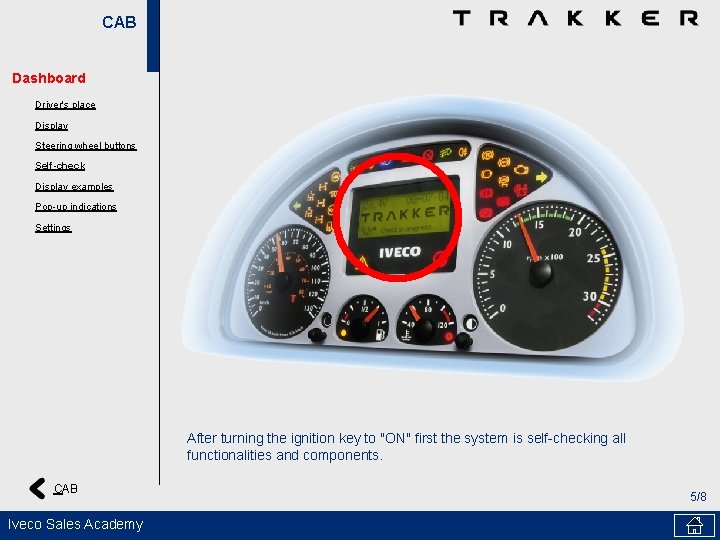
CAB Dashboard Driver's place Display Steering wheel buttons Self-check Display examples Pop-up indications Settings After turning the ignition key to "ON" first the system is self-checking all functionalities and components. CAB Iveco Sales Academy 5/8
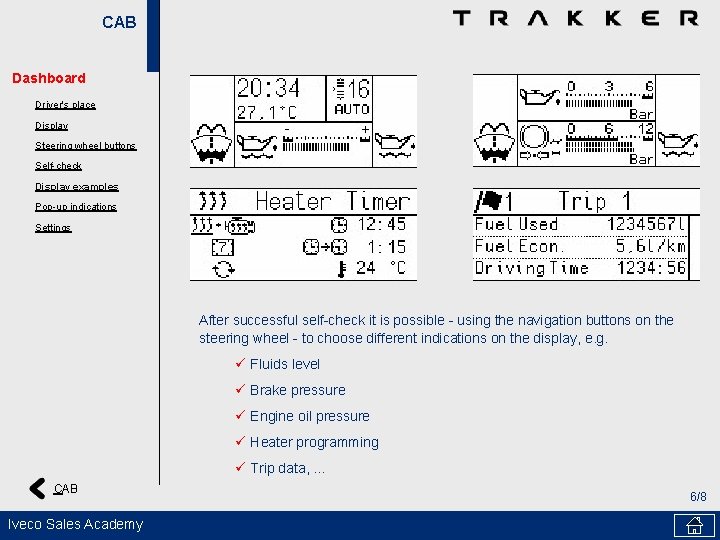
CAB Dashboard Driver's place Display Steering wheel buttons Self-check Display examples Pop-up indications Settings After successful self-check it is possible - using the navigation buttons on the steering wheel - to choose different indications on the display, e. g. ü Fluids level ü Brake pressure ü Engine oil pressure ü Heater programming ü Trip data, . . . CAB Iveco Sales Academy 6/8
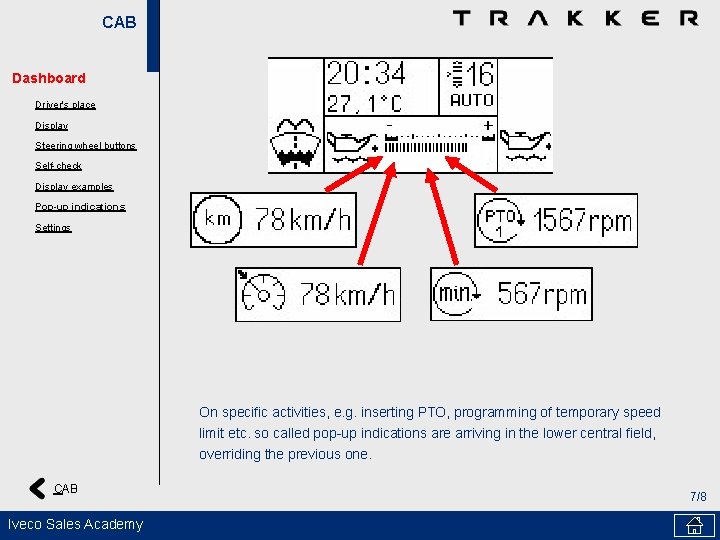
CAB Dashboard Driver's place Display Steering wheel buttons Self-check Display examples Pop-up indications Settings On specific activities, e. g. inserting PTO, programming of temporary speed limit etc. so called pop-up indications are arriving in the lower central field, overriding the previous one. CAB Iveco Sales Academy 7/8
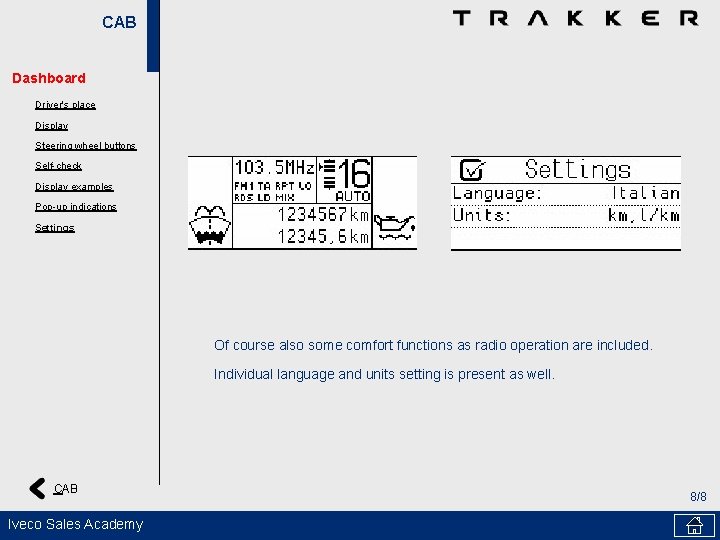
CAB Dashboard Driver's place Display Steering wheel buttons Self-check Display examples Pop-up indications Settings Of course also some comfort functions as radio operation are included. Individual language and units setting is present as well. CAB Iveco Sales Academy 8/8
- Slides: 8