
C Threads Jim Fawcett CSE 775 Distributed Objects
C# Threads Jim Fawcett CSE 775 – Distributed Objects Spring 2004
Thread Class · Every Win 32 thread is passed a function to run when created. – When the thread returns from the function it terminates. · In C#, Threads are managed by the System. Threading. Thread class. – C# threads are passed a static or instance function of some C# class using a standard delegate of type Thread. Start.

Starting C# Threads · Thread thread = new Thread(new Thread. Start(Thread. Func)); · thread. Start(); · Thread. Func can be: – Static or instance member of the class instance that created the thread – Static or instance member of some other class, e. g. : Thread. Start(some. Class. Instance. a. Function);
Thread States · A thread that has been started, but not yet terminated can be in one of the following states: – – Running Waiting to run Suspended Blocked
Thread Properties · Is. Background – get, set · Current. Thread – get, static – Returns thread reference to calling thread · Is. Alive – get · Priority – get, set · Thread. State – get – Process does not end until all Foreground threads have ended. – Background threads are terminated when application ends. – Has thread started but not terminated? – Highest, Above. Normal, Below. Normal, Lowest – Unstarted, Running, Suspended, Stopped, Wait. Sleep. Join, . .
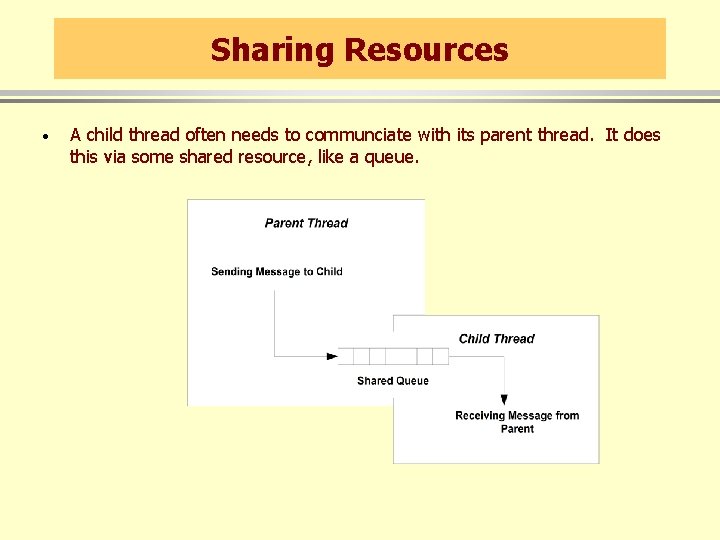
Sharing Resources · A child thread often needs to communciate with its parent thread. It does this via some shared resource, like a queue.
Synchronization · When two or more threads share a common resource access needs to be serialized - a process called synchronization. – Consider the shared queue on the previous slide. Should the parent start to enqueue an element in an empty queue, but have its time-slice expire before finishing, the queues links are in an undefined state. – Now, if the child thread wakes up, and attempts to dequeue an element the result is undefined.
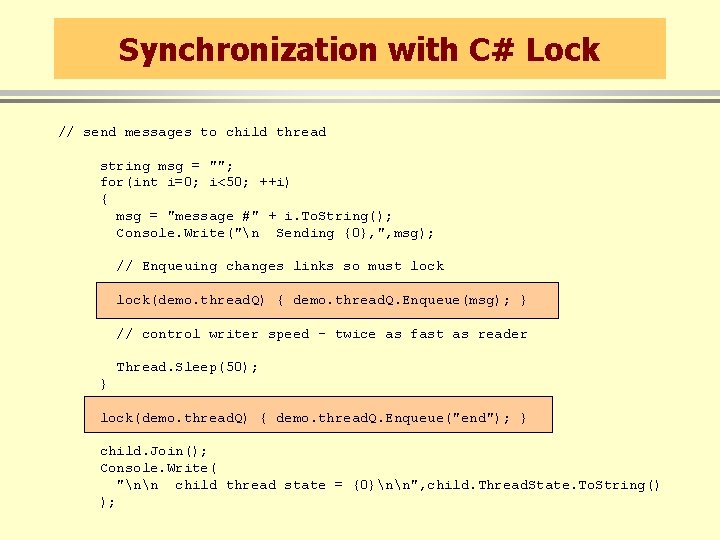
Synchronization with C# Lock // send messages to child thread string msg = ""; for(int i=0; i<50; ++i) { msg = "message #" + i. To. String(); Console. Write("n Sending {0}, ", msg); // Enqueuing changes links so must lock(demo. thread. Q) { demo. thread. Q. Enqueue(msg); } // control writer speed - twice as fast as reader Thread. Sleep(50); } lock(demo. thread. Q) { demo. thread. Q. Enqueue("end"); } child. Join(); Console. Write( "nn child thread state = {0}nn", child. Thread. State. To. String() );
Demonstration Program · Queued. Messages folder – Illustrates communication between parent and child threads using a queue. – Also illustrates use of C# lock operation.
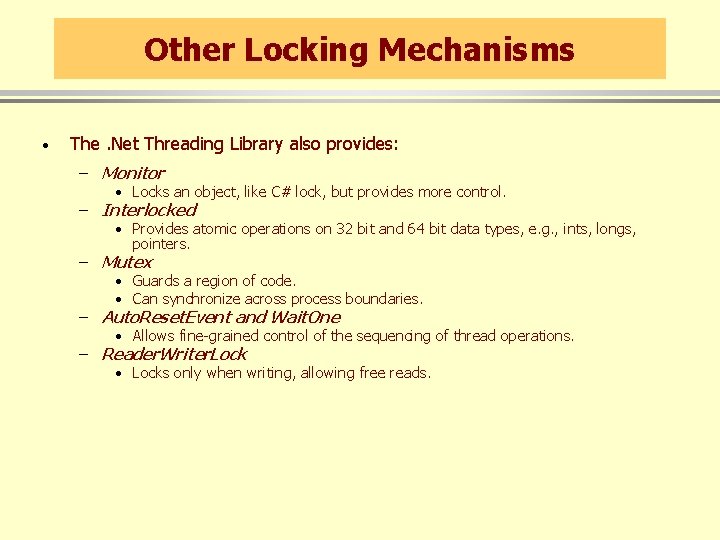
Other Locking Mechanisms · The. Net Threading Library also provides: – Monitor • Locks an object, like C# lock, but provides more control. – Interlocked • Provides atomic operations on 32 bit and 64 bit data types, e. g. , ints, longs, pointers. – Mutex • Guards a region of code. • Can synchronize across process boundaries. – Auto. Reset. Event and Wait. One • Allows fine-grained control of the sequencing of thread operations. – Reader. Writer. Lock • Locks only when writing, allowing free reads.
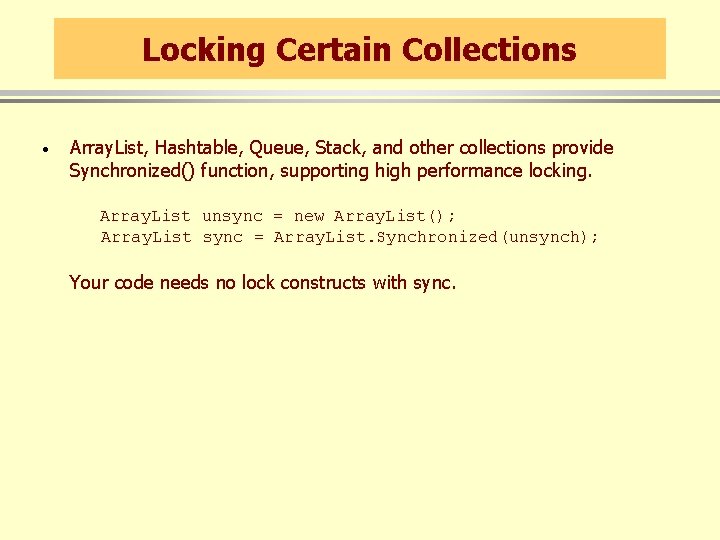
Locking Certain Collections · Array. List, Hashtable, Queue, Stack, and other collections provide Synchronized() function, supporting high performance locking. Array. List unsync = new Array. List(); Array. List sync = Array. List. Synchronized(unsynch); Your code needs no lock constructs with sync.
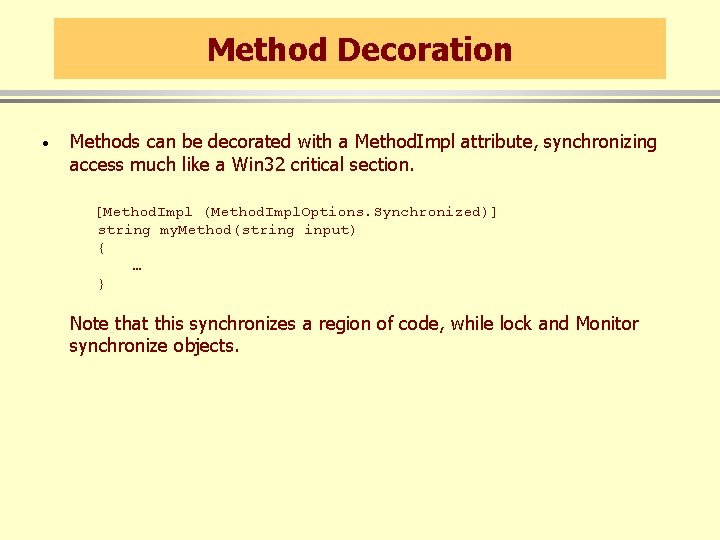
Method Decoration · Methods can be decorated with a Method. Impl attribute, synchronizing access much like a Win 32 critical section. [Method. Impl (Method. Impl. Options. Synchronized)] string my. Method(string input) { … } Note that this synchronizes a region of code, while lock and Monitor synchronize objects.
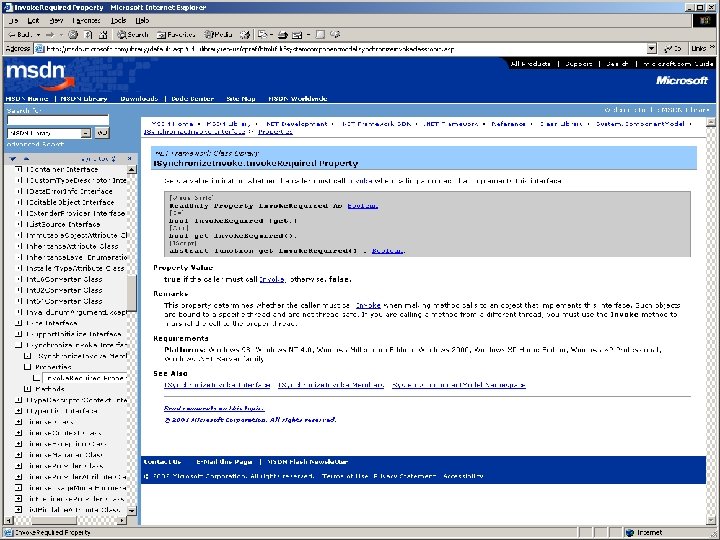
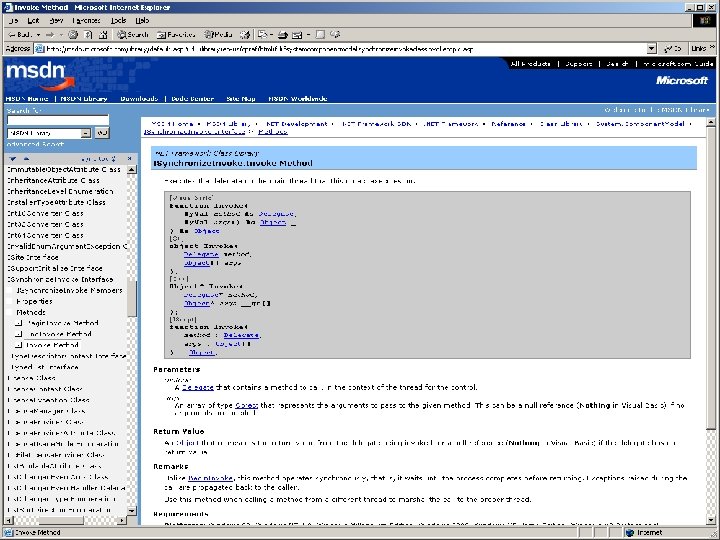
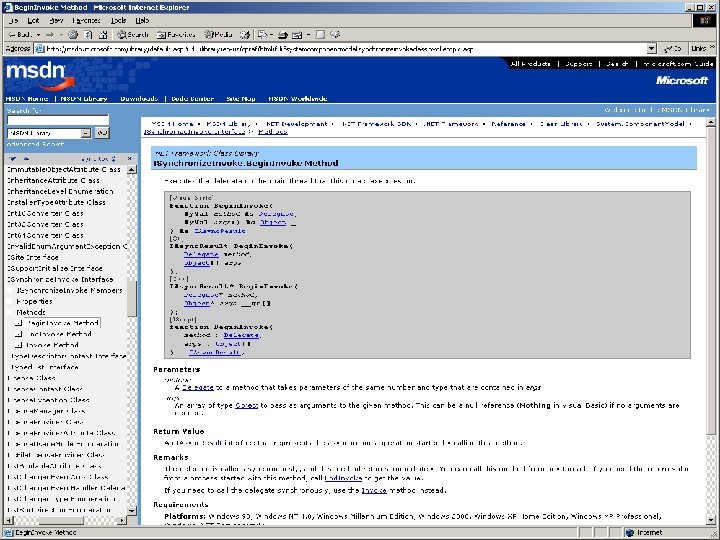
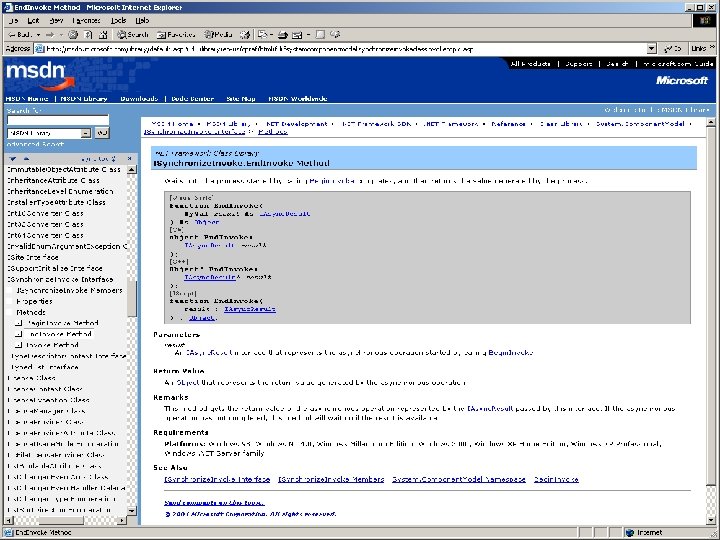
Win. Forms and Worker Threads · A UI thread is a thread that creates a window. A worker thread is a thread spawned by a UI thread to do work in the background while the UI thread services UI messages. · A worker thread must never access UI functions directly. It accesses them through Form’s Invoke, Begin. Invoke, and End. Invoke functions, passing a delegate as an argument.
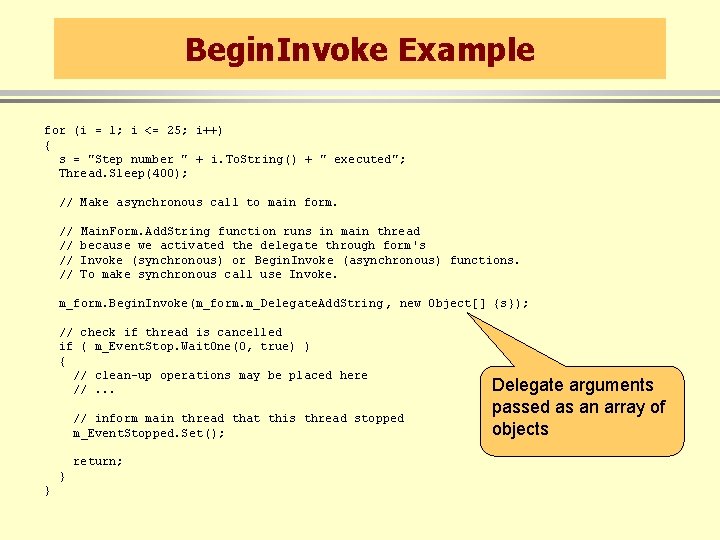
Begin. Invoke Example for (i = 1; i <= 25; i++) { s = "Step number " + i. To. String() + " executed"; Thread. Sleep(400); // Make asynchronous call to main form. // // Main. Form. Add. String function runs in main thread because we activated the delegate through form's Invoke (synchronous) or Begin. Invoke (asynchronous) functions. To make synchronous call use Invoke. m_form. Begin. Invoke(m_form. m_Delegate. Add. String , new Object[] {s}); // check if thread is cancelled if ( m_Event. Stop. Wait. One(0, true) ) { // clean-up operations may be placed here //. . . // inform main thread that this thread stopped m_Event. Stopped. Set(); return; } } Delegate arguments passed as an array of objects
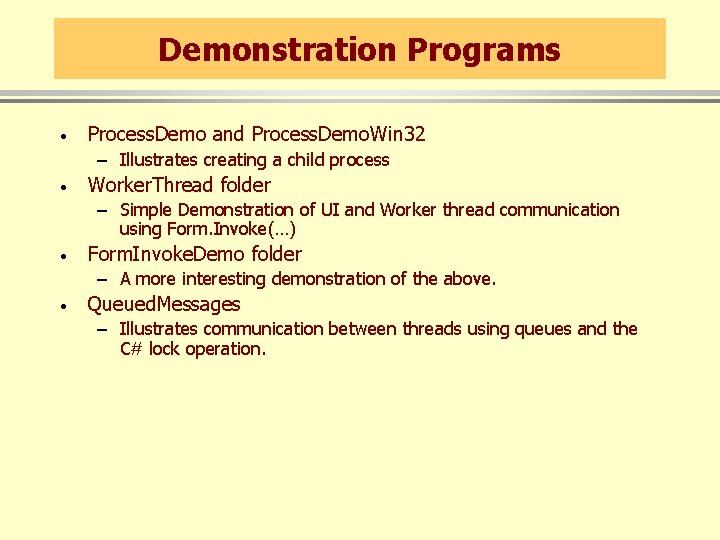
Demonstration Programs · Process. Demo and Process. Demo. Win 32 – Illustrates creating a child process · Worker. Thread folder – Simple Demonstration of UI and Worker thread communication using Form. Invoke(…) · Form. Invoke. Demo folder – A more interesting demonstration of the above. · Queued. Messages – Illustrates communication between threads using queues and the C# lock operation.
End of Presentation
- Slides: 20