
C Programming Language Overview Jim Fawcett CSE 775
- Slides: 40
C# Programming Language Overview Jim Fawcett CSE 775 – Distributed Objects Spring 2005
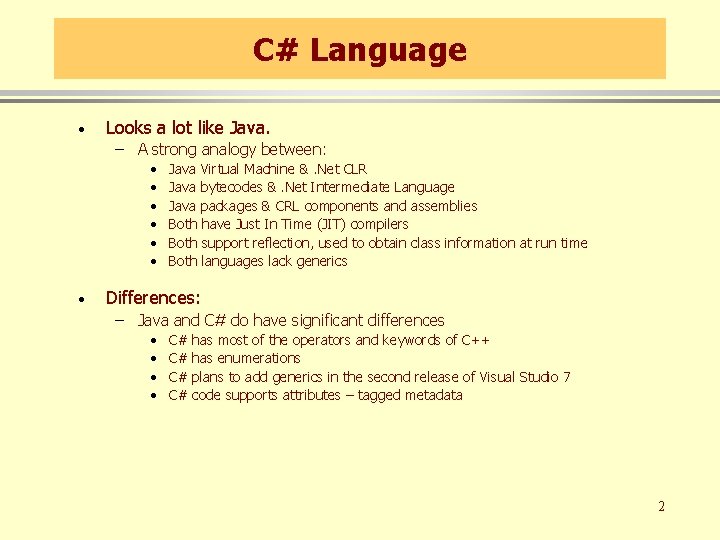
C# Language · Looks a lot like Java. – A strong analogy between: • • • · Java Virtual Machine &. Net CLR Java bytecodes &. Net Intermediate Language Java packages & CRL components and assemblies Both have Just In Time (JIT) compilers Both support reflection, used to obtain class information at run time Both languages lack generics Differences: – Java and C# do have significant differences • • C# C# has most of the operators and keywords of C++ has enumerations plans to add generics in the second release of Visual Studio 7 code supports attributes – tagged metadata 2
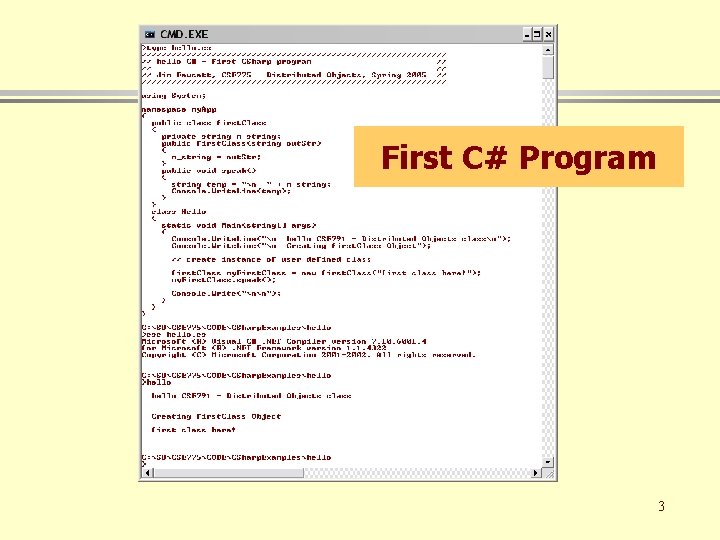
First C# Program 3
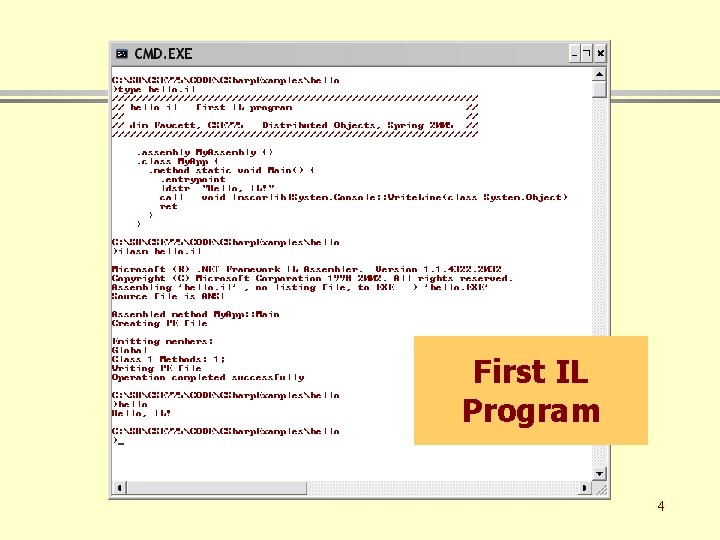
First IL Program 4
Differences Between C# and C++ · In C# there are no global functions. Everything is a class. – Main(string args[]) is a static member function of a class. · The C# class libraries are like Java Packages, not like the C and C++ Standard Libraries. – System, System. Drawing, System. Runtime. Remoting, System. Text, System. Web – C# class hierarchy is rooted in a single “Object” class · C# does not separate class declaration and member function definitions. – Every function definition is inline in the class declaration – like the Java structure. – There are no header files. – Instead of #include, C# uses using statements: • using System; • using System. Component. Model; 5
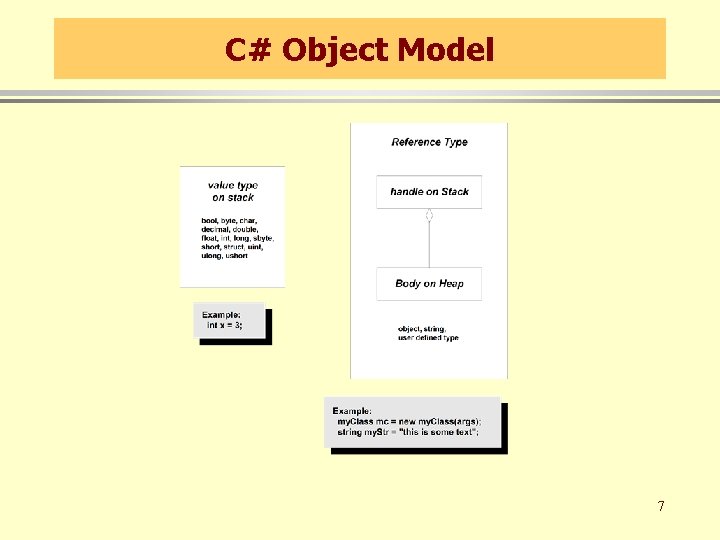
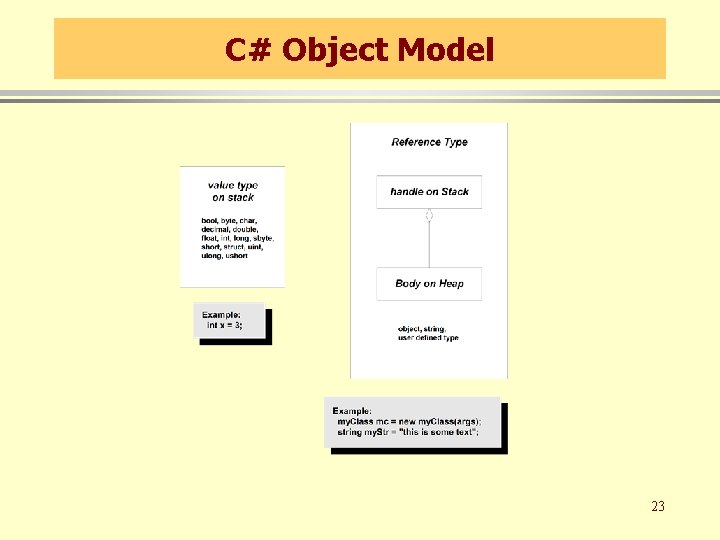
Differences between C++ and C# · The C# object model is very different from the C++ object model. – Illustrated on the next slide · C# supports only single inheritence of implementation, but multiple inheritance of interfaces · C# does not support use of pointers, only references, except in “unsafe” code. · Use of a C# variable before initialization is a compile-time error. 6
C# Object Model 7
More Differences · The CLR defines a new delegate type, used for callbacks. · event is a keyword in all CLR languages. · All memory allocations are subject to garbage collection – you don’t call delete. · There are no #includes unless you want to use unmanaged C++ in the same file as managed C++. · In managed C++ all class data members are either primitive value types, C++ references, or C++ pointers. Nothing else is allowed. · The CLR provides threads, directory services, and remoting. The Standard C++ Library provides none of these, although the first two are easy to provide yourself. 8
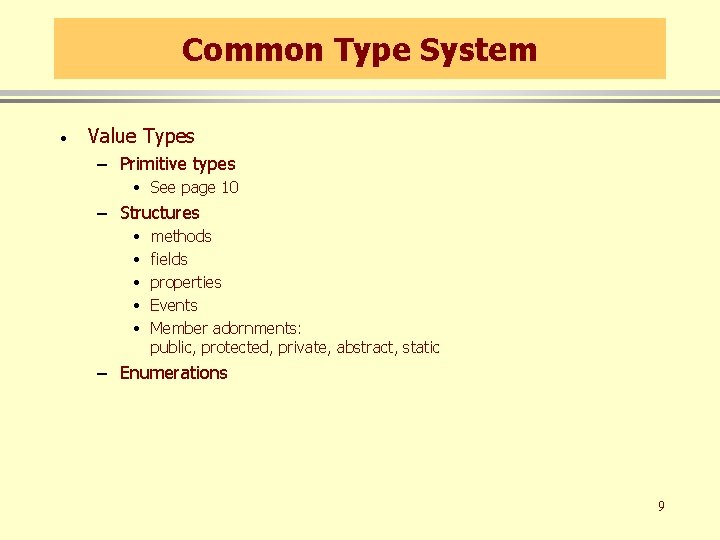
Common Type System · Value Types – Primitive types • See page 10 – Structures • • • methods fields properties Events Member adornments: public, protected, private, abstract, static – Enumerations 9
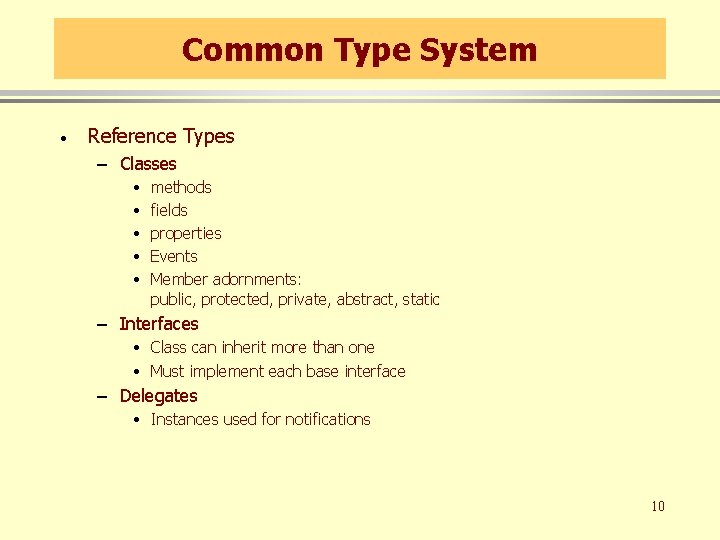
Common Type System · Reference Types – Classes • • • methods fields properties Events Member adornments: public, protected, private, abstract, static – Interfaces • Class can inherit more than one • Must implement each base interface – Delegates • Instances used for notifications 10
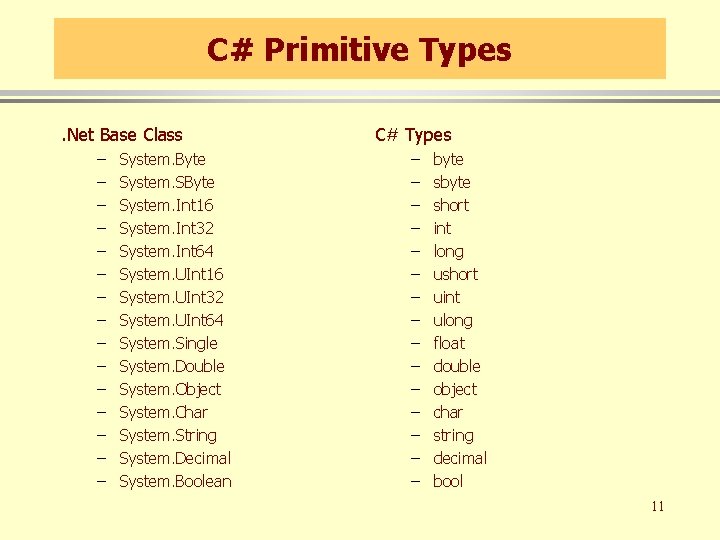
C# Primitive Types. Net Base Class – – – – System. Byte System. SByte System. Int 16 System. Int 32 System. Int 64 System. UInt 16 System. UInt 32 System. UInt 64 System. Single System. Double System. Object System. Char System. String System. Decimal System. Boolean C# Types – – – – byte short int long ushort uint ulong float double object char string decimal bool 11
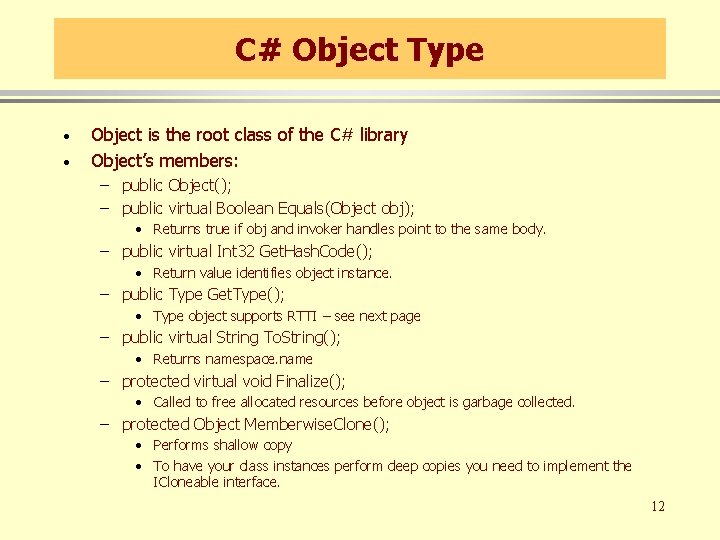
C# Object Type · · Object is the root class of the C# library Object’s members: – public Object(); – public virtual Boolean Equals(Object obj); • Returns true if obj and invoker handles point to the same body. – public virtual Int 32 Get. Hash. Code(); • Return value identifies object instance. – public Type Get. Type(); • Type object supports RTTI – see next page – public virtual String To. String(); • Returns namespace. name – protected virtual void Finalize(); • Called to free allocated resources before object is garbage collected. – protected Object Memberwise. Clone(); • Performs shallow copy • To have your class instances perform deep copies you need to implement the ICloneable interface. 12
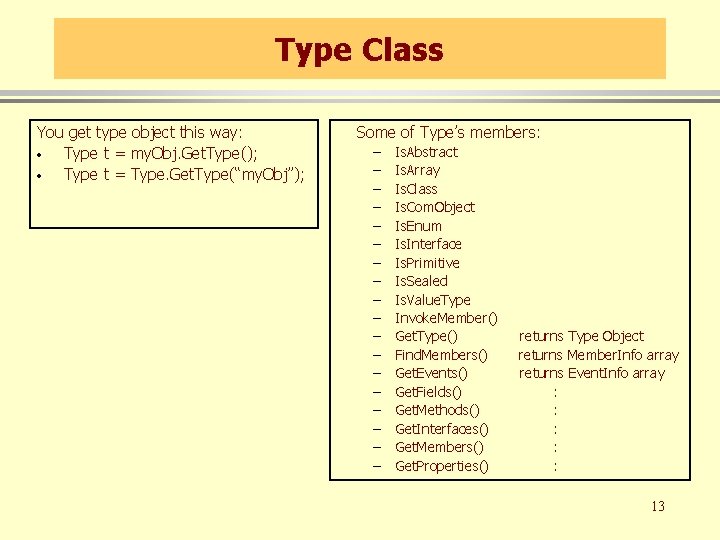
Type Class You get type object this way: · Type t = my. Obj. Get. Type(); · Type t = Type. Get. Type(“my. Obj”); Some of Type’s members: – – – – – Is. Abstract Is. Array Is. Class Is. Com. Object Is. Enum Is. Interface Is. Primitive Is. Sealed Is. Value. Type Invoke. Member() Get. Type() Find. Members() Get. Events() Get. Fields() Get. Methods() Get. Interfaces() Get. Members() Get. Properties() returns Type Object returns Member. Info array returns Event. Info array : : : 13
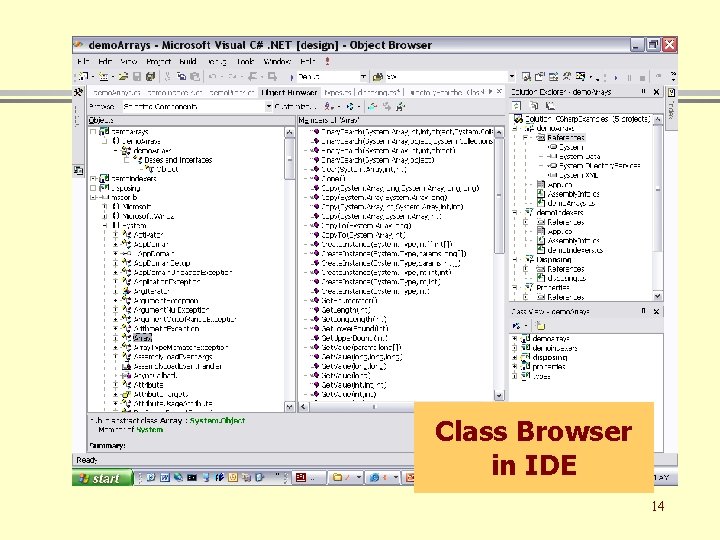
Class Browser in IDE 14
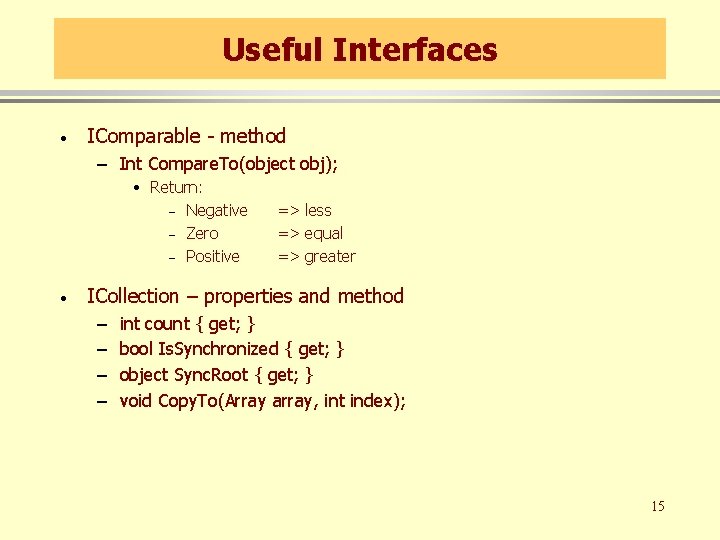
Useful Interfaces · IComparable - method – Int Compare. To(object obj); • Return: – Negative – Zero – Positive · => less => equal => greater ICollection – properties and method – – int count { get; } bool Is. Synchronized { get; } object Sync. Root { get; } void Copy. To(Array array, int index); 15
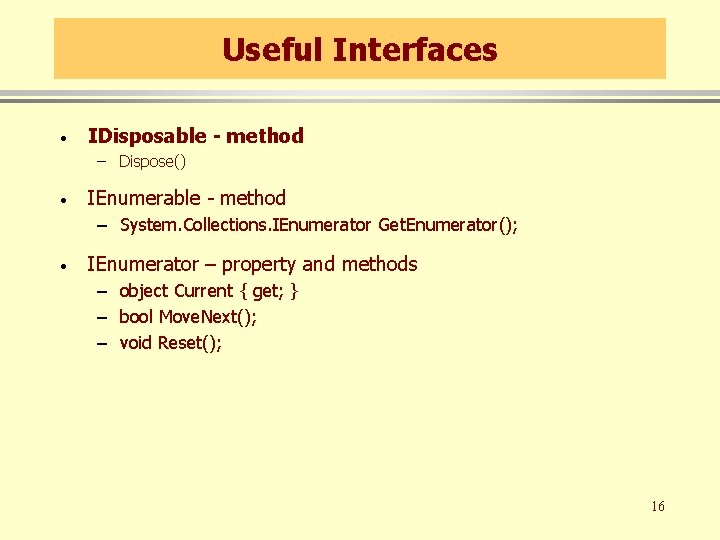
Useful Interfaces · IDisposable - method – Dispose() · IEnumerable - method – System. Collections. IEnumerator Get. Enumerator(); · IEnumerator – property and methods – object Current { get; } – bool Move. Next(); – void Reset(); 16
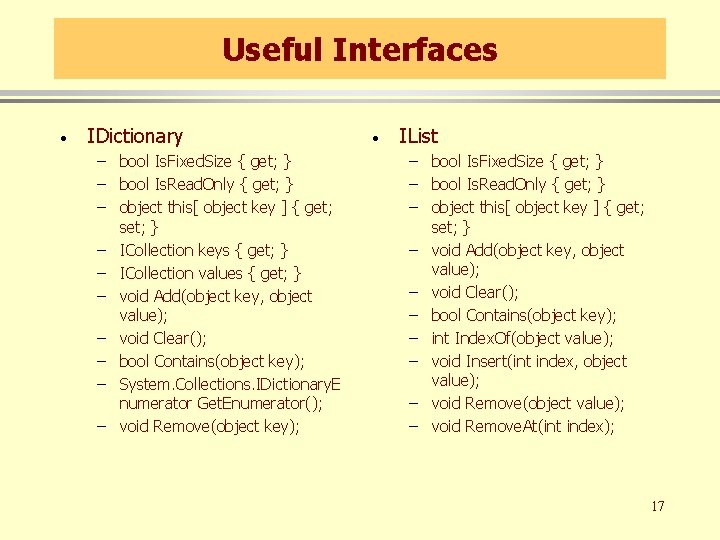
Useful Interfaces · IDictionary – bool Is. Fixed. Size { get; } – bool Is. Read. Only { get; } – object this[ object key ] { get; set; } – ICollection keys { get; } – ICollection values { get; } – void Add(object key, object value); – void Clear(); – bool Contains(object key); – System. Collections. IDictionary. E numerator Get. Enumerator(); – void Remove(object key); · IList – bool Is. Fixed. Size { get; } – bool Is. Read. Only { get; } – object this[ object key ] { get; set; } – void Add(object key, object value); – void Clear(); – bool Contains(object key); – int Index. Of(object value); – void Insert(int index, object value); – void Remove(object value); – void Remove. At(int index); 17
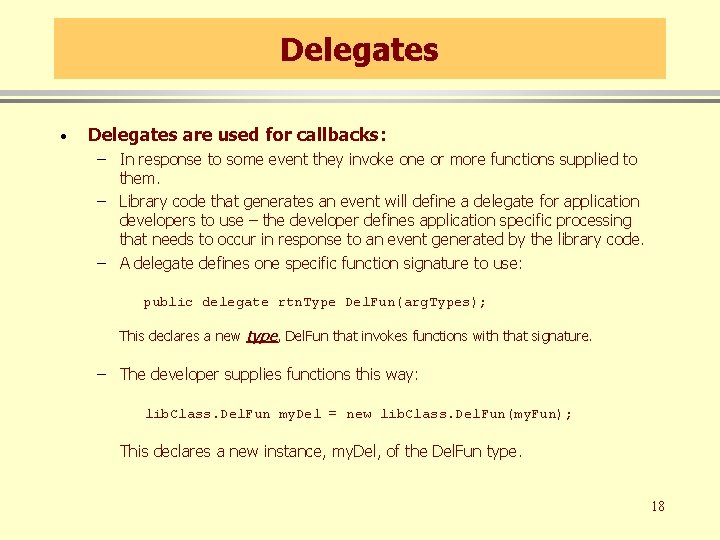
Delegates · Delegates are used for callbacks: – In response to some event they invoke one or more functions supplied to them. – Library code that generates an event will define a delegate for application developers to use – the developer defines application specific processing that needs to occur in response to an event generated by the library code. – A delegate defines one specific function signature to use: public delegate rtn. Type Del. Fun(arg. Types); This declares a new type, Del. Fun that invokes functions with that signature. – The developer supplies functions this way: lib. Class. Del. Fun my. Del = new lib. Class. Del. Fun(my. Fun); This declares a new instance, my. Del, of the Del. Fun type. 18
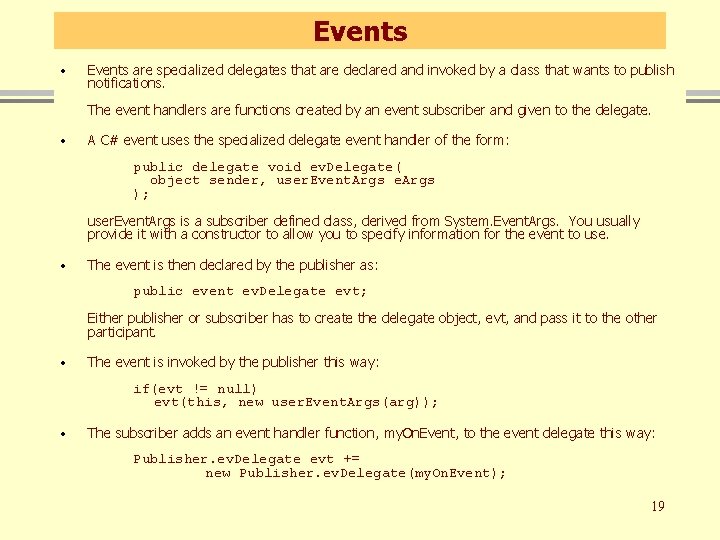
Events · Events are specialized delegates that are declared and invoked by a class that wants to publish notifications. The event handlers are functions created by an event subscriber and given to the delegate. · A C# event uses the specialized delegate event handler of the form: public delegate void ev. Delegate( object sender, user. Event. Args e. Args ); user. Event. Args is a subscriber defined class, derived from System. Event. Args. You usually provide it with a constructor to allow you to specify information for the event to use. · The event is then declared by the publisher as: public event ev. Delegate evt; Either publisher or subscriber has to create the delegate object, evt, and pass it to the other participant. · The event is invoked by the publisher this way: if(evt != null) evt(this, new user. Event. Args(arg)); · The subscriber adds an event handler function, my. On. Event, to the event delegate this way: Publisher. ev. Delegate evt += new Publisher. ev. Delegate(my. On. Event); 19
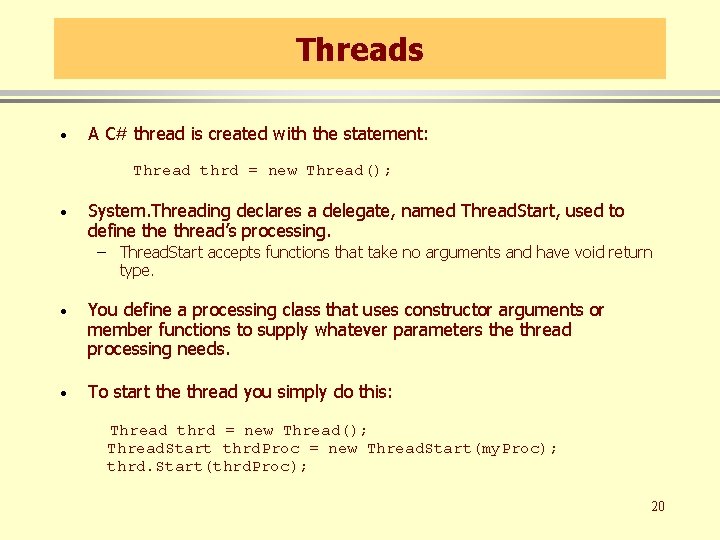
Threads · A C# thread is created with the statement: Thread thrd = new Thread(); · System. Threading declares a delegate, named Thread. Start, used to define thread’s processing. – Thread. Start accepts functions that take no arguments and have void return type. · You define a processing class that uses constructor arguments or member functions to supply whatever parameters the thread processing needs. · To start the thread you simply do this: Thread thrd = new Thread(); Thread. Start thrd. Proc = new Thread. Start(my. Proc); thrd. Start(thrd. Proc); 20
Thread Synchronization · The simplest way to provide mutually exclusive access to an object shared between threads is to use lock: lock(some. Object) { // do some processing on // some. Object } While a thread is processing the code inside the lock statement no other thread is allowed to access some. Object. 21
Components · Because C# classes are reference types, they expose no physical implementation detail to a client. What the client creates on its stack frames are simply handles to the class implementations. – The compiler does type checking for a client from metadata in an accessed assembly. – No header file is included, so the client is not dependent on implementation details of the class. – Consequently, any C# library dll can serve as a component for local access. – To make a component remotely accessible, you need to derive from System. Marshal. By. Ref. Object 22
C# Object Model 23
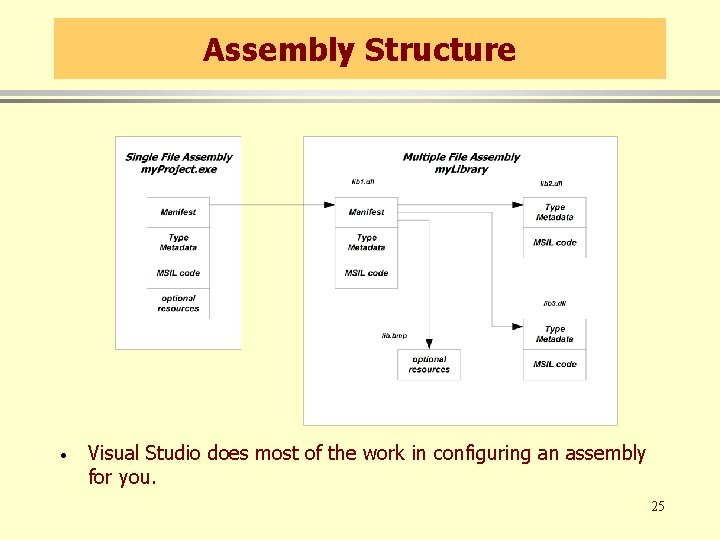
Assemblies · · · An assembly is a versioned, self-describing binary (dll or exe) An assembly is the unit of deployment in. Net An assembly is one or more files that contain: – A Manifest • Documents each file in the assembly • Establishes the assembly version • Documents external assemblies referenced – Type metadata • Describes all the methods, properties, fields, and events in each module in the assembly – MSIL code • Platform independent intermediate code • JIT transforms IL into platform specific code – Optional resources • Bitmaps, string resources, … 24
Assembly Structure · Visual Studio does most of the work in configuring an assembly for you. 25
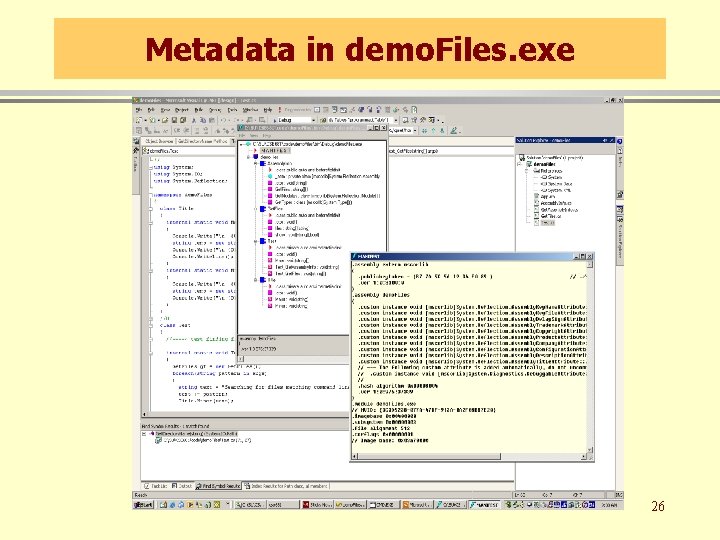
Metadata in demo. Files. exe 26
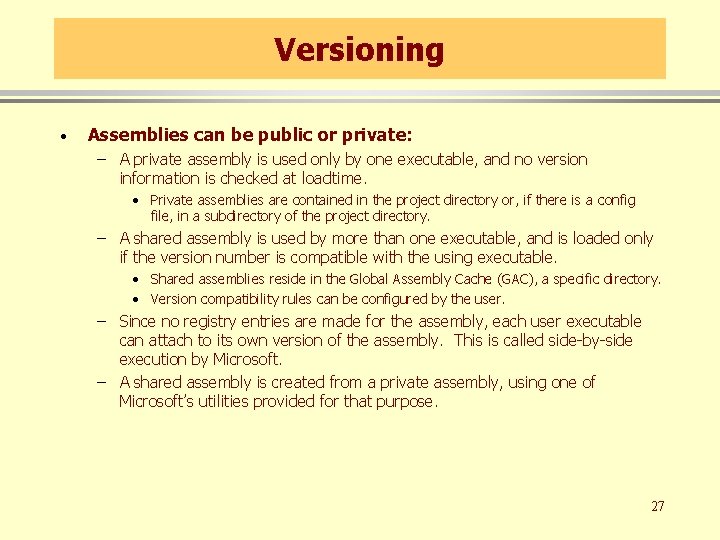
Versioning · Assemblies can be public or private: – A private assembly is used only by one executable, and no version information is checked at loadtime. • Private assemblies are contained in the project directory or, if there is a config file, in a subdirectory of the project directory. – A shared assembly is used by more than one executable, and is loaded only if the version number is compatible with the using executable. • Shared assemblies reside in the Global Assembly Cache (GAC), a specific directory. • Version compatibility rules can be configured by the user. – Since no registry entries are made for the assembly, each user executable can attach to its own version of the assembly. This is called side-by-side execution by Microsoft. – A shared assembly is created from a private assembly, using one of Microsoft’s utilities provided for that purpose. 27
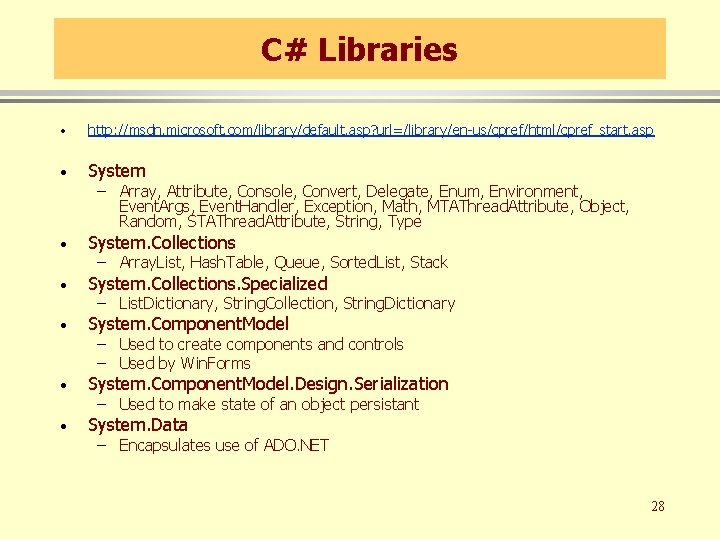
C# Libraries · http: //msdn. microsoft. com/library/default. asp? url=/library/en-us/cpref/html/cpref_start. asp · System. Collections. Specialized · System. Component. Model. Design. Serialization · System. Data – Array, Attribute, Console, Convert, Delegate, Enum, Environment, Event. Args, Event. Handler, Exception, Math, MTAThread. Attribute, Object, Random, STAThread. Attribute, String, Type – Array. List, Hash. Table, Queue, Sorted. List, Stack – List. Dictionary, String. Collection, String. Dictionary – Used to create components and controls – Used by Win. Forms – Used to make state of an object persistant – Encapsulates use of ADO. NET 28
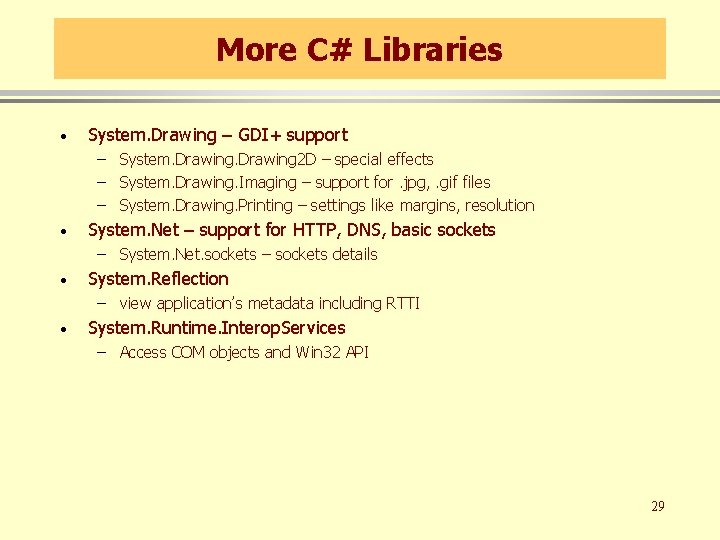
More C# Libraries · System. Drawing – GDI+ support – System. Drawing 2 D – special effects – System. Drawing. Imaging – support for. jpg, . gif files – System. Drawing. Printing – settings like margins, resolution · System. Net – support for HTTP, DNS, basic sockets – System. Net. sockets – sockets details · System. Reflection – view application’s metadata including RTTI · System. Runtime. Interop. Services – Access COM objects and Win 32 API 29
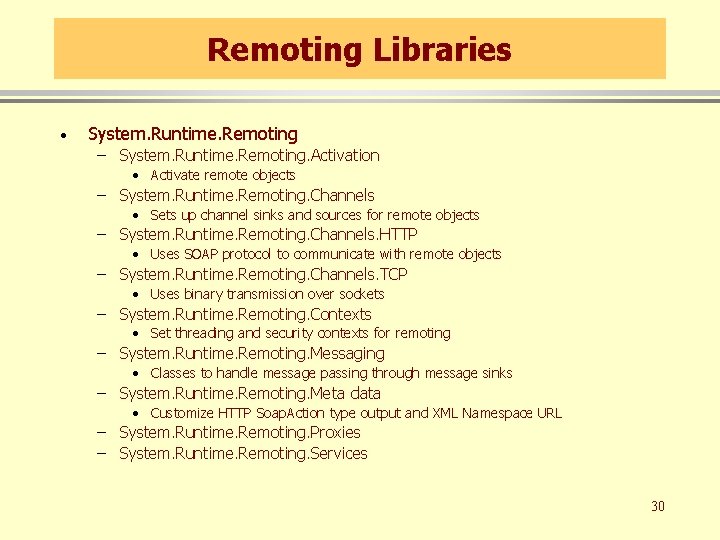
Remoting Libraries · System. Runtime. Remoting – System. Runtime. Remoting. Activation • Activate remote objects – System. Runtime. Remoting. Channels • Sets up channel sinks and sources for remote objects – System. Runtime. Remoting. Channels. HTTP • Uses SOAP protocol to communicate with remote objects – System. Runtime. Remoting. Channels. TCP • Uses binary transmission over sockets – System. Runtime. Remoting. Contexts • Set threading and security contexts for remoting – System. Runtime. Remoting. Messaging • Classes to handle message passing through message sinks – System. Runtime. Remoting. Meta data • Customize HTTP Soap. Action type output and XML Namespace URL – System. Runtime. Remoting. Proxies – System. Runtime. Remoting. Services 30
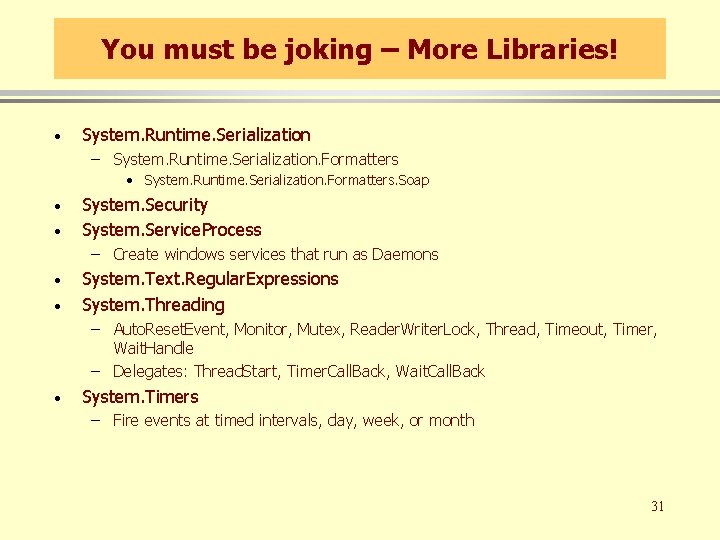
You must be joking – More Libraries! · System. Runtime. Serialization – System. Runtime. Serialization. Formatters • System. Runtime. Serialization. Formatters. Soap · · System. Security System. Service. Process – Create windows services that run as Daemons · · System. Text. Regular. Expressions System. Threading – Auto. Reset. Event, Monitor, Mutex, Reader. Writer. Lock, Thread, Timeout, Timer, Wait. Handle – Delegates: Thread. Start, Timer. Call. Back, Wait. Call. Back · System. Timers – Fire events at timed intervals, day, week, or month 31
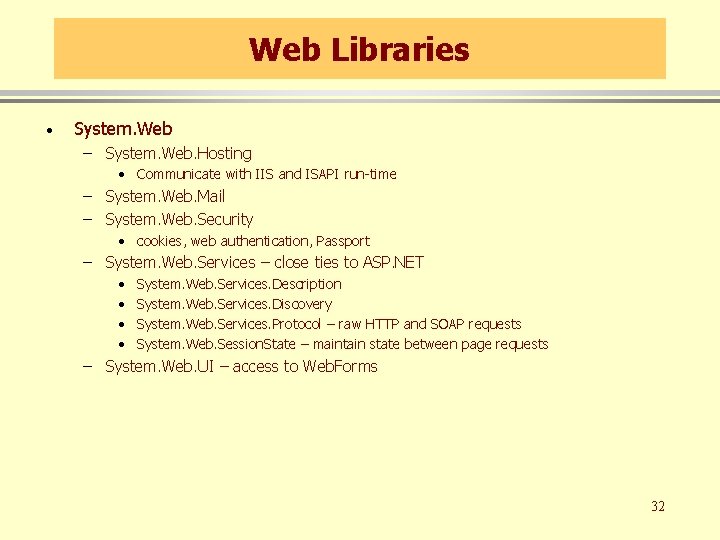
Web Libraries · System. Web – System. Web. Hosting • Communicate with IIS and ISAPI run-time – System. Web. Mail – System. Web. Security • cookies, web authentication, Passport – System. Web. Services – close ties to ASP. NET • • System. Web. Services. Description System. Web. Services. Discovery System. Web. Services. Protocol – raw HTTP and SOAP requests System. Web. Session. State – maintain state between page requests – System. Web. UI – access to Web. Forms 32
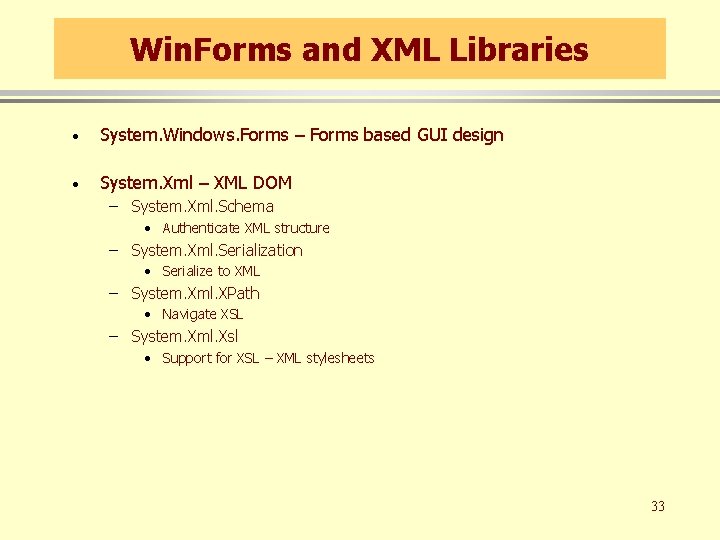
Win. Forms and XML Libraries · System. Windows. Forms – Forms based GUI design · System. Xml – XML DOM – System. Xml. Schema • Authenticate XML structure – System. Xml. Serialization • Serialize to XML – System. Xml. XPath • Navigate XSL – System. Xml. Xsl • Support for XSL – XML stylesheets 33
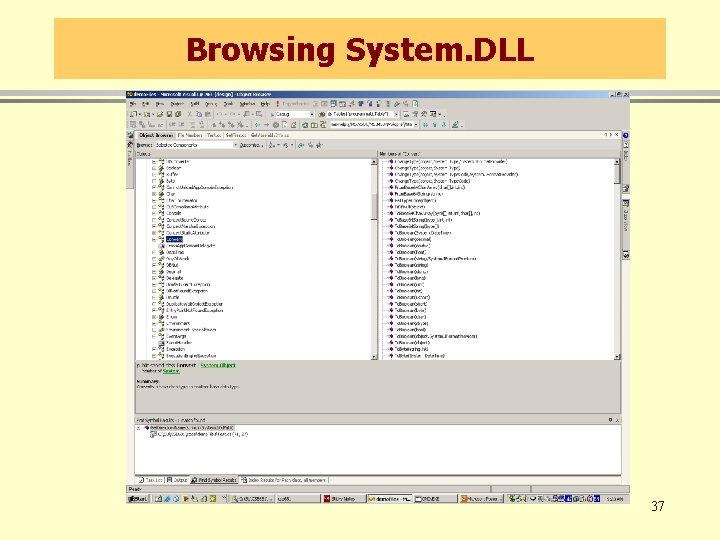
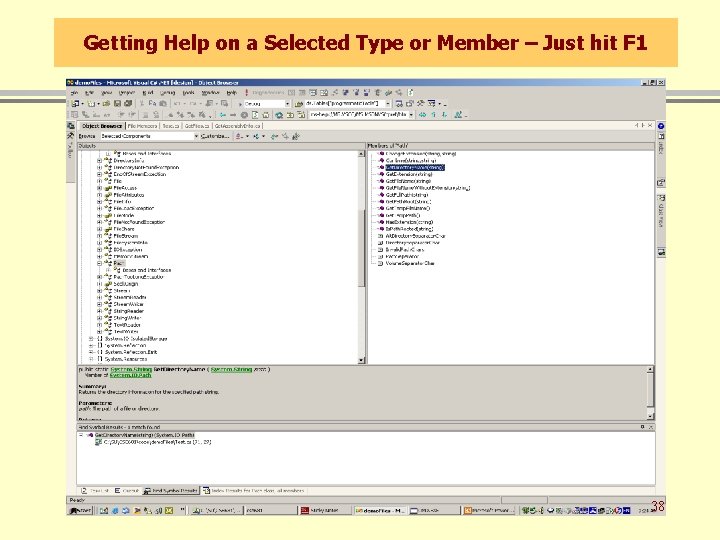
So How do we Learn all this stuff! Class. View -> Class Browser -> Help to the rescue! 34
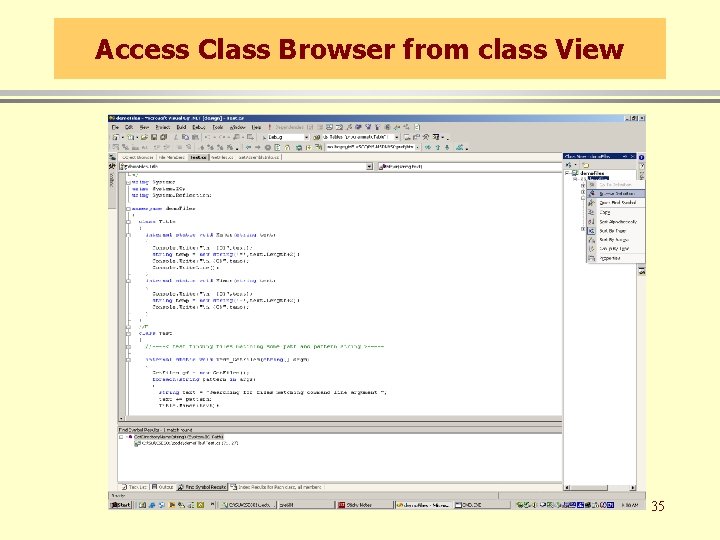
Access Class Browser from class View 35
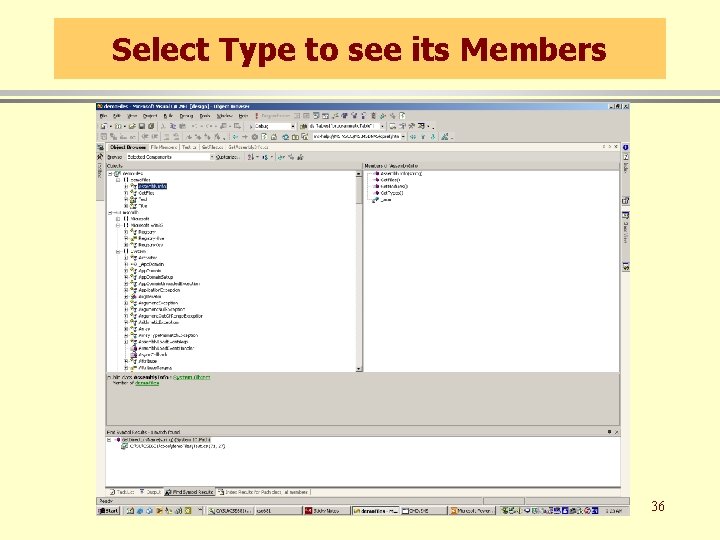
Select Type to see its Members 36
Browsing System. DLL 37
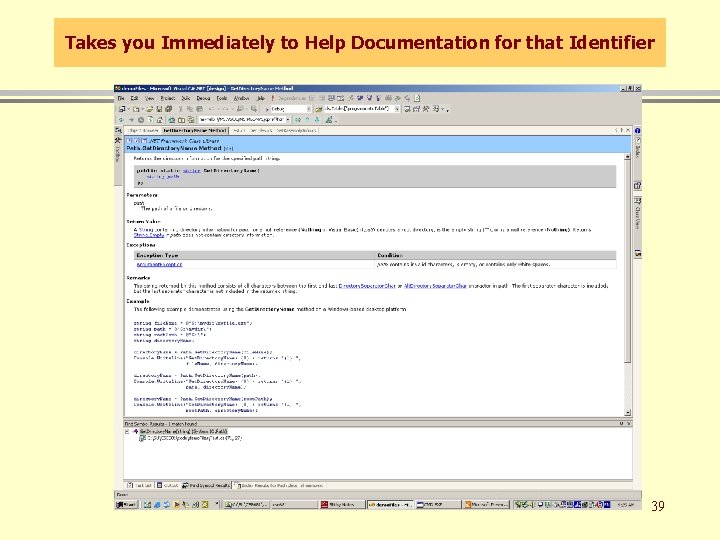
Getting Help on a Selected Type or Member – Just hit F 1 38
Takes you Immediately to Help Documentation for that Identifier 39
End of Presentation 40