
C Programming Getting started Variables Basic C operators
C Programming - Getting started Variables Basic C operators Conditionals Loops Functions 1
Getting started 2
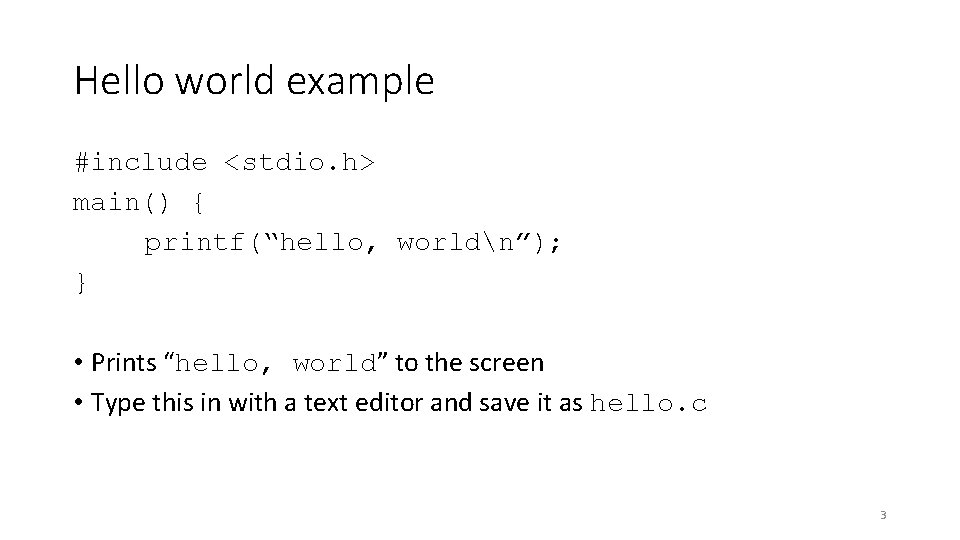
Hello world example #include <stdio. h> main() { printf(“hello, worldn”); } • Prints “hello, world” to the screen • Type this in with a text editor and save it as hello. c 3
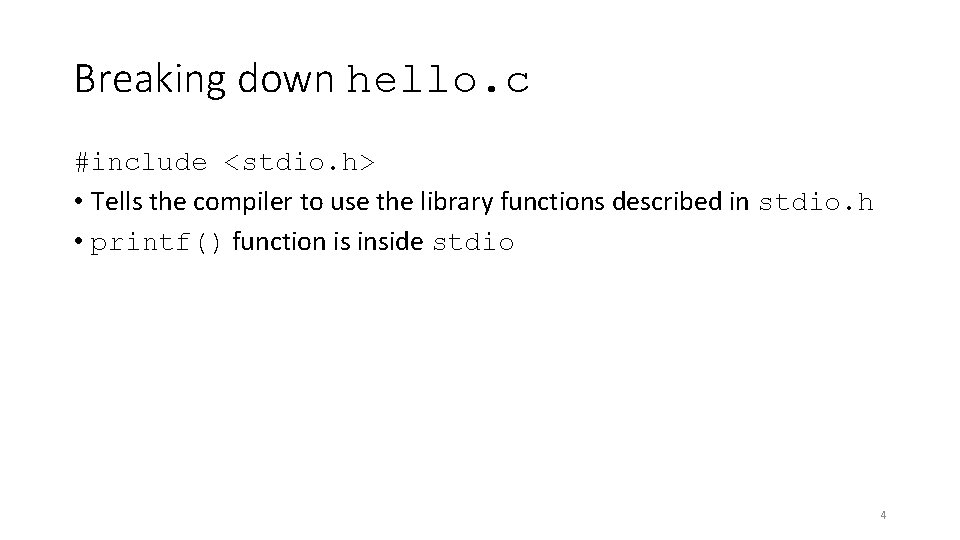
Breaking down hello. c #include <stdio. h> • Tells the compiler to use the library functions described in stdio. h • printf() function is inside stdio 4
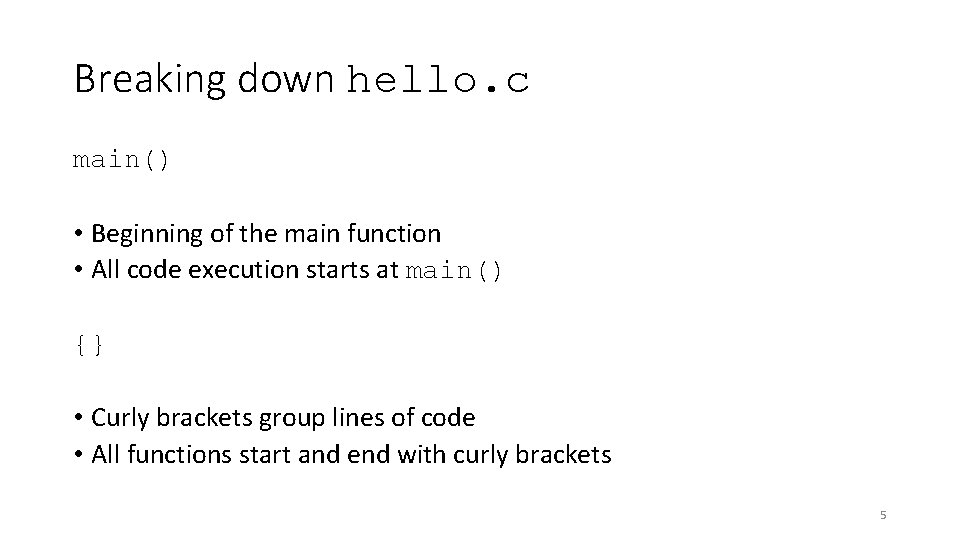
Breaking down hello. c main() • Beginning of the main function • All code execution starts at main() {} • Curly brackets group lines of code • All functions start and end with curly brackets 5
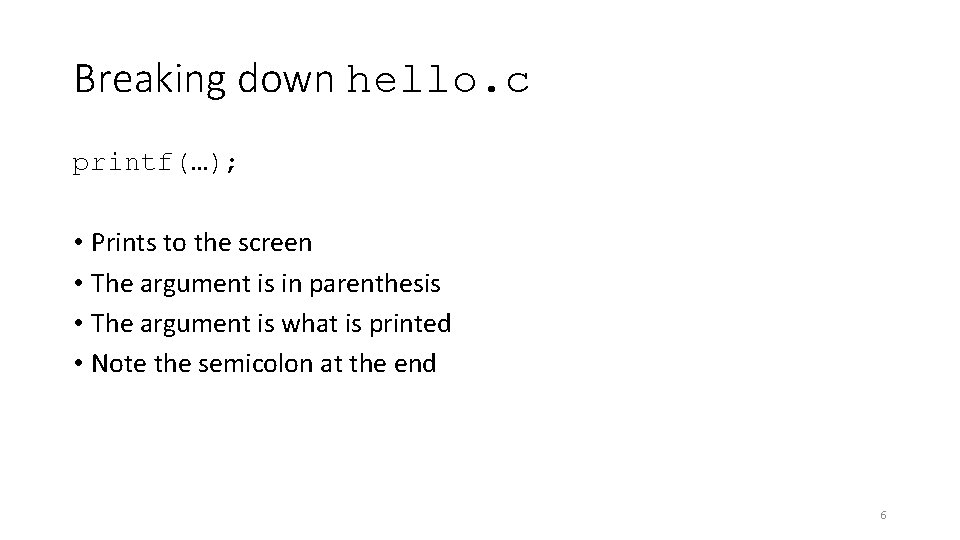
Breaking down hello. c printf(…); • Prints to the screen • The argument is in parenthesis • The argument is what is printed • Note the semicolon at the end 6
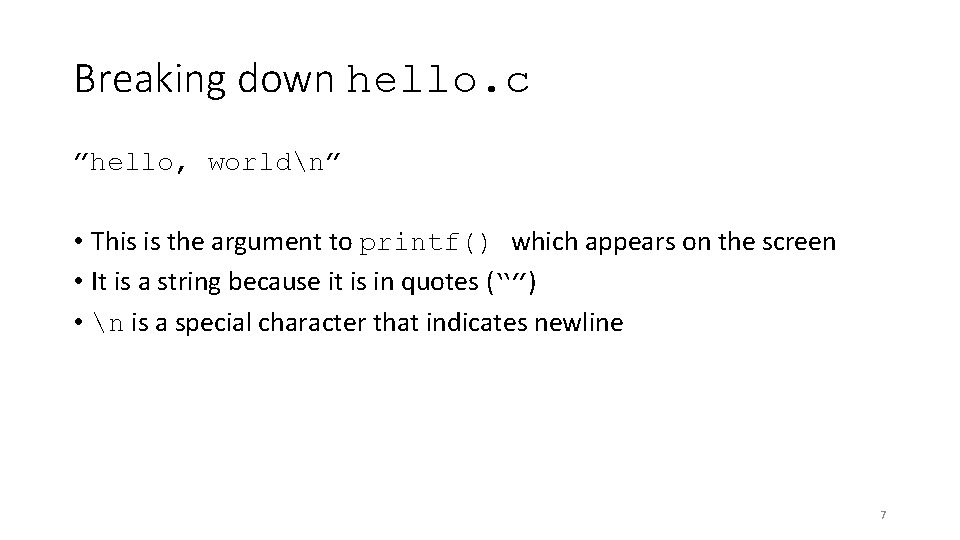
Breaking down hello. c ”hello, worldn” • This is the argument to printf() which appears on the screen • It is a string because it is in quotes (“”) • n is a special character that indicates newline 7
Variables 8
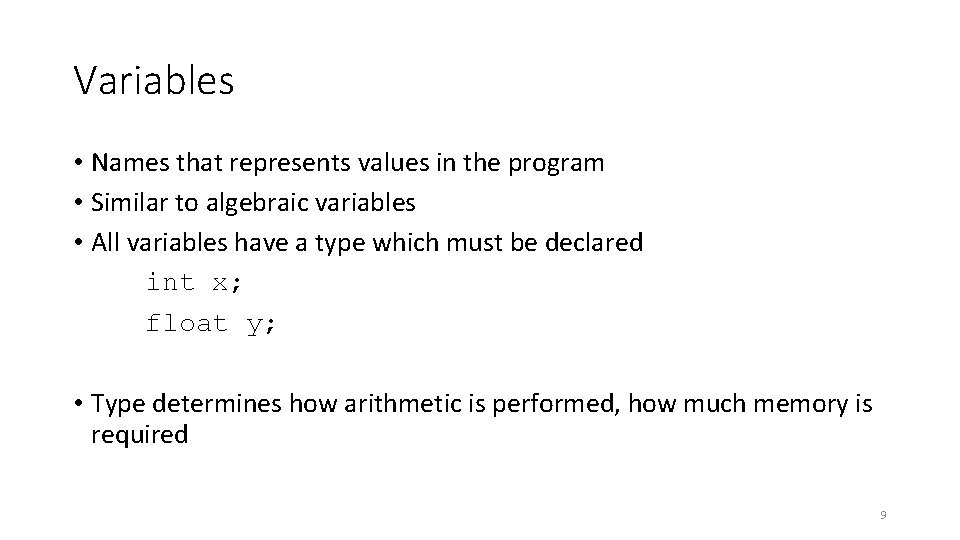
Variables • Names that represents values in the program • Similar to algebraic variables • All variables have a type which must be declared int x; float y; • Type determines how arithmetic is performed, how much memory is required 9
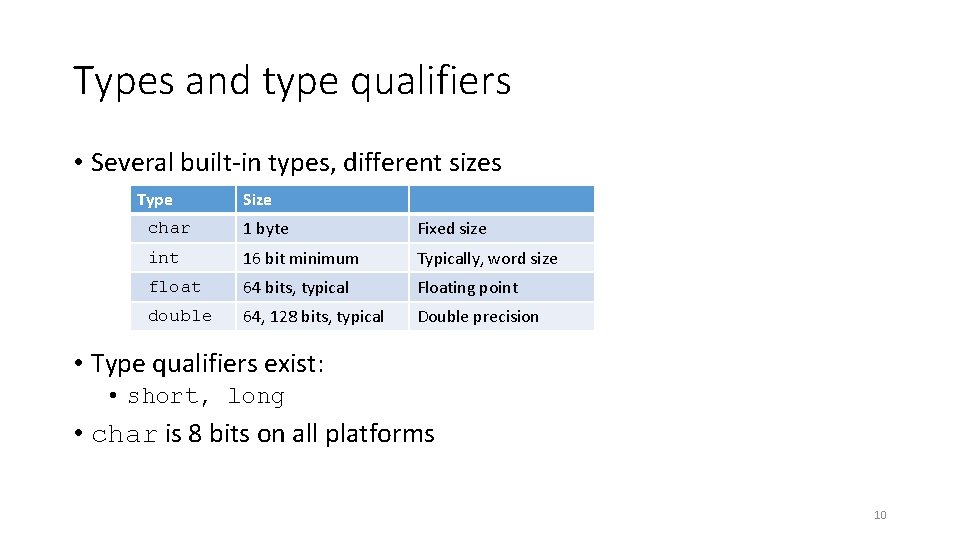
Types and type qualifiers • Several built-in types, different sizes Type Size char 1 byte Fixed size int 16 bit minimum Typically, word size float 64 bits, typical Floating point double 64, 128 bits, typical Double precision • Type qualifiers exist: • short, long • char is 8 bits on all platforms 10
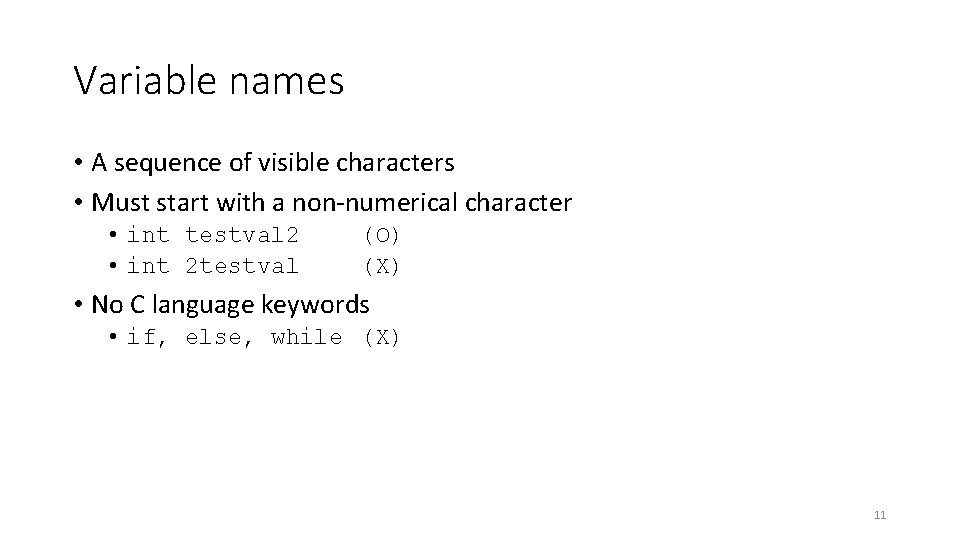
Variable names • A sequence of visible characters • Must start with a non-numerical character • int testval 2 • int 2 testval (O) (X) • No C language keywords • if, else, while (X) 11
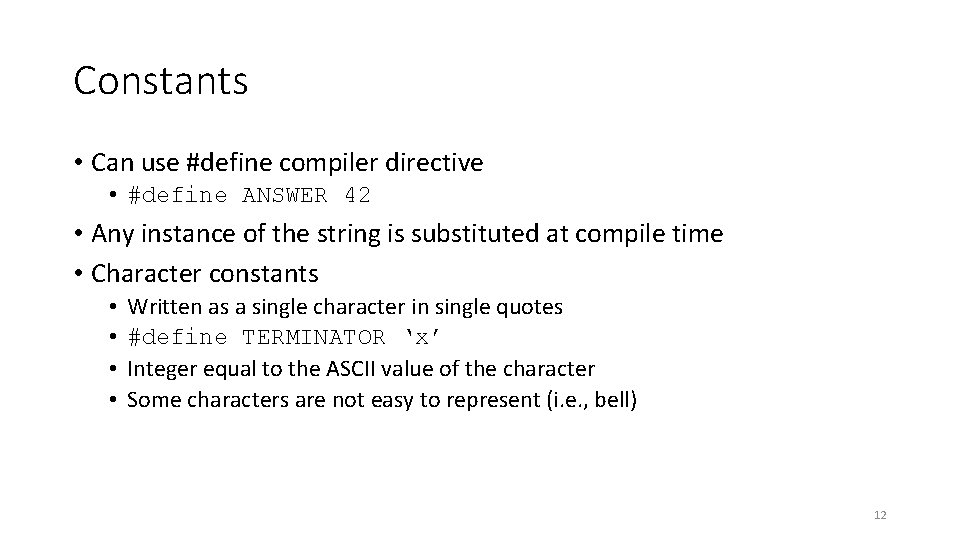
Constants • Can use #define compiler directive • #define ANSWER 42 • Any instance of the string is substituted at compile time • Character constants • • Written as a single character in single quotes #define TERMINATOR ‘x’ Integer equal to the ASCII value of the character Some characters are not easy to represent (i. e. , bell) 12
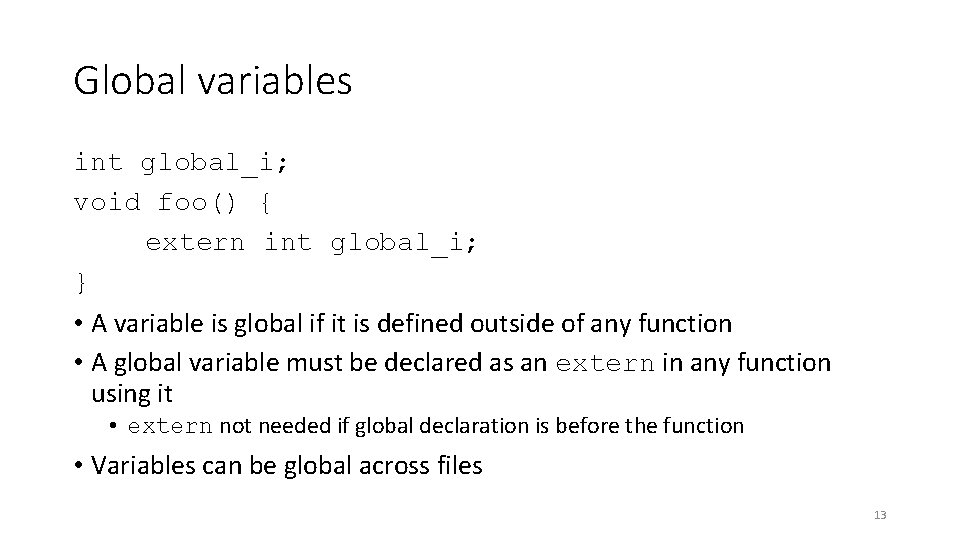
Global variables int global_i; void foo() { extern int global_i; } • A variable is global if it is defined outside of any function • A global variable must be declared as an extern in any function using it • extern not needed if global declaration is before the function • Variables can be global across files 13
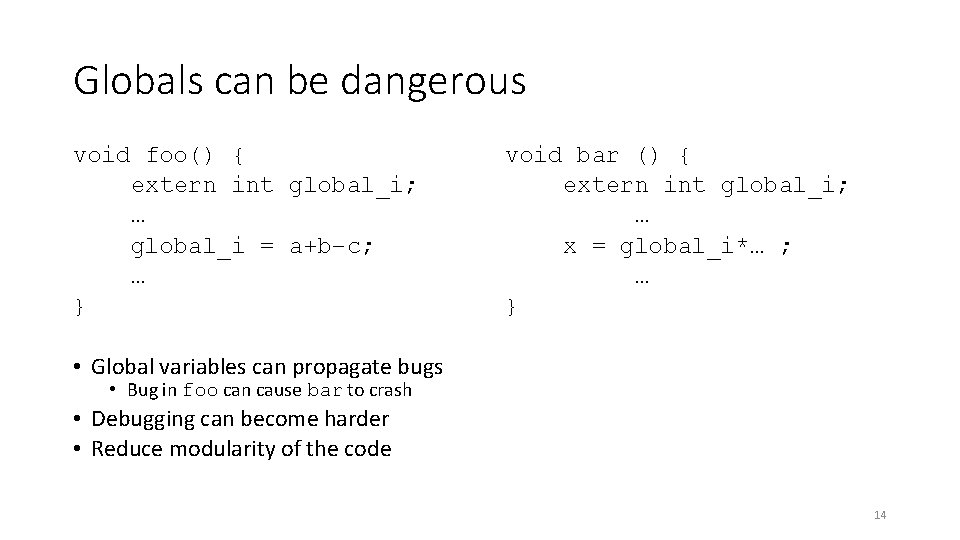
Globals can be dangerous void foo() { extern int global_i; … global_i = a+b–c; … } void bar () { extern int global_i; … x = global_i*… ; … } • Global variables can propagate bugs • Bug in foo can cause bar to crash • Debugging can become harder • Reduce modularity of the code 14
Basic C operators 15
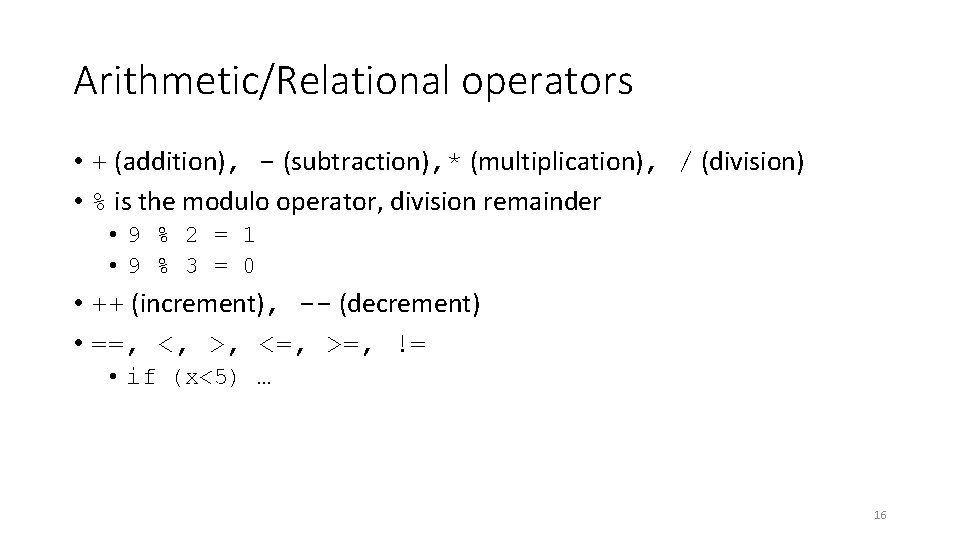
Arithmetic/Relational operators • + (addition), - (subtraction), * (multiplication), / (division) • % is the modulo operator, division remainder • 9 % 2 = 1 • 9 % 3 = 0 • ++ (increment), -- (decrement) • ==, <, >, <=, >=, != • if (x<5) … 16
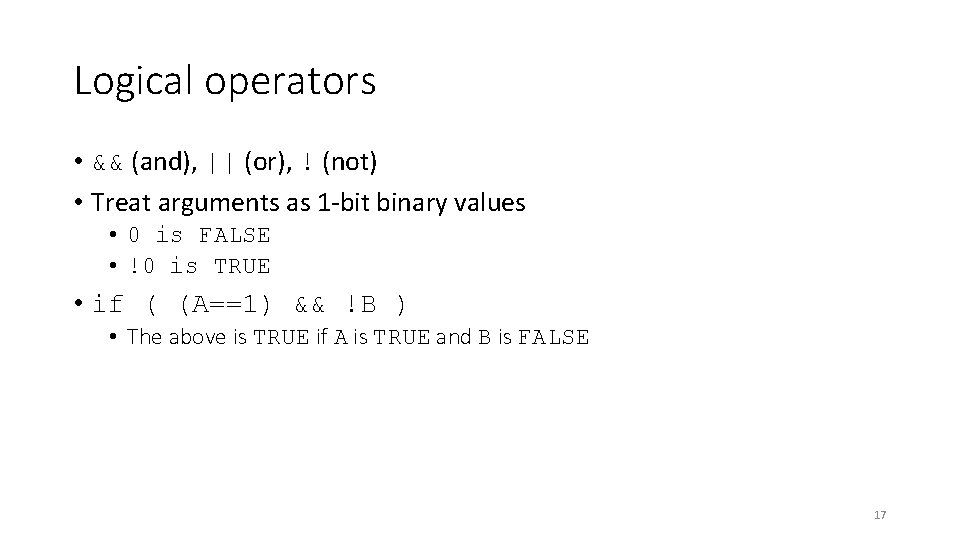
Logical operators • && (and), || (or), ! (not) • Treat arguments as 1 -bit binary values • 0 is FALSE • !0 is TRUE • if ( (A==1) && !B ) • The above is TRUE if A is TRUE and B is FALSE 17
Conditionals 18
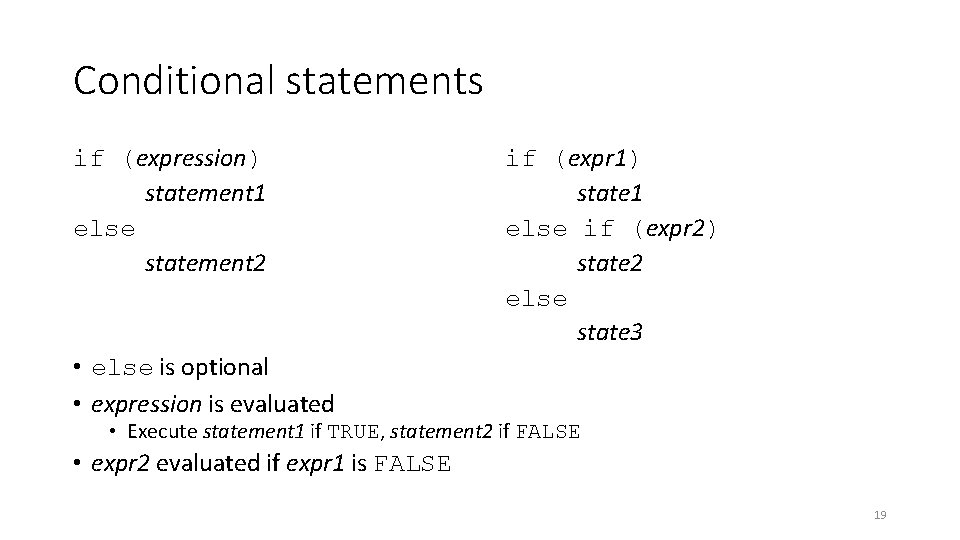
Conditional statements if (expression) statement 1 else statement 2 if (expr 1) state 1 else if (expr 2) state 2 else state 3 • else is optional • expression is evaluated • Execute statement 1 if TRUE, statement 2 if FALSE • expr 2 evaluated if expr 1 is FALSE 19
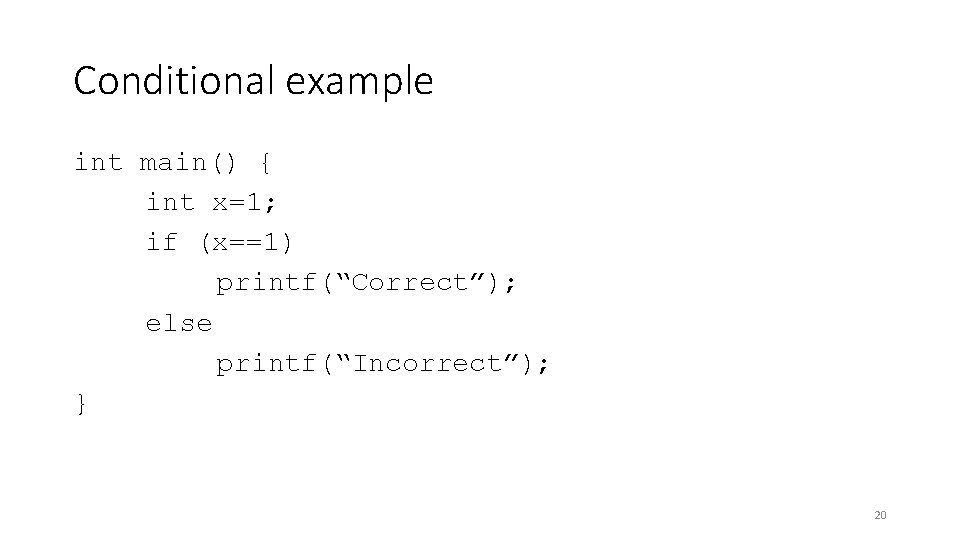
Conditional example int main() { int x=1; if (x==1) printf(“Correct”); else printf(“Incorrect”); } 20
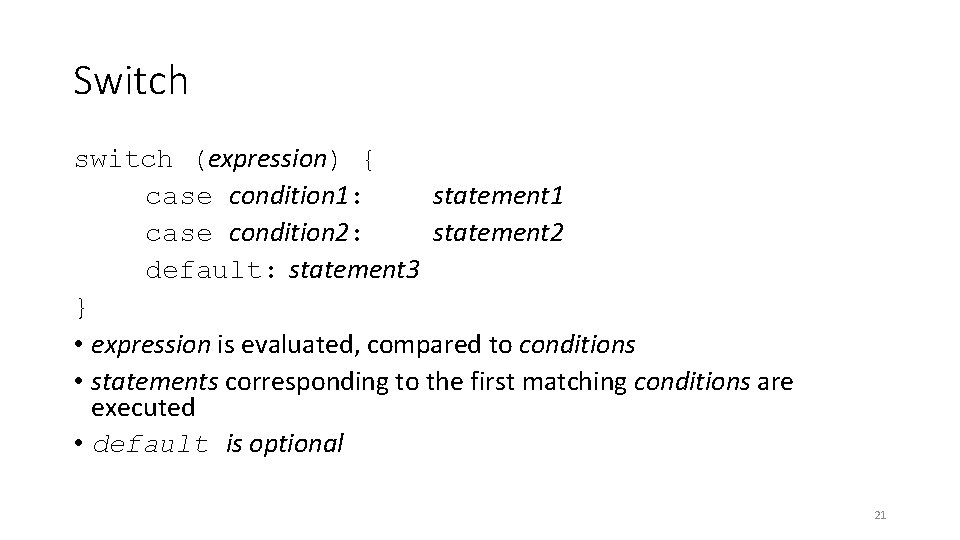
Switch switch (expression) { case condition 1: statement 1 case condition 2: statement 2 default: statement 3 } • expression is evaluated, compared to conditions • statements corresponding to the first matching conditions are executed • default is optional 21
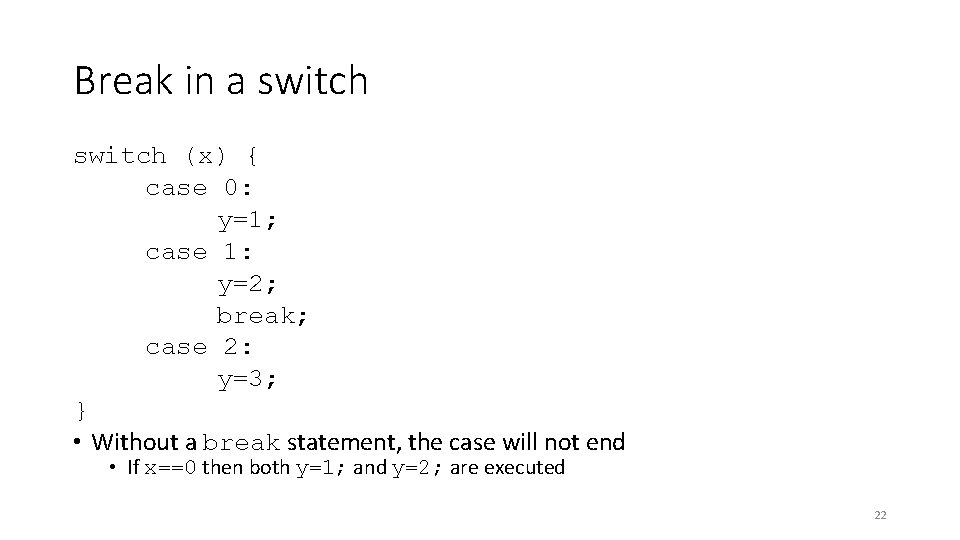
Break in a switch (x) { case 0: y=1; case 1: y=2; break; case 2: y=3; } • Without a break statement, the case will not end • If x==0 then both y=1; and y=2; are executed 22
Loops 23
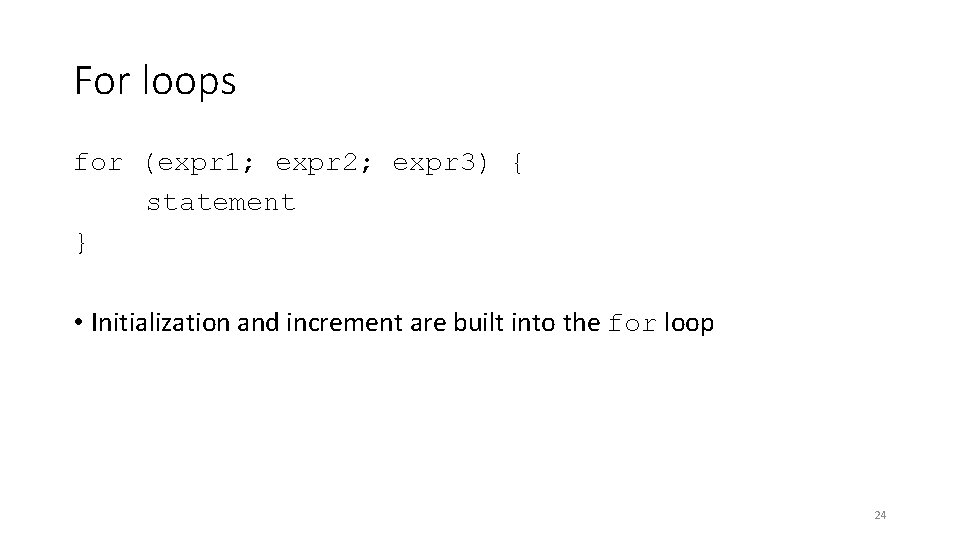
For loops for (expr 1; expr 2; expr 3) { statement } • Initialization and increment are built into the for loop 24
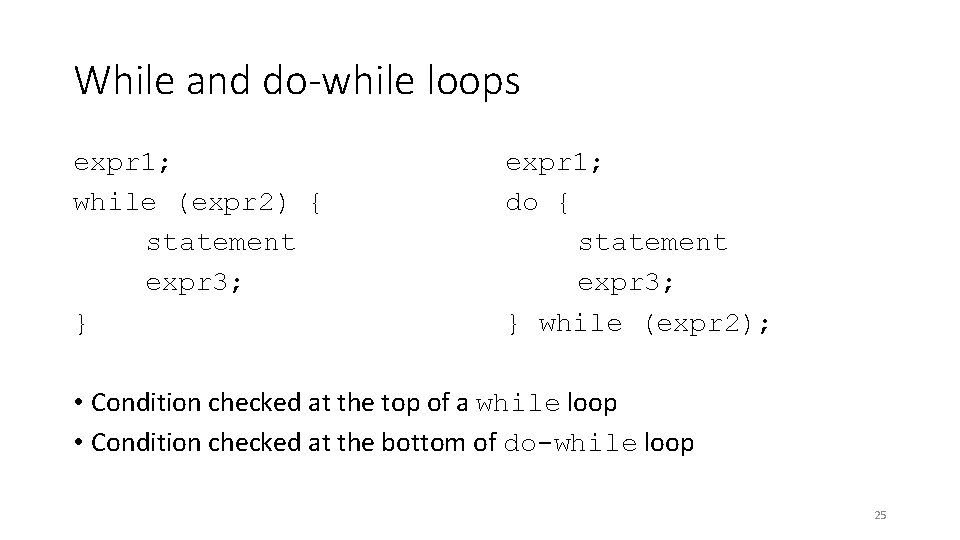
While and do-while loops expr 1; while (expr 2) { statement expr 3; } expr 1; do { statement expr 3; } while (expr 2); • Condition checked at the top of a while loop • Condition checked at the bottom of do-while loop 25
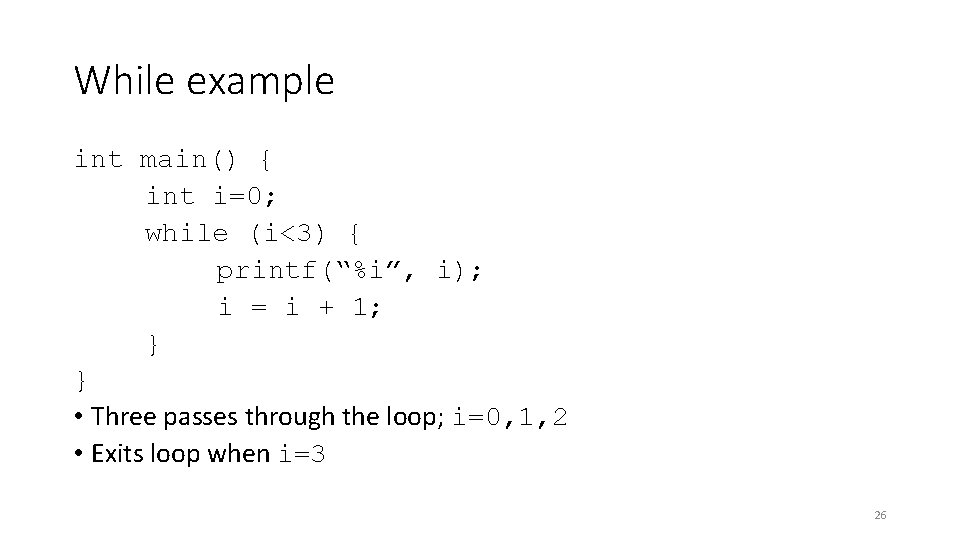
While example int main() { int i=0; while (i<3) { printf(“%i”, i); i = i + 1; } } • Three passes through the loop; i=0, 1, 2 • Exits loop when i=3 26
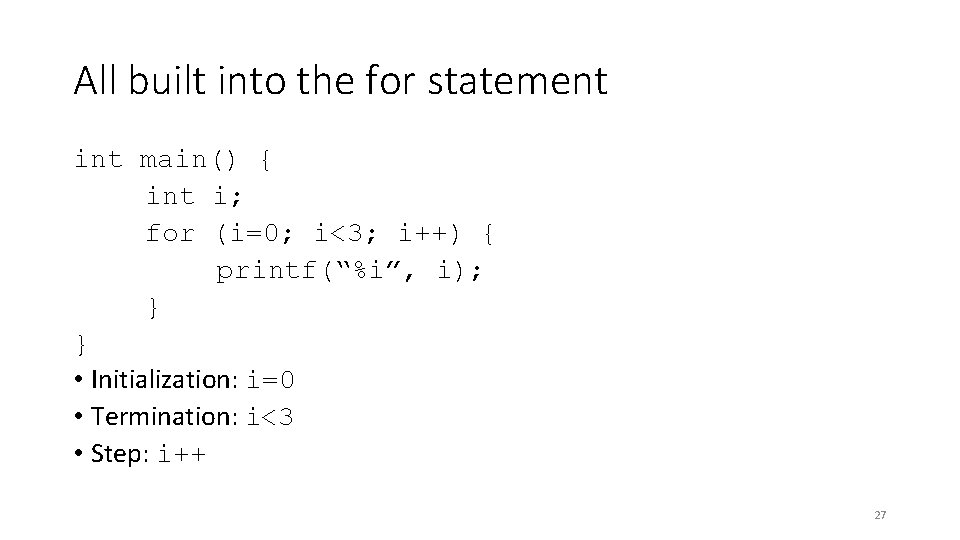
All built into the for statement int main() { int i; for (i=0; i<3; i++) { printf(“%i”, i); } } • Initialization: i=0 • Termination: i<3 • Step: i++ 27
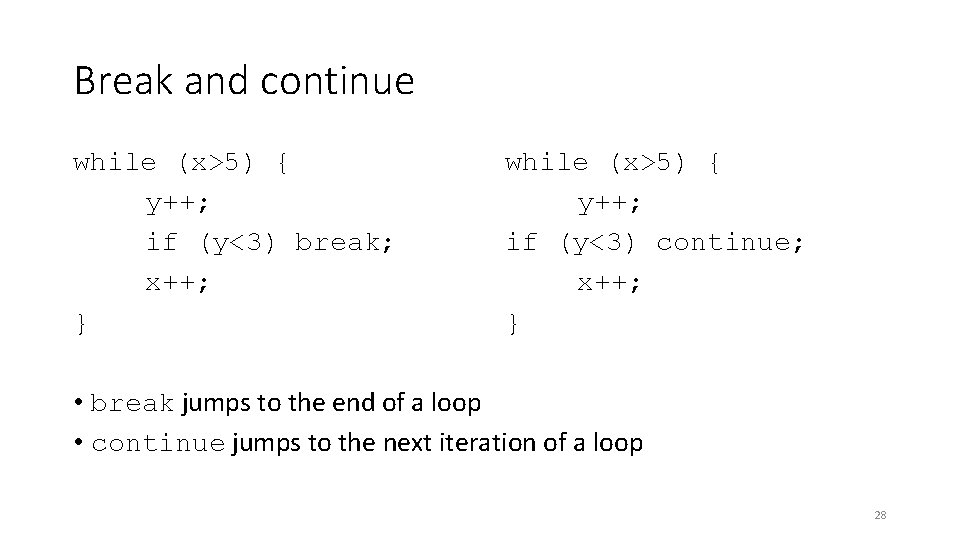
Break and continue while (x>5) { y++; if (y<3) break; x++; } while (x>5) { y++; if (y<3) continue; x++; } • break jumps to the end of a loop • continue jumps to the next iteration of a loop 28

Functions 29
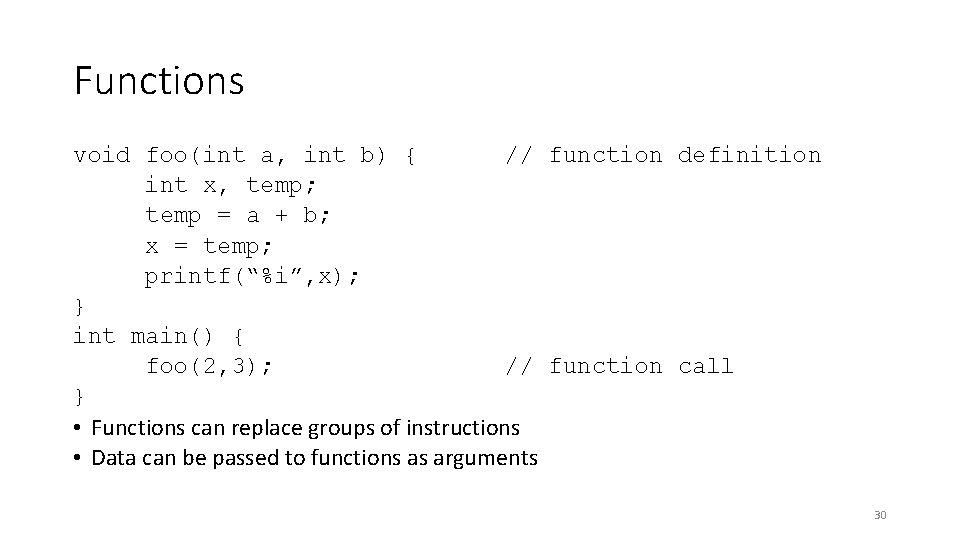
Functions void foo(int a, int b) { // function definition int x, temp; temp = a + b; x = temp; printf(“%i”, x); } int main() { foo(2, 3); // function call } • Functions can replace groups of instructions • Data can be passed to functions as arguments 30
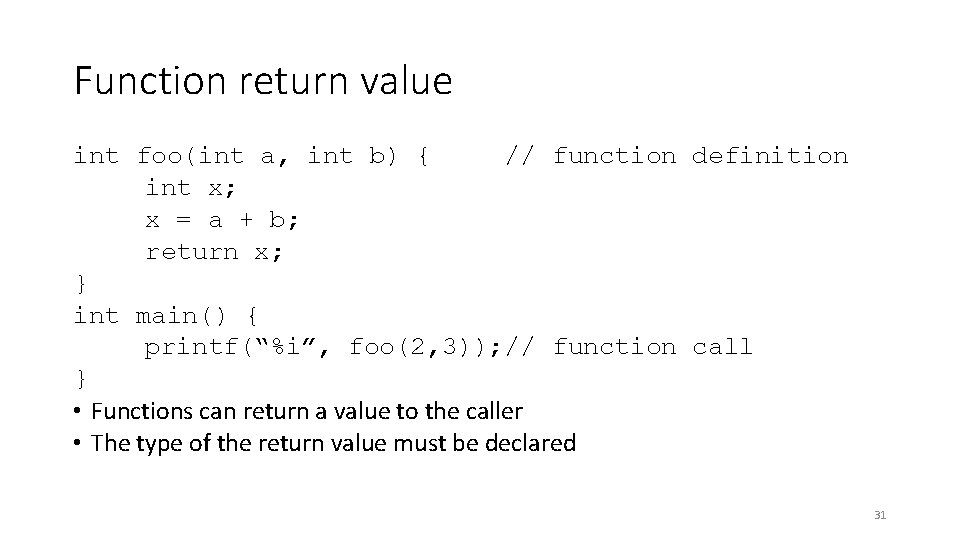
Function return value int foo(int a, int b) { // function definition int x; x = a + b; return x; } int main() { printf(“%i”, foo(2, 3)); // function call } • Functions can return a value to the caller • The type of the return value must be declared 31
Lab 32
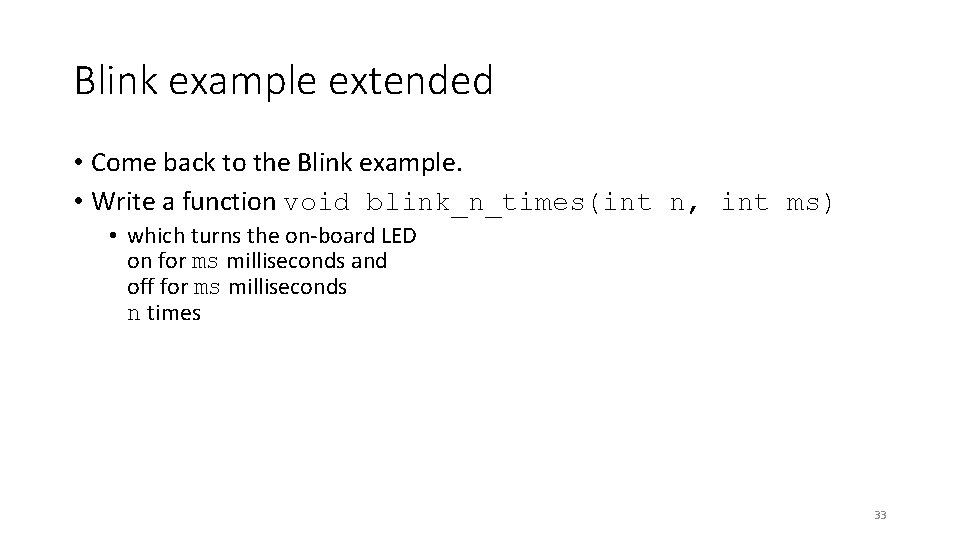
Blink example extended • Come back to the Blink example. • Write a function void blink_n_times(int n, int ms) • which turns the on-board LED on for ms milliseconds and off for ms milliseconds n times 33
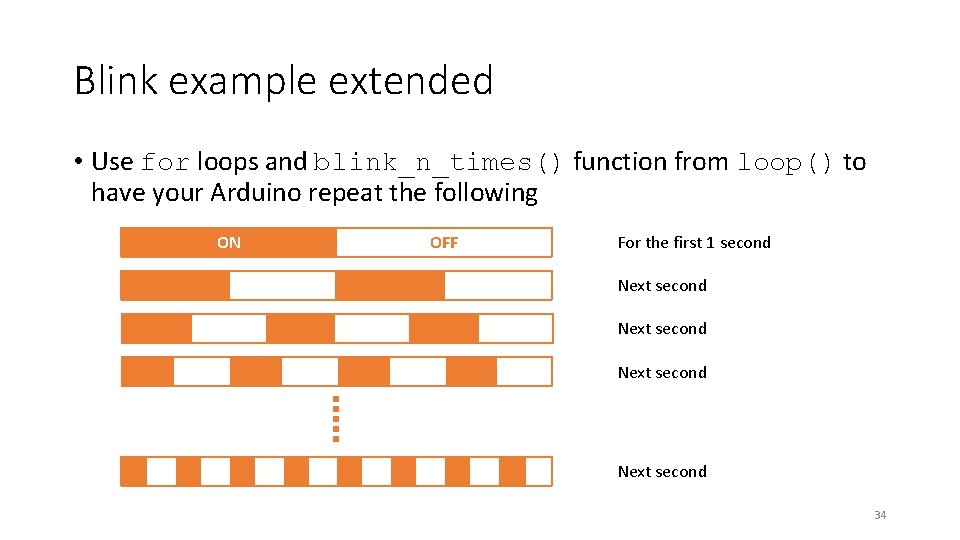
Blink example extended • Use for loops and blink_n_times() function from loop() to have your Arduino repeat the following ON OFF For the first 1 second Next second 34
- Slides: 34