
C Programming From Problem Analysis to Program Design
C++ Programming: From Problem Analysis to Program Design, Third Edition Chapter 2: Basic Elements of C++
Objectives In this chapter you will: • Become familiar with the basic components of a C++ program, including functions, special symbols, and identifiers • Explore simple data types and examine the string data type • Discover how to use arithmetic operators 2
Objectives (continued) • Examine how a program evaluates arithmetic expressions • Become familiar with the string Type • Learn what an assignment statement is and what it does • Discover how to input data into memory using input statements • Become familiar with the use of increment and decrement operators 3
Objectives (continued) • Examine ways to output results using output statements • Learn how to use preprocessor directives and why they are necessary • Explore how to properly structure a program, including using comments to document a program • Learn how to write a C++ program 4
Introduction • Computer program: sequence of statements designed to accomplish some task • Programming: planning/creating a program • Syntax: rules that specify which statements (instructions) are legal • Programming language: a set of rules, symbols, and special words • Semantic rule: meaning of the instruction 5
C++ Programs • A C++ program is a collection of one or more subprograms, called functions • A subprogram or a function is a collection of statements that, when activated (executed), accomplishes something • Every C++ program has a function called main • The smallest individual unit of a program written in any language is called a token 6
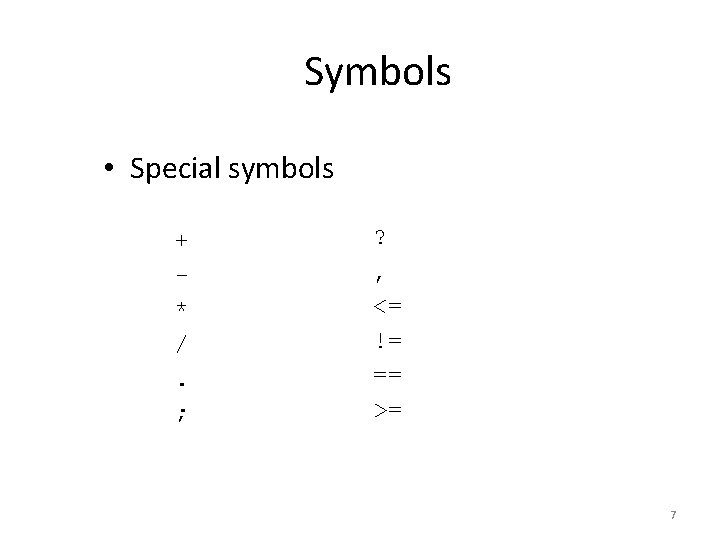
Symbols • Special symbols + * /. ; ? , <= != == >= 7
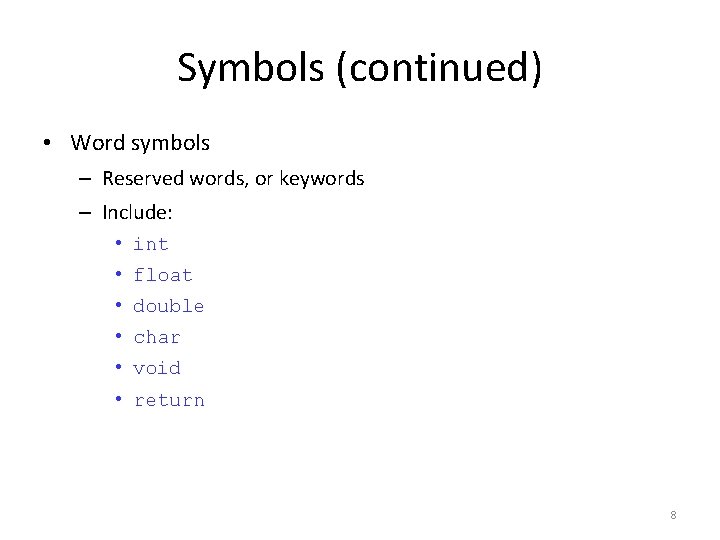
Symbols (continued) • Word symbols – Reserved words, or keywords – Include: • int • float • double • char • void • return 8
Identifiers • Consist of letters, digits, and the underscore character (_) • Must begin with a letter or underscore • C++ is case sensitive • Some predefined identifiers are cout and cin • Unlike reserved words, predefined identifiers may be redefined, but it is not a good idea 9
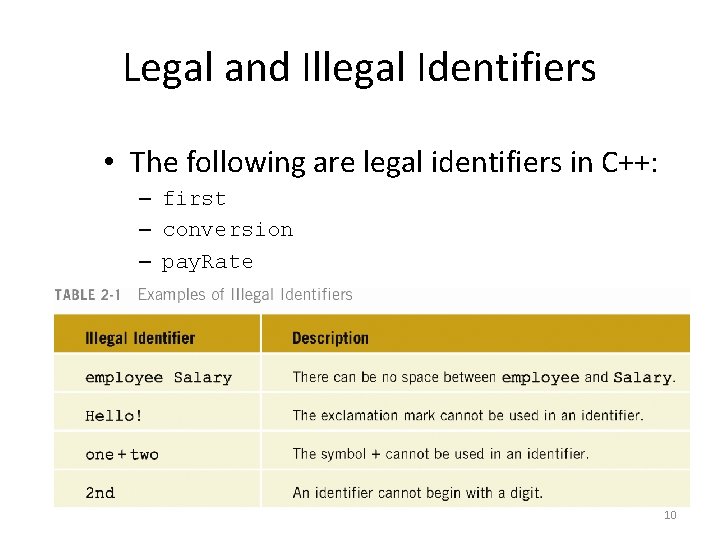
Legal and Illegal Identifiers • The following are legal identifiers in C++: – first – conversion – pay. Rate 10
Data Types • Data Type: set of values together with a set of operations is called a data type • C++ data can be classified into three categories: – Simple data type – Structured data type – Pointers 11
Simple Data Types • Three categories of simple data – Integral: integers (numbers without a decimal) – Floating-point: decimal numbers – Enumeration type: user-defined data type 12
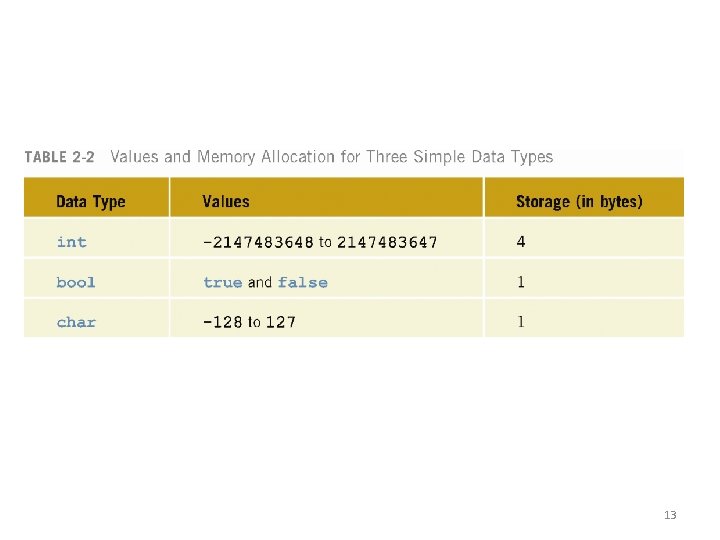
13
int Data Type • Examples: -6728 0 78 • Positive integers do not have to have a + sign in front of them • No commas are used within an integer • Commas are used for separating items in a list 14
bool Data Type • bool type – Has two values, true and false – Manipulate logical (Boolean) expressions • true and false are called logical values • bool, true, and false are reserved words 15
char Data Type • The smallest integral data type • Used for characters: letters, digits, and special symbols • Each character is enclosed in single quotes • Some of the values belonging to char data type are: 'A', 'a', '0', '*', '+', '$', '&' • A blank space is a character and is written ' ', with a space left between the single quotes 16
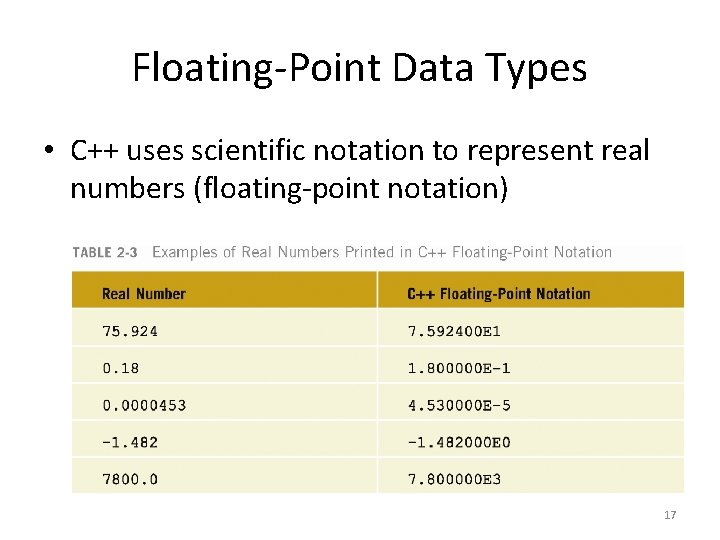
Floating-Point Data Types • C++ uses scientific notation to represent real numbers (floating-point notation) 17
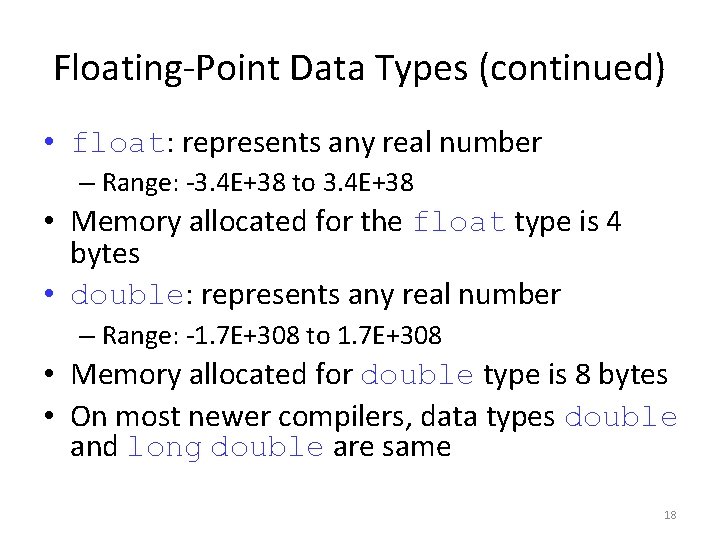
Floating-Point Data Types (continued) • float: represents any real number – Range: -3. 4 E+38 to 3. 4 E+38 • Memory allocated for the float type is 4 bytes • double: represents any real number – Range: -1. 7 E+308 to 1. 7 E+308 • Memory allocated for double type is 8 bytes • On most newer compilers, data types double and long double are same 18
Floating-Point Data Types (continued) • Maximum number of significant digits (decimal places) for float values is 6 or 7 • Float values are called single precision • Maximum number of significant digits for double is 15 • Double values are called double precision • Precision: maximum number of significant digits 19
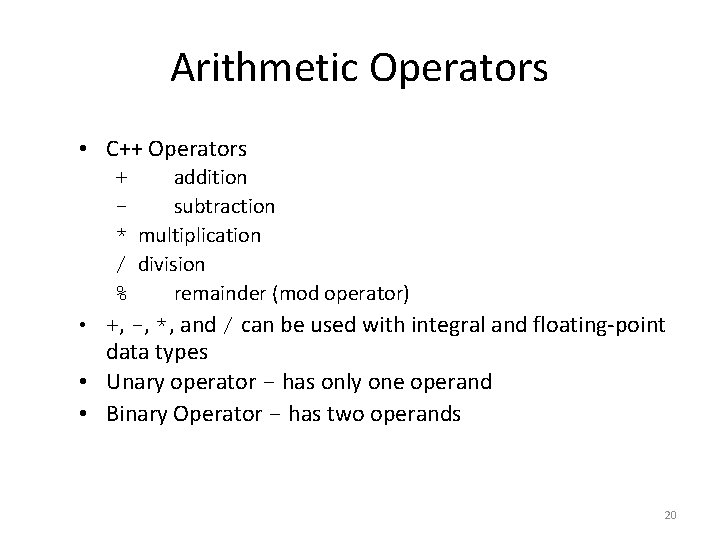
Arithmetic Operators • C++ Operators + addition subtraction * multiplication / division % remainder (mod operator) • +, -, *, and / can be used with integral and floating-point data types • Unary operator - has only one operand • Binary Operator - has two operands 20
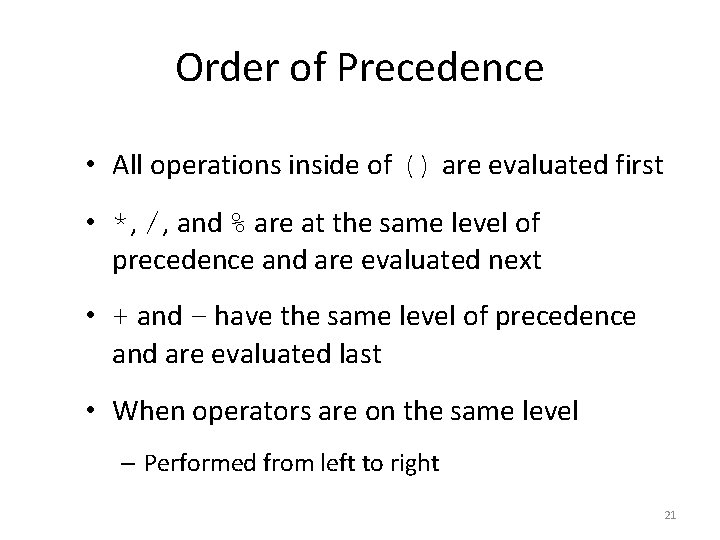
Order of Precedence • All operations inside of () are evaluated first • *, /, and % are at the same level of precedence and are evaluated next • + and – have the same level of precedence and are evaluated last • When operators are on the same level – Performed from left to right 21
Expressions • If all operands are integers – Expression is called an integral expression • If all operands are floating-point – Expression is called a floating-point expression • An integral expression yields integral result • A floating-point expression yields a floatingpoint result 22
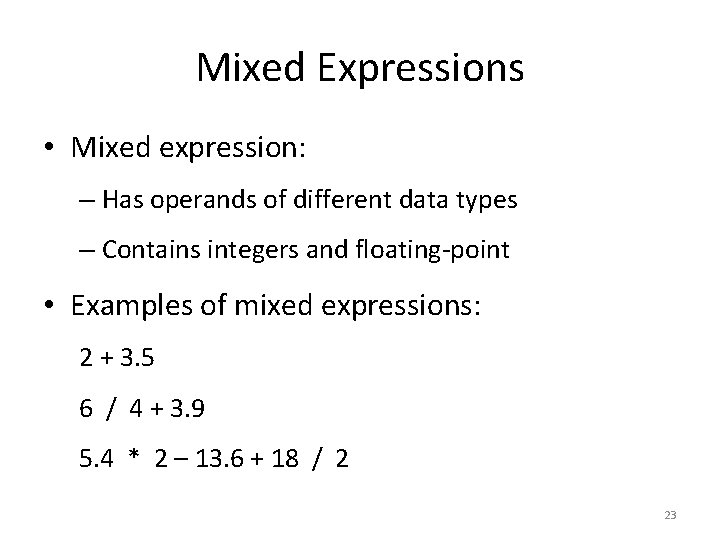
Mixed Expressions • Mixed expression: – Has operands of different data types – Contains integers and floating-point • Examples of mixed expressions: 2 + 3. 5 6 / 4 + 3. 9 5. 4 * 2 – 13. 6 + 18 / 2 23
Evaluating Mixed Expressions • If operator has same types of operands – Evaluated according to the type of the operands • If operator has both types of operands – Integer is changed to floating-point – Operator is evaluated – Result is floating-point 24
Evaluating Mixed Expressions (continued) • Entire expression is evaluated according to precedence rules – Multiplication, division, and modulus are evaluated before addition and subtraction – Operators having same level of precedence are evaluated from left to right – Grouping is allowed for clarity 25
Type Conversion (Casting) • Implicit type coercion: when value of one type is automatically changed to another type • Cast operator provides explicit type conversion • Use the following form: – static_cast<data. Type. Name>(expression) 26
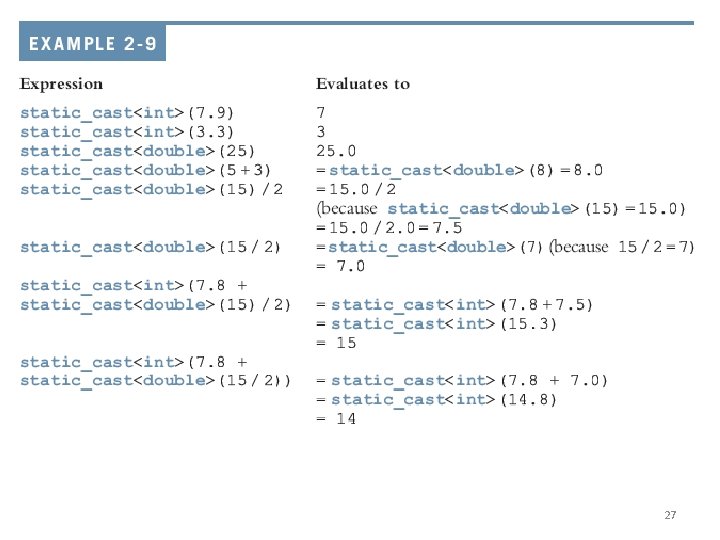
27
string Data Type • Programmer-defined type supplied in standard library • Sequence of zero or more characters • Enclosed in double quotation marks • Null: a string with no characters • Each character has relative position in string • Position of first character is 0, the position of the second is 1, and so on • Length: number of characters in string 28
Input • Data must be loaded into main memory before it can be manipulated • Storing data in memory is a two-step process: 1. Instruct the computer to allocate memory 2. Include statements to put data into allocated memory 29
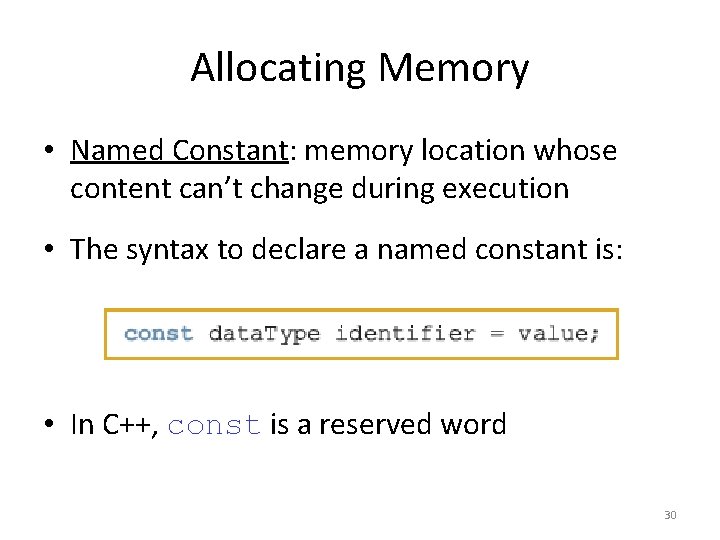
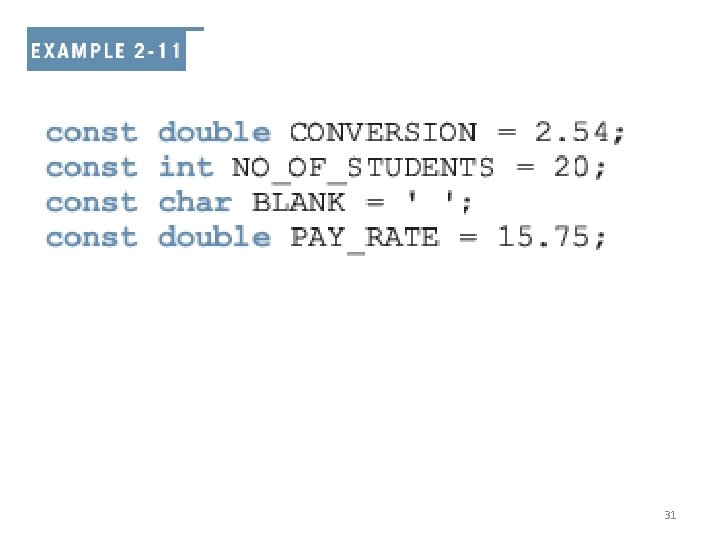
Allocating Memory • Named Constant: memory location whose content can’t change during execution • The syntax to declare a named constant is: • In C++, const is a reserved word 30
31
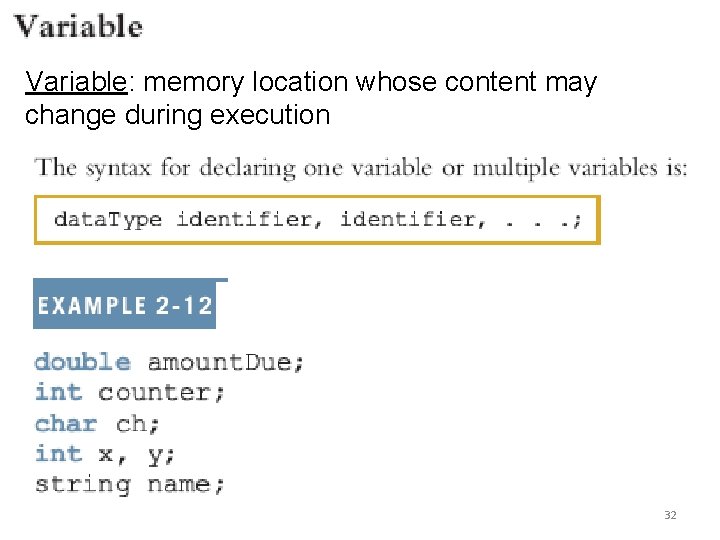
Variable: memory location whose content may change during execution 32
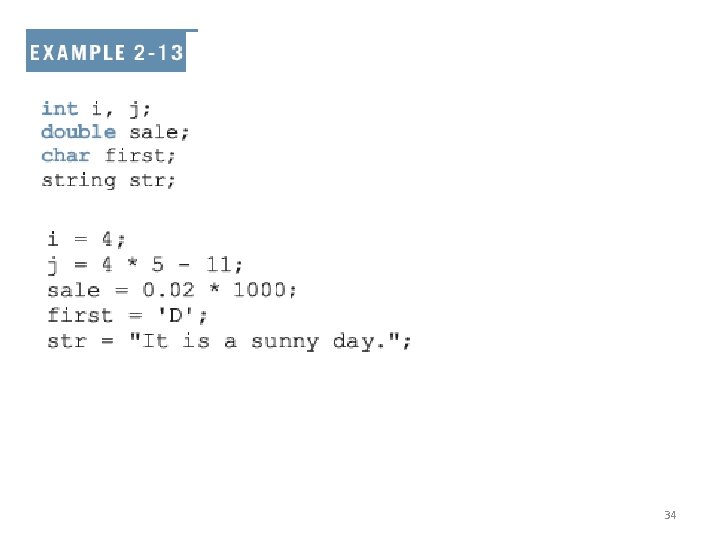
Assignment Statement • The assignment statement takes the form: variable = expression; • Expression is evaluated and its value is assigned to the variable on the left side • In C++ = is called the assignment operator 33
34
A C++ statement such as: i = i + 2; evaluates whatever is in i, adds two to it, and assigns the new value to the memory location i 35
Declaring & Initializing Variables • Variables can be initialized when declared: int first=13, second=10; char ch=' '; double x=12. 6, y=123. 456; • first and second are int variables with the values 13 and 10, respectively • ch is a char variable whose value is empty • x and y are double variables with 12. 6 and 123. 456, respectively 36
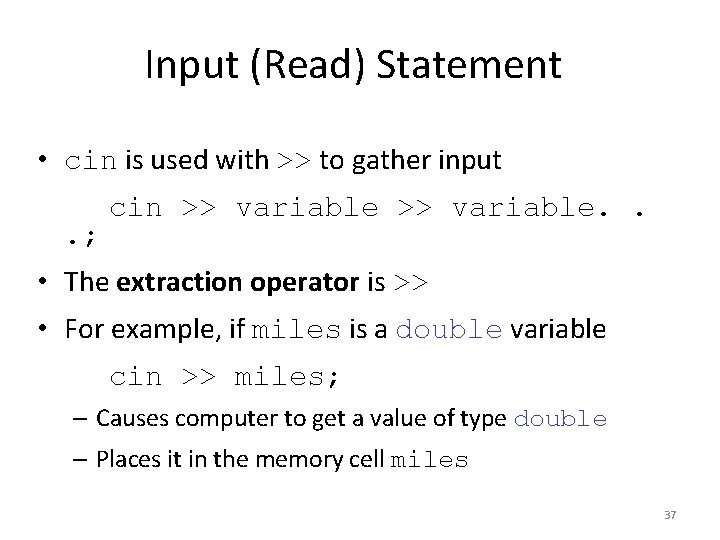
Input (Read) Statement • cin is used with >> to gather input. ; cin >> variable. . • The extraction operator is >> • For example, if miles is a double variable cin >> miles; – Causes computer to get a value of type double – Places it in the memory cell miles 37
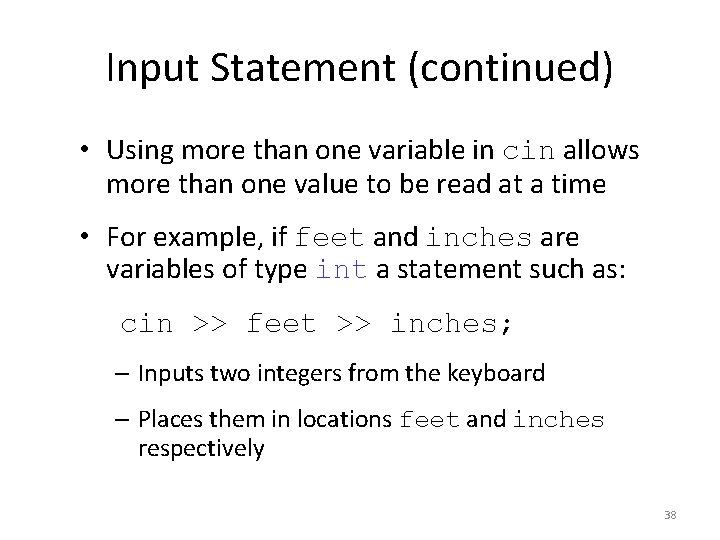
Input Statement (continued) • Using more than one variable in cin allows more than one value to be read at a time • For example, if feet and inches are variables of type int a statement such as: cin >> feet >> inches; – Inputs two integers from the keyboard – Places them in locations feet and inches respectively 38
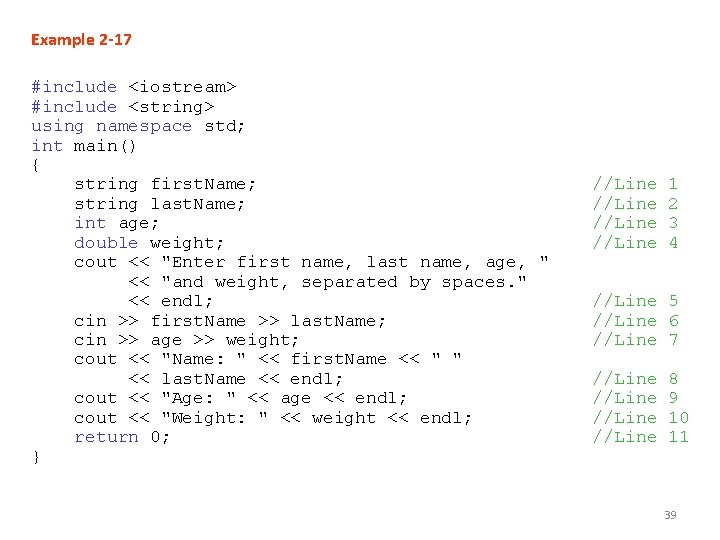
Example 2 -17 #include <iostream> #include <string> using namespace std; int main() { string first. Name; string last. Name; int age; double weight; cout << "Enter first name, last name, age, " << "and weight, separated by spaces. " << endl; cin >> first. Name >> last. Name; cin >> age >> weight; cout << "Name: " << first. Name << " " << last. Name << endl; cout << "Age: " << age << endl; cout << "Weight: " << weight << endl; return 0; } //Line 1 2 3 4 //Line 5 //Line 6 //Line 7 //Line 8 9 10 11 39
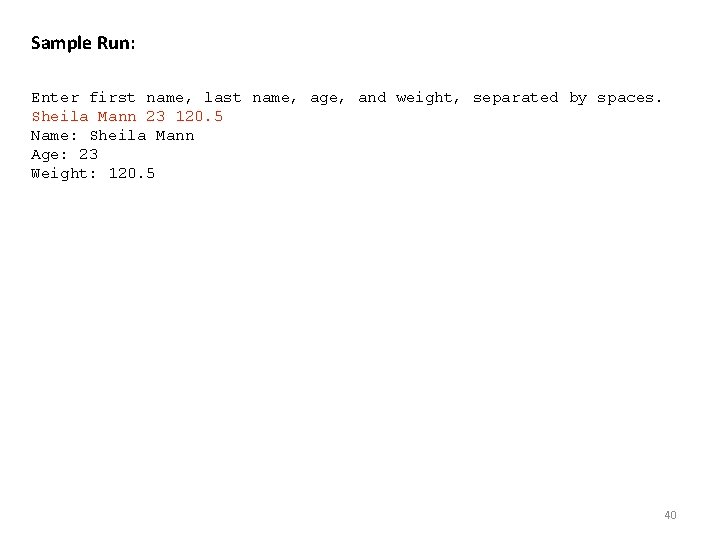
Sample Run: Enter first name, last name, age, and weight, separated by spaces. Sheila Mann 23 120. 5 Name: Sheila Mann Age: 23 Weight: 120. 5 40
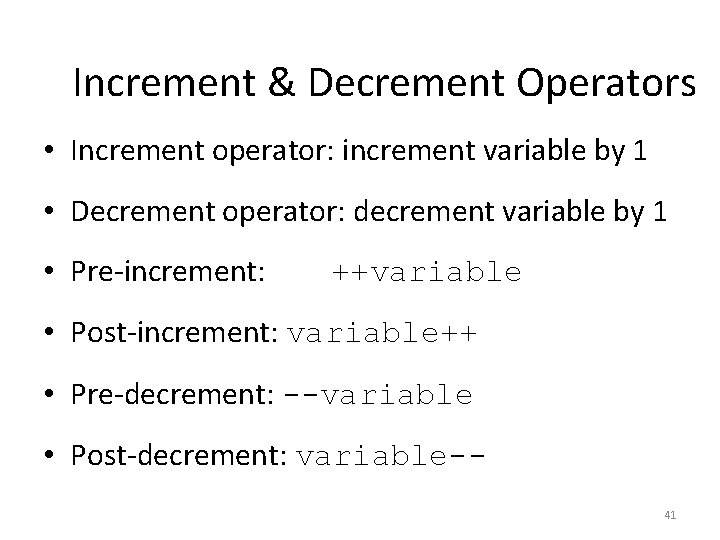
Increment & Decrement Operators • Increment operator: increment variable by 1 • Decrement operator: decrement variable by 1 • Pre-increment: ++variable • Post-increment: variable++ • Pre-decrement: --variable • Post-decrement: variable-41
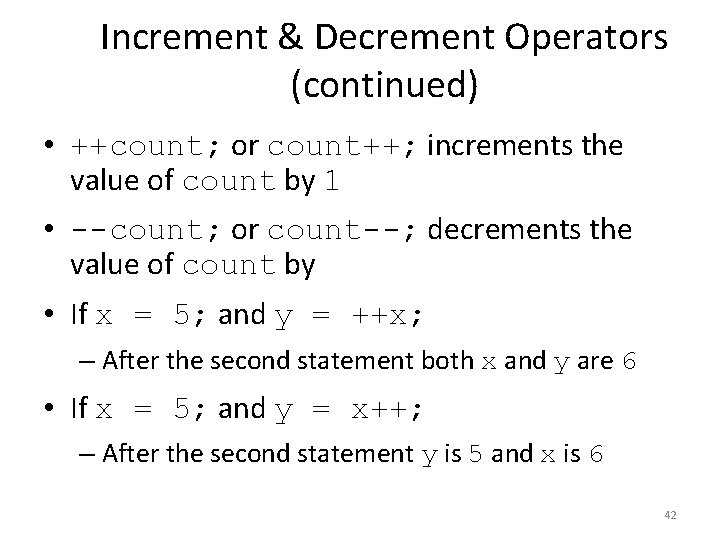
Increment & Decrement Operators (continued) • ++count; or count++; increments the value of count by 1 • --count; or count--; decrements the value of count by • If x = 5; and y = ++x; – After the second statement both x and y are 6 • If x = 5; and y = x++; – After the second statement y is 5 and x is 6 42
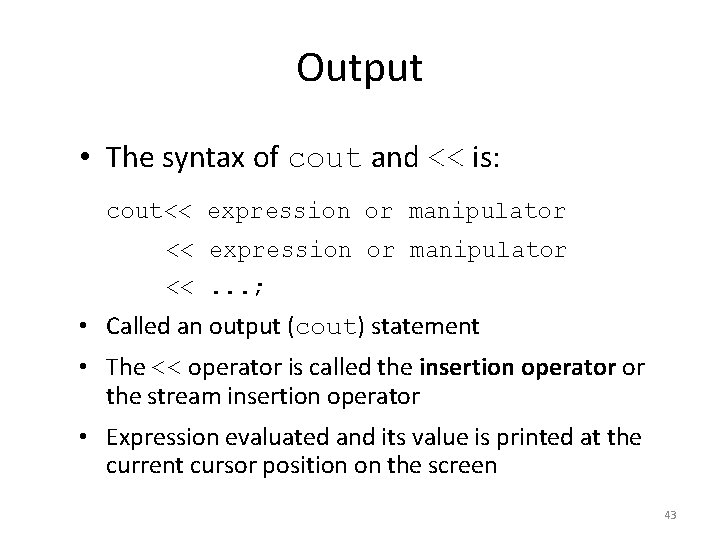
Output • The syntax of cout and << is: cout<< expression or manipulator <<. . . ; • Called an output (cout) statement • The << operator is called the insertion operator or the stream insertion operator • Expression evaluated and its value is printed at the current cursor position on the screen 43
Output (continued) • Manipulator: alters output • endl: the simplest manipulator – Causes cursor to move to beginning of the next line 44
Output Example • Output of the C++ statement cout << a; is meaningful if a has a value For example, the sequence of C++ statements, a = 45; cout << a; produces an output of 45 45
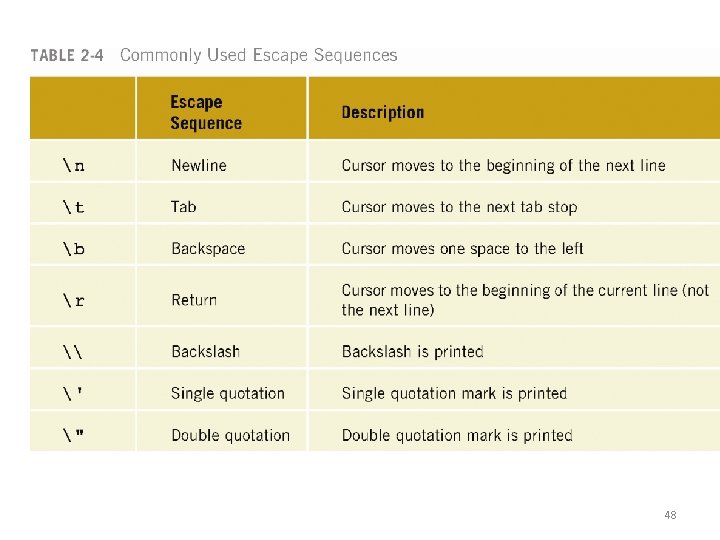
The New Line Character • The new line character is 'n' • Without this character the output is printed on one line • Tells the output to go to the next line • When n is encountered in a string – Cursor is positioned at the beginning of next line • A n may appear anywhere in the string 46
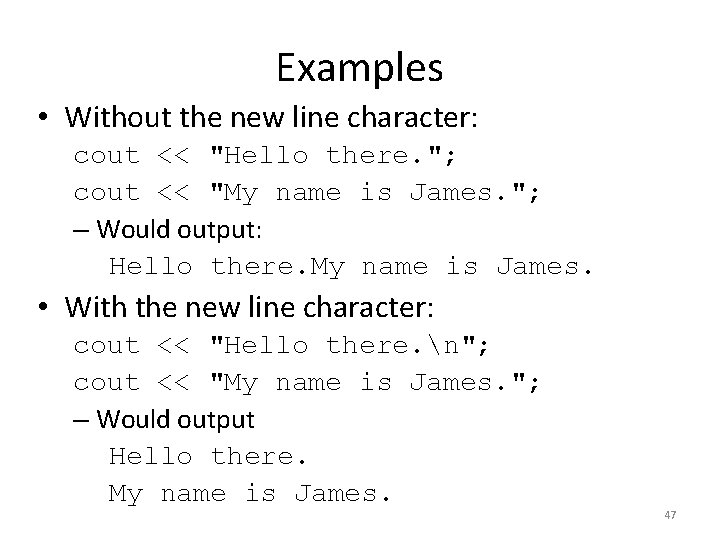
Examples • Without the new line character: cout << "Hello there. "; cout << "My name is James. "; – Would output: Hello there. My name is James. • With the new line character: cout << "Hello there. n"; cout << "My name is James. "; – Would output Hello there. My name is James. 47
48
Preprocessor Directives • C++ has a small number of operations • Many functions and symbols needed to run a C++ program are provided as collection of libraries • Every library has a name and is referred to by a header file • Preprocessor directives are commands supplied to the preprocessor • All preprocessor commands begin with # • No semicolon at the end of these commands 49
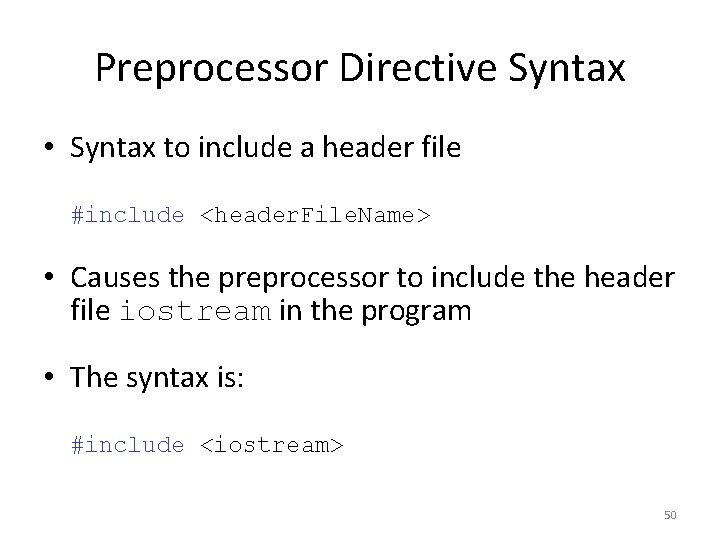
Preprocessor Directive Syntax • Syntax to include a header file #include <header. File. Name> • Causes the preprocessor to include the header file iostream in the program • The syntax is: #include <iostream> 50
Header Files • In older versions of C++ – Header files had the file extension. h • ANSI C++ removes this extension • The descriptions of the functions needed to perform I/O are contained in iostream • The syntax is: #include <iostream> 51
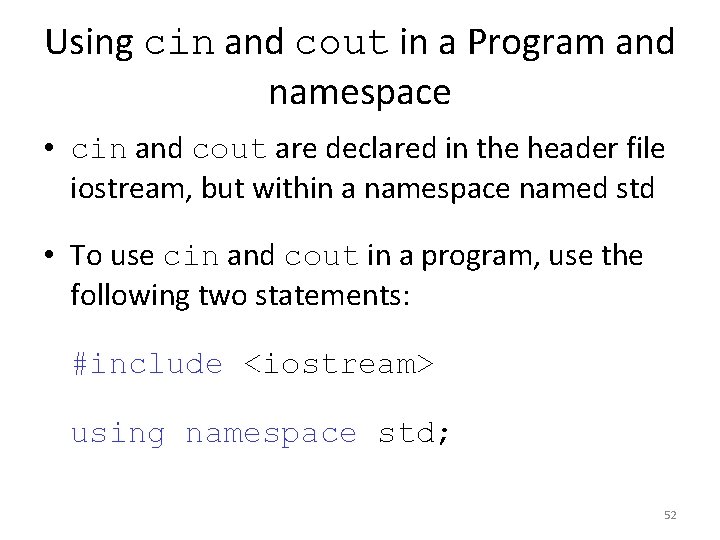
Using cin and cout in a Program and namespace • cin and cout are declared in the header file iostream, but within a namespace named std • To use cin and cout in a program, use the following two statements: #include <iostream> using namespace std; 52
Using the string Data Type in a Program • To use the string type, you need to access its definition from the header file string • Include the following preprocessor directive: #include <string> 53
Creating a C++ Program • C++ program has two parts: 1. Preprocessor directives 2. The program • Preprocessor directives and program statements constitute C++ source code • Source code must be saved in a file with the file extension. cpp 54
Creating a C++ Program (continued) • Compiler generates the object code – Saved in a file with file extension. obj • Executable code is produced and saved in a file with the file extension. exe. 55
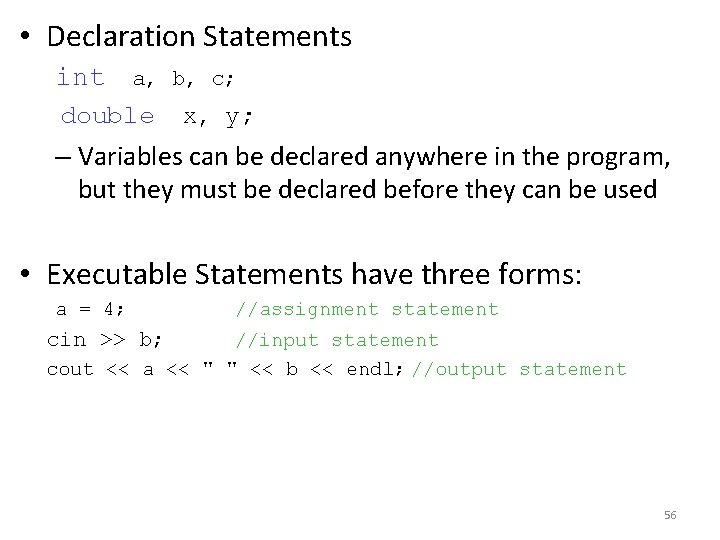
• Declaration Statements int a, b, c; double x, y; – Variables can be declared anywhere in the program, but they must be declared before they can be used • Executable Statements have three forms: a = 4; //assignment statement cin >> b; //input statement cout << a << " " << b << endl; //output statement 56
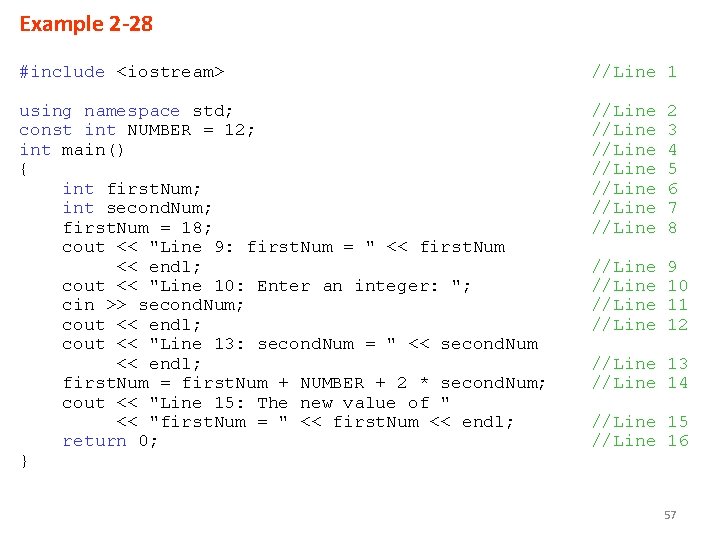
Example 2 -28 #include <iostream> //Line 1 using namespace std; const int NUMBER = 12; int main() { int first. Num; int second. Num; first. Num = 18; cout << "Line 9: first. Num = " << first. Num << endl; cout << "Line 10: Enter an integer: "; cin >> second. Num; cout << endl; cout << "Line 13: second. Num = " << second. Num << endl; first. Num = first. Num + NUMBER + 2 * second. Num; cout << "Line 15: The new value of " << "first. Num = " << first. Num << endl; return 0; } //Line //Line 2 3 4 5 6 7 8 //Line 9 10 11 12 //Line 13 //Line 14 //Line 15 //Line 16 57
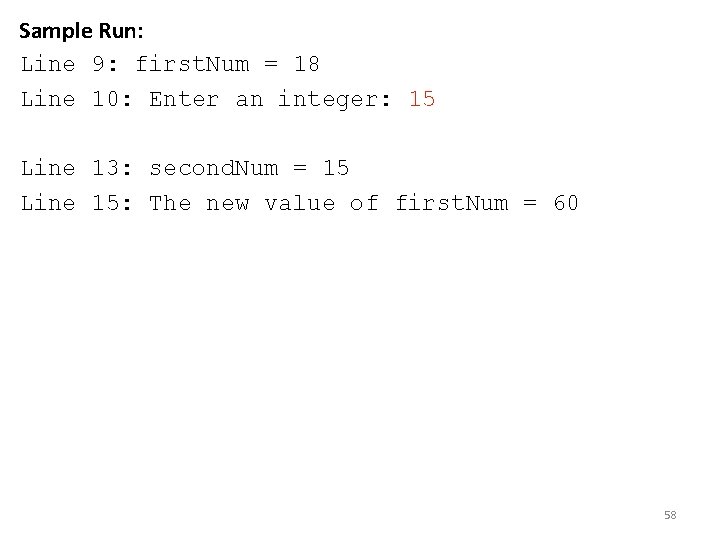
Sample Run: Line 9: first. Num = 18 Line 10: Enter an integer: 15 Line 13: second. Num = 15 Line 15: The new value of first. Num = 60 58
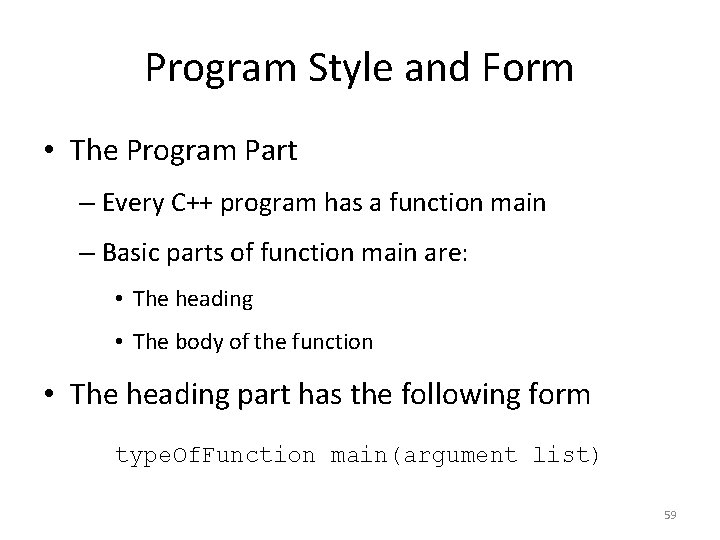
Program Style and Form • The Program Part – Every C++ program has a function main – Basic parts of function main are: • The heading • The body of the function • The heading part has the following form type. Of. Function main(argument list) 59
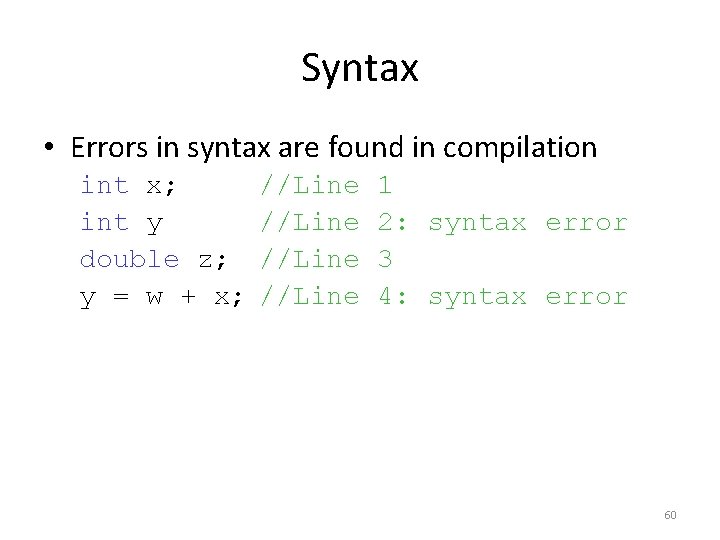
Syntax • Errors in syntax are found in compilation int x; int y double z; y = w + x; //Line 1 2: syntax error 3 4: syntax error 60
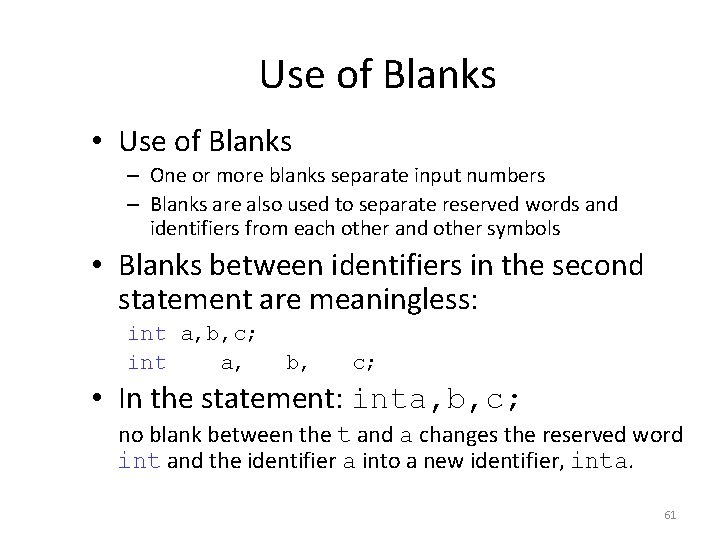
Use of Blanks • Use of Blanks – One or more blanks separate input numbers – Blanks are also used to separate reserved words and identifiers from each other and other symbols • Blanks between identifiers in the second statement are meaningless: int a, b, c; int a, b, c; • In the statement: inta, b, c; no blank between the t and a changes the reserved word int and the identifier a into a new identifier, inta. 61
Semicolons, Brackets, & Commas • Commas separate items in a list • All C++ statements end with a semicolon • Semicolon is also called a statement terminator • { and } are not C++ statements 62
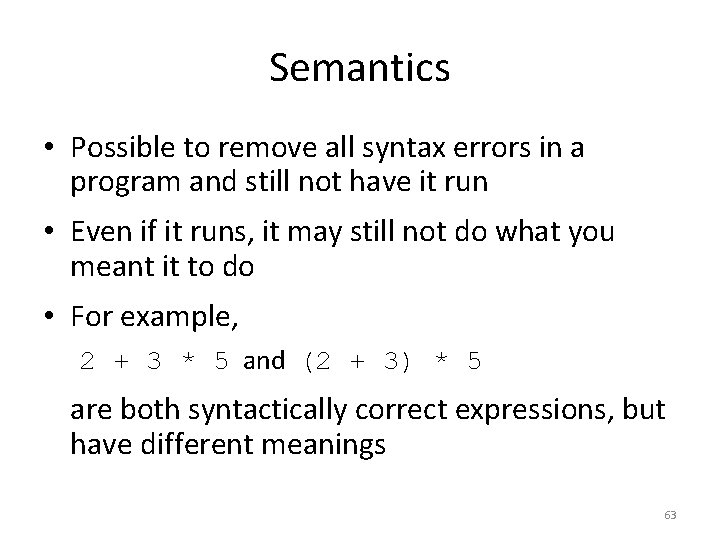
Semantics • Possible to remove all syntax errors in a program and still not have it run • Even if it runs, it may still not do what you meant it to do • For example, 2 + 3 * 5 and (2 + 3) * 5 are both syntactically correct expressions, but have different meanings 63
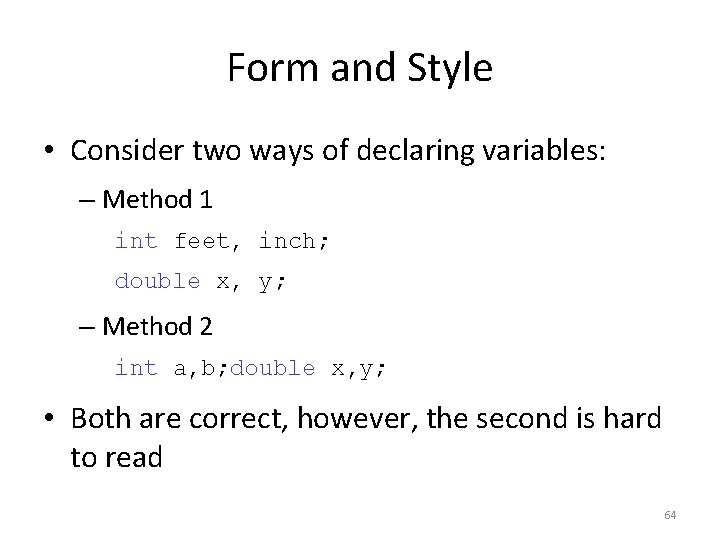
Form and Style • Consider two ways of declaring variables: – Method 1 int feet, inch; double x, y; – Method 2 int a, b; double x, y; • Both are correct, however, the second is hard to read 64
Documentation • Comments can be used to document code – Single line comments begin with // anywhere in the line – Multiple line comments are enclosed between /* and */ • Name identifiers with meaningful names • Run-together-words can be handled either by using CAPS for the beginning of each new word or an underscore before the new word 65
Assignment Statements • C++ has special assignment statements called compound assignment +=, -=, *=, /=, and %= • Example: x *= y; 66
Programming Example • Write a program that takes as input a given length expressed in feet and inches – Convert and output the length in centimeters Input: Length in feet and inches Output: Equivalent length in centimeters Lengths are given in feet and inches Program computes the equivalent length in centimeters • One inch is equal to 2. 54 centimeters • • 67
Programming Example (continued) • Convert the length in feet and inches to all inches: – Multiply the number of feet by 12 – Add given inches • Use the conversion formula (1 inch = 2. 54 centimeters) to find the equivalent length in centimeters 68
Programming Example (continued) • The algorithm is as follows: – Get the length in feet and inches – Convert the length into total inches – Convert total inches into centimeters – Output centimeters 69
Variables and Constants • Variables int feet; //variable to hold given feet inches; //variable to hold given inches int total. Inches; //variable to hold total inches double centimeters; //variable to hold length in //centimeters • Named Constant const double conversion = 2. 54; const inches. Per. Foot = 12; 70
Main Algorithm • • Prompt user for input Get data Echo the input (output the input) Find length in inches Output length in inches Convert length to centimeters Output length in centimeters 71
Putting It Together • Program begins with comments • System resources will be used for I/O • Use input statements to get data and output statements to print results • Data comes from keyboard and the output will display on the screen • The first statement of the program, after comments, is preprocessor directive to include header file iostream 72
Putting It Together (continued) • Two types of memory locations for data manipulation: – Named constants – Variables • Named constants are usually put before main so they can be used throughout program • This program has only one function (main), which will contain all the code • The program needs variables to manipulate data, which are declared in main 73
Body of the Function • The body of the function main has the following form: int main () { declare variables statements return 0; } 74
Writing a Complete Program • Begin the program with comments for documentation • Include header files • Declare named constants, if any • Write the definition of the function main 75
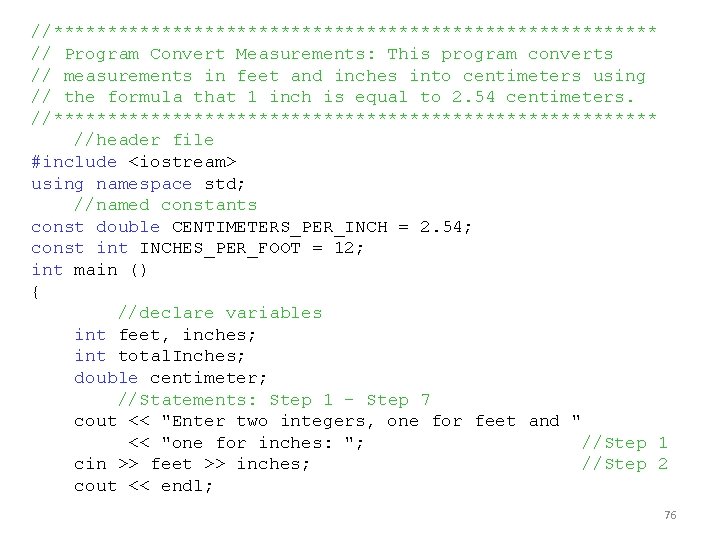
//**************************** // Program Convert Measurements: This program converts // measurements in feet and inches into centimeters using // the formula that 1 inch is equal to 2. 54 centimeters. //**************************** //header file #include <iostream> using namespace std; //named constants const double CENTIMETERS_PER_INCH = 2. 54; const int INCHES_PER_FOOT = 12; int main () { //declare variables int feet, inches; int total. Inches; double centimeter; //Statements: Step 1 - Step 7 cout << "Enter two integers, one for feet and " << "one for inches: "; //Step 1 cin >> feet >> inches; //Step 2 cout << endl; 76
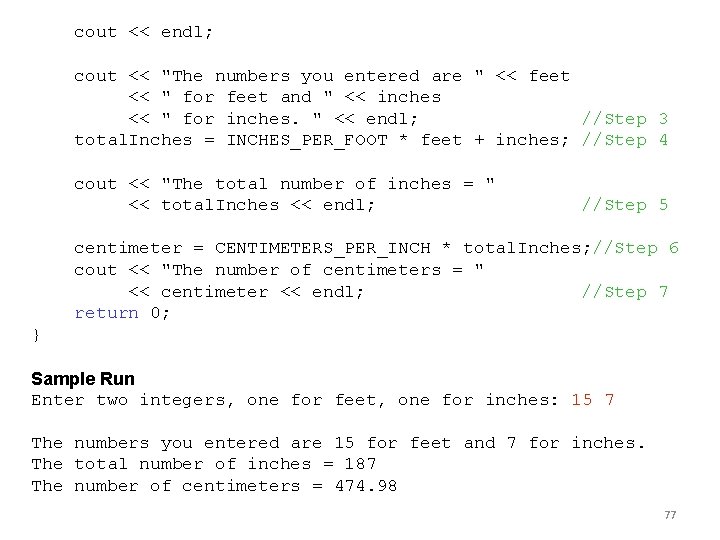
cout << endl; cout << "The numbers you entered are " << feet << " for feet and " << inches << " for inches. " << endl; //Step 3 total. Inches = INCHES_PER_FOOT * feet + inches; //Step 4 cout << "The total number of inches = " << total. Inches << endl; //Step 5 centimeter = CENTIMETERS_PER_INCH * total. Inches; //Step 6 cout << "The number of centimeters = " << centimeter << endl; //Step 7 return 0; } Sample Run Enter two integers, one for feet, one for inches: 15 7 The numbers you entered are 15 for feet and 7 for inches. The total number of inches = 187 The number of centimeters = 474. 98 77
Summary • C++ program: collection of functions where each program has a function called main • Identifier consists of letters, digits, and underscores, and begins with letter or underscore • The arithmetic operators in C++ are addition (+), subtraction (-), multiplication (*), division (/), and modulus (%) • Arithmetic expressions are evaluated using the precedence associativity rules 78
Summary (continued) • All operands in an integral expression are integers and all operands in a floating-point expression are decimal numbers • Mixed expression: contains both integers and decimal numbers • Use the cast operator to explicitly convert values from one data type to another • A named constant is initialized when declared • All variables must be declared before used 79
Summary (continued) • Use cin and stream extraction operator >> to input from the standard input device • Use cout and stream insertion operator << to output to the standard output device • Preprocessor commands are processed before the program goes through the compiler • A file containing a C++ program usually ends with the extension. cpp 80
- Slides: 80