
C LANGUAGE TUTORIAL Intro to C Programming The
- Slides: 33
C LANGUAGE TUTORIAL
Intro to C Programming • The C is a general-purpose, procedural, imperative computer programming language • Developed in 1972 by Dennis M. Ritchie at the Bell Telephone Laboratories to develop the UNIX operating system.
Why C? • The C has now become a widely used professional language for various reasons. • Easy to learn • Structured language • It produces efficient programs. • It can handle low-level activities. • It can be compiled on a variety of computer platforms.
Why to use C? • Operating Systems • Language Compilers • Assemblers • Text Editors • Print Spoolers • Network Drivers • Modern Programs • Databases • Language Interpreters • Utilities
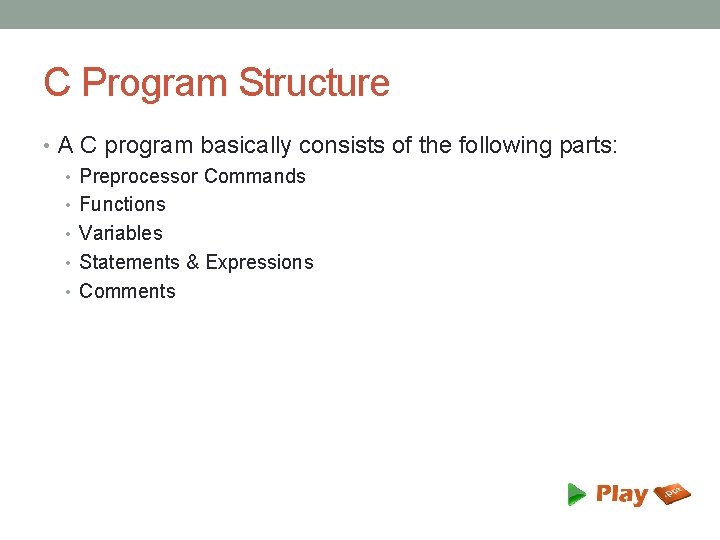
C Program Structure • A C program basically consists of the following parts: • Preprocessor Commands • Functions • Variables • Statements & Expressions • Comments
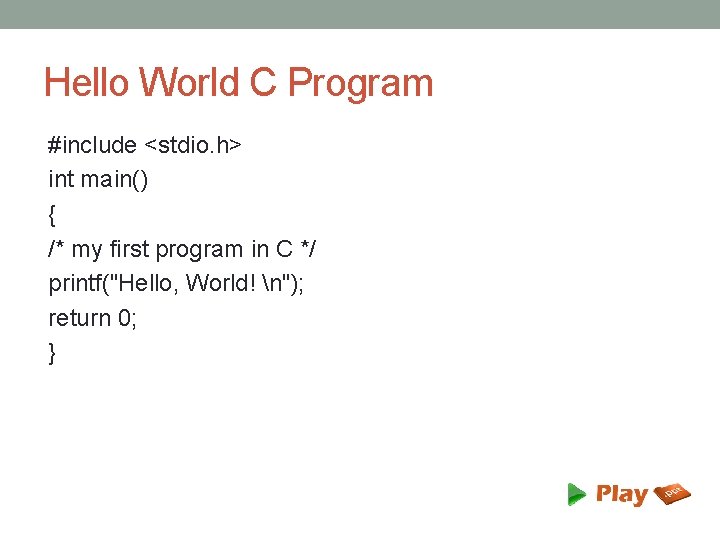
Hello World C Program #include <stdio. h> int main() { /* my first program in C */ printf("Hello, World! n"); return 0; }
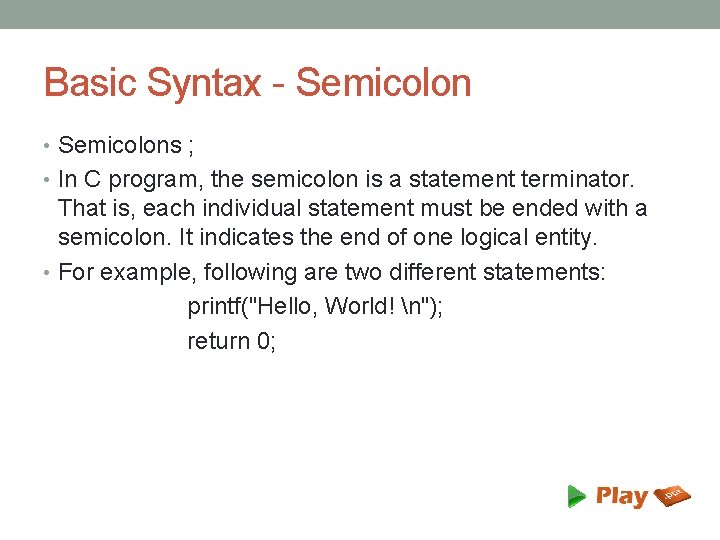
Basic Syntax - Semicolon • Semicolons ; • In C program, the semicolon is a statement terminator. That is, each individual statement must be ended with a semicolon. It indicates the end of one logical entity. • For example, following are two different statements: printf("Hello, World! n"); return 0;
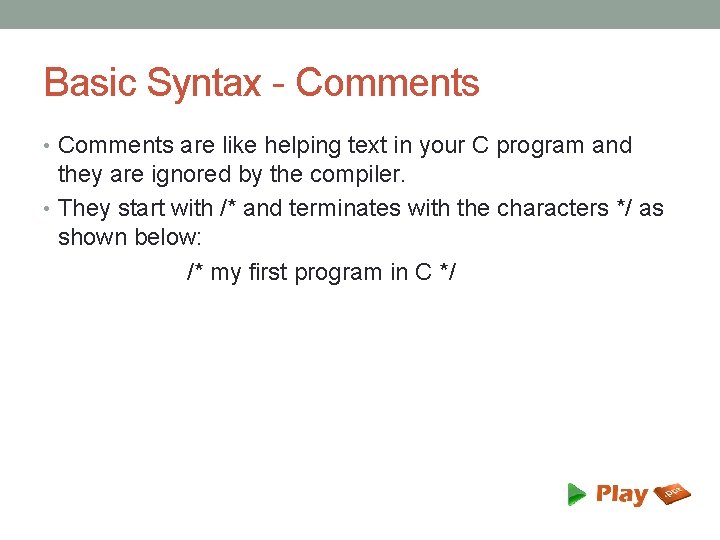
Basic Syntax - Comments • Comments are like helping text in your C program and they are ignored by the compiler. • They start with /* and terminates with the characters */ as shown below: /* my first program in C */
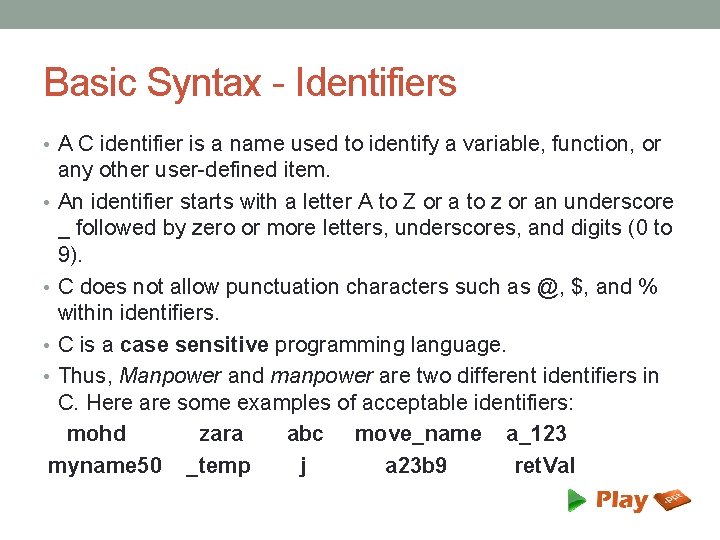
Basic Syntax - Identifiers • A C identifier is a name used to identify a variable, function, or any other user-defined item. • An identifier starts with a letter A to Z or a to z or an underscore _ followed by zero or more letters, underscores, and digits (0 to 9). • C does not allow punctuation characters such as @, $, and % within identifiers. • C is a case sensitive programming language. • Thus, Manpower and manpower are two different identifiers in C. Here are some examples of acceptable identifiers: mohd zara abc move_name a_123 myname 50 _temp j a 23 b 9 ret. Val
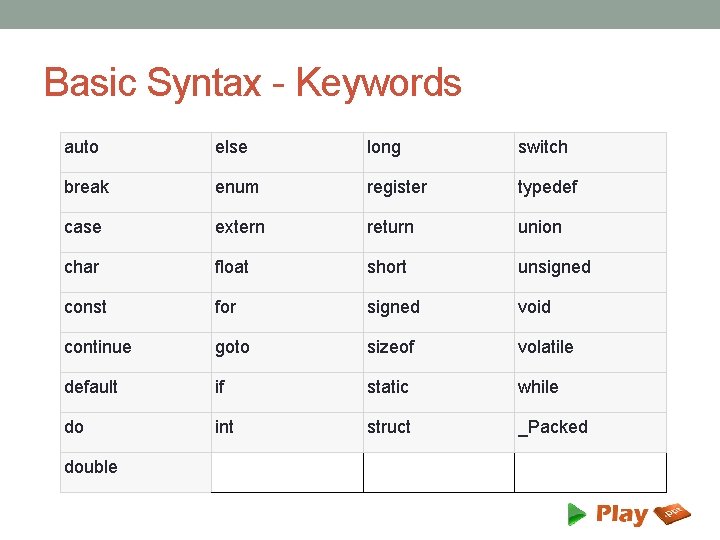
Basic Syntax - Keywords auto else long switch break enum register typedef case extern return union char float short unsigned const for signed void continue goto sizeof volatile default if static while do int struct _Packed double
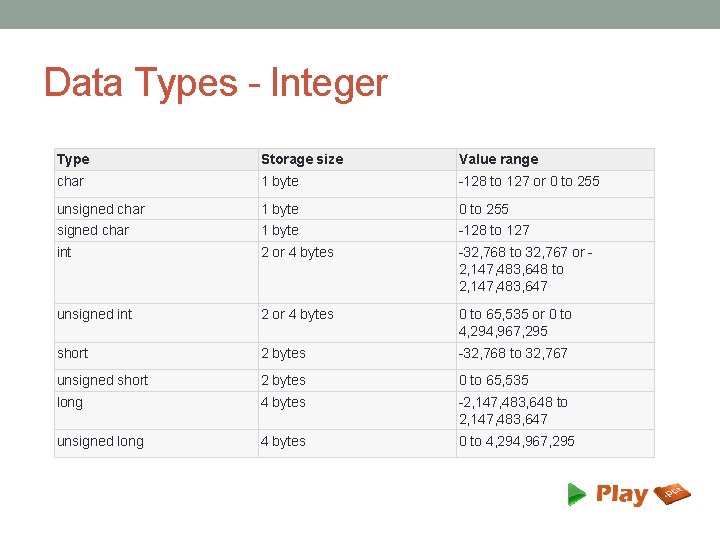
Data Types - Integer Type Storage size Value range char 1 byte -128 to 127 or 0 to 255 unsigned char 1 byte 0 to 255 signed char 1 byte -128 to 127 int 2 or 4 bytes -32, 768 to 32, 767 or 2, 147, 483, 648 to 2, 147, 483, 647 unsigned int 2 or 4 bytes 0 to 65, 535 or 0 to 4, 294, 967, 295 short 2 bytes -32, 768 to 32, 767 unsigned short 2 bytes 0 to 65, 535 long 4 bytes -2, 147, 483, 648 to 2, 147, 483, 647 unsigned long 4 bytes 0 to 4, 294, 967, 295
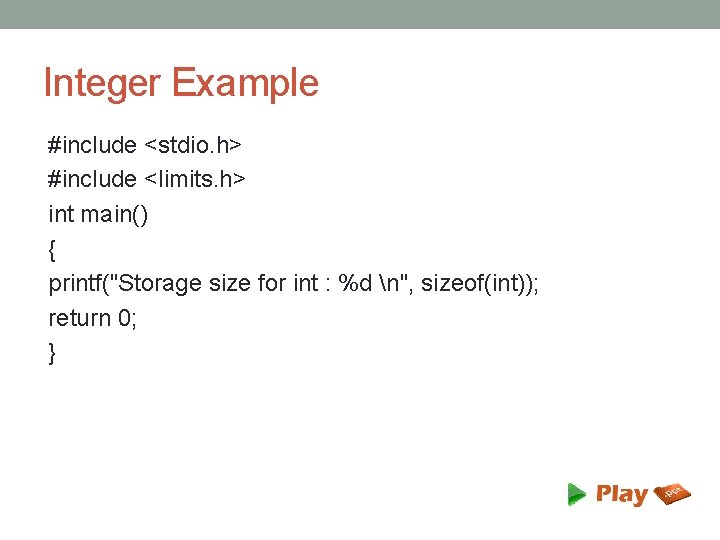
Integer Example #include <stdio. h> #include <limits. h> int main() { printf("Storage size for int : %d n", sizeof(int)); return 0; }
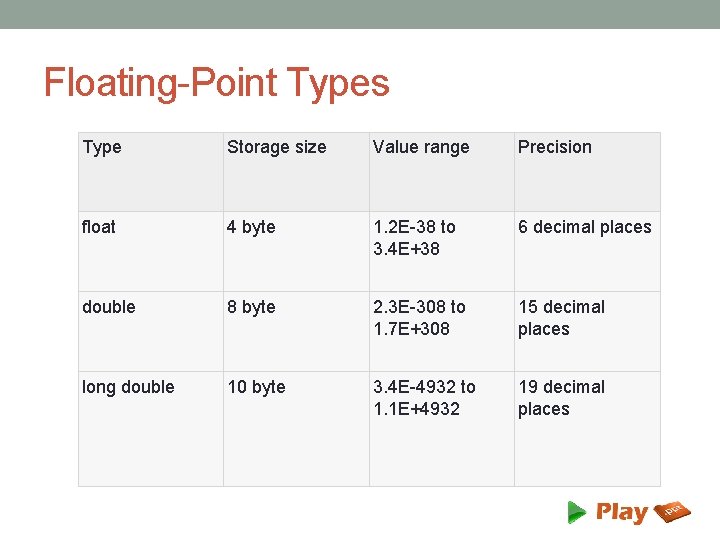
Floating-Point Types Type Storage size Value range Precision float 4 byte 1. 2 E-38 to 3. 4 E+38 6 decimal places double 8 byte 2. 3 E-308 to 1. 7 E+308 15 decimal places long double 10 byte 3. 4 E-4932 to 1. 1 E+4932 19 decimal places
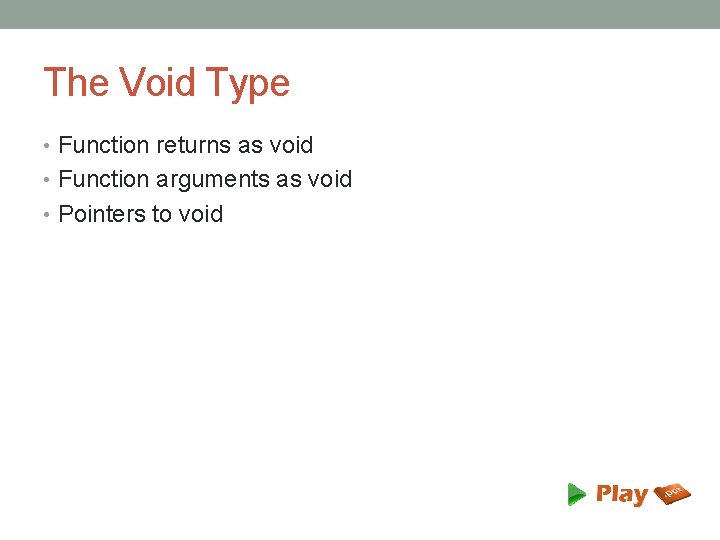
The Void Type • Function returns as void • Function arguments as void • Pointers to void
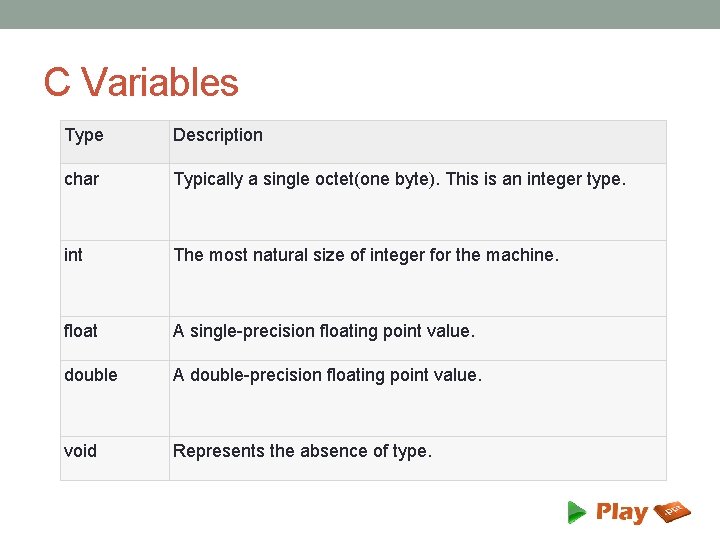
C Variables Type Description char Typically a single octet(one byte). This is an integer type. int The most natural size of integer for the machine. float A single-precision floating point value. double A double-precision floating point value. void Represents the absence of type.
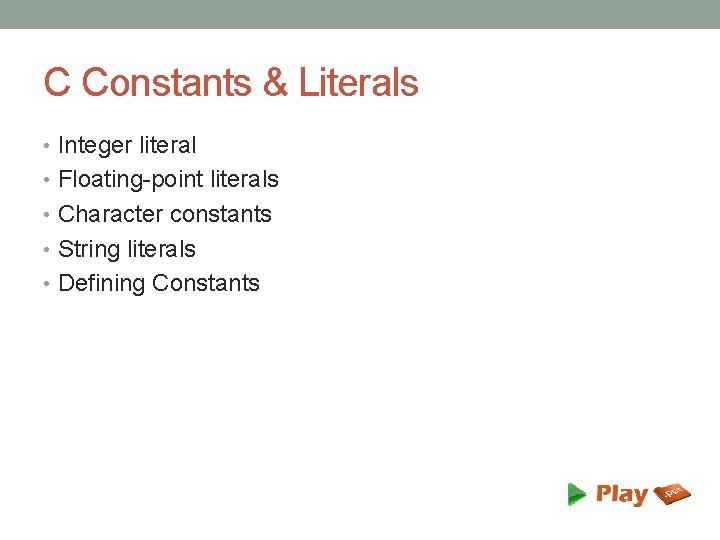
C Constants & Literals • Integer literal • Floating-point literals • Character constants • String literals • Defining Constants
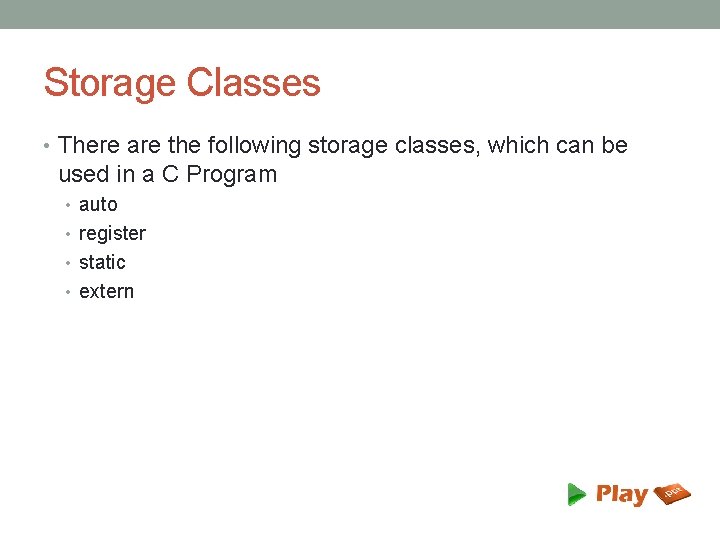
Storage Classes • There are the following storage classes, which can be used in a C Program • auto • register • static • extern
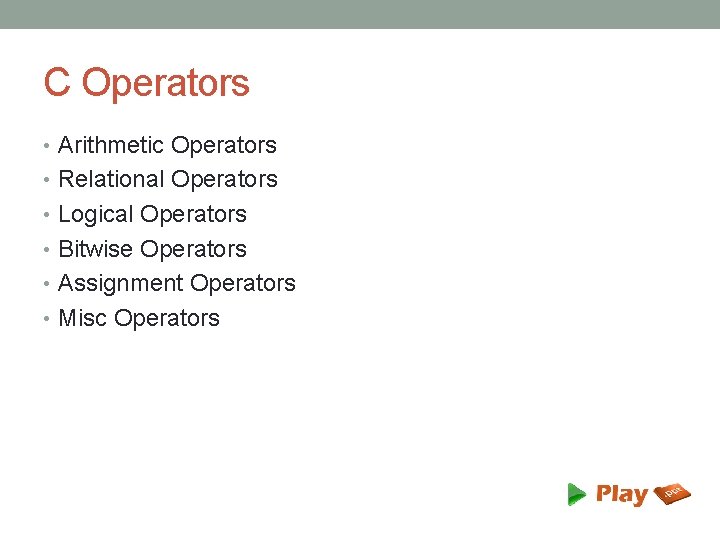
C Operators • Arithmetic Operators • Relational Operators • Logical Operators • Bitwise Operators • Assignment Operators • Misc Operators
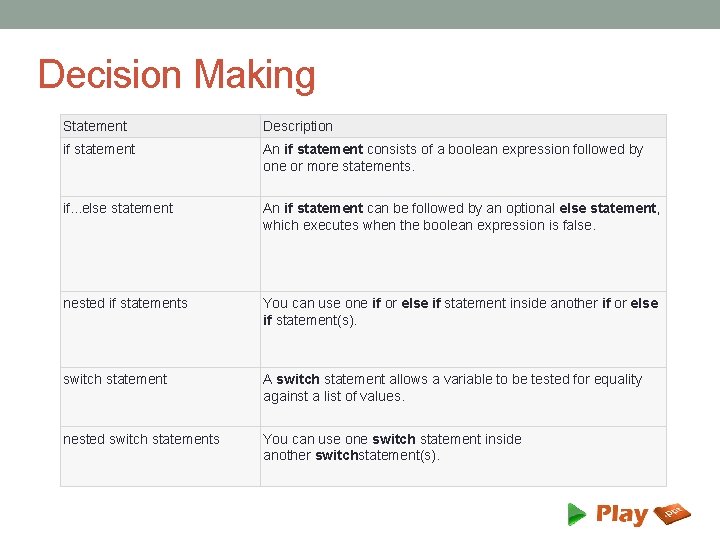
Decision Making Statement Description if statement An if statement consists of a boolean expression followed by one or more statements. if. . . else statement An if statement can be followed by an optional else statement, which executes when the boolean expression is false. nested if statements You can use one if or else if statement inside another if or else if statement(s). switch statement A switch statement allows a variable to be tested for equality against a list of values. nested switch statements You can use one switch statement inside another switchstatement(s).
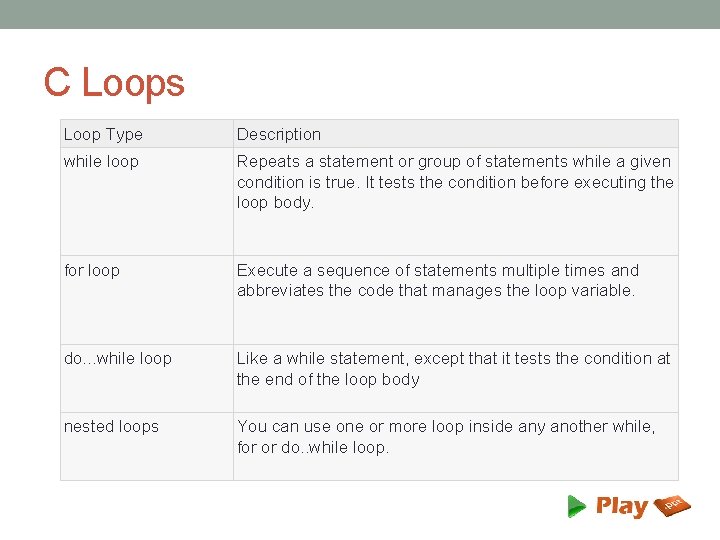
C Loops Loop Type Description while loop Repeats a statement or group of statements while a given condition is true. It tests the condition before executing the loop body. for loop Execute a sequence of statements multiple times and abbreviates the code that manages the loop variable. do. . . while loop Like a while statement, except that it tests the condition at the end of the loop body nested loops You can use one or more loop inside any another while, for or do. . while loop.
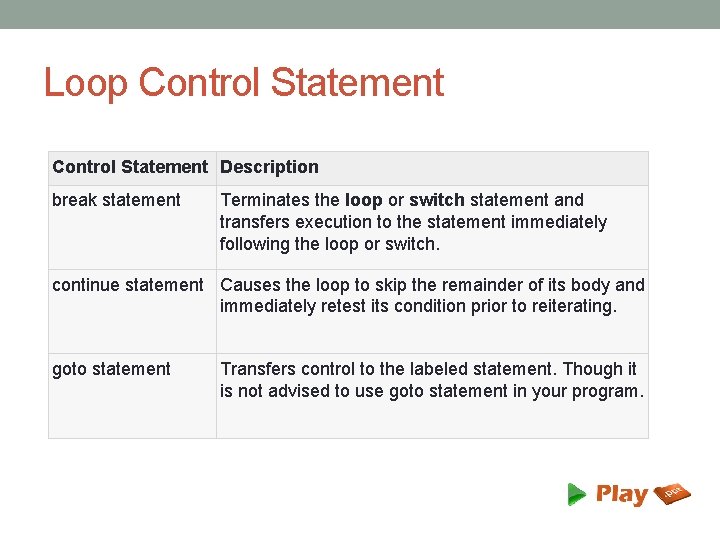
Loop Control Statement Description break statement Terminates the loop or switch statement and transfers execution to the statement immediately following the loop or switch. continue statement Causes the loop to skip the remainder of its body and immediately retest its condition prior to reiterating. goto statement Transfers control to the labeled statement. Though it is not advised to use goto statement in your program.
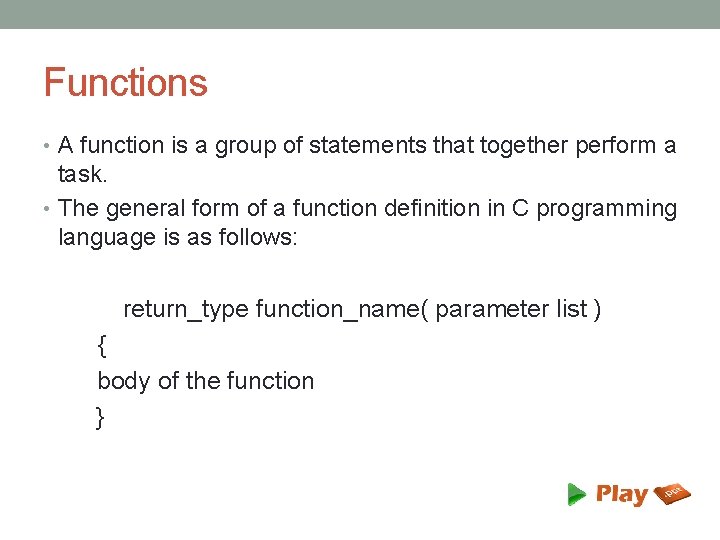
Functions • A function is a group of statements that together perform a task. • The general form of a function definition in C programming language is as follows: return_type function_name( parameter list ) { body of the function }
Functions – Defining a function • A function definition in C programming language consists of a • function header • function body • Parts of a function • Return type • Function name • Parameters • Function body
Arrays • C programming language provides a data structure called the array, which can store a fixed-size sequential collection of elements of the same type. • An array is used to store a collection of data, but it is often more useful to think of an array as a collection of variables of the same type.
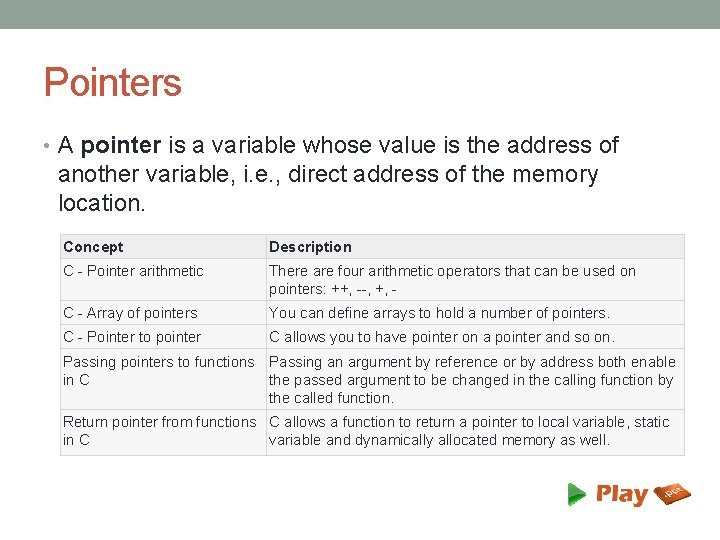
Pointers • A pointer is a variable whose value is the address of another variable, i. e. , direct address of the memory location. Concept Description C - Pointer arithmetic There are four arithmetic operators that can be used on pointers: ++, --, +, - C - Array of pointers You can define arrays to hold a number of pointers. C - Pointer to pointer C allows you to have pointer on a pointer and so on. Passing pointers to functions Passing an argument by reference or by address both enable in C the passed argument to be changed in the calling function by the called function. Return pointer from functions C allows a function to return a pointer to local variable, static in C variable and dynamically allocated memory as well.
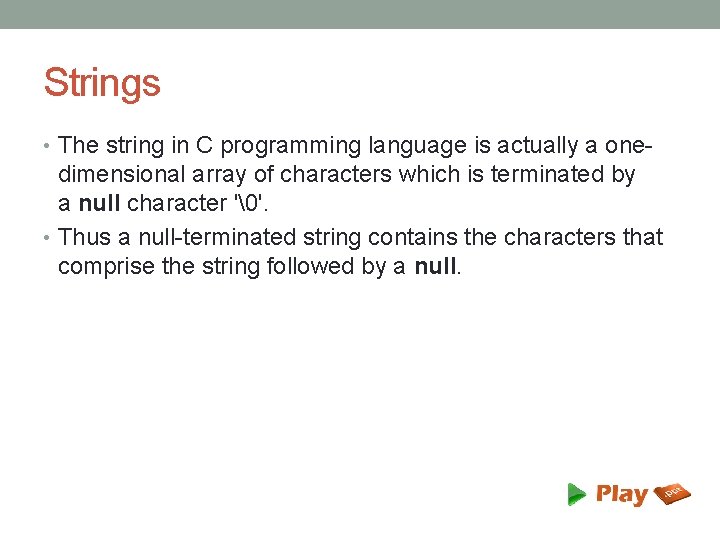
Strings • The string in C programming language is actually a one- dimensional array of characters which is terminated by a null character ''. • Thus a null-terminated string contains the characters that comprise the string followed by a null.
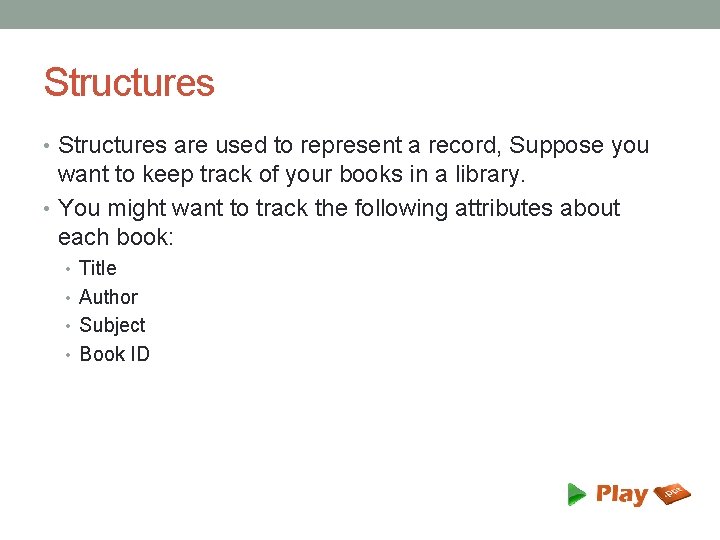
Structures • Structures are used to represent a record, Suppose you want to keep track of your books in a library. • You might want to track the following attributes about each book: • Title • Author • Subject • Book ID
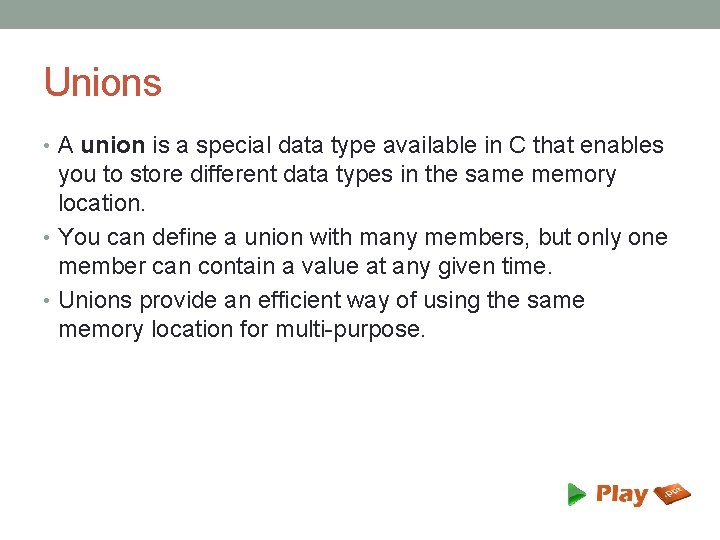
Unions • A union is a special data type available in C that enables you to store different data types in the same memory location. • You can define a union with many members, but only one member can contain a value at any given time. • Unions provide an efficient way of using the same memory location for multi-purpose.
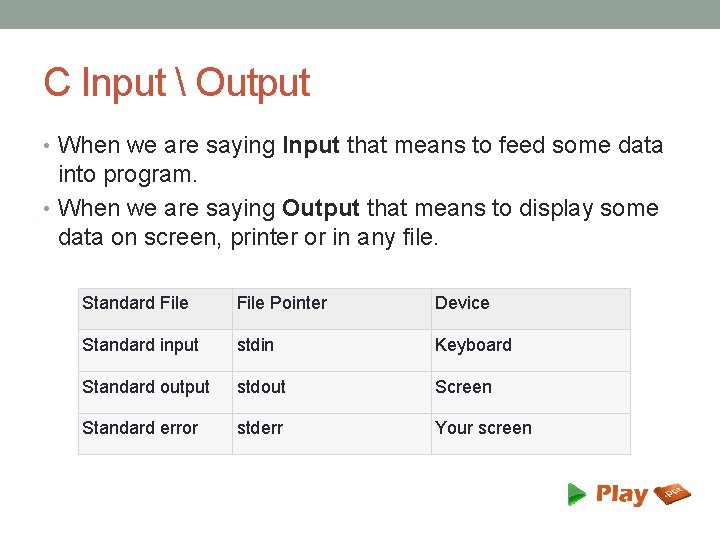
C Input Output • When we are saying Input that means to feed some data into program. • When we are saying Output that means to display some data on screen, printer or in any file. Standard File Pointer Device Standard input stdin Keyboard Standard output stdout Screen Standard error stderr Your screen
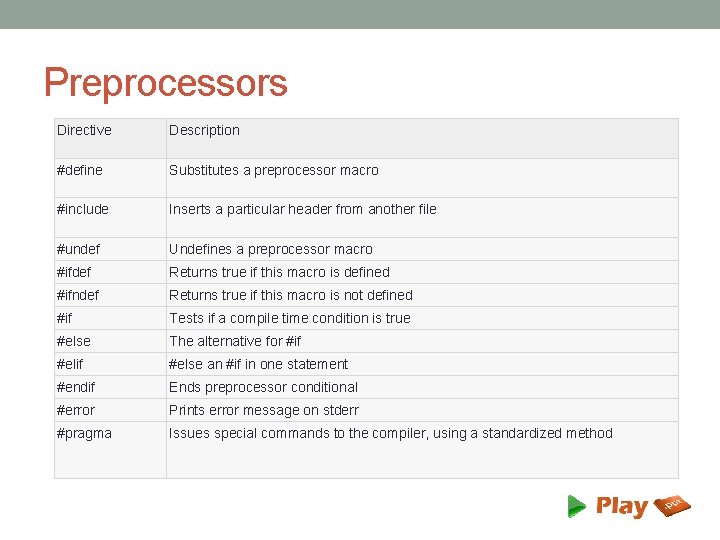
Preprocessors Directive Description #define Substitutes a preprocessor macro #include Inserts a particular header from another file #undef Undefines a preprocessor macro #ifdef Returns true if this macro is defined #ifndef Returns true if this macro is not defined #if Tests if a compile time condition is true #else The alternative for #if #else an #if in one statement #endif Ends preprocessor conditional #error Prints error message on stderr #pragma Issues special commands to the compiler, using a standardized method
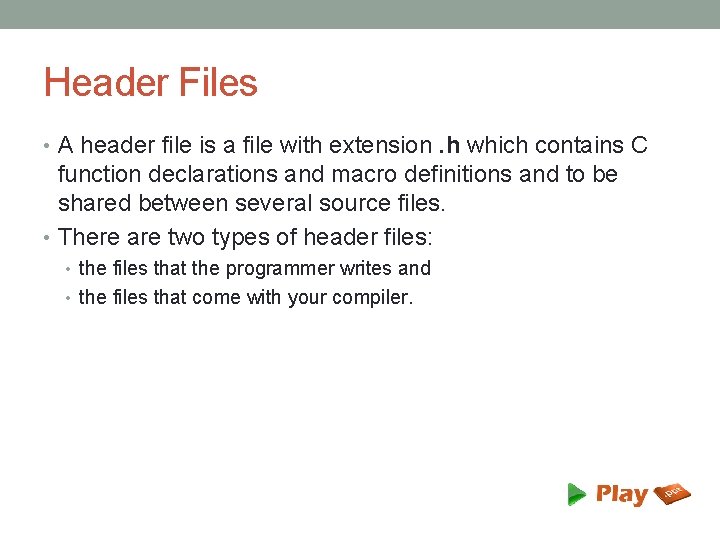
Header Files • A header file is a file with extension. h which contains C function declarations and macro definitions and to be shared between several source files. • There are two types of header files: • the files that the programmer writes and • the files that come with your compiler.
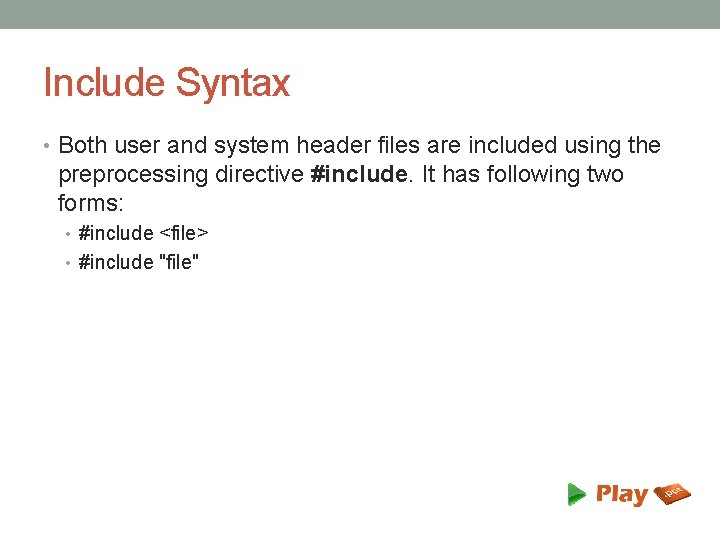
Include Syntax • Both user and system header files are included using the preprocessing directive #include. It has following two forms: • #include <file> • #include "file"
Thank You! www. playppt. com