
C CONTENT FOR SYNCHRONOUS LESSONS 1 Going outside
- Slides: 6
C) CONTENT FOR SYNCHRONOUS LESSONS 1. Going outside of Teams during a synchronous lesson 2. Use of icons to indicate type of activity during a lesson 3. Use of the chat box to engage all learners 4. Use higher or lower order questioning to assess student understanding
1. GOING OUTSIDE OF TEAMS DURING A SYNCHRONOUS LESSON • There are many free, online you can use during a synchronous lesson that allow students to collaborate and share ideas. • You’ll need to set these up in advance and have the URL links ready to post in the chat box. • One such app is ‘Padlet’ which is a virtual version of Post-IT notes with several formats. • Once students have collaborated you can get them to come back into class to review and reflect of their work. • Here’s a short tutorial showing how Padlet works: https: //www. youtube. com/watch? v=U 3 P 5 Qy. Sm. Le. U • And here’s a list of free apps that you can use in this way: https: //freetoolsfortrainers. wyversolutions. co. uk/list/
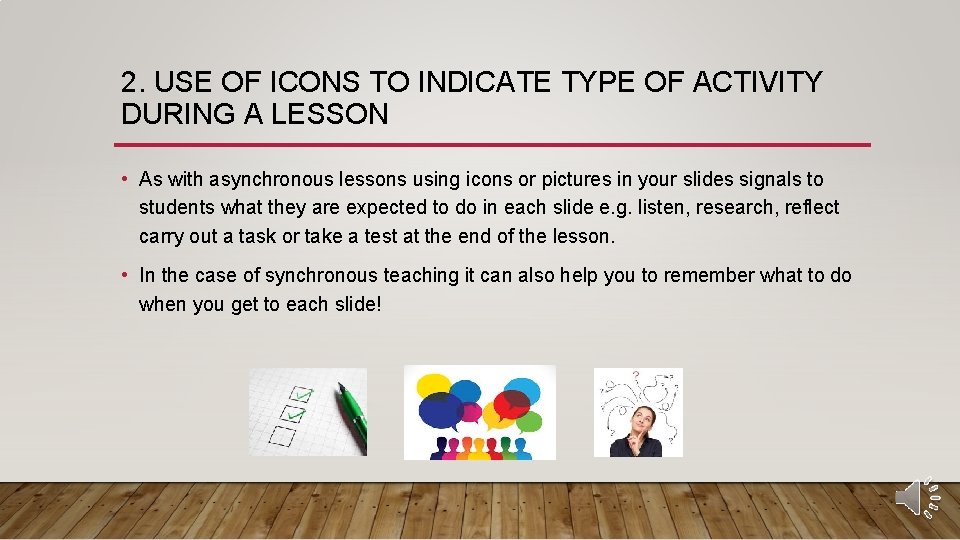
2. USE OF ICONS TO INDICATE TYPE OF ACTIVITY DURING A LESSON • As with asynchronous lessons using icons or pictures in your slides signals to students what they are expected to do in each slide e. g. listen, research, reflect carry out a task or take a test at the end of the lesson. • In the case of synchronous teaching it can also help you to remember what to do when you get to each slide!
3. USE OF THE CHAT BOX TO ENGAGE ALL LEARNERS • Many students will engage with the chat box as the primary form of feedback and communication during a lesson. This isn’t always ideal but still supports feedback when you are ascertaining who has understood the learning objectives of your lesson. • The chat box can be used to ask all students to provide a response in one by counting down then reviewing responses. • Pre-prepared surveys can be sent out in the chat box at any point in a lesson as part of a formative assessment strategy: https: //www. youtube. com/watch? v=Z 0 Jwgwy. Svag • Quick polls can also be sent out in Teams as follows: https: //www. youtube. com/watch? v=msd. LARDwk 1 Q
4. USE HIGHER OR LOWER ORDER QUESTIONING TO ASSESS STUDENT UNDERSTANDING • Questioning is a key part of synchronous teaching to engage learners and assess progress. This is no different to classroom teaching. • In a synchronous setting the teacher often has to work quickly to target the correct question type for a particular student – higher of lower order questioning. • This is a great resource for understanding question types for different levels of learning: https: //1 drv. ms/u/s!Aoa 1 r 214 i. HLdm. RVx 4 -CC 2 W 8 b. FSTI
WHAT HAVE WE COVERED? WHAT WILL YOU APPLY? 1. Going outside of Teams during a synchronous lesson 2. Use of icons to indicate type of activity during a lesson 3. Use of the chat box to engage all learners 4. Use higher or lower order questioning to assess student understanding