
C Basics 2 More on basic data types
C++ Basics 2 More on basic data types Declarations Simple mathematical Operators Basic programming techniques
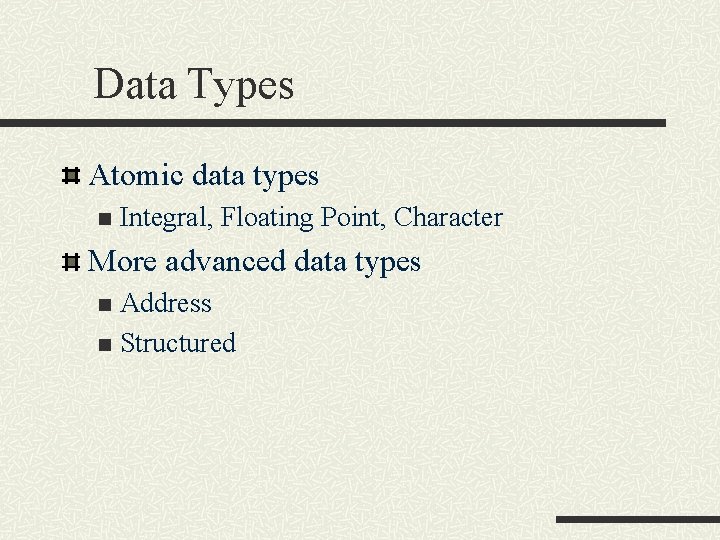
Data Types Atomic data types n Integral, Floating Point, Character More advanced data types Address n Structured n
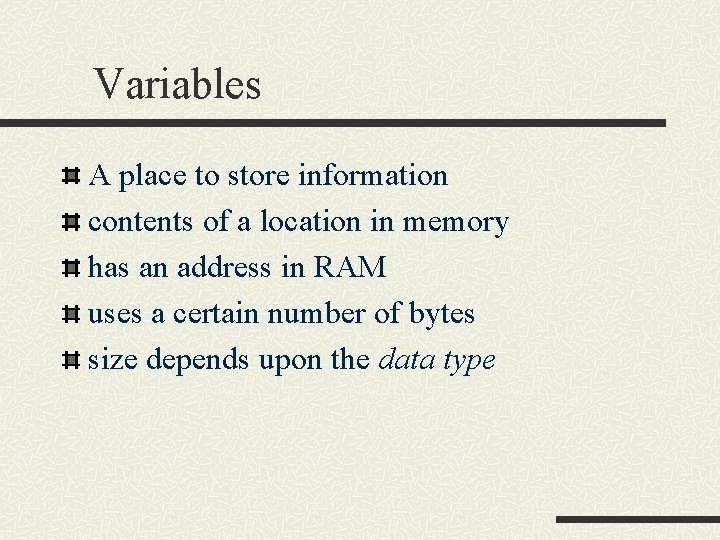
Variables A place to store information contents of a location in memory has an address in RAM uses a certain number of bytes size depends upon the data type
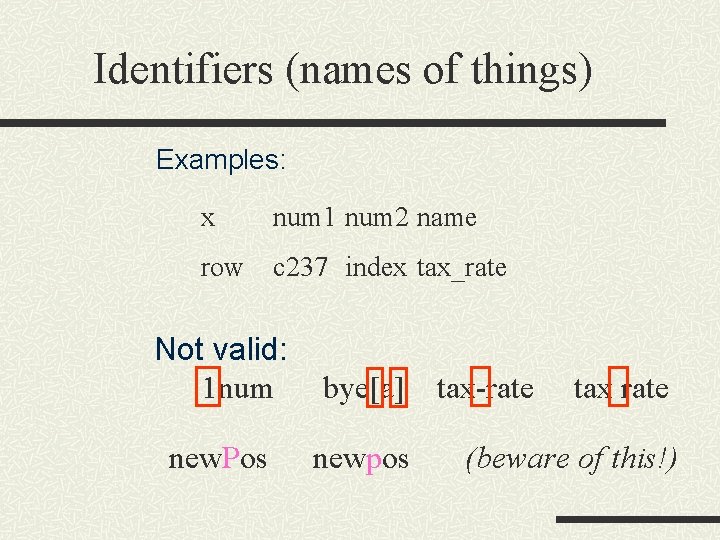
Identifiers (names of things) Examples: x num 1 num 2 name row c 237 index tax_rate Not valid: 1 num bye[a] new. Pos newpos tax-rate tax rate (beware of this!)
Declaration Statement A declaration statement associates an identifier with a data object, a function, or a data type so that the programmer can refer to that item by name.

Declaration Statement Syntax: data-type variable name; Examples: int my_age; int count; float deposit; float amount; float totalpay; double balance; char answer 2;
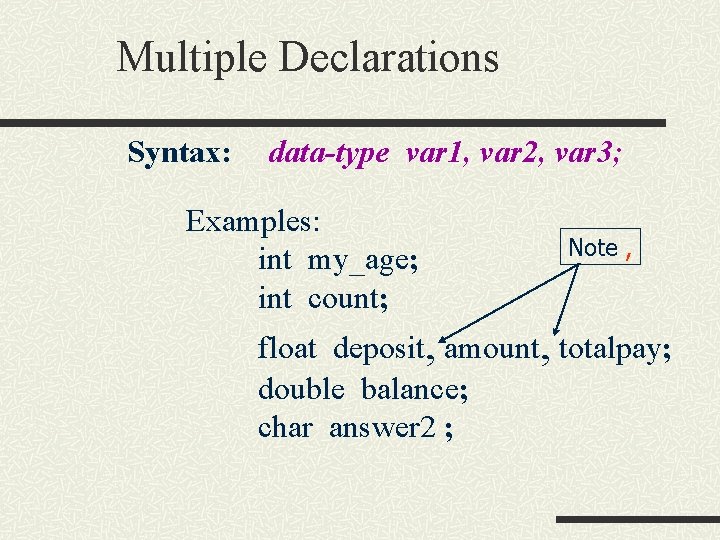
Multiple Declarations Syntax: data-type var 1, var 2, var 3; Examples: int my_age; int count; Note , float deposit, amount, totalpay; double balance; char answer 2 ;
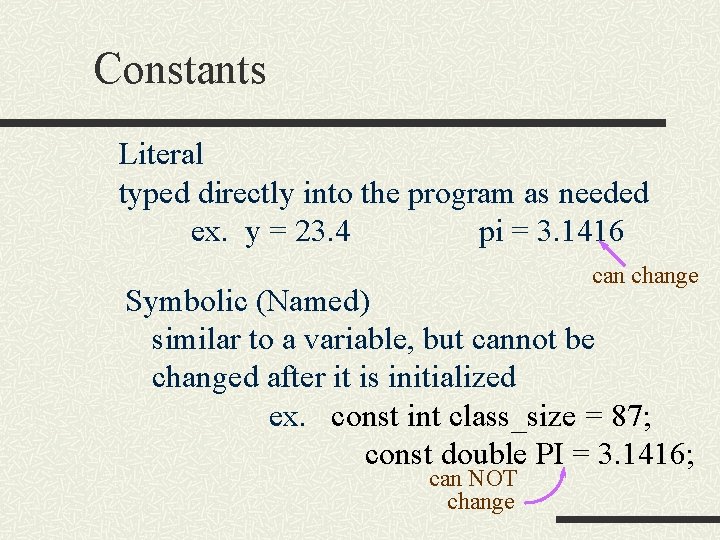
Constants Literal typed directly into the program as needed ex. y = 23. 4 pi = 3. 1416 can change Symbolic (Named) similar to a variable, but cannot be changed after it is initialized ex. const int class_size = 87; const double PI = 3. 1416; can NOT change
Constants Syntax n const type VAR = value; n const int Imax = 1000; n const char BLANK = ‘ ‘;
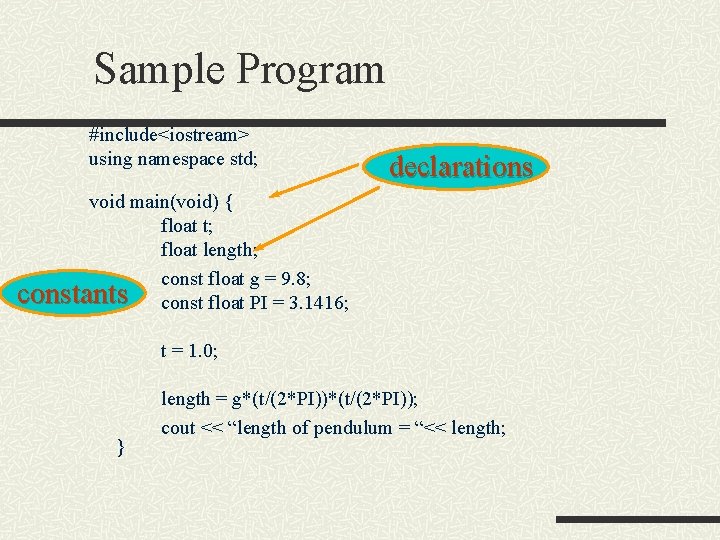
Sample Program #include<iostream> using namespace std; declarations void main(void) { float t; float length; const float g = 9. 8; constants const float PI = 3. 1416; t = 1. 0; } length = g*(t/(2*PI)); cout << “length of pendulum = “<< length;
Special Data Types Address Data Recall data stored in RAM at a specific address. We can refer to this address using a name e. g. length rather than by referring to the actual address. We can however access addresses in memory using special variables. n n Pointers(used later in the course for dynamic memory allocation) References (used later in the semester for modular programming with functions)
Special data types – structured data We can create special data types to represent things in the world. For example we may want to represent a student record, comprising of n Name, ID, grade We want to be able to refer to an individual student and know that they have associated attributes or fields. We can do this using Structured data types array struct union class
Operators An operator is a symbol that causes the compiler to take an action. Operators operate on data Different data types allow different operations n E. g. multiplication division addition and subtraction are legal on numerical data; they are not legitimate operations for characters *
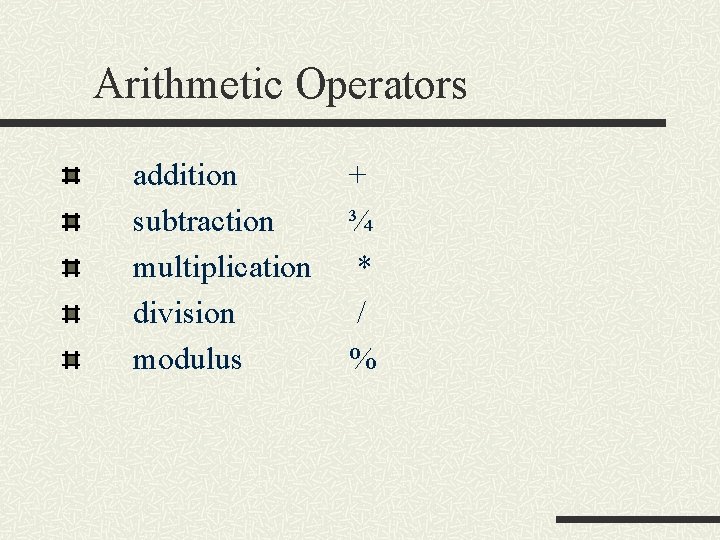
Arithmetic Operators addition subtraction multiplication division modulus + ¾ * / %
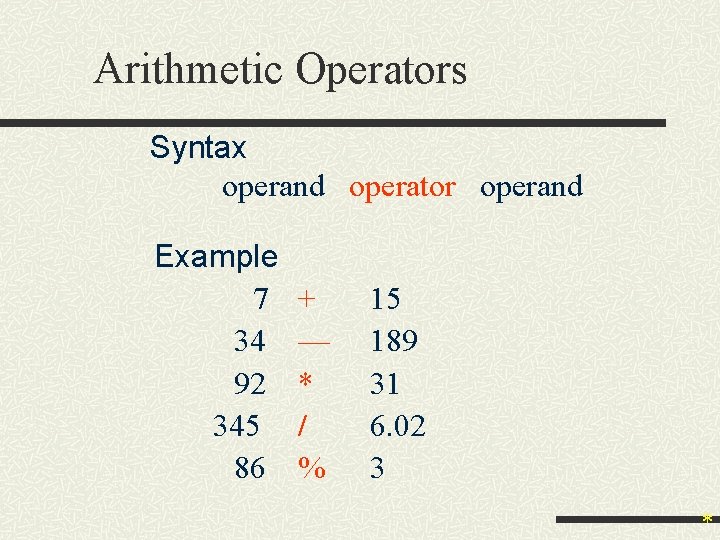
Arithmetic Operators Syntax operand operator operand Example 7 34 92 345 86 + — * / % 15 189 31 6. 02 3 *
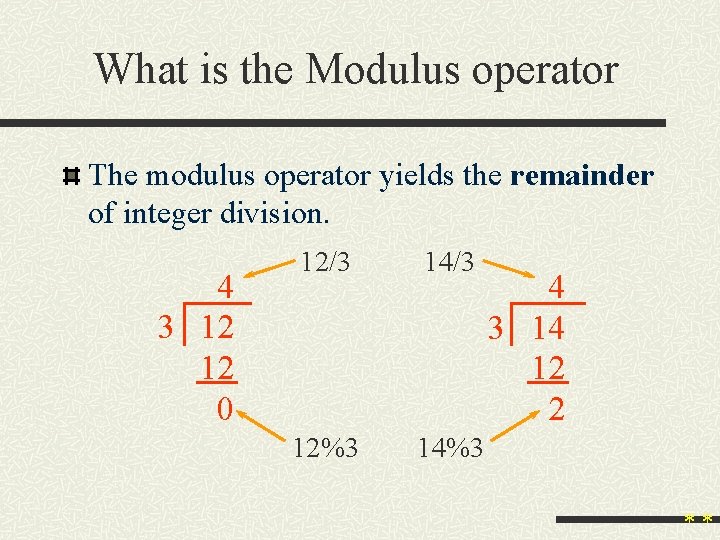
What is the Modulus operator The modulus operator yields the remainder of integer division. 4 3 12 12 0 12/3 14/3 12%3 14%3 4 3 14 12 2 **
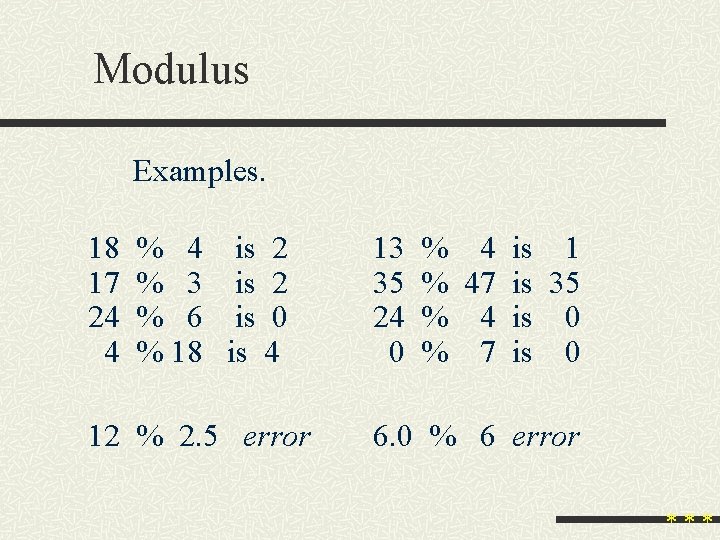
Modulus Examples. 18 17 24 4 % 4 is 2 % 3 is 2 % 6 is 0 % 18 is 4 12 % 2. 5 error 13 35 24 0 % 4 is 1 % 47 is 35 % 4 is 0 % 7 is 0 6. 0 % 6 error ***
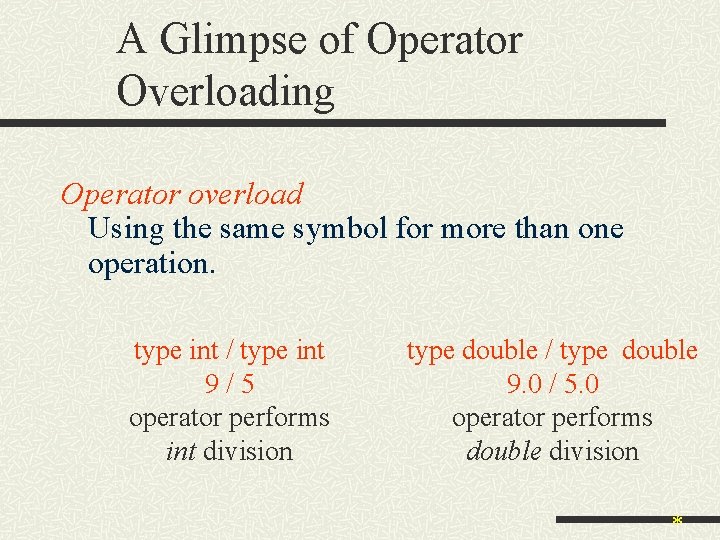
A Glimpse of Operator Overloading Operator overload Using the same symbol for more than one operation. type int / type int 9/5 operator performs int division type double / type double 9. 0 / 5. 0 operator performs double division *
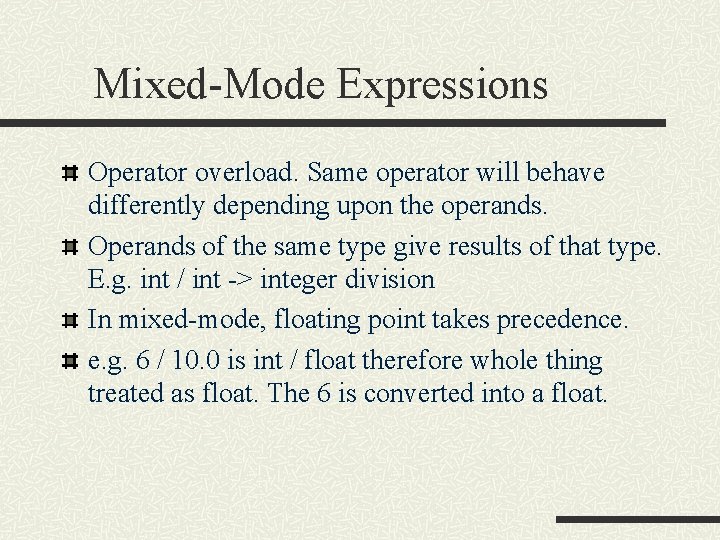
Mixed-Mode Expressions Operator overload. Same operator will behave differently depending upon the operands. Operands of the same type give results of that type. E. g. int / int -> integer division In mixed-mode, floating point takes precedence. e. g. 6 / 10. 0 is int / float therefore whole thing treated as float. The 6 is converted into a float.
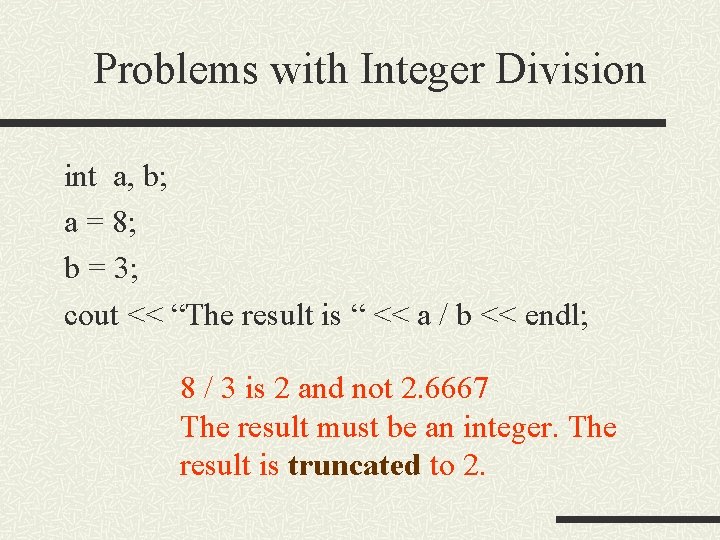
Problems with Integer Division int a, b; a = 8; b = 3; cout << “The result is “ << a / b << endl; 8 / 3 is 2 and not 2. 6667 The result must be an integer. The result is truncated to 2.
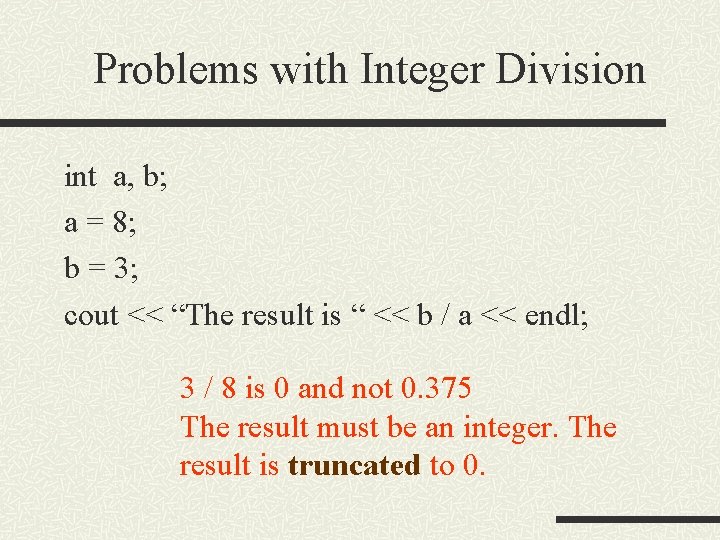
Problems with Integer Division int a, b; a = 8; b = 3; cout << “The result is “ << b / a << endl; 3 / 8 is 0 and not 0. 375 The result must be an integer. The result is truncated to 0.
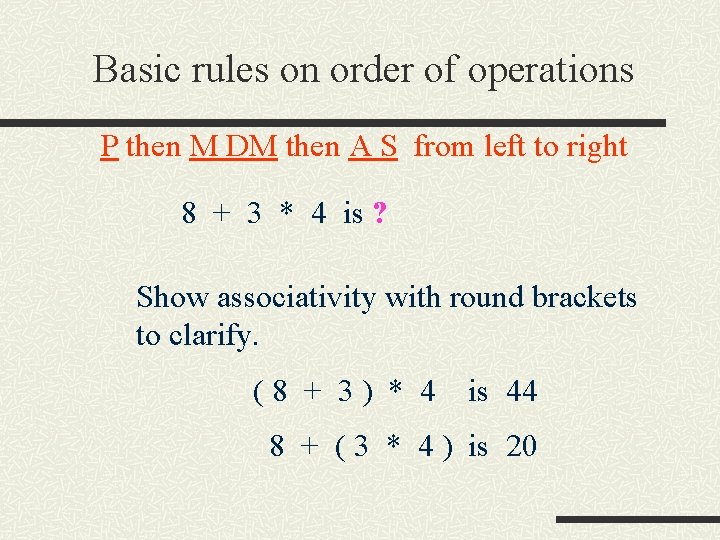
Basic rules on order of operations P then M DM then A S from left to right 8 + 3 * 4 is ? Show associativity with round brackets to clarify. (8 + 3) * 4 is 44 8 + ( 3 * 4 ) is 20
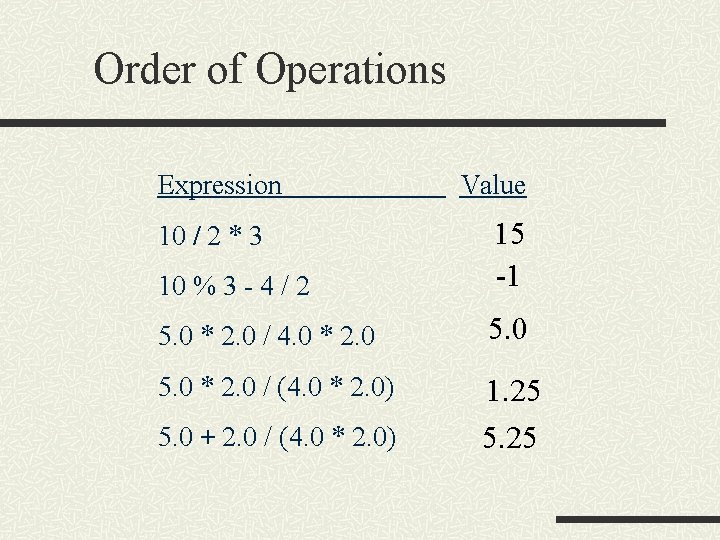
Order of Operations Expression Value 10 % 3 - 4 / 2 15 -1 5. 0 * 2. 0 / 4. 0 * 2. 0 5. 0 * 2. 0 / (4. 0 * 2. 0) 1. 25 5. 25 10 / 2 * 3 5. 0 + 2. 0 / (4. 0 * 2. 0)
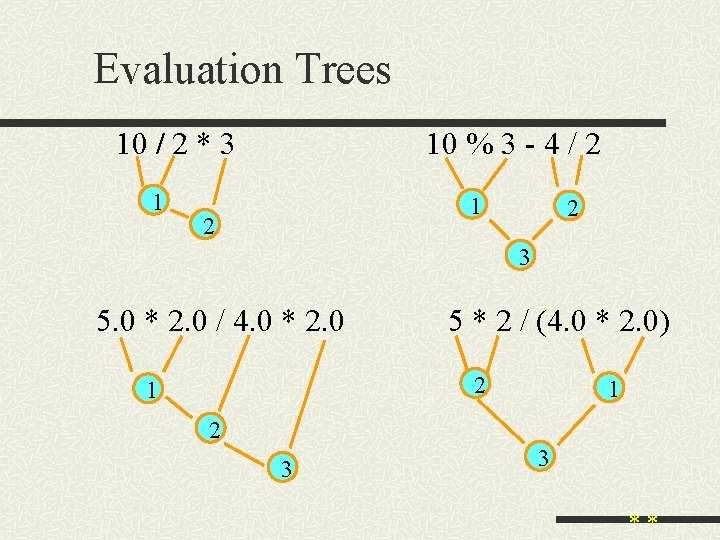
Evaluation Trees 10 % 3 - 4 / 2 10 / 2 * 3 1 1 2 2 3 5. 0 * 2. 0 / 4. 0 * 2. 0 5 * 2 / (4. 0 * 2. 0) 2 1 1 2 3 3 **
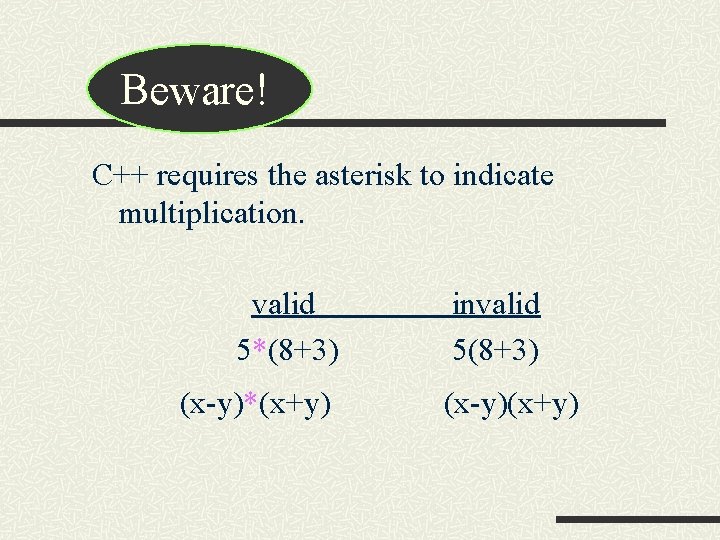
Beware! C++ requires the asterisk to indicate multiplication. valid 5*(8+3) (x-y)*(x+y) invalid 5(8+3) (x-y)(x+y)
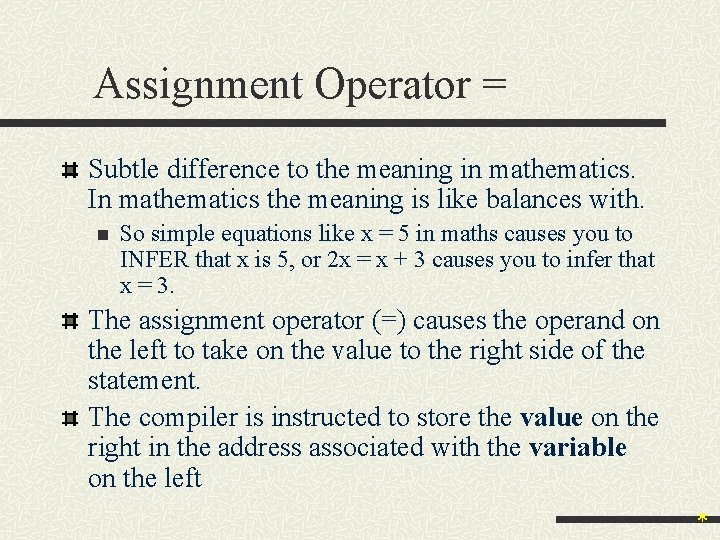
Assignment Operator = Subtle difference to the meaning in mathematics. In mathematics the meaning is like balances with. n So simple equations like x = 5 in maths causes you to INFER that x is 5, or 2 x = x + 3 causes you to infer that x = 3. The assignment operator (=) causes the operand on the left to take on the value to the right side of the statement. The compiler is instructed to store the value on the right in the address associated with the variable on the left *
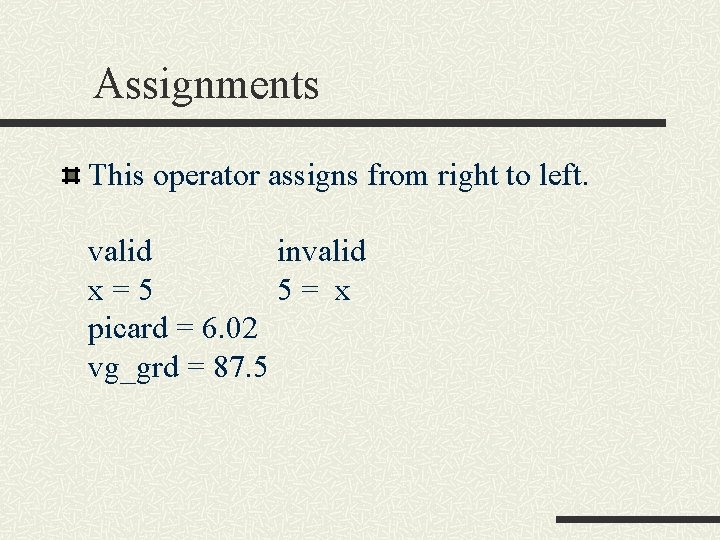
Assignments This operator assigns from right to left. valid invalid x=5 5= x picard = 6. 02 vg_grd = 87. 5
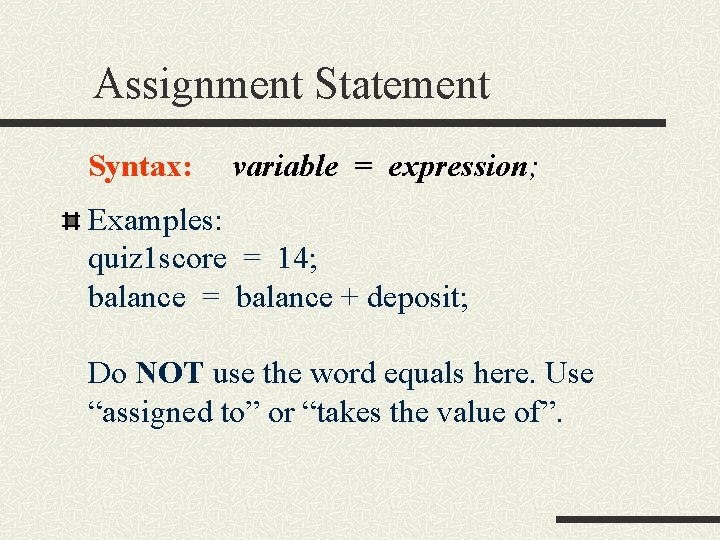
Assignment Statement Syntax: variable = expression; Examples: quiz 1 score = 14; balance = balance + deposit; Do NOT use the word equals here. Use “assigned to” or “takes the value of”.
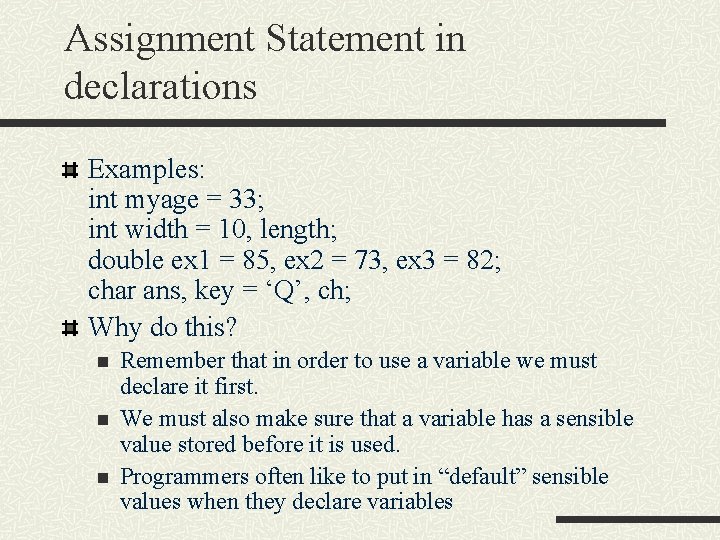
Assignment Statement in declarations Examples: int myage = 33; int width = 10, length; double ex 1 = 85, ex 2 = 73, ex 3 = 82; char ans, key = ‘Q’, ch; Why do this? n n n Remember that in order to use a variable we must declare it first. We must also make sure that a variable has a sensible value stored before it is used. Programmers often like to put in “default” sensible values when they declare variables
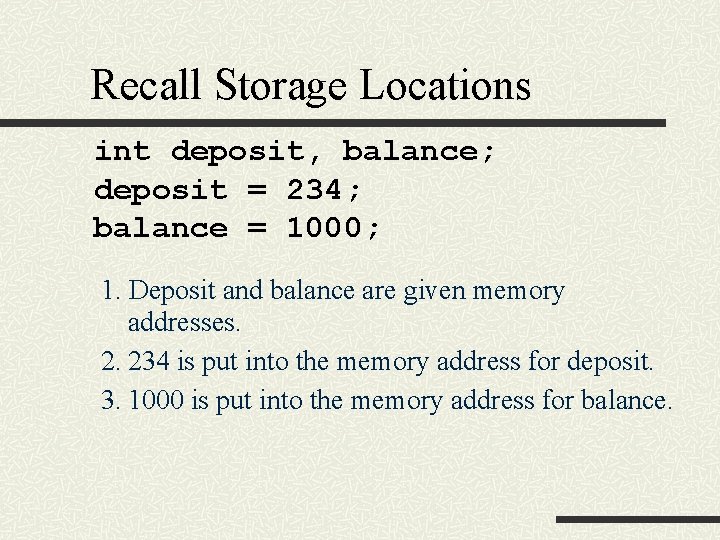
Recall Storage Locations int deposit, balance; deposit = 234; balance = 1000; 1. Deposit and balance are given memory addresses. 2. 234 is put into the memory address for deposit. 3. 1000 is put into the memory address for balance.
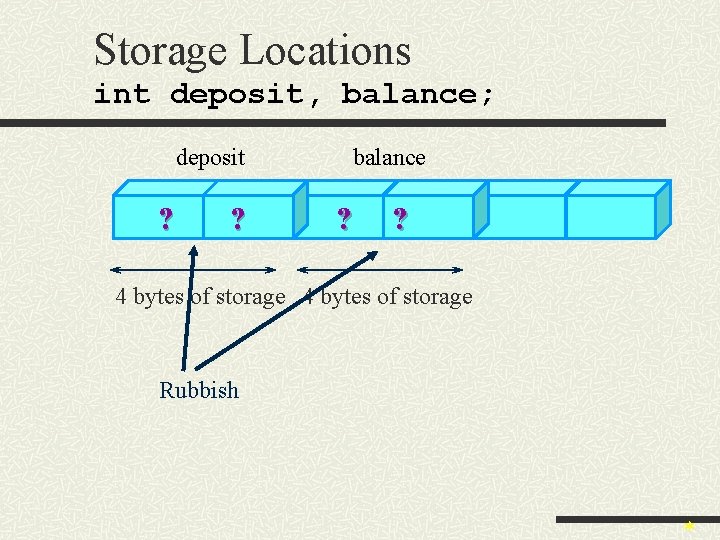
Storage Locations int deposit, balance; deposit ? ? balance ? ? 4 bytes of storage Rubbish *
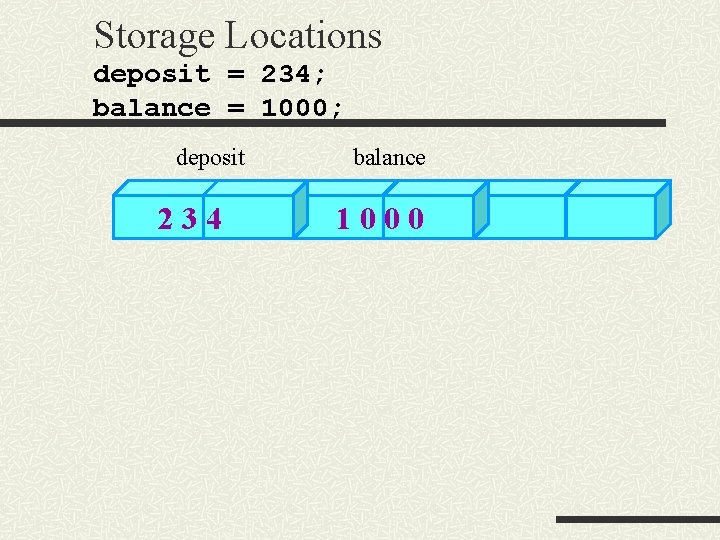
Storage Locations deposit = 234; balance = 1000; deposit 234 balance 1000
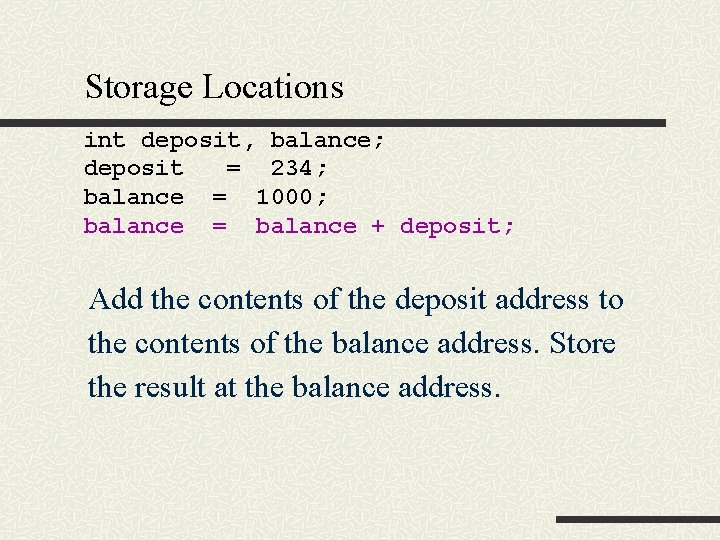
Storage Locations int deposit, balance; deposit = 234; balance = 1000; balance = balance + deposit; Add the contents of the deposit address to the contents of the balance address. Store the result at the balance address.
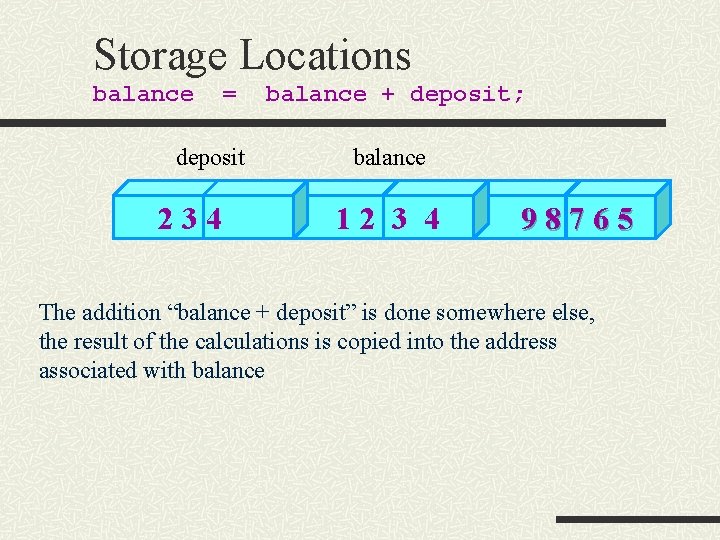
Storage Locations balance = deposit 234 balance + deposit; balance 12 3 4 98765 The addition “balance + deposit” is done somewhere else, the result of the calculations is copied into the address associated with balance
Basic Programming Techniques 1 Accumulation Adding up lists of numbers, doing running totals. n We need a variable to store the running total e. g. sum n We need to add to whatever has been accumulated in sum. n We get lines like n sum = sum + new_value;
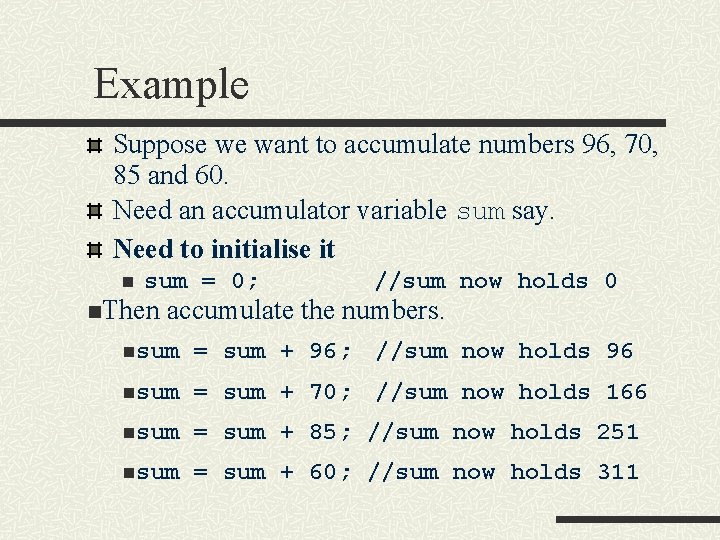
Example Suppose we want to accumulate numbers 96, 70, 85 and 60. Need an accumulator variable sum say. Need to initialise it n sum = 0; n. Then //sum now holds 0 accumulate the numbers. nsum = sum + 96; //sum now holds 96 nsum = sum + 70; //sum now holds 166 nsum = sum + 85; //sum now holds 251 nsum = sum + 60; //sum now holds 311
Basic Programming Techniques 2 Counting n Very similar to accumulating. n Need a counter variable. n Normally initialised to 0; n Normally add one on each time. E. g. n count = 0; n count = count + 1; n Can count in steps of more than one, e. g. n count = count + 2;
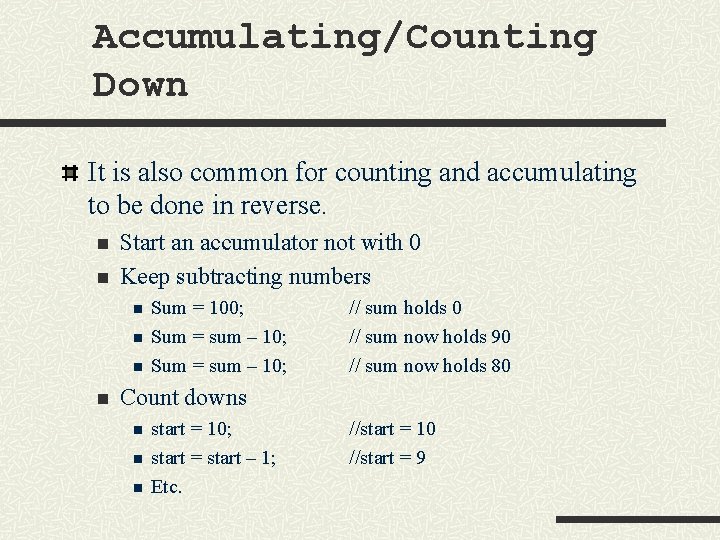
Accumulating/Counting Down It is also common for counting and accumulating to be done in reverse. n n Start an accumulator not with 0 Keep subtracting numbers n n Sum = 100; Sum = sum – 10; // sum holds 0 // sum now holds 90 // sum now holds 80 Count downs n n n start = 10; start = start – 1; Etc. //start = 10 //start = 9
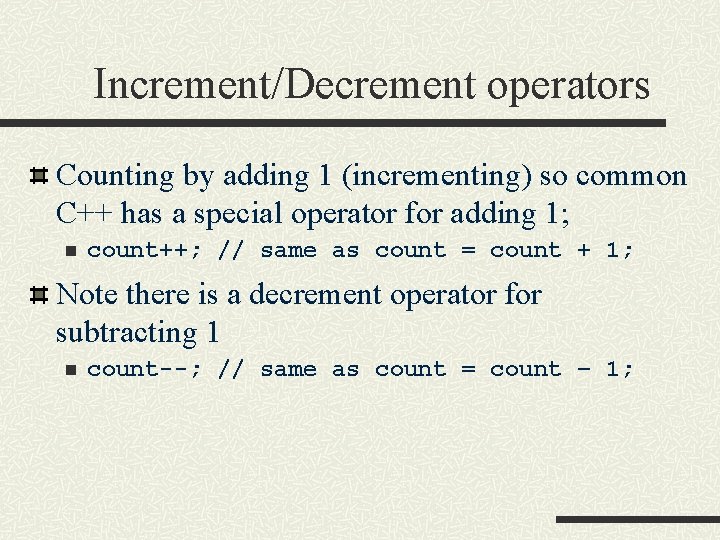
Increment/Decrement operators Counting by adding 1 (incrementing) so common C++ has a special operator for adding 1; n count++; // same as count = count + 1; Note there is a decrement operator for subtracting 1 n count--; // same as count = count – 1;
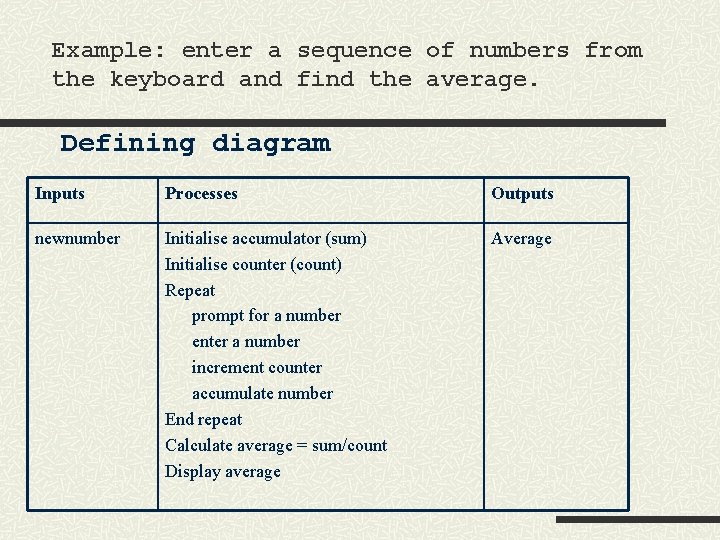
Example: enter a sequence of numbers from the keyboard and find the average. Defining diagram Inputs Processes Outputs newnumber Initialise accumulator (sum) Initialise counter (count) Repeat prompt for a number enter a number increment counter accumulate number End repeat Calculate average = sum/count Display average Average
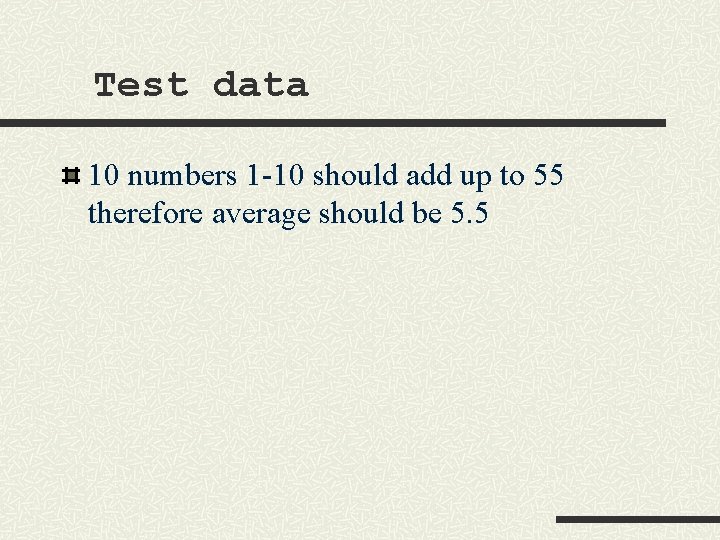
Test data 10 numbers 1 -10 should add up to 55 therefore average should be 5. 5
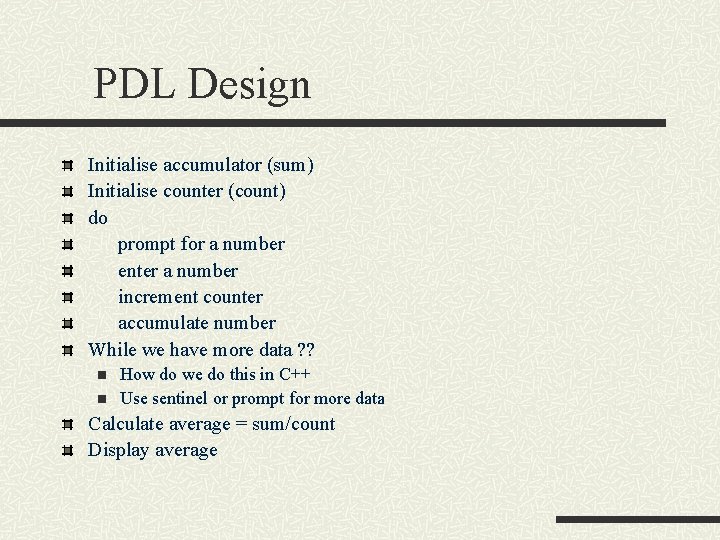
PDL Design Initialise accumulator (sum) Initialise counter (count) do prompt for a number enter a number increment counter accumulate number While we have more data ? ? n n How do we do this in C++ Use sentinel or prompt for more data Calculate average = sum/count Display average
Program (see demo)
- Slides: 43