
By Dr Jiang B Liu 5 Java Sockets
By Dr. Jiang B. Liu 5. Java Sockets Programming Java Socket classes Pizza. Order client/server application using connection-oriented service. Peer. Chat peer-to-peer application using connection-less service
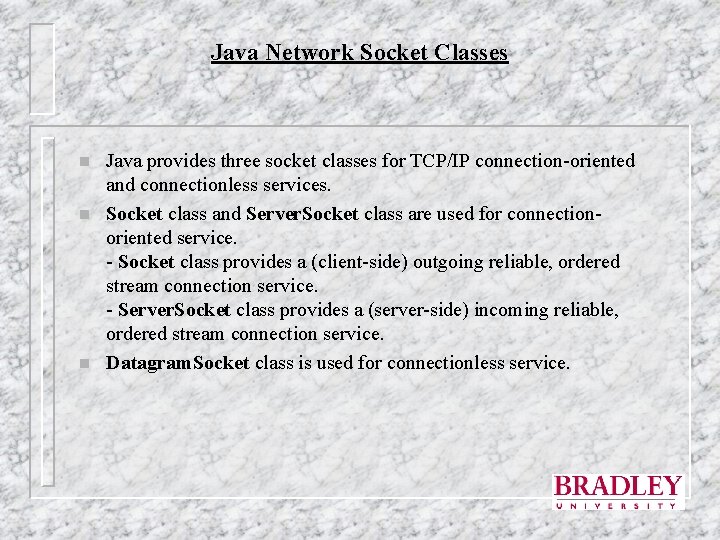
Java Network Socket Classes n n n Java provides three socket classes for TCP/IP connection-oriented and connectionless services. Socket class and Server. Socket class are used for connectionoriented service. - Socket class provides a (client-side) outgoing reliable, ordered stream connection service. - Server. Socket class provides a (server-side) incoming reliable, ordered stream connection service. Datagram. Socket class is used for connectionless service.
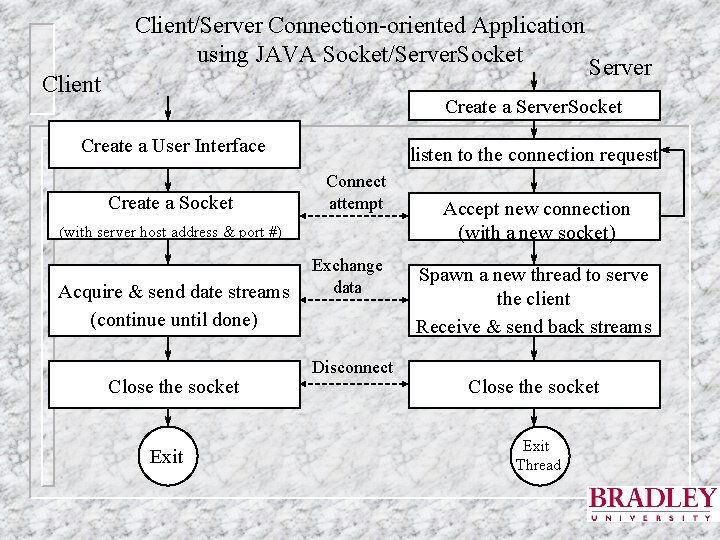
Client/Server Connection-oriented Application using JAVA Socket/Server. Socket Client Server Create a Server. Socket Create a User Interface Create a Socket listen to the connection request Connect attempt (with server host address & port #) Acquire & send date streams (continue until done) Close the socket Exit Exchange data Disconnect Accept new connection (with a new socket) Spawn a new thread to serve the client Receive & send back streams Close the socket Exit Thread
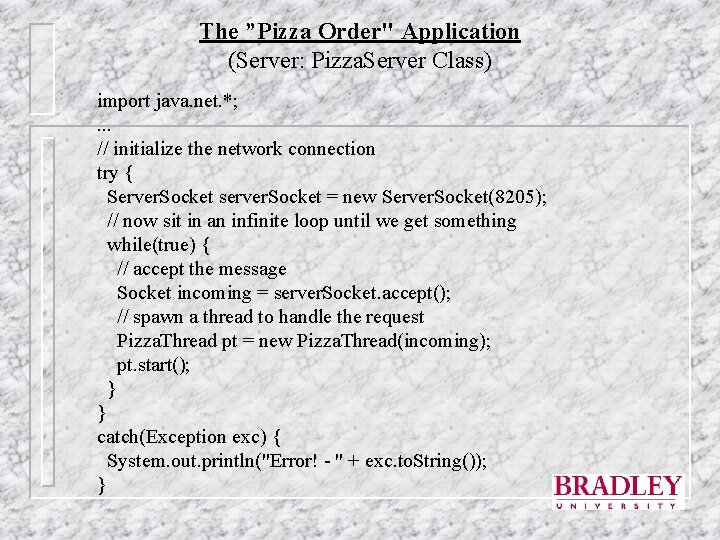
The ”Pizza Order" Application (Server: Pizza. Server Class) import java. net. *; . . . // initialize the network connection try { Server. Socket server. Socket = new Server. Socket(8205); // now sit in an infinite loop until we get something while(true) { // accept the message Socket incoming = server. Socket. accept(); // spawn a thread to handle the request Pizza. Thread pt = new Pizza. Thread(incoming); pt. start(); } } catch(Exception exc) { System. out. println("Error! - " + exc. to. String()); }
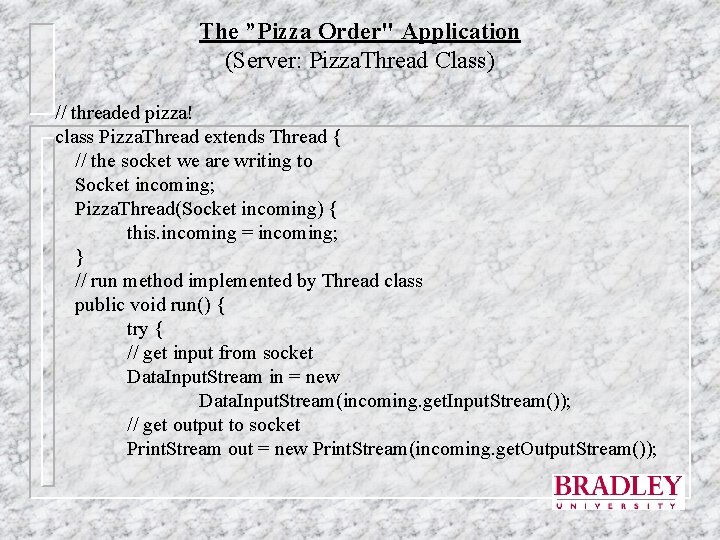
The ”Pizza Order" Application (Server: Pizza. Thread Class) // threaded pizza! class Pizza. Thread extends Thread { // the socket we are writing to Socket incoming; Pizza. Thread(Socket incoming) { this. incoming = incoming; } // run method implemented by Thread class public void run() { try { // get input from socket Data. Input. Stream in = new Data. Input. Stream(incoming. get. Input. Stream()); // get output to socket Print. Stream out = new Print. Stream(incoming. get. Output. Stream());
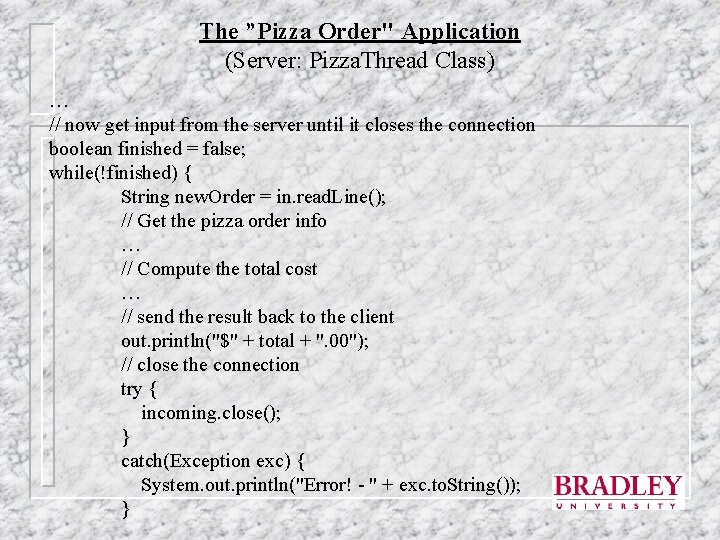
The ”Pizza Order" Application (Server: Pizza. Thread Class) … // now get input from the server until it closes the connection boolean finished = false; while(!finished) { String new. Order = in. read. Line(); // Get the pizza order info … // Compute the total cost … // send the result back to the client out. println("$" + total + ". 00"); // close the connection try { incoming. close(); } catch(Exception exc) { System. out. println("Error! - " + exc. to. String()); }
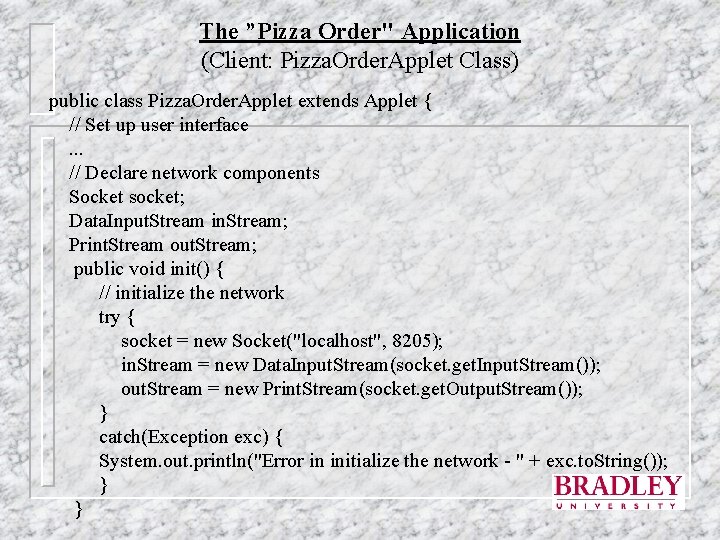
The ”Pizza Order" Application (Client: Pizza. Order. Applet Class) public class Pizza. Order. Applet extends Applet { // Set up user interface. . . // Declare network components Socket socket; Data. Input. Stream in. Stream; Print. Stream out. Stream; public void init() { // initialize the network try { socket = new Socket("localhost", 8205); in. Stream = new Data. Input. Stream(socket. get. Input. Stream()); out. Stream = new Print. Stream(socket. get. Output. Stream()); } catch(Exception exc) { System. out. println("Error in initialize the network - " + exc. to. String()); } }
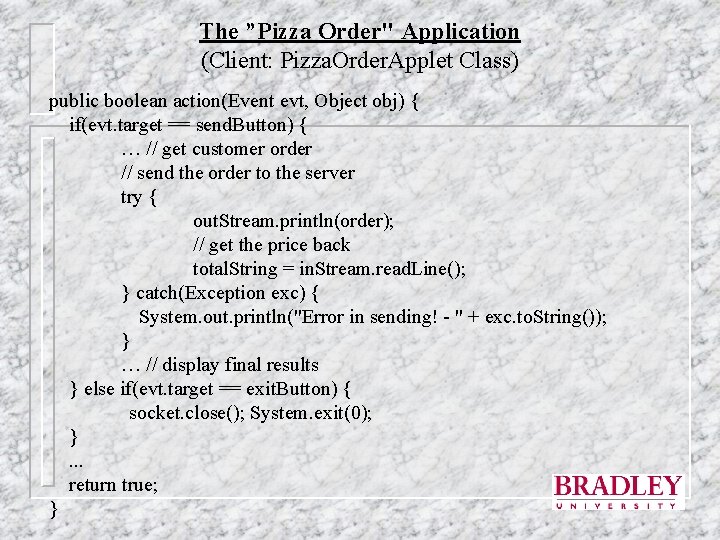
The ”Pizza Order" Application (Client: Pizza. Order. Applet Class) public boolean action(Event evt, Object obj) { if(evt. target == send. Button) { … // get customer order // send the order to the server try { out. Stream. println(order); // get the price back total. String = in. Stream. read. Line(); } catch(Exception exc) { System. out. println("Error in sending! - " + exc. to. String()); } … // display final results } else if(evt. target == exit. Button) { socket. close(); System. exit(0); }. . . return true; }
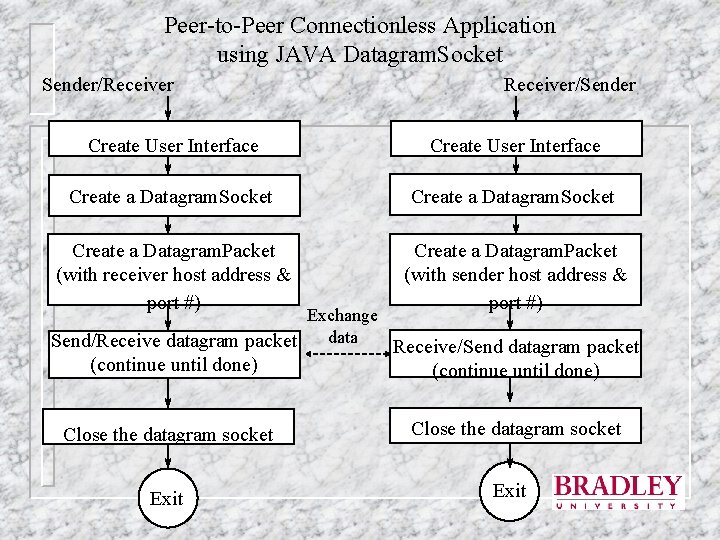
Peer-to-Peer Connectionless Application using JAVA Datagram. Socket Sender/Receiver/Sender Create User Interface Create a Datagram. Socket Create a Datagram. Packet (with receiver host address & port #) Create a Datagram. Packet (with sender host address & port #) (continue until done) Close the datagram socket Exchange data Send/Receive datagram packet Receive/Send datagram packet Exit
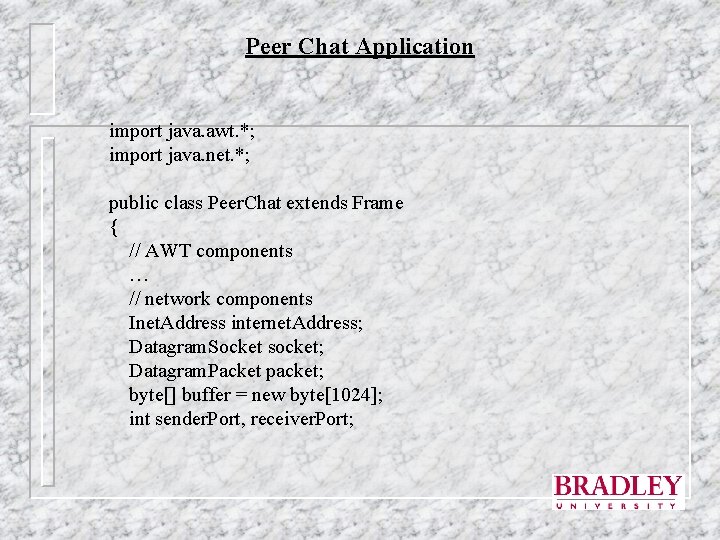
Peer Chat Application import java. awt. *; import java. net. *; public class Peer. Chat extends Frame { // AWT components … // network components Inet. Address internet. Address; Datagram. Socket socket; Datagram. Packet packet; byte[] buffer = new byte[1024]; int sender. Port, receiver. Port;
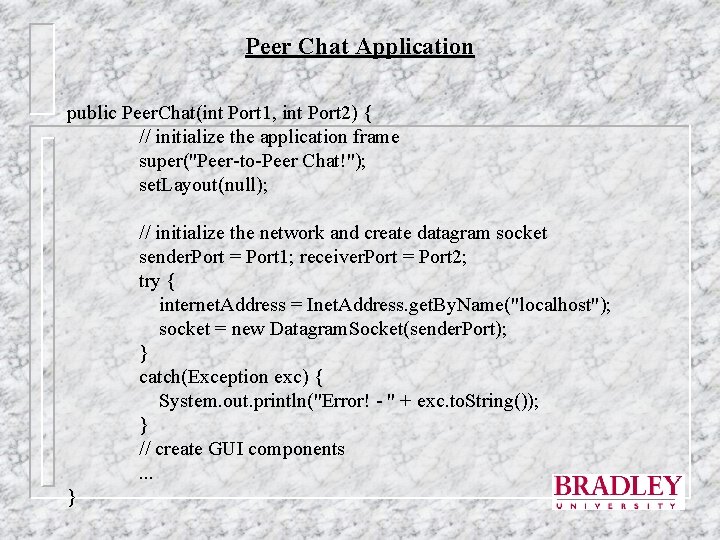
Peer Chat Application public Peer. Chat(int Port 1, int Port 2) { // initialize the application frame super("Peer-to-Peer Chat!"); set. Layout(null); // initialize the network and create datagram socket sender. Port = Port 1; receiver. Port = Port 2; try { internet. Address = Inet. Address. get. By. Name("localhost"); socket = new Datagram. Socket(sender. Port); } catch(Exception exc) { System. out. println("Error! - " + exc. to. String()); } // create GUI components. . . }
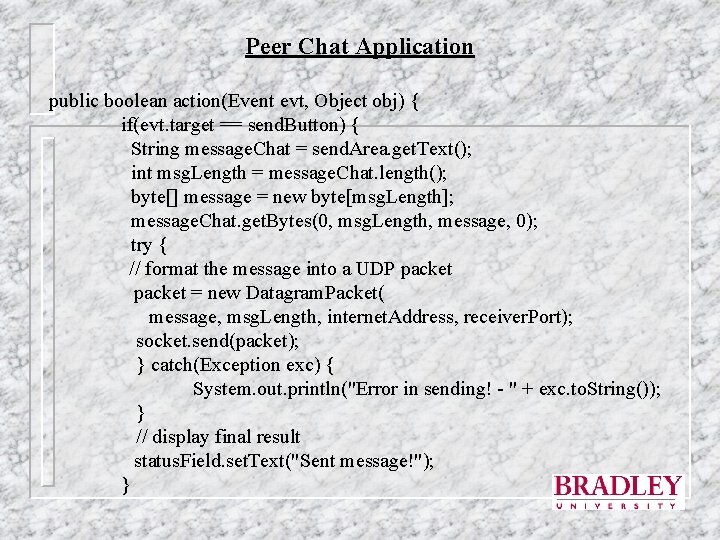
Peer Chat Application public boolean action(Event evt, Object obj) { if(evt. target == send. Button) { String message. Chat = send. Area. get. Text(); int msg. Length = message. Chat. length(); byte[] message = new byte[msg. Length]; message. Chat. get. Bytes(0, msg. Length, message, 0); try { // format the message into a UDP packet = new Datagram. Packet( message, msg. Length, internet. Address, receiver. Port); socket. send(packet); } catch(Exception exc) { System. out. println("Error in sending! - " + exc. to. String()); } // display final result status. Field. set. Text("Sent message!"); }
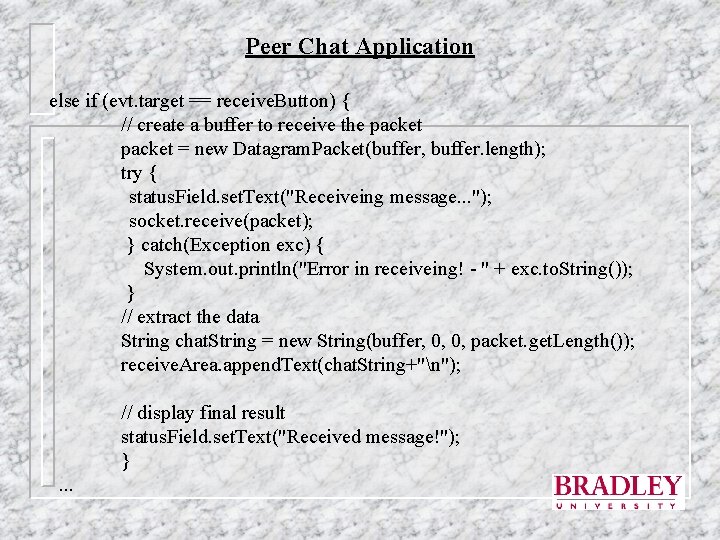
Peer Chat Application else if (evt. target == receive. Button) { // create a buffer to receive the packet = new Datagram. Packet(buffer, buffer. length); try { status. Field. set. Text("Receiveing message. . . "); socket. receive(packet); } catch(Exception exc) { System. out. println("Error in receiveing! - " + exc. to. String()); } // extract the data String chat. String = new String(buffer, 0, 0, packet. get. Length()); receive. Area. append. Text(chat. String+"n"); // display final result status. Field. set. Text("Received message!"); }. . .
- Slides: 13