
By Collin Donaldson Shodan is a search engine

By Collin Donaldson
• Shodan is a search engine that allows you to look for devices connected to the internet using service banners. • When you connect to a server listening on a given port, the server (usually) responds with a service banner. • Service Banner: A block of text about the given service being performed. What is it?
• Shodan uses a technique called “Banner Grabbing” • Banner Grabbing is an enumeration technique used to glean information about computer systems on a network and the services running its open ports. • Indexes banners instead of web content • Admins can use it to keep tabs on the services and systems on their networks • Hackers can use it to expose potential targets The How
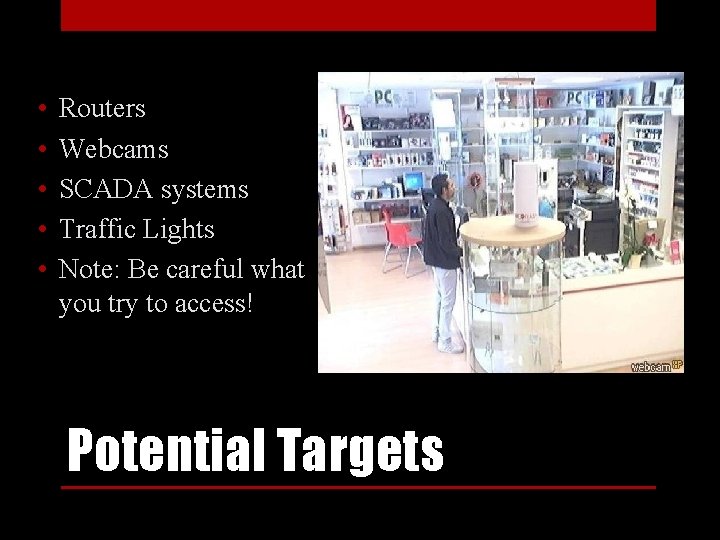
• • • Routers Webcams SCADA systems Traffic Lights Note: Be careful what you try to access! Potential Targets
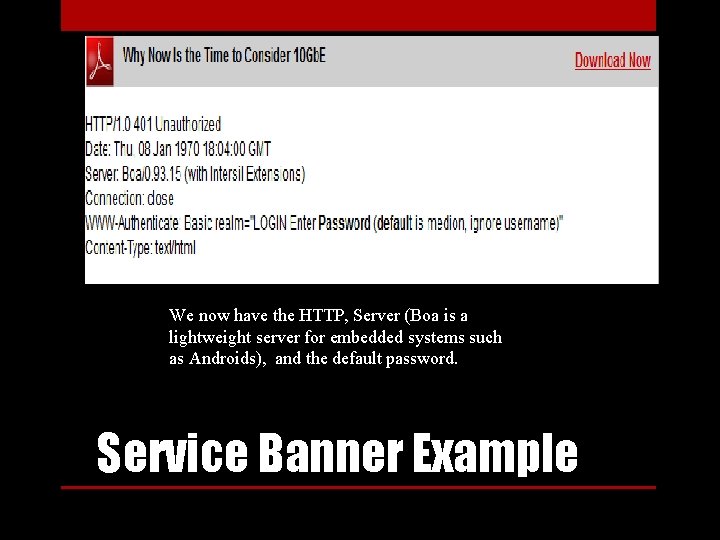
We now have the HTTP, Server (Boa is a lightweight server for embedded systems such as Androids), and the default password. Service Banner Example
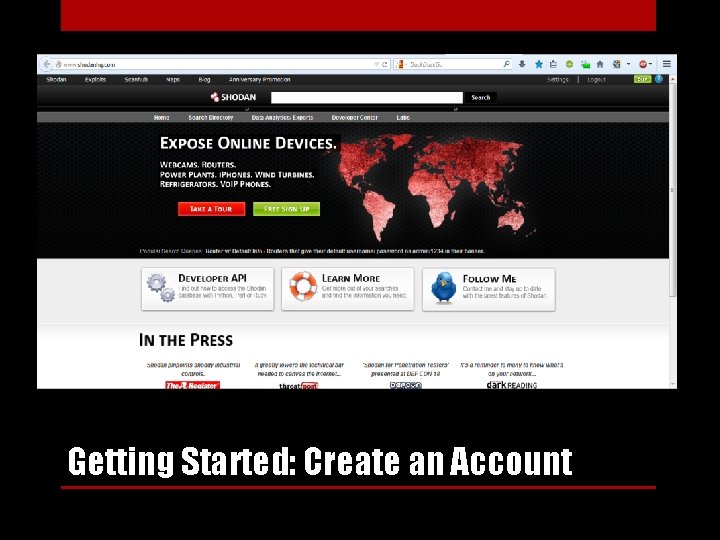
Getting Started: Create an Account
• Shodan has similar features and functionality to other search engines, but the searches are quite different • Check out “popular searches” for some starting tips • You can filter by banner type, port, OS, country, latitude/longitude, etc. • Example: cisco country: IN port: 5060 net: 125. 63. 65. 0/24 • Result on next Slide Familiarize Yourself
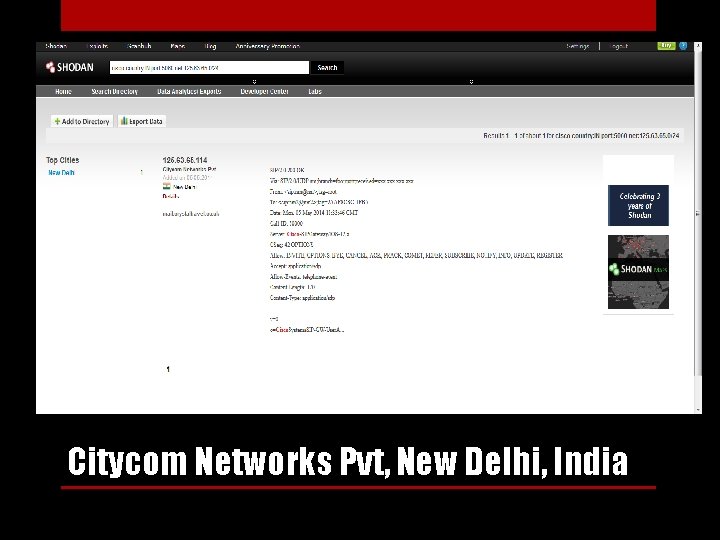
Citycom Networks Pvt, New Delhi, India
• Use net: your. ip. add. ress o r net: your. ip. add. 0/24 to pen -test your own network • "iis/5. 0“ for Internet Information Services • Network/Company Type names (“Cisco”, “Apache”, “Telnet”, etc. ) • Search software for your type of target (i. e. “webcamxp” is common webcam software). Some Useful Search Terms
• Some servers require authentication • Use lists of common default usernames and passwords such as http: //www. phenoelit. org/dpl. html • You could also use more advanced tools like Cain and Abel if you really want to break a password. User Authentication
- Slides: 10