
BUSS 909 Office Automation Intranets Lecture 6 Web
BUSS 909 Office Automation & Intranets Lecture 6 Web Architecture and Standards Clarke, R. J (2001) L 909 -06: 1
Notices (1) n Assignment 2 is available from the BUSS 909 Intranet- includes a Marking Criteria sheet n there are files on the intranet that provide information needed for the assignment: n Organising Structures and Schemes n Media & Content Classification n Navigation, Labeling and Searching Clarke, R. J (2001) L 909 -06: 2
Notices (2) n Additional files have been placed on the BUSS 909 Intranet n a fundamentals of ‘Information Theory and Systems Theory’ file called sl 909 -00. ppt n an introduction to different types of services on the internet is available in a file called sl 909 -03. ppt Clarke, R. J (2001) L 909 -06: 3
Agenda (1) n WWW Basics n Web Server Overview n Web Documents & Trees n Hypertext Transfer Protocol (HTTP) n Serving a Web Document- Example Clarke, R. J (2001) L 909 -06: 4
WWW Basics Clarke, R. J (2001) L 909 -06: 5
WWW Basics n WWW and the Internet n Web Client and Web Server Software n Universal Resource Locators (URLs) n Hypertext Transfer Protocol (HTTP) n Hypertext Markup Language (HTML) Clarke, R. J (2001) L 909 -06: 6
Uniform Resource Locators Clarke, R. J (2001) L 909 -06: 7
Uniform Resource Locators (1) Definition n a Uniform Resource Locator (URL) is the address of a network resource. URLs for the WWW actually contain several components n the first component identifies the URL scheme or protocol being used to transfer information Clarke, R. J (2001) L 909 -06: 8

Uniform Resource Locators (2) Some Popular URL Schemes Hypertext Transfer Protocol HTTP using Secure Sockets Layer (SSL) E-mail Address File Transfer Protocol Finger protocol Gopher protocol Wide Area Information Server Usenet news via Network News Transfer Protocol (NNTP) Usenet news via SSL-encrypted NNTP Host-specific filenames Internet Relay Chat session Telnet interactive session https mailto ftp finger gopher wais news nntp snews file irc telnet Clarke, R. J (2001) L 909 -06: 9
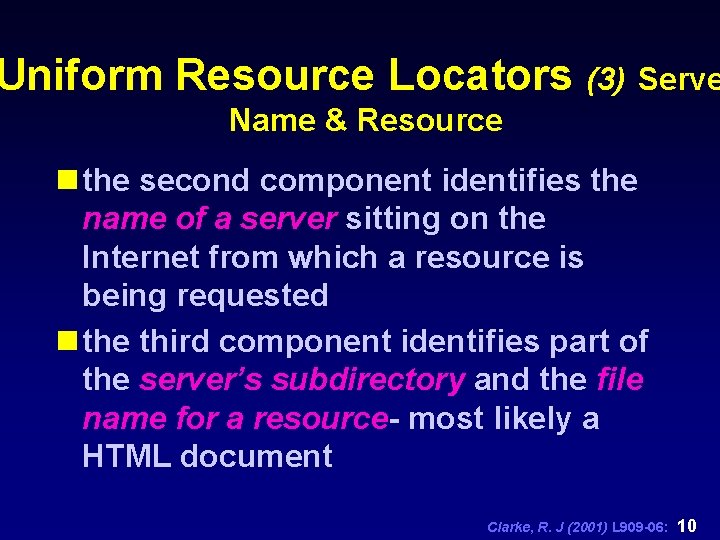
Uniform Resource Locators (3) Serve Name & Resource n the second component identifies the name of a server sitting on the Internet from which a resource is being requested n the third component identifies part of the server’s subdirectory and the file name for a resource- most likely a HTML document Clarke, R. J (2001) L 909 -06: 10
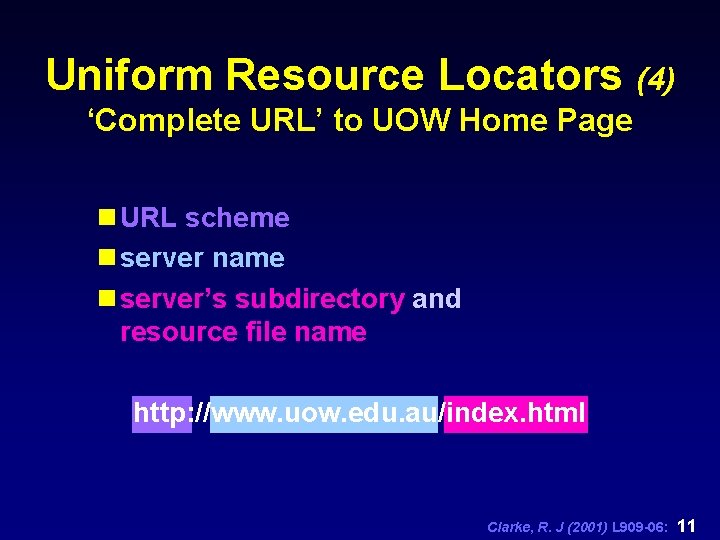
Uniform Resource Locators (4) ‘Complete URL’ to UOW Home Page n URL scheme n server name n server’s subdirectory and resource file name http: //www. uow. edu. au/index. html Clarke, R. J (2001) L 909 -06: 11
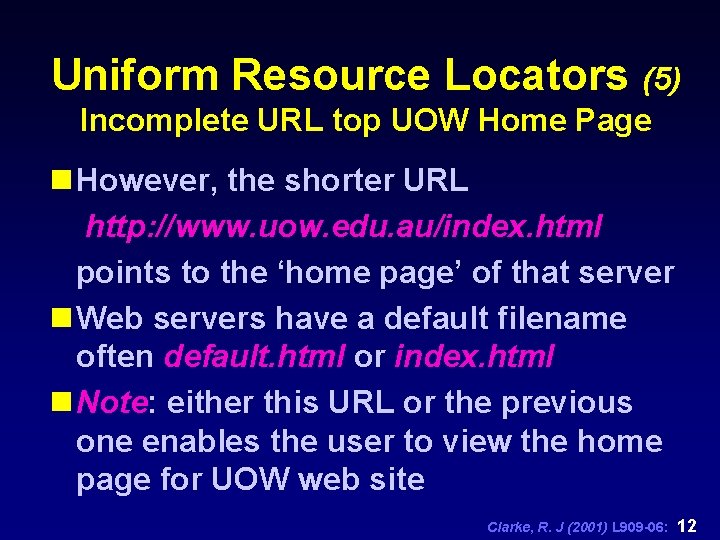
Uniform Resource Locators (5) Incomplete URL top UOW Home Page n However, the shorter URL http: //www. uow. edu. au/index. html points to the ‘home page’ of that server n Web servers have a default filename often default. html or index. html n Note: either this URL or the previous one enables the user to view the home page for UOW web site Clarke, R. J (2001) L 909 -06: 12
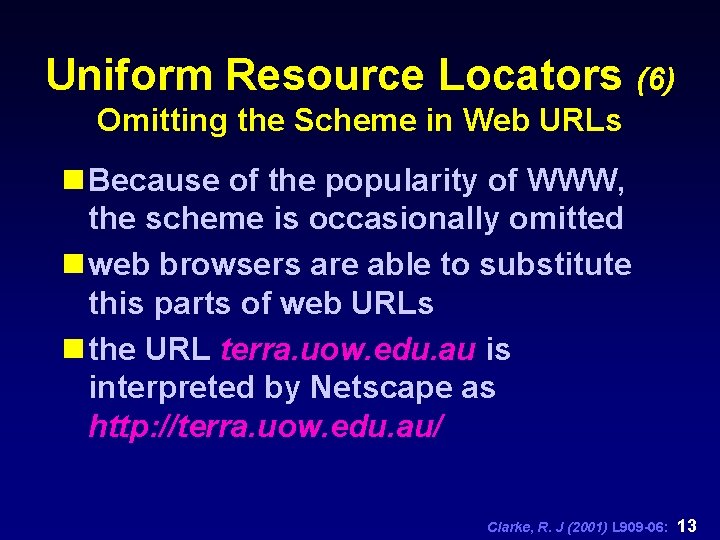
Uniform Resource Locators (6) Omitting the Scheme in Web URLs n Because of the popularity of WWW, the scheme is occasionally omitted n web browsers are able to substitute this parts of web URLs n the URL terra. uow. edu. au is interpreted by Netscape as http: //terra. uow. edu. au/ Clarke, R. J (2001) L 909 -06: 13
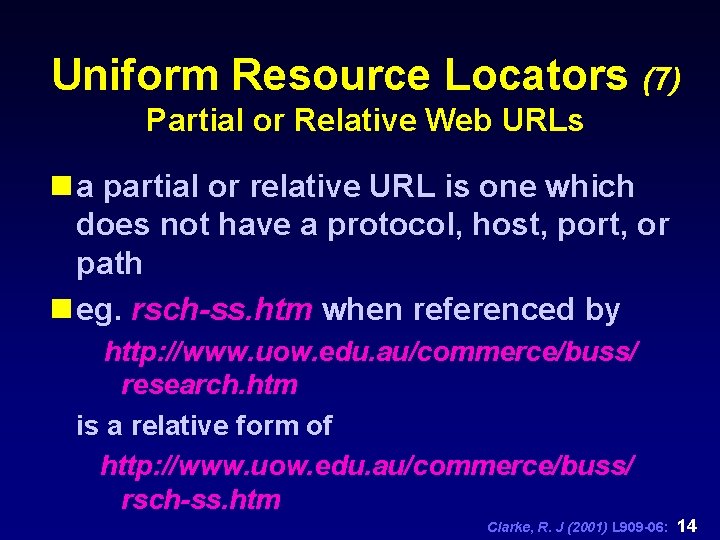
Uniform Resource Locators (7) Partial or Relative Web URLs n a partial or relative URL is one which does not have a protocol, host, port, or path n eg. rsch-ss. htm when referenced by http: //www. uow. edu. au/commerce/buss/ research. htm is a relative form of http: //www. uow. edu. au/commerce/buss/ rsch-ss. htm Clarke, R. J (2001) L 909 -06: 14
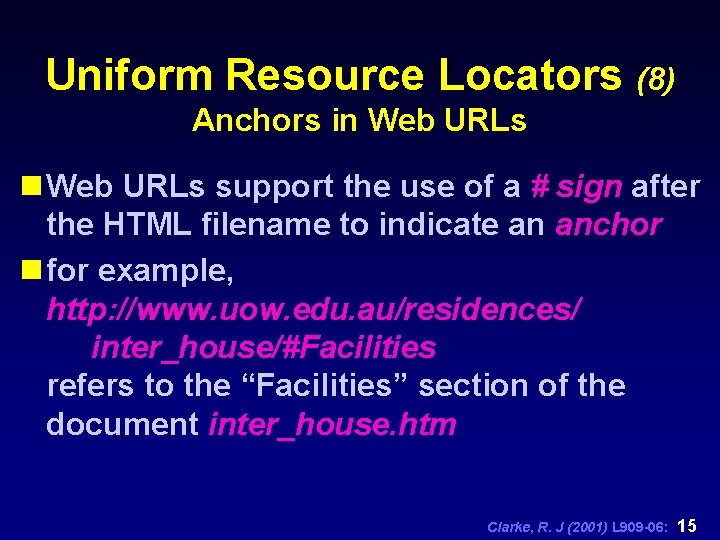
Uniform Resource Locators (8) Anchors in Web URLs support the use of a # sign after the HTML filename to indicate an anchor n for example, http: //www. uow. edu. au/residences/ inter_house/#Facilities refers to the “Facilities” section of the document inter_house. htm Clarke, R. J (2001) L 909 -06: 15
Uniform Resource Locators (9) Preserving State Information in URLs. . . n WWW is inherently stateless n once a request from a client is answered by a HTTP server, the transaction is effectively concluded n the transaction’s current status is lost, that is normally not recorded for future transactions Clarke, R. J (2001) L 909 -06: 16
Uniform Resource Locators (10) … Preserving State Information in URLs. . . n state information must be available for many uses like: n electronic commerce across internet (shopping carts), extranet (EDI), etc n researching on the web with search engines which generally involves multiple attempts at converging on a small set of useful sources Clarke, R. J (2001) L 909 -06: 17
Uniform Resource Locators (11) … Preserving State Information in URLs. . . n however, state can be preserved for the duration of a user’s session by placing additional information into the URL n this information is typically sent to the CGI-BIN area on the server- the CGI-BIN area is where user provided executable routines are placed for execution during a user’s session Clarke, R. J (2001) L 909 -06: 18
Uniform Resource Locators (12) … Preserving State Information in URLs. . . n conventions exist for passing state information to CGI routines n search parameters can form state information- for example, search term “intranets” can be sent as a parameter to the query routine located in the CGI bin of Ultavista search engine Clarke, R. J (2001) L 909 -06: 19
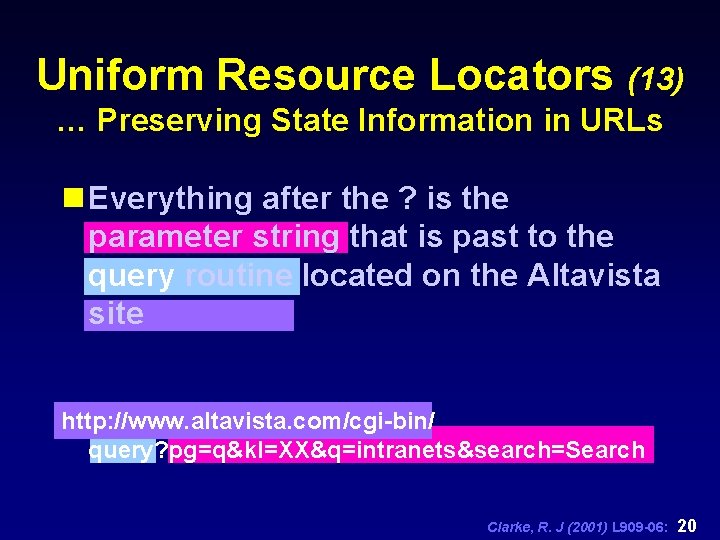
Uniform Resource Locators (13) … Preserving State Information in URLs n Everything after the ? is the parameter string that is past to the query routine located on the Altavista site http: //www. altavista. com/cgi-bin/ query? pg=q&kl=XX&q=intranets&search=Search Clarke, R. J (2001) L 909 -06: 20
Web Server Overview Clarke, R. J (2001) L 909 -06: 21
Web Server Overview n Web Server Components n Relationship to HTTP n Limits of Web Servers Clarke, R. J (2001) L 909 -06: 22
Web Documents & Trees Clarke, R. J (2001) L 909 -06: 23
Web Documents & Trees n MIME file extensions and types n Documents, Links and Anchors n Document Tree Organisation Clarke, R. J (2001) L 909 -06: 24
Hypertext Transfer Protocol Clarke, R. J (2001) L 909 -06: 25
Hypertext Transfer Protocol n browser and server communicate using HTTP n simple set of rules designed to be suitable for hypermedia systems distributed across networks n must understand this protocol in order to understand the WWW n HTTP defines a simple requestresponse ‘conversation’ Clarke, R. J (2001) L 909 -06: 26
Hypertext Transfer Protocol n HTTP does define how to correctly format the request and the response n the client- often but not necessarily a browser- is the requesting program and establishes a connection to the receiving program or server n the server replies with a response including the requested information if possible Clarke, R. J (2001) L 909 -06: 27
Hypertext Transfer Protocol n HTTP does not define: n how the network connection is made or managed, or n how the information is actually transmitted (this is done by lower-level protocols such as TCP/IP) n HTTP requests consist of a method, a Universal Resource Identifier (URI), a protocol version, and other information Clarke, R. J (2001) L 909 -06: 28
Hypertext Transfer Protocol HTTP Requests: Methods. . . n HTTP Methods- commonly supported methods include: n GET- which returns the object; retreives the information n HEAD- returns only information about the object, but not the object itself n POST- send information to be stored on the server (eg. input to scripts) Clarke, R. J (2001) L 909 -06: 29
Hypertext Transfer Protocol. . . HTTP Requests: Methods n some HTTP methods are not supported by many browsers because they may put the integrity of the server at risk: n PUT- send a new copy of an existing object n DELETE- permanently remove an object n other medthos may be added to the standard in the future- HTTP is extensible and has evolved- slowly Clarke, R. J (2001) L 909 -06: 30
Hypertext Transfer Protocol HTTP Requests: Information Client -> Server n User-Agent: kind of browser making request n If-Modified-Since: the object is returned only if it is newer than a specified date (can save the cost of a retrieval) n Accept: the MIME types and formats the browser has been congigured to accept (can save the cost of downloading an unreadable document) n Authorization: user password etc. as required Clarke, R. J (2001) L 909 -06: 31
Serving Documents- Example Clarke, R. J (2001) L 909 -06: 32
Serving Documents- Example 1: Server waits for a new request n httpd program waits for a clients request to arrive from somewhere on the Internet n server listens to a port until someone calls it and until that occurs it is dormant Clarke, R. J (2001) L 909 -06: 33
Serving Documents- Example 2: Request arrives from client. . . n ultimately a request is sent by a client to the server either by typing a URL or selecting a HTML anchor n the network software (client) locates the server computer and sets up a 2 way network connection from the client to the server Clarke, R. J (2001) L 909 -06: 34
Serving Documents- Example. . . 2: Request arrives from client n client can locate servers by the use of Internet protocols and the name service (DNS) to locate and initiate a connection with the server n once the connection is established the client sends the HTTP request: GET /sample. htm HTTP/1. 0 n sent over the network in ASCII, server receives it and saves it Clarke, R. J (2001) L 909 -06: 35
Serving Documents- Example 3: server parses the request. . . n server decodes the request using HTTP protocol to determine what to do n there are three important pieces of information: n the method instructs the server as to what action should be taken. The GET method is used to locate and read the file and return it to the client. . . Clarke, R. J (2001) L 909 -06: 36
Serving Documents- Example. . . 3: server parses the request n the document (/sample. htm) can be fetched by the server because it knows where it is in the document tree, and the n browser protocol being used (HTTP/1. 0) so that the contents can eventually be returned to the client sent back over the same connection as the request. (Note that the server need not find the client on the Internet or make a new connection) Clarke, R. J (2001) L 909 -06: 37
Serving Documents- Example 4: Read other information (if necessary). . . n the httpd program reads the rest of the requests needed n using HTTP/1. 0 the browser is expected to send additional information about itself to the server n this meta-information describes the browser and its capabilities which may be needed by the server to reply to the request Clarke, R. J (2001) L 909 -06: 38
Serving Documents- Example. . . 4: Read other information (if necessary) n for example: User-agent: Mosaic for X Windows/2. 4 Accept: text/plain Accept text/html Accept: image/* n indicates the browser is Mosaic configured to display text, and any kind of image Clarke, R. J (2001) L 909 -06: 39
Serving Documents- Example 5: Do the requested method. . . n Assuming no errors, the httpd program executes the request n to GET a document requires looking up the file /sample. htm in its document tree using its standard operating system n there are two alternative courses of action depending on sucess or failure Clarke, R. J (2001) L 909 -06: 40
Serving Documents- Example. . . 5: Do the requested method (Success). . . n the httpd daemon sends a result code and the information that describes the type of information expected by the client nas the document is found a code 200 (everything is OK) is sent and the document will follow nthe information is a HTML document so the Content-type: text/htm; the document is 1066 bytes long so the Content-length: 1066 nthe server software and the file date are also included Clarke, R. J (2001) L 909 -06: 41
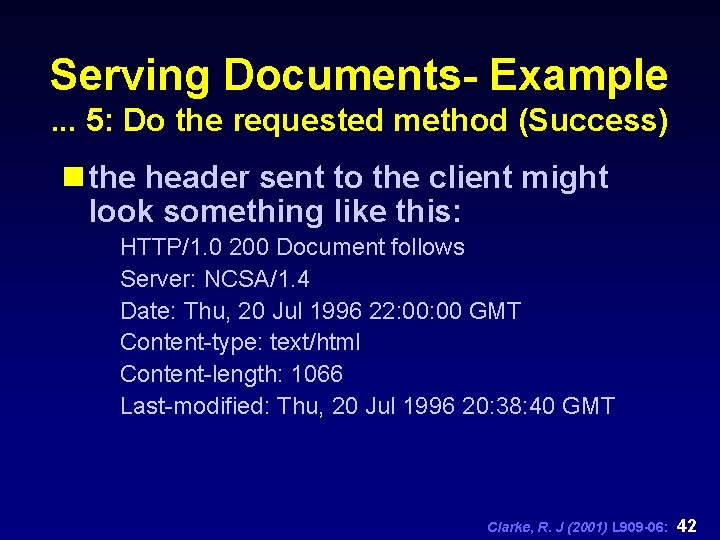
Serving Documents- Example. . . 5: Do the requested method (Success) n the header sent to the client might look something like this: HTTP/1. 0 200 Document follows Server: NCSA/1. 4 Date: Thu, 20 Jul 1996 22: 00 GMT Content-type: text/html Content-length: 1066 Last-modified: Thu, 20 Jul 1996 20: 38: 40 GMT Clarke, R. J (2001) L 909 -06: 42
Serving Documents- Example 5: Do the requested method (Failure). . . n if the requested file could not be found or read then the status code will not be 200 n the most common problem is that the name of the requested file is misspelt so the server cannot find it n if the requested file was called smple. htm it would not be found- the server would send a status code 403 Clarke, R. J (2001) L 909 -06: 43
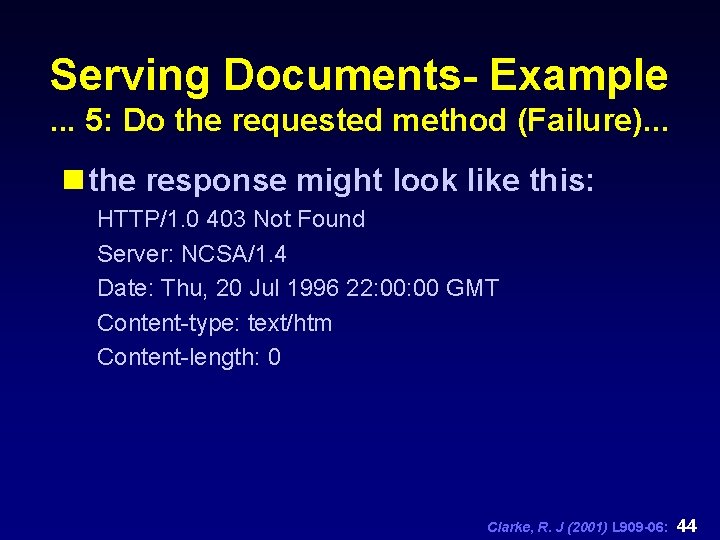
Serving Documents- Example. . . 5: Do the requested method (Failure). . . n the response might look like this: HTTP/1. 0 403 Not Found Server: NCSA/1. 4 Date: Thu, 20 Jul 1996 22: 00 GMT Content-type: text/htm Content-length: 0 Clarke, R. J (2001) L 909 -06: 44
Serving Documents- Example 6: Finish Up n when the file is completely sent or an error message is sent, n the httpd server has finished its work- it closes the file if it was open, and closes the network port which terminates the network connection n the client receives and formats the data- the server knows nothing n the httpd server listens for another request (go back to step 1) Clarke, R. J (2001) L 909 -06: 45
Web Server Operations Clarke, R. J (2001) L 909 -06: 46
Web Server Operations n a web server has a collection of information in a document tree and it serves it according to the HTTP protocol n web servers are reactive programs waiting until a request is made; it attempts to make it, this is repeated etc. n the previous example is only slightly simplified Clarke, R. J (2001) L 909 -06: 47
Web Server Operations Handling Multiple Requests (1) n if a server processes one request at a time, but can receive many simultaneous requests then delays will occur- an image may take several seconds to serve n without a priority scheme, small jobs that can be serviced quickly take inordinate amount of time to serve n with a large number of hits servers can go down- backlog can be too great Clarke, R. J (2001) L 909 -06: 48
Web Server Operations Handling Multiple Requests (2) n web servers are therefore designed to handle as many requests as possible simultaneously n several strategies are available to do this (the last two are more difficult unless special software is used): n clone a copy of the httpd program for each request- very easy under UNIX n multithreading the httpd program n spreading the work amongst several helper programs Clarke, R. J (2001) L 909 -06: 49
Web Server Operations Cloning Servers (1) n each request is processed by a new copy of the httpd program n the original server called the parent immediately returns to listening for another request n the new copy called the child performs the processing Clarke, R. J (2001) L 909 -06: 50
Web Server Operations Cloning Servers (2) n the parent passes the network connection to the adult at the time that it is first spawned n when the has services the request, it terminates forever n the web server hardware may have many copies of the httpd program running simultaneously Clarke, R. J (2001) L 909 -06: 51
Web Server Operations Multithreaded Execution n many mechanisms can be used for implementing this approach n server may monitor the progress of several connections, switching between them as necessary n when a lengthy process is in operation the server may switch to another pending task n when the pending processes is complete it can return to the previous lengthy process n server closes the network connections of any finished processes n this can be an extremely efficient method Clarke, R. J (2001) L 909 -06: 52
Web Server Operations Servers as Cooperating Sets of Programs n the httpd server itself can be made a set of cooperating programs specialised to perform particular tasks n One program reads the requests fro the network, another allocates them to specialised helper programs n the scheme is very efficient, the number of helpers can be adjusted to meet the number of requests, the type of requests (generally less common) or the size of the system Clarke, R. J (2001) L 909 -06: 53
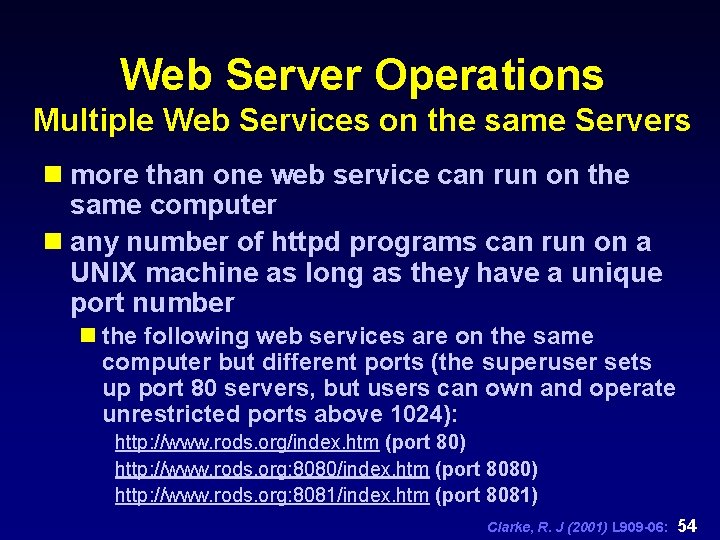
Web Server Operations Multiple Web Services on the same Servers n more than one web service can run on the same computer n any number of httpd programs can run on a UNIX machine as long as they have a unique port number n the following web services are on the same computer but different ports (the superuser sets up port 80 servers, but users can own and operate unrestricted ports above 1024): http: //www. rods. org/index. htm (port 80) http: //www. rods. org: 8080/index. htm (port 8080) http: //www. rods. org: 8081/index. htm (port 8081) Clarke, R. J (2001) L 909 -06: 54
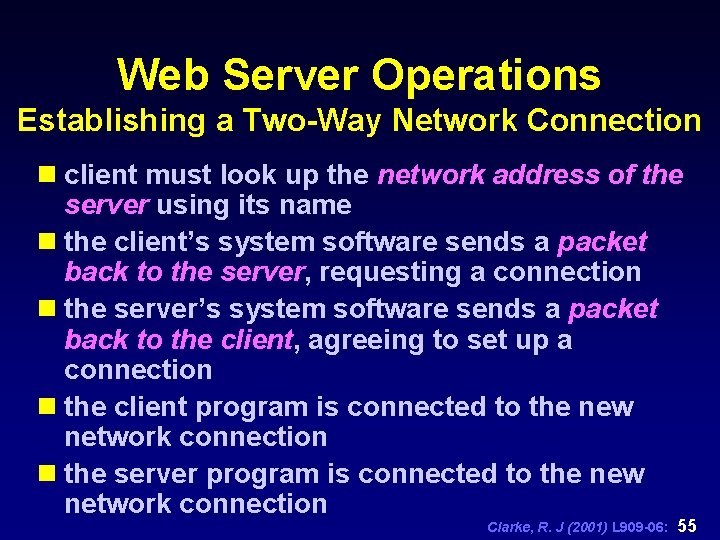
Web Server Operations Establishing a Two-Way Network Connection n client must look up the network address of the server using its name n the client’s system software sends a packet back to the server, requesting a connection n the server’s system software sends a packet back to the client, agreeing to set up a connection n the client program is connected to the new network connection n the server program is connected to the new network connection Clarke, R. J (2001) L 909 -06: 55
- Slides: 55