
BUSINESS ENGLISH LECTURE 10 SYNOPSIS 2 EMail Writing

BUSINESS ENGLISH LECTURE 10
SYNOPSIS 2 E-Mail Writing 1. The writing Process 2. Structure and Format 3. Opening-body-closing 4. Critical thinking 5. 10 mistakes – sabotage your career
3 MEMO WORKSHOP SOME GUIDELINES… Whats and Hows of Consistency, Organization, Clarity, Tone…
Form: Consistency 4 There are different ways to format a memo, although you should follow some general guidelines on formatting All memorandum must be consistent: � In terms of style: Margins should line up to create clean, straight lines down the left side of the page (no indentation of paragraphs) Section headings should all be the same size with the same font and relative location.
Templates for Consistent Format 5 Remember to consult a template when constructing a memorandum for a specific organization. This can be: �a copy of a previous memo � a guide-book outlining the proper forms for interoffice correspondence
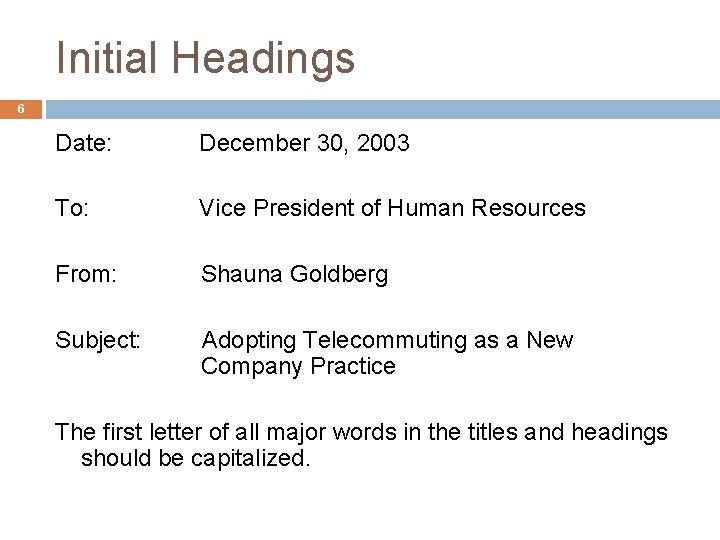
Initial Headings 6 Date: December 30, 2003 To: Vice President of Human Resources From: Shauna Goldberg Subject: Adopting Telecommuting as a New Company Practice The first letter of all major words in the titles and headings should be capitalized.
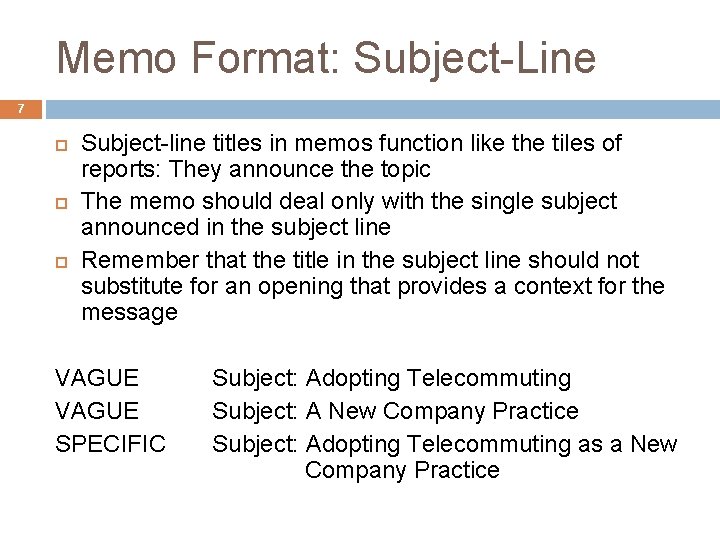
Memo Format: Subject-Line 7 Subject-line titles in memos function like the tiles of reports: They announce the topic The memo should deal only with the single subject announced in the subject line Remember that the title in the subject line should not substitute for an opening that provides a context for the message VAGUE SPECIFIC Subject: Adopting Telecommuting Subject: A New Company Practice Subject: Adopting Telecommuting as a New Company Practice
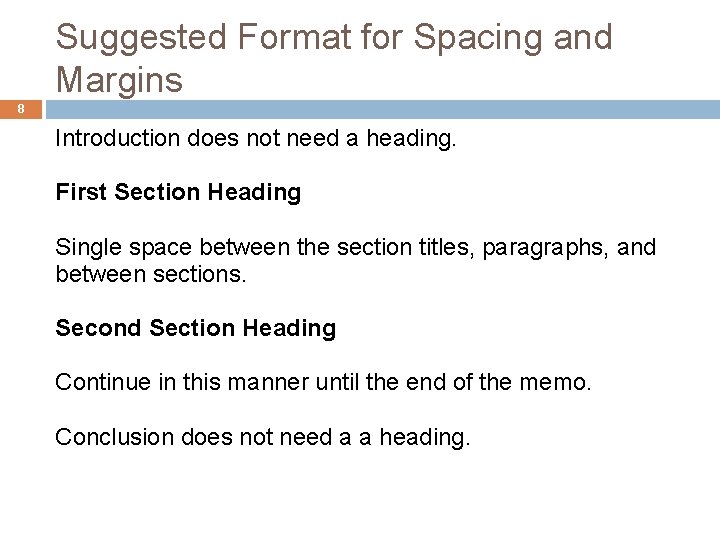
Suggested Format for Spacing and Margins 8 Introduction does not need a heading. First Section Heading Single space between the section titles, paragraphs, and between sections. Second Section Heading Continue in this manner until the end of the memo. Conclusion does not need a a heading.
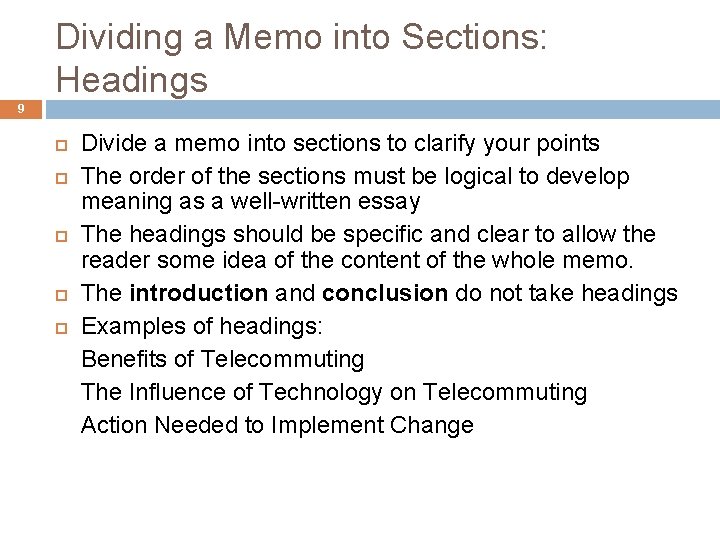
Dividing a Memo into Sections: Headings 9 Divide a memo into sections to clarify your points The order of the sections must be logical to develop meaning as a well-written essay The headings should be specific and clear to allow the reader some idea of the content of the whole memo. The introduction and conclusion do not take headings Examples of headings: Benefits of Telecommuting The Influence of Technology on Telecommuting Action Needed to Implement Change
Organization of Content 10 A memo can be written in different ways. There is no right way to write a memo. The way you choose to write your memo depends on many things, including the purpose of the memo: � Persuade � Inform � Instruct
Example: Organizing a Persuasive Memo 11 Introduction: state the purpose of the memo Body: � � Explain the issue or address the problem. If there are two sides to the issue, explain both sides. Make your argument and explain the purpose that your argument serves. If you choose one side over the other, explain why. Use examples to illustrate your point and demonstrate why your argument is the best one. Present counter-arguments or actions needed to carry out the suggested action. Conclusion: � � Restate your argument in 1 -2 sentences Use the last sentence to state how you will follow up
Clarity 12 To write a clear memo, you must: avoid vague, wordy sentences use specific and relevant examples avoid the use of jargon and acronyms
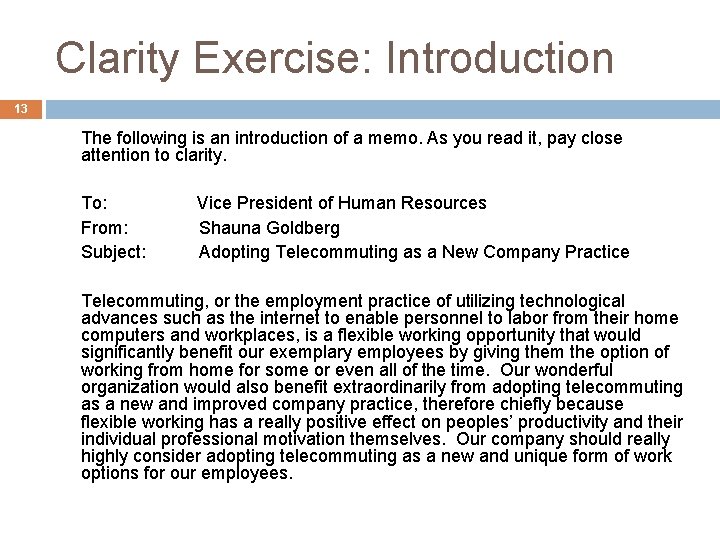
Clarity Exercise: Introduction 13 The following is an introduction of a memo. As you read it, pay close attention to clarity. To: From: Subject: Vice President of Human Resources Shauna Goldberg Adopting Telecommuting as a New Company Practice Telecommuting, or the employment practice of utilizing technological advances such as the internet to enable personnel to labor from their home computers and workplaces, is a flexible working opportunity that would significantly benefit our exemplary employees by giving them the option of working from home for some or even all of the time. Our wonderful organization would also benefit extraordinarily from adopting telecommuting as a new and improved company practice, therefore chiefly because flexible working has a really positive effect on peoples’ productivity and their individual professional motivation themselves. Our company should really highly consider adopting telecommuting as a new and unique form of work options for our employees.
Questions to Consider Related to Clarity 14 Is this memo effective? How is it ineffective? How would you change it?
Comments on Clarity 15 As you may have noticed, the memo has two main problems in terms of clarity: redundancy overly complex language How would you revise the introduction of this memo to be more clear?
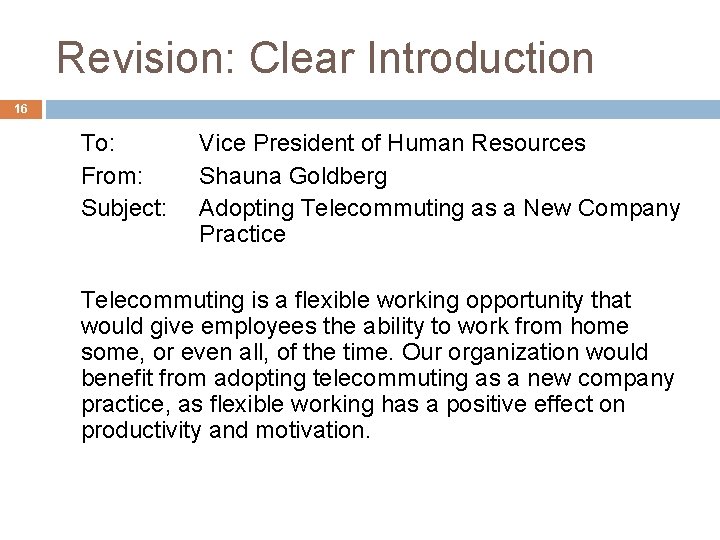
Revision: Clear Introduction 16 To: From: Subject: Vice President of Human Resources Shauna Goldberg Adopting Telecommuting as a New Company Practice Telecommuting is a flexible working opportunity that would give employees the ability to work from home some, or even all, of the time. Our organization would benefit from adopting telecommuting as a new company practice, as flexible working has a positive effect on productivity and motivation.
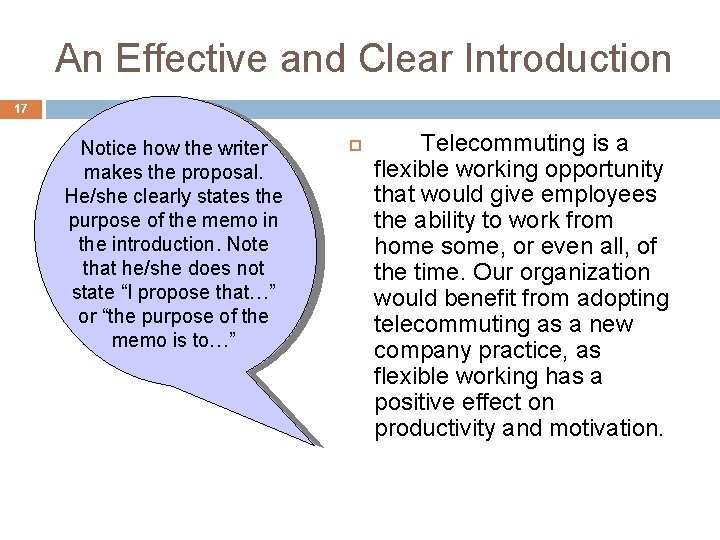
An Effective and Clear Introduction 17 Notice how the writer makes the proposal. He/she clearly states the purpose of the memo in the introduction. Note that he/she does not state “I propose that…” or “the purpose of the memo is to…” Telecommuting is a flexible working opportunity that would give employees the ability to work from home some, or even all, of the time. Our organization would benefit from adopting telecommuting as a new company practice, as flexible working has a positive effect on productivity and motivation.
Clarity throughout the Memo 18 Remember that a clear introduction leads to an effective opening Of course, clarity should be maintained throughout the body and closing of the memo as well
Tone 19 To use an appropriate tone, you must: specify the intended message and audience determine the desired tone: � persuasive, angry, accommodating, etc. effectively utilize the appropriate tone through the use of language
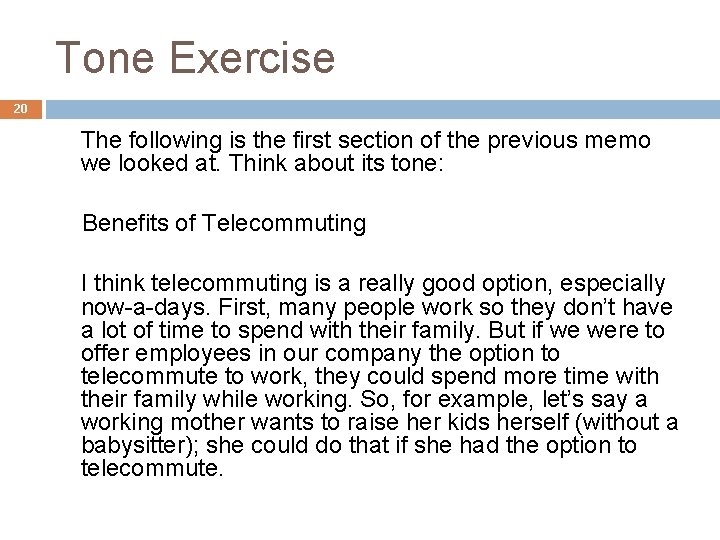
Tone Exercise 20 The following is the first section of the previous memo we looked at. Think about its tone: Benefits of Telecommuting I think telecommuting is a really good option, especially now-a-days. First, many people work so they don’t have a lot of time to spend with their family. But if we were to offer employees in our company the option to telecommute to work, they could spend more time with their family while working. So, for example, let’s say a working mother wants to raise her kids herself (without a babysitter); she could do that if she had the option to telecommute.
21 Questions to Consider Related to Tone What tone is used? Is this written to an equal, a subordinate, or a superior? If it is addressed to a superior, how would he/she react? If it is addressed to a coworker, does it use an appropriate tone?
Comments on Tone 22 As you may have noticed, the memo is: Informal Casual Forceful In other words, it is written to an equal (perhaps a coworker).
Revisions Needed to Write to a Superior 23 A memo to a coworker who is also a friend can be informal A memo to several readers or to a superior (such as a supervisor or a manager) should be formal. How would you revise the memo section to address a superior?
Revision: Addressing a Superior 24 Benefits of Telecommuting In today’s society, many working men and women face poverty of time. As a result, some individuals are reluctant to work and want to spend more time with their family. However, offering both current and potential employees the option of telecommuting to work would allow them to arrange their time around their work, instead of their workplace. For instance, a mother who wants to raise her kids herself and pursue a career can do so by working at home instead of at the office.
Audience 25 To argue your point effectively, you must consider your audience: � understand how the audience is likely to feel about the information � find common links with your audience � consider what you want the audience to feel about the information
Examples to Illustrate Your Point 26 Once you know: 1. Your argument 2. The tone you will use and 3. The audience you will address… Use examples to illustrate your point.
Use of Examples 27 Notice how this example helps illustrate the benefits of telecommuting. Whether or not the intended audience is a working mother, the reader is likely to understand the need for parents to In today’s society, many working men and women face poverty of time. As a result, some individuals are reluctant to work and want to spend more time with their family. However, offering both current and potential employees the option of telecommuting to work would allow them to arrange their time around their work, instead of their workplace. For instance, a mother who wants to raise her kids herself and pursue a career can do so by working at home instead of at the office.
Other Examples? 28 Research to find other advantages of Telecommuting Come up with real-life examples to support your claim
Counter Arguments 29 The following is the last section in the memo before the conclusion. Action Needed to Implement Change The company will have to make some exceptions in this new policy. First, some job functions cannot be performed through telecommuting and must be completed in the office. Furthermore, employees who feel more productive in the office should not feel pressured into adopting this practice. However, once an employee considers this option and decides that his or her working space at home does not hinder productivity, the organization can give the employee the option to telecommute.
Use of Counter Arguments 30 Notice how the writer presents counter arguments but, then, claims that certain exceptions must be made in this new policy. Such exceptions and counter arguments should generally come in a new section after The company will have to make some exceptions in this new policy. First, some job functions cannot be performed through telecommuting and must be completed in the office. Furthermore, employees who feel more productive in the office should not feel pressured into adopting this practice. However, once an employee considers this option and decides that his or her working space at home does not hinder productivity, the organization can give the employee the option to telecommute.
Exercise: Conclusion 31 Write a possible conclusion to the telecommuting memo, keeping these in mind: � Restate the argument in 1 -2 sentences � Use the last sentence to state how you will follow up with the issue
An Effective Conclusion 32 By considering employees’ flexible working needs and implementing suitable technologies, the organization would benefit from adopting telecommuting as a new company practice. I will be happy to discuss this policy with you and will contact you next week so that we can work to implement this policy.
33 E-MAIL WRITING
E-Mail Messages The Writing Process Structure and Format Smart E-Mail Practices Typical E-Mail and Memos Ch. 7, Slide 34
The Writing Process Prewriting Analyze Anticipate Adapt Do I really need to write? E-mail or hard copy memo? Why am I writing? How will the reader react? How can I save the reader’s time? Ch. 7, Slide 35
The Writing Process Writing Research Organize Compose § Check files. § Collect information. § Study relevant documents. § Make an outline. § Write a first draft. Ch. 7, Slide 36
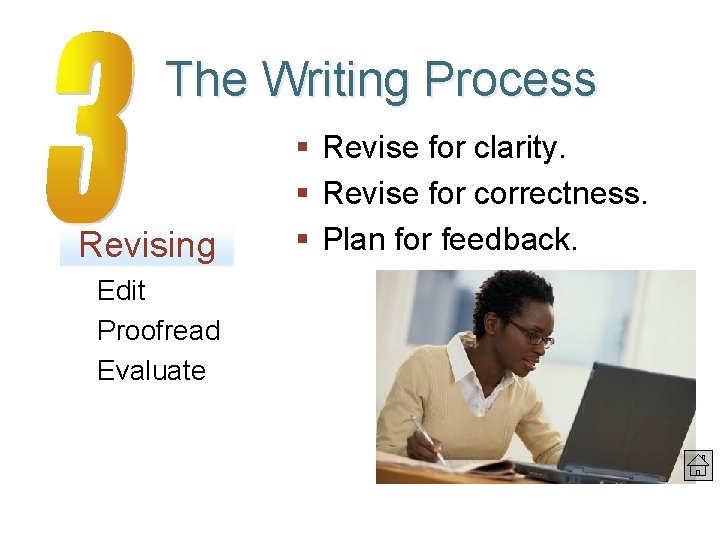
The Writing Process Revising § Revise for clarity. § Revise for correctness. § Plan for feedback. Edit Proofread Evaluate Ch. 7, Slide 37
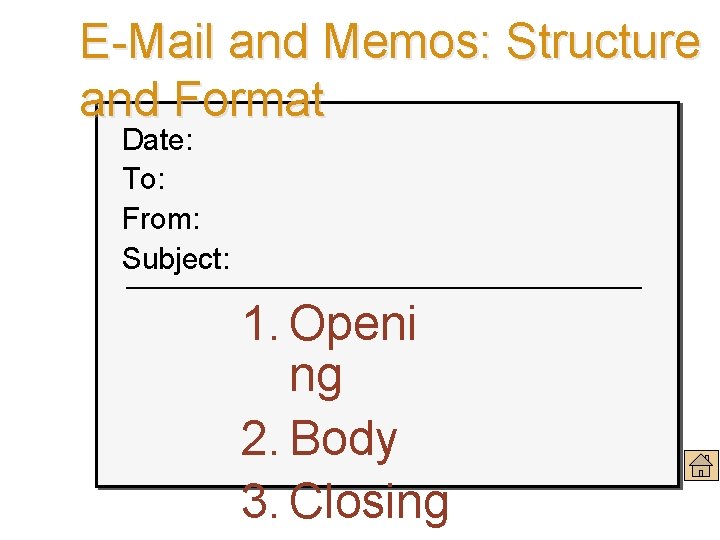
E-Mail and Memos: Structure and Format Date: To: From: Subject: 1. Openi ng 2. Body 3. Closing Ch. 7, Slide 38
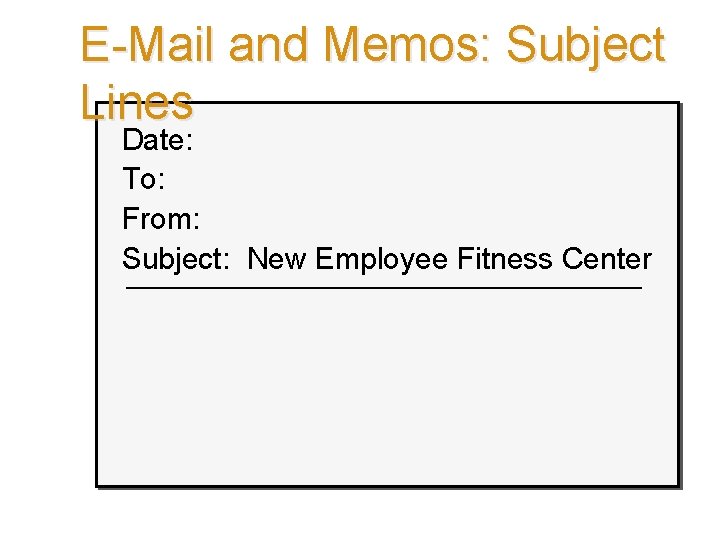
E-Mail and Memos: Subject Lines Date: To: From: Subject: New Employee Fitness Center Ch. 7, Slide 39
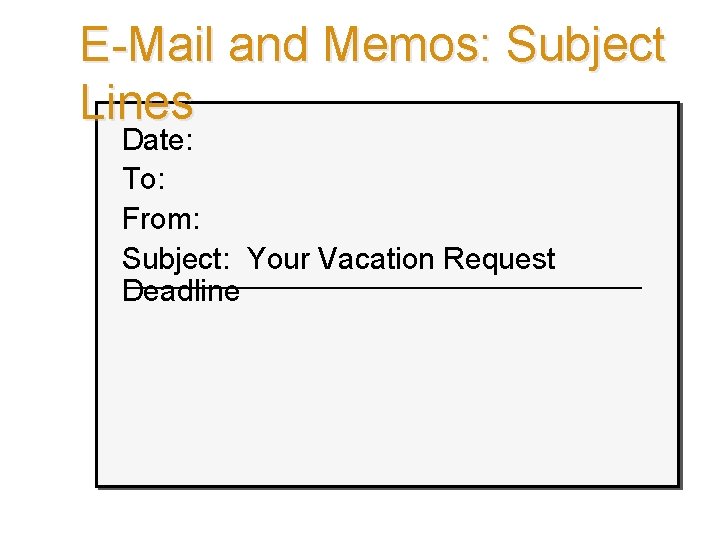
E-Mail and Memos: Subject Lines Date: To: From: Subject: Your Vacation Request Deadline Ch. 7, Slide 40
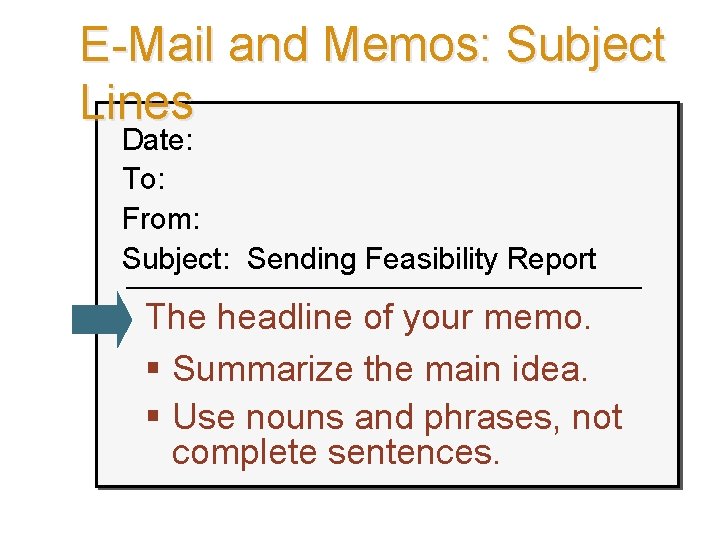
E-Mail and Memos: Subject Lines Date: To: From: Subject: Sending Feasibility Report The headline of your memo. § Summarize the main idea. § Use nouns and phrases, not complete sentences. Ch. 7, Slide 41
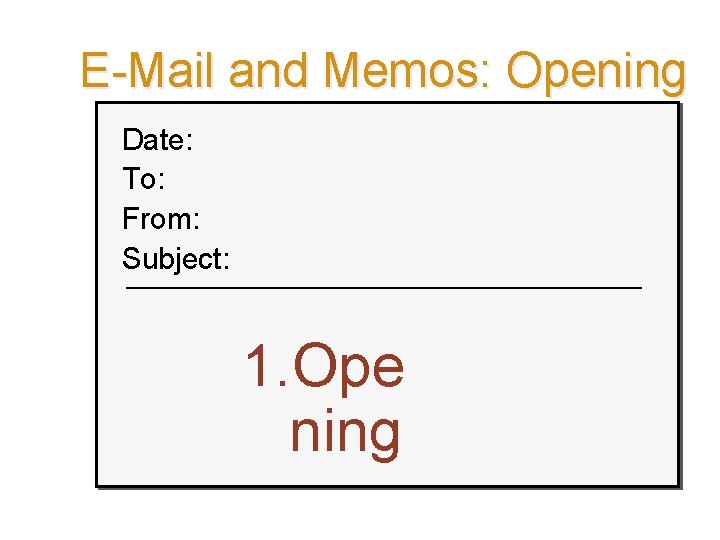
E-Mail and Memos: Opening Date: To: From: Subject: 1. Ope ning Ch. 7, Slide 42
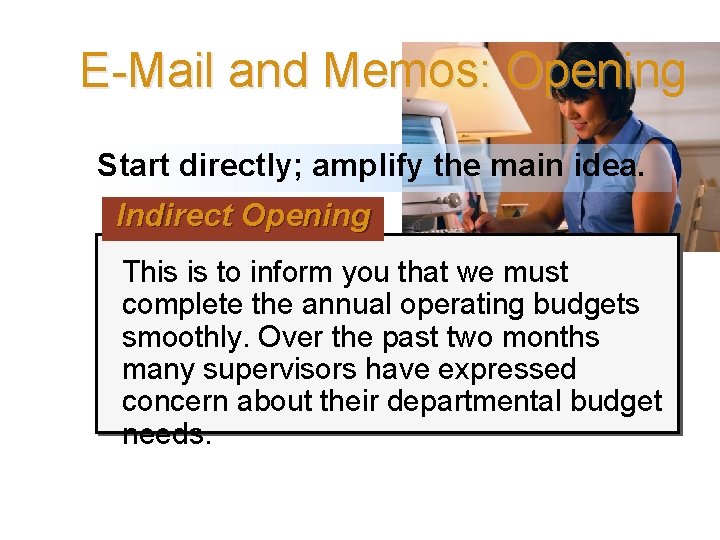
E-Mail and Memos: Opening Start directly; amplify the main idea. Indirect Opening This is to inform you that we must complete the annual operating budgets smoothly. Over the past two months many supervisors have expressed concern about their departmental budget needs. Ch. 7, Slide 43
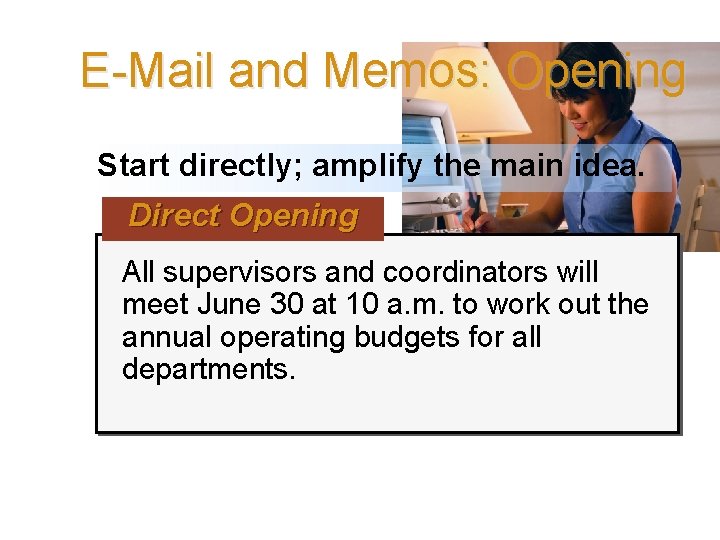
E-Mail and Memos: Opening Start directly; amplify the main idea. Direct Opening All supervisors and coordinators will meet June 30 at 10 a. m. to work out the annual operating budgets for all departments. Ch. 7, Slide 44
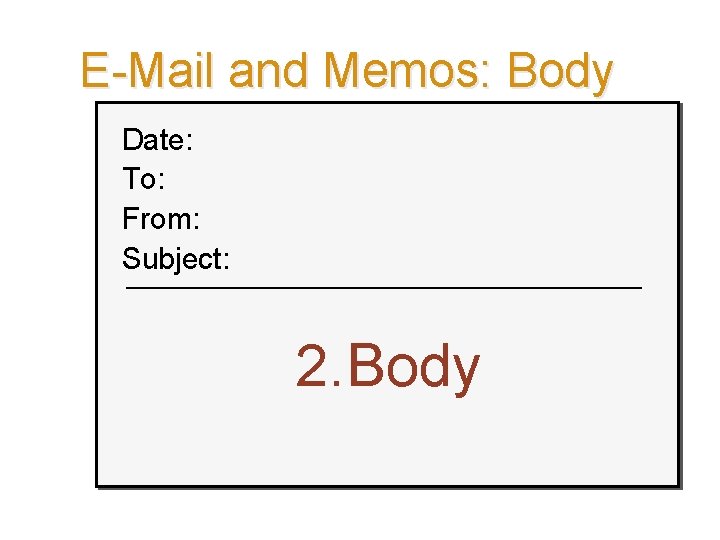
E-Mail and Memos: Body Date: To: From: Subject: 2. Body Ch. 7, Slide 45
E-Mail and Memos: Body § Explain and discuss the topic. § Introduce relevant details or examples. § Use graphic highlighting to enhance reading, comprehension, and retention. § Consider columns, headings, numbered or bulleted lists, and so forth. Ch. 7, Slide 46
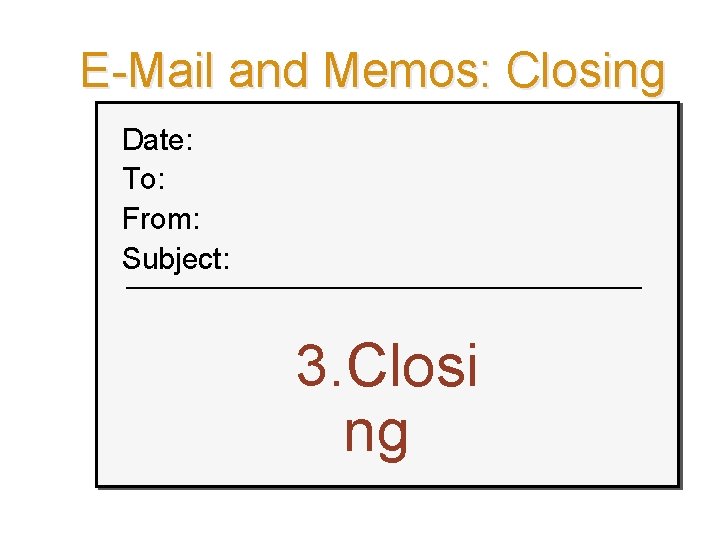
E-Mail and Memos: Closing Date: To: From: Subject: 3. Closi ng Ch. 7, Slide 47
E-Mail and Memos: Closing To end the message, you have the following options: § Action information § Dates or deadlines § Summary of the message § Closing thought Ch. 7, Slide 48
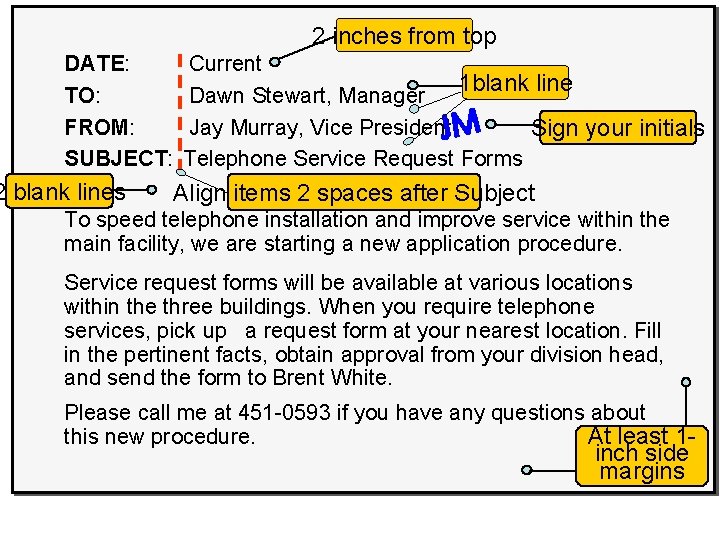
Formatting Hard-Copy Current 1 blank line Dawn Stewart, Manager Memos Jay Murray, Vice President. JM Sign your initials 2 inches from top DATE: TO: FROM: SUBJECT: 2 blank lines Telephone Service Request Forms Align items 2 spaces after Subject To speed telephone installation and improve service within the main facility, we are starting a new application procedure. Service request forms will be available at various locations within the three buildings. When you require telephone services, pick up a request form at your nearest location. Fill in the pertinent facts, obtain approval from your division head, and send the form to Brent White. Please call me at 451 -0593 if you have any questions about this new procedure. At least 1 - inch side margins Ch. 7, Slide 49
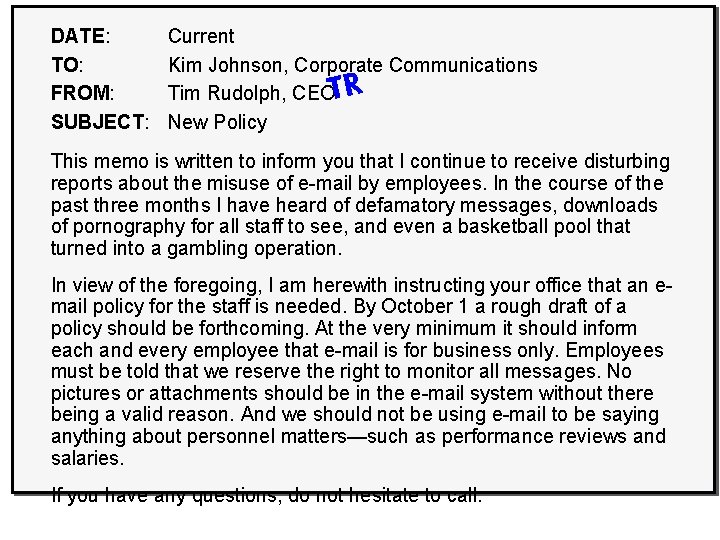
“Before”—Ineffective Request Memo DATE: TO: FROM: SUBJECT: Current Kim Johnson, Corporate Communications Tim Rudolph, CEOTR New Policy This memo is written to inform you that I continue to receive disturbing reports about the misuse of e-mail by employees. In the course of the past three months I have heard of defamatory messages, downloads of pornography for all staff to see, and even a basketball pool that turned into a gambling operation. In view of the foregoing, I am herewith instructing your office that an email policy for the staff is needed. By October 1 a rough draft of a policy should be forthcoming. At the very minimum it should inform each and every employee that e-mail is for business only. Employees must be told that we reserve the right to monitor all messages. No pictures or attachments should be in the e-mail system without there being a valid reason. And we should not be using e-mail to be saying anything about personnel matters—such as performance reviews and salaries. If you have any questions, do not hesitate to call. Ch. 7, Slide 50
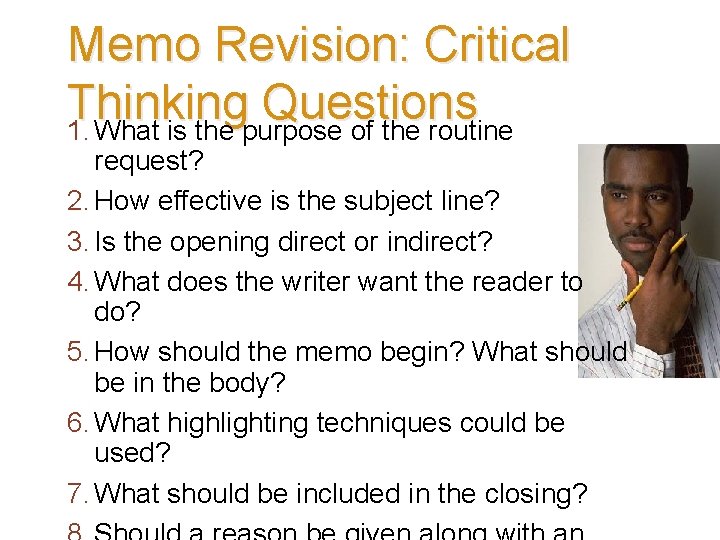
Memo Revision: Critical Thinking Questions 1. What is the purpose of the routine request? 2. How effective is the subject line? 3. Is the opening direct or indirect? 4. What does the writer want the reader to do? 5. How should the memo begin? What should be in the body? 6. What highlighting techniques could be used? 7. What should be included in the closing? Ch. 7, Slide 51
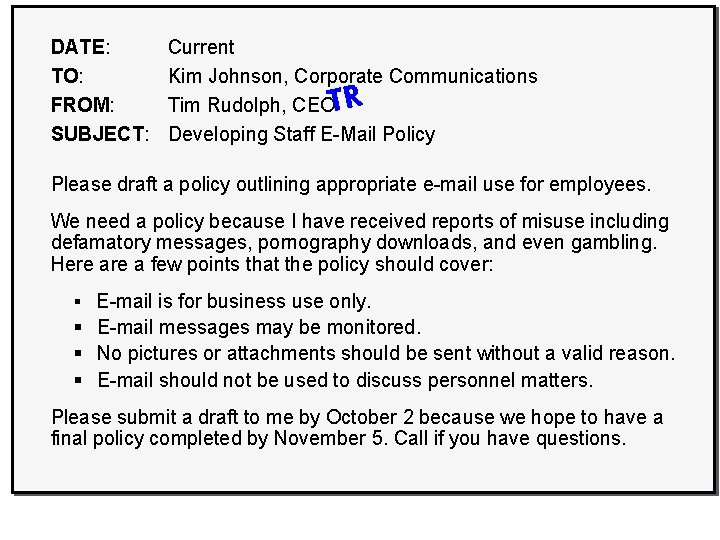
Current “After”—Improved Request Kim Johnson, Corporate Communications Tim Rudolph, CEOTR Memo Developing Staff E-Mail Policy DATE: TO: FROM: SUBJECT: Please draft a policy outlining appropriate e-mail use for employees. We need a policy because I have received reports of misuse including defamatory messages, pornography downloads, and even gambling. Here a few points that the policy should cover: § E-mail is for business use only. § E-mail messages may be monitored. § No pictures or attachments should be sent without a valid reason. § E-mail should not be used to discuss personnel matters. Please submit a draft to me by October 2 because we hope to have a final policy completed by November 5. Call if you have questions. Ch. 7, Slide 52
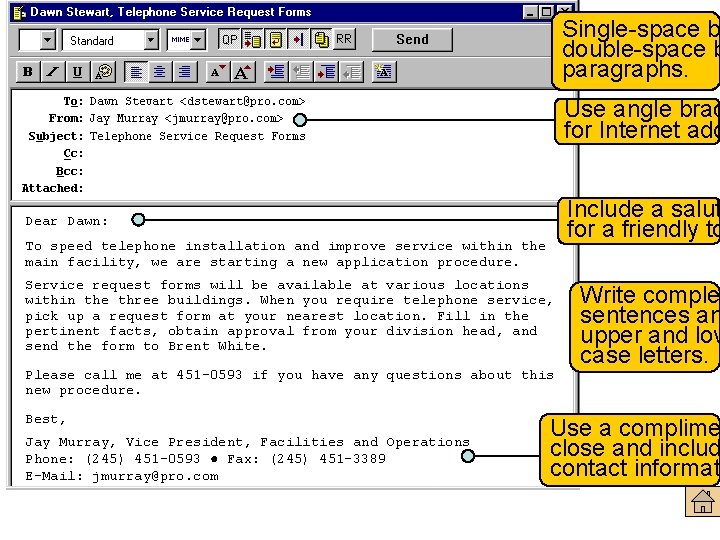
Single-space b double-space b paragraphs. Formatting E-Mail Messages Use angle brac for Internet add Include a salut for a friendly to Dear Dawn: To speed telephone installation and improve service within the main facility, we are starting a new application procedure. Service request forms will be available at various locations within the three buildings. When you require telephone service, pick up a request form at your nearest location. Fill in the pertinent facts, obtain approval from your division head, and send the form to Brent White. Please call me at 451 -0593 if you have any questions about this new procedure. Best, Jay Murray, Vice President, Facilities and Operations Phone: (245) 451 -0593 ● Fax: (245) 451 -3389 E-Mail: jmurray@pro. com Write comple sentences an upper and low case letters. Use a complime close and includ contact informat Ch. 7, Slide 53
Smart E-Mail Practices Getting Started § Consider composing off line. § Type the receiver’s address correctly. § Avoid misleading subject lines. § Apply the top-of-the screen test. Ch. 7, Slide 54
Smart E-Mail Practices Content, Tone, Correctness § Be concise. § Don’t use e-mail to avoid contact. § Care about correctness and tone. § Resist humor and tongue-in-cheek comments. Don’t send anything you wouldn’t want published or posted on your office door! Ch. 7, Slide 55
Smart E-Mail Practices Netiquette § Limit any tendency to send blanket copies. § Never send “spam. ” § Consider using identifying labels, such as ACTION, FYI, RE, URGENT. § Use uppercase only for emphasis or titles. § Announce attachments. Ch. 7, Slide § Seek permission before forwarding. 56
Smart E-Mail Practices Reading and Replying to E-Mail § Scan all messages before replying. § Acknowledge receipt. § Don’t automatically return the sender’s message. § Revise a subject line if the topic in a series of messages (a “thread”) changes. § Provide a clear, complete first sentence. § Never respond when you are angry. Ch. 7, Slide 57
Smart E-Mail Practices Personal Use § Don’t use company computers for personal matters unless allowed by your organization. § Assume that all e-mail is monitored, even when you connect to your ISP from work. © George Doyle & Ciaran Griffin / Stockbyte / Getty Image Ch. 7, Slide 58
Smart E-Mail Practices Other Smart Practices § Use design to improve readability of longer messages. § Consider cultural differences. § Double-check before hitting the Send button. § Use instant messaging professionally to expand your communication channel choices. Ch. 7, Slide 59
Top Ten Mistakes That Can Sabotage Your Career Responding when angry Making address goofs Forgetting a subject line or failing to change it to match “thread” Not personalizing your message Skipping the salutation and closing identification Ch. 7, Slide 60
Top Ten Mistakes That Can Sabotage Your Career Including inappropriate content Instant indiscretions, off-color jokes, and statements you will later regret Forgetting to check for spelling and grammar Thinking no one else will ever see your e-mail Ch. 7, Slide 61
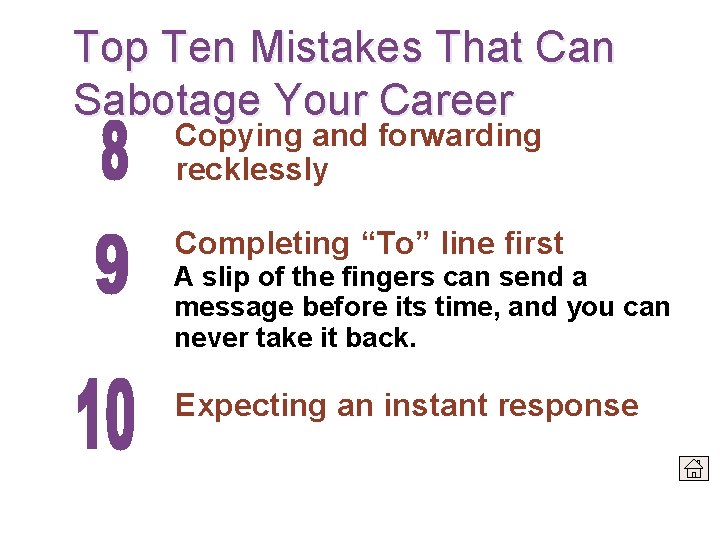
Top Ten Mistakes That Can Sabotage Your Career Copying and forwarding recklessly Completing “To” line first A slip of the fingers can send a message before its time, and you can never take it back. Expecting an instant response Ch. 7, Slide 62
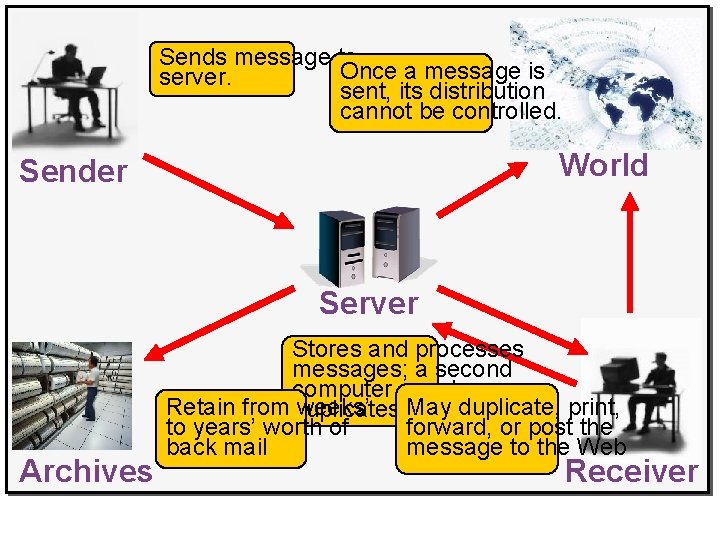
Oops! I message thought I deleted that Sends to Once a message is server. sent, its distribution e-mail! cannot be controlled. World Sender Server Archives Stores and processes messages; a second computer may keep May duplicate, print, Retain from duplicates weeks’ forward, or post the to years’ worth of message to the Web back mail Receiver Ch. 7, Slide 63
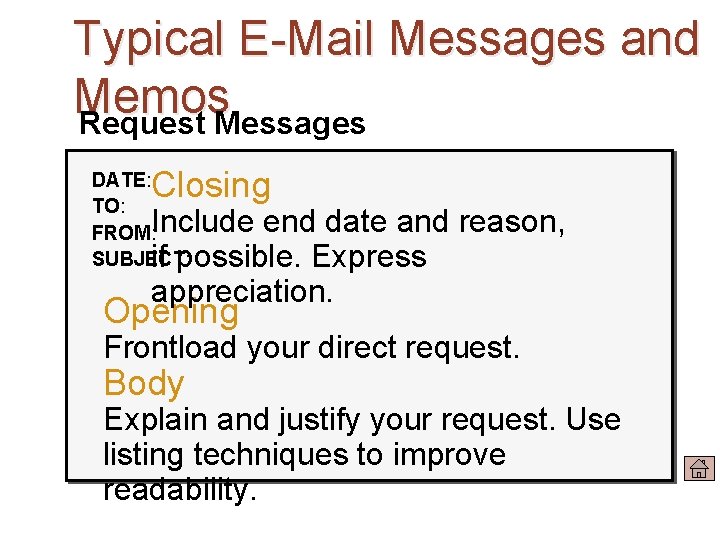
Typical E-Mail Messages and Memos Request Messages Closing DATE: TO: FROM: SUBJECT: Include end date and reason, if possible. Express appreciation. Opening Frontload your direct request. Body Explain and justify your request. Use listing techniques to improve readability. Ch. 7, Slide 64
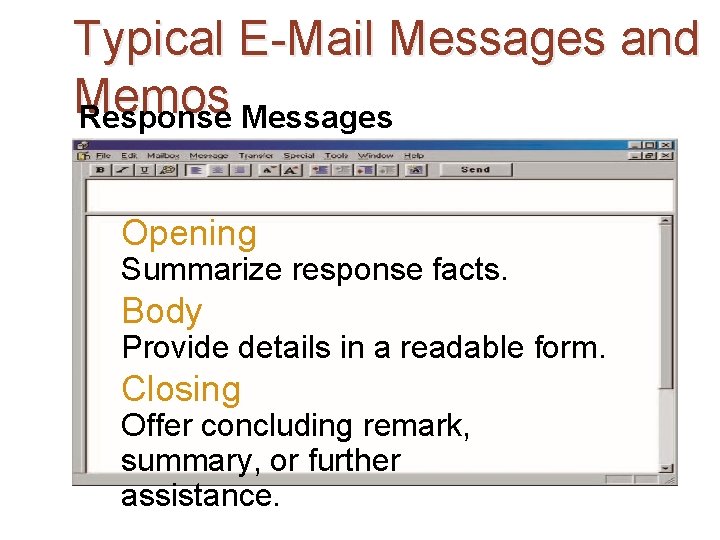
Typical E-Mail Messages and Memos Response Messages Opening Summarize response facts. Body Provide details in a readable form. Closing Offer concluding remark, summary, or further assistance. Ch. 7, Slide 65
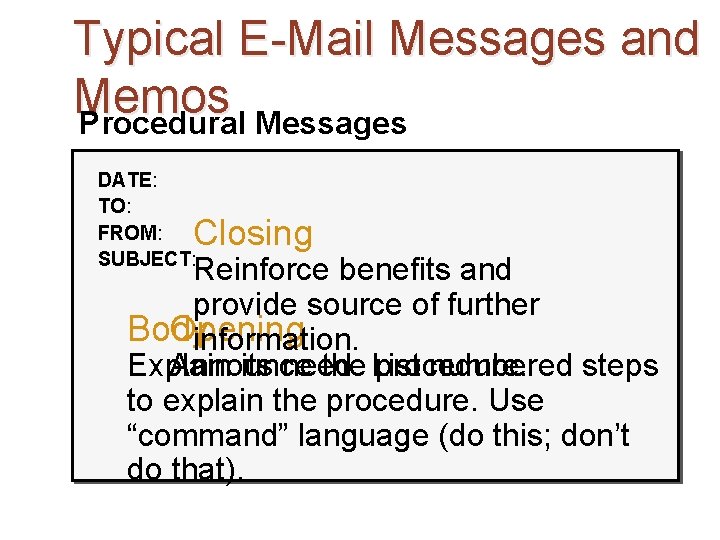
Typical E-Mail Messages and Memos Procedural Messages DATE: TO: FROM: SUBJECT: Closing Reinforce benefits and provide source of further Body Opening information. Explain Announce its need. the List procedure. numbered steps to explain the procedure. Use “command” language (do this; don’t do that). Ch. 7, Slide 66
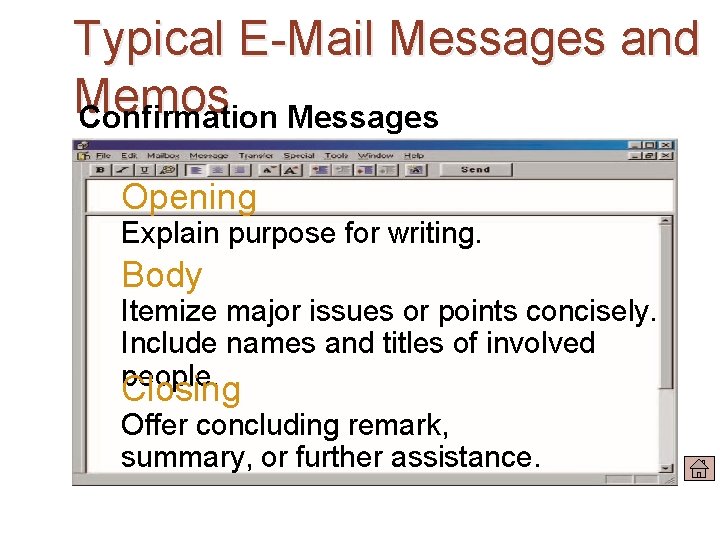
Typical E-Mail Messages and Memos Confirmation Messages Opening Explain purpose for writing. Body Itemize major issues or points concisely. Include names and titles of involved people. Closing Offer concluding remark, summary, or further assistance. Ch. 7, Slide 67
Review § Memo Workshop § E-Mail writing : Conventions, Strategies and Practices Ch. 7, Slide 68
- Slides: 68