
Business Communication Skills for Managers Module 3 Written
Business Communication Skills for Managers Module 3: Written Communication
Changing Communication Channels

Modernizing Business Messages Traditional: consisted of letters, memos, brochures Modern: utilizing digital media (email, texting, chatting) How has communication changed the way we work?

Digital versus Traditional Communication Digital Communication Methods • Instant, Fast-Paced • • no delay Extensive • one post can reach millions Convenient • computer programs Communication for Change • team-oriented means sharing and contribution

Digital versus Traditional Communication (cont. ) Traditional Communication Methods • Reader Preference • Storage and Archive • Security • Convenience • Perception

Internal Emails and Memos

Internal Business Communication What to do: • Clear subject line • Short, concise message • Proofread • Use email, text when appropriate • Use social networking sites
Internal Business Communication What not to do: • Don’t use all capital letters • Don’t use “reply to all” • Don’t send email, message when angry • Don’t use abbreviations • Don’t use company email for personal reasons • Don’t use social media to communicate important information
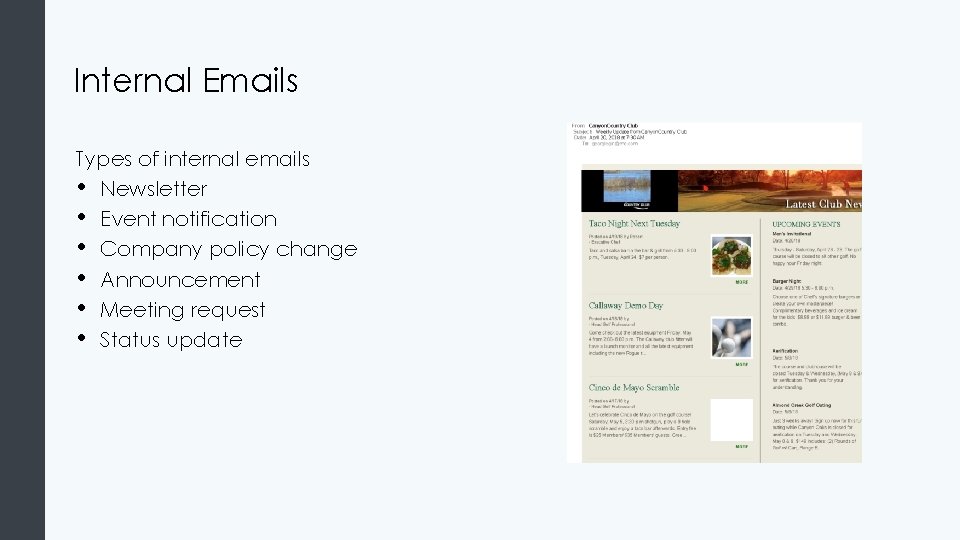
Internal Emails Types of internal emails • Newsletter • Event notification • Company policy change • Announcement • Meeting request • Status update
Internal Emails (cont. ) Structure and Format • Subject line • • quick and concise use verbs Greetings: sound professional Openings: clear why recipient is receiving email Message body: to the point, think of audience Closing: desired outcomes/dates Signature: full contact information
Internal Emails (cont. II) Think about message before writing - purpose, audience Take notes, brainstorm Reflect on tone Strive for clarity Format in easy-to-read manner Proofread

Memos Require strong organization in body of message, call for action in end • Audience • Purpose • Style • Heading • Body paragraphs • Format • Closing
Other Internal Communications
Email Chains and Listserv Early digital method of professional group communication Can easily add many recipients Provides information to customers but higher privacy risk Listserv: created to help manage large number of users
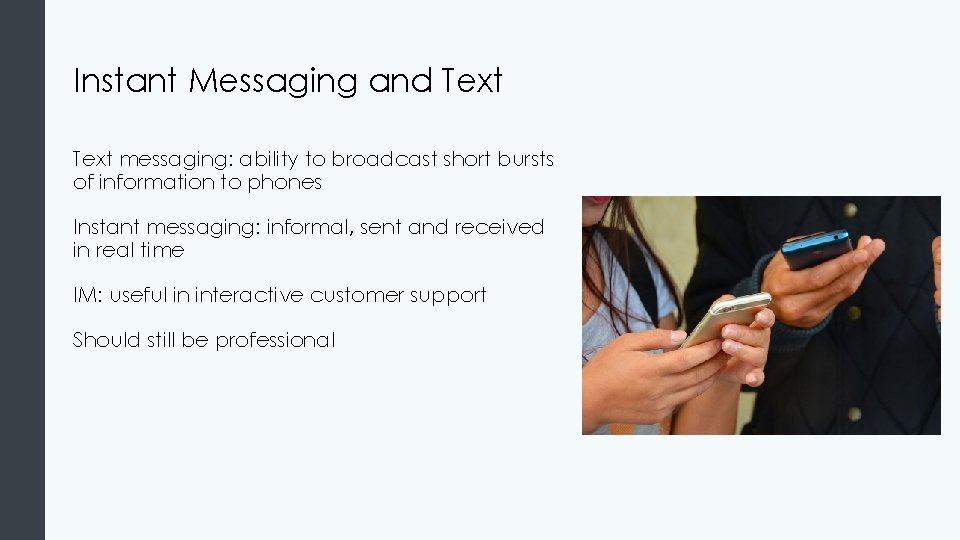
Instant Messaging and Text messaging: ability to broadcast short bursts of information to phones Instant messaging: informal, sent and received in real time IM: useful in interactive customer support Should still be professional
Multimedia Platforms and Social Media Multimedia Platforms: • Presentations • Blogs • Wikis • Podcasts
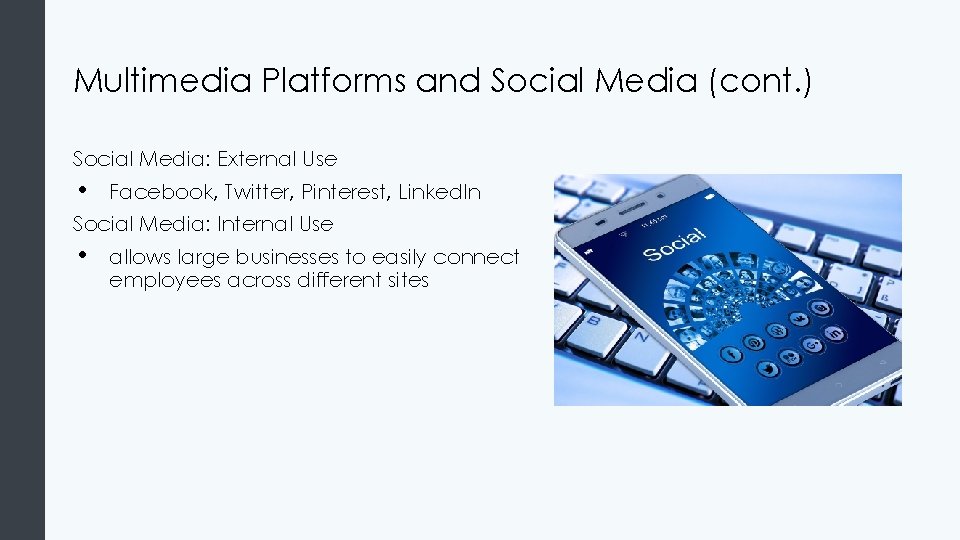
Multimedia Platforms and Social Media (cont. ) Social Media: External Use • Facebook, Twitter, Pinterest, Linked. In Social Media: Internal Use • allows large businesses to easily connect employees across different sites
External Communication
Types of External Emails Requests Claims Complaints Adjustments
Customer Emails Personalize email Be appreciative Give thought to content and structure Provide a buffer when delivering bad news
Customer Emails (cont. ) Responding to critical message from customer • Contact immediately • Describe immediate remedy • Describe why problem occurred • Describe action to correct problem • Offer positive thoughts Responding to customer’s request • Provide answer right away, provide summary

Using the Right Communication Channel
Using the Right Communication Channel (cont. ) Who is audience? How important is message? What is level of confidentiality? How much interactivity is needed? How much information needs to be conveyed?
Quick Review • • • Advances in technology provide new ways to communicate privately and professionally • email, SMS, IM, Listserv, social media Concepts of direct vs. indirect messages How to write effective business messages • features of well-written communication
- Slides: 24