
Business Communication Final Exam Review Fall 2014 Ms

Business Communication Final Exam Review Fall 2014 Ms. Rock
Communication • Defined: the sending and interpreting of messages • What is the purpose of it?
Examples of internal barriers to communication • • • Fatigue Disinterest Poor listening skills Past experiences with the client, business, etc. Outside problems (family, friends, etc. ) Shyness
Multicultural American Workplace • • Business overseas? Internet? Growing population? Immigration?
Cross-cultural situations • A disagreement between an employee and his supervisor • A receptionist speaks slowly to client who has heavy accent • Isolated coworker not being invited to lunch • People saying goodbye at the end of the work day
Communication • With people with diverse backgrounds – Simple and uncomplicated – Complicated and unsatisfying – Difficult and frustrating – Challenging and rewarding
Cultural differences and barriers to communication • Why? – People can’t speak english – People speak different languages – Cultural difference prevent an effective exchange of information – People use different technology
Movie Maker • What can you do? – Import video/pics – Add effects – Add titles – Add credits
Movie Maker • To view your movie in another program, you have to – Save the movie – Finish the movie – Export the movie – Transfer the movie
Movie Maker • How do you arrange pics or videos? – Choose show Timeline – Choose show Storyboard
Graphics • Building blocks for developing exciting and informative multimedia documents, presentations, and publications
Vector graphics • Lines • Curves
Pixels • Colored dots
Fireworks Panels • • • Layers Edit Optimize Properties File
Panel • Floating window that contains commands, options, palettes, menus, and other features
Point • Measurement of height of text
Why export? • To change the file format so you can use it in other programs
Fireworks • Native File –. png
Flash • A multimedia platform used to add animation, video, and interactivity to webpages
Stage • Where you place the content for animations in Flash
Timeline • Area on screen where you work with layers and frames to alter your movie’s content and animation
Default frame rate in Flash • • 10 12 24 8
Properties panel (Flash) • Indicates what settings are being used for objects and allows you to change those settings
Object • Any item placed on a frame that has not been converted to a graphic, button, or movie clip
Graphics • These are objects that have been converted so that you can use the same image a number of times in a movie. You can also use this to do fade effects, rotation effects, and flip effects
Button • These are objects that have been designed to be a interactive object. You create buttons so that action scripts can be used to control others or events in the movie.
Movie Clip • This is an animation within a movie that contains it’s own timeline (a movie within a movie). They can be used repeatedly within the main movie.
Action Script • A programming language inside Flash that allows you to take your movie to the next level. They are used to control the flow of the movie, control events in a movie, and allow for user interaction with your movie.
Export into. swf format so… • That Flash files can be used on the Web.
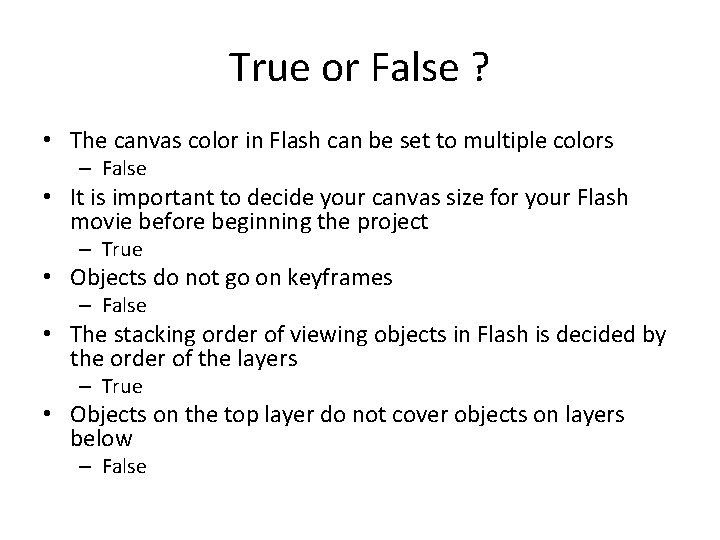
True or False ? • The canvas color in Flash can be set to multiple colors – False • It is important to decide your canvas size for your Flash movie before beginning the project – True • Objects do not go on keyframes – False • The stacking order of viewing objects in Flash is decided by the order of the layers – True • Objects on the top layer do not cover objects on layers below – False
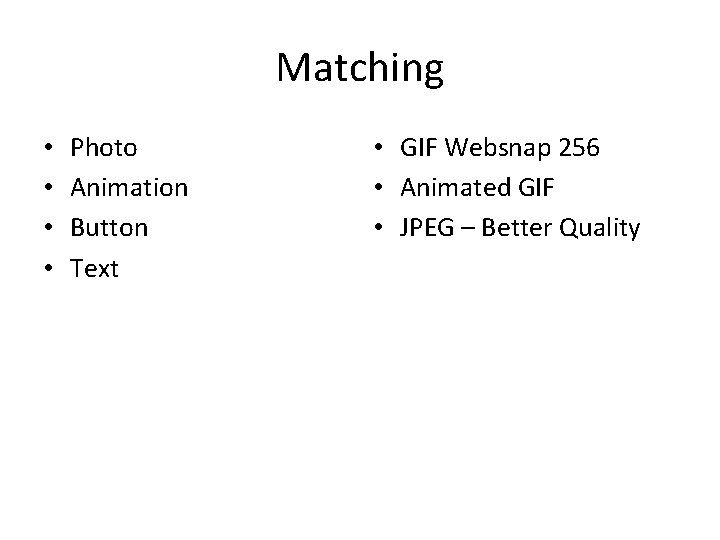
Matching • • Photo Animation Button Text • GIF Websnap 256 • Animated GIF • JPEG – Better Quality
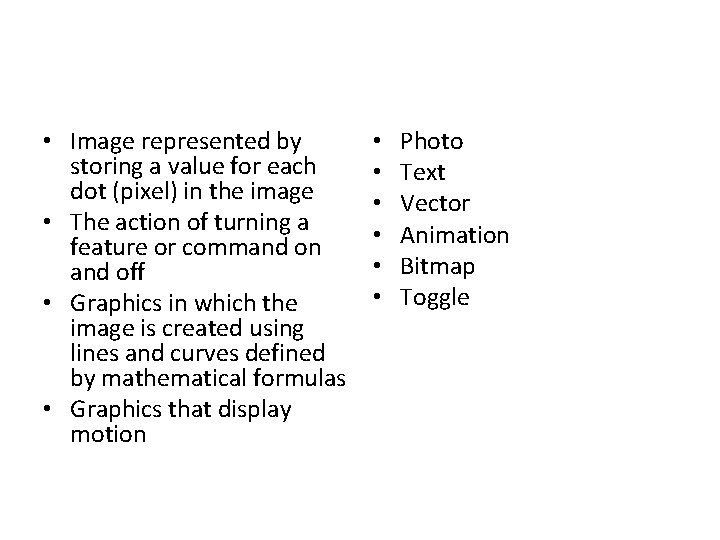
• Image represented by storing a value for each dot (pixel) in the image • The action of turning a feature or command on and off • Graphics in which the image is created using lines and curves defined by mathematical formulas • Graphics that display motion • • • Photo Text Vector Animation Bitmap Toggle
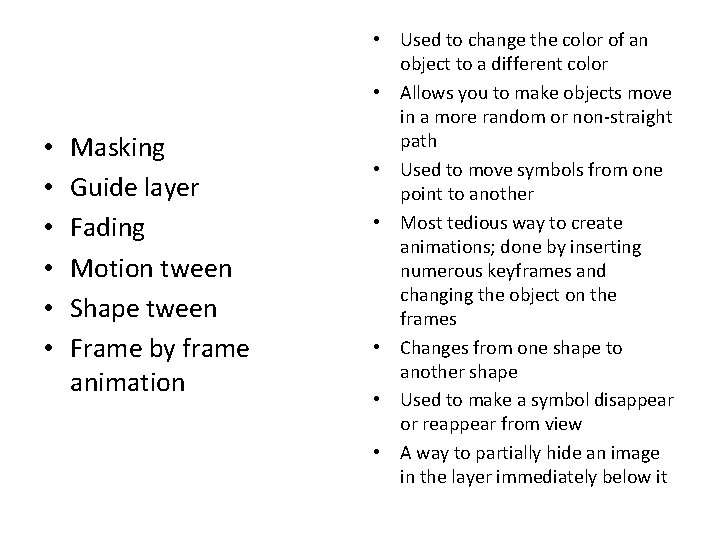
• • • Masking Guide layer Fading Motion tween Shape tween Frame by frame animation • Used to change the color of an object to a different color • Allows you to make objects move in a more random or non-straight path • Used to move symbols from one point to another • Most tedious way to create animations; done by inserting numerous keyframes and changing the object on the frames • Changes from one shape to another shape • Used to make a symbol disappear or reappear from view • A way to partially hide an image in the layer immediately below it
- Slides: 33