
Bulk Data Loading with Win Runner Manual Testing
Bulk Data Loading with Win. Runner Manual Testing and Patch Control Tips Lynne Paulus Oracle Applications DBA Fair Isaac 10/19/2021
Fair Isaac and Oracle Apps u Fair Isaac: Decision Support Software, approx 2, 500 emp u Bay Area = San Rafael u San Diego, Minnesota and many other locations u Live since 1992 u Currently on 11. 5. 8 u Modules = Fincls, Projects, HR, OM, and recently CRM u Soon u to implement OTL and i. Expense Approx 1100 users have logins to 11 i u About 120 users logged in concurrently Copyright © 2003 Fair Isaac Corporation. All rights reserved. 2
Bulk Data Loading with Win. Runner u u What is Win. Runner? u Automated testing tool from Mercury Interactive for Microsoft Windows applications. u With Ad-ons: can use Win. Runner with Oracle applications How Do We Use It? u As a Dataloader for bulk data loads u u Used almost weekly Future Uses of Win. Runner at Fair Isaac u Build automated testing scripts Copyright © 2003 Fair Isaac Corporation. All rights reserved. 3
Win. Runner and Oracle u Win. Runner uses a Java add-on to work with Oracle u Use cgi web address with the following parameters… Application=PMS&record=names Example cgi web address for test… http: //box 1. oracle. com: 8000/dev 60 cgi/f 60 cgi? Application=PMS&record=names u Examples of Bulk Loads we’ve done with Win. Runner: u. Adding 11 i Users and assign responsibilities (high volume when new module implementation) u. Fixed Assets u. Product re-orgs u. Alternative to writing data conversion programs Copyright © 2003 Fair Isaac Corporation. All rights reserved. 4
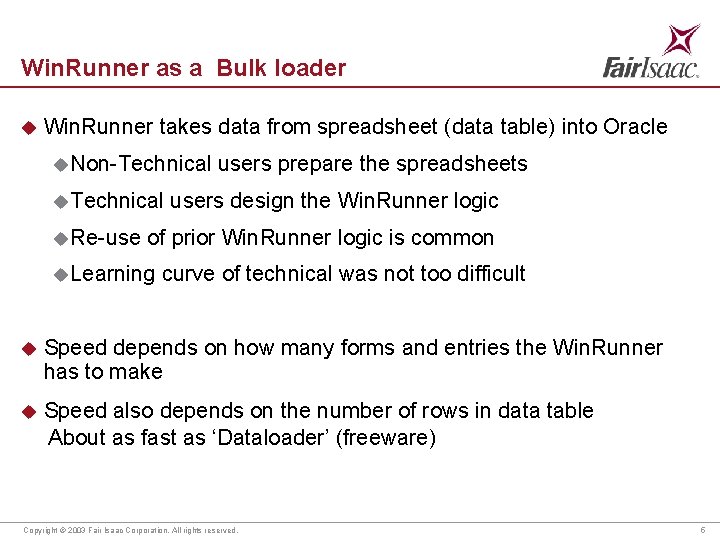
Win. Runner as a Bulk loader u Win. Runner takes data from spreadsheet (data table) into Oracle u Non-Technical u Re-use users prepare the spreadsheets users design the Win. Runner logic of prior Win. Runner logic is common u Learning curve of technical was not too difficult u Speed depends on how many forms and entries the Win. Runner has to make u Speed also depends on the number of rows in data table About as fast as ‘Dataloader’ (freeware) Copyright © 2003 Fair Isaac Corporation. All rights reserved. 5
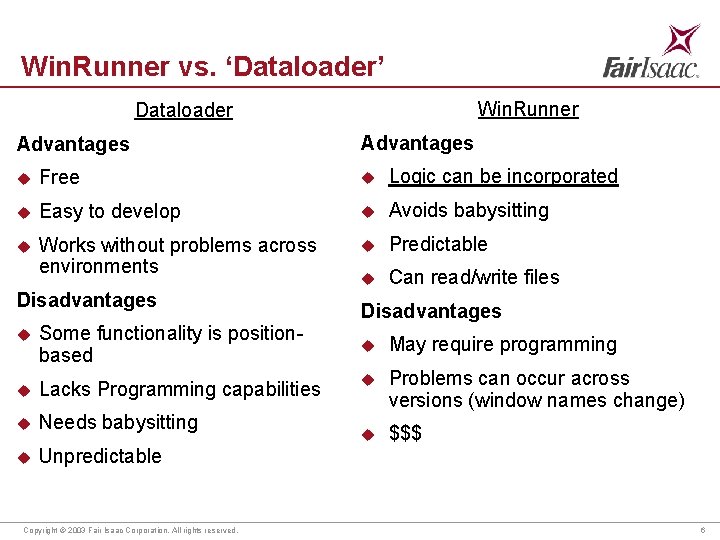
Win. Runner vs. ‘Dataloader’ Win. Runner Dataloader Advantages u Free u Logic can be incorporated u Easy to develop u Avoids babysitting u Works without problems across environments u Predictable u Can read/write files Disadvantages u Some functionality is positionbased u Lacks Programming capabilities u Needs babysitting u Unpredictable Copyright © 2003 Fair Isaac Corporation. All rights reserved. Disadvantages u May require programming u Problems can occur across versions (window names change) u $$$ 6
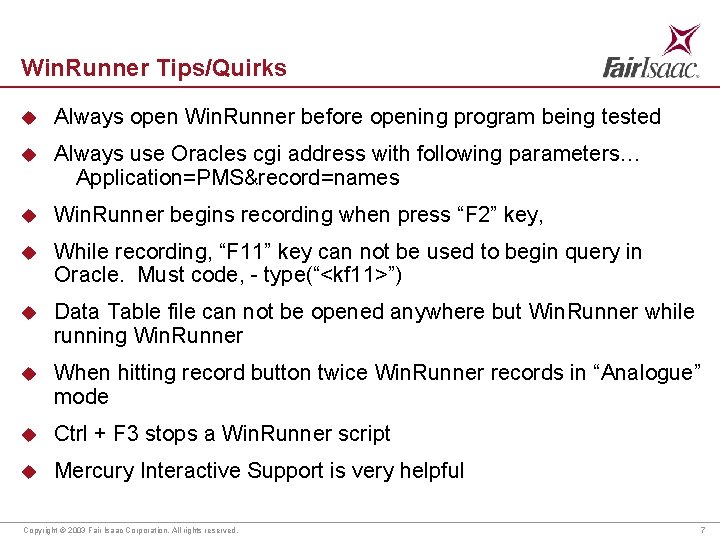
Win. Runner Tips/Quirks u Always open Win. Runner before opening program being tested u Always use Oracles cgi address with following parameters… Application=PMS&record=names u Win. Runner begins recording when press “F 2” key, u While recording, “F 11” key can not be used to begin query in Oracle. Must code, - type(“<kf 11>”) u Data Table file can not be opened anywhere but Win. Runner while running Win. Runner u When hitting record button twice Win. Runner records in “Analogue” mode u Ctrl + F 3 stops a Win. Runner script u Mercury Interactive Support is very helpful Copyright © 2003 Fair Isaac Corporation. All rights reserved. 7
Manual Testing and Patch Controls 10/19/2021
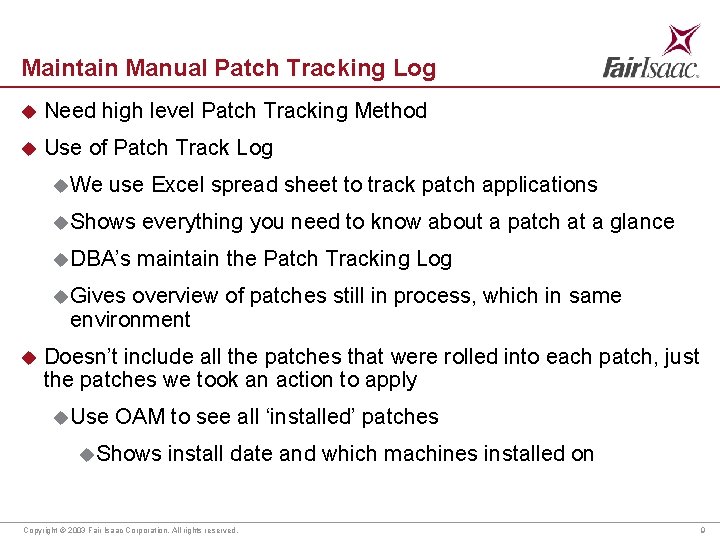
Maintain Manual Patch Tracking Log u Need high level Patch Tracking Method u Use of Patch Track Log u We use Excel spread sheet to track patch applications u Shows everything you need to know about a patch at a glance u DBA’s maintain the Patch Tracking Log u Gives overview of patches still in process, which in same environment u Doesn’t include all the patches that were rolled into each patch, just the patches we took an action to apply u Use OAM to see all ‘installed’ patches u. Shows install date and which machines installed on Copyright © 2003 Fair Isaac Corporation. All rights reserved. 9
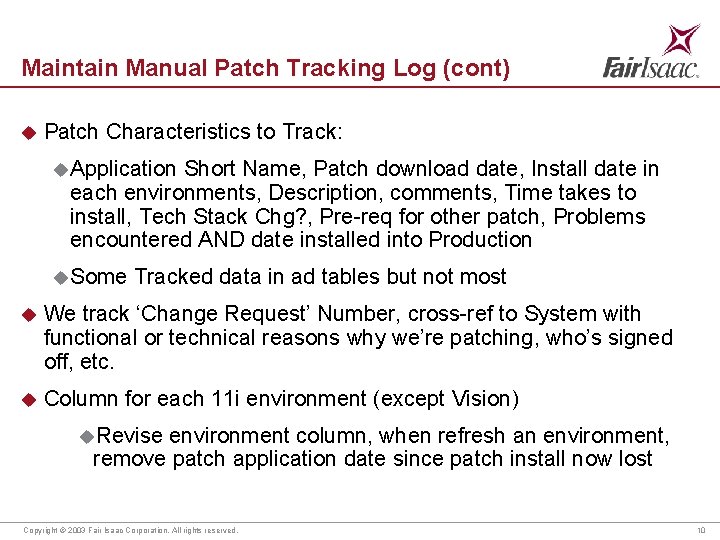
Maintain Manual Patch Tracking Log (cont) u Patch Characteristics to Track: u Application Short Name, Patch download date, Install date in each environments, Description, comments, Time takes to install, Tech Stack Chg? , Pre-req for other patch, Problems encountered AND date installed into Production u Some Tracked data in ad tables but not most u We track ‘Change Request’ Number, cross-ref to System with functional or technical reasons why we’re patching, who’s signed off, etc. u Column for each 11 i environment (except Vision) u. Revise environment column, when refresh an environment, remove patch application date since patch install now lost Copyright © 2003 Fair Isaac Corporation. All rights reserved. 10
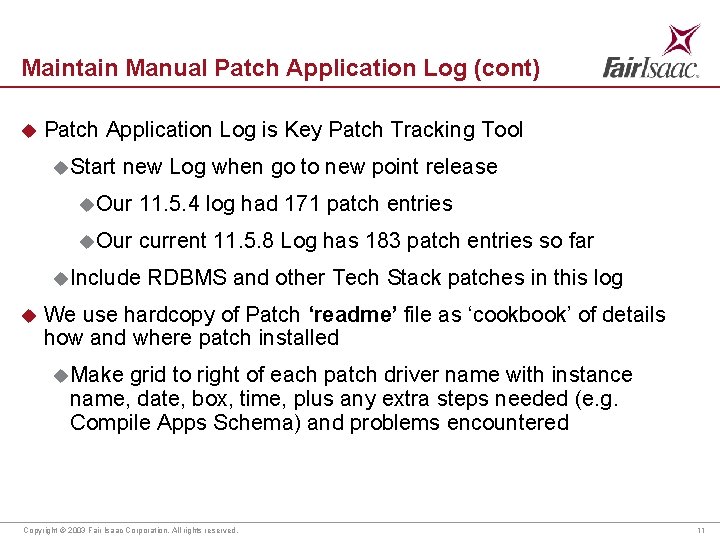
Maintain Manual Patch Application Log (cont) u Patch Application Log is Key Patch Tracking Tool u Start new Log when go to new point release u. Our 11. 5. 4 log had 171 patch entries u. Our current 11. 5. 8 Log has 183 patch entries so far u Include u RDBMS and other Tech Stack patches in this log We use hardcopy of Patch ‘readme’ file as ‘cookbook’ of details how and where patch installed u Make grid to right of each patch driver name with instance name, date, box, time, plus any extra steps needed (e. g. Compile Apps Schema) and problems encountered Copyright © 2003 Fair Isaac Corporation. All rights reserved. 11
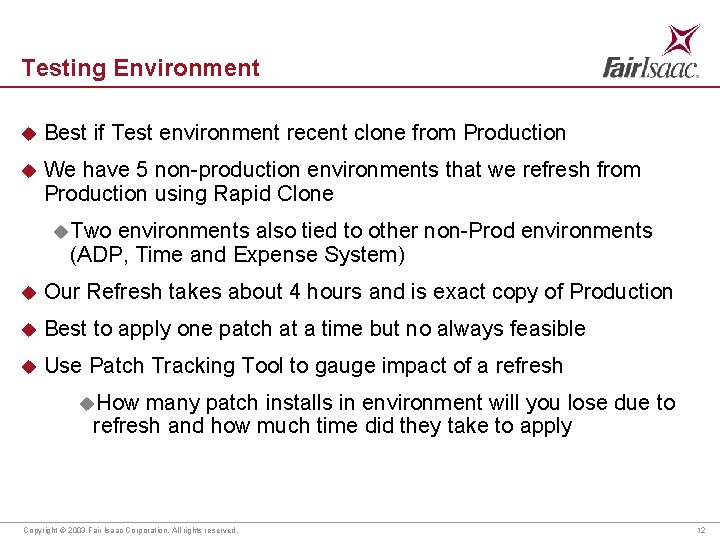
Testing Environment u Best if Test environment recent clone from Production u We have 5 non-production environments that we refresh from Production using Rapid Clone u Two environments also tied to other non-Prod environments (ADP, Time and Expense System) u Our Refresh takes about 4 hours and is exact copy of Production u Best to apply one patch at a time but no always feasible u Use Patch Tracking Tool to gauge impact of a refresh u. How many patch installs in environment will you lose due to refresh and how much time did they take to apply Copyright © 2003 Fair Isaac Corporation. All rights reserved. 12
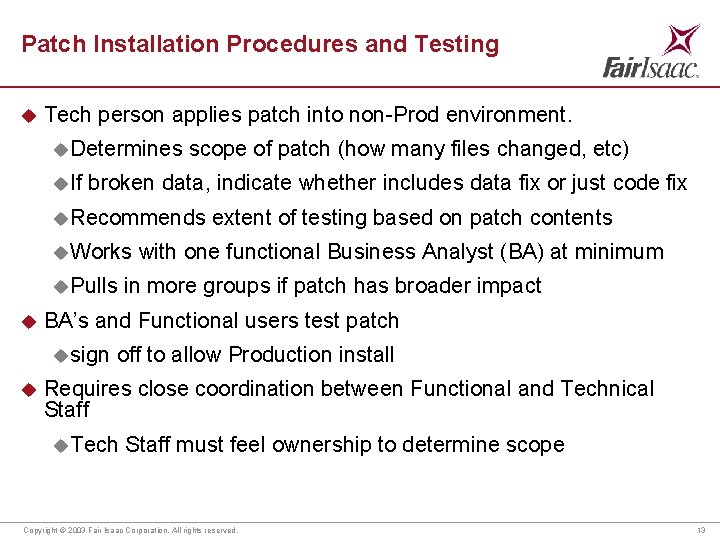
Patch Installation Procedures and Testing u Tech person applies patch into non-Prod environment. u Determines u If scope of patch (how many files changed, etc) broken data, indicate whether includes data fix or just code fix u Recommends u Works u Pulls u with one functional Business Analyst (BA) at minimum in more groups if patch has broader impact BA’s and Functional users test patch u sign u extent of testing based on patch contents off to allow Production install Requires close coordination between Functional and Technical Staff u Tech Staff must feel ownership to determine scope Copyright © 2003 Fair Isaac Corporation. All rights reserved. 13
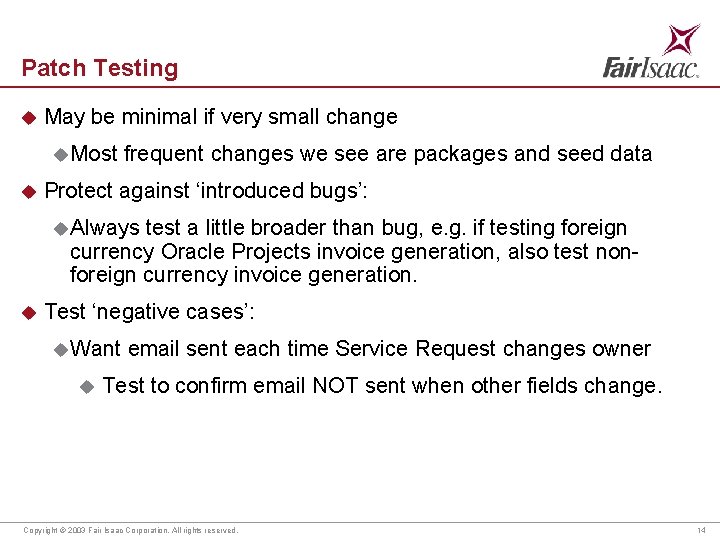
Patch Testing u May be minimal if very small change u Most u frequent changes we see are packages and seed data Protect against ‘introduced bugs’: u Always test a little broader than bug, e. g. if testing foreign currency Oracle Projects invoice generation, also test nonforeign currency invoice generation. u Test ‘negative cases’: u Want u email sent each time Service Request changes owner Test to confirm email NOT sent when other fields change. Copyright © 2003 Fair Isaac Corporation. All rights reserved. 14
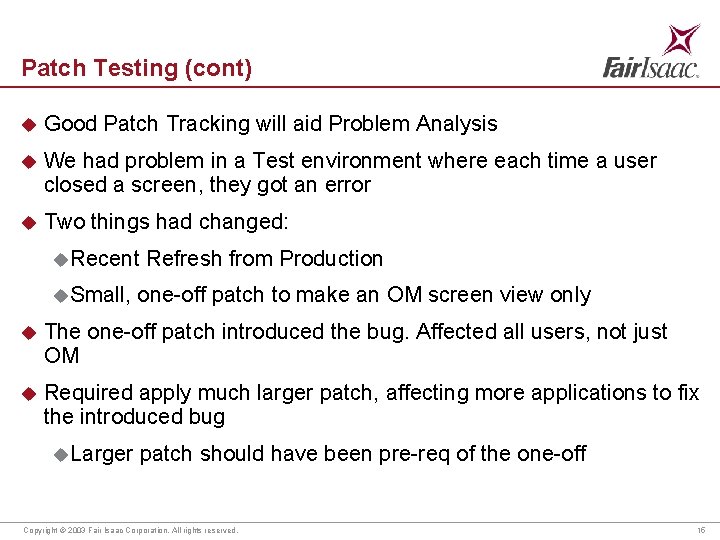
Patch Testing (cont) u Good Patch Tracking will aid Problem Analysis u We had problem in a Test environment where each time a user closed a screen, they got an error u Two things had changed: u Recent u Small, Refresh from Production one-off patch to make an OM screen view only u The one-off patch introduced the bug. Affected all users, not just OM u Required apply much larger patch, affecting more applications to fix the introduced bug u Larger patch should have been pre-req of the one-off Copyright © 2003 Fair Isaac Corporation. All rights reserved. 15
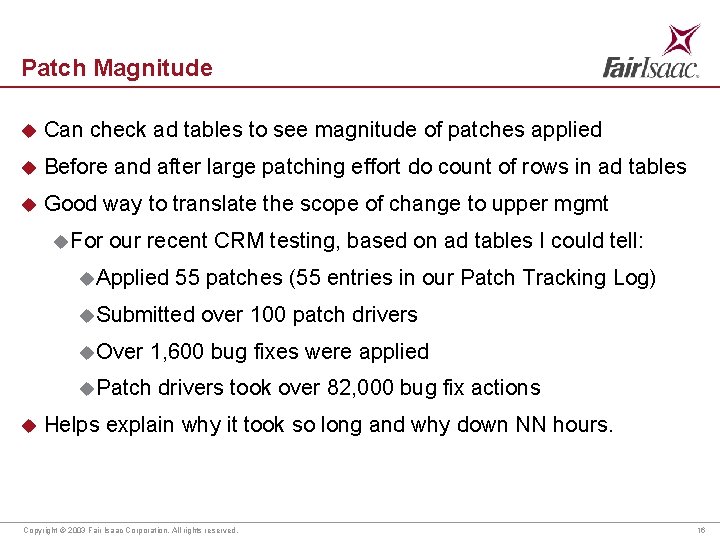
Patch Magnitude u Can check ad tables to see magnitude of patches applied u Before and after large patching effort do count of rows in ad tables u Good way to translate the scope of change to upper mgmt u For our recent CRM testing, based on ad tables I could tell: u. Applied 55 patches (55 entries in our Patch Tracking Log) u. Submitted u. Over 1, 600 bug fixes were applied u. Patch u over 100 patch drivers took over 82, 000 bug fix actions Helps explain why it took so long and why down NN hours. Copyright © 2003 Fair Isaac Corporation. All rights reserved. 16
Conclusion u Develop high level doc to track patch application u Patching requires tight cooperation between technical and functional u Functional users have no way of knowing how much changed due to a patch u Technical user should take lead on setting testing scope expectations but not the testing details u Large Family Pack or Mini-Pack needs broad testing Copyright © 2003 Fair Isaac Corporation. All rights reserved. 17
- Slides: 17