
Building USB Device Simulations With DSF Peter Shier
Building USB Device Simulations With DSF Peter Shier Architect -WDPG Microsoft Corporation
Why Use Simulation? Use USB simulation to Improve driver quality Improve firmware quality Decrease time to market for new and revised hardware Improve user experience of your device
Agenda What’s new in USB Device Simulation The OSR FX 2 USB Loopback Device The Loopback Device KMDF Driver The Loopback Device Test Application Designing a Simulator for the FX 2 The FX 2 Simulator USB Code The FX 2 Simulator Test Application Call to Action
What's New In USB Simulation Updated toolkit coming in Windows Server codenamed “Longhorn” Beta 3 WDK Changes Power management Plug in powered-off devices Plug in/unplug entire device trees Device-initiated resume from selective suspend Endpoint data queue purging DSFDevice object used for all hot plugging Collection names changing from ISoft. USBXxx. List to ISoft. USBXxxs
Future Directions DSF and Wireless USB WHCI controller, HWA, and UWB radio controller simulators working internally at Microsoft. We use them to test our stack DWA simulator in development All simulated devices can work with both wired and wireless controllers Release with wireless simulation planned for future WDK
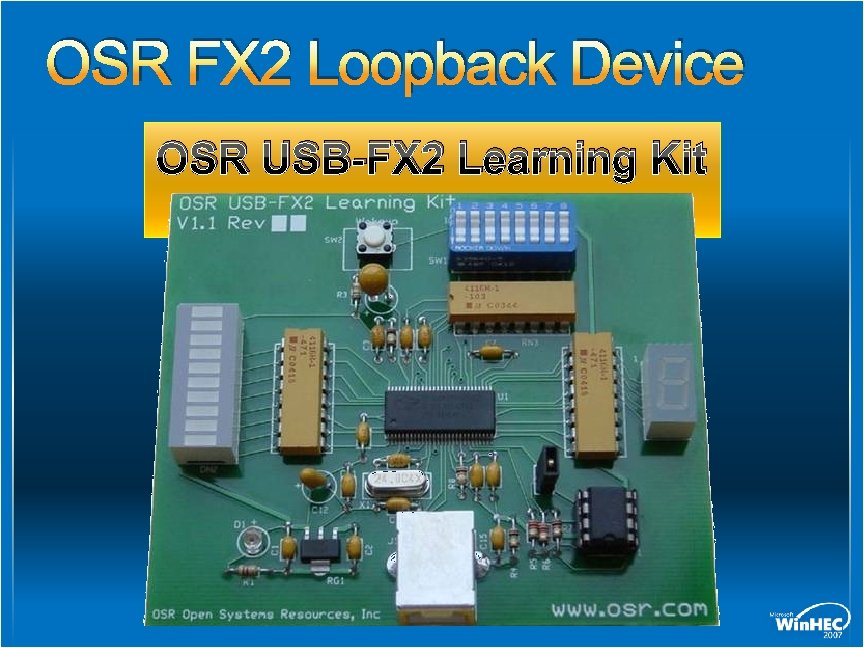
OSR FX 2 Loopback Device OSR USB-FX 2 Learning Kit
OSR FX 2 Loopback Device OSR device for learning USB drivers Sample KMDF driver in WDK Bus-powered bulk loopback 7 -segment LED for status display LED bar graph displays loopback activity 8 dip switches Bulk IN and OUT endpoints for loopback Interrupt IN endpoint for DIP switch changes
Loopback Device KMDF Driver Sample driver in WDK at srckmdfosrusbfx 2sysfinal Reads and writes go to BULK endpoints IOCTLS Get/set bar graph LED state Get/set 7 -segment LED state Get DIP switch state Wait for interrupt IN transfer with DIP switch changes

Loopback Device Application Writes and reads bulk endpoints Compares data written and read Displays current switch state Gets/Sets bar graph LED and 7 -segment LED state
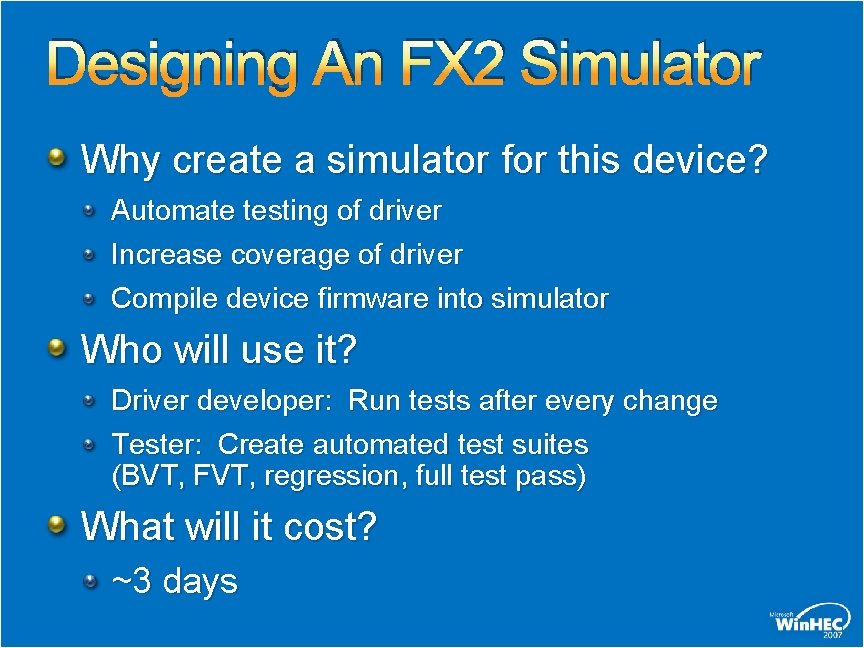
Designing An FX 2 Simulator Why create a simulator for this device? Automate testing of driver Increase coverage of driver Compile device firmware into simulator Who will use it? Driver developer: Run tests after every change Tester: Create automated test suites (BVT, FVT, regression, full test pass) What will it cost? ~3 days
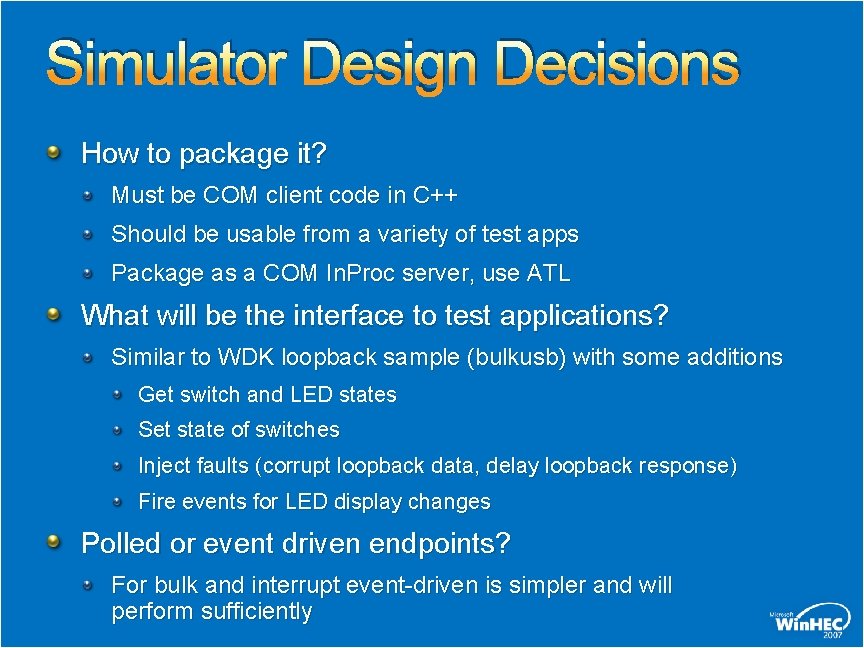
Simulator Design Decisions How to package it? Must be COM client code in C++ Should be usable from a variety of test apps Package as a COM In. Proc server, use ATL What will be the interface to test applications? Similar to WDK loopback sample (bulkusb) with some additions Get switch and LED states Set state of switches Inject faults (corrupt loopback data, delay loopback response) Fire events for LED display changes Polled or event driven endpoints? For bulk and interrupt event-driven is simpler and will perform sufficiently
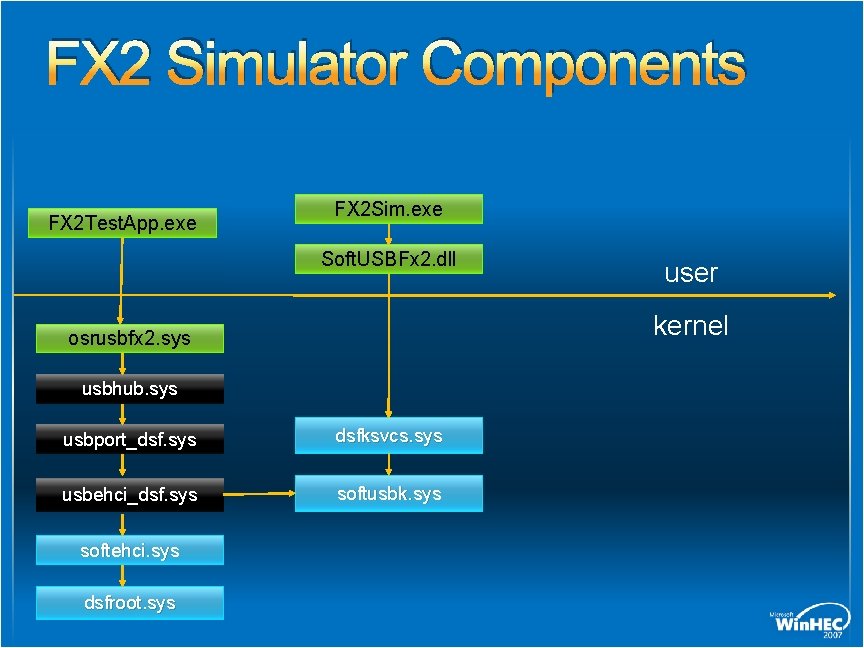
FX 2 Simulator Components FX 2 Test. App. exe FX 2 Sim. exe Soft. USBFx 2. dll kernel osrusbfx 2. sys usbhub. sys usbport_dsf. sys dsfksvcs. sys usbehci_dsf. sys softusbk. sys softehci. sys dsfroot. sys user
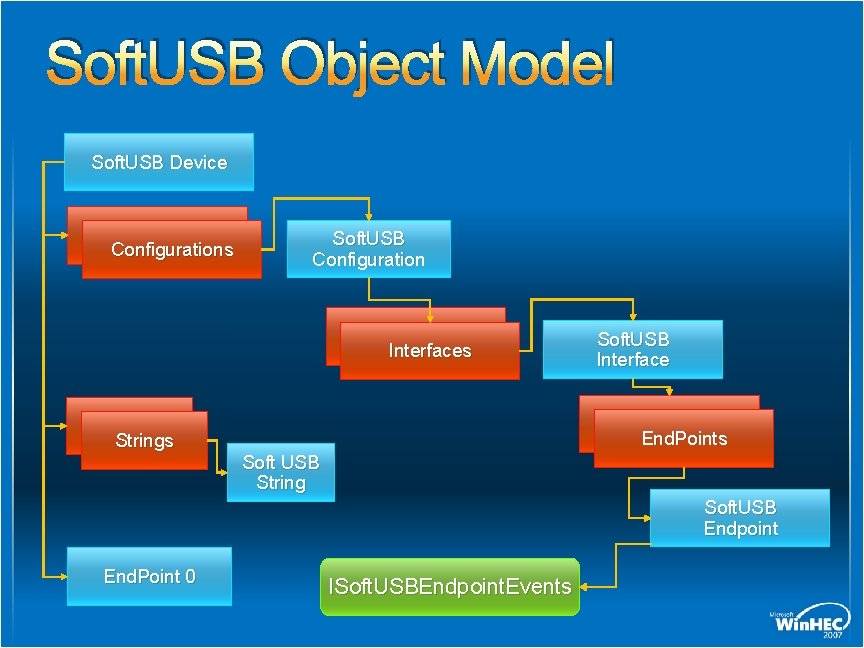
Soft. USB Object Model Soft. USB Device Configurations Soft. USB Configuration Interfaces Soft. USB Interface End. Points Strings Soft USB String Soft. USB Endpoint End. Point 0 ISoft. USBEndpoint. Events
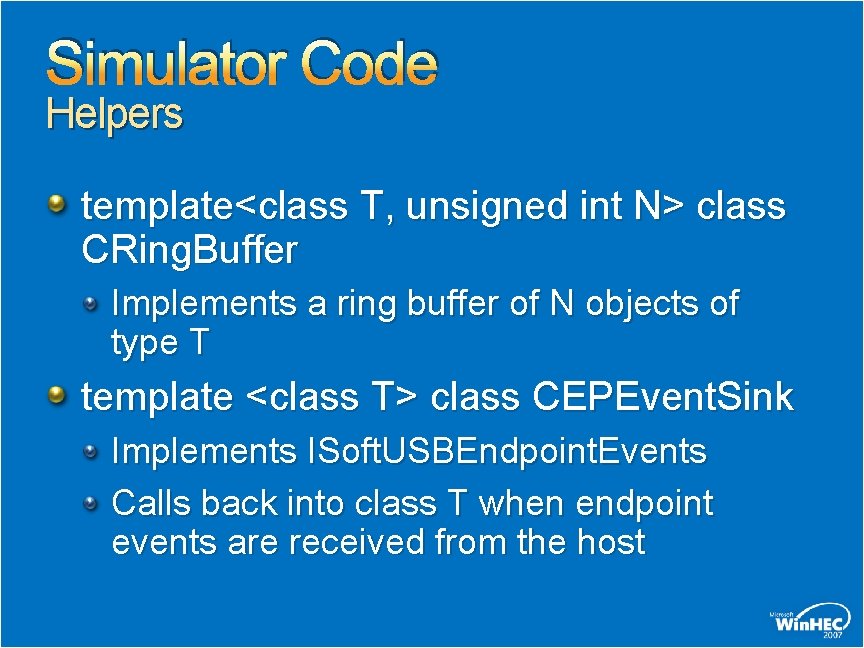
Simulator Code Helpers template<class T, unsigned int N> class CRing. Buffer Implements a ring buffer of N objects of type T template <class T> class CEPEvent. Sink Implements ISoft. USBEndpoint. Events Calls back into class T when endpoint events are received from the host
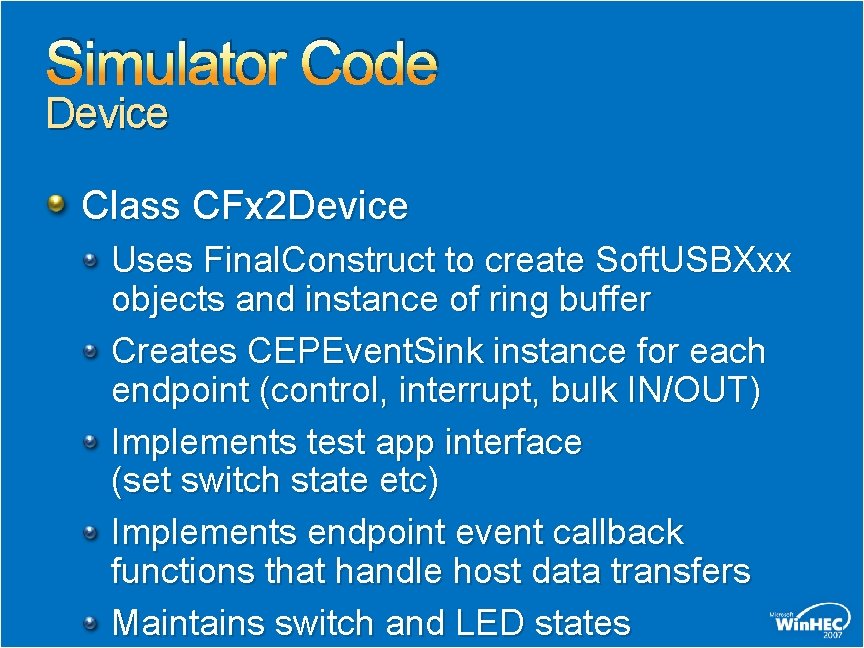
Simulator Code Device Class CFx 2 Device Uses Final. Construct to create Soft. USBXxx objects and instance of ring buffer Creates CEPEvent. Sink instance for each endpoint (control, interrupt, bulk IN/OUT) Implements test app interface (set switch state etc) Implements endpoint event callback functions that handle host data transfers Maintains switch and LED states
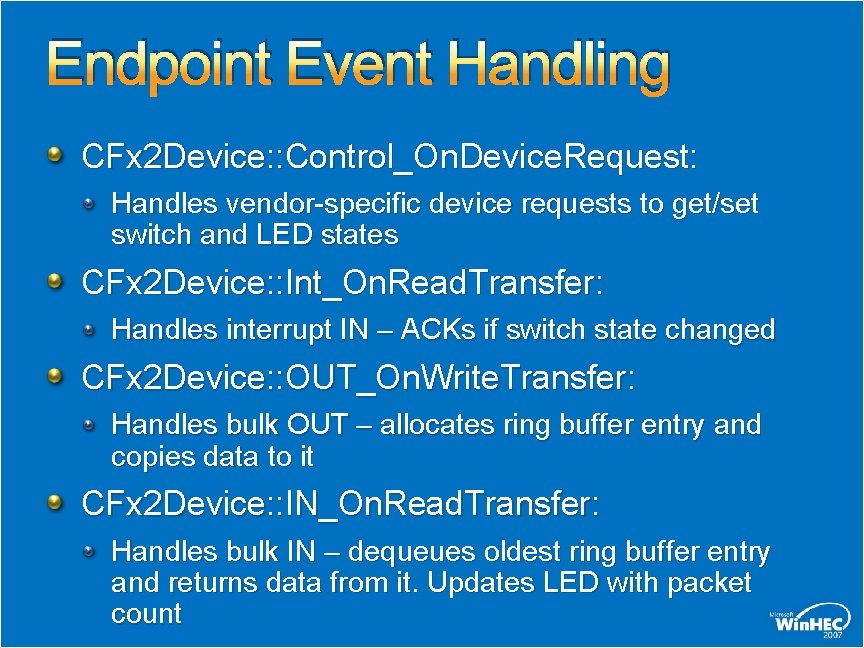
Endpoint Event Handling CFx 2 Device: : Control_On. Device. Request: Handles vendor-specific device requests to get/set switch and LED states CFx 2 Device: : Int_On. Read. Transfer: Handles interrupt IN – ACKs if switch state changed CFx 2 Device: : OUT_On. Write. Transfer: Handles bulk OUT – allocates ring buffer entry and copies data to it CFx 2 Device: : IN_On. Read. Transfer: Handles bulk IN – dequeues oldest ring buffer entry and returns data from it. Updates LED with packet count
Threading Soft. USBXxx objects are created on test application’s calling thread Endpoint events occur on arbitrary thread created by DSF
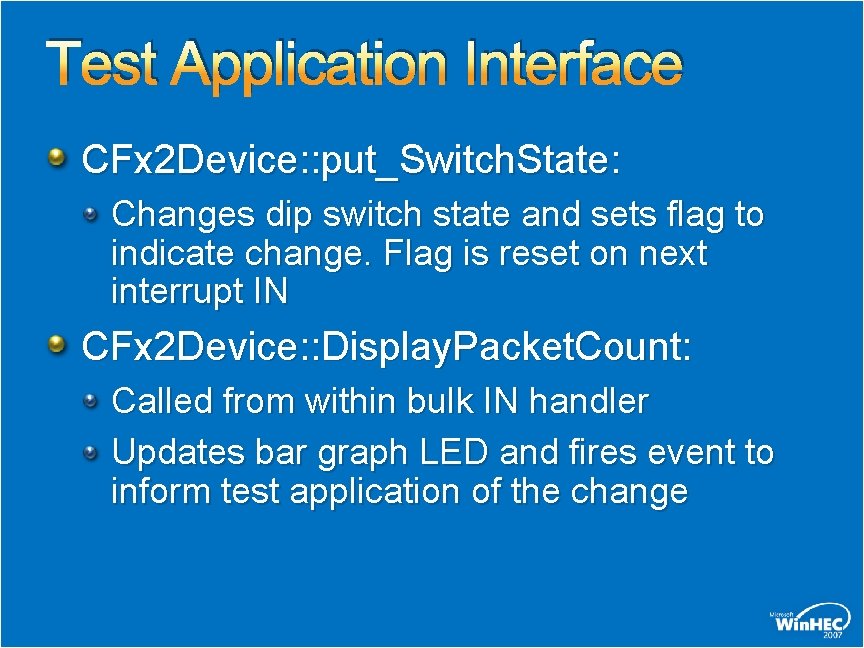
Test Application Interface CFx 2 Device: : put_Switch. State: Changes dip switch state and sets flag to indicate change. Flag is reset on next interrupt IN CFx 2 Device: : Display. Packet. Count: Called from within bulk IN handler Updates bar graph LED and fires event to inform test application of the change
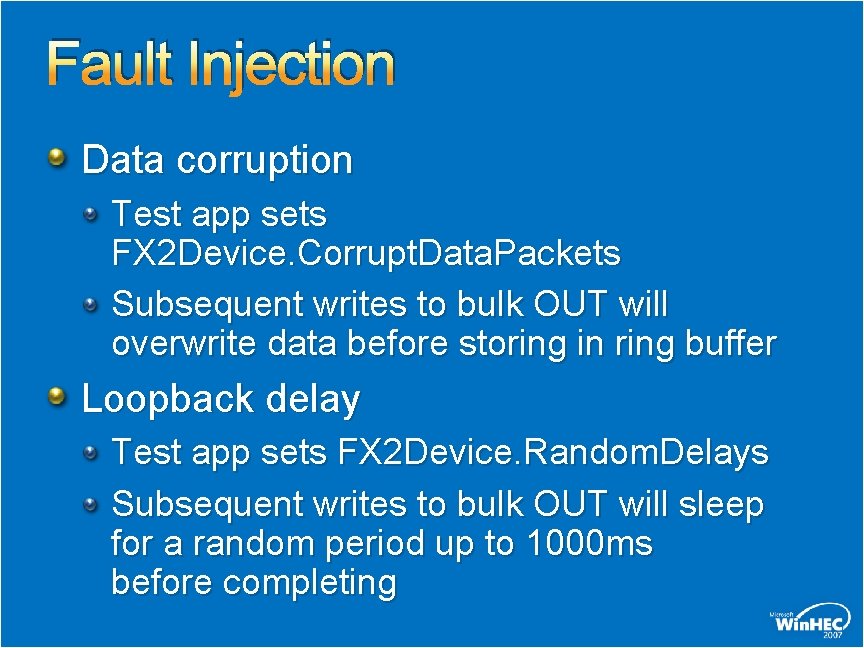
Fault Injection Data corruption Test app sets FX 2 Device. Corrupt. Data. Packets Subsequent writes to bulk OUT will overwrite data before storing in ring buffer Loopback delay Test app sets FX 2 Device. Random. Delays Subsequent writes to bulk OUT will sleep for a random period up to 1000 ms before completing
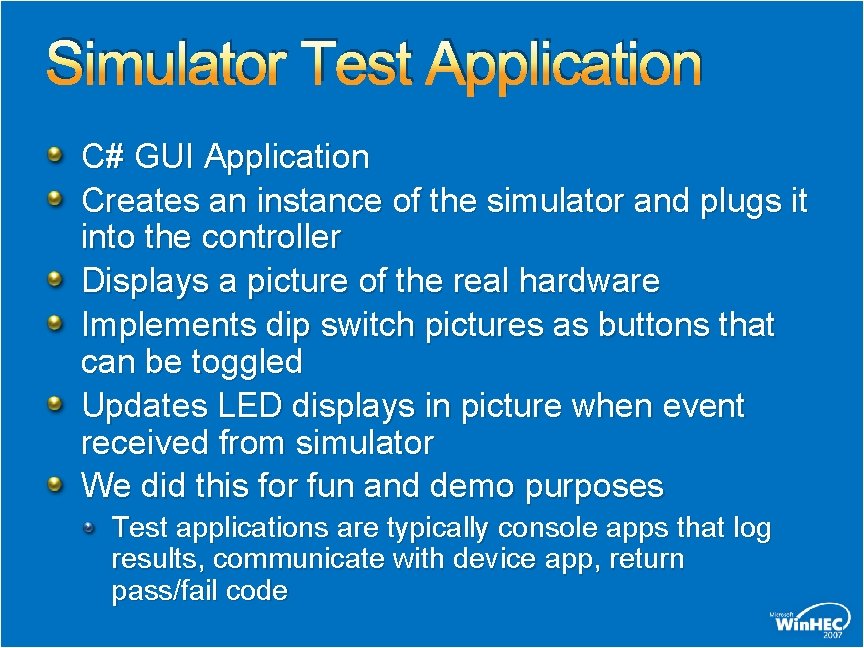
Simulator Test Application C# GUI Application Creates an instance of the simulator and plugs it into the controller Displays a picture of the real hardware Implements dip switch pictures as buttons that can be toggled Updates LED displays in picture when event received from simulator We did this for fun and demo purposes Test applications are typically console apps that log results, communicate with device app, return pass/fail code
demo OSR FX 2 Loopback Simulator
Call To Action Run the sample simulators in the WDK Develop a simulator for your USB device Add fault injection to your simulator Create automated test suites using your simulator Come to Chalk Talk: DVR-C 450, Wednesday at 11: 00 am for a detailed code walk-through and extended Q&A about your own simulations Attend the Hands-On Labs: DVR-V 391
Additional Resources Documentation “Other Tools” section of the WDK Docs E-mail questions to: DSFSupp @ Microsoft. com Code for FX 2 loopback sample will be available on WHDC after Win. HEC

© 2007 Microsoft Corporation. All rights reserved. Microsoft, Windows Vista and other product names are or may be registered trademarks and/or trademarks in the U. S. and/or other countries. The information herein is for informational purposes only and represents the current view of Microsoft Corporation as of the date of this presentation. Because Microsoft must respond to changing market conditions, it should not be interpreted to be a commitment on the part of Microsoft, and Microsoft cannot guarantee the accuracy of any information provided after the date of this presentation. MICROSOFT MAKES NO WARRANTIES, EXPRESS, IMPLIED OR STATUTORY, AS TO THE INFORMATION IN THIS PRESENTATION.
- Slides: 24