
Building Site Selection Tool using Python Jae Sung

Building Site Selection Tool using Python Jae Sung Kim
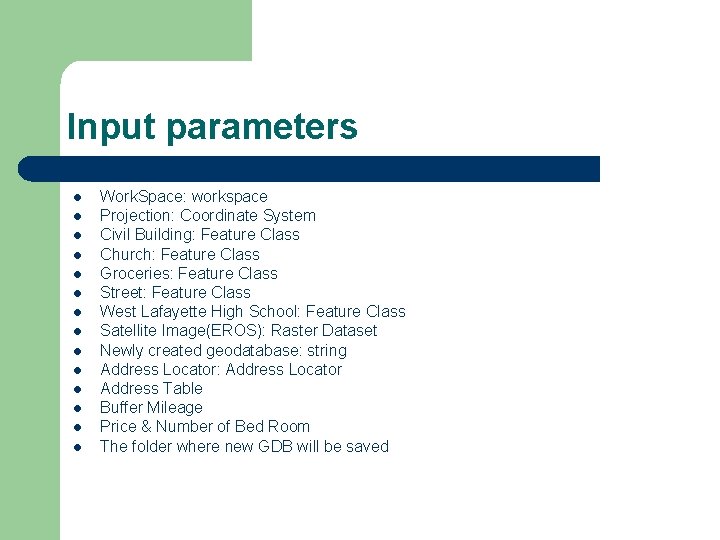
Input parameters l l l l Work. Space: workspace Projection: Coordinate System Civil Building: Feature Class Church: Feature Class Groceries: Feature Class Street: Feature Class West Lafayette High School: Feature Class Satellite Image(EROS): Raster Dataset Newly created geodatabase: string Address Locator: Address Locator Address Table Buffer Mileage Price & Number of Bed Room The folder where new GDB will be saved
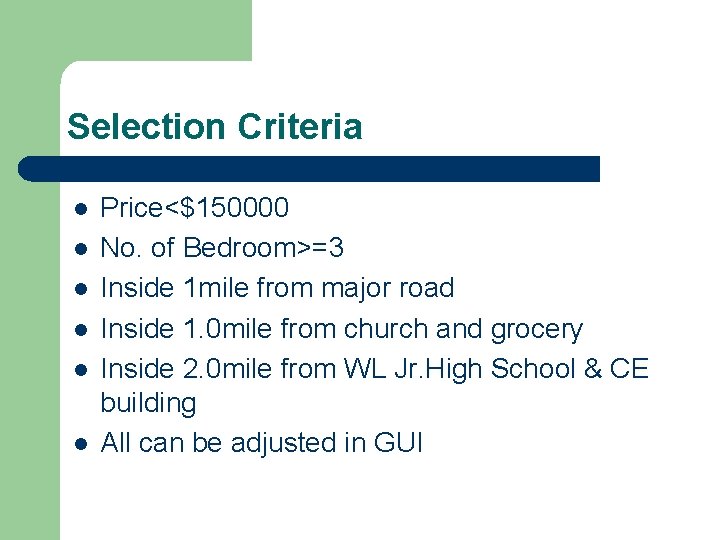
Selection Criteria l l l Price<$150000 No. of Bedroom>=3 Inside 1 mile from major road Inside 1. 0 mile from church and grocery Inside 2. 0 mile from WL Jr. High School & CE building All can be adjusted in GUI
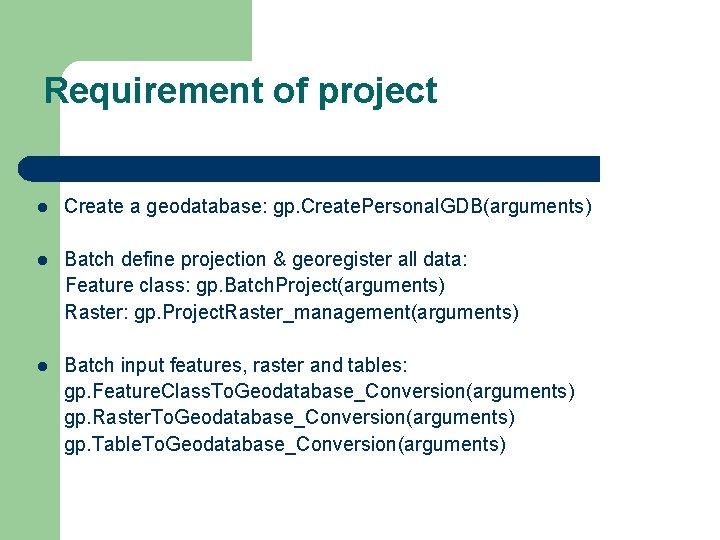
Requirement of project l Create a geodatabase: gp. Create. Personal. GDB(arguments) l Batch define projection & georegister all data: Feature class: gp. Batch. Project(arguments) Raster: gp. Project. Raster_management(arguments) l Batch input features, raster and tables: gp. Feature. Class. To. Geodatabase_Conversion(arguments) gp. Raster. To. Geodatabase_Conversion(arguments) gp. Table. To. Geodatabase_Conversion(arguments)
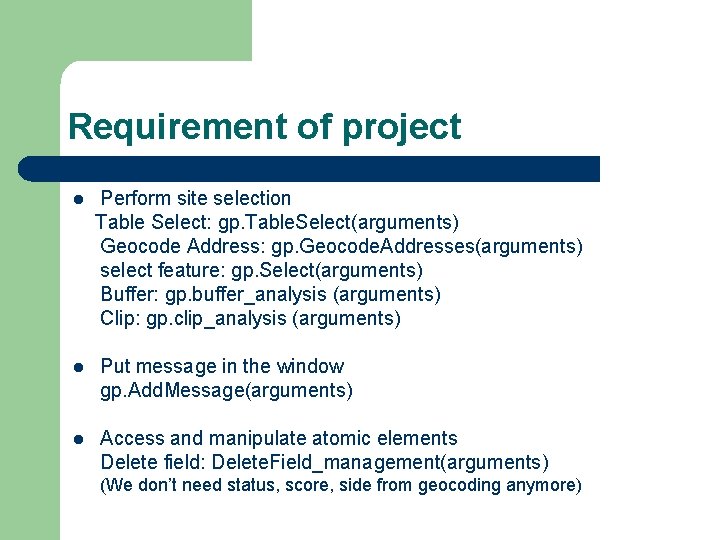
Requirement of project l Perform site selection Table Select: gp. Table. Select(arguments) Geocode Address: gp. Geocode. Addresses(arguments) select feature: gp. Select(arguments) Buffer: gp. buffer_analysis (arguments) Clip: gp. clip_analysis (arguments) l Put message in the window gp. Add. Message(arguments) l Access and manipulate atomic elements Delete field: Delete. Field_management(arguments) (We don’t need status, score, side from geocoding anymore)
Remarks • When creating geodatabase, we have to newly set workspace. ex) Gp. workspace=New. GDB • Have an attention about the paths of source code, reference data of Address Locator. • Everycode regarding to Geoprocessor can be found out at <http: //webhelp. esri. com/arcgisdesktop/9. 2/index. cf m? Topic. Name=welcome>
- Slides: 6