
Building Java Programs Chapter 5 Lecture 5 3
Building Java Programs Chapter 5 Lecture 5 -3: Assertions, do/while loops reading: 5. 4 - 5. 5 self-check: 22 -24, 26 -28 Copyright 2008 by Pearson Education 1
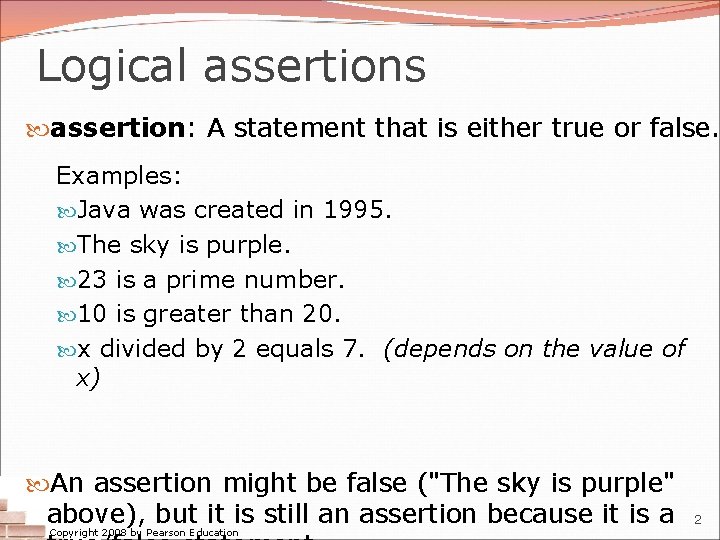
Logical assertions assertion: A statement that is either true or false. Examples: Java was created in 1995. The sky is purple. 23 is a prime number. 10 is greater than 20. x divided by 2 equals 7. (depends on the value of x) An assertion might be false ("The sky is purple" above), but it is still an assertion because it is a Copyright 2008 by Pearson Education 2
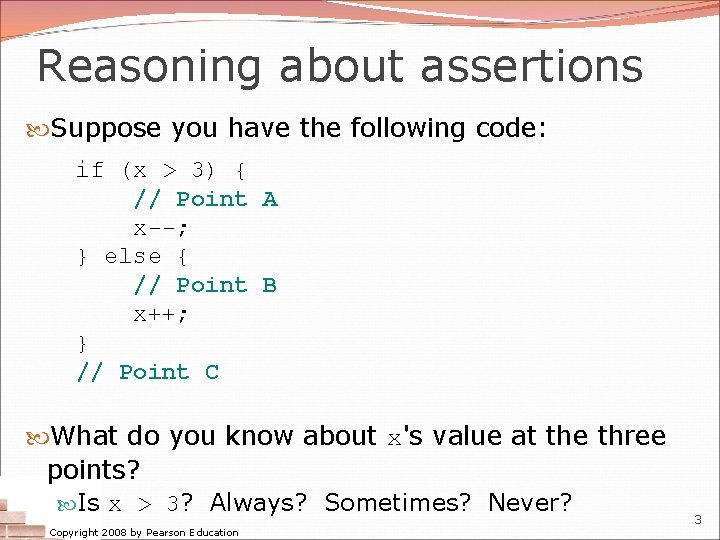
Reasoning about assertions Suppose you have the following code: if (x > 3) { // Point A x--; } else { // Point B x++; } // Point C What do you know about x's value at the three points? Is x > 3? Always? Sometimes? Never? Copyright 2008 by Pearson Education 3
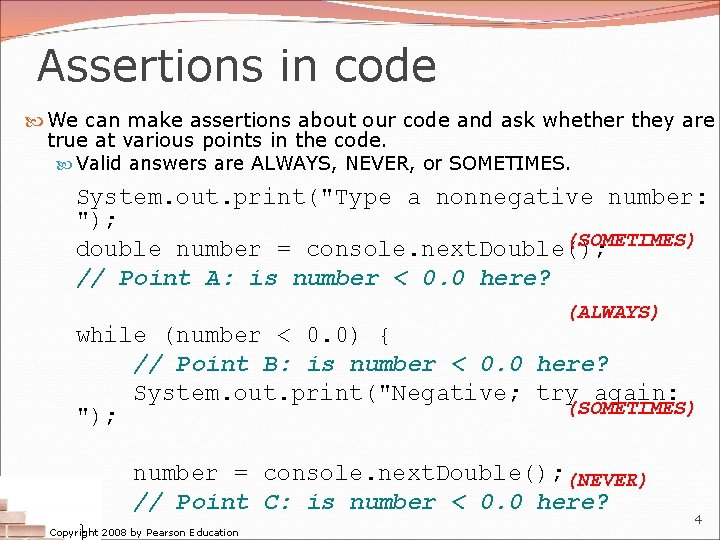
Assertions in code We can make assertions about our code and ask whether they are true at various points in the code. Valid answers are ALWAYS, NEVER, or SOMETIMES. System. out. print("Type a nonnegative number: "); (SOMETIMES) double number = console. next. Double(); // Point A: is number < 0. 0 here? (ALWAYS) while (number < 0. 0) { // Point B: is number < 0. 0 here? System. out. print("Negative; try again: (SOMETIMES) "); number = console. next. Double(); (NEVER) // Point C: is number < 0. 0 here? } Copyright 2008 by Pearson Education 4
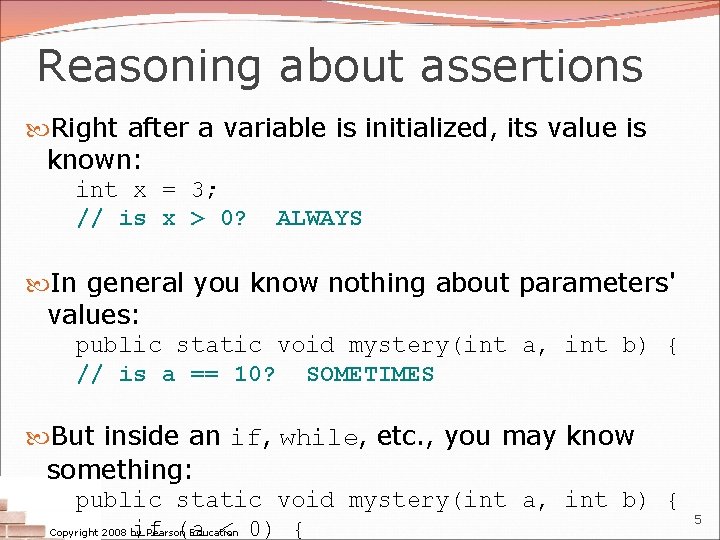
Reasoning about assertions Right after a variable is initialized, its value is known: int x = 3; // is x > 0? ALWAYS In general you know nothing about parameters' values: public static void mystery(int a, int b) { // is a == 10? SOMETIMES But inside an if, while, etc. , you may know something: public static void mystery(int a, int b) { if (a < 0) { Copyright 2008 by Pearson Education 5
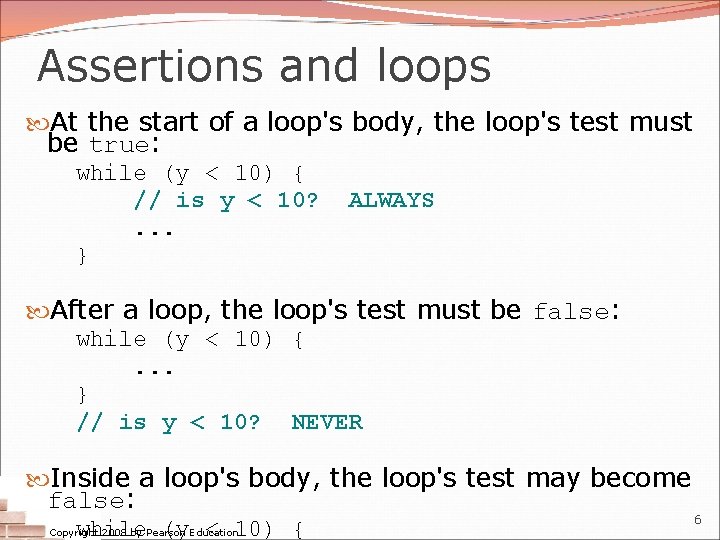
Assertions and loops At the start of a loop's body, the loop's test must be true: while (y < 10) { // is y < 10? ALWAYS. . . } After a loop, the loop's test must be false: while (y < 10) {. . . } // is y < 10? NEVER Inside a loop's body, the loop's test may become false: 6 while (y < 10) { Copyright 2008 by Pearson Education
"Sometimes" Things that cause a variable's value to be unknown (often leads to "sometimes" answers): reading from a Scanner reading a number from a Random object a parameter's initial value to a method If you can reach a part of the program both with the answer being "yes" and the answer being "no", then the correct answer is "sometimes". If you're unsure, "Sometimes" is a good guess. Copyright 2008 by Pearson Education 7
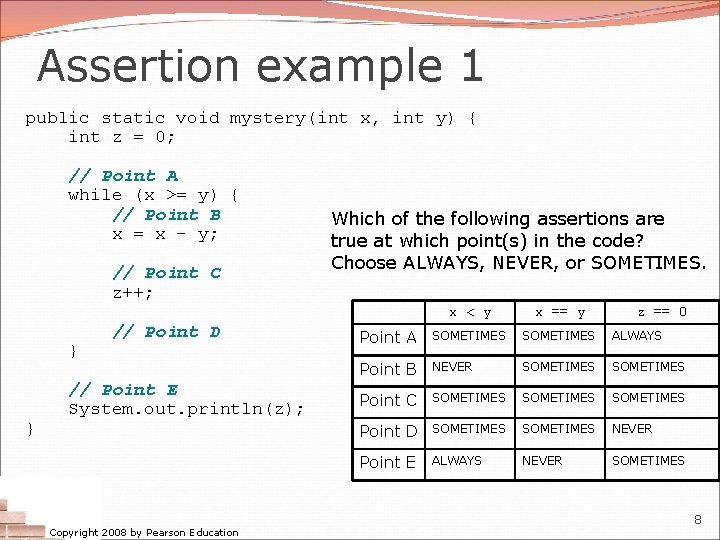
Assertion example 1 public static void mystery(int x, int y) { int z = 0; // Point A while (x >= y) { // Point B x = x - y; // Point C z++; } } // Point D // Point E System. out. println(z); Copyright 2008 by Pearson Education Which of the following assertions are true at which point(s) in the code? Choose ALWAYS, NEVER, or SOMETIMES. x < y x == y z == 0 Point A SOMETIMES ALWAYS Point B NEVER SOMETIMES Point C SOMETIMES Point D SOMETIMES NEVER Point E ALWAYS NEVER SOMETIMES 8
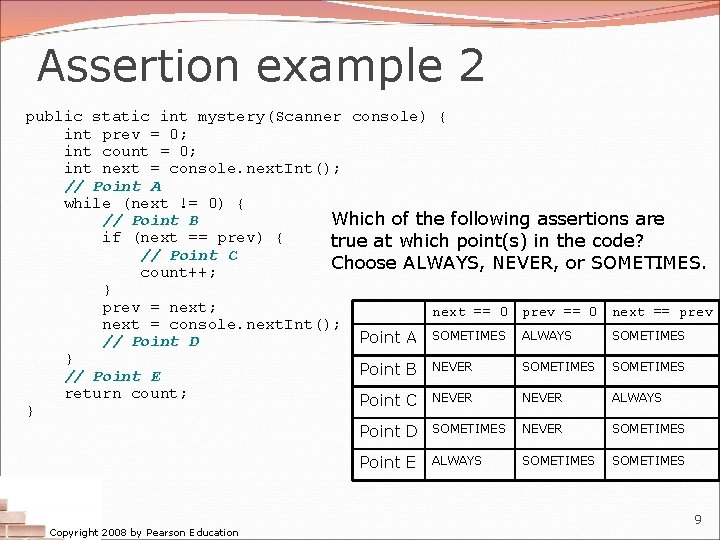
Assertion example 2 public static int mystery(Scanner console) { int prev = 0; int count = 0; int next = console. next. Int(); // Point A while (next != 0) { // Point B Which of the following assertions are if (next == prev) { true at which point(s) in the code? // Point C Choose ALWAYS, NEVER, or SOMETIMES. count++; } prev = next; next == 0 prev == 0 next == prev next = console. next. Int(); SOMETIMES Point A SOMETIMES ALWAYS // Point D } SOMETIMES Point B NEVER // Point E return count; NEVER ALWAYS Point C NEVER } SOMETIMES Point D SOMETIMES NEVER Point E Copyright 2008 by Pearson Education ALWAYS SOMETIMES 9
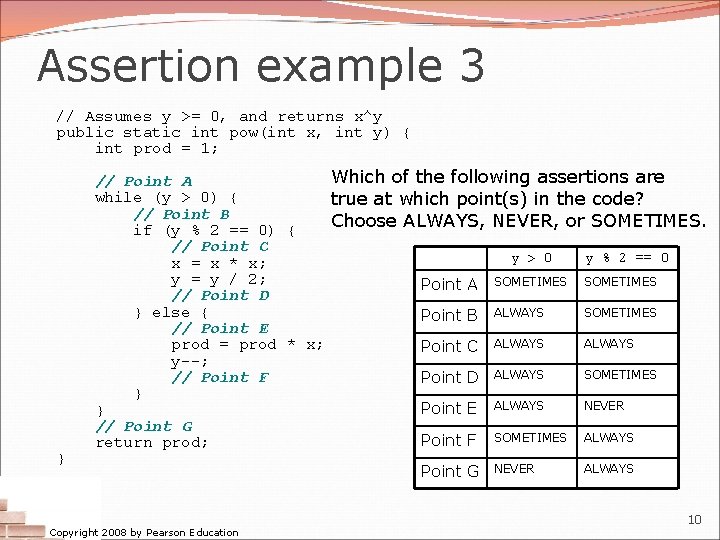
Assertion example 3 // Assumes y >= 0, and returns x^y public static int pow(int x, int y) { int prod = 1; } Which of the following assertions are // Point A while (y > 0) { true at which point(s) in the code? // Point B Choose ALWAYS, NEVER, or SOMETIMES. if (y % 2 == 0) { // Point C y > 0 y % 2 == 0 x = x * x; y = y / 2; Point A SOMETIMES // Point D } else { SOMETIMES Point B ALWAYS // Point E ALWAYS prod = prod * x; Point C ALWAYS y--; SOMETIMES // Point F Point D ALWAYS } NEVER Point E ALWAYS } // Point G Point F SOMETIMES ALWAYS return prod; Copyright 2008 by Pearson Education Point G NEVER ALWAYS 10
while loop variations reading: 5. 4 self-checks: #22 -24 exercises: #6 Copyright 2008 by Pearson Education 11
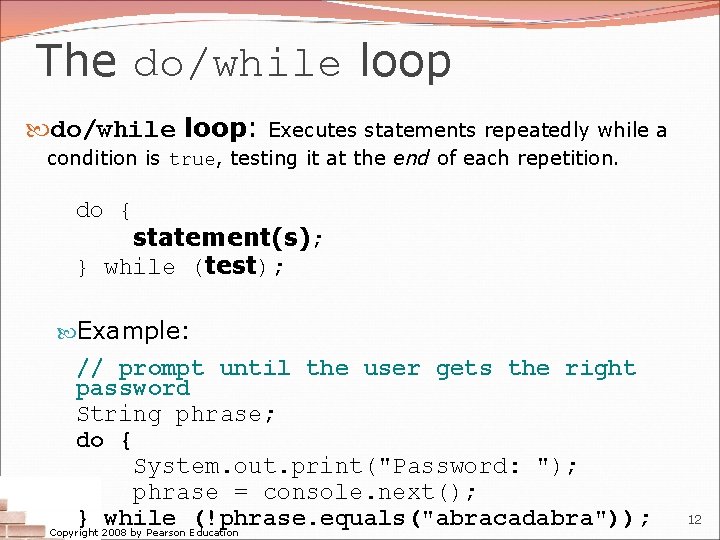
The do/while loop: Executes statements repeatedly while a condition is true, testing it at the end of each repetition. do { statement(s); } while (test); Example: // prompt until the user gets the right password String phrase; do { System. out. print("Password: "); phrase = console. next(); } while (!phrase. equals("abracadabra")); Copyright 2008 by Pearson Education 12
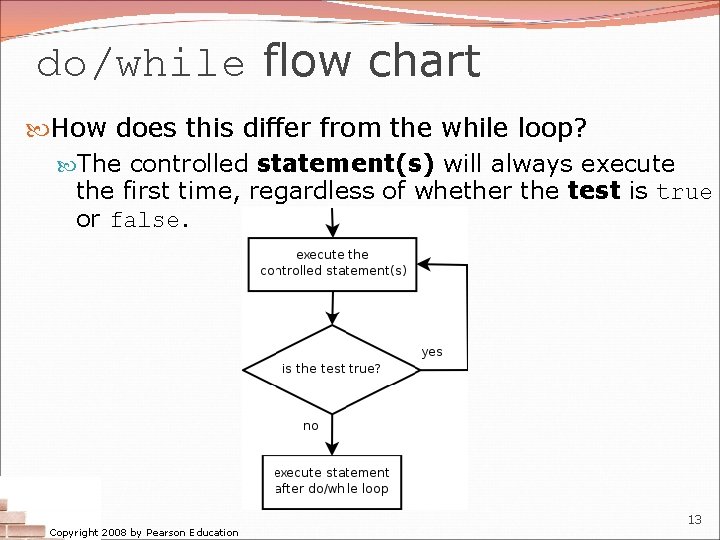
do/while flow chart How does this differ from the while loop? The controlled statement(s) will always execute the first time, regardless of whether the test is true or false. Copyright 2008 by Pearson Education 13
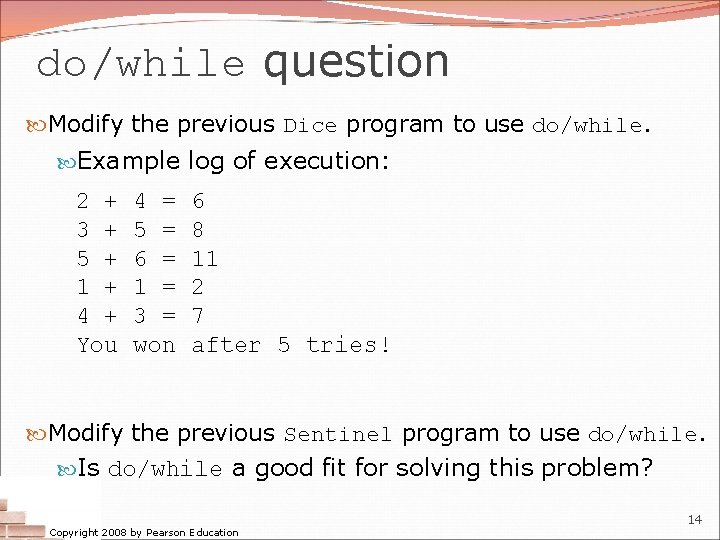
do/while question Modify the previous Dice program to use do/while. Example log of execution: 2 + 3 + 5 + 1 + 4 + You 4 = 5 = 6 = 1 = 3 = won 6 8 11 2 7 after 5 tries! Modify the previous Sentinel program to use do/while. Is do/while a good fit for solving this problem? Copyright 2008 by Pearson Education 14
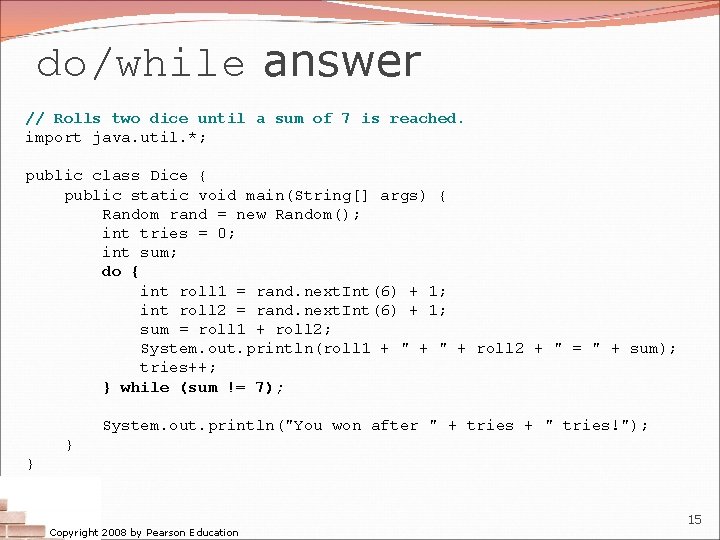
do/while answer // Rolls two dice until a sum of 7 is reached. import java. util. *; public class Dice { public static void main(String[] args) { Random rand = new Random(); int tries = 0; int sum; do { int roll 1 = rand. next. Int(6) + 1; int roll 2 = rand. next. Int(6) + 1; sum = roll 1 + roll 2; System. out. println(roll 1 + " + roll 2 + " = " + sum); tries++; } while (sum != 7); System. out. println("You won after " + tries + " tries!"); } } Copyright 2008 by Pearson Education 15
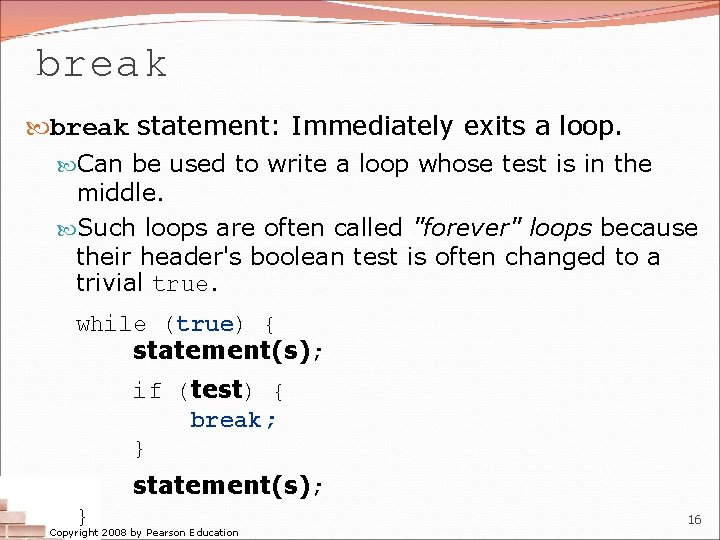
break statement: Immediately exits a loop. Can be used to write a loop whose test is in the middle. Such loops are often called "forever" loops because their header's boolean test is often changed to a trivial true. while (true) { statement(s); if (test) { break; } statement(s); } Copyright 2008 by Pearson Education 16
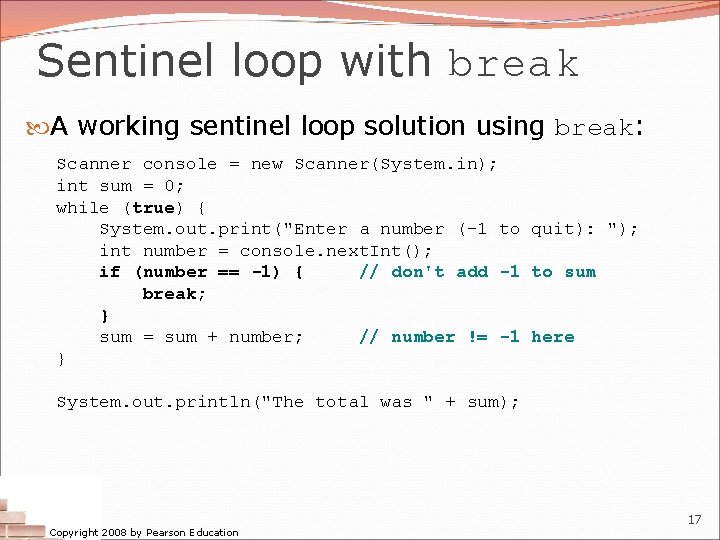
Sentinel loop with break A working sentinel loop solution using break: Scanner console = new Scanner(System. in); int sum = 0; while (true) { System. out. print("Enter a number (-1 to quit): "); int number = console. next. Int(); if (number == -1) { // don't add -1 to sum break; } sum = sum + number; // number != -1 here } System. out. println("The total was " + sum); Copyright 2008 by Pearson Education 17
- Slides: 17