
Building a metadatadriven Data Warehouse framework using Biml
Building a metadata-driven Data Warehouse framework – using Biml and experience from recent visits to the world of meta SQL Server User Group Oslo May 2015

Agenda • • • Introduction Intro to Biml Why automate DW and ETL? Experiences with automation Approaches to automating with Biml Goals for meta frameworks Building a framework (structuring meta data and Biml) Running a framework project (Graphical) User Interfaces Perspectives, where to go from here? Questions
Introduction
Introduction About me • Peter Bernhard Hansen • • Principal consultant and architect at Rehfeld Partners. • • Primary focus on reusability, standard patterns, automation and architecture. 10 years of experience with automation and metadata frameworks. With Rehfeld Partners since 2008. Functions as consultant and architect and also spends time on presales, testing new candidates, and a lot of other stuff. Currently involved in large public projects as well as helping organizations with complex DW architectures and/or organizations interested in a metadata driven approach; the last year primarily using Biml and Mist.
Introduction Some practical information • Slides will be made available (if not. . mail me and I’ll be sure to send them to you). • Some slides are made as ”handouts” and may contain more text than is ideal for presentations. • Not a lot of “live demo stuff” about Biml (there’s plenty of that out there), but focus on metadata and the context of framework projects • My e-mails – pha@rehfeld. dk – peter_bernhard_hansen@yahoo. com • Questions and comments are more than welcome during the session • E-mails with questions about Biml, frameworks, metadata, etc. are also very welcome; I’m always curious to hear what others are doing
Intro to Biml In case some of you aren’t familiar with Biml (yet)…
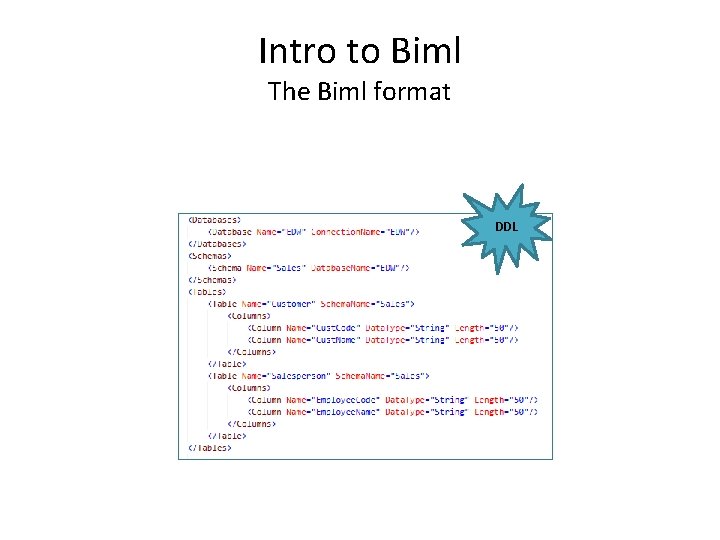
Intro to Biml The Biml format DDL
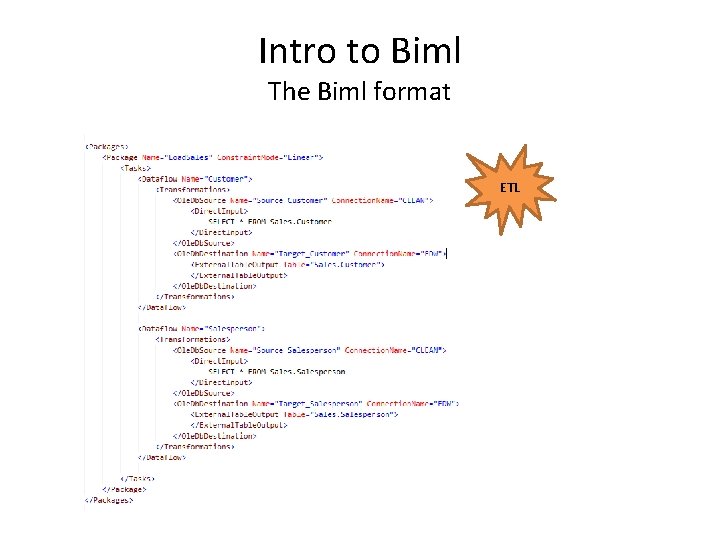
Intro to Biml The Biml format ETL
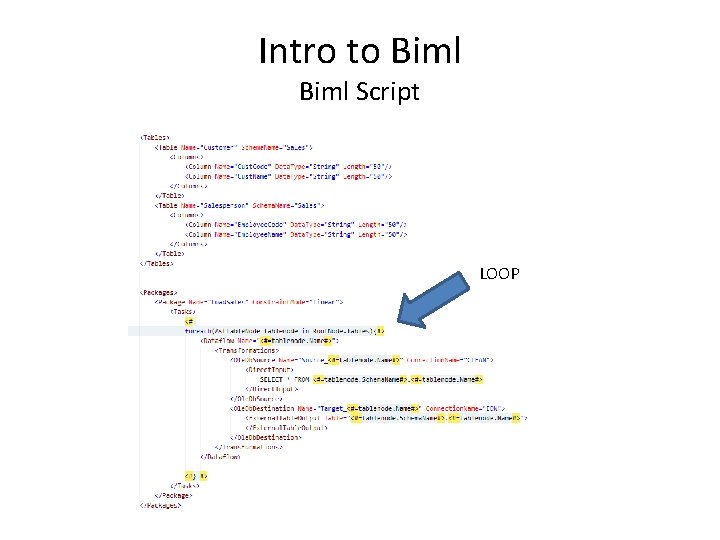
Intro to Biml Script LOOP
Why automate DW and ETL?
Why automate DW and ETL? The usual suspects • Enforcement of standard patterns, best practices and design decisions • Speed/performance of development – economy of scale and reusability • Less vulnerable to changes mid-project or in production • Deployment scenario • Less monkey work and more fun and valuable work (spend time where it matters most) • More configuration and less development – easier to staff projects with specialized profiles
Why automate DW and ETL? Enforcement of standard patterns, best practices, and design decisions • Written design manuals vs. design embedded in code • Written design manuals never followed completely because of different interpretations • Design embedded in code can be maintained and updated quickly and without manual errors • Responsibility for design of architecture, business logic, DW functionality, etc. is placed on distinct resources; ETL developer not responsible for implementing and handling all of them
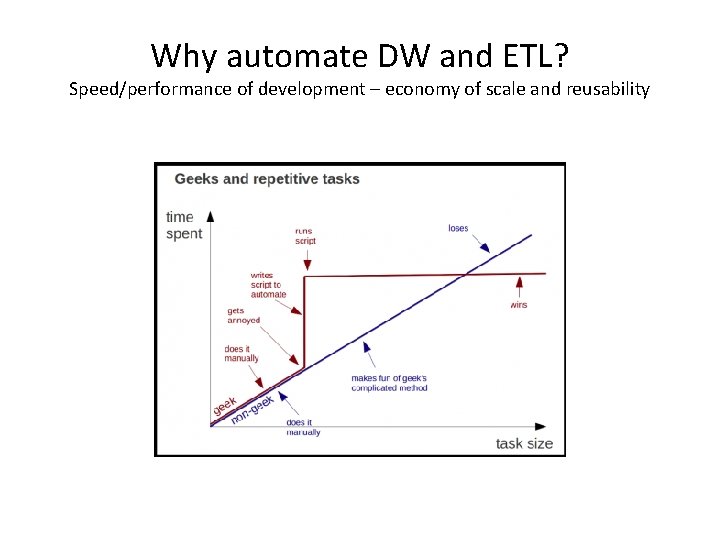
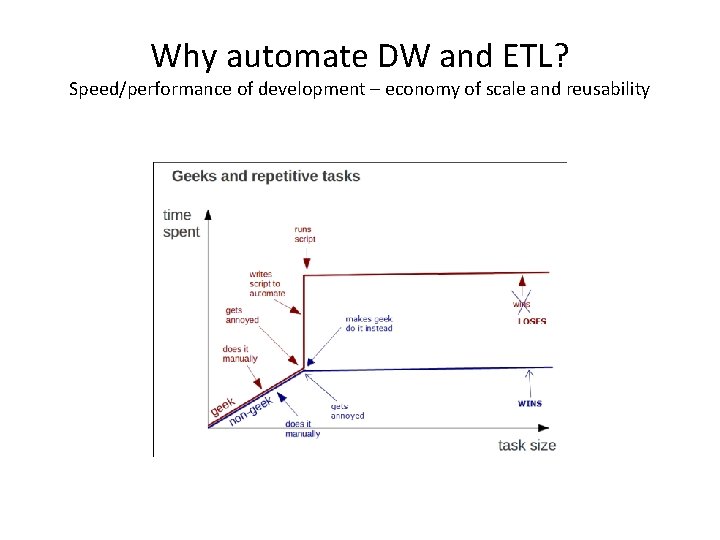
Why automate DW and ETL? Speed/performance of development – economy of scale and reusability
Why automate DW and ETL? Speed/performance of development – economy of scale and reusability
Why automate DW and ETL? Speed/performance of development – economy of scale and reusability • The gain one gets from reusability and automation grows as the size and complexity of the project grows. – You switch one time investments in framework code for the cost of continuous manual development – The more manual development you can switch, the better the business case for developing an automation framework will be. • On large scale projects reusability through automation also helps counteract growing complexity and keeping productivity stable – Otherwise an ever higher complexity as the project evolves will lower productivity accordingly. • On small scale projects repetitive work is not really a big issue – (and often it would take longer to develop a sufficiently advanced automation functionality than just doing it manually) – But on large scale projects the sheer amount of just the DSA loads, though simple, can take weeks and prevent the project from moving on.
Why automate DW and ETL? Less vulnerable to changes mid-project or in production • The context of a BI/DW project is often complex and changes over the course of the project with more or less severe consequences for the technical implementation and the code. • If all such changes are dealt with manually, each change (even small ones) can turn out to be time consuming and expensive. • Automation lowers risk and cost of changes during the development stages of the project by lowering amount of required manual work and thus lowers the risk of human error
Why automate DW and ETL? Deployment scenario • Local environment and local configuration/adaptation • In case there is a need for local deployment of a standard solution, but with a need for local adjustment and configuration, automation is almost always necessary in order to achieve this goal. • Automation makes it possible to apply an API layer to a core of standard functionality which allows for a structured local configuration process.
Why automate DW and ETL? Less tedious work and more fun and valuable work • In most projects a certain part of the development tasks are boring, repetitive, not challenging and too simple to waste resources on • Simple and repetitive tasks often result in errors due to lack of focus - without automation these errors may be difficult to identify and correct • Very talented and experienced consultants and developers do not wish to do not challenging and repetitive work for longer periods of time (if at all). To hold on to these resources (organization and project) it is desired to reduce the amount of such work. • Automation allows for the developers to focus on more complex, interesting and challenging work (which is often also more valuable to the customer) by “doing the repetitive work for them”.
Why automate DW and ETL? More configuration and less development • More configuration means that the customer, end users and nontechnical consultants can configure a lot of the business logic instead of having to rely on developers • Customers can maintain and control more themselves • Less (technical) requirements for the consultants on the project (you can add juniors and people with other technical experience to the project) • Configuration is often a lot faster than development • Configuration is less complex than development and therefore reduces risk of errors
Why automate DW and ETL? When to automate? Large scale projects Highly complex projects Deployment of locally configurable standard solution Projects with supposedly often changing context and environments When there is a need to standardize patterns and routines across the organization • When resources with sufficiently broad competences are sparse but needed for a project • • •
Why automate DW and ETL? When (maybe) not to automate? • Small and simple project (and you don’t already have a portable configurable meta framework) • Focus on quick delivery and the ability to “show something as soon as possible” (and you don’t already have a portable configurable meta framework) • You are forced to use a technology that makes the development of an automation framework very complex and time consuming
Experiences with automation
Experiences with automation Why this? • Examples of metadata approaches • Learn from past mistakes • Learn from past successes • Inspiration for future approaches
Experiences with automation - Before Biml
Experiences with automation - Before Biml: OESLDV (SQL) • 2005 -2008 • Deployment scenario • Distribute standard product to install and configure local DW with data from shared public systems and centralized data • Needed to automate DW (DDL) and ETL (SQL) locally in code • Install wizard (. NET) to collect metadata and configuration • SQL framework to generate DDL and ETL based on metadata
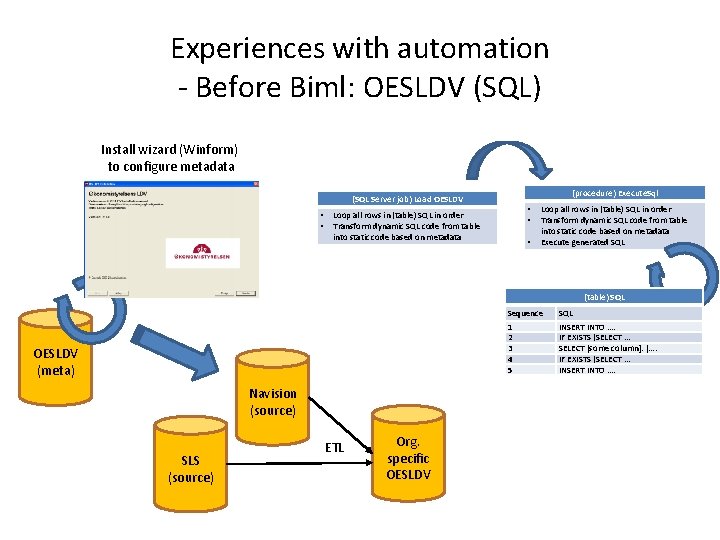
Experiences with automation - Before Biml: OESLDV (SQL) Install wizard (Winform) to configure metadata (procedure) Execute. Sql (SQL Server job) Load OESLDV • • Loop all rows in (table) SQL in order Transform dynamic SQL code from table into static code based on metadata Execute generated SQL (table) SQL OESLDV (meta) Navision (source) SLS (source) ETL Org. specific OESLDV Sequence SQL 1 2 3 4 5 INSERT INTO …. IF EXISTS (SELECT … SELECT [some column]. […. IF EXISTS (SELECT … INSERT INTO ….
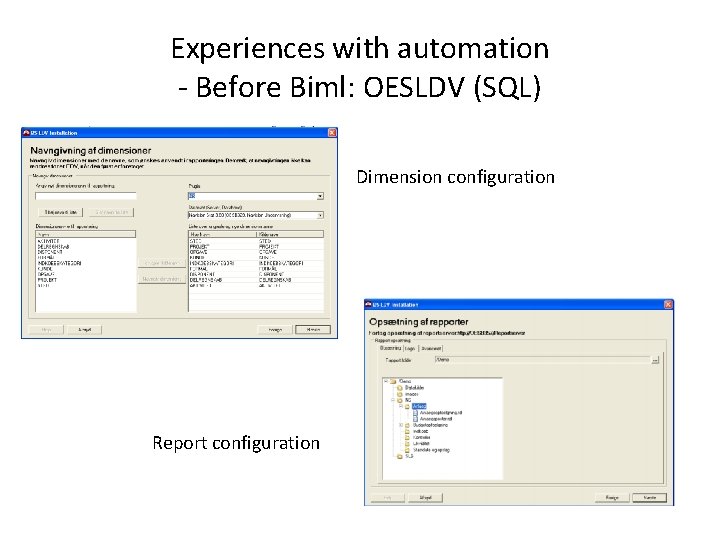
Experiences with automation - Before Biml: OESLDV (SQL) Dimension configuration Report configuration
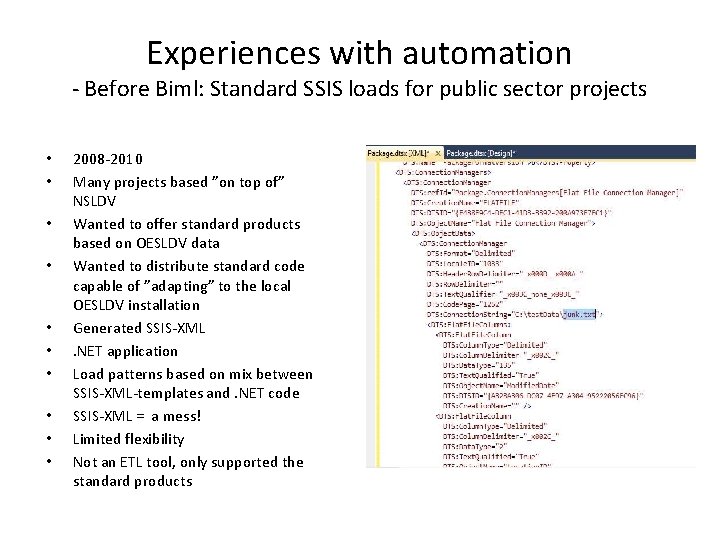
Experiences with automation - Before Biml: Standard SSIS loads for public sector projects • • • 2008 -2010 Many projects based ”on top of” NSLDV Wanted to offer standard products based on OESLDV data Wanted to distribute standard code capable of ”adapting” to the local OESLDV installation Generated SSIS-XML . NET application Load patterns based on mix between SSIS-XML-templates and. NET code SSIS-XML = a mess! Limited flexibility Not an ETL tool, only supported the standard products
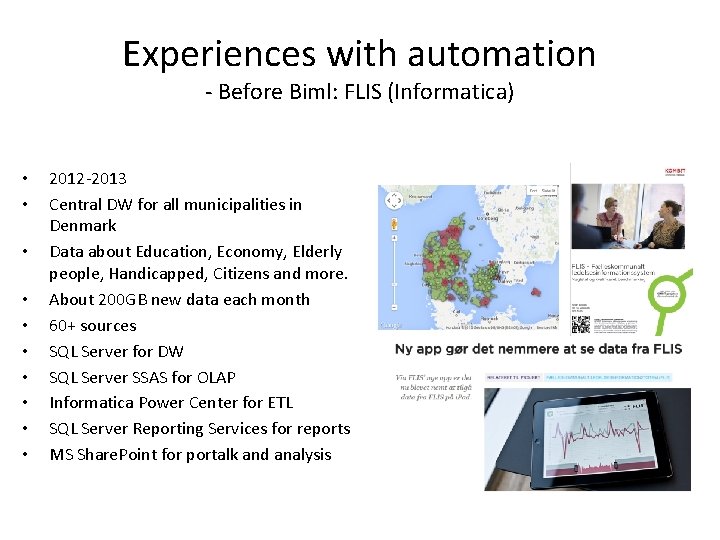
Experiences with automation - Before Biml: FLIS (Informatica) • • • 2012 -2013 Central DW for all municipalities in Denmark Data about Education, Economy, Elderly people, Handicapped, Citizens and more. About 200 GB new data each month 60+ sources SQL Server for DW SQL Server SSAS for OLAP Informatica Power Center for ETL SQL Server Reporting Services for reports MS Share. Point for portalk and analysis
Experiences with automation - Before Biml: FLIS (Informatica) Why automate on FLIS project? • No experience with Informatica (but had to use it) • Risk of having to change load patterns as we’d learn more about the ETL tool • 35 -40 people working at the same time when project on ”full speed” during most of 2012 • Many developers not familiar with DW theory and no experience with DW • All ressources had to work on something meaningful from day 1 (and we only had a couple of data sources at that time) • Scope = big!
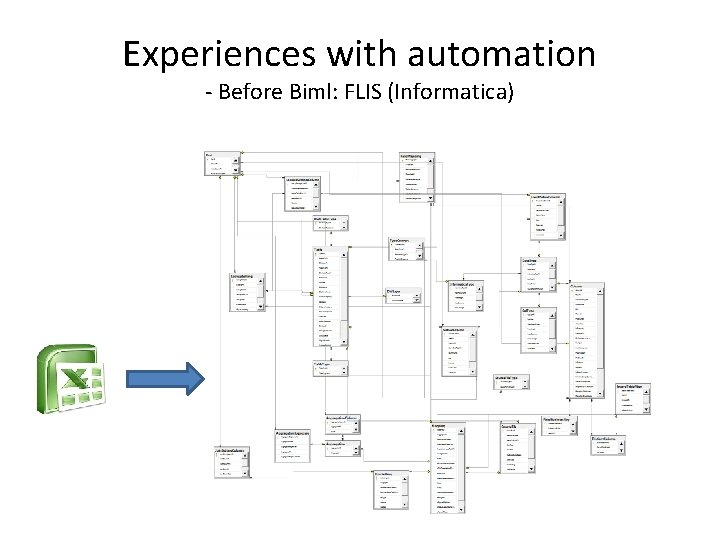
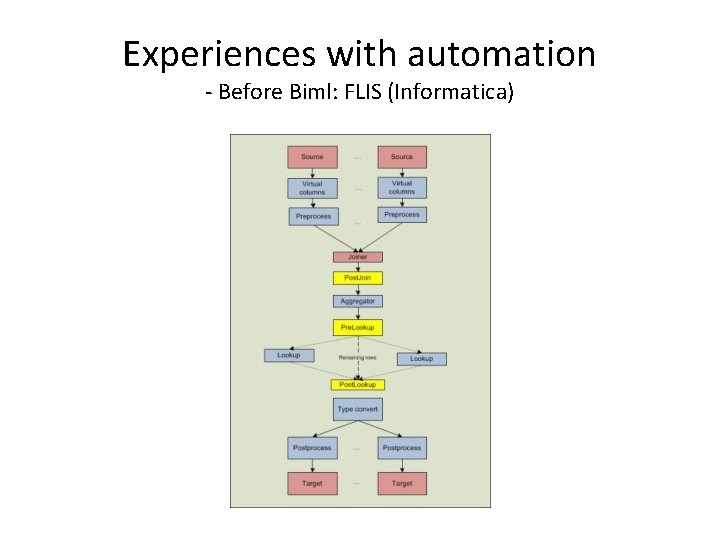
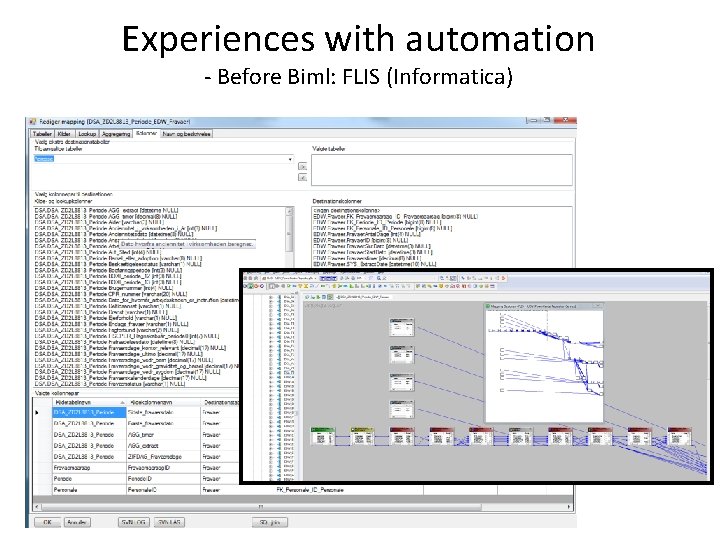
Experiences with automation - Before Biml: FLIS (Informatica) The solution • Use Informaticas ability to connect to Visio via XML imports (generated XML code and imported into Informatica) • Developed own auto generate-engine as a Winform app in. NET • Targeted 20/80 … auto generate 80% of the flows, manually develop 20% of the flows. We ended up generating 100% of the flows into the EDW database • Metadata about data models, data profiling, data suppliers, etc. was stored in an Excel sheet and then imported to the meta database
Experiences with automation - Before Biml: FLIS (Informatica)
Experiences with automation - Before Biml: FLIS (Informatica) Excel sheet stats: about 1. 200 tables and 11. 000 columns Contains information about: • Data profiling • Standardized data cleansing • Dependencies between data sources • Data source delivery type (full, delta, incremental, etc. ) • Encoding • Date formats • Much more…
Experiences with automation - Before Biml: FLIS (Informatica)
Experiences with automation - Before Biml: FLIS (Informatica)
Experiences with automation After Biml
Experiences with automation After Biml: Uni-C About the project • • A Danish ministry wants to make data primarily from a wide range of educational systems available to a broader group of users Data about • • • Types of educations Schools and other institutions Pupils applying for certain educations Pupils attending certain educations Tests and grades Etc. Customer and supplier enter into the project as one project group with resources from both SQL Server 2012 Integration Services EDW and datamarts (3 NF and de-normalized star schema)
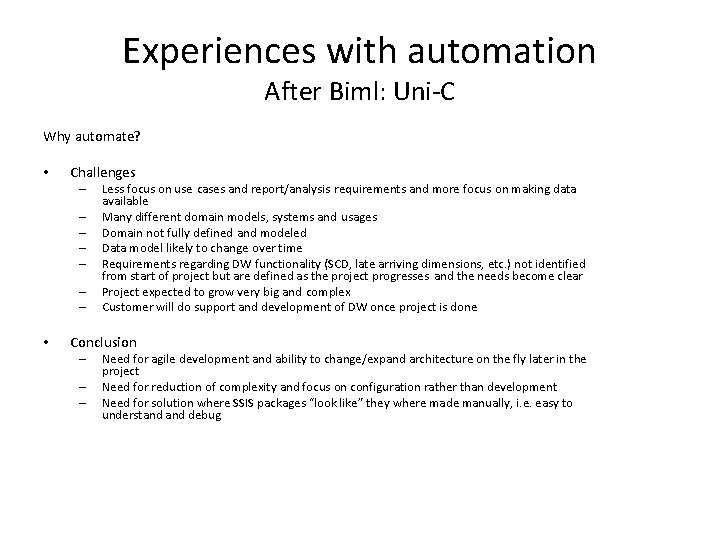
Experiences with automation After Biml: Uni-C Why automate? • Challenges – – – – • Less focus on use cases and report/analysis requirements and more focus on making data available Many different domain models, systems and usages Domain not fully defined and modeled Data model likely to change over time Requirements regarding DW functionality (SCD, late arriving dimensions, etc. ) not identified from start of project but are defined as the project progresses and the needs become clear Project expected to grow very big and complex Customer will do support and development of DW once project is done Conclusion – – – Need for agile development and ability to change/expand architecture on the fly later in the project Need for reduction of complexity and focus on configuration rather than development Need for solution where SSIS packages “look like” they where made manually, i. e. easy to understand debug
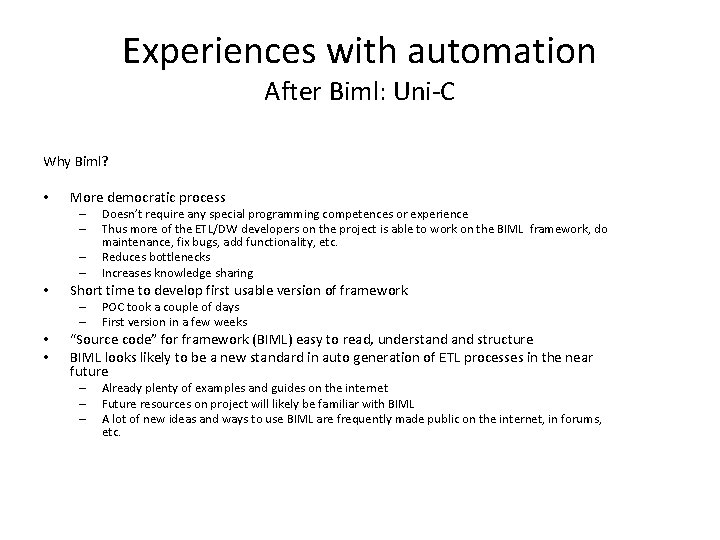
Experiences with automation After Biml: Uni-C Why Biml? • More democratic process – – • Short time to develop first usable version of framework – – • • Doesn’t require any special programming competences or experience Thus more of the ETL/DW developers on the project is able to work on the BIML framework, do maintenance, fix bugs, add functionality, etc. Reduces bottlenecks Increases knowledge sharing POC took a couple of days First version in a few weeks “Source code” for framework (BIML) easy to read, understand structure BIML looks likely to be a new standard in auto generation of ETL processes in the near future – – – Already plenty of examples and guides on the internet Future resources on project will likely be familiar with BIML A lot of new ideas and ways to use BIML are frequently made public on the internet, in forums, etc.
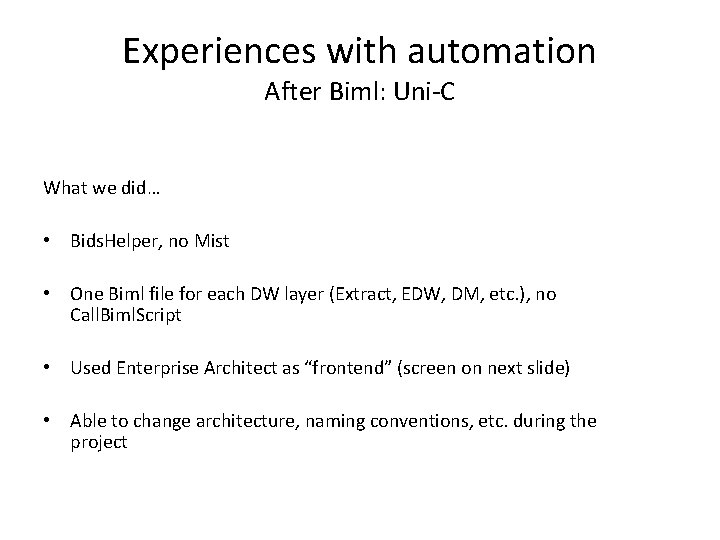
Experiences with automation After Biml: Uni-C What we did… • Bids. Helper, no Mist • One Biml file for each DW layer (Extract, EDW, DM, etc. ), no Call. Biml. Script • Used Enterprise Architect as “frontend” (screen on next slide) • Able to change architecture, naming conventions, etc. during the project
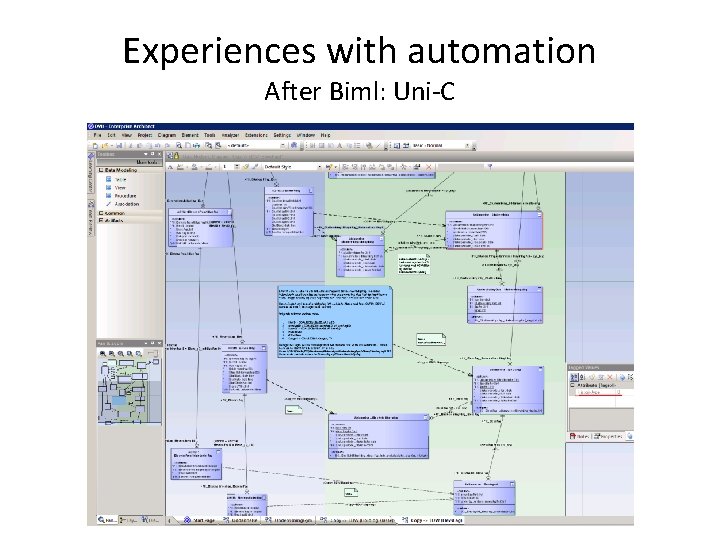
Experiences with automation After Biml: Uni-C
Approaches to automating with Biml
Approaches to automating with Biml • What are people doing with Biml “out there” on different projects? • Which approaches are used? • What kinds of metadata are used?
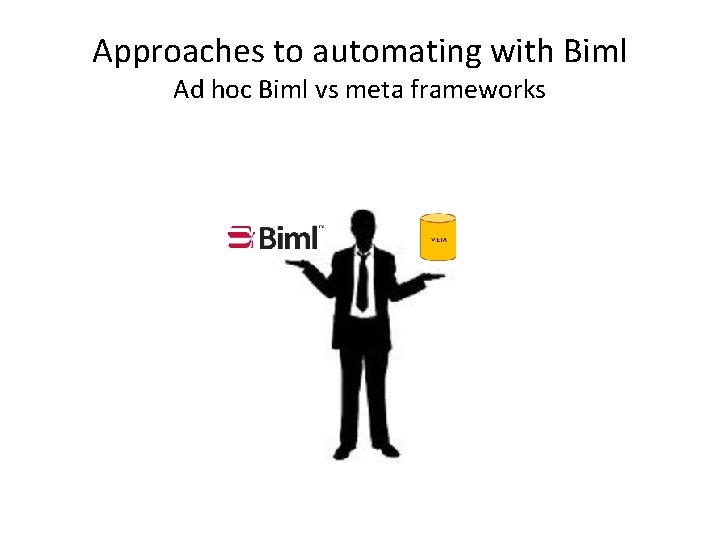
Approaches to automating with Biml Ad hoc Biml vs meta frameworks
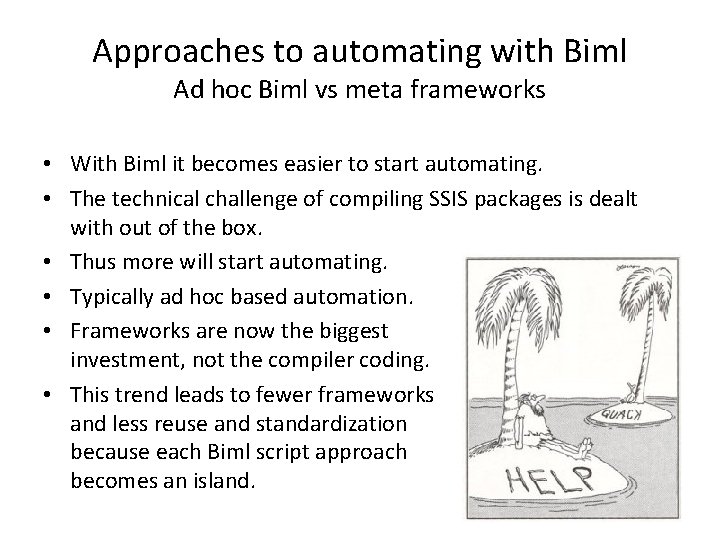
Approaches to automating with Biml Ad hoc Biml vs meta frameworks • With Biml it becomes easier to start automating. • The technical challenge of compiling SSIS packages is dealt with out of the box. • Thus more will start automating. • Typically ad hoc based automation. • Frameworks are now the biggest investment, not the compiler coding. • This trend leads to fewer frameworks and less reuse and standardization because each Biml script approach becomes an island.
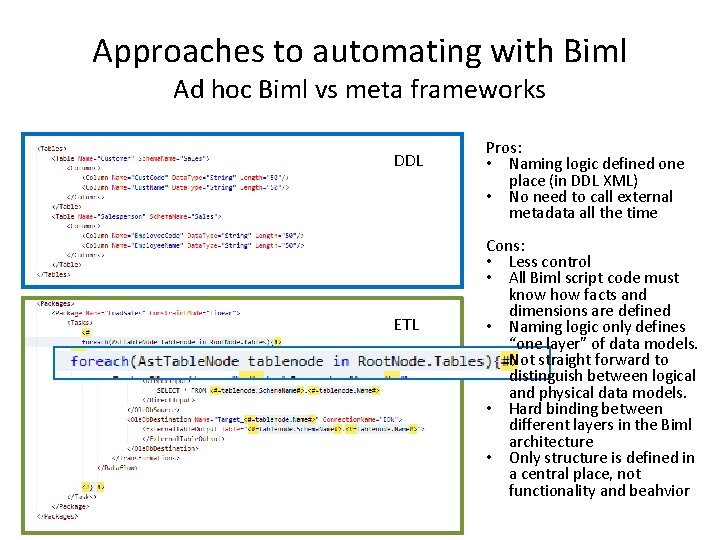
Approaches to automating with Biml Ad hoc Biml vs meta frameworks DDL ETL Pros: • Naming logic defined one place (in DDL XML) • No need to call external metadata all the time Cons: • Less control • All Biml script code must know how facts and dimensions are defined • Naming logic only defines “one layer” of data models. Not straight forward to distinguish between logical and physical data models. • Hard binding between different layers in the Biml architecture • Only structure is defined in a central place, not functionality and beahvior
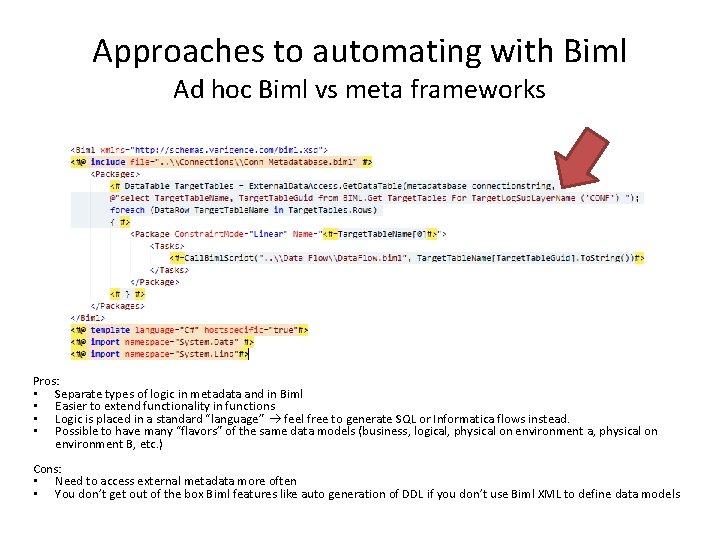
Approaches to automating with Biml Ad hoc Biml vs meta frameworks Pros: • Separate types of logic in metadata and in Biml • Easier to extend functionality in functions • Logic is placed in a standard “language” feel free to generate SQL or Informatica flows instead. • Possible to have many “flavors” of the same data models (business, logical, physical on environment a, physical on environment B, etc. ) Cons: • Need to access external metadata more often • You don’t get out of the box Biml features like auto generation of DDL if you don’t use Biml XML to define data models
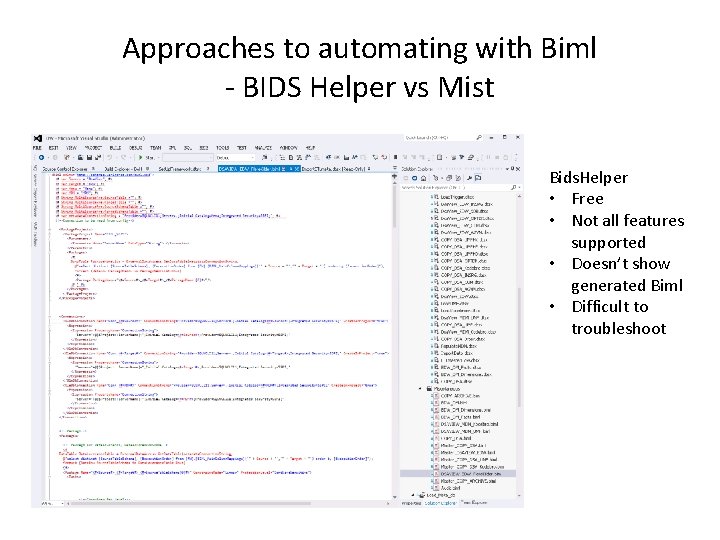
Approaches to automating with Biml - BIDS Helper vs Mist Bids. Helper • Free • Not all features supported • Doesn’t show generated Biml • Difficult to troubleshoot
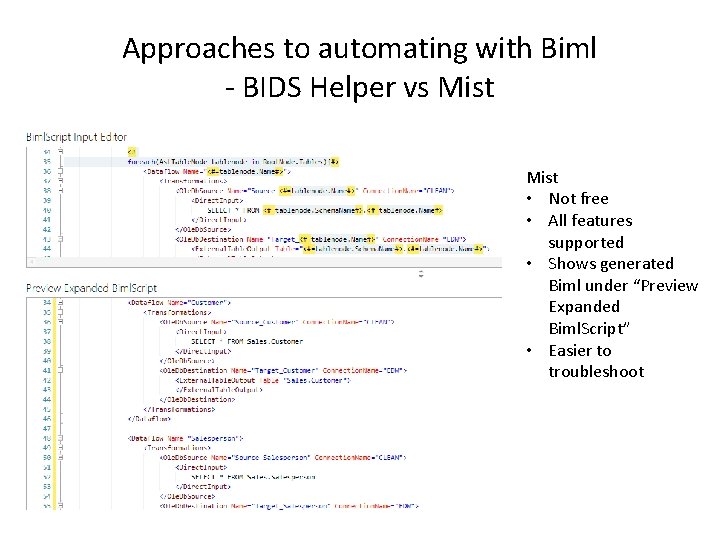
Approaches to automating with Biml - BIDS Helper vs Mist • Not free • All features supported • Shows generated Biml under “Preview Expanded Biml. Script” • Easier to troubleshoot
Approaches to automating with Biml - Natural metadata vs structured metadata • Easy and fast to ask SQL Servers metadata about data models • Works for simple flow generation like staging • As soon as natural metadata falls short consider ”migrating” to metadata or you’ll already have two places to look for metadata
Approaches to automating with Biml - Where to go from here?
Goals for meta frameworks
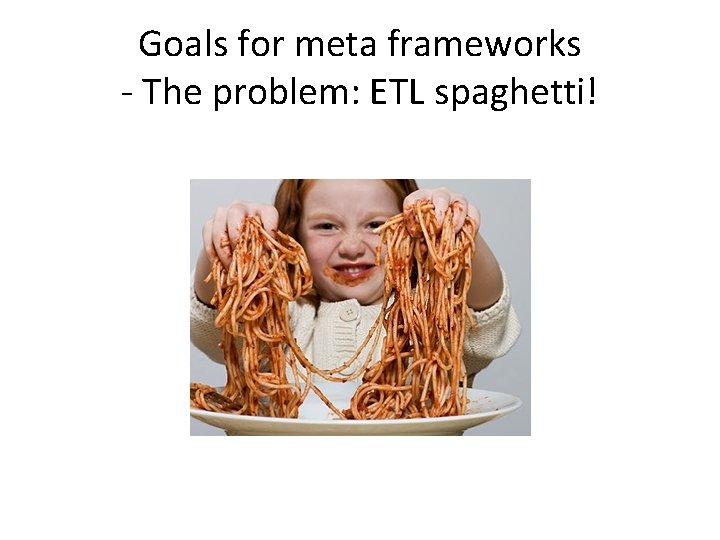
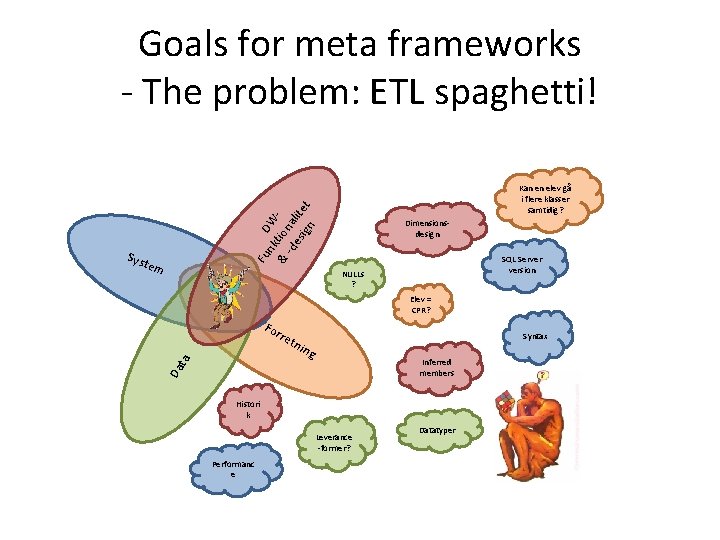
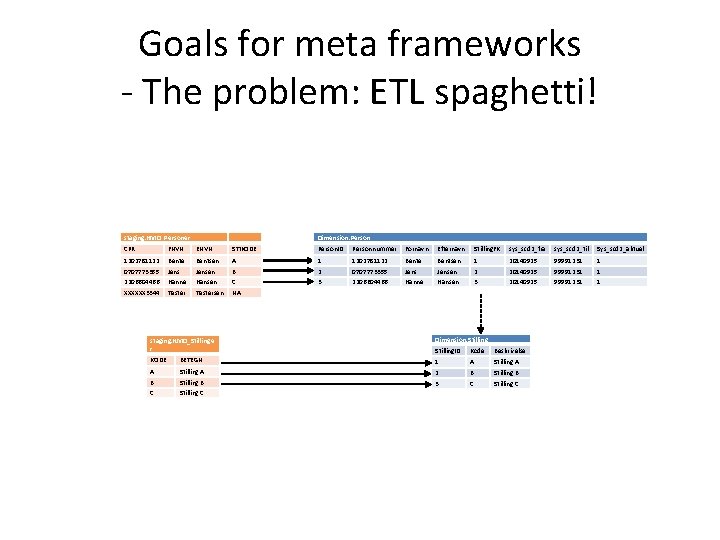
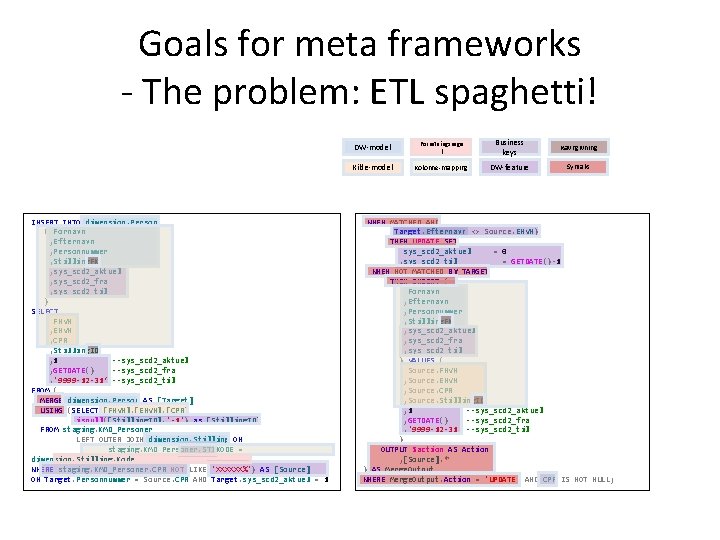
Goals for meta frameworks - The problem: ETL spaghetti!
Goals for meta frameworks - The problem: ETL spaghetti! nk DW & tion -d al es ite ign t Kan en elev gå i flere klasser samtidig? Fu Sys Dimensionsdesign tem SQL Server version NULLs ? Elev = CPR? Fo rre Syntax ng Inferred members Da ta tni Histori k Leverance -former? Performanc e Datatyper
![Goals for meta frameworks - The problem: ETL spaghetti! ”Is. Null([Elev. Kode ], 9999”](http://slidetodoc.com/presentation_image_h/e5233b10ba1446d8516026ee67afcaff/image-55.jpg "Goals for meta frameworks - The problem: ETL spaghetti! ”Is. Null([Elev. Kode ], 9999”")
Goals for meta frameworks - The problem: ETL spaghetti! ”Is. Null([Elev. Kode ], 9999” ”SET IDENTITY_INSER T dbo. Table ON” [Specialskole] is NULL --> ”Normalskole” Lookup no match values = ” -1” Dim_Elev skal have [T 2_From] og [T 2_To] ETL ”Convert(Int, [Antal. Materialer]) ”SELECT FROM Orders WHERE [Version] = ‘ 3’
Goals for meta frameworks - The problem: ETL spaghetti! staging. KMD_Personer Dimension. Person CPR FNVN ENVN STIKODE Person. ID Personnummer Fornavn Efternavn Stilling. FK sys_scd 2_fra sys_scd 2_til Sys_scd 2_aktuel 1202781122 Bente Bentsen A 1 1202781122 Bente Bentsen 1 20140925 99991231 1 0707773355 Jensen B 2 0707773355 Jensen 2 20140925 99991231 1 2206604466 Hanne Hansen C 3 2206604466 Hanne Hansen 3 20140925 99991231 1 XXXXXX 3344 Testersen NA staging. KMD_Stillinge r Dimension. Stilling. ID Kode Beskrivelse KODE BETEGN 1 A Stilling A 2 B Stilling B 3 C Stilling C
Goals for meta frameworks - The problem: ETL spaghetti! INSERT INTO dimension. Person ( Fornavn , Efternavn , Personnummer , Stilling. FK , sys_scd 2_aktuel , sys_scd 2_fra , sys_scd 2_til ) SELECT FNVN , ENVN , CPR , Stilling. ID , 1 --sys_scd 2_aktuel , GETDATE() --sys_scd 2_fra , '9999 -12 -31‘ --sys_scd 2_til FROM ( MERGE dimension. Person AS [Target] USING (SELECT [FNVN], [ENVN], [CPR] , isnull([Stilling. ID], '-1') as [Stilling. ID] FROM staging. KMD_Personer LEFT OUTER JOIN dimension. Stilling ON staging. KMD_Personer. STIKODE = dimension. Stilling. Kode WHERE staging. KMD_Personer. CPR NOT LIKE 'XXXXXX%') AS [Source] ON Target. Personnummer = Source. CPR AND Target. sys_scd 2_aktuel = 1 DW-model Forretningsrege l Business keys Navngivning Kilde-model Kolonne-mapping DW-feature Syntaks WHEN MATCHED AND (Target. Efternavn <> Source. ENVN) THEN UPDATE SET sys_scd 2_aktuel = 0 , sys_scd 2_til = GETDATE()-1 WHEN NOT MATCHED BY TARGET THEN INSERT ( Fornavn , Efternavn , Personnummer , Stilling. FK , sys_scd 2_aktuel , sys_scd 2_fra , sys_scd 2_til ) VALUES ( Source. FNVN , Source. ENVN , Source. CPR , Source. Stilling. ID , 1 --sys_scd 2_aktuel , GETDATE() --sys_scd 2_fra , '9999 -12 -31' --sys_scd 2_til ) OUTPUT $action AS Action , [Source]. * ) AS Merge. Output WHERE Merge. Output. Action = 'UPDATE' AND CPR IS NOT NULL;
Goals for meta frameworks Consequences of ETL spaghetti • Each ETL resource plays many different roles: architect, ETL designer, data modeler, business consultant, etc. • Almost all people involved in the DW project have to know about almost all aspects of the project • Difficult to staff projects • More human errors • Difficult to maintain code and designs • Difficult to change architecture, naming conventions, load patterns, etc. • Lots more…
Goals for meta frameworks What to achieve? • Segregation of information domains (loose coupling between different types of DW/ETL information) • Support each DW project process directly • Allow for more specialized resources on DW projects • Code reuse • Maintainable
Building a framework
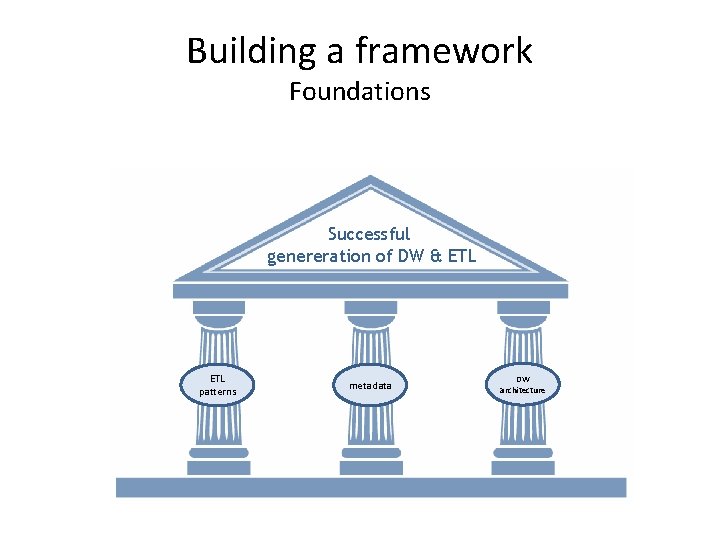
Building a framework Foundations Successful genereration of DW & ETL patterns metadata DW architecture
Building a framework Considerations
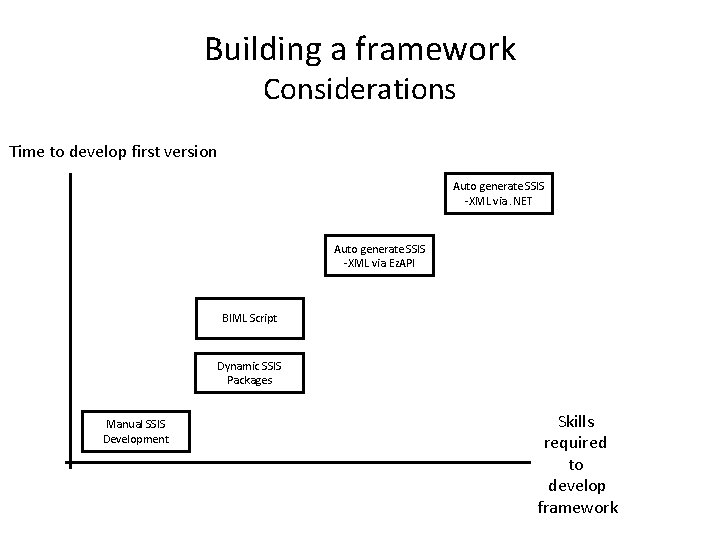
Building a framework Considerations Time to develop first version Auto generate SSIS -XML via. NET Auto generate SSIS -XML via Ez. API BIML Script Dynamic SSIS Packages Manual SSIS Development Skills required to develop framework
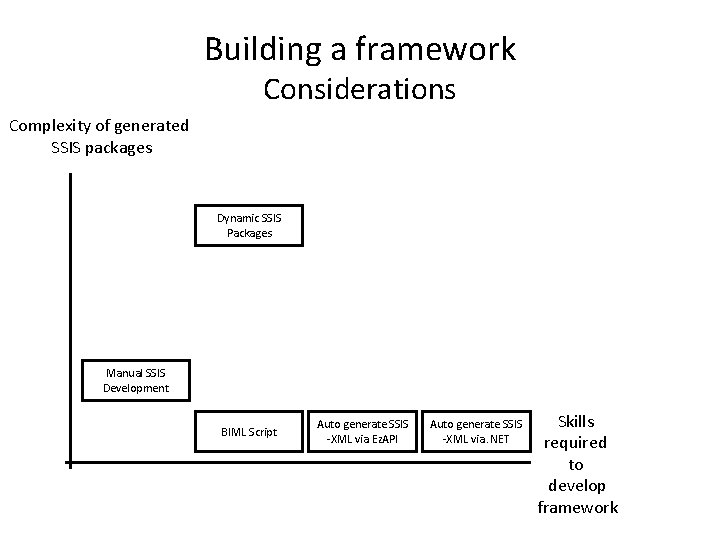
Building a framework Considerations Complexity of generated SSIS packages Dynamic SSIS Packages Manual SSIS Development BIML Script Auto generate SSIS -XML via Ez. API Auto generate SSIS -XML via. NET Skills required to develop framework
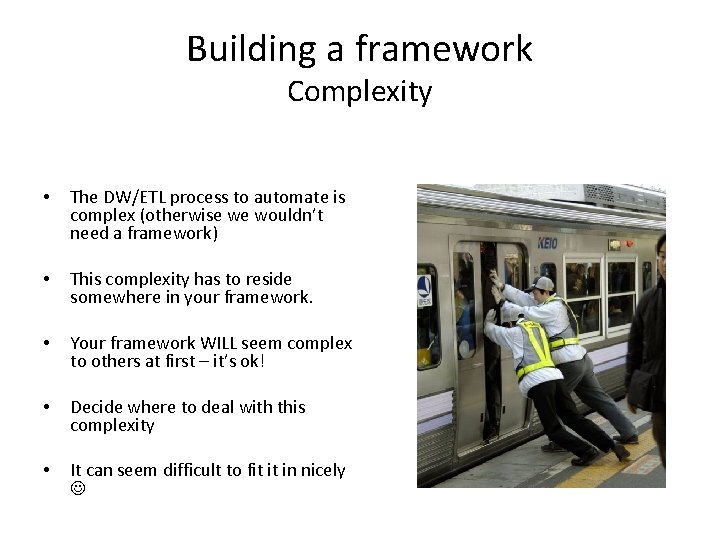
Building a framework Complexity • The DW/ETL process to automate is complex (otherwise we wouldn’t need a framework) • This complexity has to reside somewhere in your framework. • Your framework WILL seem complex to others at first – it’s ok! • Decide where to deal with this complexity • It can seem difficult to fit it in nicely
Building a framework From thinking in flows to thinking in models • Frameworks allow us to move towards thinking in models instead of thinking in ETL flows. • The flow is always the result of something else. it is a means to an end. • Stop thinking in flows when working with frameworks. • Stop designing flows. • Design what lies behind the flow and generate the flow. • It requires a shift in the way we think.
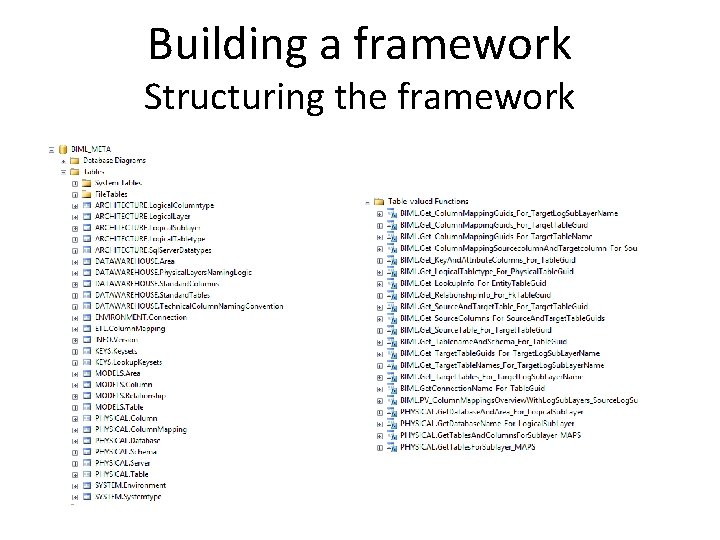
Building a framework Structuring the framework
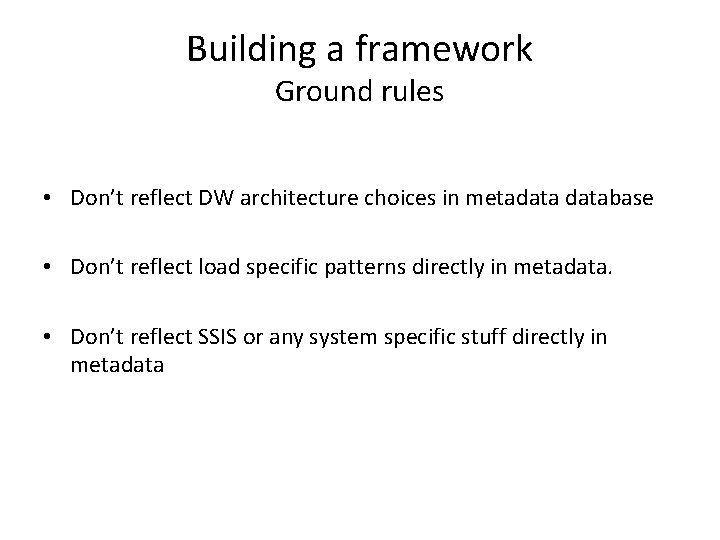
Building a framework Ground rules • Don’t reflect DW architecture choices in metadatabase • Don’t reflect load specific patterns directly in metadata. • Don’t reflect SSIS or any system specific stuff directly in metadata
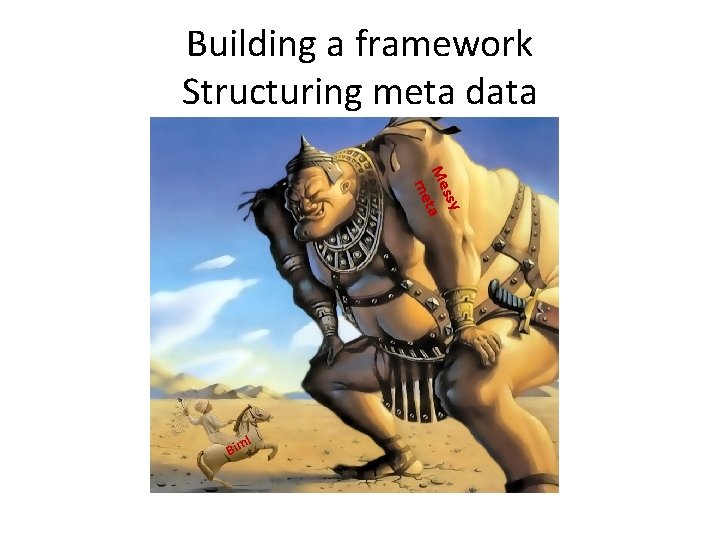
Building a framework Structuring meta data ssy Me ta me l Bim
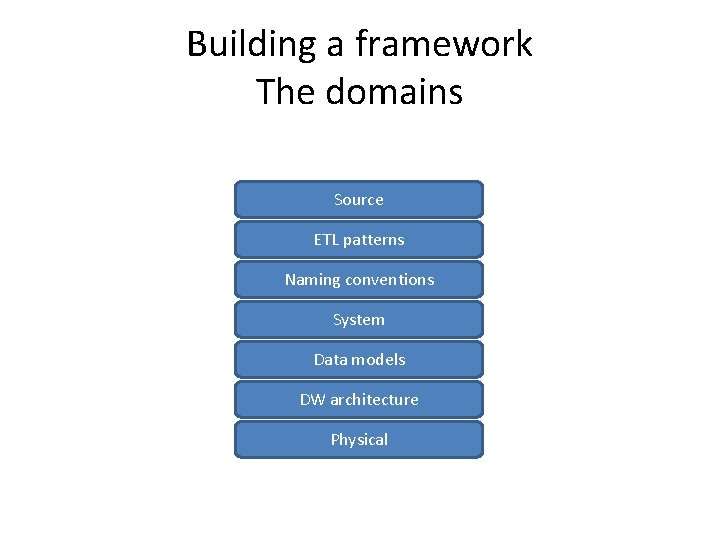
Building a framework The domains Source ETL patterns Naming conventions System Data models DW architecture Physical
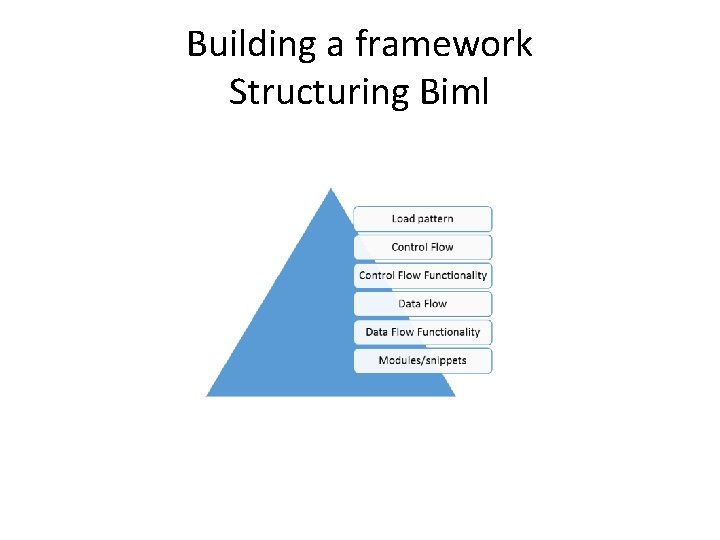
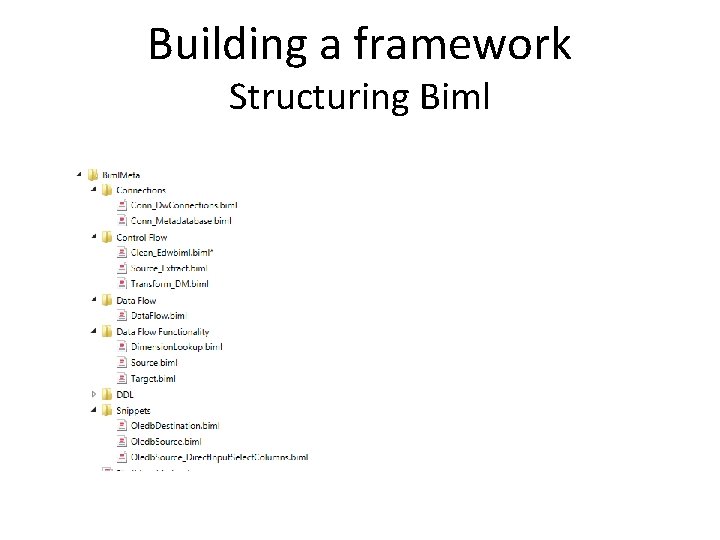
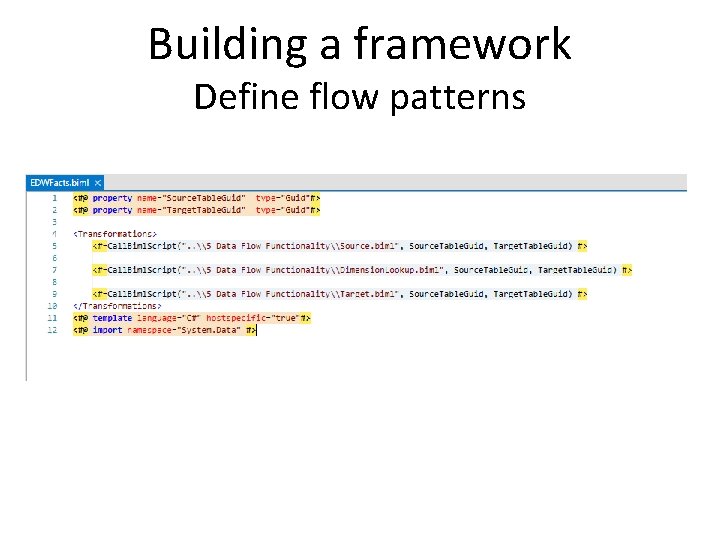
Building a framework Structuring Biml • Often in the past people have thought about defining standard ETL flow patterns. • How to express ETL in an abstract language. • Structure Biml for code reuse • Focus on “responsibility” of each layer in Biml architecture or for each “type” of Biml file.
Building a framework Structuring Biml
Building a framework Structuring Biml
Building a framework. DW Project Process: Modeling
Building a framework Other processes • Define ETL flow standards • Define DW architecture • Define environments
Building a framework Define flow patterns
Building a framework Structuring the framework
Running a framework project
Running a framework project • When starting a framework project, what helps people most isn’t Biml syntax but “all the stuff surrounding the framework and the process” • Multiple ETL developers using same metadata repository. problems and ways to deal with them. • Framework project should not be considered the same as the DW/ETL projects • Source code and versioning are new disciplines
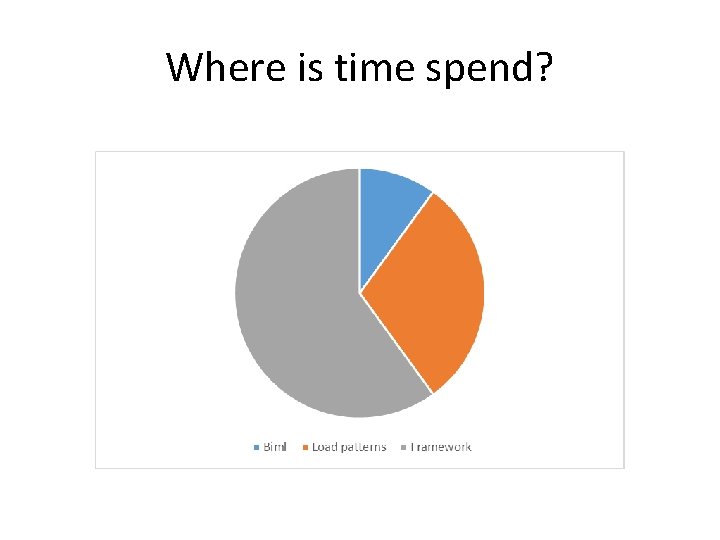
Where is time spend?
Test data • Test data for FW projects. • Different kind of test data. • Have to test for everything. • Not necessarily focus on domain data • Focus on structure and form
(Graphical) User Interfaces
(Graphical) User Interfaces Some examples • FIS GUI (Winform) focused on flow, later work focused on modelling. • On FLIS and Uni. C Excel was used initially to store data models and physical structures • On Skandia we used Access to quickly create a GUI • Lightswitch • MDS • Data Modeling Software (IDA/Enterprise Architect) used on Uni. C and SOS INternational
Perspectives
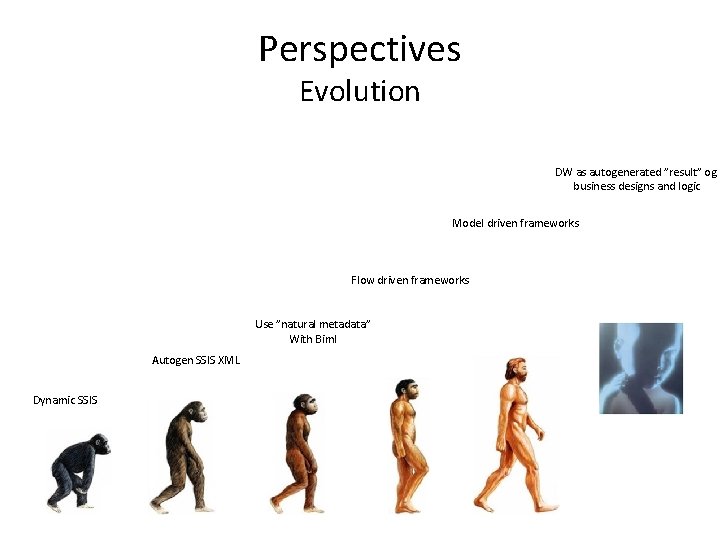
Perspectives Evolution DW as autogenerated ”result” og business designs and logic Model driven frameworks Flow driven frameworks Use ”natural metadata” With Biml Autogen SSIS XML Dynamic SSIS
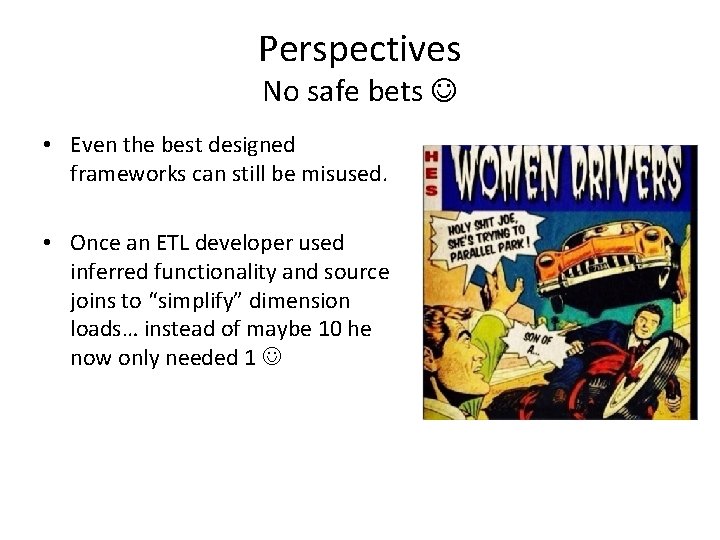
Perspectives No safe bets • Even the best designed frameworks can still be misused. • Once an ETL developer used inferred functionality and source joins to “simplify” dimension loads… instead of maybe 10 he now only needed 1
Questions
- Slides: 87