
Build Your Own Research Database Using Doc Fetcher
Build Your Own Research Database Using Doc. Fetcher Open Source Software C HRIS S WEET ILLINOIS WESLEYAN UNIVERSITY 2019 ACRL C ONF ERENCE

What is Doc. Fetcher? • Open source desktop indexing software • http: //docfetcher. sourceforge. net What are some potential uses of Doc. Fetcher? • Searching all of your notes, emails, files, etc from one application • Full-text keyword searching • Basic digital humanities projects • Historical research • Indexing special collections or archival material What did I use Doc. Fetcher for? • Research for a book on the history of bicycling in Illinois (tens of thousands of. pdf pages)
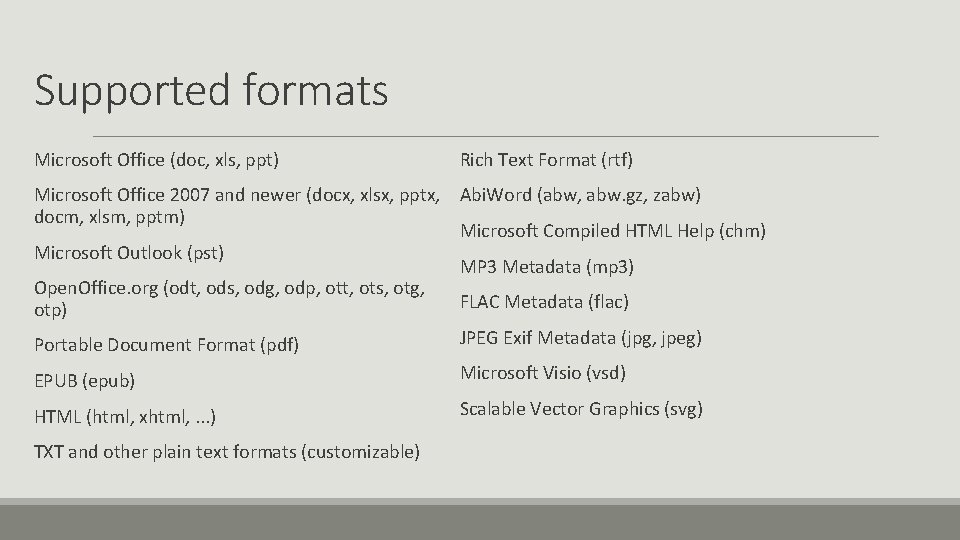
Supported formats Microsoft Office (doc, xls, ppt) Rich Text Format (rtf) Microsoft Office 2007 and newer (docx, xlsx, pptx, Abi. Word (abw, abw. gz, zabw) docm, xlsm, pptm) Microsoft Compiled HTML Help (chm) Microsoft Outlook (pst) MP 3 Metadata (mp 3) Open. Office. org (odt, ods, odg, odp, ott, ots, otg, FLAC Metadata (flac) otp) JPEG Exif Metadata (jpg, jpeg) Portable Document Format (pdf) EPUB (epub) Microsoft Visio (vsd) HTML (html, xhtml, . . . ) Scalable Vector Graphics (svg) TXT and other plain text formats (customizable)
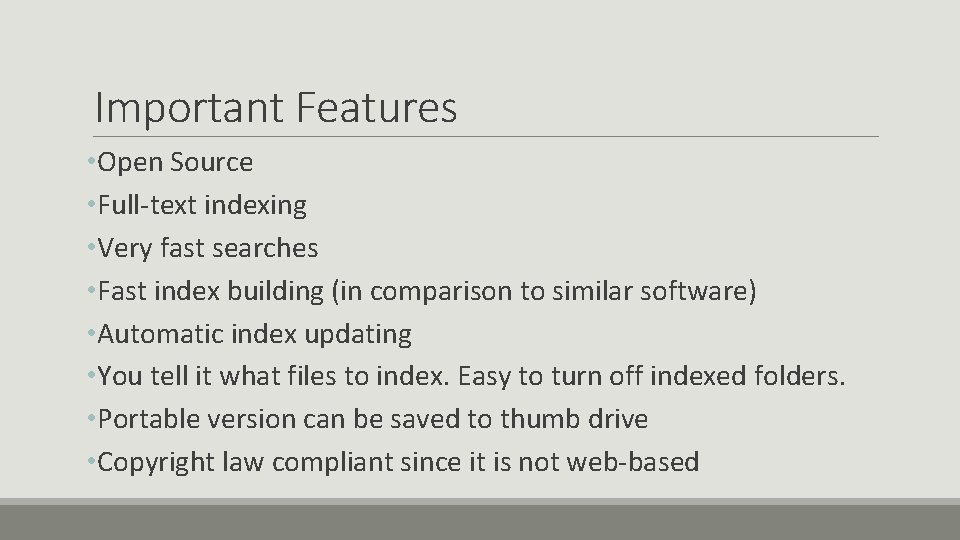
Important Features • Open Source • Full-text indexing • Very fast searches • Fast index building (in comparison to similar software) • Automatic index updating • You tell it what files to index. Easy to turn off indexed folders. • Portable version can be saved to thumb drive • Copyright law compliant since it is not web-based
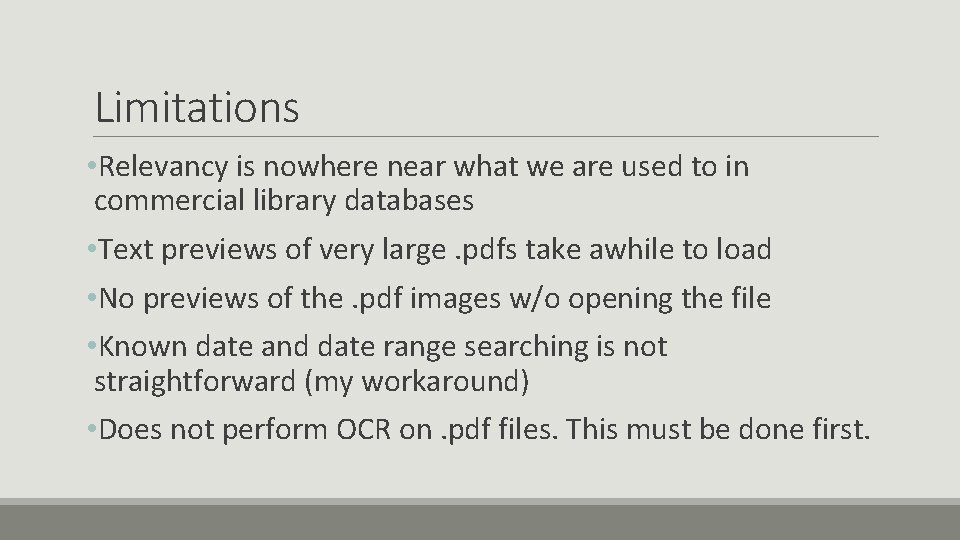
Limitations • Relevancy is nowhere near what we are used to in commercial library databases • Text previews of very large. pdfs take awhile to load • No previews of the. pdf images w/o opening the file • Known date and date range searching is not straightforward (my workaround) • Does not perform OCR on. pdf files. This must be done first.
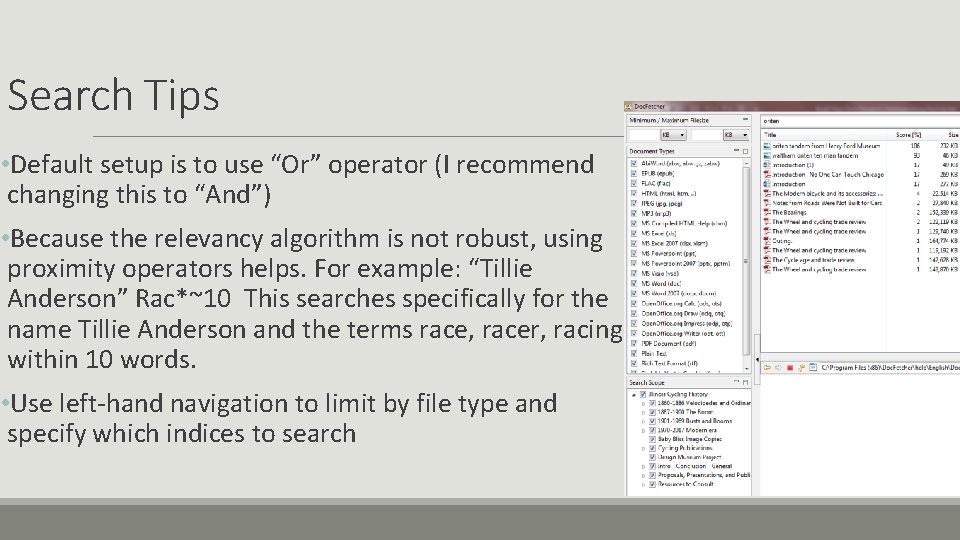
Search Tips • Default setup is to use “Or” operator (I recommend changing this to “And”) • Because the relevancy algorithm is not robust, using proximity operators helps. For example: “Tillie Anderson” Rac*~10 This searches specifically for the name Tillie Anderson and the terms race, racer, racing within 10 words. • Use left-hand navigation to limit by file type and specify which indices to search
Utilizing Hathi Trust and Internet Archive • You can create an account and assemble custom lists of items to search in each repository, but it is a pain, and you have to repeat searches in each. • Easy to download from Archive. org • Harder (depending on institutional access) to download complete items from Hathi Trust • Save materials to topical folders, then have Doc. Fetcher index them • These are just popular examples. There are many sources of digitized materials today.
Using Your Own Notes in the Index My personal research process: 1. Mark passages in books and articles with post-it notes 2. Scan these materials to a. pdf format 3. Use Acrobat Pro to perform Optical Character Recognition (OCR) on these items 4. Copy and paste the passages I had noted into Google Documents 5. Add the files to my Doc. Fetcher index for future searching (extremely useful!)
Doc. Fetcher in Action
Docfetcher Alternatives? Copernic Lookeen +indexed full-text +Free individual license +fast search results -Slower than Doc. Fetcher -slow indexing X 1 Search -slow document preview, no highlighted keywords -Free Trial, $50 purchase -results just arranged alphabetically -no hit count -$15 per year -extremely slow to load large pdfs -poor relevancy ranking
Questions? Chris Sweet Illinois Wesleyan University csweet@iwu. edu
- Slides: 11