
Build a Modern Digital Workplace with Office 365
Build a Modern Digital Workplace with Office 365 - Ragav Jagannathan, KLST
About Me
About Me • My name is Ragav Jagannathan (“Ragav”) • Born in India, Raised in Australia, Living in New Jersey and Working in New York City. Travelled over 4 continents, 22 countries, 58 cities for Share. Point implementations. • 15+ years experience with Share. Point, 106+ Enterprise Share. Point implementations. • Share. Point advocate, mentor, blogger, trainer, evangelist. • Solve Complex Business problems using code-free, out-of-box Share. Point. • Founder & President - KL Software Technologies (KLST) group of companies – www. klstinc. com • Follow me @ • • Twitter - @ragavj Skype – sip: ragav@klstinc. com Linked. In – www. linkedin. com/in/ragav Blog – ragavj. blogspot. com
About KL Software Technologies (“KLST”)
About KL Software Technologies (“KLST”) • 14+ Years of Excellence • HQ in New York City, offices in Sydney AUSTRALIA and Chennai INDIA. • Microsoft GOLD Competencies in Cloud Productivity, Cloud Platform, Collaboration, Application Development • Global Microsoft Certified Team of Share. Point experts • Key Partnerships – Microsoft, Apple, Google, Harmon. ie, Metalogix • Mobile-First, Cloud-First Software+Services offerings – lead with key vertical & horizontal solutions – www. klstinc. com/whyklst • Project 101 - Mobile-First Project & Portfolio Management for Office 365 – www. klstinc. com/project 101 • Connect. ORG - Simplified Enterprise Social Knowledge Management – www. klstinc. com/connectorg
Session Objectives
Session Objectives 1 Collaboration Today 2 Modern Tools 3 What, When, How
Collaboration Today
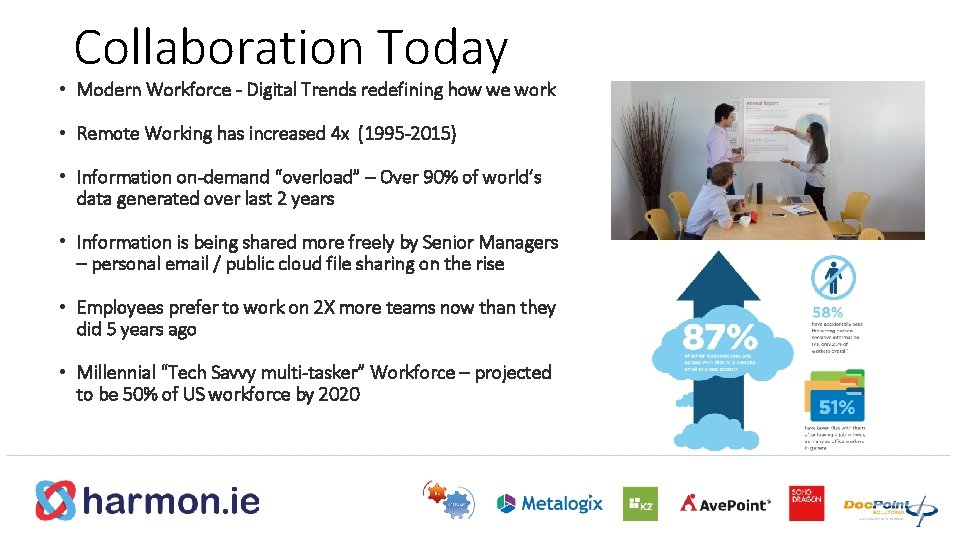
Collaboration Today • Modern Workforce - Digital Trends redefining how we work • Remote Working has increased 4 x (1995 -2015) • Information on-demand “overload” – Over 90% of world’s data generated over last 2 years • Information is being shared more freely by Senior Managers – personal email / public cloud file sharing on the rise • Employees prefer to work on 2 X more teams now than they did 5 years ago • Millennial “Tech Savvy multi-tasker” Workforce – projected to be 50% of US workforce by 2020
Modern Tools
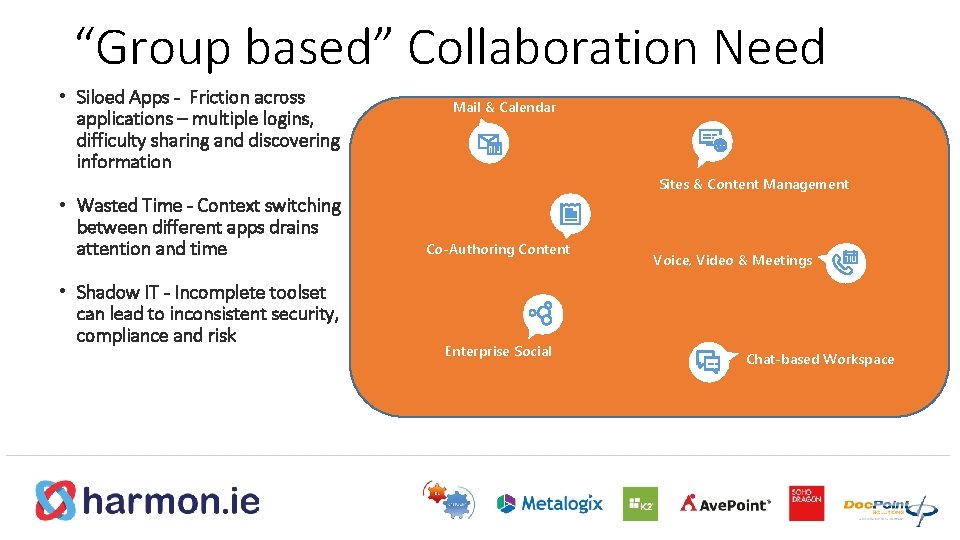
“Group based” Collaboration Need • Siloed Apps - Friction across applications – multiple logins, difficulty sharing and discovering information • Wasted Time - Context switching between different apps drains attention and time • Shadow IT - Incomplete toolset can lead to inconsistent security, compliance and risk Mail & Calendar Sites & Content Management Co-Authoring Content Enterprise Social Voice, Video & Meetings Chat-based Workspace
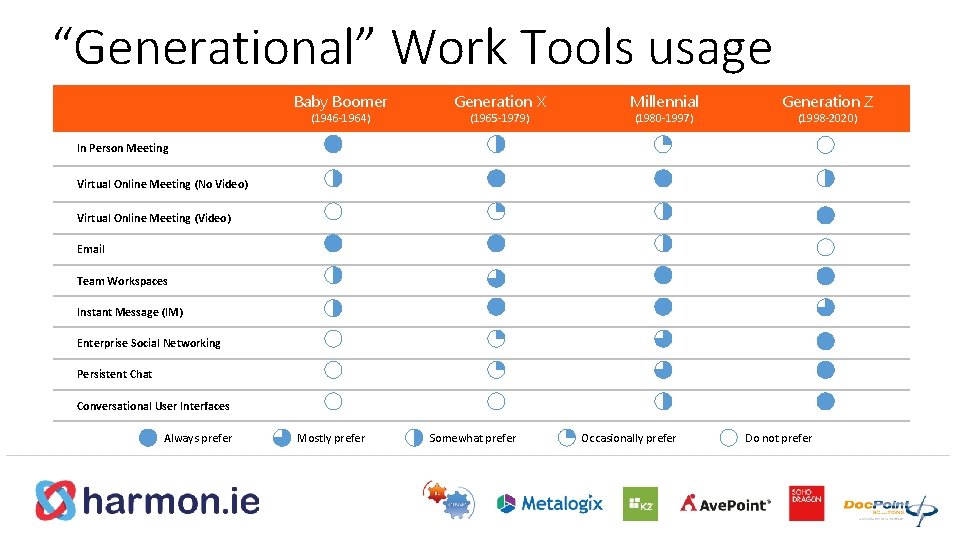
“Generational” Work Tools usage Baby Boomer (1946 -1964) Generation X (1965 -1979) Millennial (1980 -1997) Generation Z (1998 -2020) In Person Meeting Virtual Online Meeting (No Video) Virtual Online Meeting (Video) Email Team Workspaces Instant Message (IM) Enterprise Social Networking Persistent Chat Conversational User Interfaces Always prefer Mostly prefer Somewhat prefer Occasionally prefer Do not prefer
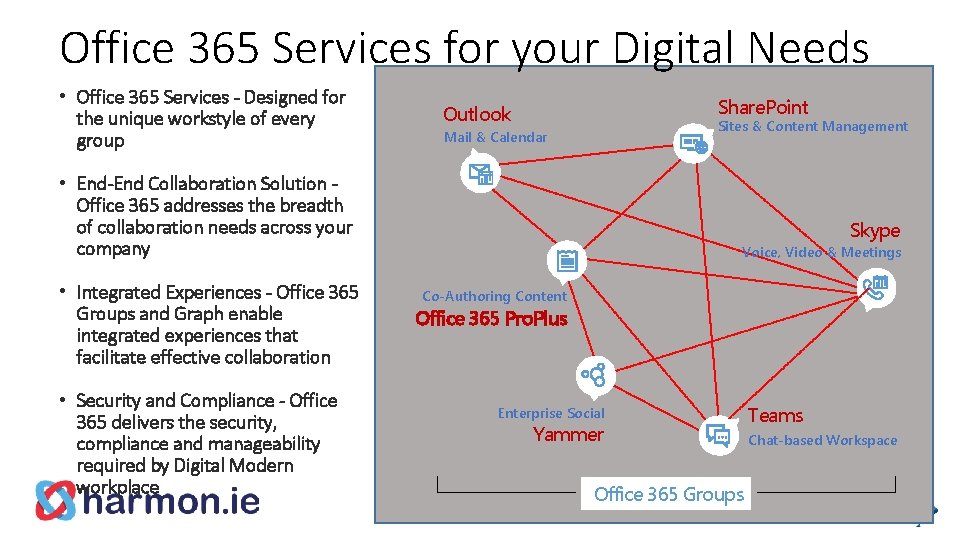
Office 365 Services for your Digital Needs • Office 365 Services - Designed for the unique workstyle of every group Share. Point Outlook Sites & Content Management Mail & Calendar • End-End Collaboration Solution Office 365 addresses the breadth of collaboration needs across your company • Integrated Experiences - Office 365 Groups and Graph enable integrated experiences that facilitate effective collaboration • Security and Compliance - Office 365 delivers the security, compliance and manageability required by Digital Modern workplace Skype Voice, Video & Meetings Co-Authoring Content Office 365 Pro. Plus Enterprise Social Yammer Office 365 Groups Teams Chat-based Workspace
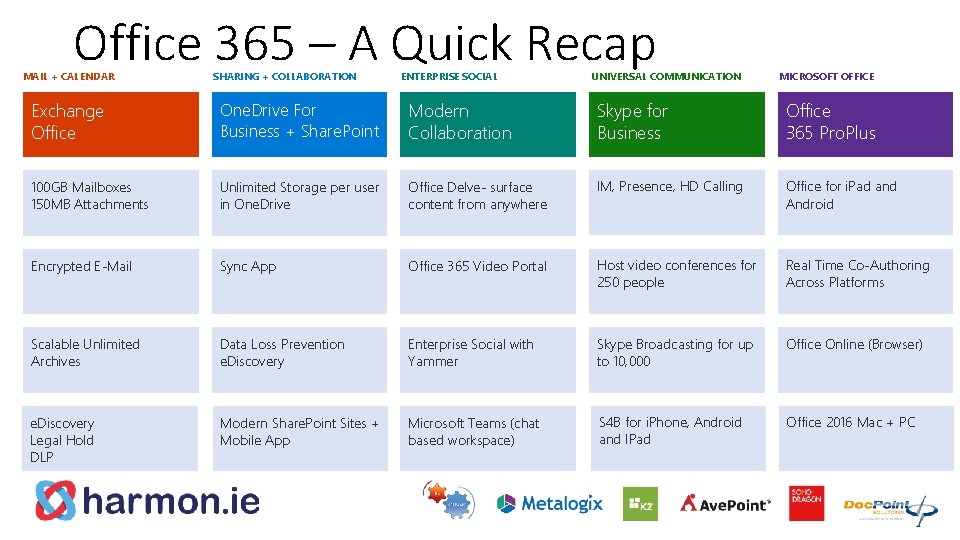
Office 365 – A Quick Recap MAIL + CALENDAR SHARING + COLLABORATION ENTERPRISE SOCIAL UNIVERSAL COMMUNICATION MICROSOFT OFFICE Exchange Office One. Drive For Business + Share. Point Modern Collaboration Skype for Business Office 365 Pro. Plus 100 GB Mailboxes 150 MB Attachments Unlimited Storage per user in One. Drive Office Delve- surface content from anywhere IM, Presence, HD Calling Office for i. Pad and Android Encrypted E-Mail Sync App Office 365 Video Portal Host video conferences for 250 people Real Time Co-Authoring Across Platforms Scalable Unlimited Archives Data Loss Prevention e. Discovery Enterprise Social with Yammer Skype Broadcasting for up to 10, 000 Office Online (Browser) e. Discovery Legal Hold DLP Modern Share. Point Sites + Mobile App Microsoft Teams (chat based workspace) S 4 B for i. Phone, Android and IPad Office 2016 Mac + PC
What, When, How?
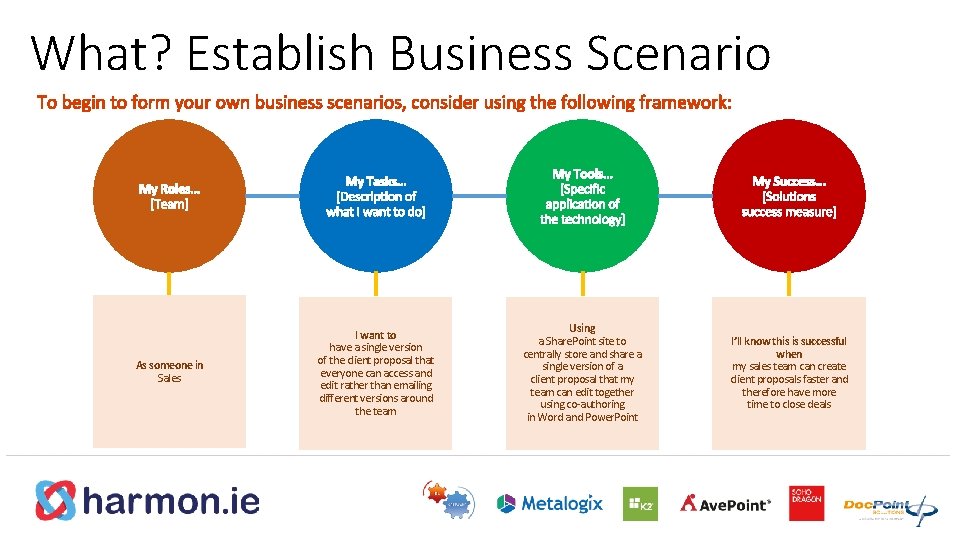
What? Establish Business Scenario As someone in Sales I want to have a single version of the client proposal that everyone can access and edit rather than emailing different versions around the team Using a Share. Point site to centrally store and share a single version of a client proposal that my team can edit together using co-authoring in Word and Power. Point I’ll know this is successful when my sales team can create client proposals faster and therefore have more time to close deals
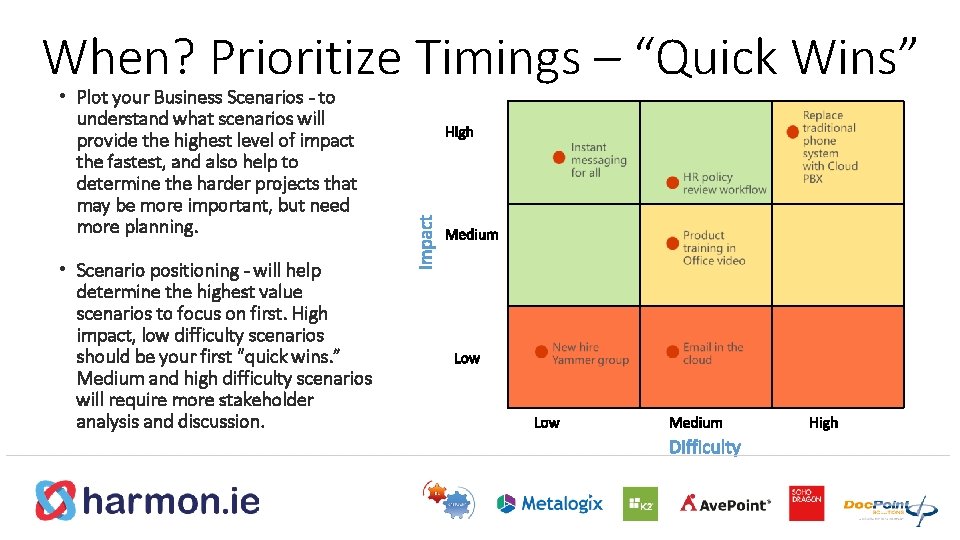
When? Prioritize Timings – “Quick Wins” • Plot your Business Scenarios - to understand what scenarios will provide the highest level of impact the fastest, and also help to determine the harder projects that may be more important, but need more planning. • Scenario positioning - will help determine the highest value scenarios to focus on first. High impact, low difficulty scenarios should be your first “quick wins. ” Medium and high difficulty scenarios will require more stakeholder analysis and discussion.
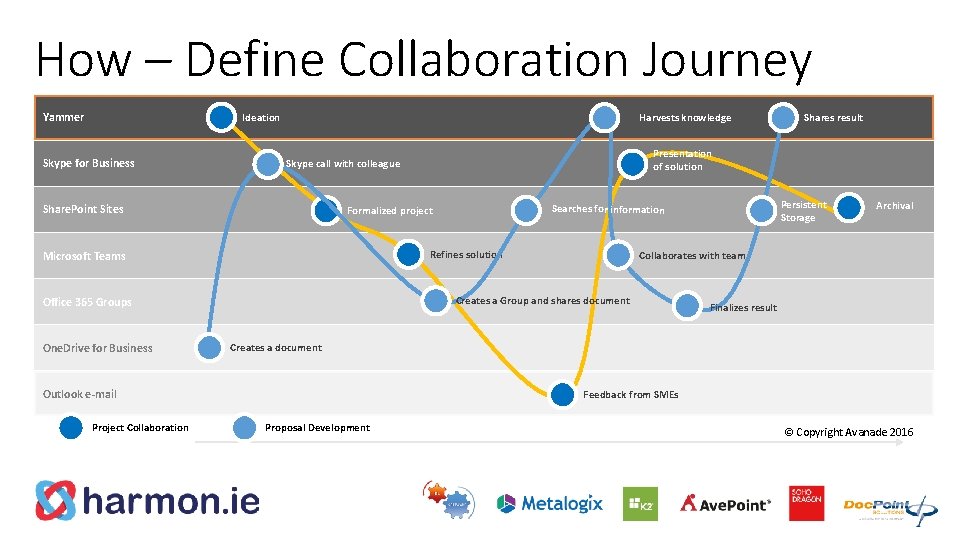
How – Define Collaboration Journey Yammer Ideation Skype for Business Harvests knowledge Refines solution Finalizes result Creates a document Outlook e-mail Project Collaboration Archival Collaborates with team Creates a Group and shares document Office 365 Groups Persistent Storage Searches for information Formalized project Microsoft Teams One. Drive for Business Presentation of solution Skype call with colleague Share. Point Sites Shares result Feedback from SMEs Proposal Development © Copyright Avanade 2016
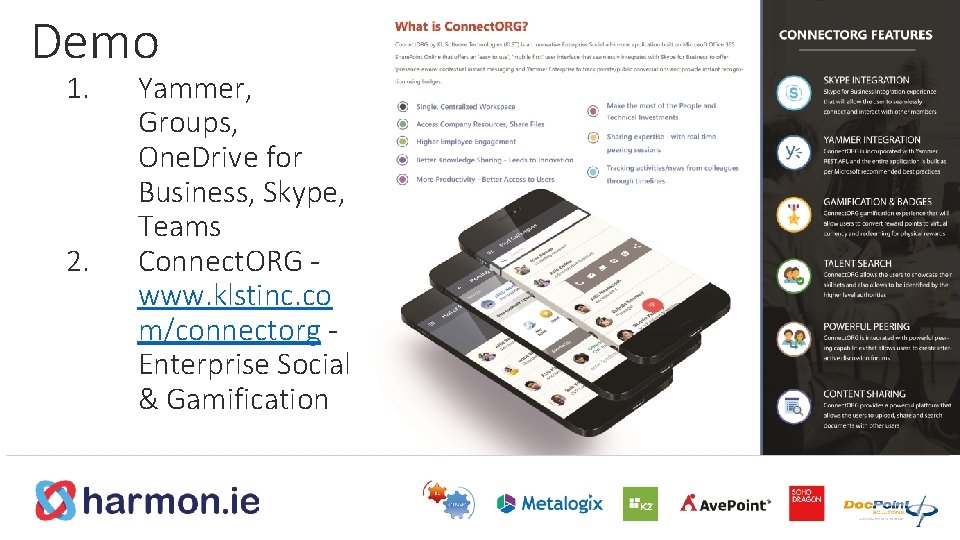
Demo 1. 2. Yammer, Groups, One. Drive for Business, Skype, Teams Connect. ORG www. klstinc. co m/connectorg Enterprise Social & Gamification
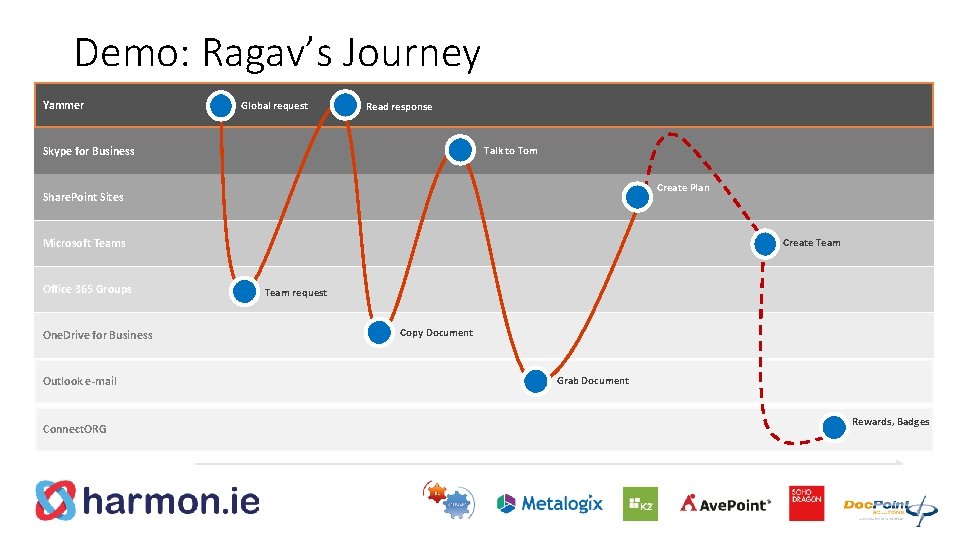
Demo: Ragav’s Journey Yammer Global request Read response Talk to Tom Skype for Business Create Plan Share. Point Sites Create Team Microsoft Teams Office 365 Groups One. Drive for Business Outlook e-mail Connect. ORG Team request Copy Document Grab Document Rewards, Badges
TODOs: Identify Collaboration Factors
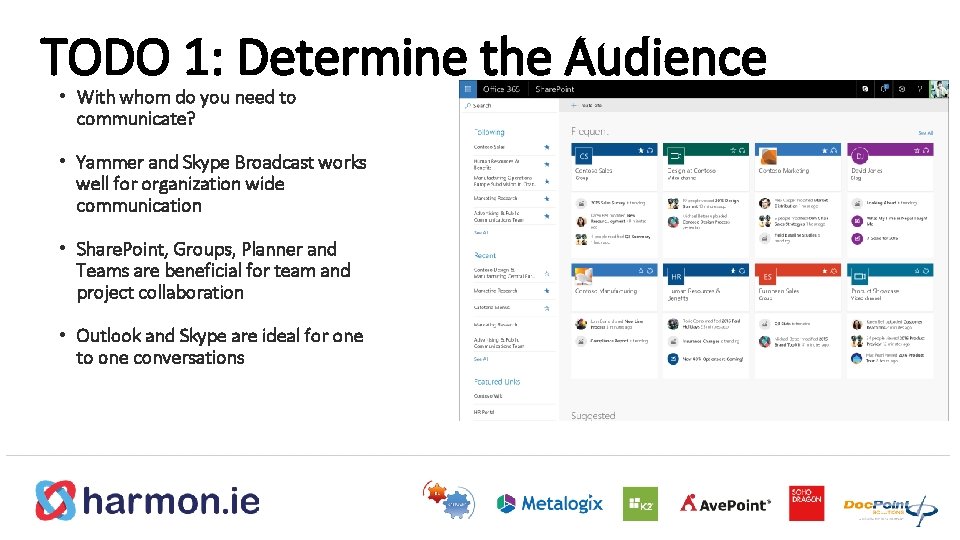
TODO 1: Determine the Audience • With whom do you need to communicate? • Yammer and Skype Broadcast works well for organization wide communication • Share. Point, Groups, Planner and Teams are beneficial for team and project collaboration • Outlook and Skype are ideal for one to one conversations
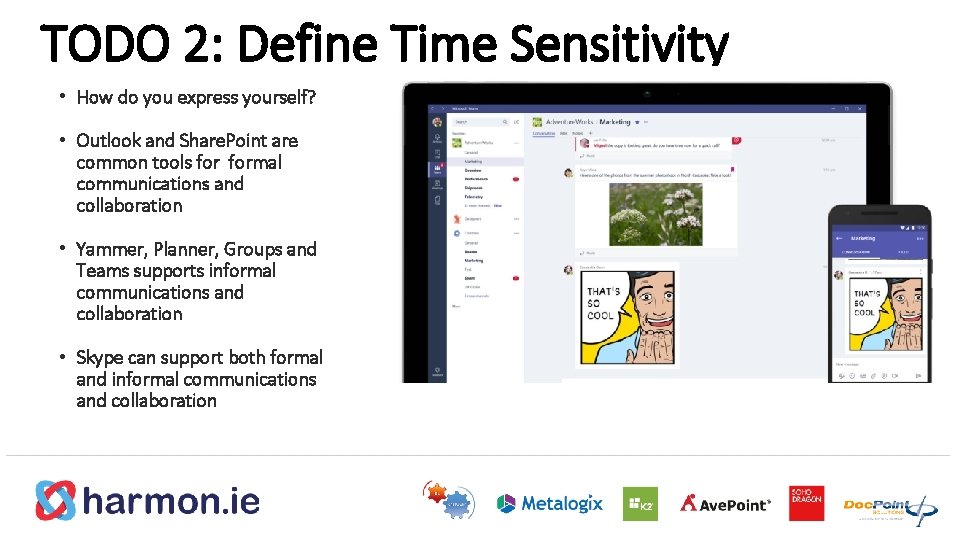
TODO 2: Define Time Sensitivity • How do you express yourself? • Outlook and Share. Point are common tools formal communications and collaboration • Yammer, Planner, Groups and Teams supports informal communications and collaboration • Skype can support both formal and informal communications and collaboration
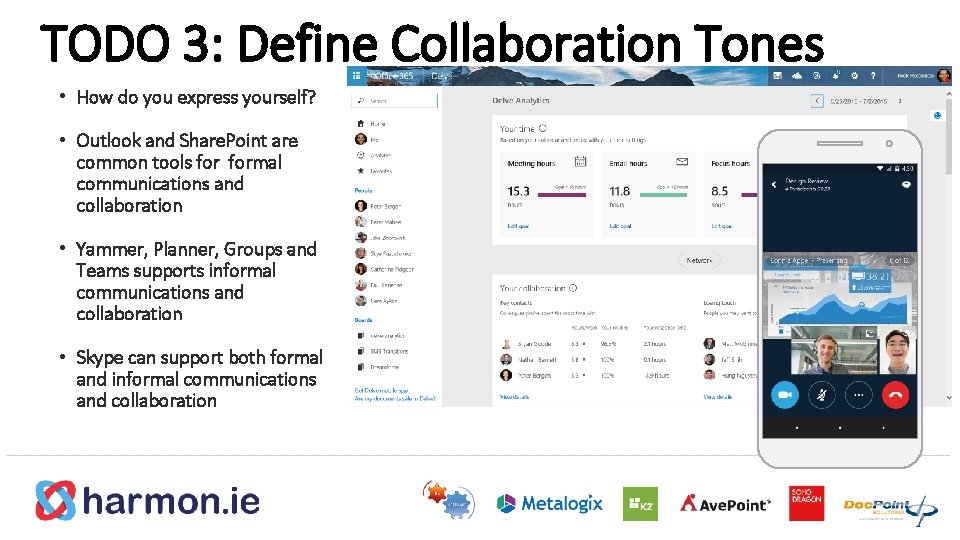
TODO 3: Define Collaboration Tones • How do you express yourself? • Outlook and Share. Point are common tools formal communications and collaboration • Yammer, Planner, Groups and Teams supports informal communications and collaboration • Skype can support both formal and informal communications and collaboration
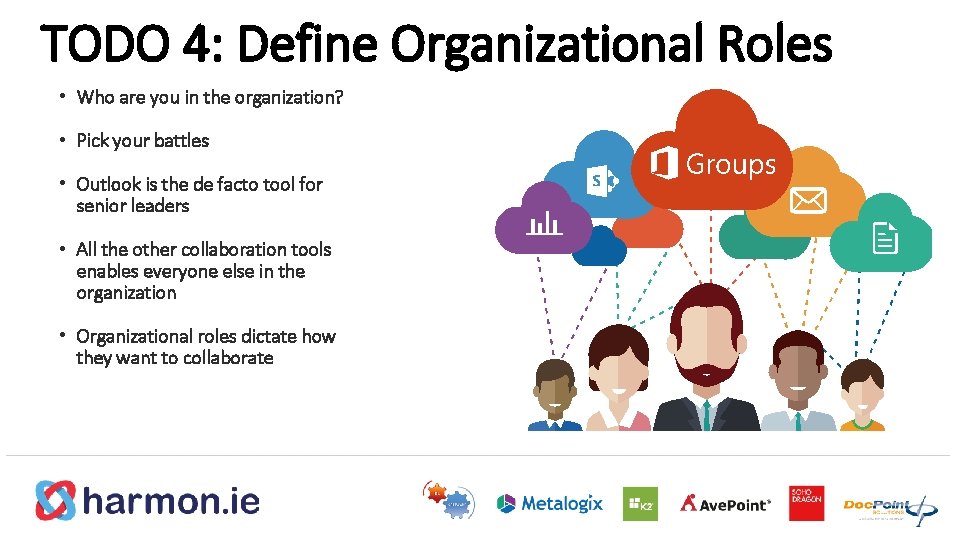
TODO 4: Define Organizational Roles • Who are you in the organization? • Pick your battles • Outlook is the de facto tool for senior leaders • All the other collaboration tools enables everyone else in the organization • Organizational roles dictate how they want to collaborate
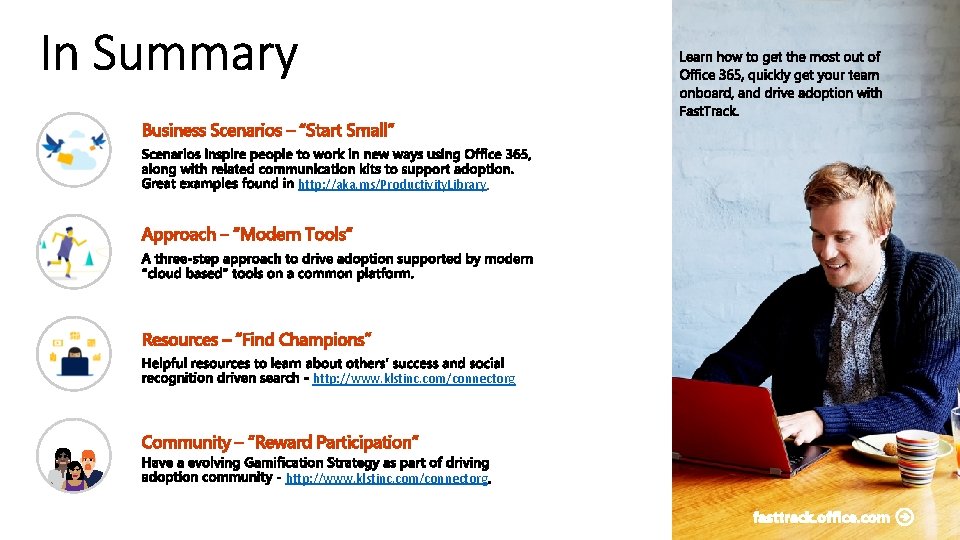
http: //aka. ms/Productivity. Library http: //www. klstinc. com/connectorg
Thank You Twitter - @ragavj Skype – sip: ragav@klstinc. com Linked. In – www. linkedin. com/in/ragav Blog – ragavj. blogspot. com Key Statistics References - http: //bit. ly/Digital. Workplace. Stats
- Slides: 27