
Buffer and File IO Chris Gill and Marion
Buffer and File I/O Chris Gill and Marion Sudvarg CSE 422 S - Operating Systems Organization Washington University in St. Louis, MO 63130
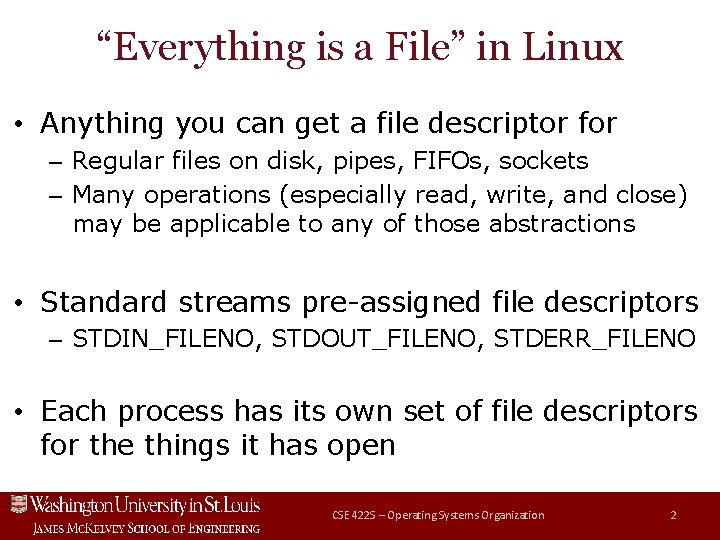
“Everything is a File” in Linux • Anything you can get a file descriptor for – Regular files on disk, pipes, FIFOs, sockets – Many operations (especially read, write, and close) may be applicable to any of those abstractions • Standard streams pre-assigned file descriptors – STDIN_FILENO, STDOUT_FILENO, STDERR_FILENO • Each process has its own set of file descriptors for the things it has open CSE 422 S – Operating Systems Organization 2
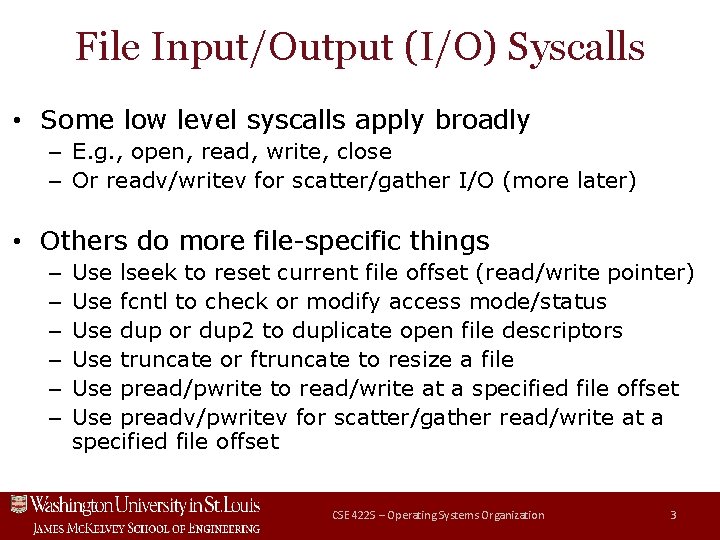
File Input/Output (I/O) Syscalls • Some low level syscalls apply broadly – E. g. , open, read, write, close – Or readv/writev for scatter/gather I/O (more later) • Others do more file-specific things – – – Use lseek to reset current file offset (read/write pointer) Use fcntl to check or modify access mode/status Use dup or dup 2 to duplicate open file descriptors Use truncate or ftruncate to resize a file Use pread/pwrite to read/write at a specified file offset Use preadv/pwritev for scatter/gather read/write at a specified file offset CSE 422 S – Operating Systems Organization 3
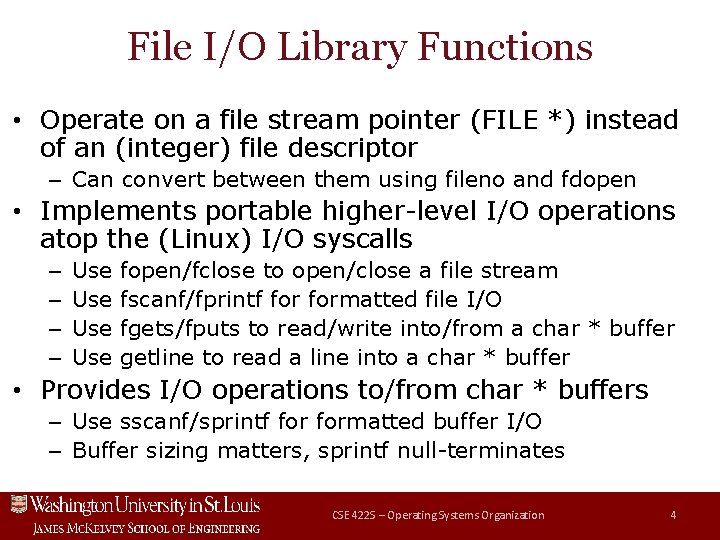
File I/O Library Functions • Operate on a file stream pointer (FILE *) instead of an (integer) file descriptor – Can convert between them using fileno and fdopen • Implements portable higher-level I/O operations atop the (Linux) I/O syscalls – – Use Use fopen/fclose to open/close a file stream fscanf/fprintf formatted file I/O fgets/fputs to read/write into/from a char * buffer getline to read a line into a char * buffer • Provides I/O operations to/from char * buffers – Use sscanf/sprintf formatted buffer I/O – Buffer sizing matters, sprintf null-terminates CSE 422 S – Operating Systems Organization 4

File Input/Output Buffering • For performance reasons, file I/O syscalls may buffer data temporarily, then flush later – E. g. , move data from user space to kernel space memory and then allow write syscall to return (flush data from kernel memory to disk later) – Can use fsync or fdatasync to force flush to disk • Also, stdio library functions may buffer data – May not perform read or write immediately – Use setvbuf to specify buffering behavior – Use fflush or fclose to flush stream to kernel CSE 422 S – Operating Systems Organization 5
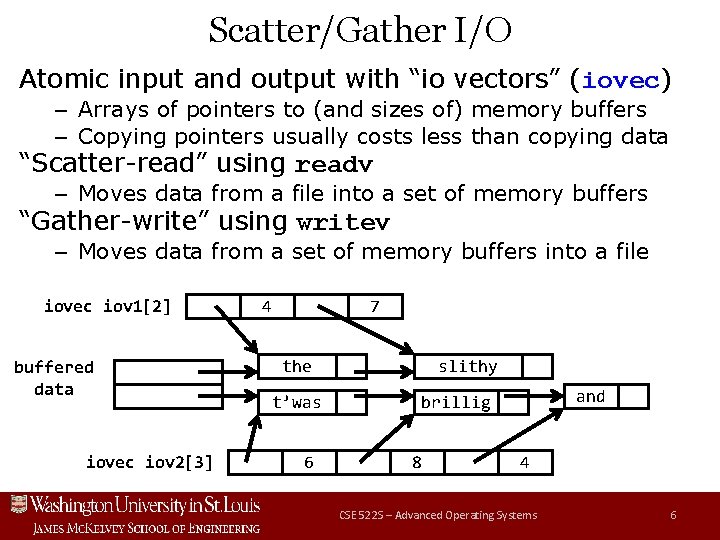
Scatter/Gather I/O Atomic input and output with “io vectors” (iovec) – Arrays of pointers to (and sizes of) memory buffers – Copying pointers usually costs less than copying data “Scatter-read” using readv – Moves data from a file into a set of memory buffers “Gather-write” using writev – Moves data from a set of memory buffers into a file iovec iov 1[2] buffered data iovec iov 2[3] 4 7 the t’was 6 slithy and brillig 8 4 CSE 522 S – Advanced Operating Systems 6
Advice to the Kernel for File I/O Similar to memory page access advice to the kernel – If no advice (normal behavior), the kernel still tries to optimize by doing a small amount of read-ahead – Also can advise whether or not access is intended … – … and if so whether in “random” or sequential order New posix_fadvise call replaces readahead call – Both can alert the kernel a file range will be accessed – Kernel can exploit advice it is given to improve I/O scheduling, pre-fetch, etc. to improve I/O performance CSE 522 S – Advanced Operating Systems 7
Studio Exercises Today Gain experience with key I/O syscalls – Opening and closing regular files – Reading data from them and writing data to them Gain experience with key I/O library functions – Formatted input and output operations – Reading from and writing to buffers and files – Managing data structures in memory while reading and writing data between them and files on disk CSE 422 S – Operating Systems Organization 8
- Slides: 8