
BRUCE DAWSON VALVE GETTING STARTED DEBUGGING ON LINUX
BRUCE DAWSON VALVE GETTING STARTED DEBUGGING ON LINUX (MAKING IT EASY IN LESS THAN AN HOUR)
Linux Debugging • Challenges: § Default debugger is intimidating to new users § Tough to get symbols and source to show up § Many tricks needed for efficient debugging • You can be productive on Linux, quickly
Main Topics • • Choosing a debugger Getting symbols to show up Getting source code to show up Tips and tricks
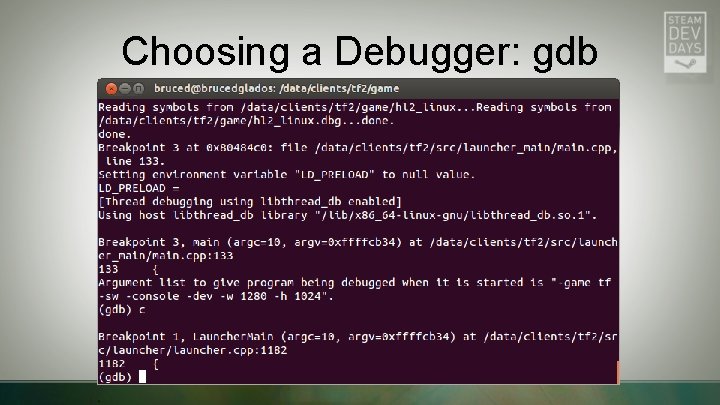
Choosing a Debugger: gdb
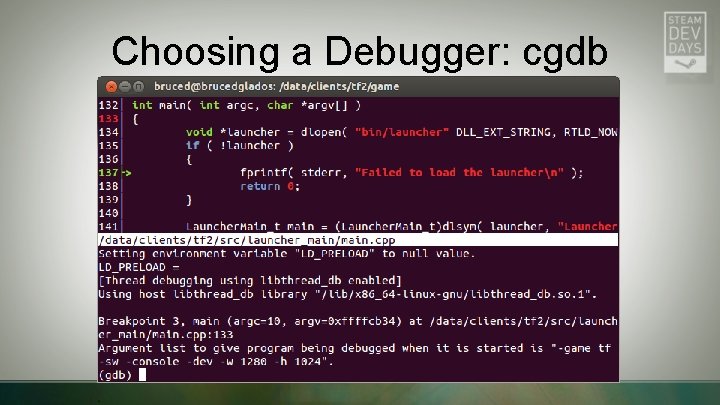
Choosing a Debugger: cgdb

Choosing a debugger: Visual. GDB • • Integrates into Visual. C++ Remote build/debug Used by some Valve developers Commercial product
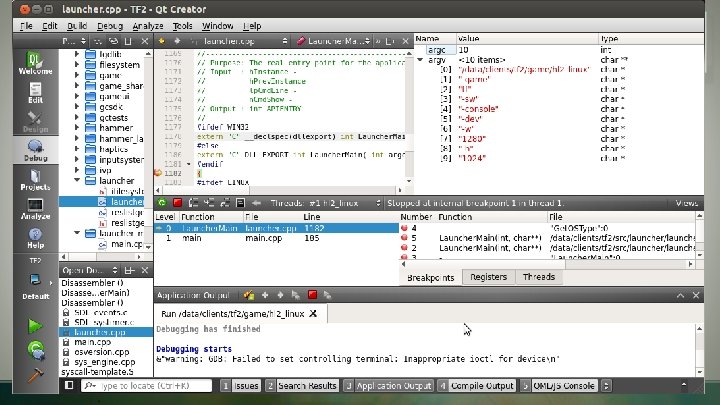
Choosing a Debugger: Qt. Creator
Qt. Creator Demo • • • Creating a project Building Fixing errors Debugging Code exploration
Getting Qt. Creator • Install from http: //qt-project. org/downloads#qt-creator § Latest version is 3. 0. 0 § Must mark the. run file as executable before running
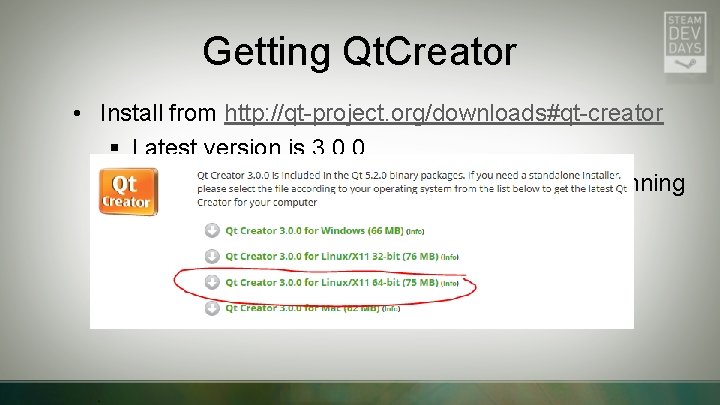
Getting Qt. Creator • Install from http: //qt-project. org/downloads#qt-creator § Latest version is 3. 0. 0 § Must mark the. run file as executable before running
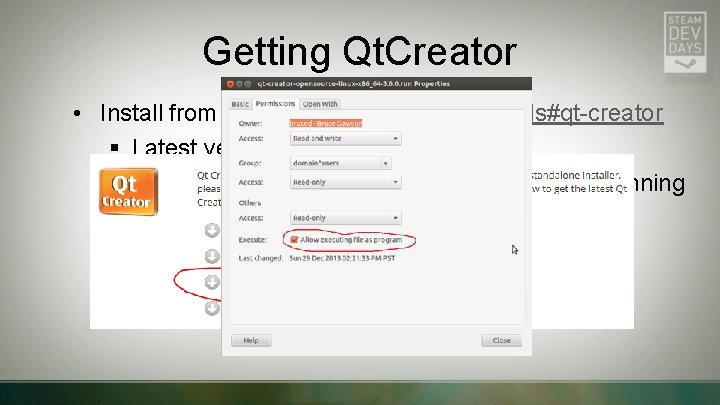
Getting Qt. Creator • Install from http: //qt-project. org/downloads#qt-creator § Latest version is 3. 0. 0 § Must mark the. run file as executable before running
Qt. Creator • Can use for full edit/build/run/debug cycle • File-> New File or Project-> Import Existing Project § Imports all files from the specified directory § Will run ‘make’ in that directory, assumes ‘makefile’ § Can use cmake or run any custom build command you want
Qt. Creator building • Summarizes warnings and errors in Issues tab • Can double-click to jump to location of error/warning
Qt. Creator Debugging • VS compatible keyboard shortcuts (F 5, F 10, F 11, etc. ) • Important exception: Ctrl+F 5 • Can load core files, attach to processes, launch processes, etc. • Other debug windows available from Window-> Views § Threads window § Registers window § Debugger log (for invoking raw gdb commands)
Qt. Creator: Go-to Anything • Ctrl+K is the universal Go-To command § Similar to Ctrl+, in VS 2010+ § <name> goes to source files § : <name> goes to C++ classes, enums, and functions § l <number> goes to line number § Fuzzy matching • F 2 goes to the definition of a symbol • Alt left/right goes back/forward through navigation history
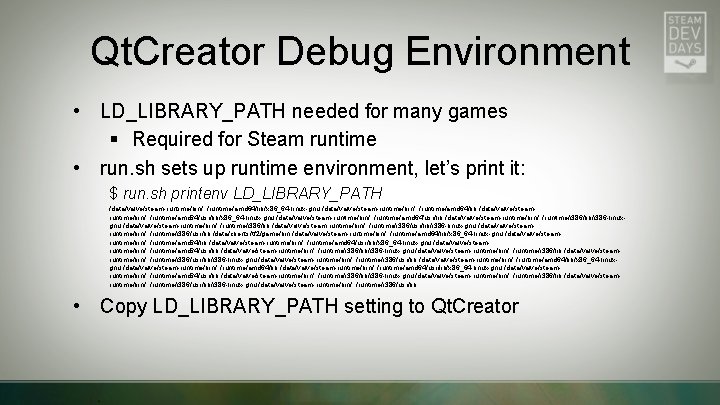
Qt. Creator Debug Environment • LD_LIBRARY_PATH needed for many games § Required for Steam runtime • run. sh sets up runtime environment, let’s print it: $ run. sh printenv LD_LIBRARY_PATH /data/valve/steam-runtime/bin/. . /runtime/amd 64/lib/x 86_64 -linux-gnu: /data/valve/steam-runtime/bin/. . /runtime/amd 64/lib: /data/valve/steamruntime/bin/. . /runtime/amd 64/usr/lib/x 86_64 -linux-gnu: /data/valve/steam-runtime/bin/. . /runtime/amd 64/usr/lib: /data/valve/steam-runtime/bin/. . /runtime/i 386/lib/i 386 -linuxgnu: /data/valve/steam-runtime/bin/. . /runtime/i 386/lib: /data/valve/steam-runtime/bin/. . /runtime/i 386/usr/lib/i 386 -linux-gnu: /data/valve/steamruntime/bin/. . /runtime/i 386/usr/lib: /data/clients/tf 2/game/bin: /data/valve/steam-runtime/bin/. . /runtime/amd 64/lib/x 86_64 -linux-gnu: /data/valve/steamruntime/bin/. . /runtime/amd 64/lib: /data/valve/steam-runtime/bin/. . /runtime/amd 64/usr/lib/x 86_64 -linux-gnu: /data/valve/steamruntime/bin/. . /runtime/amd 64/usr/lib: /data/valve/steam-runtime/bin/. . /runtime/i 386/lib/i 386 -linux-gnu: /data/valve/steam-runtime/bin/. . /runtime/i 386/lib: /data/valve/steamruntime/bin/. . /runtime/i 386/usr/lib/i 386 -linux-gnu: /data/valve/steam-runtime/bin/. . /runtime/i 386/usr/lib: /data/valve/steam-runtime/bin/. . /runtime/amd 64/lib/x 86_64 -linuxgnu: /data/valve/steam-runtime/bin/. . /runtime/amd 64/lib: /data/valve/steam-runtime/bin/. . /runtime/amd 64/usr/lib/x 86_64 -linux-gnu: /data/valve/steamruntime/bin/. . /runtime/amd 64/usr/lib: /data/valve/steam-runtime/bin/. . /runtime/i 386/lib/i 386 -linux-gnu: /data/valve/steam-runtime/bin/. . /runtime/i 386/lib: /data/valve/steamruntime/bin/. . /runtime/i 386/usr/lib/i 386 -linux-gnu: /data/valve/steam-runtime/bin/. . /runtime/i 386/usr/lib: • Copy LD_LIBRARY_PATH setting to Qt. Creator
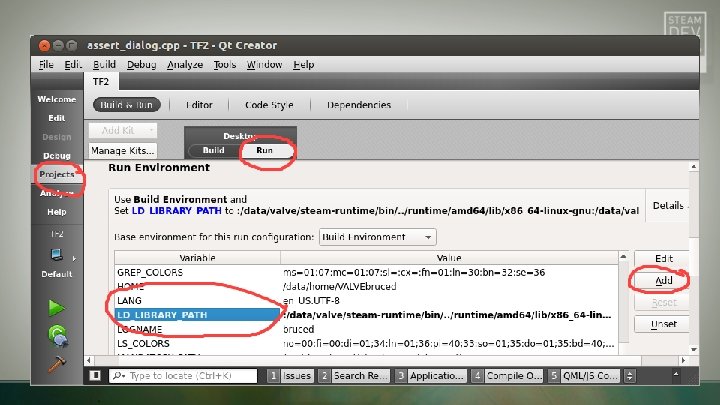
Qt. Creator Debug Environment • LD_LIBRARY_PATH needed for many games § Required for Steam runtime • run. sh sets up runtime environment, let’s print it: $ run. sh printenv LD_LIBRARY_PATH /data/valve/steam-runtime/bin/. . /runtime/amd 64/lib/x 86_64 -linux-gnu: /data/valve/steam-runtime/bin/. . /runtime/amd 64/lib: /data/valve/steamruntime/bin/. . /runtime/amd 64/usr/lib/x 86_64 -linux-gnu: /data/valve/steam-runtime/bin/. . /runtime/amd 64/usr/lib: /data/valve/steam-runtime/bin/. . /runtime/i 386/lib/i 386 -linuxgnu: /data/valve/steam-runtime/bin/. . /runtime/i 386/lib: /data/valve/steam-runtime/bin/. . /runtime/i 386/usr/lib/i 386 -linux-gnu: /data/valve/steamruntime/bin/. . /runtime/i 386/usr/lib: /data/clients/tf 2/game/bin: /data/valve/steam-runtime/bin/. . /runtime/amd 64/lib/x 86_64 -linux-gnu: /data/valve/steamruntime/bin/. . /runtime/amd 64/lib: /data/valve/steam-runtime/bin/. . /runtime/amd 64/usr/lib/x 86_64 -linux-gnu: /data/valve/steamruntime/bin/. . /runtime/amd 64/usr/lib: /data/valve/steam-runtime/bin/. . /runtime/i 386/lib/i 386 -linux-gnu: /data/valve/steam-runtime/bin/. . /runtime/i 386/lib: /data/valve/steamruntime/bin/. . /runtime/i 386/usr/lib/i 386 -linux-gnu: /data/valve/steam-runtime/bin/. . /runtime/i 386/usr/lib: /data/valve/steam-runtime/bin/. . /runtime/amd 64/lib/x 86_64 -linuxgnu: /data/valve/steam-runtime/bin/. . /runtime/amd 64/lib: /data/valve/steam-runtime/bin/. . /runtime/amd 64/usr/lib/x 86_64 -linux-gnu: /data/valve/steamruntime/bin/. . /runtime/amd 64/usr/lib: /data/valve/steam-runtime/bin/. . /runtime/i 386/lib/i 386 -linux-gnu: /data/valve/steam-runtime/bin/. . /runtime/i 386/lib: /data/valve/steamruntime/bin/. . /runtime/i 386/usr/lib/i 386 -linux-gnu: /data/valve/steam-runtime/bin/. . /runtime/i 386/usr/lib: • Copy LD_LIBRARY_PATH setting to Qt. Creator
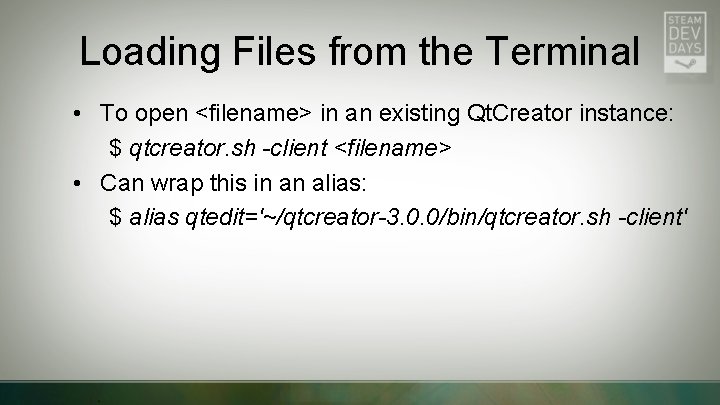
Loading Files from the Terminal • To open <filename> in an existing Qt. Creator instance: $ qtcreator. sh -client <filename> • Can wrap this in an alias: $ alias qtedit='~/qtcreator-3. 0. 0/bin/qtcreator. sh -client'
Symbols!
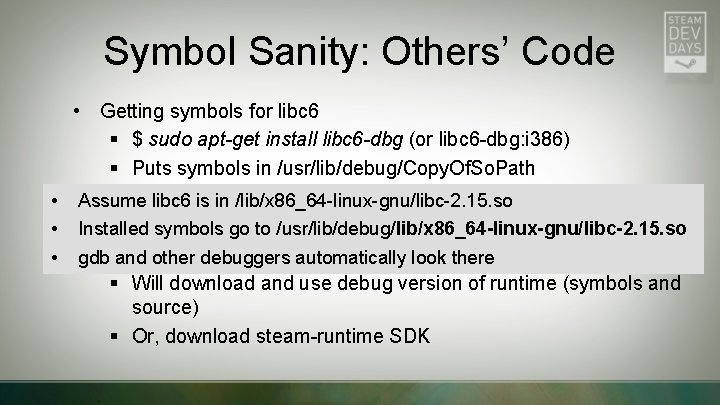
Symbol Sanity: Others’ Code • Getting symbols for libc 6 § $ sudo apt-get install libc 6 -dbg (or libc 6 -dbg: i 386) § Puts symbols in /usr/lib/debug/Copy. Of. So. Path Getting symbols for the Steam run-time • • Assume libc 6 is in /lib/x 86_64 -linux-gnu/libc-2. 15. so § Run Steamgo from the terminal like this: • Installed symbols to /usr/lib/debug/lib/x 86_64 -linux-gnu/libc-2. 15. so steam • gdb and. STEAM_RUNTIME=debug other debuggers automatically look there § Will download and use debug version of runtime (symbols and source) § Or, download steam-runtime SDK
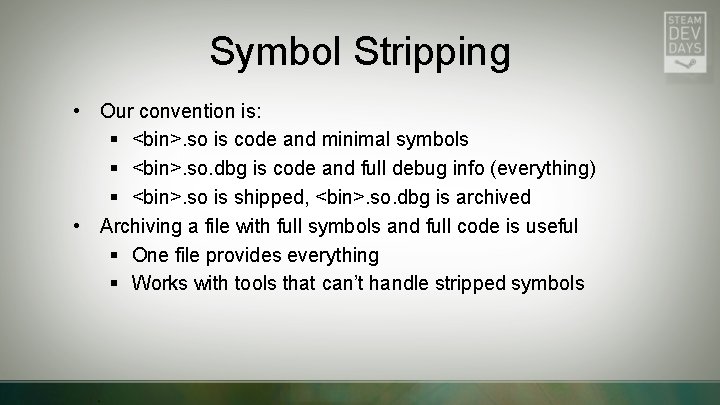
Symbol Stripping • Our convention is: § <bin>. so is code and minimal symbols § <bin>. so. dbg is code and full debug info (everything) § <bin>. so is shipped, <bin>. so. dbg is archived • Archiving a file with full symbols and full code is useful § One file provides everything § Works with tools that can’t handle stripped symbols
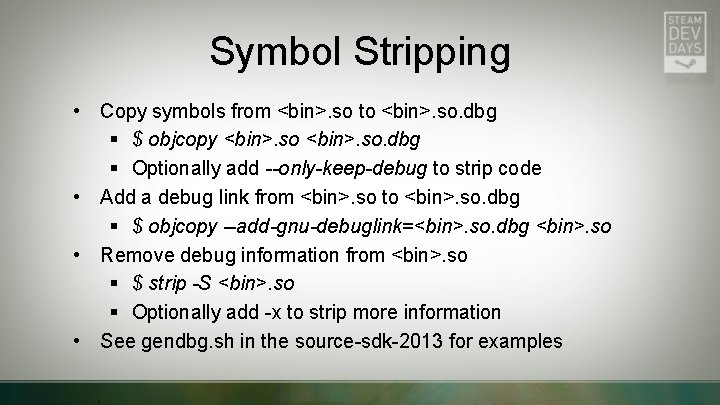
Symbol Stripping • Copy symbols from <bin>. so to <bin>. so. dbg § $ objcopy <bin>. so. dbg § Optionally add --only-keep-debug to strip code • Add a debug link from <bin>. so to <bin>. so. dbg § $ objcopy --add-gnu-debuglink=<bin>. so. dbg <bin>. so • Remove debug information from <bin>. so § $ strip -S <bin>. so § Optionally add -x to strip more information • See gendbg. sh in the source-sdk-2013 for examples
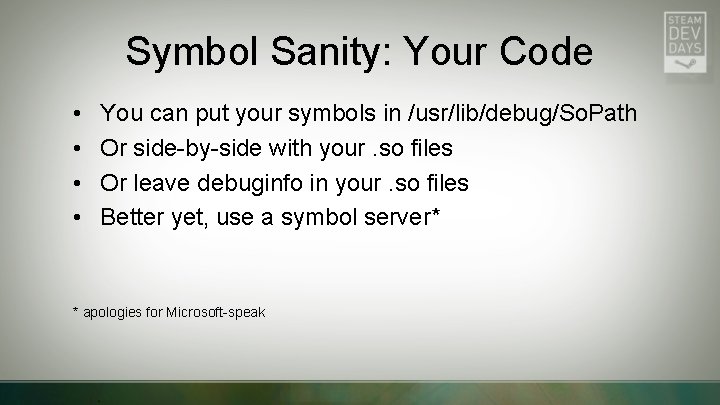
Symbol Sanity: Your Code • • You can put your symbols in /usr/lib/debug/So. Path Or side-by-side with your. so files Or leave debuginfo in your. so files Better yet, use a symbol server* * apologies for Microsoft-speak
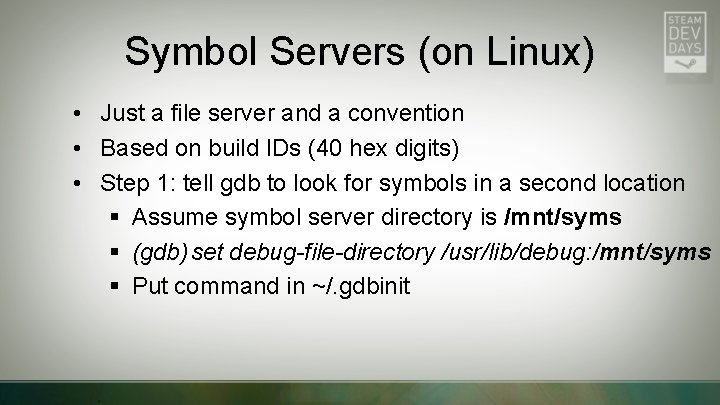
Symbol Servers (on Linux) • Just a file server and a convention • Based on build IDs (40 hex digits) • Step 1: tell gdb to look for symbols in a second location § Assume symbol server directory is /mnt/syms § (gdb) set debug-file-directory /usr/lib/debug: /mnt/syms § Put command in ~/. gdbinit
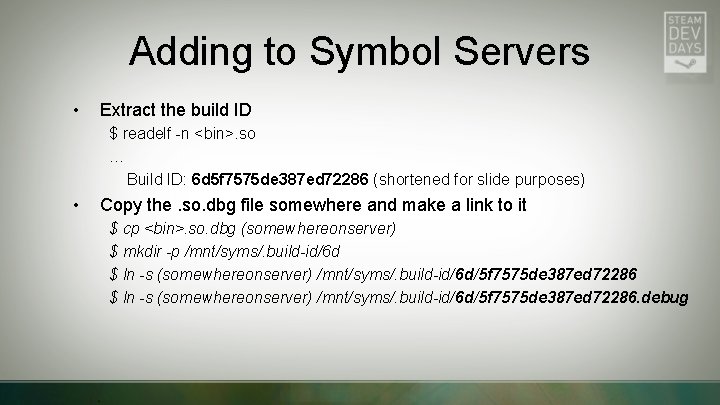
Adding to Symbol Servers • Extract the build ID $ readelf -n <bin>. so … Build ID: 6 d 5 f 7575 de 387 ed 72286 (shortened for slide purposes) • Copy the. so. dbg file somewhere and make a link to it $ cp <bin>. so. dbg (somewhereonserver) $ mkdir -p /mnt/syms/. build-id/6 d $ ln -s (somewhereonserver) /mnt/syms/. build-id/6 d/5 f 7575 de 387 ed 72286. debug
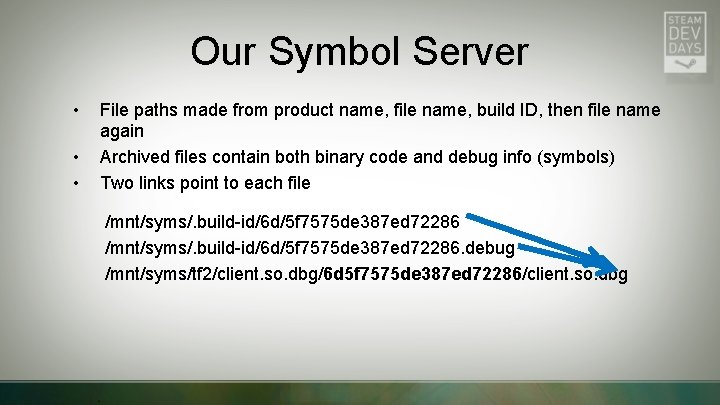
Our Symbol Server • • • File paths made from product name, file name, build ID, then file name again Archived files contain both binary code and debug info (symbols) Two links point to each file /mnt/syms/. build-id/6 d/5 f 7575 de 387 ed 72286. debug /mnt/syms/tf 2/client. so. dbg/6 d 5 f 7575 de 387 ed 72286/client. so. dbg
Symbol Server Uses • Debuggers automatically retrieve binary and debug info • You can put libc 6 symbols in symbol server • You can write scripts to retrieve unstripped symbol files § Handy for tools that can’t handle stripped symbols or ignore symbol servers
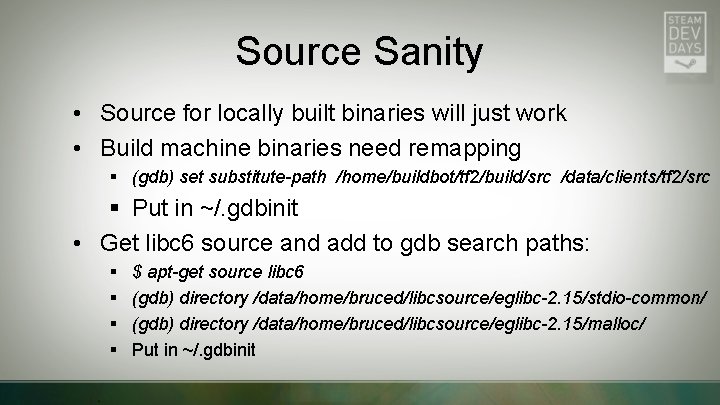
Source Sanity • Source for locally built binaries will just work • Build machine binaries need remapping § (gdb) set substitute-path /home/buildbot/tf 2/build/src /data/clients/tf 2/src § Put in ~/. gdbinit • Get libc 6 source and add to gdb search paths: § § $ apt-get source libc 6 (gdb) directory /data/home/bruced/libcsource/eglibc-2. 15/stdio-common/ (gdb) directory /data/home/bruced/libcsource/eglibc-2. 15/malloc/ Put in ~/. gdbinit
Tips and Tricks
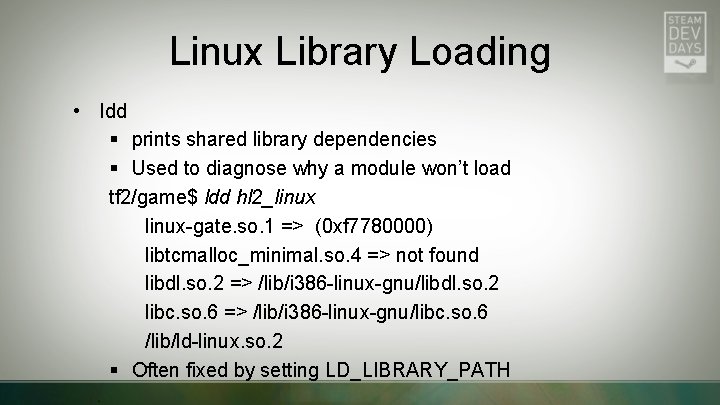
Linux Library Loading • ldd § prints shared library dependencies § Used to diagnose why a module won’t load tf 2/game$ ldd hl 2_linux-gate. so. 1 => (0 xf 7780000) libtcmalloc_minimal. so. 4 => not found libdl. so. 2 => /lib/i 386 -linux-gnu/libdl. so. 2 libc. so. 6 => /lib/i 386 -linux-gnu/libc. so. 6 /lib/ld-linux. so. 2 § Often fixed by setting LD_LIBRARY_PATH
Linux Library Loading • LD_PRELOAD – specify shared objects to load first, can override symbols $ LD_PRELOAD="/usr/libtcmalloc. so“ ls • LD_DEBUG – debug process loading. Example: $ LD_DEBUG=all ls 2>out. txt
Better On Linux • Val. Grind – runs process on a virtual CPU, analyzes every memory access. Finds leaks, overruns, and uninitialized variables • strace – trace system calls. Sample usage: $ strace -p $(pidof procname) Attach to process $ strace -o out. txt ls Launch process
Dumpbin Replacements • nm – list symbols in a shared object • objdump -d – disassemble an object file
More Tips and Tricks • Forcing old compilers to add build IDs: -Wl, --build-id • Getting build IDs from a core file (Linux crash dump) eu-unstrip -n --corefile
Ptrace hardening (security) • Attaching to processes may require root privileges or disabling of ptrace hardening • ptrace hardening is a security feature to stop debuggers from attaching to running processes • Either elevate gdb before attaching or disable ptrace hardening: $ sudo -i # echo 0 > /proc/sys/kernel/yama/ptrace_scope
lsof – Li. St Open Files • List all files opened by a particular process: $ lsof -p $(pidof steam) • List all processes that have a file open $ lsof /lib/i 386 -linux-gnu/libc-2. 15. so
References • Blogging about symbols: http: //randomascii. wordpress. com/2013/01/19/symbols-on-linux-part-two-symbols-forother-versions/ • Qt. Creator: http: //qt-project. org/downloads#qt-creator http: //richg 42. blogspot. com/2013/10/a-shout-to-qtcreator-28 x-on. html http: //richg 42. blogspot. com/2013/10/qtcreators-python-debug-visualizers. html http: //linux-debugger-bits. blogspot. com/2014/01/qtcreator-projects. html • Steam run-time SDK: https: //github. com/Valve. Software/steam-runtime/blob/master/sdk/README. txt • Symbol ‘servers’ on Linux: • http: //fedoraproject. org/wiki/Releases/Feature. Build. Id#Find_files_by_build_ID Ptrace hardening: https: //wiki. ubuntu. com/Security. Team/Roadmap/Kernel. Hardening#ptrace_Protection
Questions? • bruced@valvesoftware. com • Ask questions now • Or drop by the Linux break-out session at 5: 00 in this room (6 C)
Extra slides follow
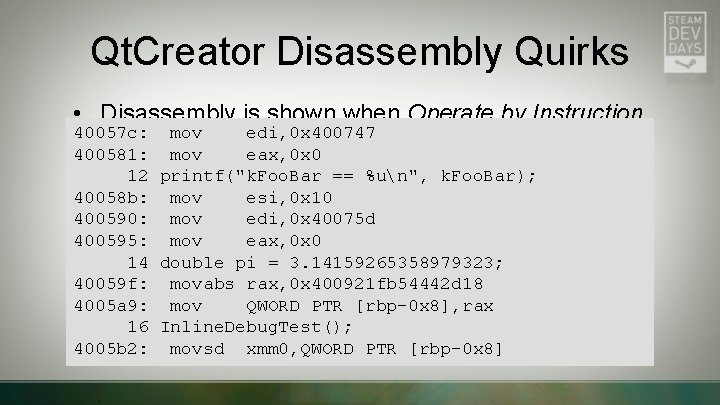
Qt. Creator Disassembly Quirks • Disassembly is shown when Operate by Instruction 40057 c: mov edi, 0 x 400747 is selected 400581: mov eax, 0 x 0 400586: 12 printf("k. Foo. Bar call 0 x 400440 %un", k. Foo. Bar); – • Disassembly may omit==<printf@plt> some instructions 40058 b: mov esi, 0 x 10 especially ‘call’ 400590: mov edi, 0 x 40075 d 400595: mov eax, 0 x 0 • Disassembly may not show correct range 40059 a: 14 double call pi 0 x 400440 = 3. 14159265358979323; <printf@plt> • Canmovabs work around by right-clicking on EIP in 40059 f: rax, 0 x 400921 fb 54442 d 18 4005 a 9: mov QWORD PTR registers window and[rbp-0 x 8], rax selecting Open 4005 ad: 16 Inline. Debug. Test(); call 0 x 400544 <Inline. Debug. Test()> Disassembler at <address> 4005 b 2: movsd xmm 0, QWORD PTR [rbp-0 x 8]
- Slides: 40