
Broadcast Receivers By Anna Tovkun and Guy Sobol

Broadcast Receivers By Anna Tovkun and Guy Sobol
Overview • Broadcast Receivers is one of the key android-application’s components that listens to events (system or custom) in the android environment and reacts with a set of actions. • Broadcast Receivers Implements an Event Driven Mechanism in the Android System. • Once an event occurred, the Android System will determine the appropriate receivers to notify of it - this is done by examining the permissions and using the intent resolution flow (Intent-Filters) of the receiver declared.
Implementing a Broadcast Receiver • Create a class that inherits from the Broadcast. Receiver class. • Override the on. Receive() method. • Register the Receiver (upcoming…).
Registration (Static/Dynamic) Dynamic • Context. register. Receiver (Broadcast. Receiver receiver, Intent. Filter filter); • Context. unregister. Receiver( Broadcast. Receiver receiver); Don't forget!!! system will report a leaked broadcast receiver error • allows us to dynamically unregister the receiver when it is not needed anymore. Static • Declare a <receive> tag in the Android. Manifest. xml • Allow us to get events notifications even when the app is dead/hasn't started yet.
Send and Receive send: • Context. send. Broadcast (Intent intent) • Context. send. Ordered. Broadcast (Intent intent, String receiver. Permissions) • Context. send. Sticky. Broadcast (Intent intent) receive: • via the on. Receive() function of the Broadcast. Receiver class
Ordered vs. Normal • Normal broadcasts (sent with Context. send. Broadcast) are completely asynchronous. All receivers of the broadcast are run in an undefined order, often at the same time. This is more efficient, but means that receivers cannot use the result or abort APIs included here. • Ordered broadcasts (sent with Context. send. Ordered. Broadcast) are delivered to one receiver at a time. As each receiver executes in turn, it can propagate a result to the next receiver, or it can completely abort the broadcast so that it won't be passed to other receivers. The order receivers run in can be controlled with the android: priority attribute of the matching intent-filter; receivers with the same priority will be run in an arbitrary order.
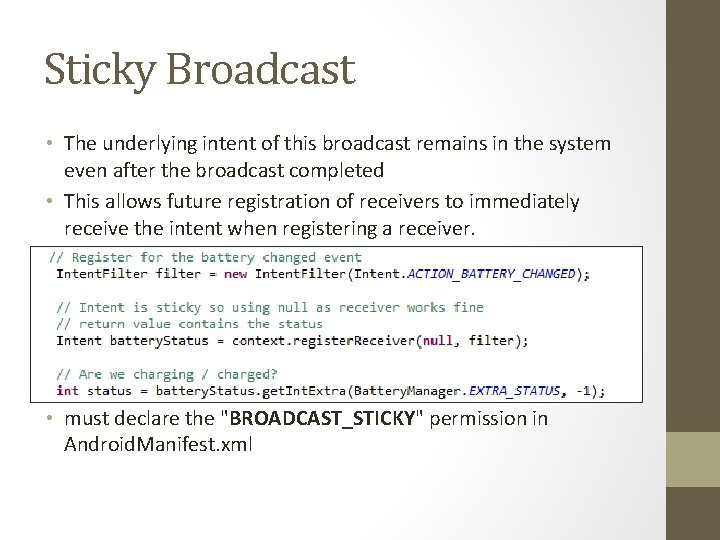
Sticky Broadcast • The underlying intent of this broadcast remains in the system even after the broadcast completed • This allows future registration of receivers to immediately receive the intent when registering a receiver. • must declare the "BROADCAST_STICKY" permission in Android. Manifest. xml
Security Receivers are by their nature a cross-application facility, so you must consider how other applications may be able to abuse your use of them: • The Intent namespace is global. Intent action names and are written in a namespace you own, otherwise conflict can be caused. • Access permissions can be enforced by either the sender or receiver of a broadcast.
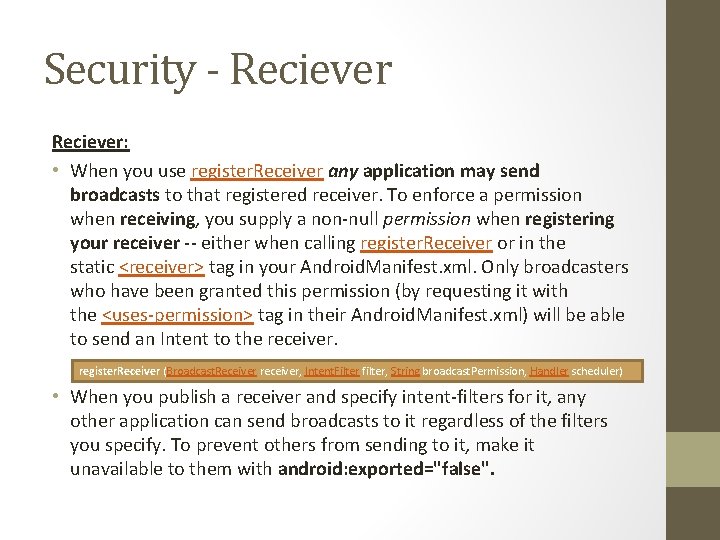
Security - Reciever: • When you use register. Receiver any application may send broadcasts to that registered receiver. To enforce a permission when receiving, you supply a non-null permission when registering your receiver -- either when calling register. Receiver or in the static <receiver> tag in your Android. Manifest. xml. Only broadcasters who have been granted this permission (by requesting it with the <uses-permission> tag in their Android. Manifest. xml) will be able to send an Intent to the receiver. register. Receiver (Broadcast. Receiver receiver, Intent. Filter filter, String broadcast. Permission, Handler scheduler) • When you publish a receiver and specify intent-filters for it, any other application can send broadcasts to it regardless of the filters you specify. To prevent others from sending to it, make it unavailable to them with android: exported="false".
Security - Sender • When you use send. Broadcast, normally any other application can receive these broadcasts. To enforce a permission when sending, you supply a non-null permission argument to send. Broadcast or send. Ordered. Broadcast. Only receivers who have been granted this permission (by requesting it with the <uses-permission> tag in their Android. Manifest. xml) will be able to receive the broadcast. public abstract void send. Broadcast (Intent intent, String receiver. Permission) • Alternatively, you can also safely restrict the broadcast to a single application with Intent. set. Package
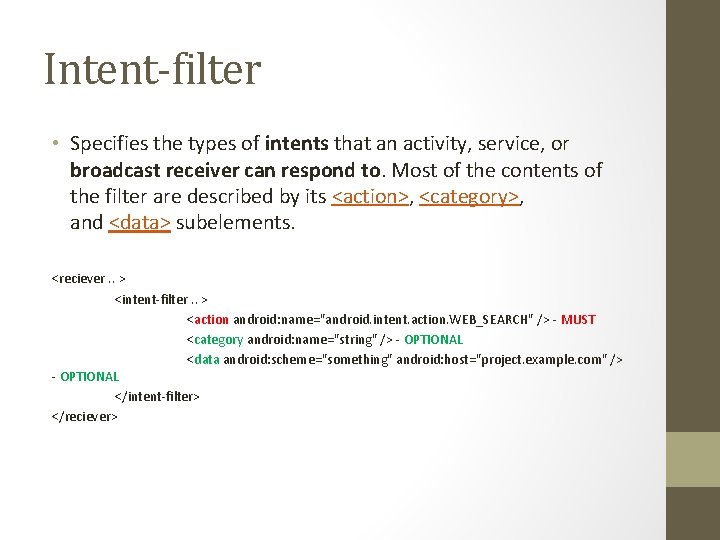
Intent-filter • Specifies the types of intents that an activity, service, or broadcast receiver can respond to. Most of the contents of the filter are described by its <action>, <category>, and <data> subelements. <reciever. . > <intent-filter. . > <action android: name="android. intent. action. WEB_SEARCH" /> - MUST <category android: name="string" /> - OPTIONAL <data android: scheme="something" android: host="project. example. com" /> - OPTIONAL </intent-filter> </reciever>
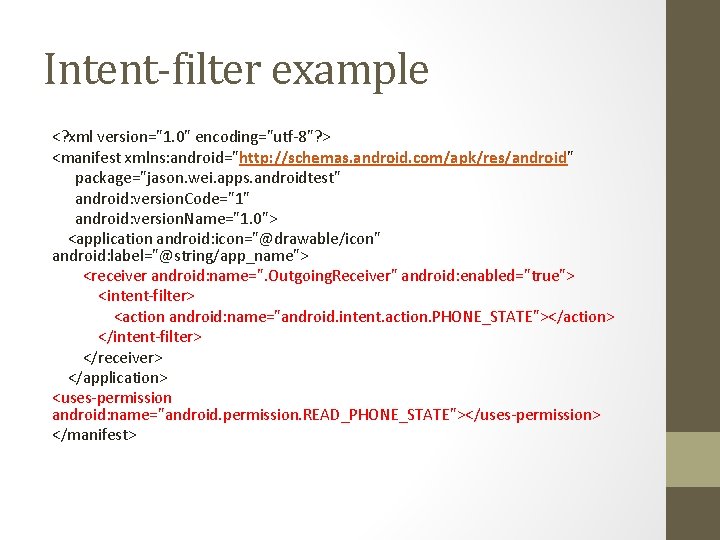
Intent-filter example <? xml version="1. 0" encoding="utf-8"? > <manifest xmlns: android="http: //schemas. android. com/apk/res/android" package="jason. wei. apps. androidtest" android: version. Code="1" android: version. Name="1. 0"> <application android: icon="@drawable/icon" android: label="@string/app_name"> <receiver android: name=". Outgoing. Receiver" android: enabled="true"> <intent-filter> <action android: name="android. intent. action. PHONE_STATE"></action> </intent-filter> </receiver> </application> <uses-permission android: name="android. permission. READ_PHONE_STATE"></uses-permission> </manifest>
Life cycle • Differs according to the registration method: Static • The system has full control of the Broadcast. Receiver life-cycle. 1. Creates a process in which the receiver will run. 2. creates an instance of the Broadcast. Receiver and invoke its on. Receive() method. 3. Once the on. Receive() method has returned the System may stop the process used to run it. • Can't perform asynchronous operations (e. g. bind. Service() ) or any other long operations in the on. Receive method.
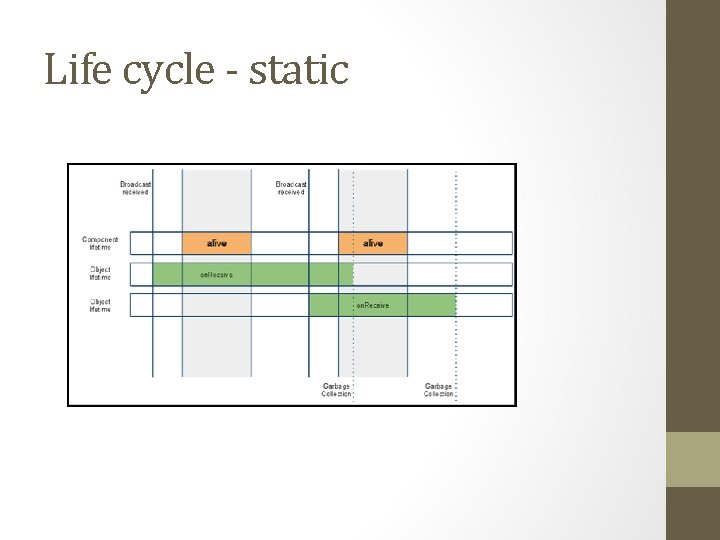
Life cycle - static
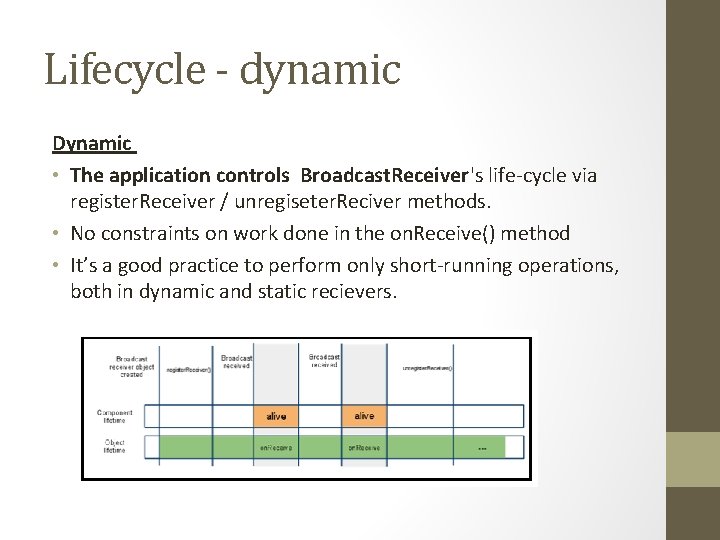
Lifecycle - dynamic Dynamic • The application controls Broadcast. Receiver's life-cycle via register. Receiver / unregiseter. Reciver methods. • No constraints on work done in the on. Receive() method • It’s a good practice to perform only short-running operations, both in dynamic and static recievers.
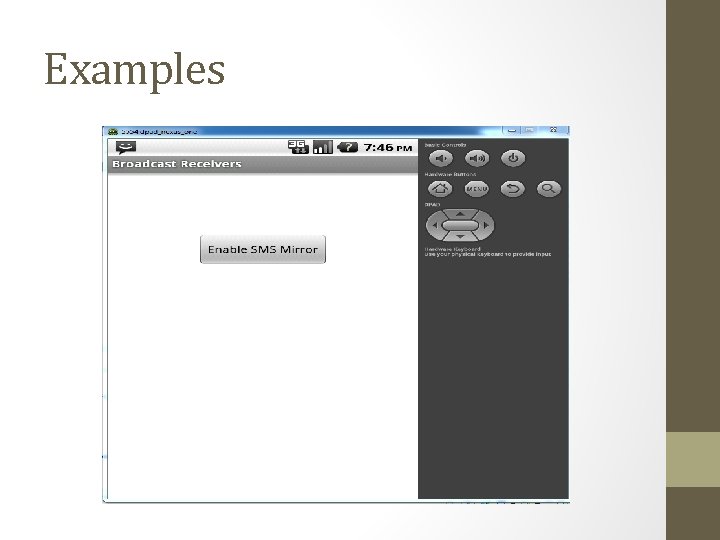
Examples
Links • Broadcast Recievers: http: //developer. android. com/reference/android/content/Broadcast. R eceiver. html • Intent: http: //developer. android. com/reference/android/content/Intent. html • Services: http: //developer. android. com/guide/components/services. html • Services vs Broadcast recievers: http: //android-developers. blogspot. co. il/2010/04/multitaskingandroid-way. html • Intents filters: http: //developer. android. com/guide/components/intents-filters. html
Appendix
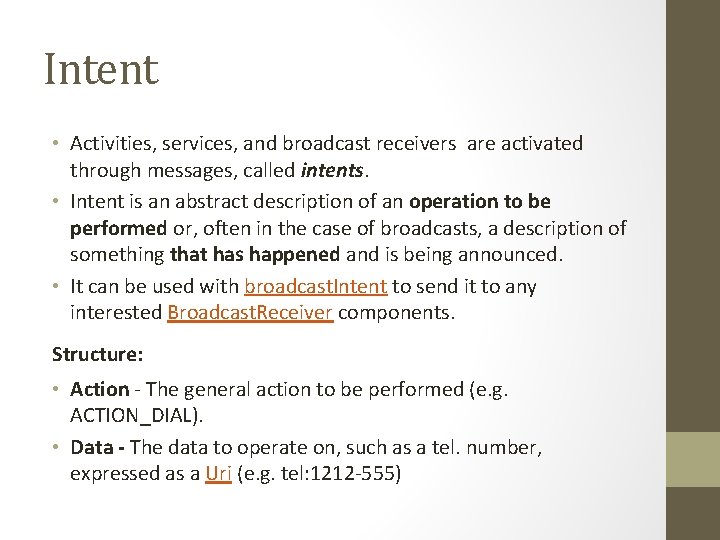
Intent • Activities, services, and broadcast receivers are activated through messages, called intents. • Intent is an abstract description of an operation to be performed or, often in the case of broadcasts, a description of something that has happened and is being announced. • It can be used with broadcast. Intent to send it to any interested Broadcast. Receiver components. Structure: • Action - The general action to be performed (e. g. ACTION_DIAL). • Data - The data to operate on, such as a tel. number, expressed as a Uri (e. g. tel: 1212 -555)
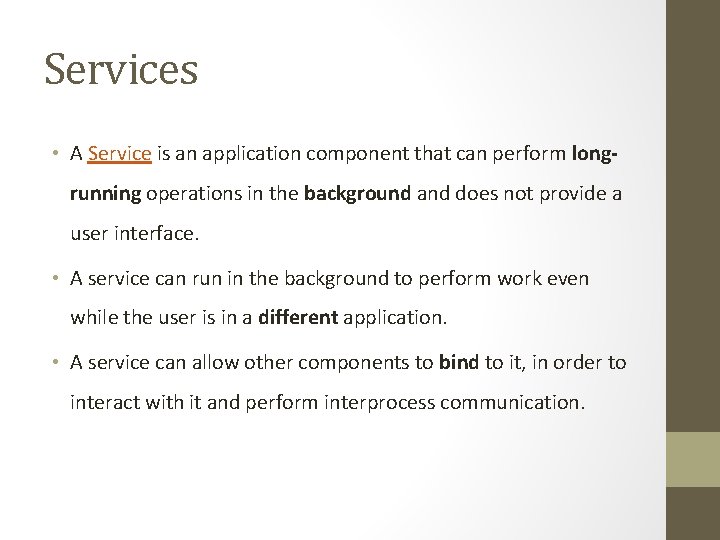
Services • A Service is an application component that can perform longrunning operations in the background and does not provide a user interface. • A service can run in the background to perform work even while the user is in a different application. • A service can allow other components to bind to it, in order to interact with it and perform interprocess communication.
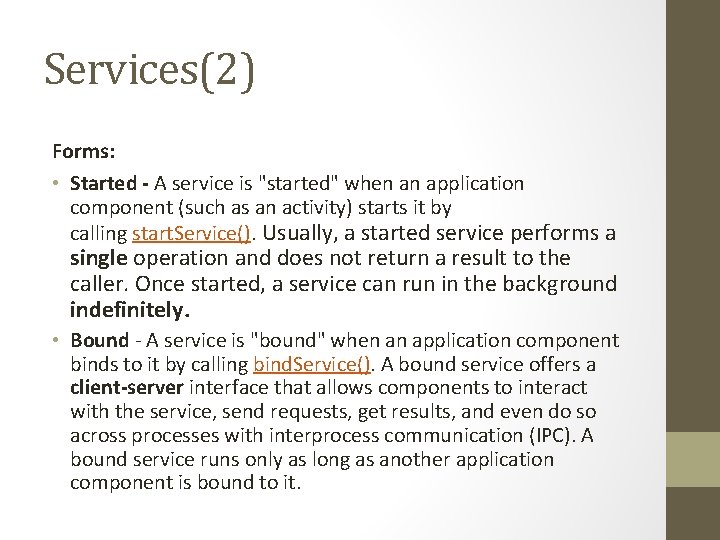
Services(2) Forms: • Started - A service is "started" when an application component (such as an activity) starts it by calling start. Service(). Usually, a started service performs a single operation and does not return a result to the caller. Once started, a service can run in the background indefinitely. • Bound - A service is "bound" when an application component binds to it by calling bind. Service(). A bound service offers a client-server interface that allows components to interact with the service, send requests, get results, and even do so across processes with interprocess communication (IPC). A bound service runs only as long as another application component is bound to it.
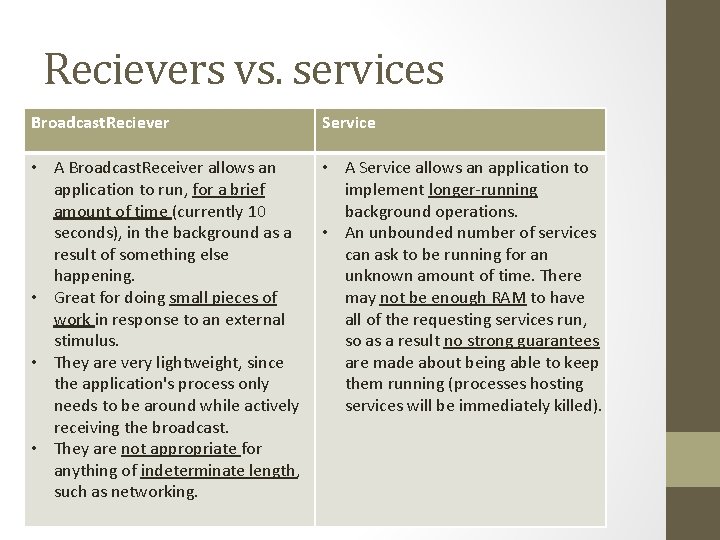
Recievers vs. services Broadcast. Reciever Service • A Broadcast. Receiver allows an application to run, for a brief amount of time (currently 10 seconds), in the background as a result of something else happening. • Great for doing small pieces of work in response to an external stimulus. • They are very lightweight, since the application's process only needs to be around while actively receiving the broadcast. • They are not appropriate for anything of indeterminate length, such as networking. • A Service allows an application to implement longer-running background operations. • An unbounded number of services can ask to be running for an unknown amount of time. There may not be enough RAM to have all of the requesting services run, so as a result no strong guarantees are made about being able to keep them running (processes hosting services will be immediately killed).
- Slides: 22