
Bring Your Own Telephony to Microsoft Teams An
Bring Your Own Telephony to Microsoft Teams An overview of Microsoft Phone System Direct Routing in Office 365 https: //www. meetup. com/Wellington-Microsoft-UC-User-Group/
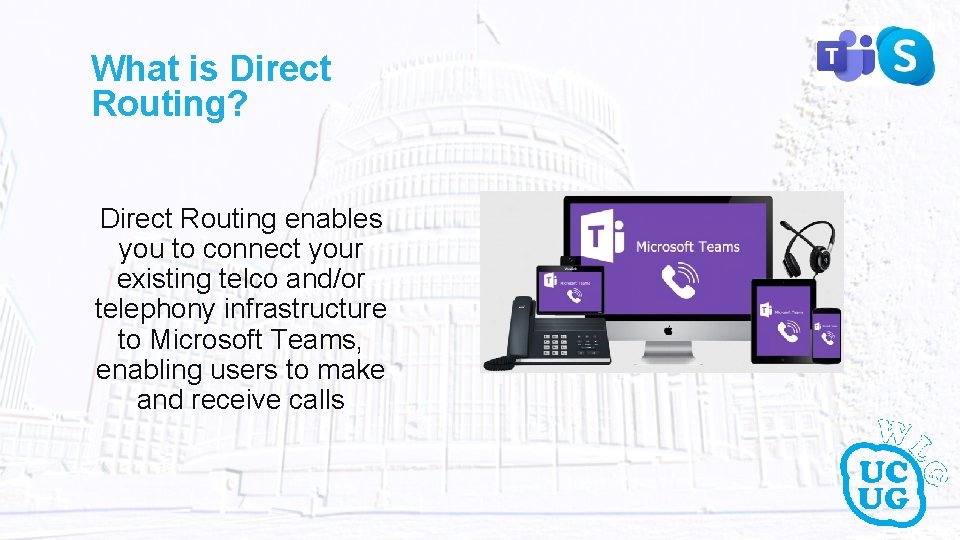
What is Direct Routing? Direct Routing enables you to connect your existing telco and/or telephony infrastructure to Microsoft Teams, enabling users to make and receive calls
Why do I need Direct Routing? • If you have offices outside the Calling Plan enabled countries and want users to be able to make calls. • If you have existing lines with long contracts. • If you need to connect Teams to your existing PBX or Contact Center to enable cross system calling. • If you have offices and users all over the world and users have a need to call anywhere as cheaply as possible. (not allowed by all carriers)
Components of Direct Routing • Telecommunications provider • Certified Session Border Controller (SBC) • Public PKI certificate for SBC(s) • Public DNS records for SBC(s) • Internet Connection • Appropriate User Licensing
Direct Routing As-a-Service • Numerous multi-tenanted options available • Simplifies deployment and support immensely Provided Ø Ø Telecommunications provider Certified Session Border Controller (SBC) Public PKI certificate for SBC(s) Public DNS records for SBC(s) You Still Need Ø Internet Connection Ø Appropriate User Licensing
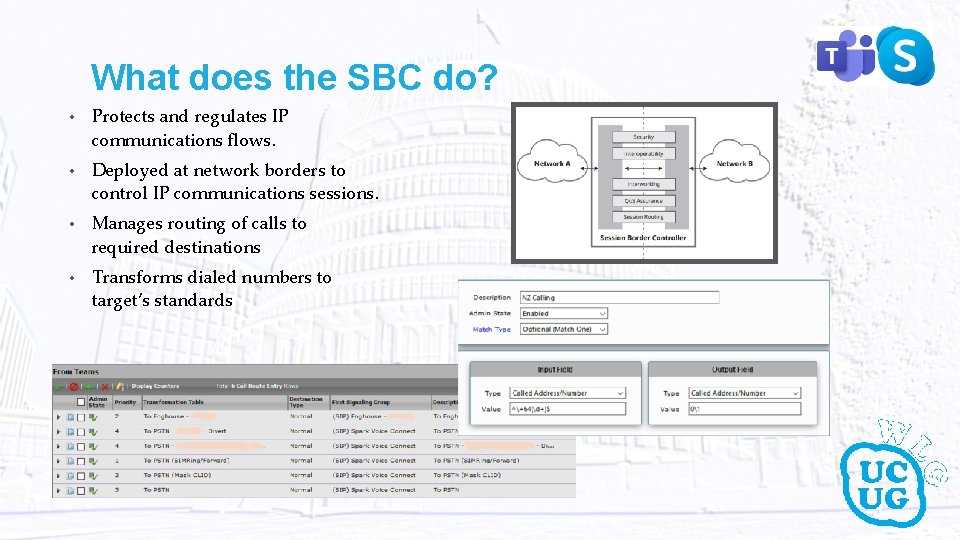
What does the SBC do? • Protects and regulates IP communications flows. • Deployed at network borders to control IP communications sessions. • Manages routing of calls to required destinations • Transforms dialed numbers to target’s standards

Architectural Overview Public Cert Public DNS Microsoft Phone System Telco Teams User Third Party Integration(s)
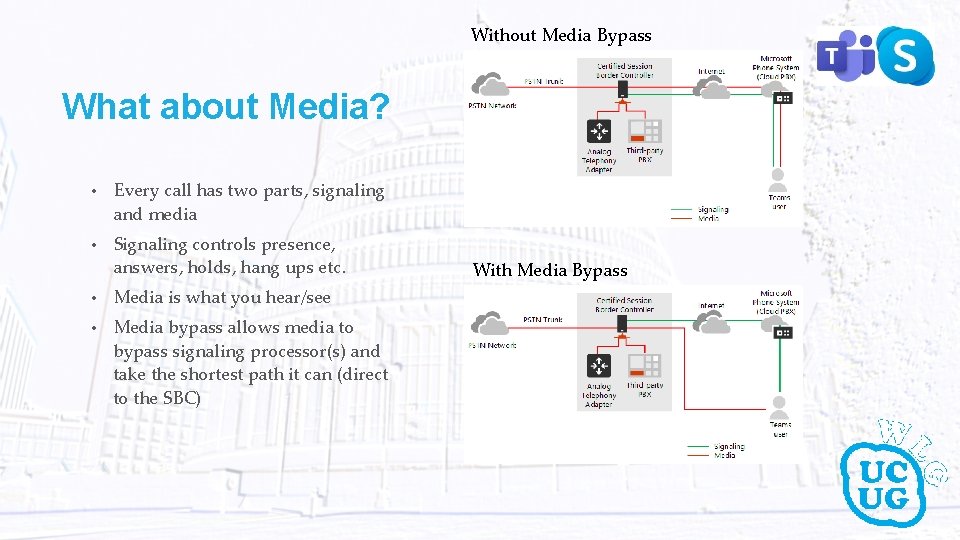
Without Media Bypass What about Media? • Every call has two parts, signaling and media • Signaling controls presence, answers, holds, hang ups etc. • Media is what you hear/see • Media bypass allows media to bypass signaling processor(s) and take the shortest path it can (direct to the SBC) With Media Bypass

Thank You!
- Slides: 9