
Briefing Session on using audiovisual equipment IT facilities
Briefing Session on using audio-visual equipment, IT facilities and library services Learning Resources Centre September 2008 1
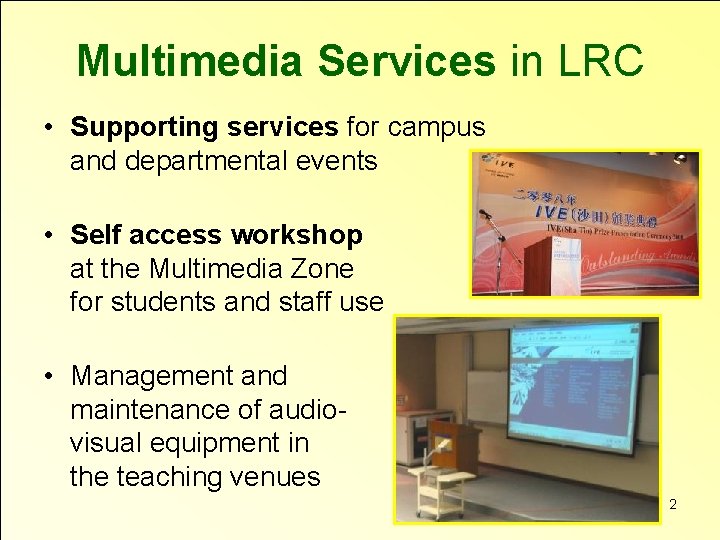
Multimedia Services in LRC • Supporting services for campus and departmental events • Self access workshop at the Multimedia Zone for students and staff use • Management and maintenance of audiovisual equipment in the teaching venues 2
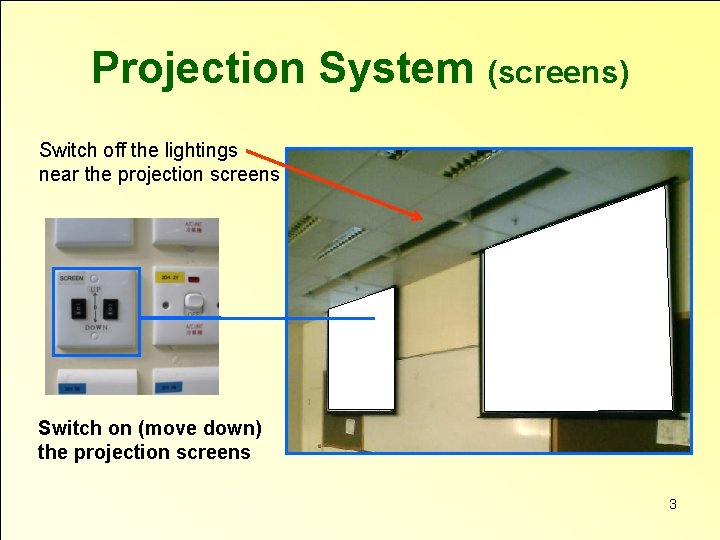
Projection System (screens) Switch off the lightings near the projection screens Switch on (move down) the projection screens 3
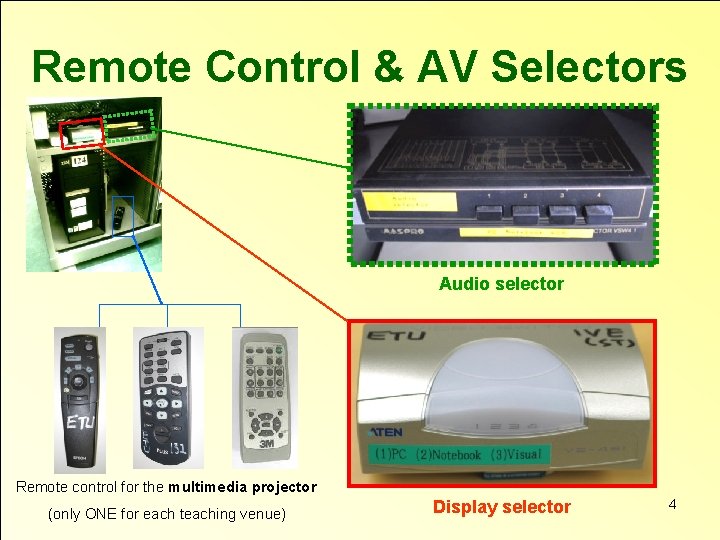
Remote Control & AV Selectors Audio selector Remote control for the multimedia projector (only ONE for each teaching venue) Display selector 4
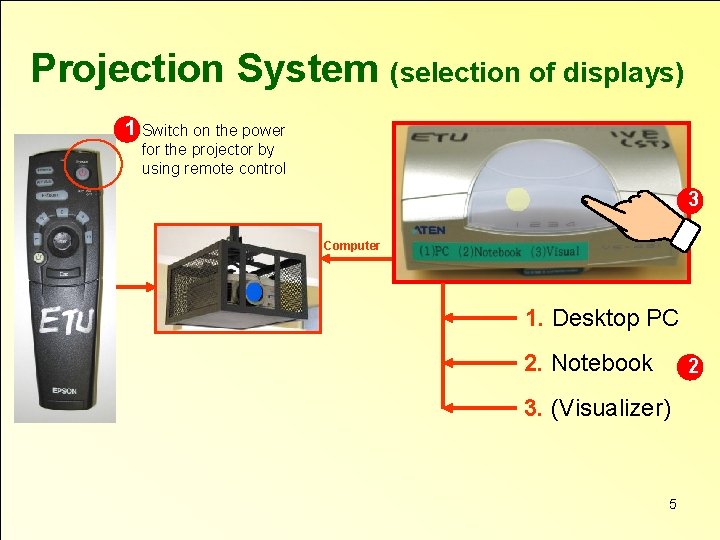
Projection System (selection of displays) 1 Switch on the power for the projector by using remote control 3 Computer 1. Desktop PC 2. Notebook 2 3. (Visualizer) 5
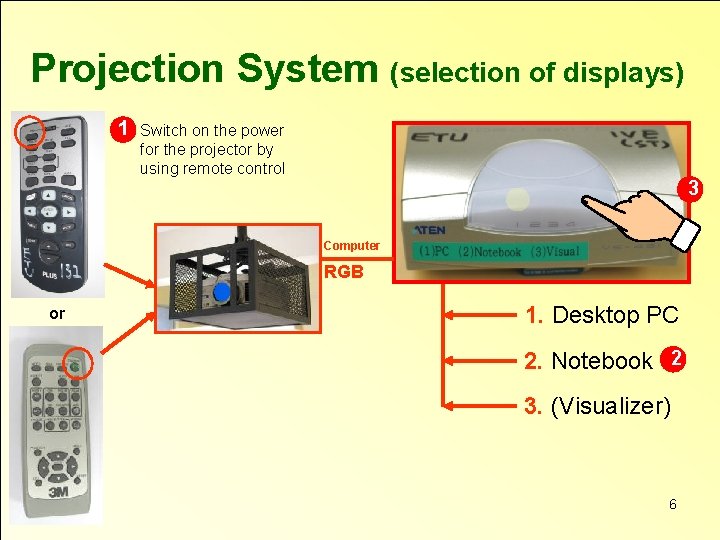
Projection System (selection of displays) 1 Switch on the power for the projector by using remote control 3 Computer RGB or 1. Desktop PC 2. Notebook 2 3. (Visualizer) 6
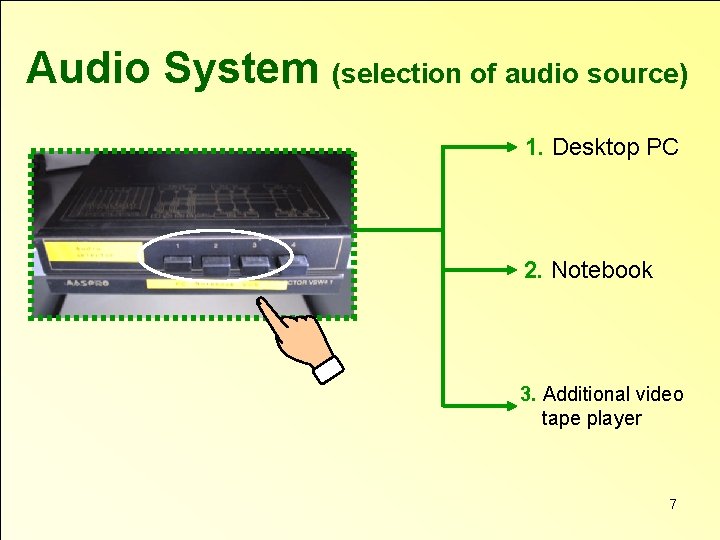
Audio System (selection of audio source) 1. Desktop PC 2. Notebook 3. Additional video tape player 7
Demonstration on using the audio-visual equipment 8

IT Services 9
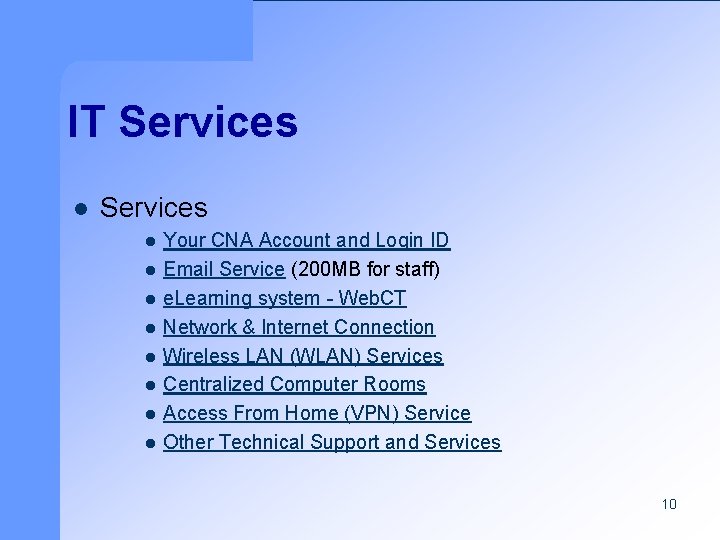
IT Services l l l l l Your CNA Account and Login ID Email Service (200 MB for staff) e. Learning system - Web. CT Network & Internet Connection Wireless LAN (WLAN) Services Centralized Computer Rooms Access From Home (VPN) Service Other Technical Support and Services 10
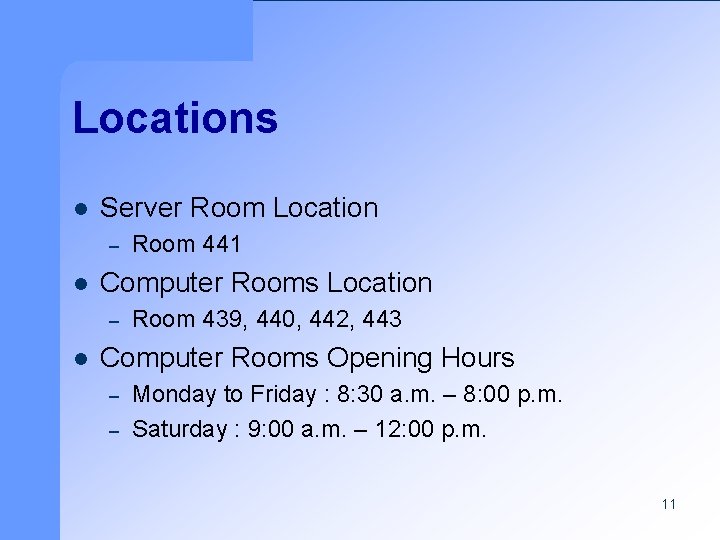
Locations l Server Room Location – l Computer Rooms Location – l Room 441 Room 439, 440, 442, 443 Computer Rooms Opening Hours – – Monday to Friday : 8: 30 a. m. – 8: 00 p. m. Saturday : 9: 00 a. m. – 12: 00 p. m. 11
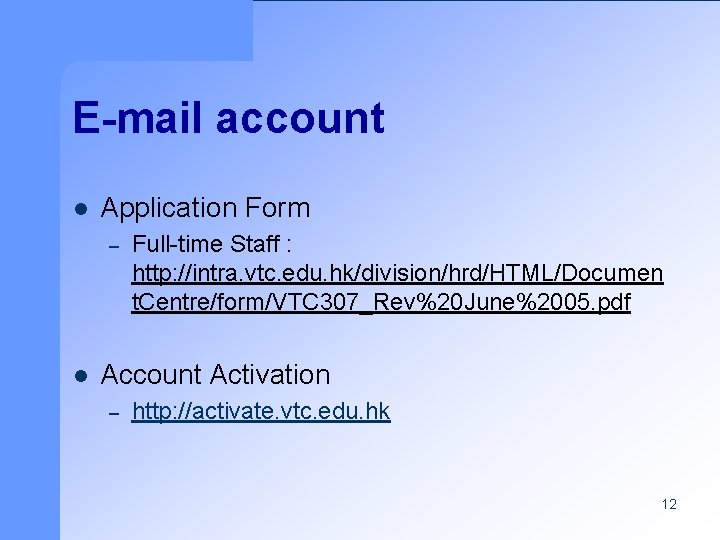
E-mail account l Application Form – l Full-time Staff : http: //intra. vtc. edu. hk/division/hrd/HTML/Documen t. Centre/form/VTC 307_Rev%20 June%2005. pdf Account Activation – http: //activate. vtc. edu. hk 12
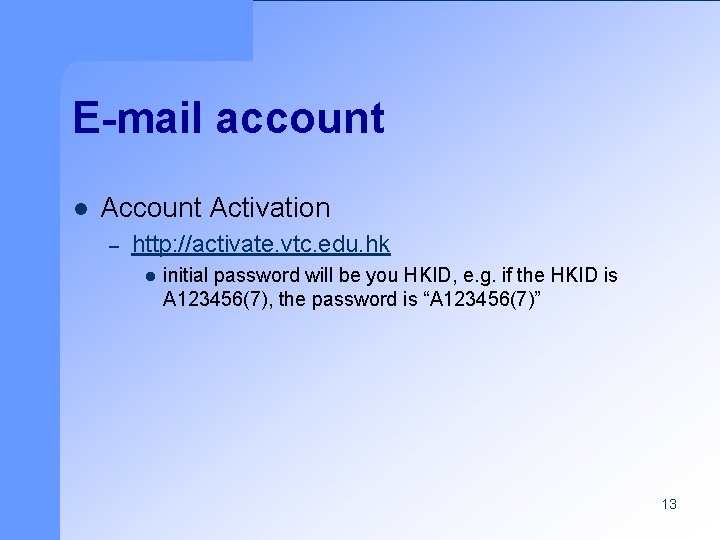
E-mail account l Account Activation – http: //activate. vtc. edu. hk l initial password will be you HKID, e. g. if the HKID is A 123456(7), the password is “A 123456(7)” 13
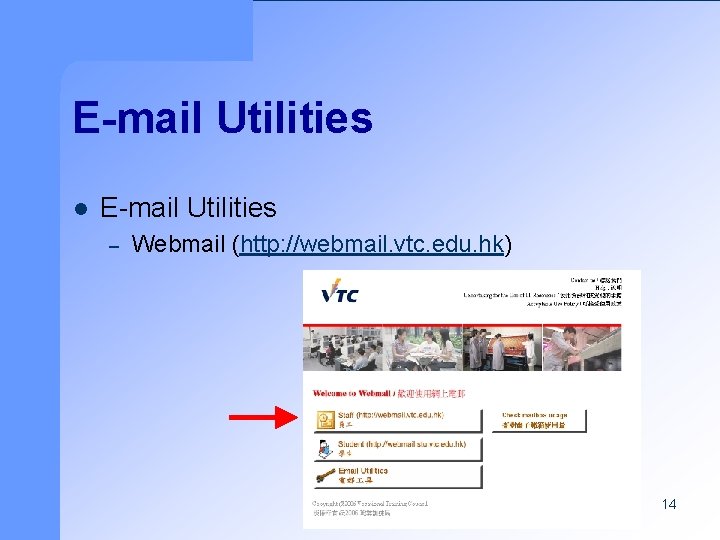
E-mail Utilities l E-mail Utilities – Webmail (http: //webmail. vtc. edu. hk) 14
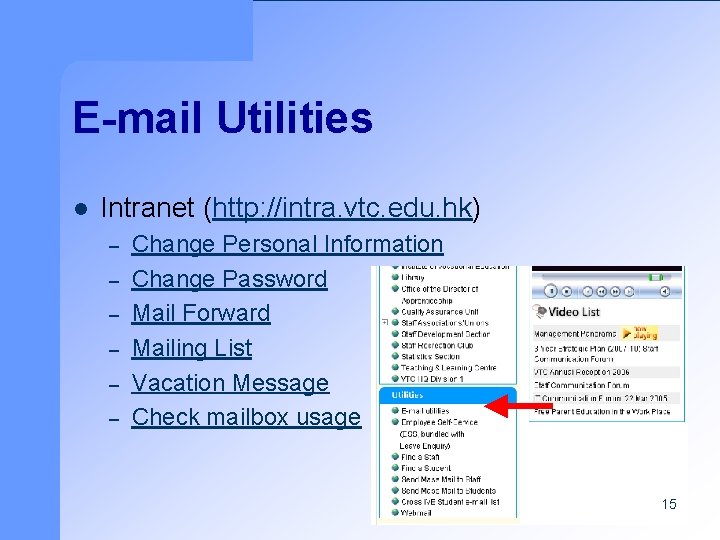
E-mail Utilities l Intranet (http: //intra. vtc. edu. hk) – – – Change Personal Information Change Password Mail Forward Mailing List Vacation Message Check mailbox usage 15
Wireless LAN (WLAN) Service l l WLAN homepage : http: //wlan. vtc. edu. hk Requirements : – – l CNA Account 802. 11 b/g Network Card Coverage : http: //stintra. vtc. edu. hk/WLan. Coverage. pdf – – – Ground Floor Open Area LRC Canteen Hall Lecture Theater 16
Useful Links l IVE(ST) Internet – l IVE(ST) Intranet – l http: //stintra. vtc. edu. hk VTC Internet – l http: //www. st. vtc. edu. hk http: //www. vtc. edu. hk VTC Intranet – http: //intra. vtc. edu. hk 17
Library Services 18
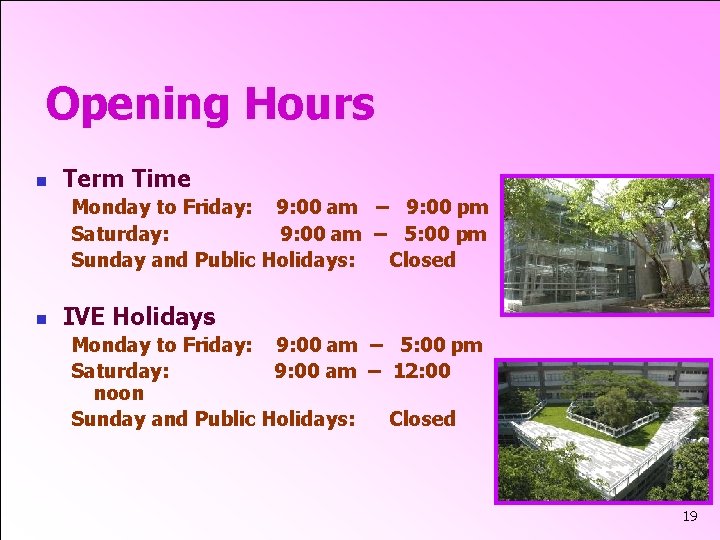
Opening Hours n Term Time Monday to Friday: 9: 00 am – 9: 00 pm Saturday: 9: 00 am – 5: 00 pm Sunday and Public Holidays: Closed n IVE Holidays Monday to Friday: 9: 00 am – 5: 00 pm Saturday: 9: 00 am – 12: 00 noon Sunday and Public Holidays: Closed 19
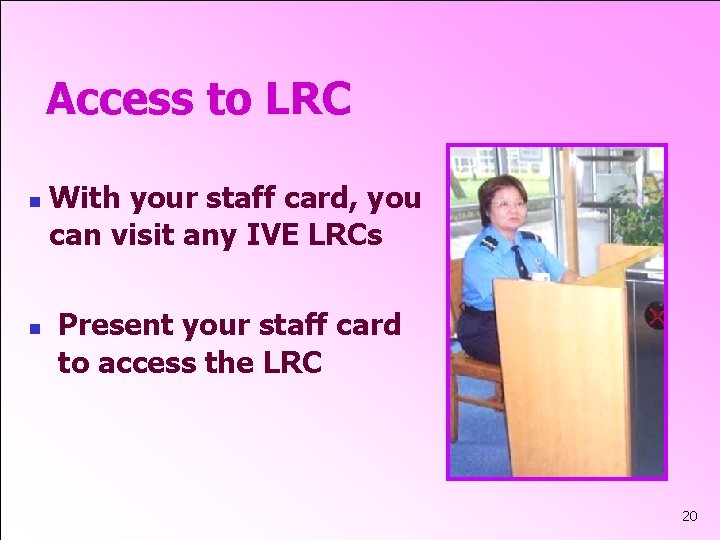
Access to LRC n n With your staff card, you can visit any IVE LRCs Present your staff card to access the LRC 20
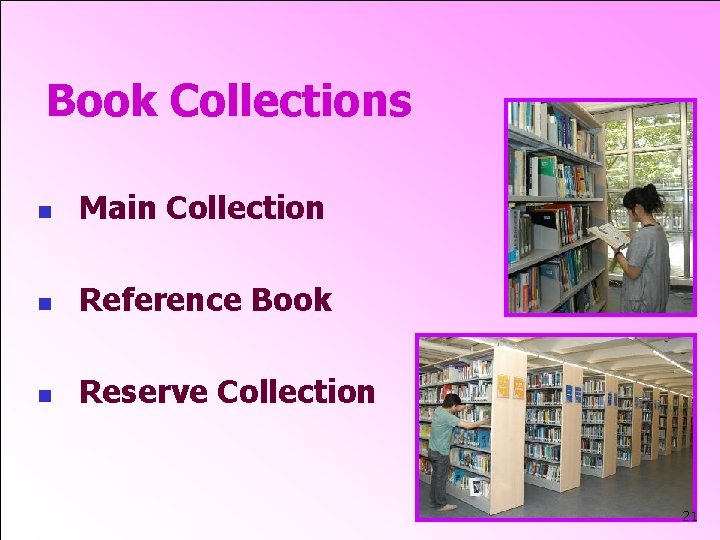
Book Collections n Main Collection n Reference Book n Reserve Collection 21
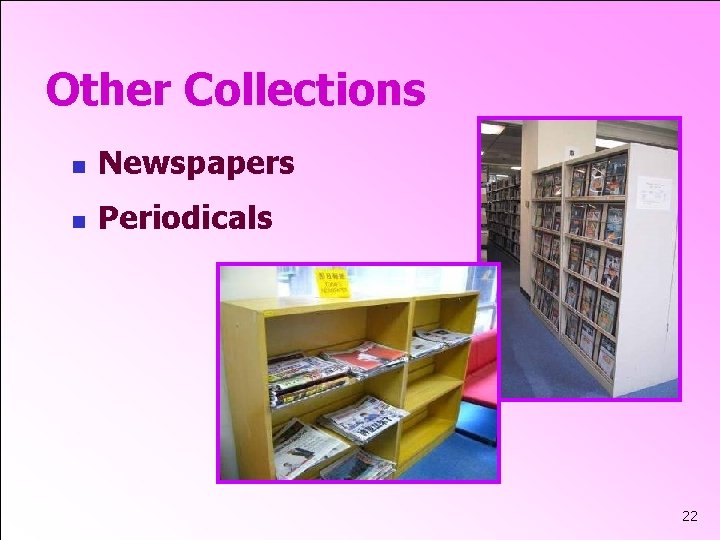
Other Collections n Newspapers n Periodicals 22
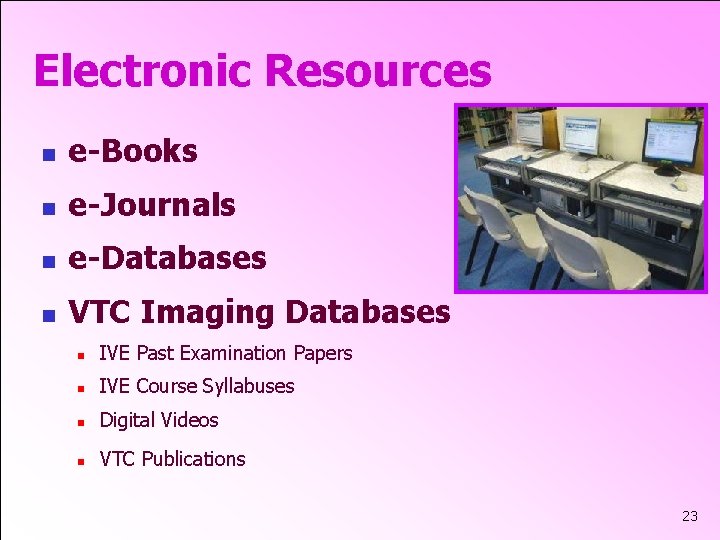
Electronic Resources n e-Books n e-Journals n e-Databases n VTC Imaging Databases n IVE Past Examination Papers n IVE Course Syllabuses n Digital Videos n VTC Publications 23
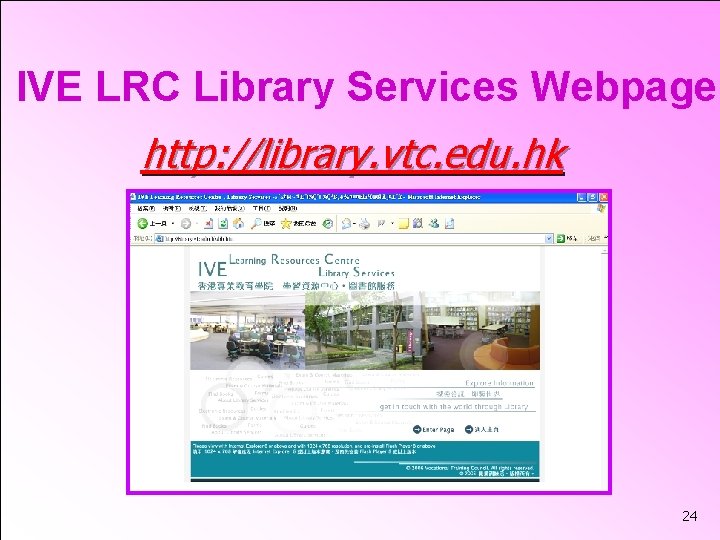
IVE LRC Library Services Webpage http: //library. vtc. edu. hk 24
LRC Services n n Circulation Counter n 23 books for 8 weeks n Renew twice only n Overdue fine $1 per day Inter-Campus Loan (ICL) Using VTC Library Catalogue to hold books of other IVE LRCs n Reference Service 25
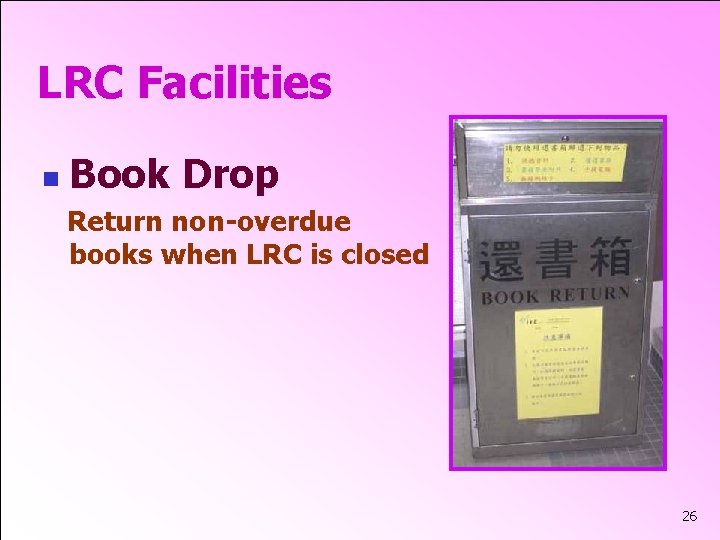
LRC Facilities n Book Drop Return non-overdue books when LRC is closed 26
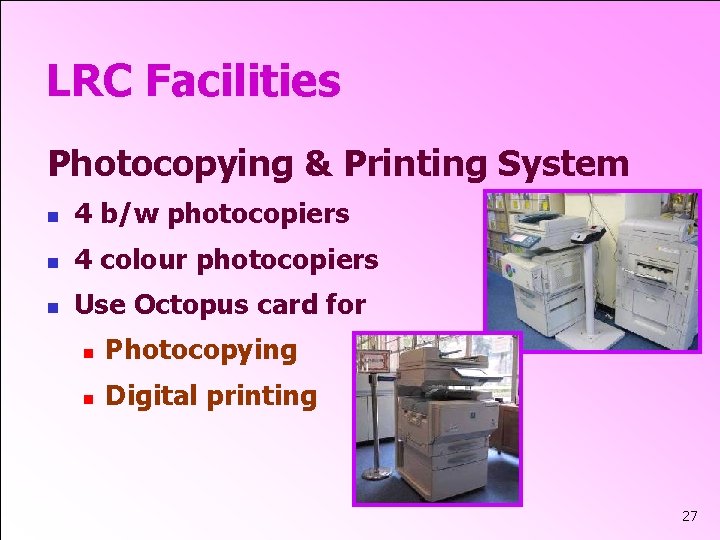
LRC Facilities Photocopying & Printing System n 4 b/w photocopiers n 4 colour photocopiers n Use Octopus card for n Photocopying n Digital printing 27
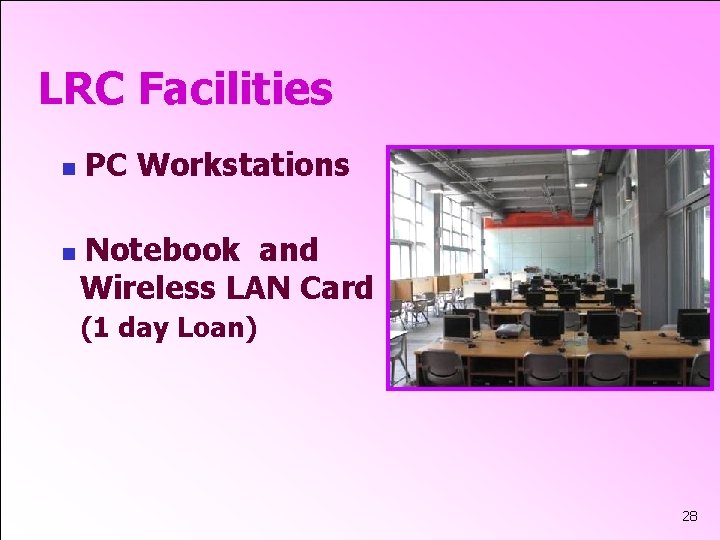
LRC Facilities n n PC Workstations Notebook and Wireless LAN Card (1 day Loan) 28
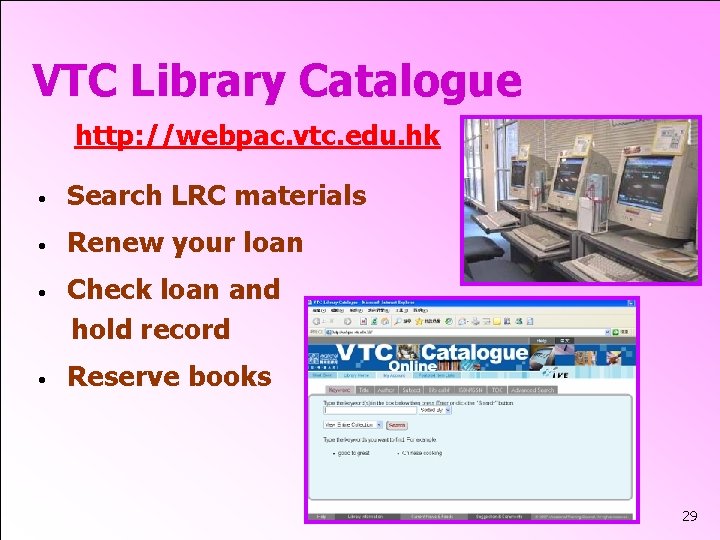
VTC Library Catalogue http: //webpac. vtc. edu. hk • Search LRC materials • Renew your loan • Check loan and hold record • Reserve books 29
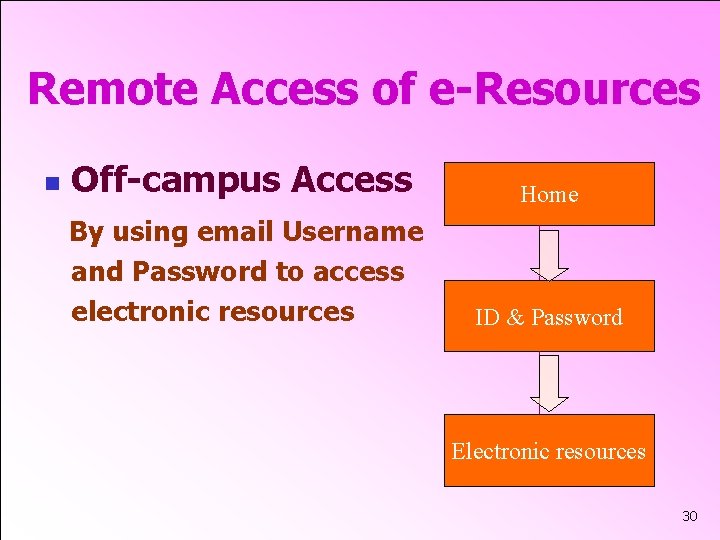
Remote Access of e-Resources n Off-campus Access Home By using email Username and Password to access electronic resources ID & Password Electronic resources 30
Contact Information • Multimedia Services Email: st-etu@vtc. edu. hk Tel: 22567645 • IT Services Email: st-cc@vtc. edu. hk Tel: 22567681 • Library Services Email: st-lib@vtc. edu. hk Tel: 22567623 • STN Teaching Technology Production Team Email: hermusw@vtc. edu. hk Tel: 22567517 General Information: http: //st. vtc. edu. hk/LRC. htm
End 32
- Slides: 32