
Breakout EDU Mary Beth Youse Wilmington University TLT
Breakout. EDU Mary Beth Youse Wilmington University TLT Teachers Learning with Technology Symposium 2017 Reveal Content
What is Breakout EDU? Intro Video https: //youtu. be/QWSo. R-0 DH 8 Q
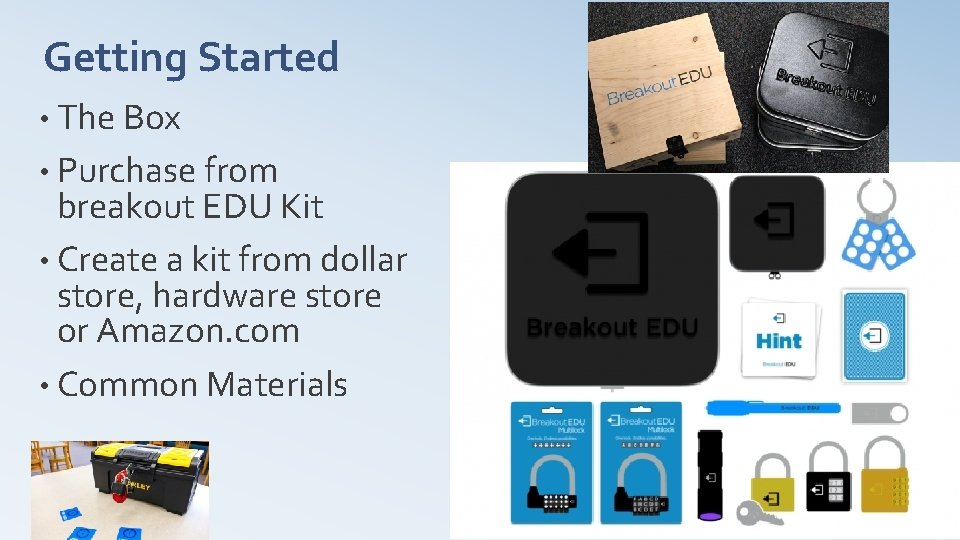
Getting Started • The Box • Purchase from breakout EDU Kit • Create a kit from dollar store, hardware store or Amazon. com • Common Materials
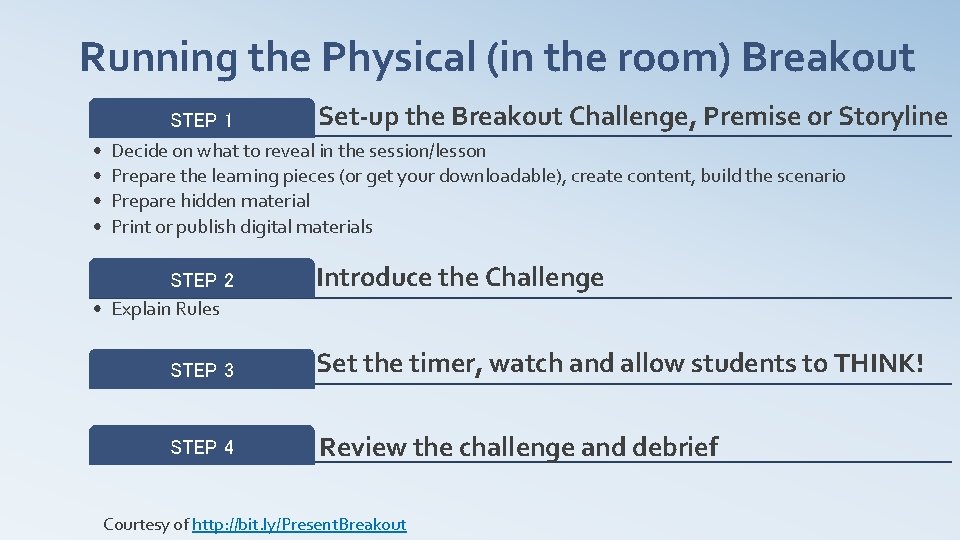
Running the Physical (in the room) Breakout STEP 1 • • Set-up the Breakout Challenge, Premise or Storyline Decide on what to reveal in the session/lesson Prepare the learning pieces (or get your downloadable), create content, build the scenario Prepare hidden material Print or publish digital materials STEP 2 • Explain Rules Introduce the Challenge STEP 3 Set the timer, watch and allow students to THINK! STEP 4 Review the challenge and debrief Courtesy of http: //bit. ly/Present. Breakout
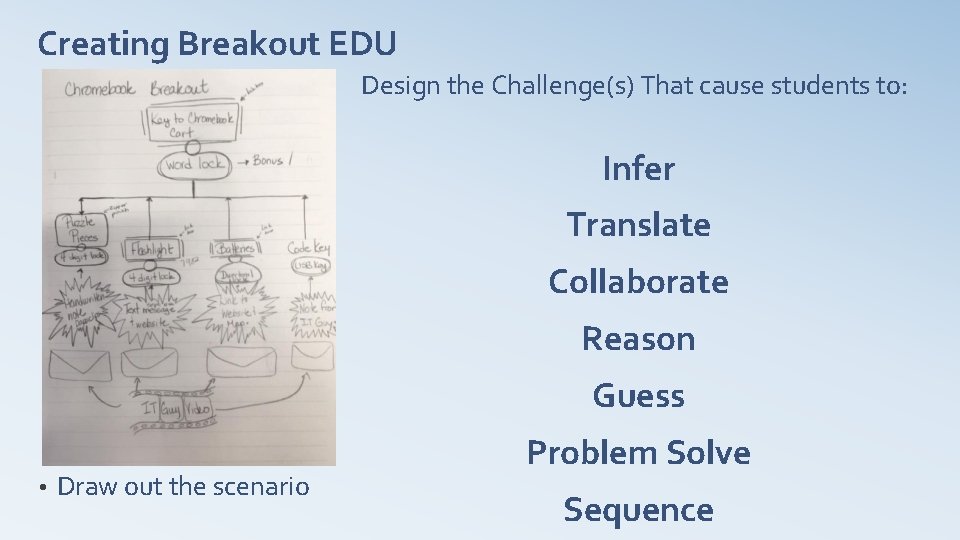
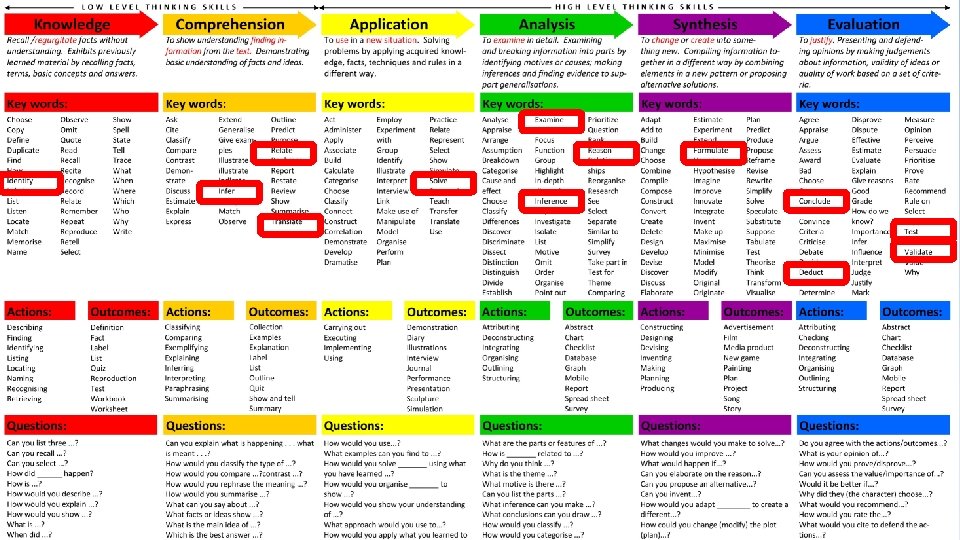
Creating Breakout EDU Design the Challenge(s) That cause students to: Infer Translate Collaborate Reason Guess • Draw out the scenario Problem Solve Sequence
Let’s Play a Breakout Game “Nutritional Knowledge” Physical. Game • Game Packet with written scenario – Design Tasks/Questions, Find Material, Answer the lock questions – Print Reading Material, Cryptogram, Nutritional Guide, Nutritional Flashcards, Infographic • Timer – from You. Tube Ø 10 minute timer with music Ø 10 minute timer with Epic Music Ø 10 minute timer with beeps • Lock Options – physical locks, cryptyx, magic pen, black light, handouts,

Take a Closer Look at Breakout • Timer - use timer for the task • Scenario- Design Tasks/Questions 1. Develop the Breakout 2. Use Supplemental Resources a) URL’s of supporting Internet sites b) Digital Cryptogram c) Flashcards • • “Nutritional Knowledge” Digital Game https: //sites. google. com/view/yowzza/home http: //tinyurl. com/kyjb 9 v 4 Digital Parts: 1. Google Sites to post content 2. Google Forms – use Data Validation for the locks – add to Site 3. Google Drawing – design the scene – add the image to Site 4. Google Sheet – Create the Cryptogram to copy/paste to Google Slide, then add letter boxes to drag and drop 5. Google Slide – add to Site 6. Google Embed – You. Tube video time to Site Test it out!
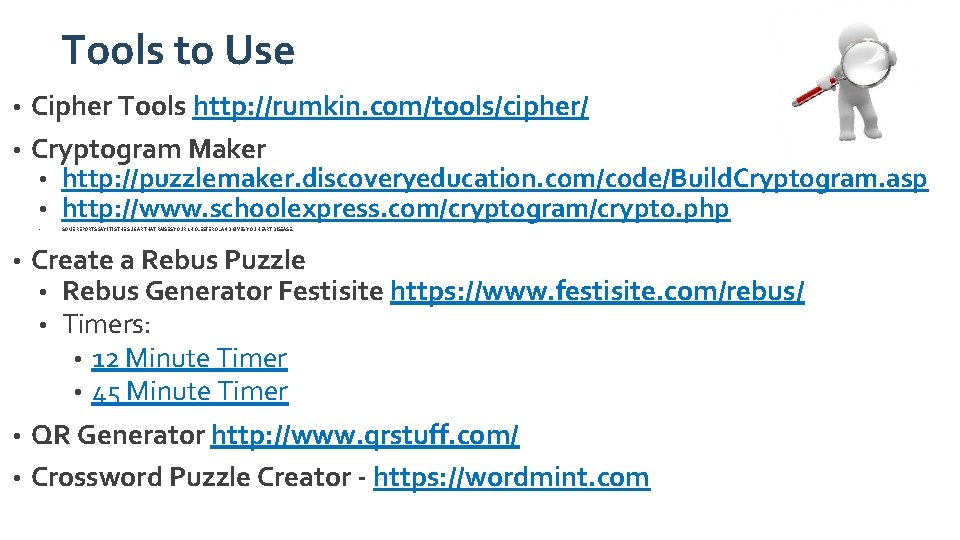
Tools to Use Cipher Tools http: //rumkin. com/tools/cipher/ • Cryptogram Maker • http: //puzzlemaker. discoveryeducation. com/code/Build. Cryptogram. asp • http: //www. schoolexpress. com/cryptogram/crypto. php • • SOME REPORTS SAY IT IS THE SUGAR THAT RAISES YOUR CHOLESTEROL AND GIVES YOU HEART DISEASE. Create a Rebus Puzzle • Rebus Generator Festisite https: //www. festisite. com/rebus/ • Timers: • 12 Minute Timer • 45 Minute Timer • QR Generator http: //www. qrstuff. com/ • Crossword Puzzle Creator - https: //wordmint. com •
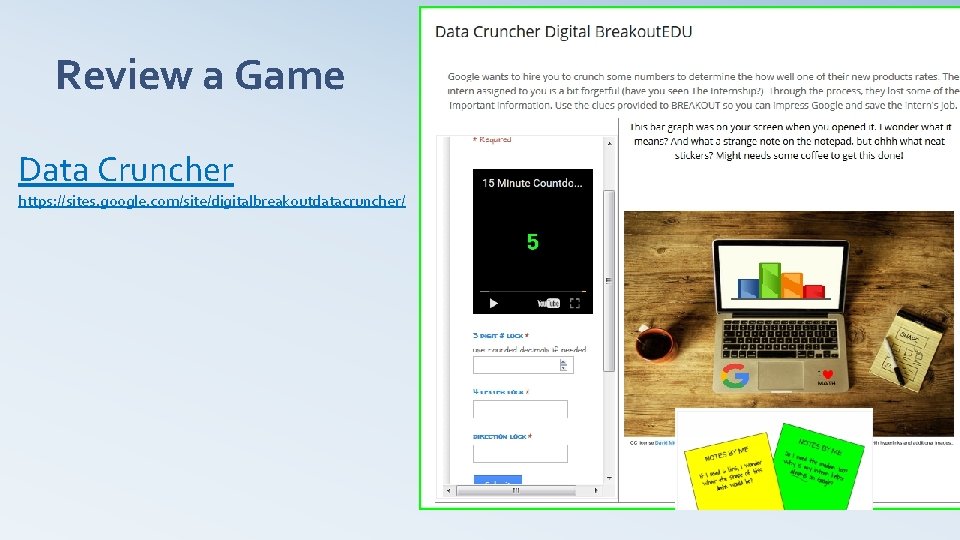
Review a Game Data Cruncher https: //sites. google. com/site/digitalbreakoutdatacruncher/
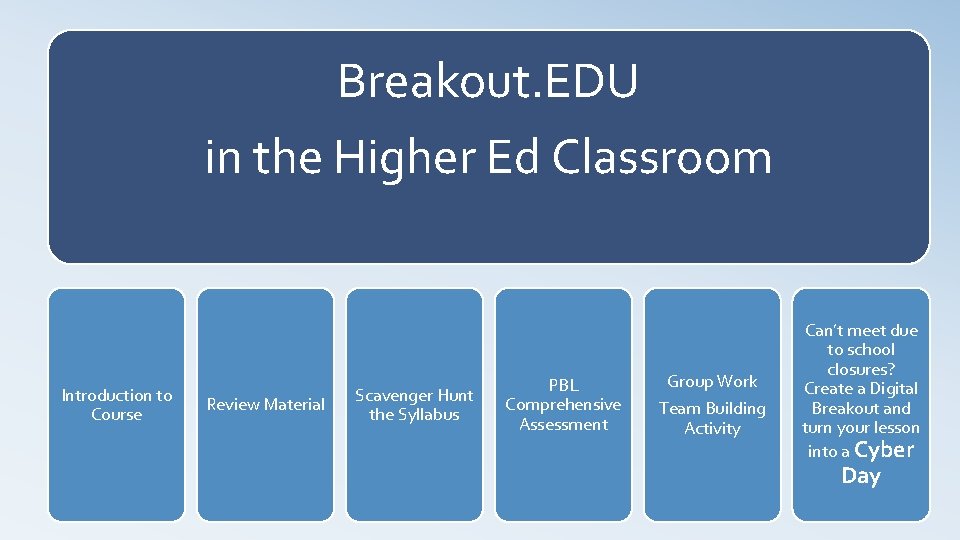
Breakout. EDU in the Higher Ed Classroom Introduction to Course Review Material Scavenger Hunt the Syllabus PBL Comprehensive Assessment Group Work Team Building Activity Can’t meet due to school closures? Create a Digital Breakout and turn your lesson into a Cyber Day
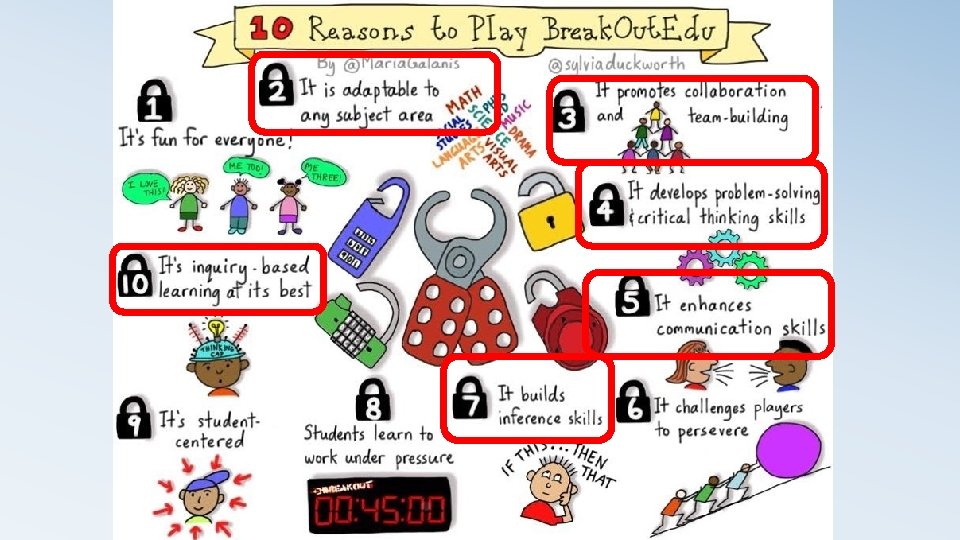
Connect with Breakout. EDU • Sign up at breakout. edu • Games http: //www. breakoutedu. com/ • Search • Share Game Template • Share Game
Engage Your Students Breakout EDU
- Slides: 14