
Bracketing You can get all different kinds of
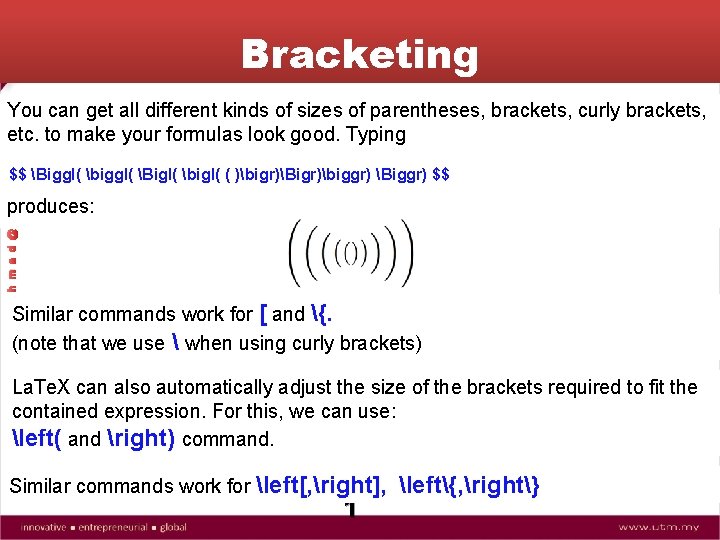
Bracketing You can get all different kinds of sizes of parentheses, brackets, curly brackets, etc. to make your formulas look good. Typing A h m a d @ U T M $$ Biggl( biggl( Bigl( bigl( ( )bigr)Bigr)biggr) Biggr) $$ produces: N. Similar commands work for [ and {. (note that we use when using curly brackets) La. Te. X can also automatically adjust the size of the brackets required to fit the contained expression. For this, we can use: left( and right) command. Similar commands work for left[, right], left{, right} 1
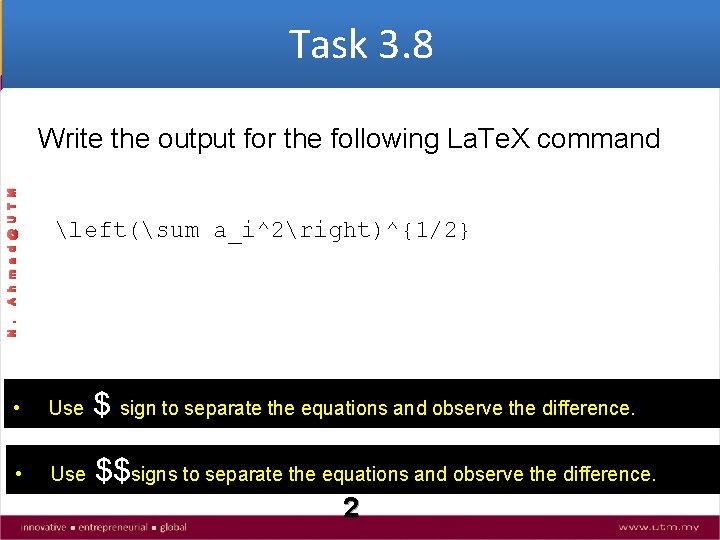
Task 3. 8 left(sum a_i^2right)^{1/2} N. A h m a d @ U T M Write the output for the following La. Te. X command $ sign to separate the equations and observe the difference. • Use $$signs to separate the equations and observe the difference. 2
Building Mathematical Expressions: N. A h m a d @ U T M Spaces in Math Mode In math mode, LATEX ignores blanks typed in the input. However, the following symbols allow you to add (or subtract) small amounts of space in your equations: ; thick space , thin space : medium space ! negative space In addition, you can make a larger space (about the width of an “M”) with the command quad. The command qquad provides twice as much space. 3
Building Mathematical Expressions: N. A h m a d @ U T M Dots, Braces, and Bars The commands ldots, cdots, vdots, and ddots are used to produce a string of three dots on the base line, on the math centerline, vertically, or on the diagonal, respectively. The commands overline, underline, overbrace, and underbrace are used to build horizontal groups. 4
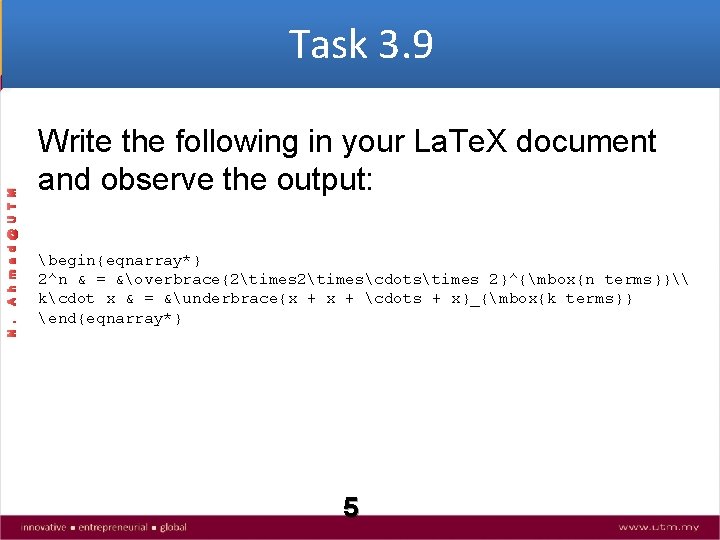
N. A h m a d @ U T M Task 3. 9 Write the following in your La. Te. X document and observe the output: begin{eqnarray*} 2^n & = &overbrace{2timescdotstimes 2}^{mbox{n terms}}\ kcdot x & = &underbrace{x + cdots + x}_{mbox{k terms}} end{eqnarray*} 5
Building Mathematical Expressions: N. A h m a d @ U T M Radicals, Integrals, and Summations The sqrt command creates a square root sign for its mandatory argument. An optional argument for the radicand allows you to construct cube roots, nth roots, etc. Integral signs are produced with the int command, and summation signs are produced with the sum command. These symbols are often used with superscripts and subscripts: 6
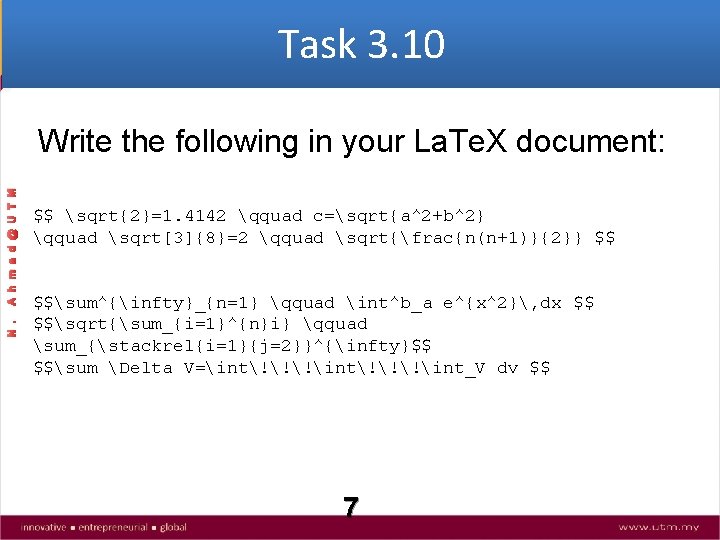
Task 3. 10 N. A h m a d @ U T M Write the following in your La. Te. X document: $$ sqrt{2}=1. 4142 qquad c=sqrt{a^2+b^2} qquad sqrt[3]{8}=2 qquad sqrt{frac{n(n+1)}{2}} $$ $$sum^{infty}_{n=1} qquad int^b_a e^{x^2}, dx $$ $$sqrt{sum_{i=1}^{n}i} qquad sum_{stackrel{i=1}{j=2}}^{infty}$$ $$sum Delta V=int!!!int_V dv $$ 7
Array Environment: The array environment is not itself a math environment; it must be enclosed within a math environment of your choosing. It is used for building rectangular arrays of numbers, matrices, etc. array is the math equivalent of tabular and uses the same syntax. N. A h m a d @ U T M for matrices etc 8
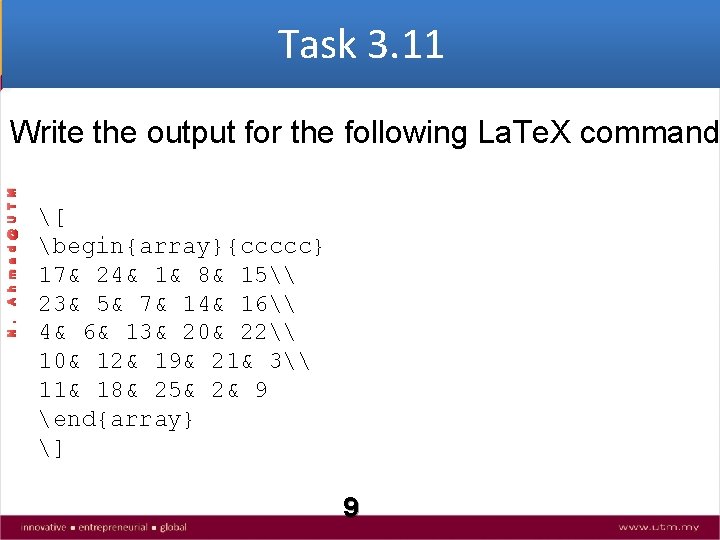
Task 3. 11 N. A h m a d @ U T M Write the output for the following La. Te. X command [ begin{array}{ccccc} 17& 24& 1& 8& 15\ 23& 5& 7& 14& 16\ 4& 6& 13& 20& 22\ 10& 12& 19& 21& 3\ 11& 18& 25& 2& 9 end{array} ] 9
The array environment is not itself a math environment; it must be enclosed within a math environment of your choosing. It is used for building rectangular arrays of numbers, matrices, etc. array is the math equivalent of tabular and uses the same syntax. N. A h m a d @ U T M Other variations for building matrices 10
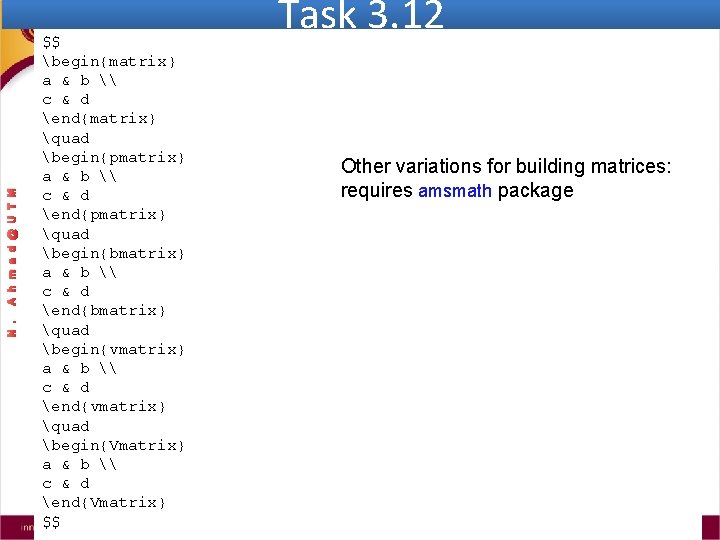
A h m a d @ U T M N. $$ begin{matrix} a & b \ c & d end{matrix} quad begin{pmatrix} a & b \ c & d end{pmatrix} quad begin{bmatrix} a & b \ c & d end{bmatrix} quad begin{vmatrix} a & b \ c & d end{vmatrix} quad begin{Vmatrix} a & b \ c & d end{Vmatrix} $$ Task 3. 12 Other variations for building matrices: requires amsmath package 11
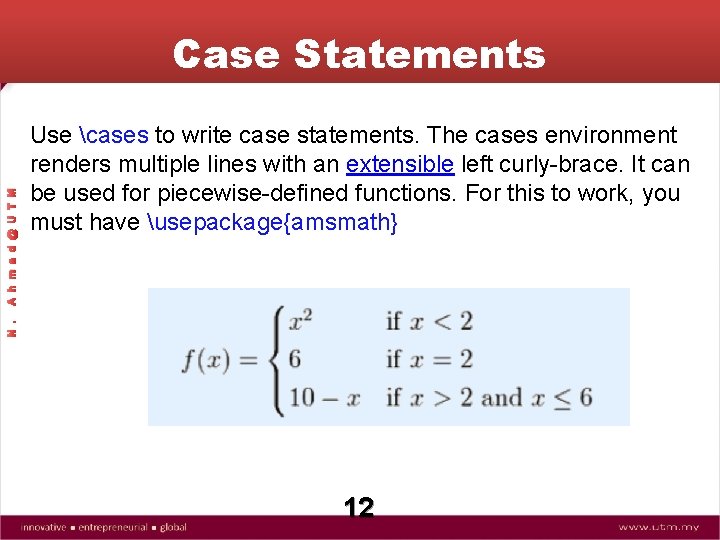
Use cases to write case statements. The cases environment renders multiple lines with an extensible left curly-brace. It can be used for piecewise-defined functions. For this to work, you must have usepackage{amsmath} N. A h m a d @ U T M Case Statements 12
Task 3. 13 A h m a d @ U T M Write the output for the following La. Te. X command N. $$ x_lambda = begin{cases} x & text{if $lambda$ is an eigenvalue; }\ -x & text{if $-lambda$ is an eigenvalue; }\ 0 & text{otherwise. } end{cases} $$ 13
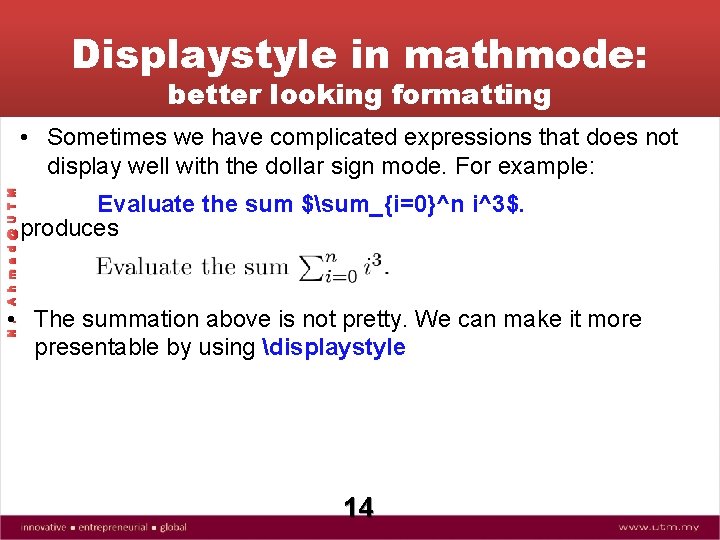
Displaystyle in mathmode: better looking formatting A h m a d @ U T M • Sometimes we have complicated expressions that does not display well with the dollar sign mode. For example: Evaluate the sum $sum_{i=0}^n i^3$. produces N. • The summation above is not pretty. We can make it more presentable by using displaystyle 14
Task 3. 14 Evaluate the sum $sum_{i=0}^n i^3$. Evaluate the sum $displaystylesumlimits_{i=0}^n i^3$. N. A h m a d @ U T M Write the output for the following La. Te. X command 15
Task 3. 15 Depending on the value of $x$ the equation ( f(x) = sum_{i=0}^{n} frac{a_i}{1+x} ) may diverge or converge. $$ f(x) = sum_{i=0}^{n} frac{a_i}{1+x} $$ N. A h m a d @ U T M Write the output for the following La. Te. X command Use displaystyle to display the inline equations above better 16
- Slides: 16