
Box User Days 1 2 april 2015 Box
Box User Days 1 – 2 april 2015
Box Enterprise • Box @KU Leuven – What? – Why? – How? • Box Essentials – Adding content – Finding what you need
Box Enterprise • Sharing – Shared links – Colloborators – Comments and Tasks – Box Notes • Work in Progres – Box mobile – Box Edit – Box for Office • Advanced Sharing
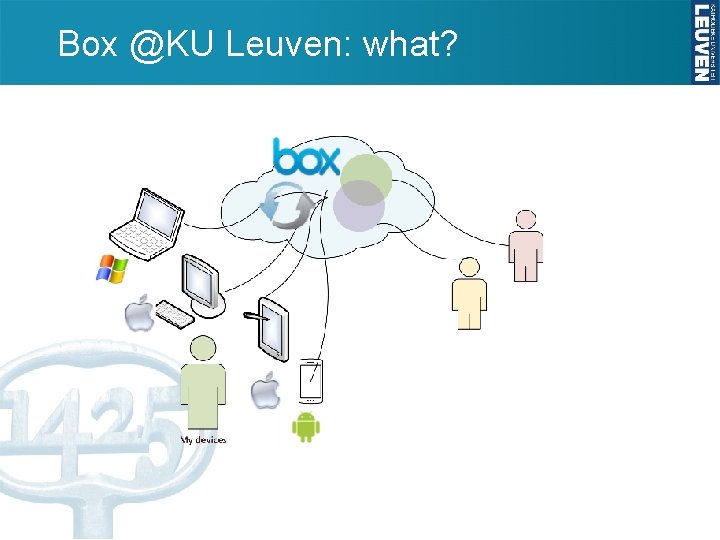
Box @KU Leuven: what?
Box @KU Leuven: why? • Alternative for private cloud services – Work related data – Ease of use on multiple personal devices – Easy sharing • Secure – End to end encryption – Granulair access rights for collaborators – Password and expiry date restrictions when sharing files • Managed – KU Leuven Single Sign-on – Data availability
Box @KU Leuven: how? - All information about this service in service catalog - https: //icts. kuleuven. be/sc/english/box - Use personal KU Leuven email address - Default 100 GB storage - Maximum document size = 5 GB - 10€ person per year
Box @KU Leuven: how? - Application - Create account: - Single Sign On - Use KU Leuven central login id and password - Documentation available at : - ICTS KU Leuven : https: //admin. kuleuven. be/icts/onderzoek/BOX/Overzichtbox - Box Support : https: //support. box. com/hc/en-us
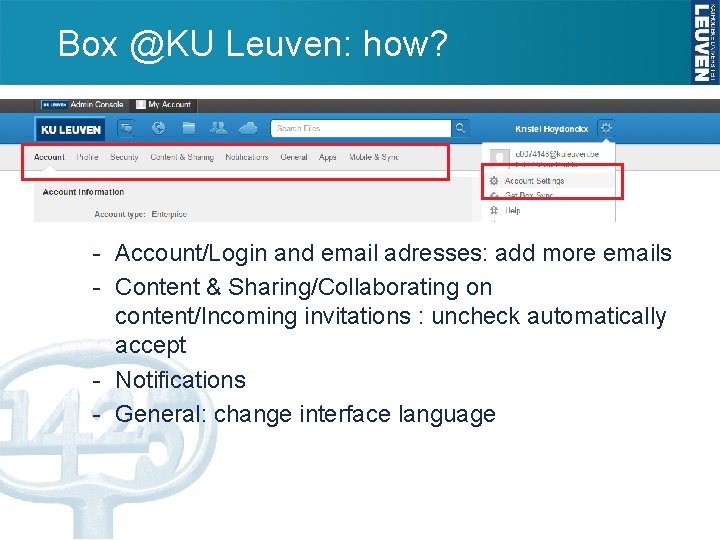
Box @KU Leuven: how? - Account/Login and email adresses: add more emails - Content & Sharing/Collaborating on content/Incoming invitations : uncheck automatically accept - Notifications - General: change interface language
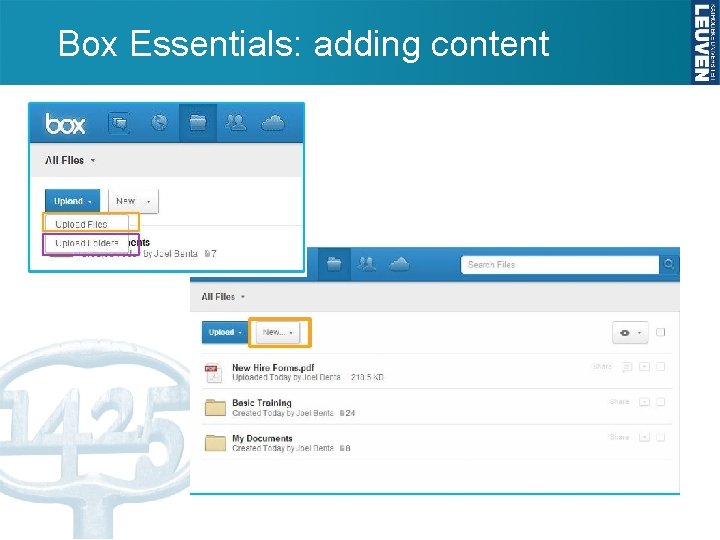
Box Essentials: adding content
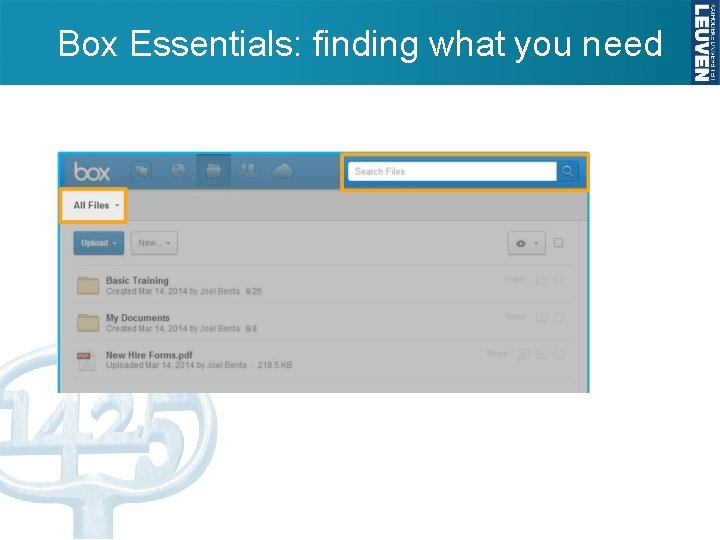
Box Essentials: finding what you need
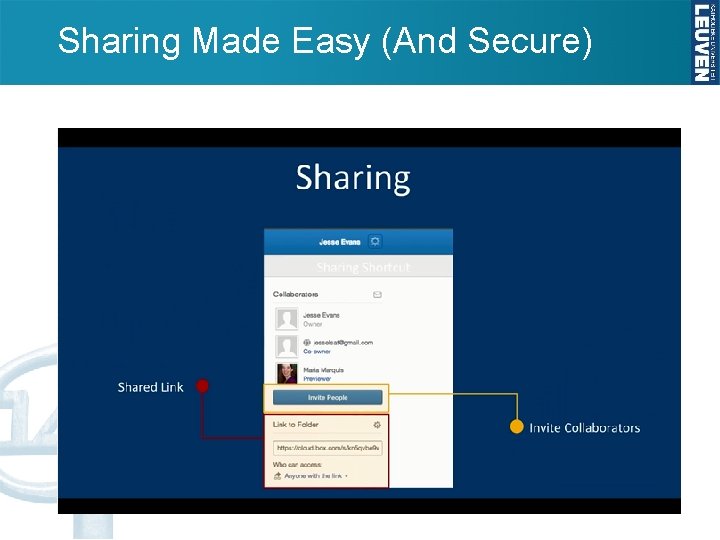
Sharing Made Easy (And Secure)
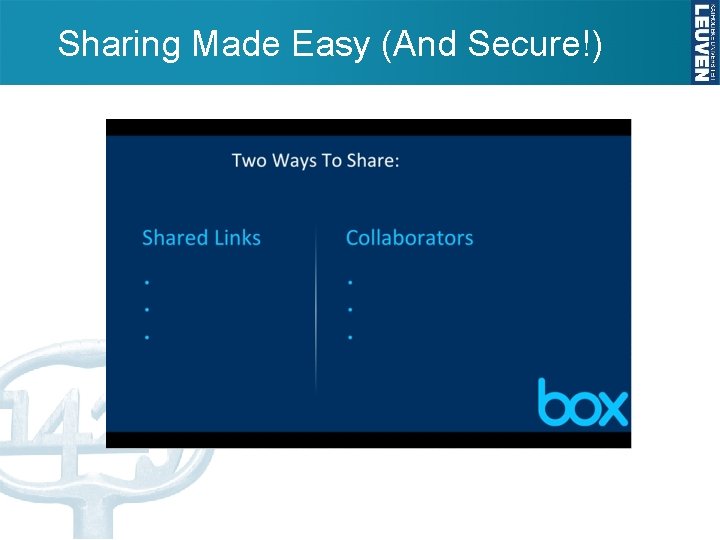
Sharing Made Easy (And Secure!)
Sharing Made Easy (And Secure!)
Sharing Made Easy (And Secure!)
Sharing Made Easy (And Secure!)
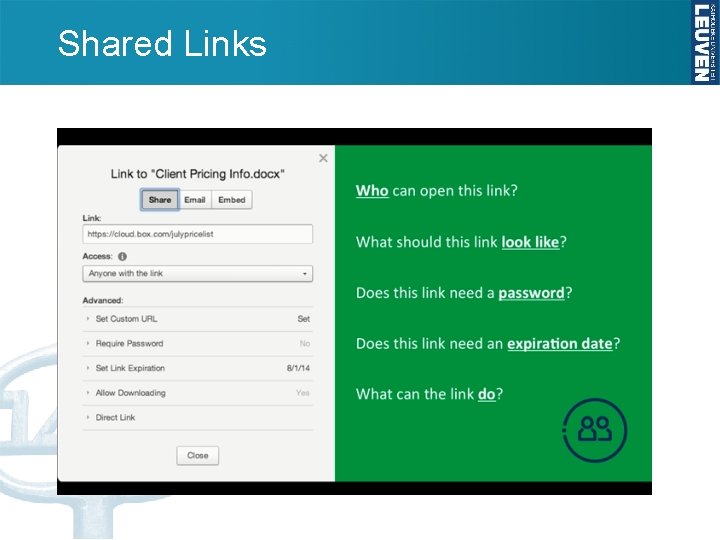
Shared Links
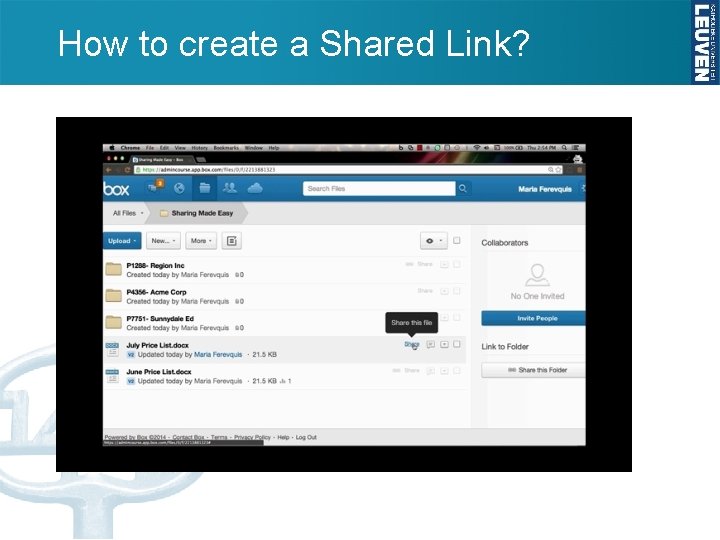
How to create a Shared Link?
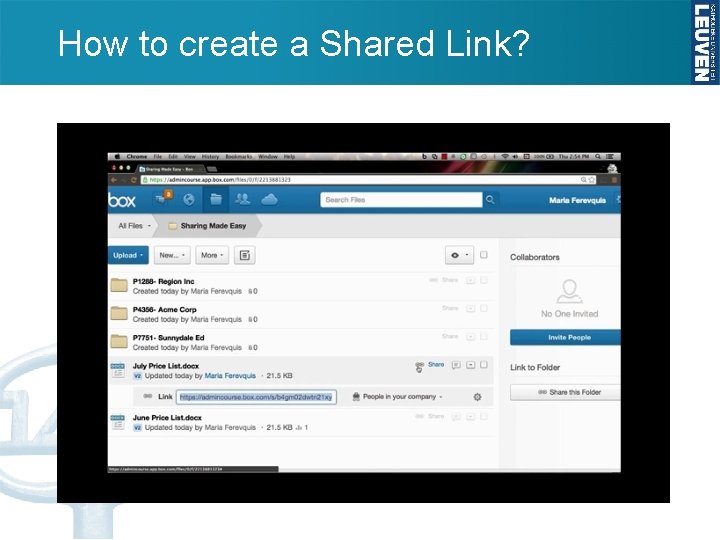
How to create a Shared Link?
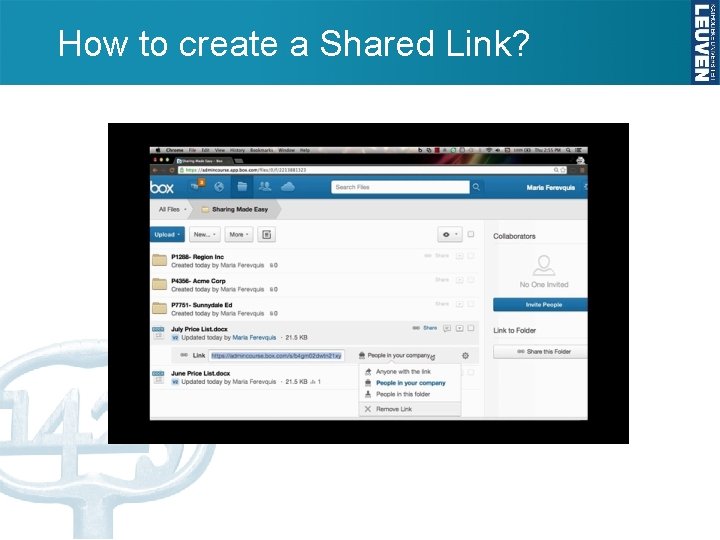
How to create a Shared Link?
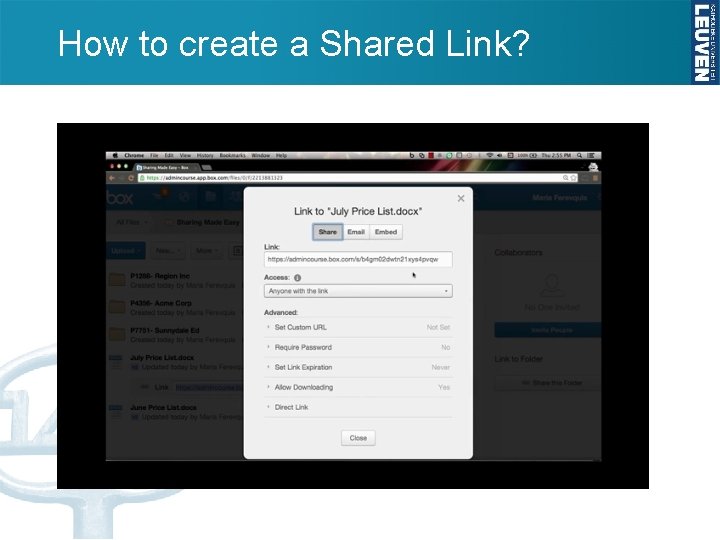
How to create a Shared Link?
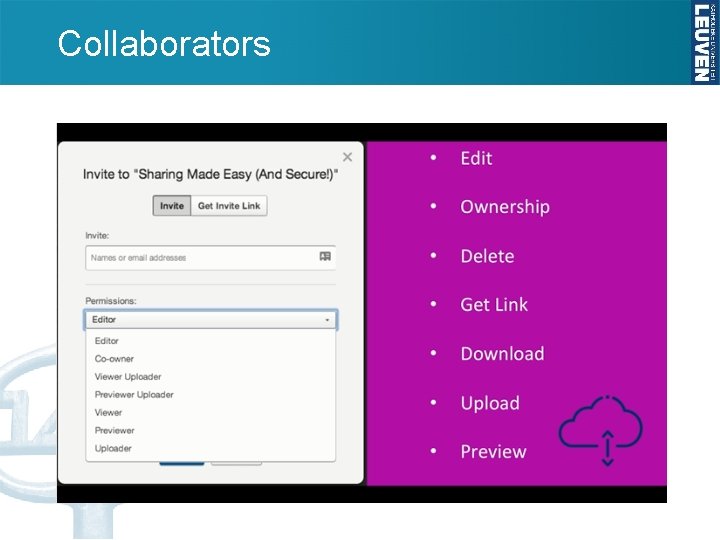
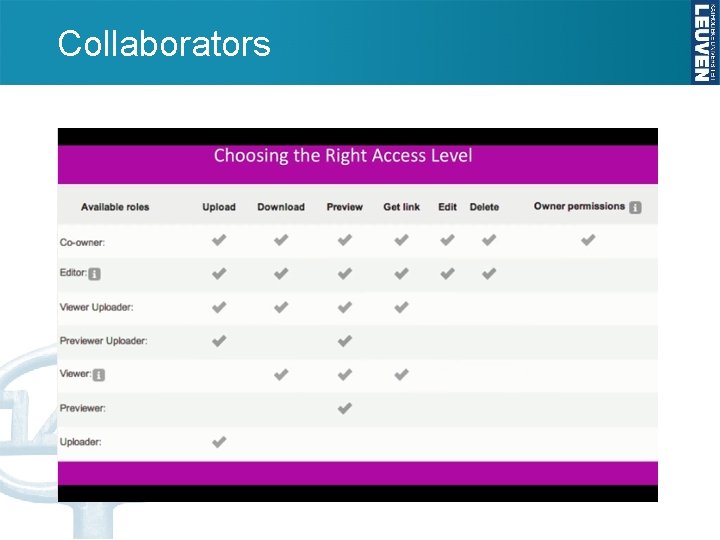
Collaborators
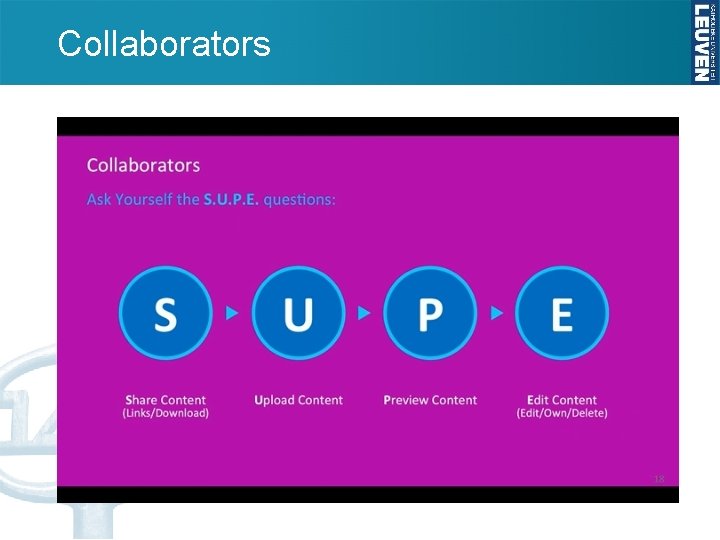
Collaborators
Collaborators
How to invite Collaborators?
How to invite Collaborators?
Comments and Tasks
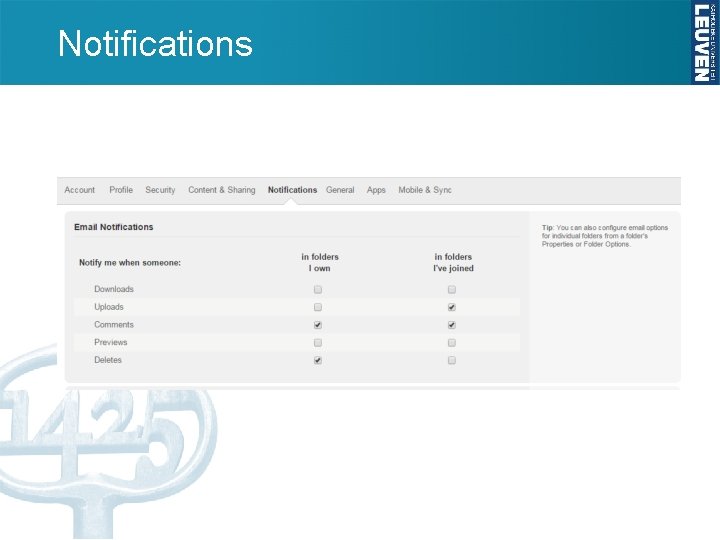
Notifications
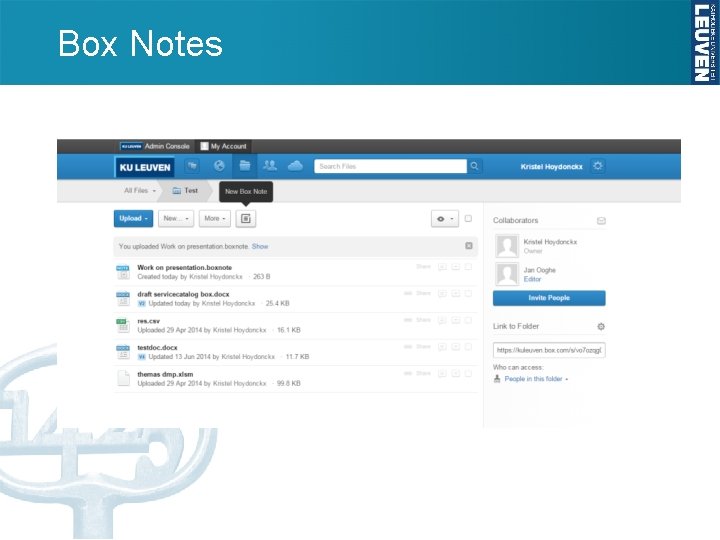
Box Notes
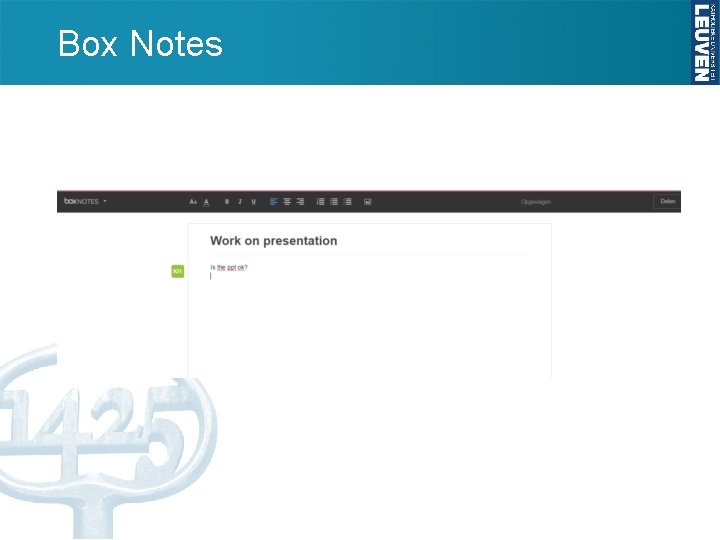
Box Notes
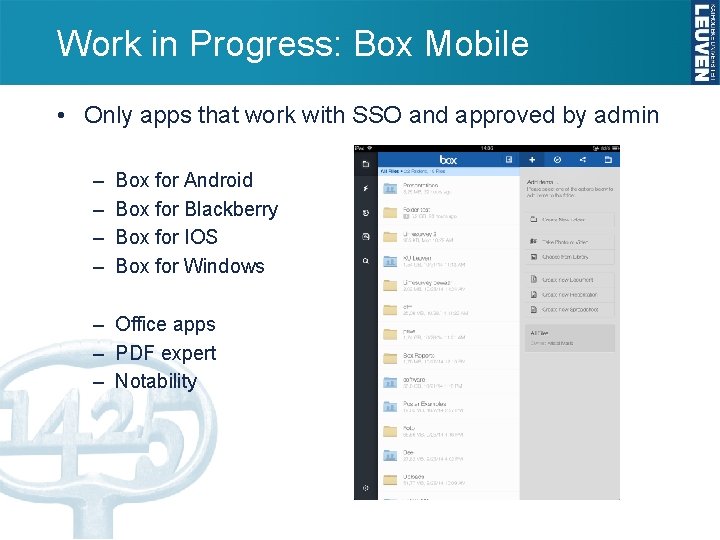
Work in Progress: Box Mobile • Only apps that work with SSO and approved by admin – – Box for Android Box for Blackberry Box for IOS Box for Windows – Office apps – PDF expert – Notability
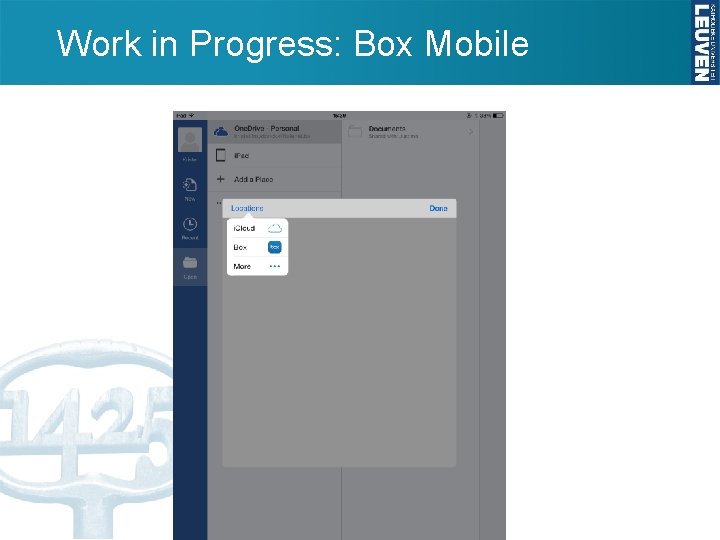
Work in Progress: Box Mobile
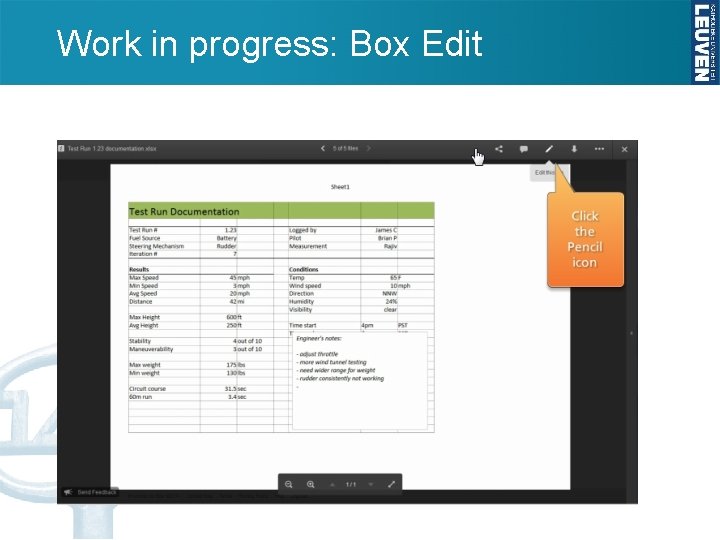
Work in progress: Box Edit
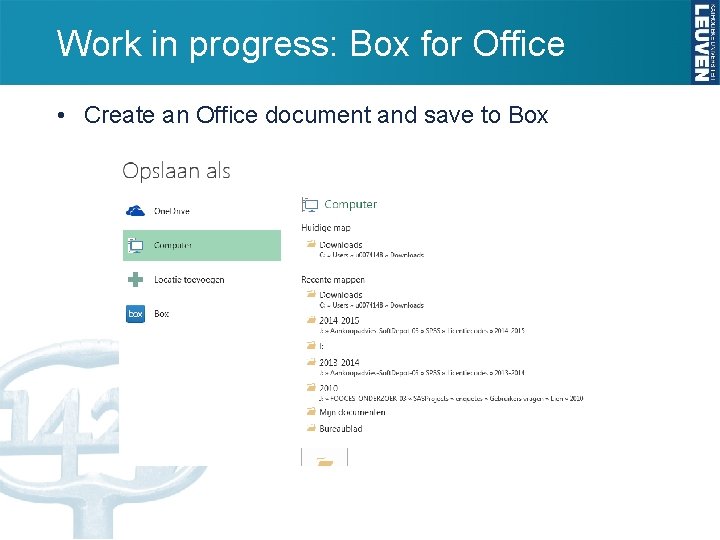
Work in progress: Box for Office • Create an Office document and save to Box
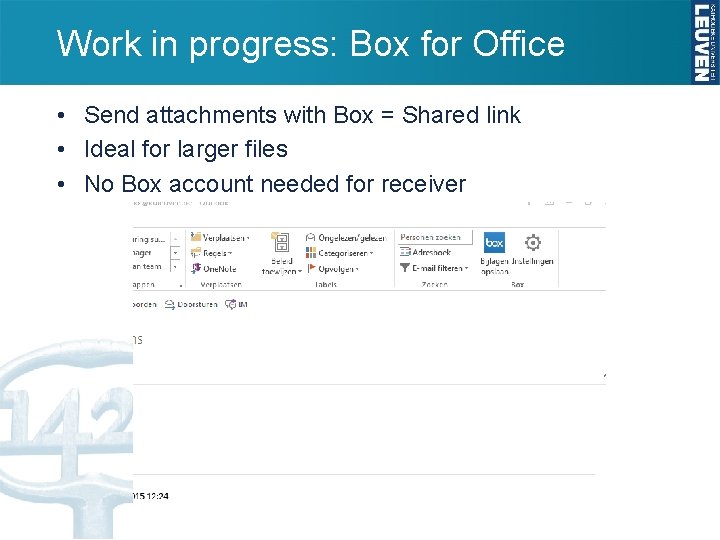
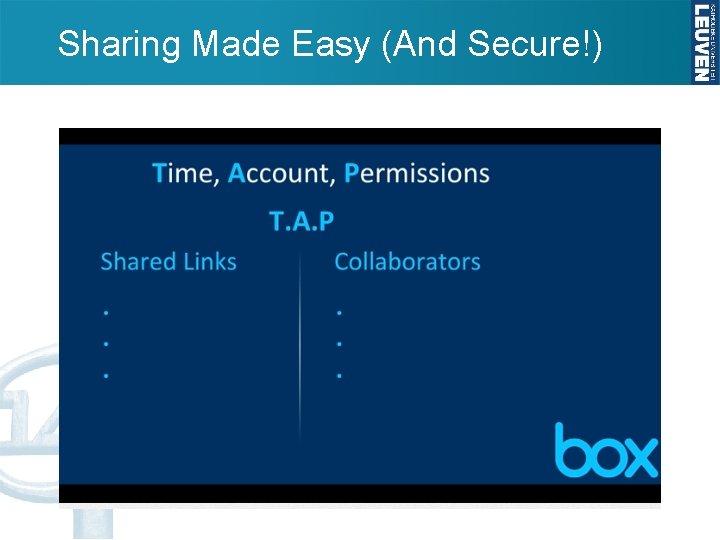
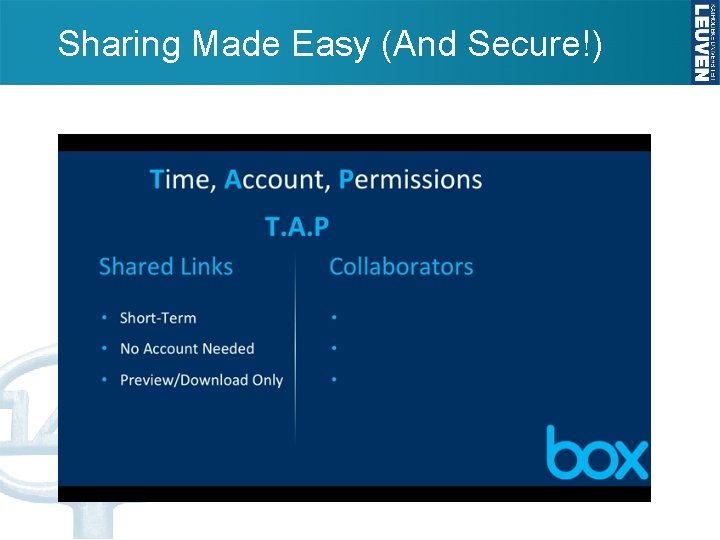
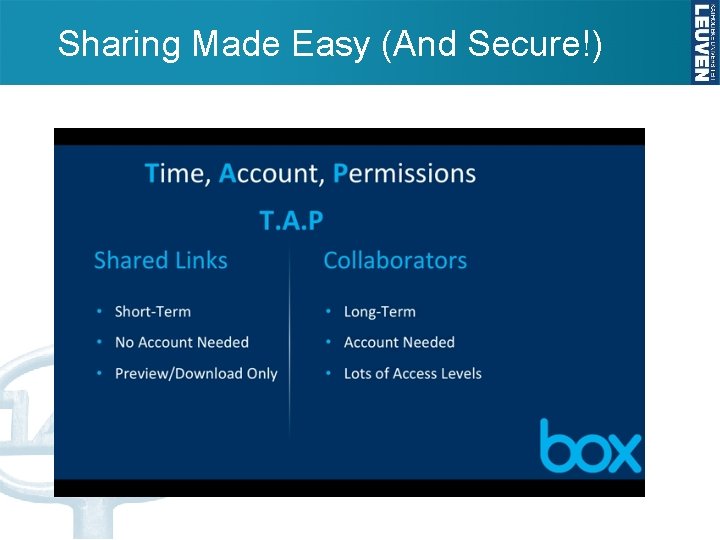
Work in progress: Box for Office • Send attachments with Box = Shared link • Ideal for larger files • No Box account needed for receiver
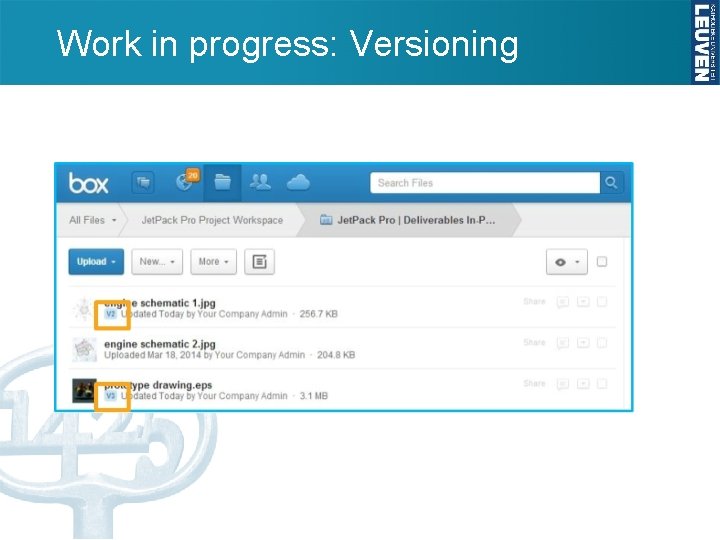
Work in progress: Versioning
Box Sync • Box Sync – Drag and drop files and folders to Box sync folder – Mark folders for sync in Box
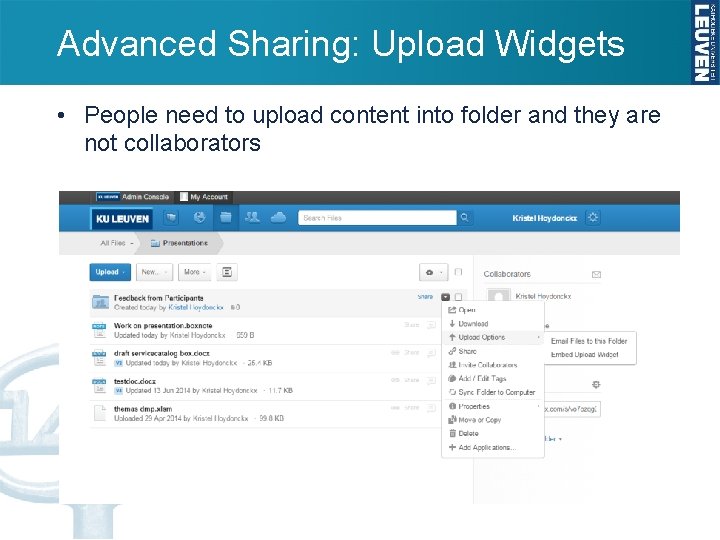
Advanced Sharing: Upload Widgets • People need to upload content into folder and they are not collaborators
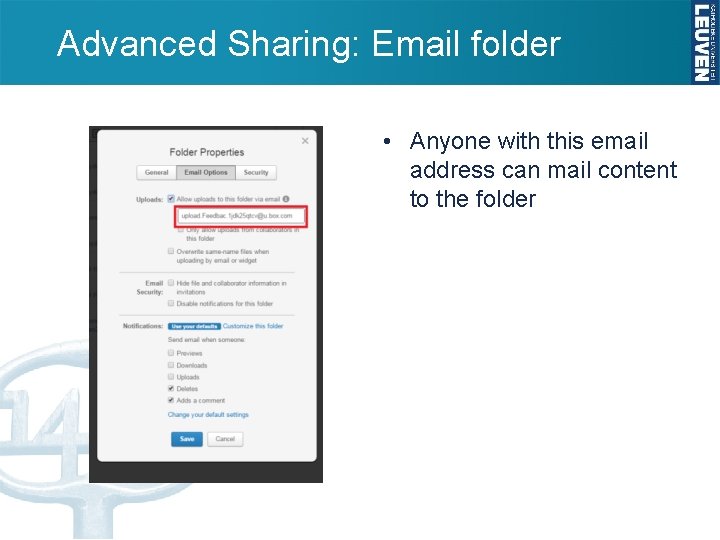
Advanced Sharing: Email folder • Anyone with this email address can mail content to the folder
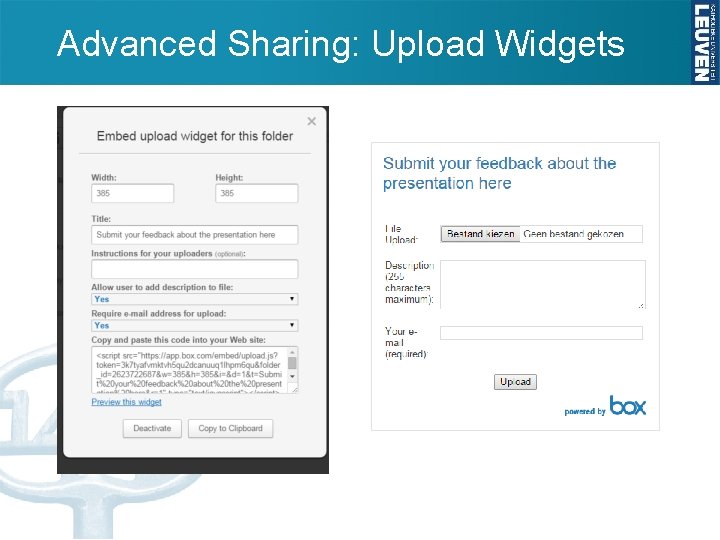
Advanced Sharing: Upload Widgets
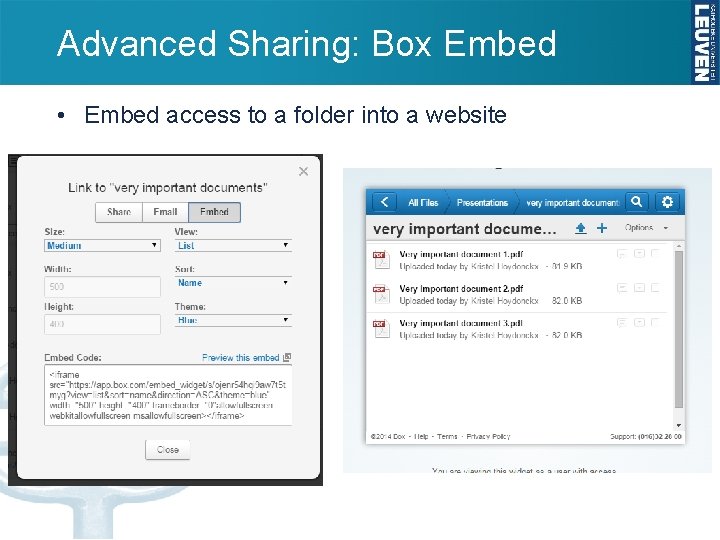
Advanced Sharing: Box Embed • Embed access to a folder into a website
- Slides: 42