
Born Digital Understanding the First Generation of Digital

Born Digital: Understanding the First Generation of Digital Natives By John Palfrey and Uri Gasser
Chapter 1: • Two kinds of people in this world • The Digital Native and the Digital Immigrants – People who have limited knowledge of technology. Digital Natives – People who have a vast amount of every kind of technology.
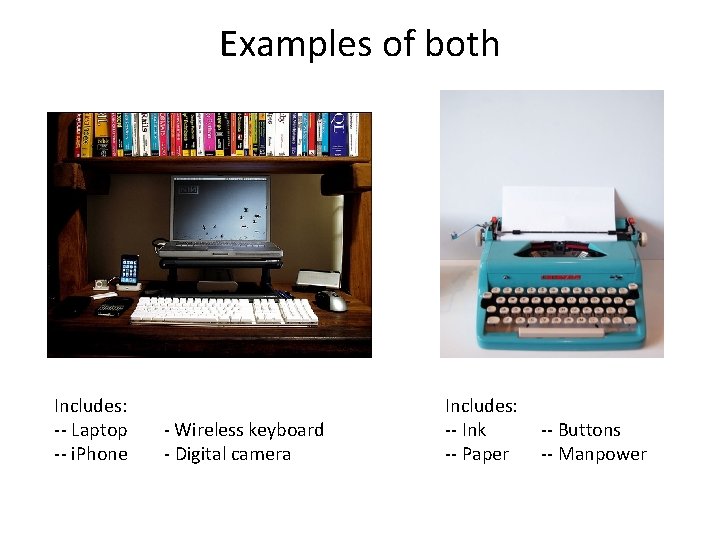
Examples of both Includes: -- Laptop -- i. Phone - Wireless keyboard - Digital camera Includes: -- Ink -- Paper -- Buttons -- Manpower
But it isn’t that simple A personal identity - The stuff I only let a select few see - (Hobbies, political views, religious views, etc. ) A social identity - How other people see and the role you have in society
Who are you? • Digital natives don’t distinguish between the identities because they are mixed • Instead of being separate entities, My. Space, Facebook and others allow them to combine them • What used to be personal isn’t so personal anymore
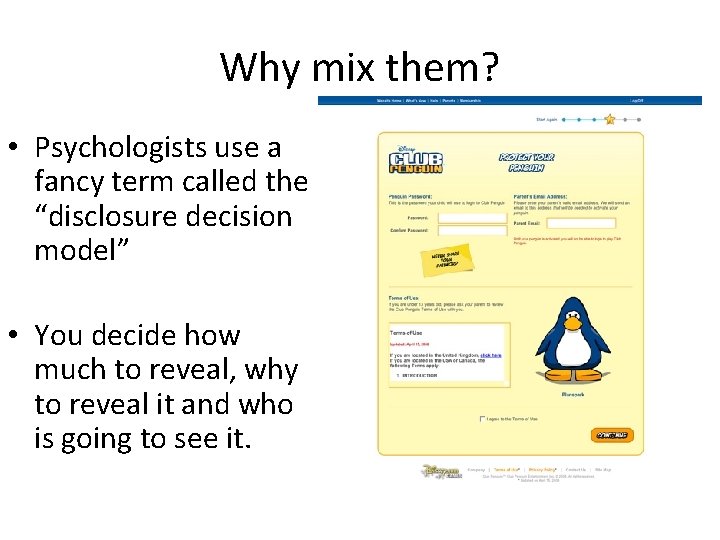
Why mix them? • Psychologists use a fancy term called the “disclosure decision model” • You decide how much to reveal, why to reveal it and who is going to see it.
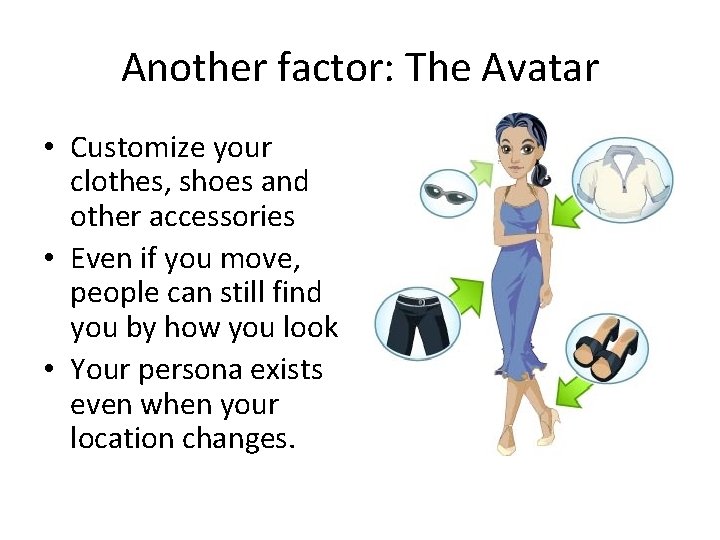
Another factor: The Avatar • Customize your clothes, shoes and other accessories • Even if you move, people can still find you by how you look • Your persona exists even when your location changes.
The “I” Words • Instability – One’s digital identity changes frequently and has less control over how others see you • Insecurity – Even though profiles are fun to create, they can be hacked and distorted to show people a false version of you
Chapter 2: Dossiers • Dossiers are a collection or file of documents on the same subject (i. e. you) containing detailed information • In technology business, it’s called ‘PII’ or personally identifiable information • The way corporations get the information are changing faster than our ways of protecting that data.
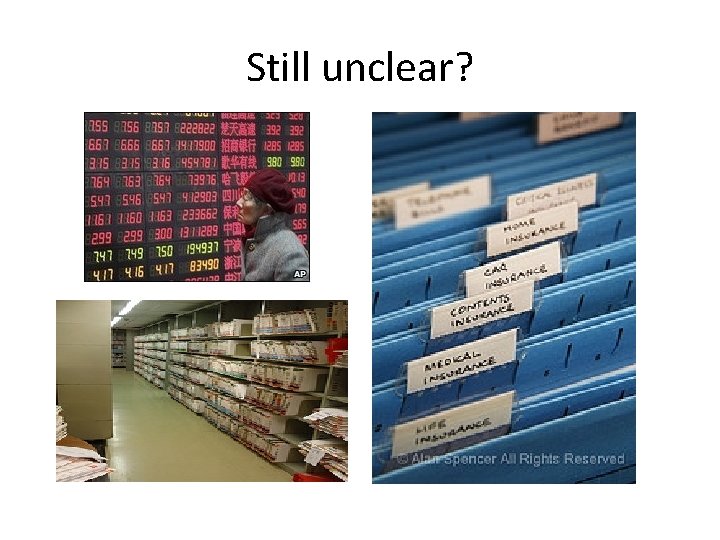
Still unclear?
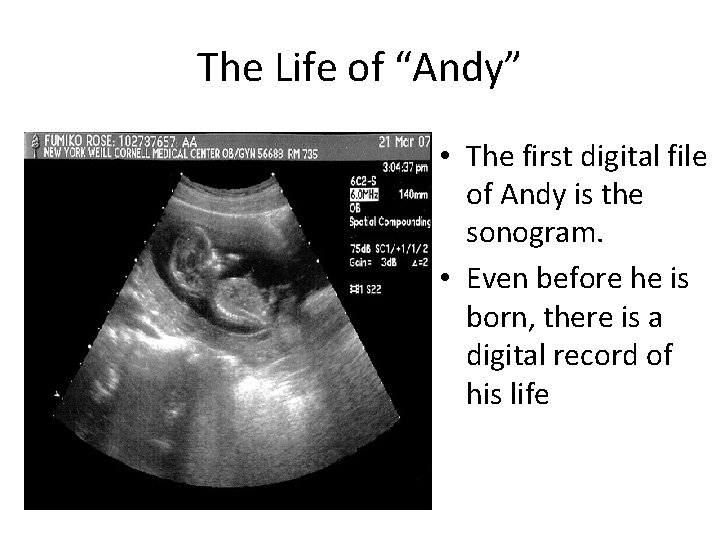
The Life of “Andy” • The first digital file of Andy is the sonogram. • Even before he is born, there is a digital record of his life
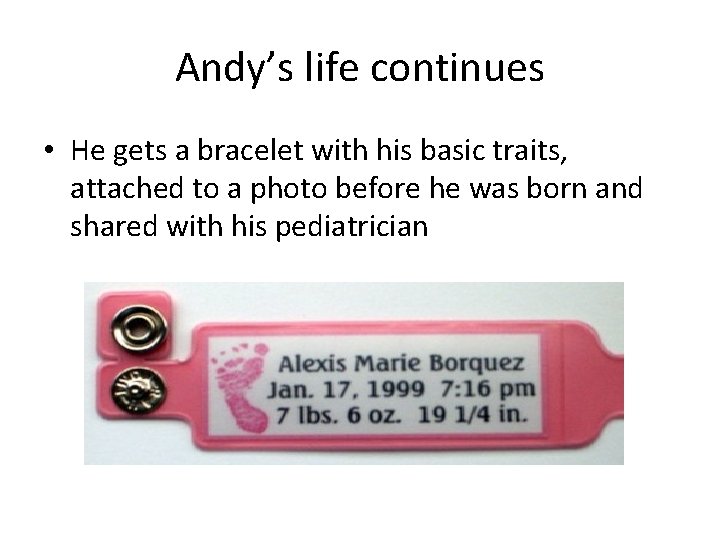
Andy’s life continues • He gets a bracelet with his basic traits, attached to a photo before he was born and shared with his pediatrician
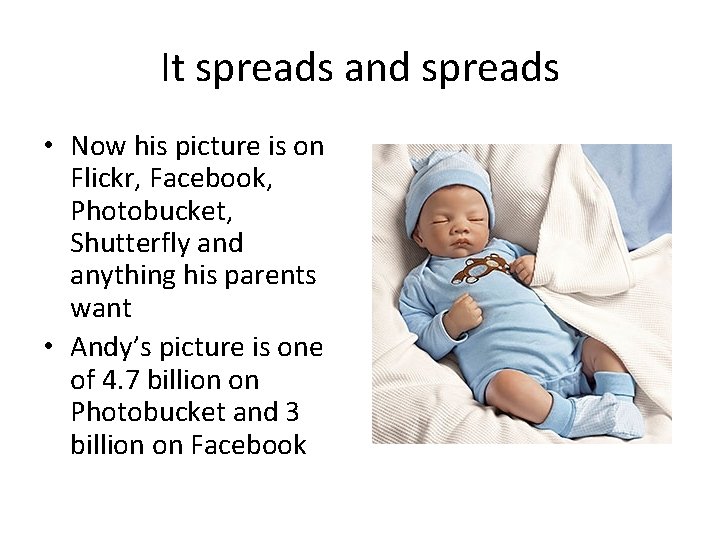
It spreads and spreads • Now his picture is on Flickr, Facebook, Photobucket, Shutterfly and anything his parents want • Andy’s picture is one of 4. 7 billion on Photobucket and 3 billion on Facebook
Who can see Andy? • Depends - Some places Andy’s pictures may be protected (i. e. Facebook) - Other places (i. e. Google) might not be as restrictive - Google and Baidu, China’s largest search engine, are finding stuff in the vast corners of the Internet
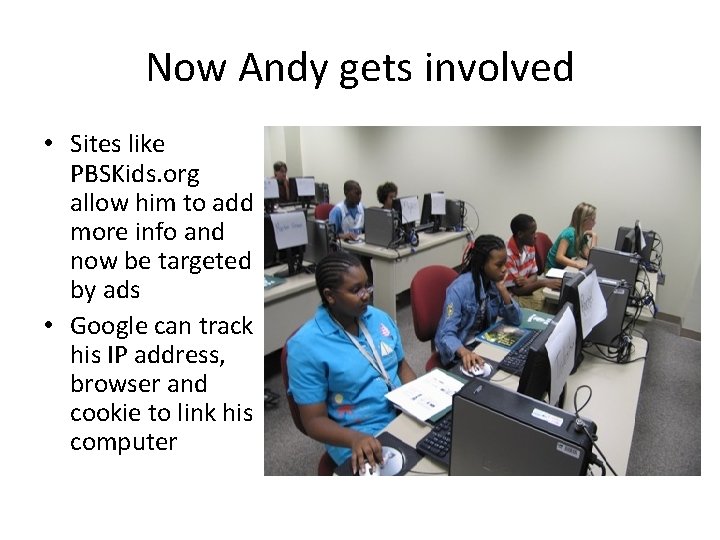
Now Andy gets involved • Sites like PBSKids. org allow him to add more info and now be targeted by ads • Google can track his IP address, browser and cookie to link his computer
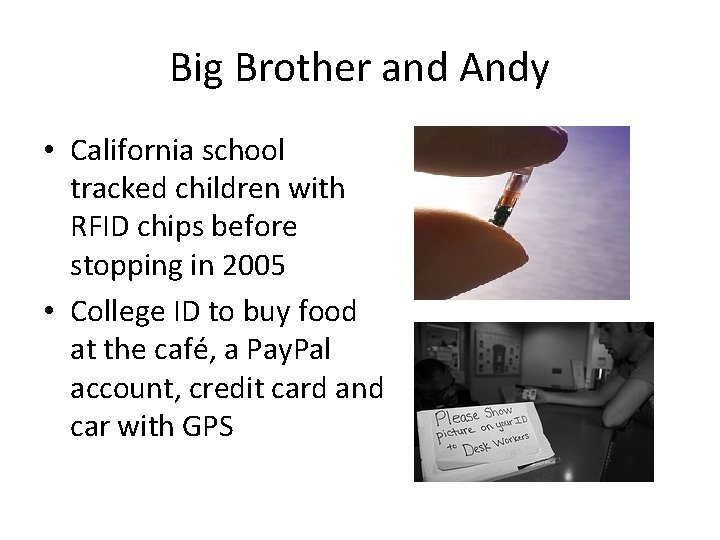
Big Brother and Andy • California school tracked children with RFID chips before stopping in 2005 • College ID to buy food at the café, a Pay. Pal account, credit card and car with GPS
Chapter 3: Privacy • By the time the Digital Native enters the workforce there are hundreds, if not thousands, of digital files about her, held in different hands, each including a series of data -points that relate to his or her activities. • What’s creepy is there is no way for him or her to know that each of these files exists.
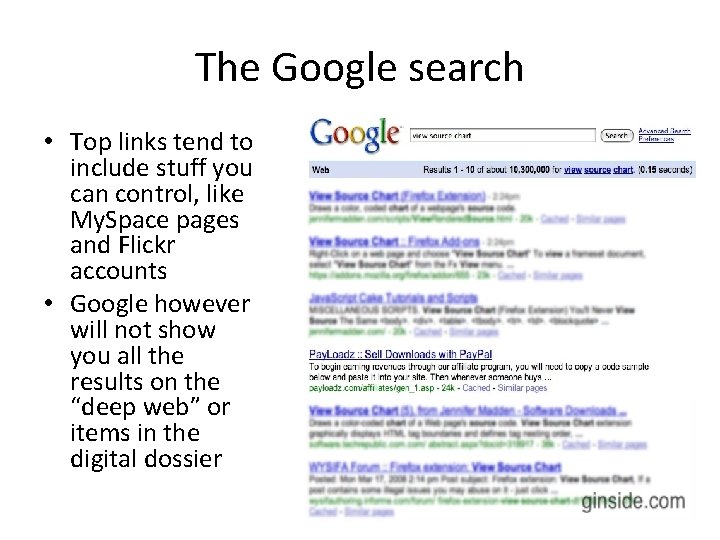
The Google search • Top links tend to include stuff you can control, like My. Space pages and Flickr accounts • Google however will not show you all the results on the “deep web” or items in the digital dossier
Choice. Point, AOL and England • All had problems with privacy where info from the dossier got leaked • Combined almost 8 million people had digital information released for anyone to see • Tailored ads tend to be the result, but it can be much worse
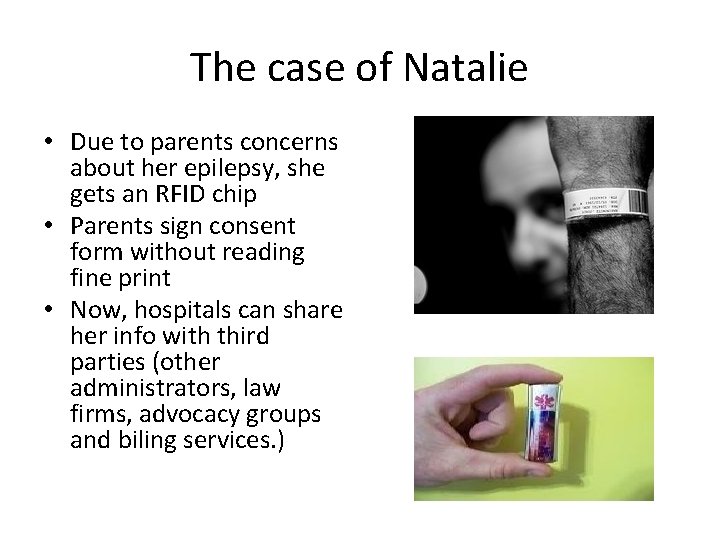
The case of Natalie • Due to parents concerns about her epilepsy, she gets an RFID chip • Parents sign consent form without reading fine print • Now, hospitals can share her info with third parties (other administrators, law firms, advocacy groups and biling services. )
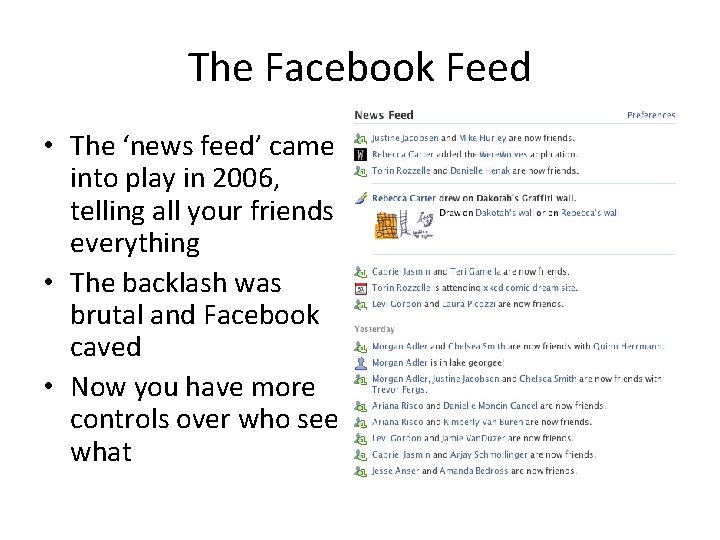
The Facebook Feed • The ‘news feed’ came into play in 2006, telling all your friends everything • The backlash was brutal and Facebook caved • Now you have more controls over who see what
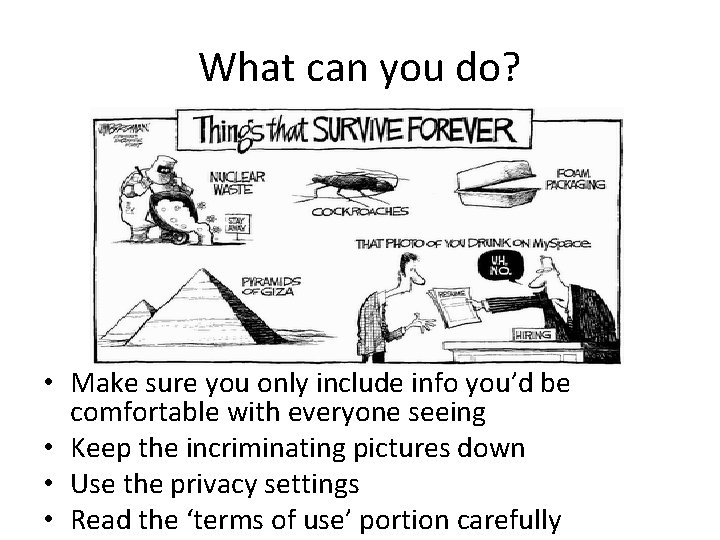
What can you do? • Make sure you only include info you’d be comfortable with everyone seeing • Keep the incriminating pictures down • Use the privacy settings • Read the ‘terms of use’ portion carefully
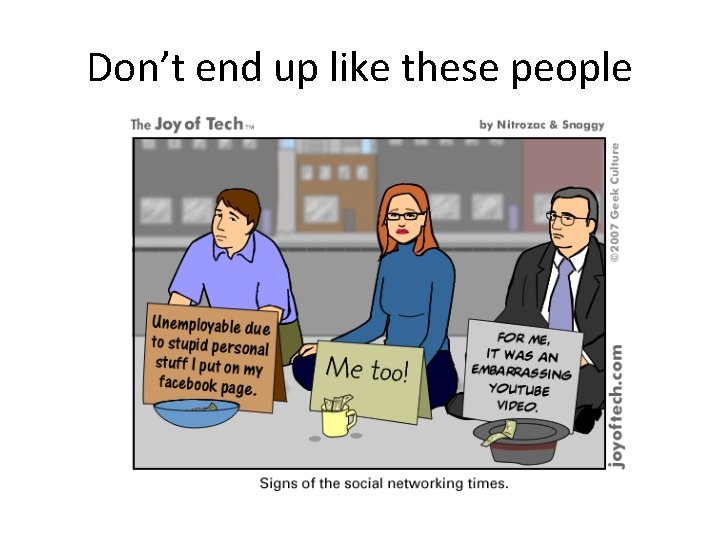
Don’t end up like these people
Chapter 4: Safety • Ubiquitous pornography • Internet addiction • Cyberbullying • Let’s keep fears in mind. Things from microwaves to TVs have had skeptics fear the worst without catastrophe
Crunching the Numbers • A report says 42% of youngsters were exposed to porn, with 66% of them reported unwanted exposure • As many as 60 million computers are infected with badware
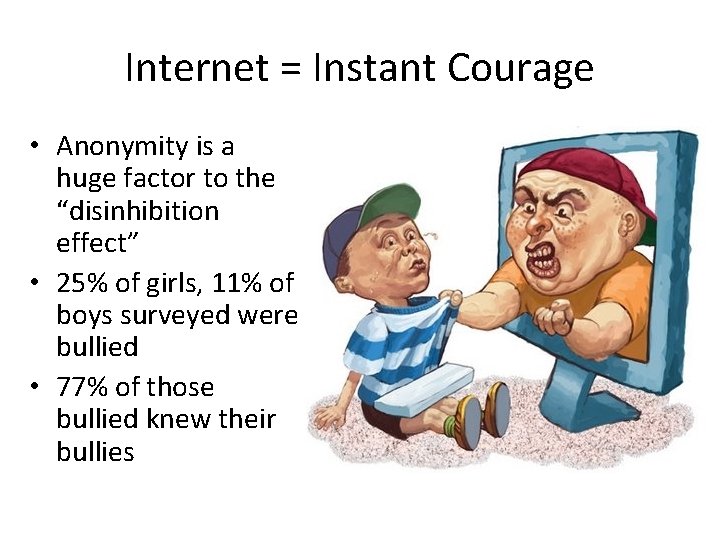
Internet = Instant Courage • Anonymity is a huge factor to the “disinhibition effect” • 25% of girls, 11% of boys surveyed were bullied • 77% of those bullied knew their bullies
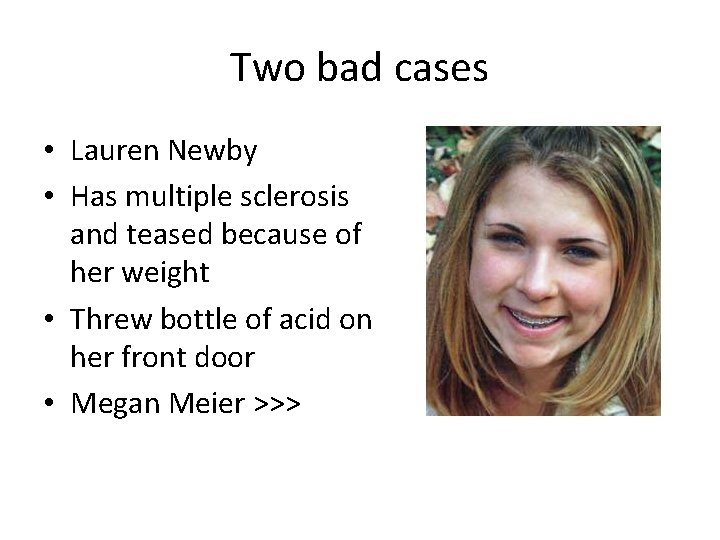
Two bad cases • Lauren Newby • Has multiple sclerosis and teased because of her weight • Threw bottle of acid on her front door • Megan Meier >>>
What can we learn • Digital Natives go through peer learning to see what’s required • Four tools are our disposal - Education - Technology Development - Social Norms - Law Enforcement
Use the safety available • My. Space has a safety feature called ‘Zephyr’ to help parents with restrictions • Safety team at Microsoft includes private investigators, legal experts and others • Be aware of Section 230 of the Communications Decency Act of 1996 • Child Online Protection Act of 1998 • Deleting Online Predators Act
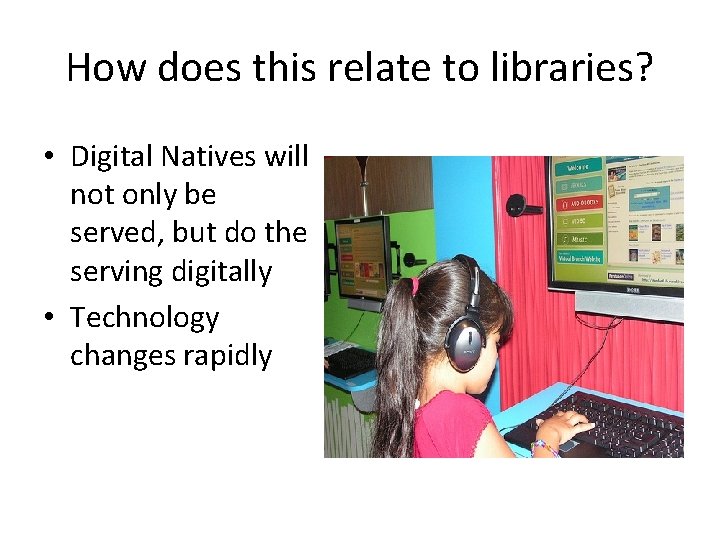
How does this relate to libraries? • Digital Natives will not only be served, but do the serving digitally • Technology changes rapidly
- Slides: 30