
Boolean Logic In todays lesson we will look
Boolean Logic In today’s lesson we will look at: • what we mean by truth values • what we mean by Boolean Operators • how to use AND, OR and NOT • how computers use these ideas!
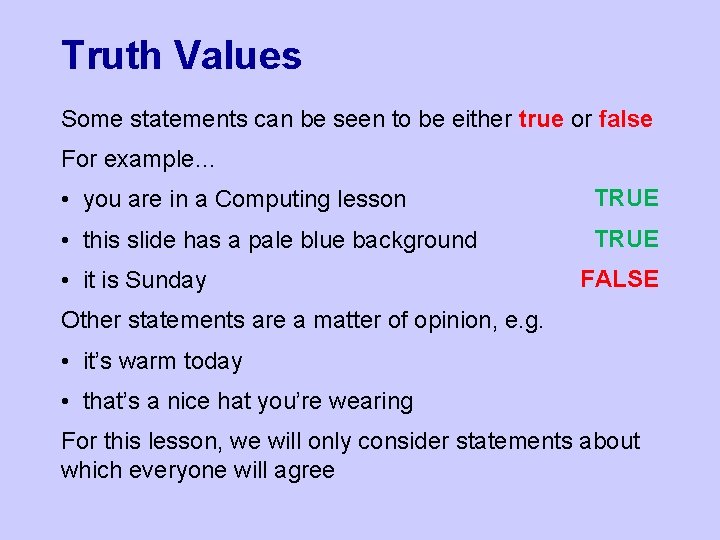
Truth Values Some statements can be seen to be either true or false For example… • you are in a Computing lesson TRUE • this slide has a pale blue background TRUE • it is Sunday FALSE Other statements are a matter of opinion, e. g. • it’s warm today • that’s a nice hat you’re wearing For this lesson, we will only consider statements about which everyone will agree
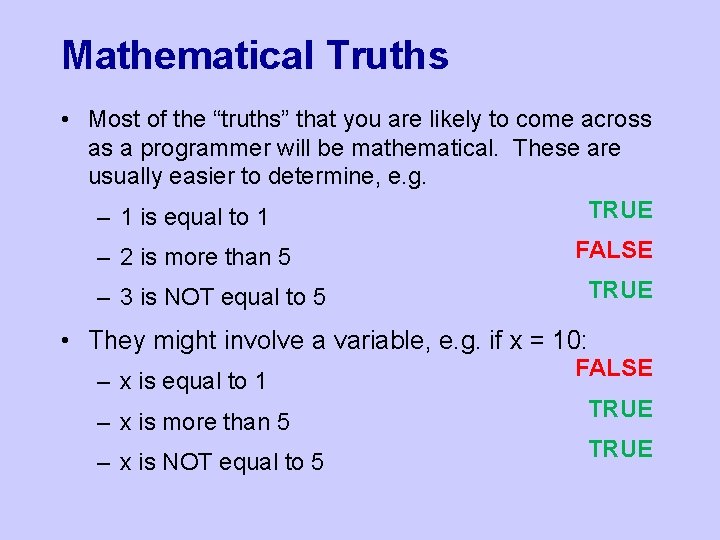
Mathematical Truths • Most of the “truths” that you are likely to come across as a programmer will be mathematical. These are usually easier to determine, e. g. TRUE – 1 is equal to 1 – 2 is more than 5 – 3 is NOT equal to 5 FALSE TRUE • They might involve a variable, e. g. if x = 10: – x is equal to 1 – x is more than 5 – x is NOT equal to 5 FALSE TRUE
Boolean Operators • Arithmetic operators, e. g. +, -, X and ÷, tell us how to combine two numbers • Everyone agrees on the results – e. g. 2 + 3 = 5 • Boolean (also called logical) operators tell us how to combine truth values in a standard way • You might also have seen them used in database searches • Boolean operators include: – NOT – AND – OR
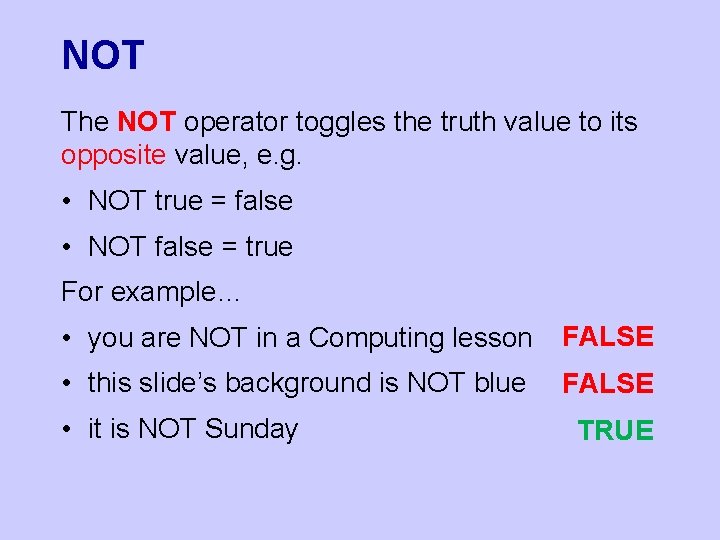
NOT The NOT operator toggles the truth value to its opposite value, e. g. • NOT true = false • NOT false = true For example… • you are NOT in a Computing lesson FALSE • this slide’s background is NOT blue FALSE • it is NOT Sunday TRUE
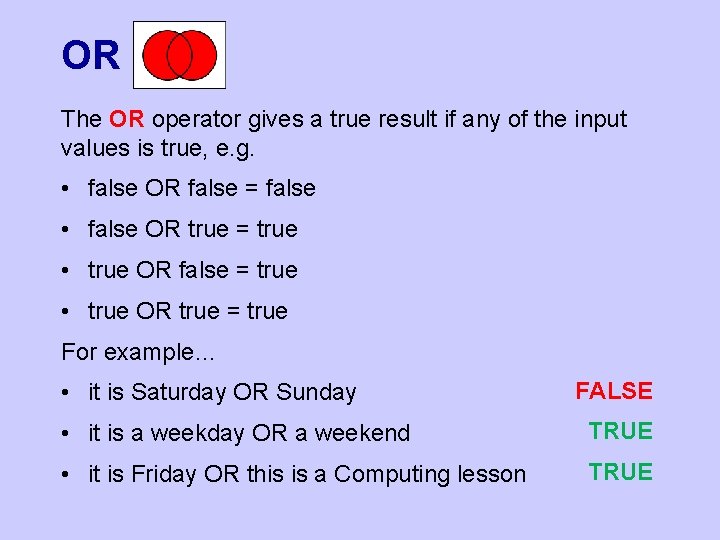
OR The OR operator gives a true result if any of the input values is true, e. g. • false OR false = false • false OR true = true • true OR false = true • true OR true = true For example… • it is Saturday OR Sunday FALSE • it is a weekday OR a weekend TRUE • it is Friday OR this is a Computing lesson TRUE
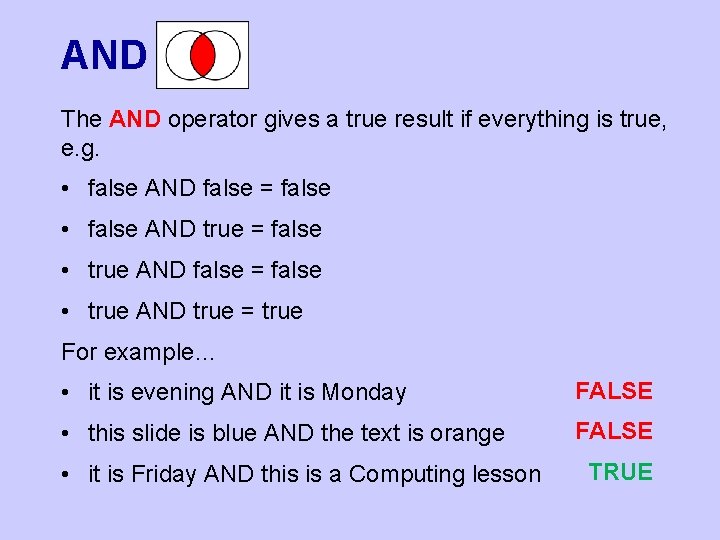
AND The AND operator gives a true result if everything is true, e. g. • false AND false = false • false AND true = false • true AND false = false • true AND true = true For example… • it is evening AND it is Monday FALSE • this slide is blue AND the text is orange FALSE • it is Friday AND this is a Computing lesson TRUE
Is Anything Always True? Are there operations that are always true (or false)? • X OR NOT X is always true, e. g. – it is Monday OR NOT Monday TRUE – this slide is blue OR NOT blue TRUE • X AND NOT X is always false, e. g. – it is Monday AND NOT Monday FALSE – this slide is blue AND NOT blue FALSE • Think about this next time you hear someone say, “…whether or not…”!
What About Computers? • Computers don’t understand the idea of truth, but they can detect whether a circuit or switch is on or off. • Circuits being on and off can also represent 1 and 0 as we learnt in the binary lesson. • When designing logic circuits for computers: – true = on = 1 – false = off = 0 • False and true are also often represented by zero and non-zero numbers when programming.
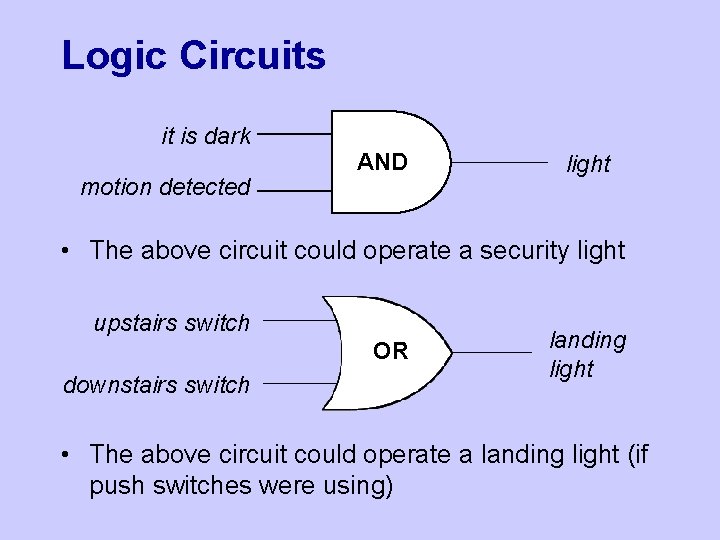
Logic Circuits it is dark motion detected AND light • The above circuit could operate a security light upstairs switch OR downstairs switch landing light • The above circuit could operate a landing light (if push switches were using)
Combining Operators • Just like BODMAS or BIDMAS for Maths, there is a correct order to perform AND and OR • AND is often written as a dot – e. g. A AND B could be written as A. B – and is done first, like multiplication in Maths • OR is often written as a + - e. g. A OR B could be written as A+B – and is done second, like addition • e. g. with A OR B AND C you would do the AND first and then the OR • You can also use brackets, e. g. (A OR B) AND C
- Slides: 11