
Bones Skeletal Unity2 D How When Computer Graphics
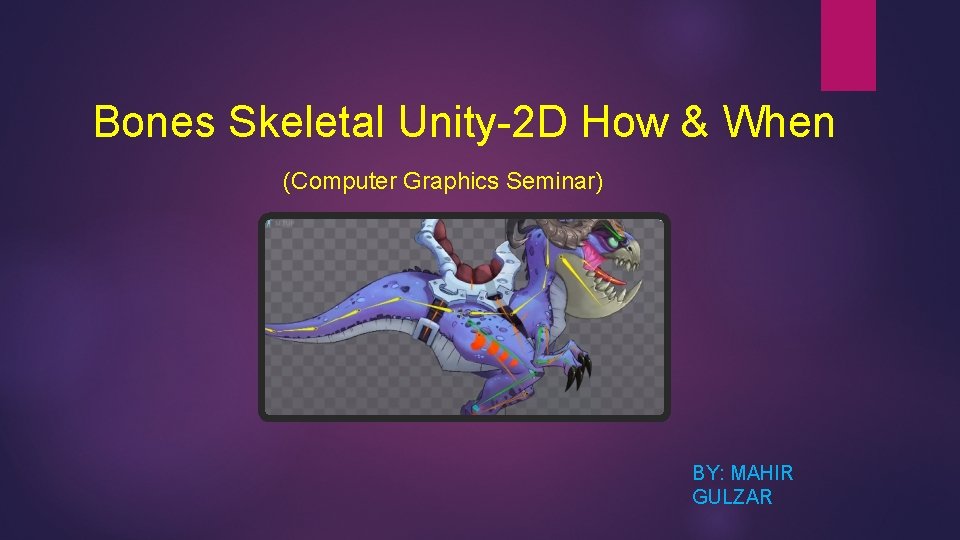
Bones Skeletal Unity-2 D How & When (Computer Graphics Seminar) BY: MAHIR GULZAR
Agenda • Introduction • Core Terminologies (Descriptive) • Spritesheet Animation • Unity Anima-2 D • A Short Demonstration • Summary
Goals: By the end of the presentation you would have: • Good concept of skeletal animation pipeline • Basic knowledge to work with 2 D sprites • A working package to get hands on experience
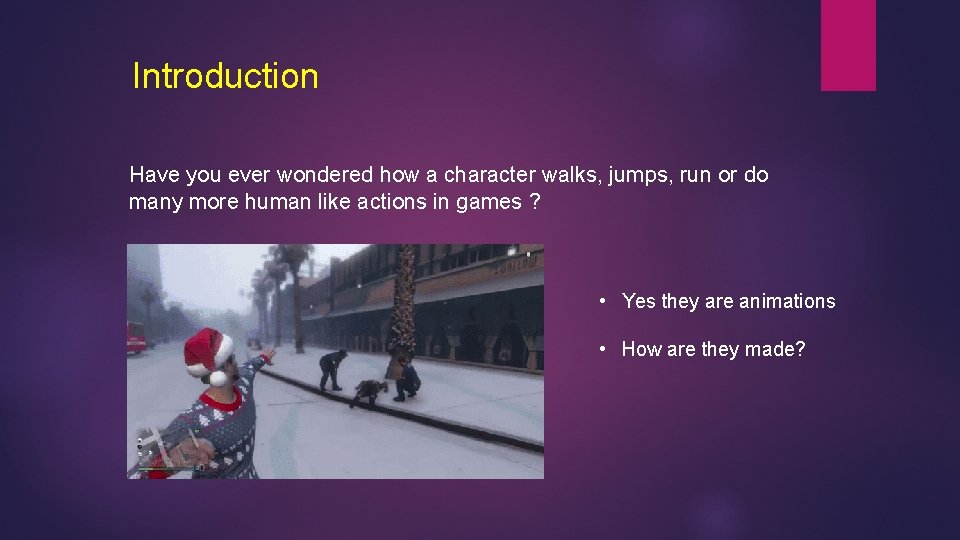
Introduction Have you ever wondered how a character walks, jumps, run or do many more human like actions in games ? • Yes they are animations • How are they made?
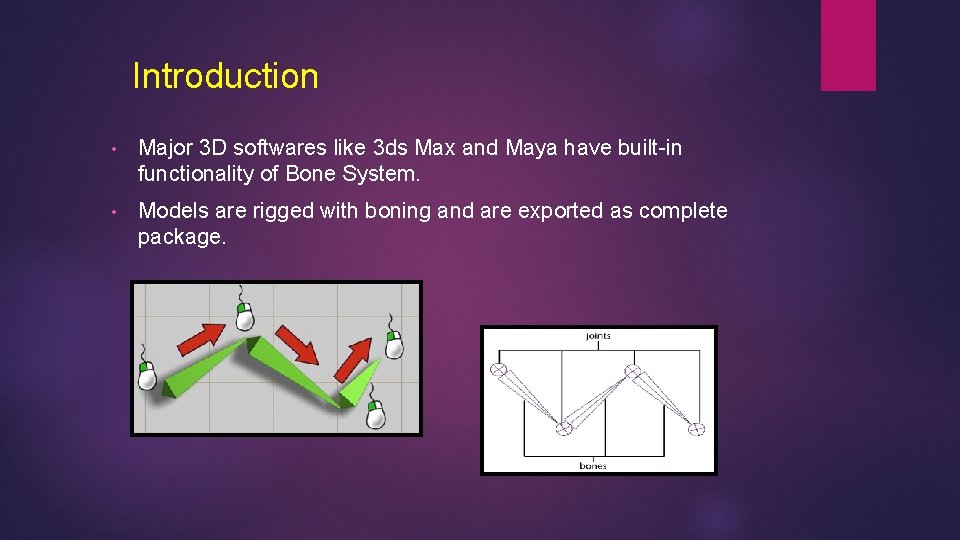
Introduction • Major 3 D softwares like 3 ds Max and Maya have built-in functionality of Bone System. • Models are rigged with boning and are exported as complete package.
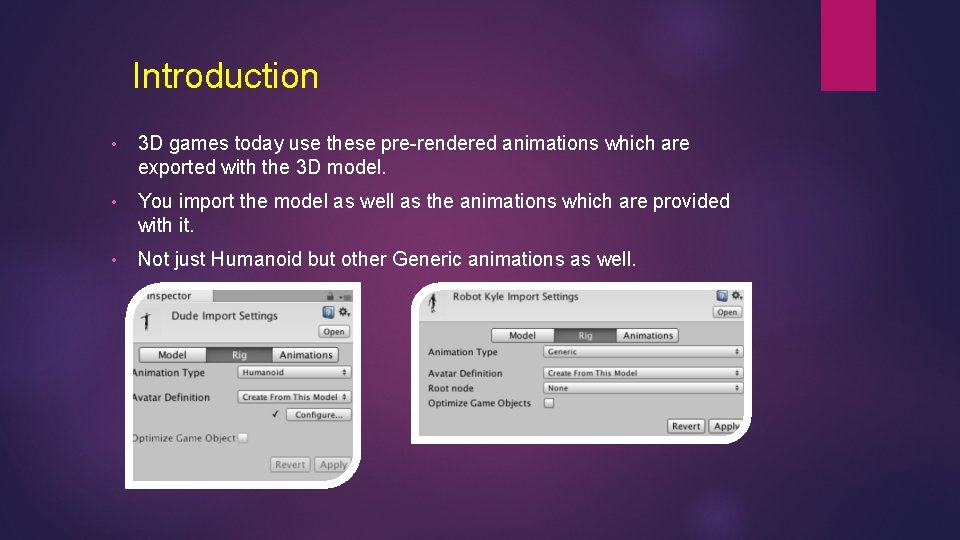
Introduction • 3 D games today use these pre-rendered animations which are exported with the 3 D model. • You import the model as well as the animations which are provided with it. • Not just Humanoid but other Generic animations as well.
Confused?
Lets Talk about Core Terminologies • Bones • Joints • Inverse Kinematics (IK) • Mesh Deformation (Skinning) • Rig (Rigging)
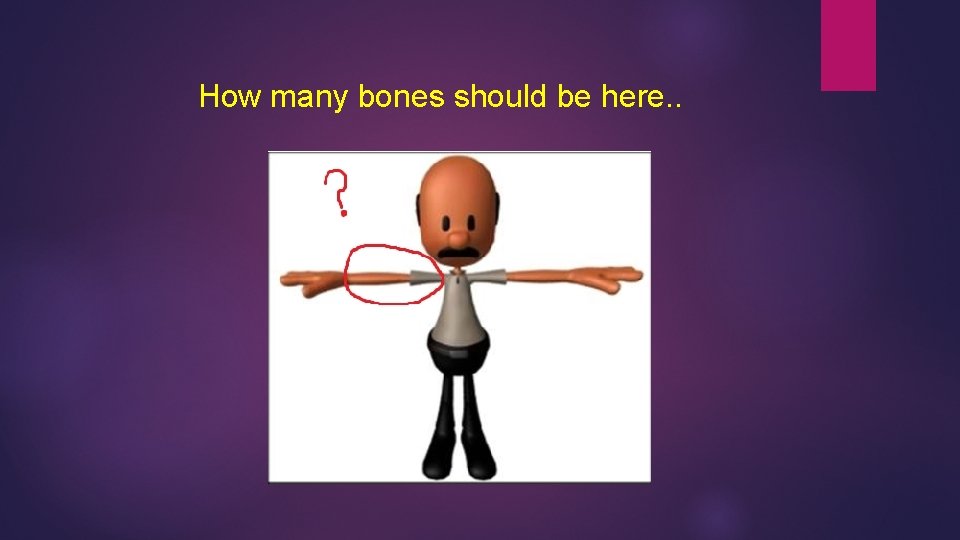
How many bones should be here. .
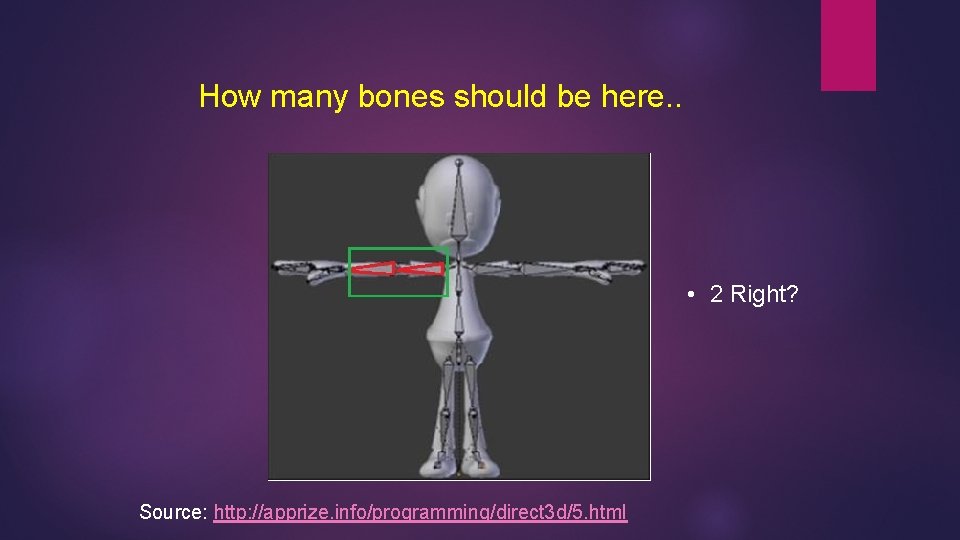
How many bones should be here. . • 2 Right? Source: http: //apprize. info/programming/direct 3 d/5. html
Bones • A game. Object (type of object) in 3 d/2 d world space • Represents set of vertices. • Independently movable. • Can have parent child relationship in hierarchy. • In-fact no physical and calculable presence in a scene.
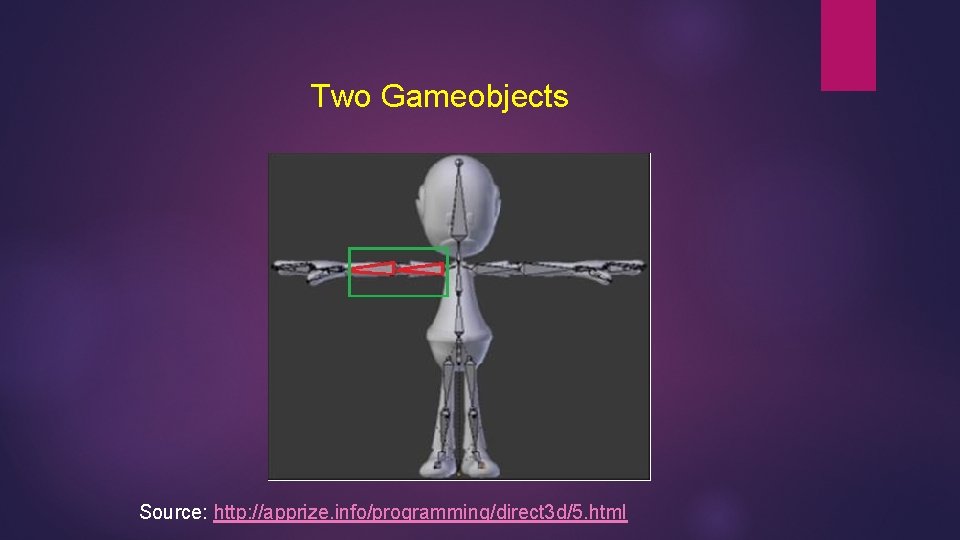
Two Gameobjects Source: http: //apprize. info/programming/direct 3 d/5. html
Joints • Building block of skeletons • Point of articulation (contact between bones) • No Shape • Bones attached with each other through joint.
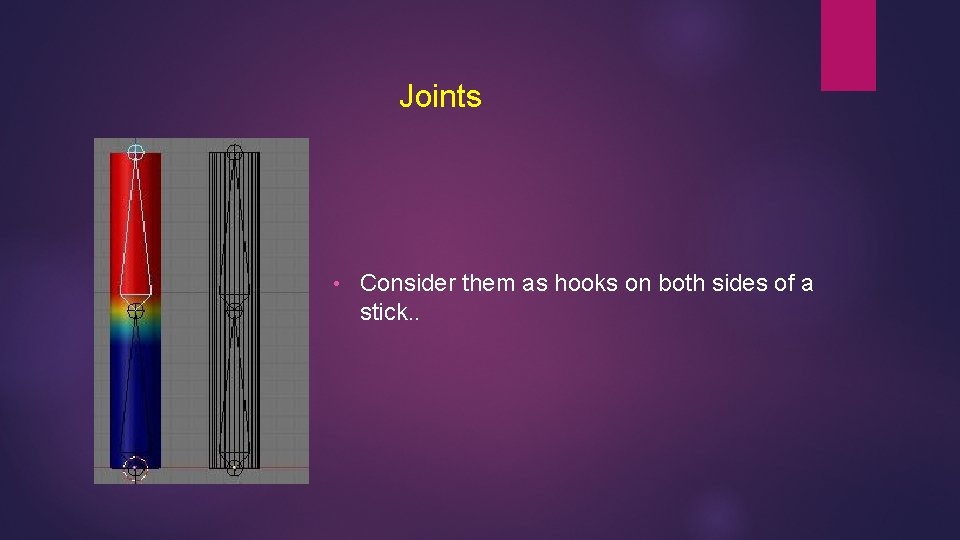
Joints • Consider them as hooks on both sides of a stick. .
Joints Types • Ball Joint • Universal Joint • Hinge Joint
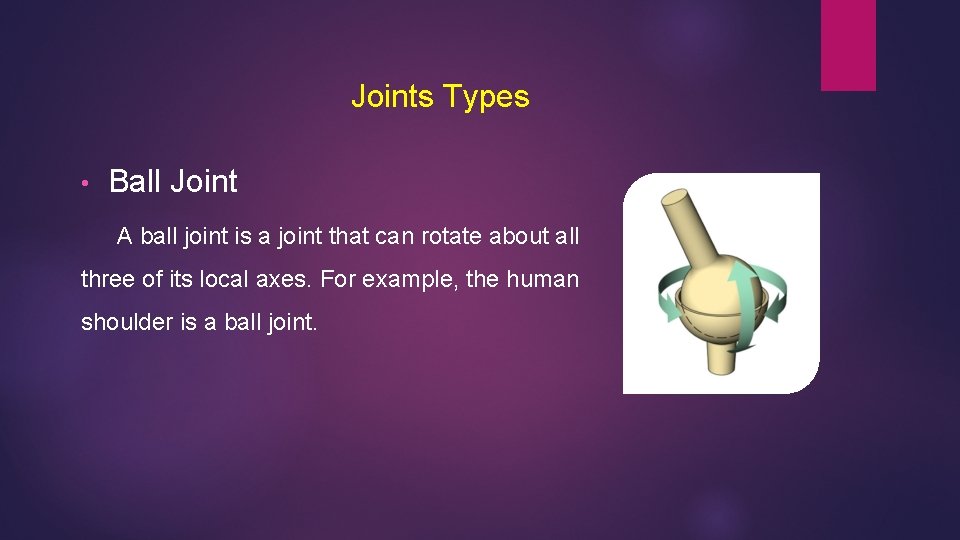
Joints Types • Ball Joint A ball joint is a joint that can rotate about all three of its local axes. For example, the human shoulder is a ball joint.
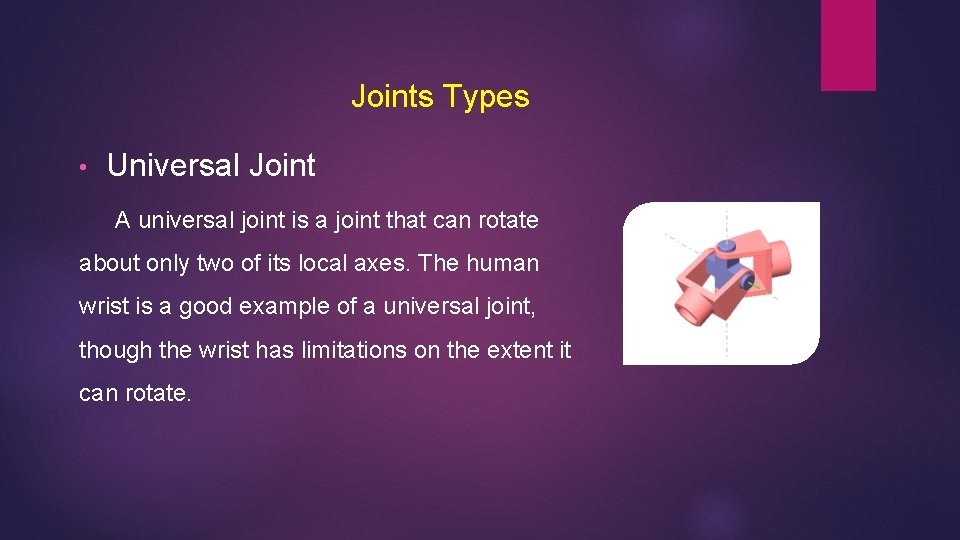
Joints Types • Universal Joint A universal joint is a joint that can rotate about only two of its local axes. The human wrist is a good example of a universal joint, though the wrist has limitations on the extent it can rotate.
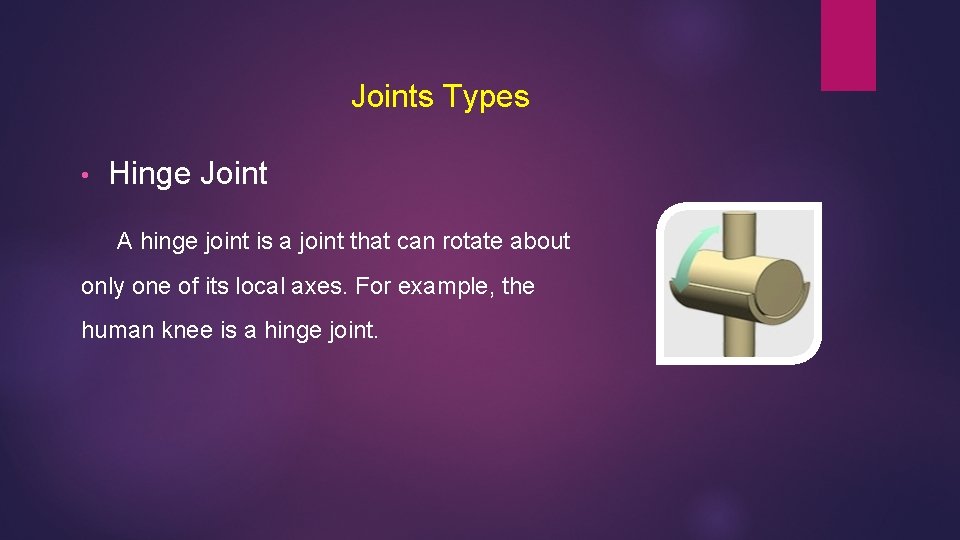
Joints Types • Hinge Joint A hinge joint is a joint that can rotate about only one of its local axes. For example, the human knee is a hinge joint.
Joint Attributes • Limits • Degree of freedom • Damping • Stiffness
Joint Attributes • Limits Joint Limit Information attributes specify the minimum and maximum translation, rotation, and scaling values for a joint. For example elbow rotation. • Degree of Freedom The Degrees of freedom determines which local axes the joints can rotate.
Joint Attributes • Damping Joint damping applies resistance to a joint as it approaches its joint limits. Instead of the joint abruptly stopping when it reaches its limits, you can smooth it with damping. • Stiffness Joint stiffness specifies a joint’s resistance to rotation during inverse kinematics animations.
Inverse Kinematics (IK)
Inverse Kinematics (IK) • A very powerful tool in game development. • Originated from Robotics • Purpose is to calculate positions for a joint system so that it will reach a certain end goal.
Inverse Kinematics (IK) For the idea lets just define forward kinematics first. • I have a starting point (for example, the equivalent of your shoulder on your arm), • The length of all the parts, • The angles between those parts, I should be able to calculate the end position with some mathematical function right ?
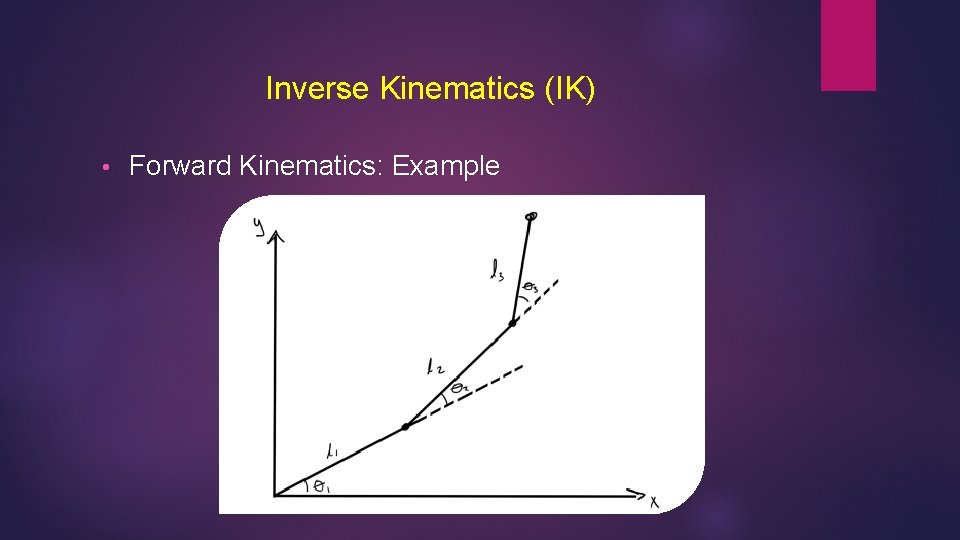
Inverse Kinematics (IK) • Forward Kinematics: Example
Inverse Kinematics (IK) Inverse Kinematics isn’t about getting the end effector. • I have the endpoint or the goal. • I want to find a configuration of joint system. • So that it will reach the goal. In other words the angles on each joint must be calculated
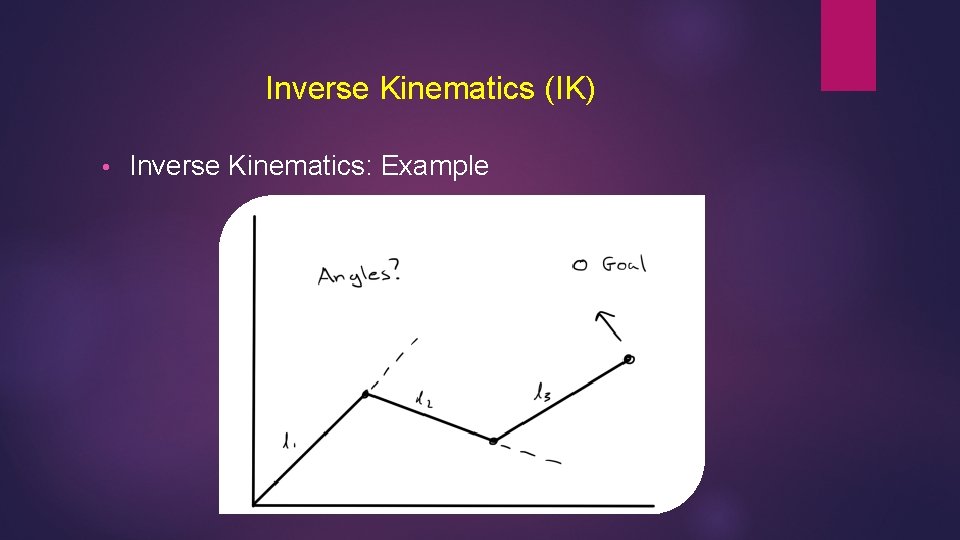
Inverse Kinematics (IK) • Inverse Kinematics: Example
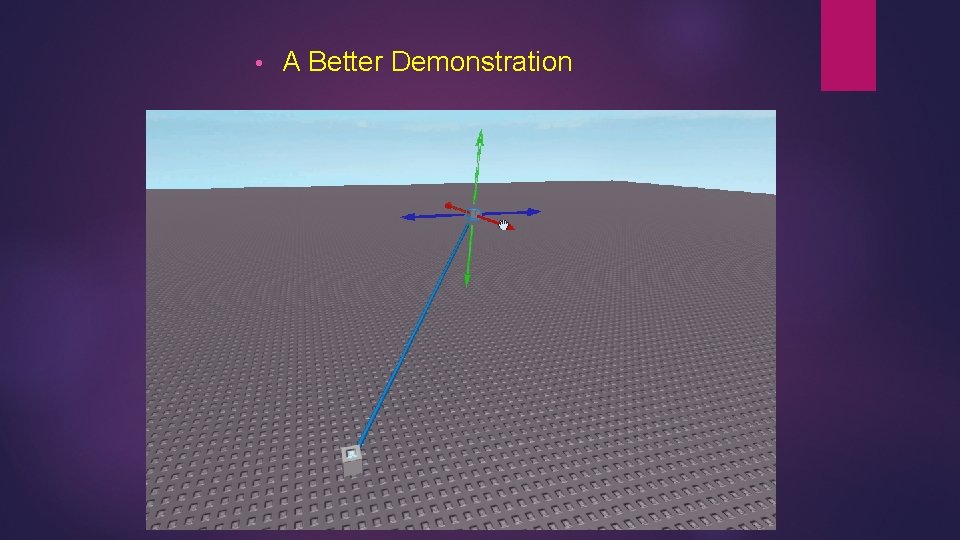
• A Better Demonstration
FABRIK Algorithm: Forward and Backward Reaching IK Two Stages: • Sets the end position at the target. • Work backward and forward by finding the line between the most recently updated point and next point in chain.
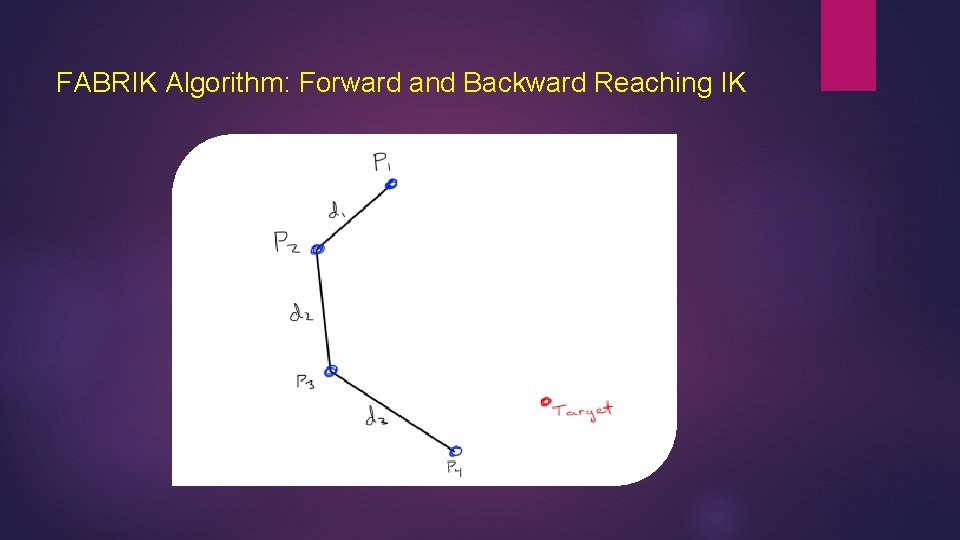
FABRIK Algorithm: Forward and Backward Reaching IK
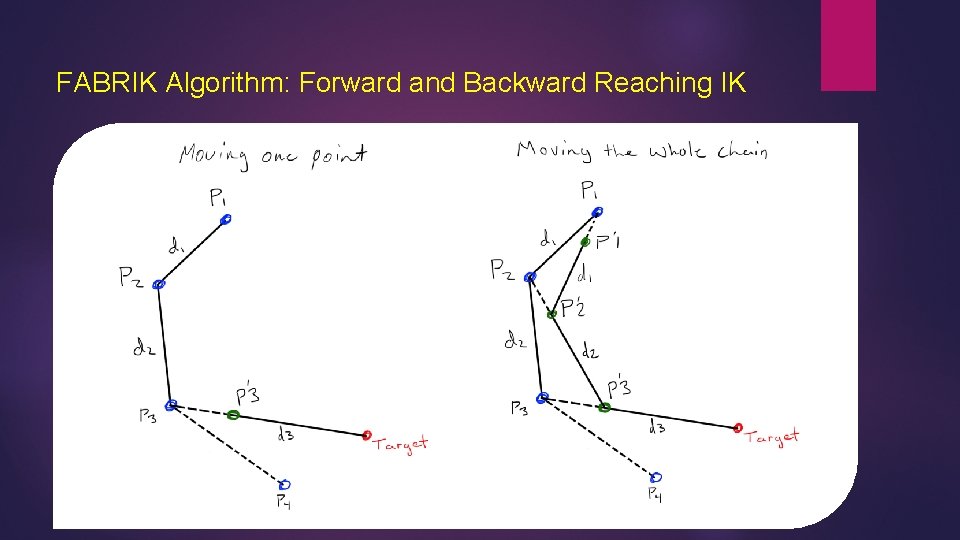
FABRIK Algorithm: Forward and Backward Reaching IK
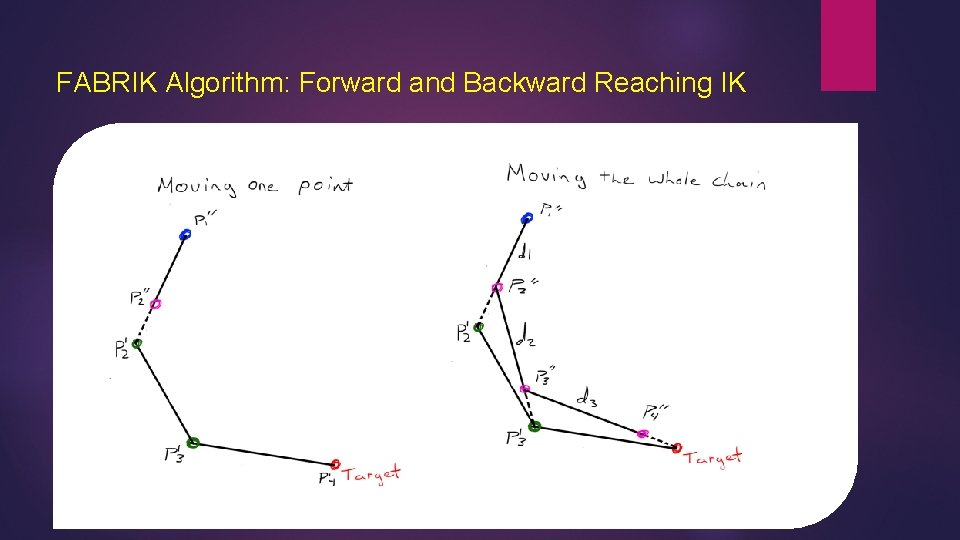
FABRIK Algorithm: Forward and Backward Reaching IK
Inverse Kinematics • There are many other robust algorithms other than fabric but I’ll stop here because we understood the basic idea behind computation of Inverse Kinematics. http: //www. academia. edu/9165835/FABRIK_A_fast_iterative_solver_for_the_Inverse_K inematics_problem
NOT SO FAST. . !!! Why do we really need Inverse Kinematics ?
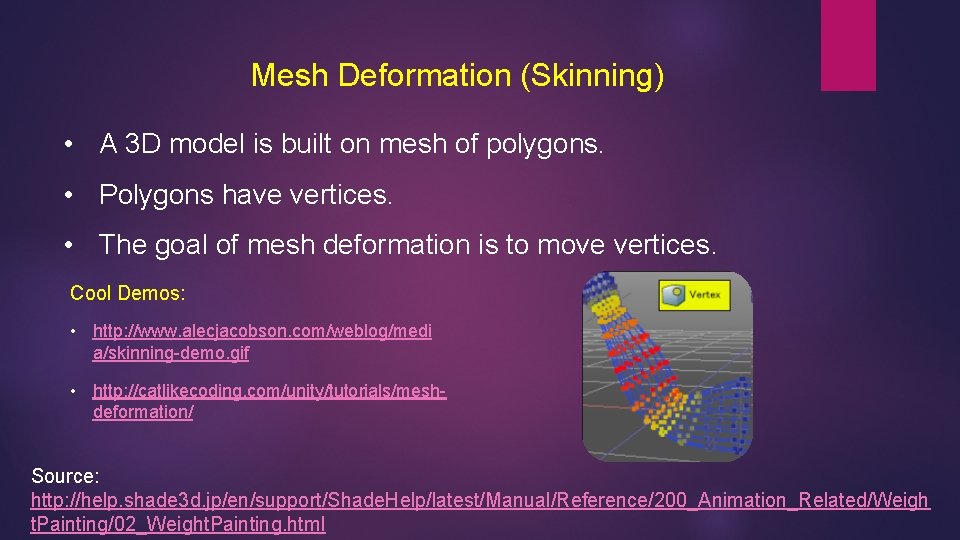
Mesh Deformation (Skinning) • A 3 D model is built on mesh of polygons. • Polygons have vertices. • The goal of mesh deformation is to move vertices. Cool Demos: • http: //www. alecjacobson. com/weblog/medi a/skinning-demo. gif • http: //catlikecoding. com/unity/tutorials/meshdeformation/ Source: http: //help. shade 3 d. jp/en/support/Shade. Help/latest/Manual/Reference/200_Animation_Related/Weigh t. Painting/02_Weight. Painting. html
Mesh Deformation (Skinning) • Envelopes • Painted Weight • Numerical Assignment (Advanced) Book: Digital Character Animation-3 Source: http: //www. peachpit. com/articles/article. aspx? p=483773&seq. Num=3
Rigging (The Whole Process) • Well everything we understood previously is called rigging. • To make it simple it’s a process of creating skeleton so that the model or character can move. • A very technical and overwhelming process.
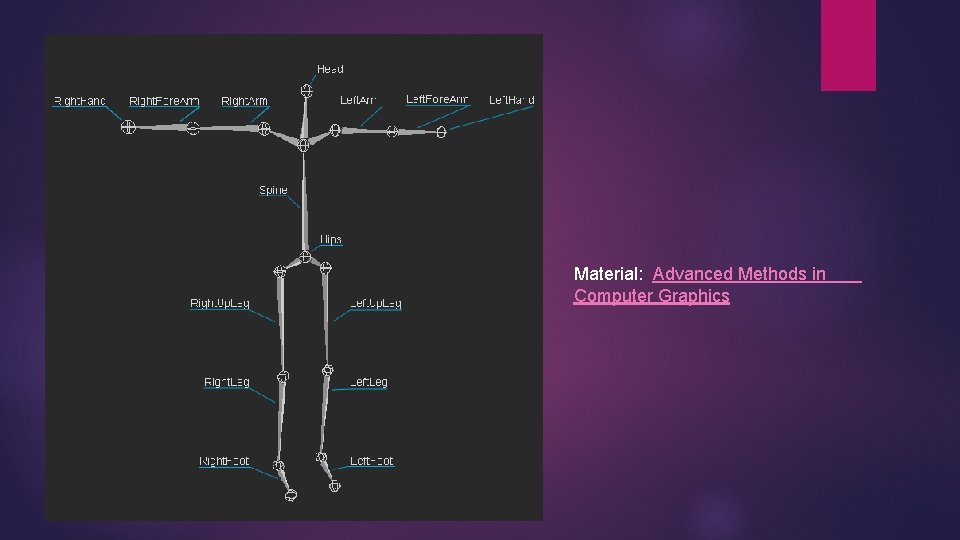
Material: Advanced Methods in Computer Graphics
So Far So Good…. • We understood how bone skeleton works in general. • The idea behind this whole discussion was to introduce 2 D Bone Skeletal in Unity Engine. • You know the basics this will be easy now…
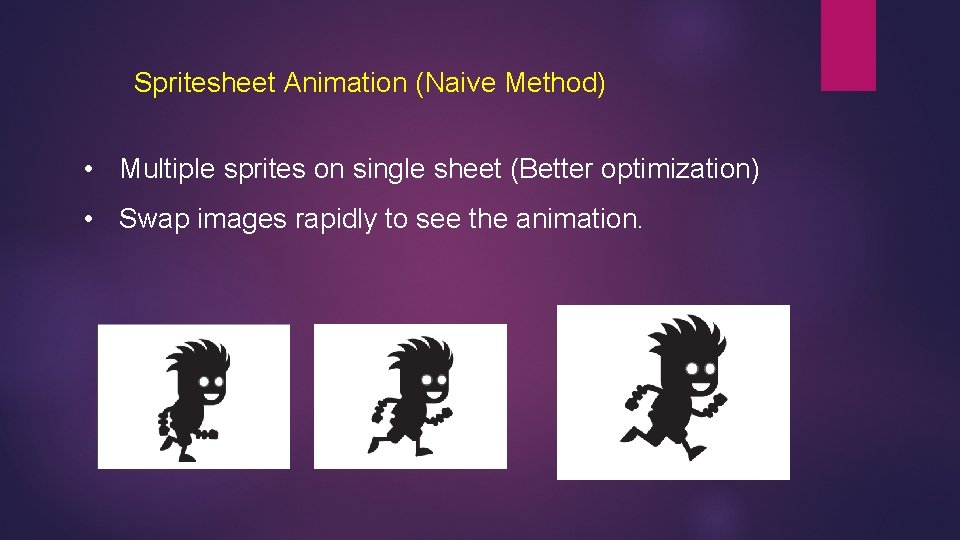
Spritesheet Animation (Naive Method) • Multiple sprites on single sheet (Better optimization) • Swap images rapidly to see the animation.
Spritesheet Animation (Naive Method) • Large Storage • Inflexible • Not Smooth • Great Performance
Unity Anima-2 D (Skeletal Animation) • Small Textures • Flexible • Smooth • Enabling Skinning • Enable Procedural Animations • CPU/GPU Intensive
Unity Anima-2 D (Skeletal Animation) • We need • Just Sprites nothing else • Wait… What about Skinning? • Precise Geometry • Bones, joints, Inverse kinematics • High quality weights
Unity Anima-2 D Components • Bone 2 D • Sprite Mesh Instance • IK Limb 2 D • IK CCD 2 D • Pose Manager
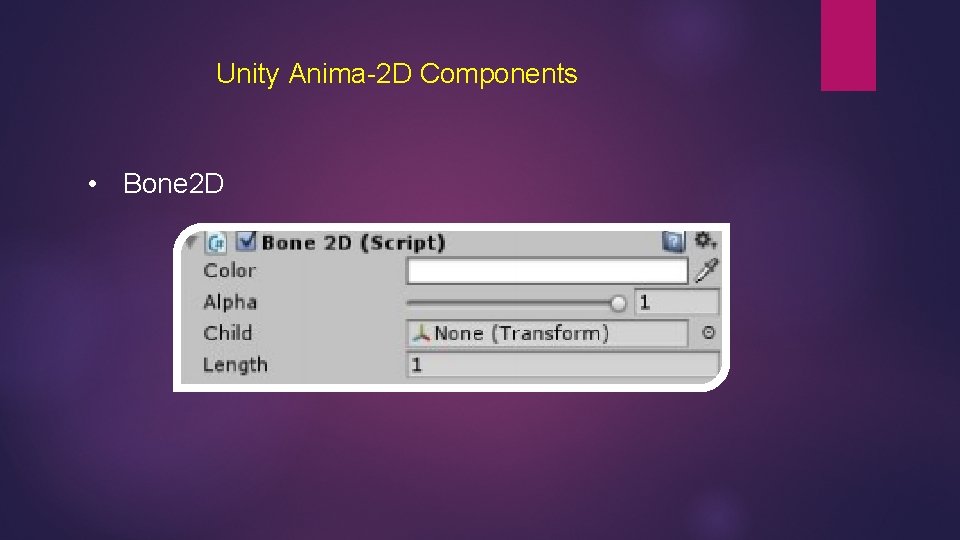
Unity Anima-2 D Components • Bone 2 D
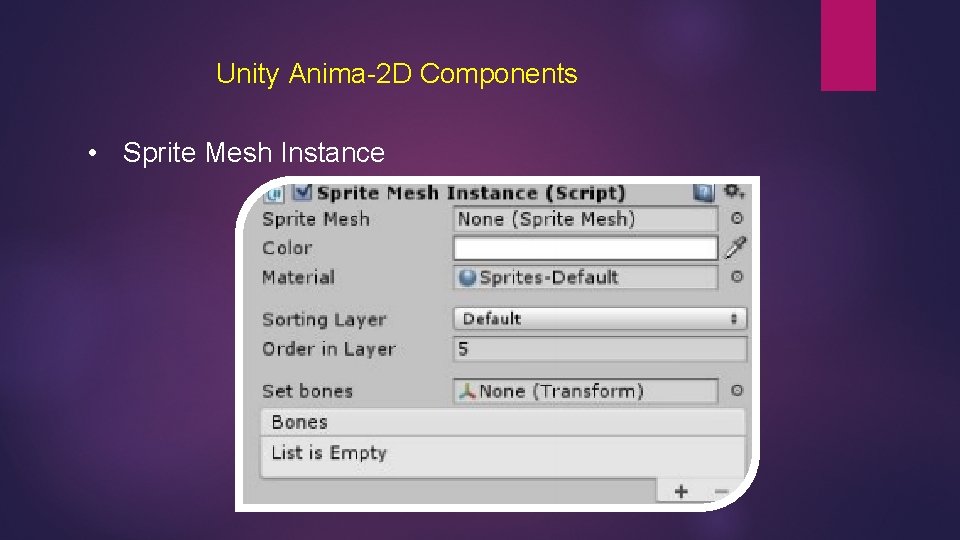
Unity Anima-2 D Components • Sprite Mesh Instance
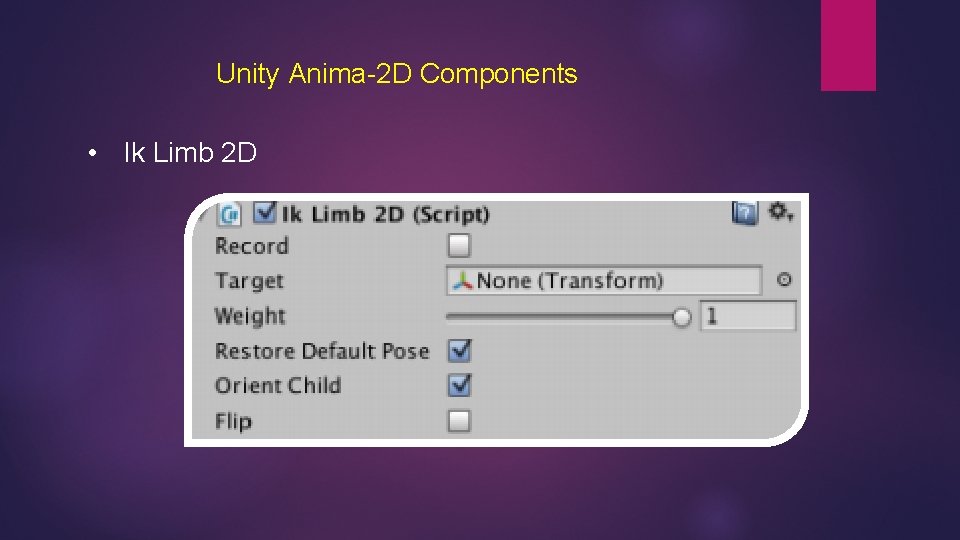
Unity Anima-2 D Components • Ik Limb 2 D
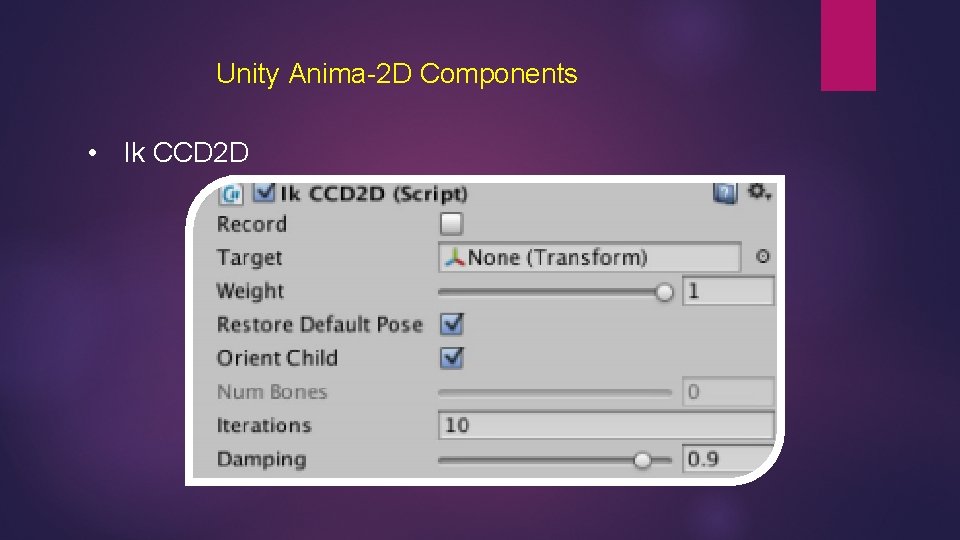
Unity Anima-2 D Components • Ik CCD 2 D
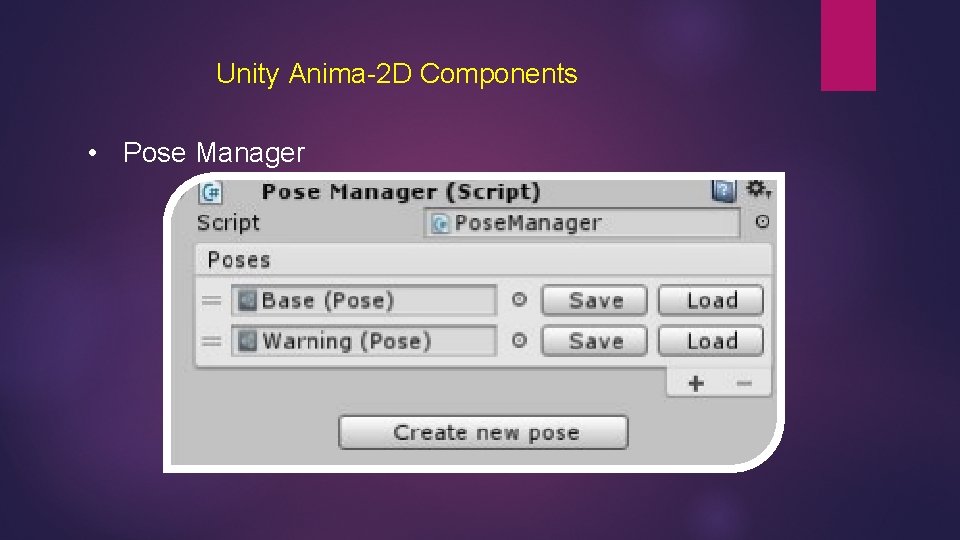
Unity Anima-2 D Components • Pose Manager
Demo Time ; )
References and Links 1. Bones and Vertices: http: //apprize. info/programming/direct 3 d/5. html 2. Vertices: • https: //en. wikibooks. org/wiki/Blender_3 D: _Noob_to_Pro/Advanced_Tutorials/Advanced_Ani mation/Guided_tour/Mesh/vg • http: //help. shade 3 d. jp/en/support/Shade. Help/latest/Manual/Reference/200_Animation_Relat ed/Weight. Painting/02_Weight. Painting. html 3. Joints: • https: //knowledge. autodesk. com/support/maya/learnexplore/caas/Cloud. Help/cloudhelp/2016/ENU/Maya/files/GUID-1 B 59334 F-2605 -44 C 3 -B 584 A 55 B 239 A 2 CBE-htm. html • https: //se. mathworks. com/help/physmod/sm/mech/ref/universal. html 4. Inverse Kinematics: • http: //wiki. roblox. com/index. php? title=Inverse_kinematics
References and Links 5. Anima-2 D: • https: //anima 2 d. com/documentation • https: //www. assetstore. unity 3 d. com/en/#!/content/45879

Thank You
- Slides: 53