
Bold and Italics Bold and Italics in XHTML

Bold and Italics
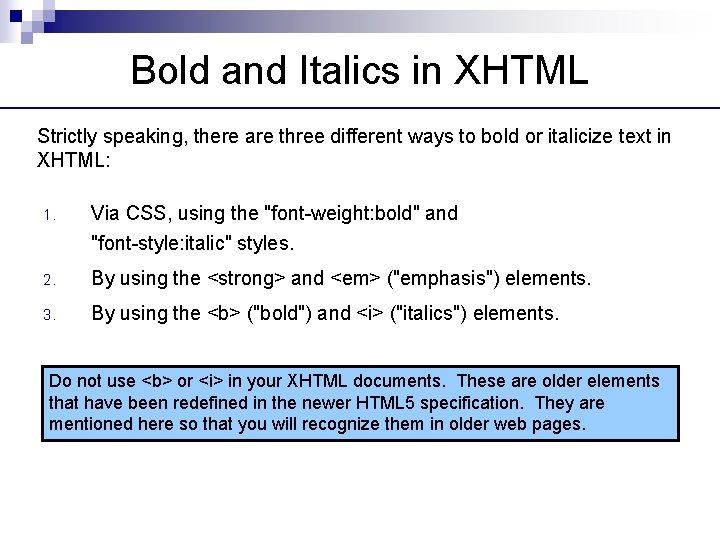
Bold and Italics in XHTML Strictly speaking, there are three different ways to bold or italicize text in XHTML: 1. Via CSS, using the "font-weight: bold" and "font-style: italic" styles. 2. By using the <strong> and <em> ("emphasis") elements. 3. By using the <b> ("bold") and <i> ("italics") elements. Do not use <b> or <i> in your XHTML documents. These are older elements that have been redefined in the newer HTML 5 specification. They are mentioned here so that you will recognize them in older web pages.

The <strong> and <em> Elements <p>Normal text</p> <p><strong>Text in Bold</strong></p> <p><em>Text in Italics</em></p> <p><strong><em>Text in Bold and Italics</em></strong></p> <strong> is generally used only when the enclosed text has a special meaning and should stand out on the page. One example would be a technical keyword. <em> is generally used only when the enclosed text has a special, emphasized meaning that would be spoken with a different voice inflection. We will use only CSS to bold and italicize text in this course. We won't see <strong> or <em> any further.

Bold and Italics via CSS <p>Normal text</p> <p style="font-weight: bold; ">Text in Bold</p> <p style="font-style: italic; ">Text in Italics</p> <p style="font-weight: bold; font-style: italic; ">Text in Bold and Italics</p> CSS is the preferred method of bolding and italicizing text on the page.
- Slides: 4