
Blue Hill Hospital Provider Cerner Education Session 8

Blue Hill Hospital Provider Cerner Education Session #8 Dr. Michael Ross / Edited Dr Charles Zelnick June 03. 21. 2019 | 2019
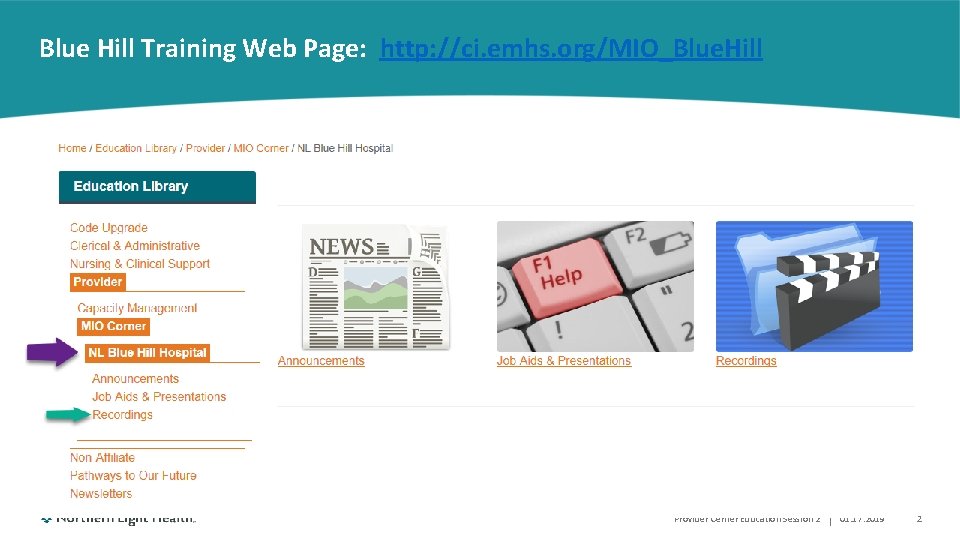
Blue Hill Training Web Page: http: //ci. emhs. org/MIO_Blue. Hill Provider Cerner Education Session 2 | 01. 17. 2019 2
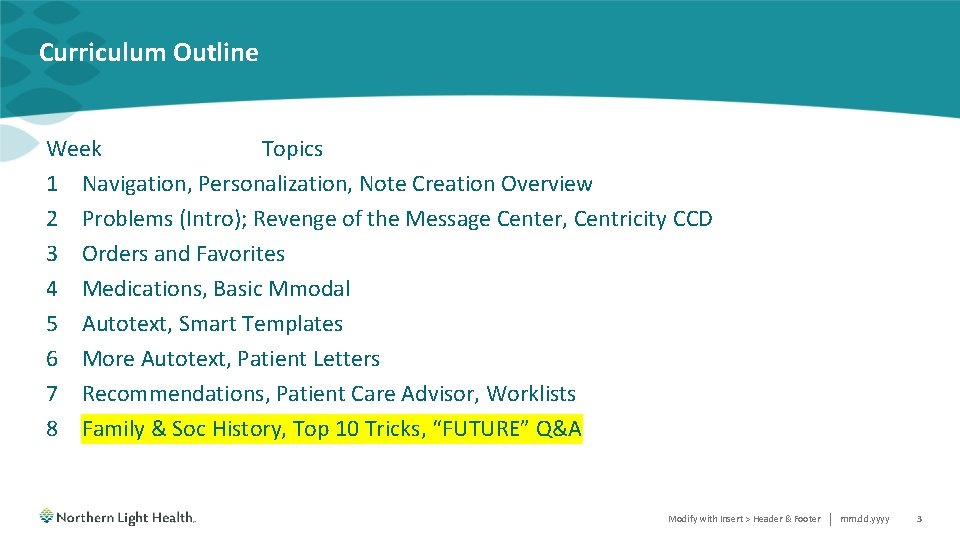
Curriculum Outline Week Topics 1 Navigation, Personalization, Note Creation Overview 2 Problems (Intro); Revenge of the Message Center, Centricity CCD 3 Orders and Favorites 4 Medications, Basic Mmodal 5 Autotext, Smart Templates 6 More Autotext, Patient Letters 7 Recommendations, Patient Care Advisor, Worklists 8 Family & Soc History, Top 10 Tricks, “FUTURE” Q&A Modify with Insert > Header & Footer | mm. dd. yyyy 3
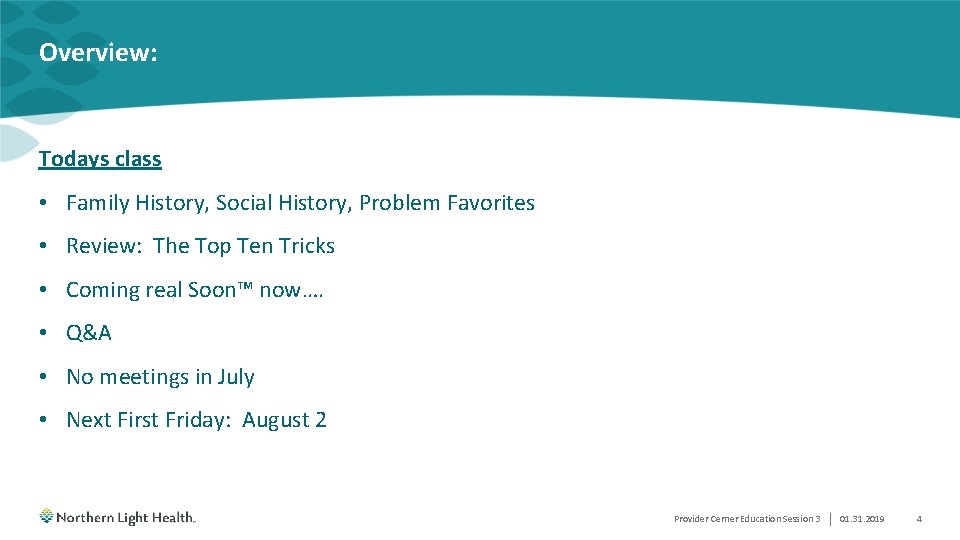
Overview: Todays class • Family History, Social History, Problem Favorites • Review: The Top Ten Tricks • Coming real Soon™ now…. • Q&A • No meetings in July • Next First Friday: August 2 Provider Cerner Education Session 3 | 01. 31. 2019 4
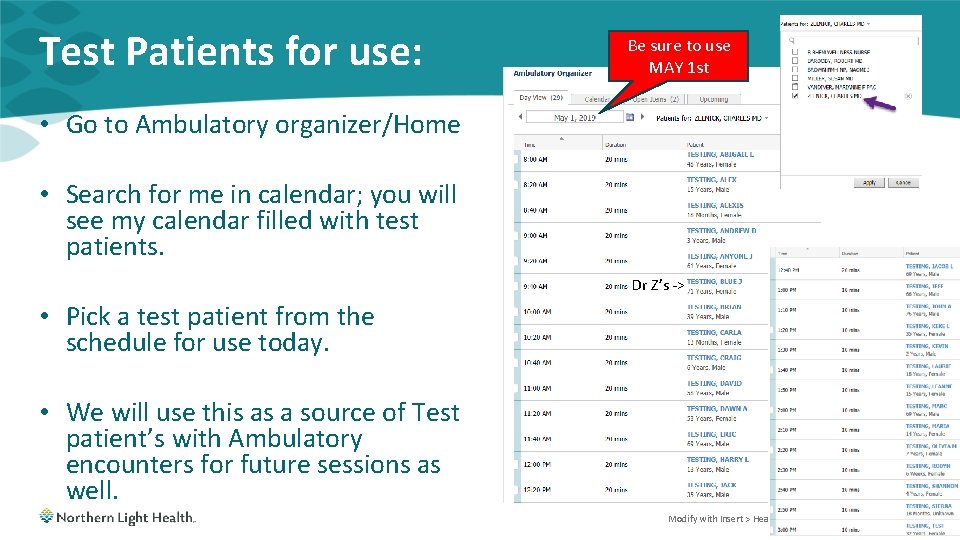
Test Patients for use: Be sure to use MAY 1 st • Go to Ambulatory organizer/Home • Search for me in calendar; you will see my calendar filled with test patients. Dr Z’s -> • Pick a test patient from the schedule for use today. • We will use this as a source of Test patient’s with Ambulatory encounters for future sessions as well. Modify with Insert > Header & Footer | mm. dd. yyyy 5
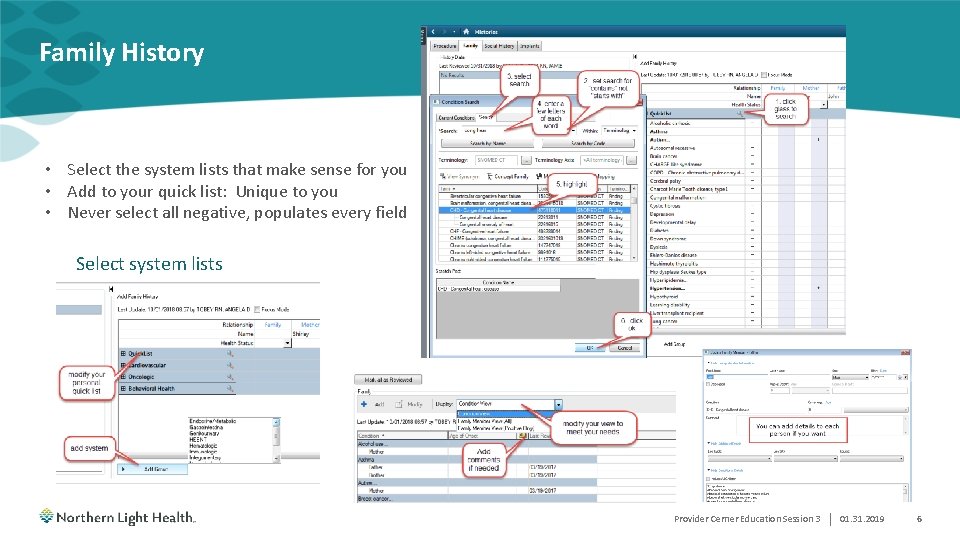
Family History • Select the system lists that make sense for you • Add to your quick list: Unique to you • Never select all negative, populates every field Select system lists Provider Cerner Education Session 3 | 01. 31. 2019 6
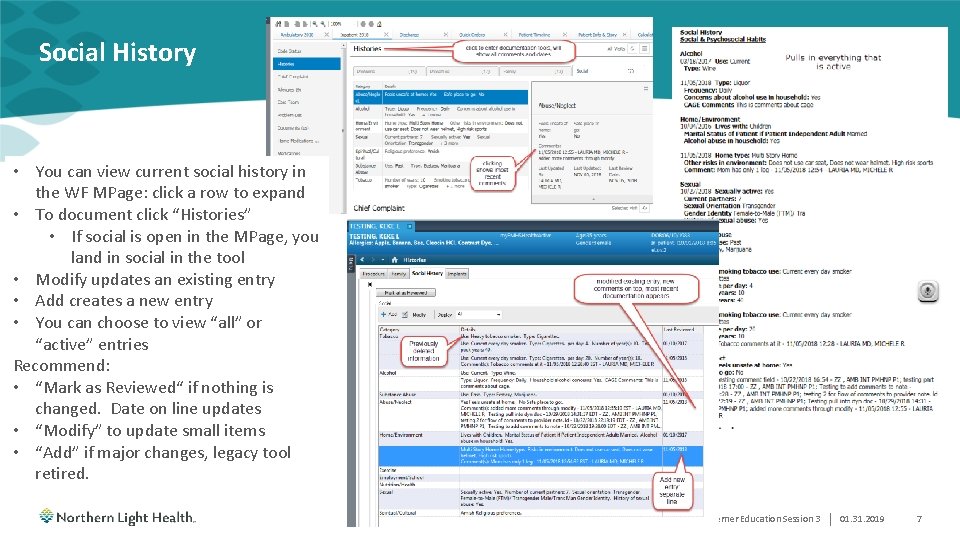
Social History • You can view current social history in the WF MPage: click a row to expand • To document click “Histories” • If social is open in the MPage, you land in social in the tool • Modify updates an existing entry • Add creates a new entry • You can choose to view “all” or “active” entries Recommend: • “Mark as Reviewed“ if nothing is changed. Date on line updates • “Modify” to update small items • “Add” if major changes, legacy tool retired. Provider Cerner Education Session 3 | 01. 31. 2019 7
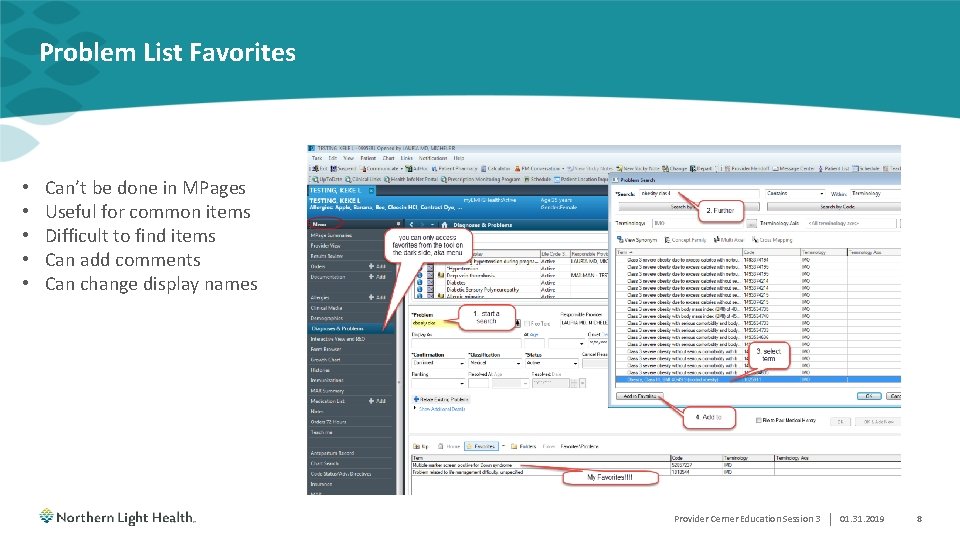
Problem List Favorites • • • Can’t be done in MPages Useful for common items Difficult to find items Can add comments Can change display names My Favorites!!!! Provider Cerner Education Session 3 | 01. 31. 2019 8
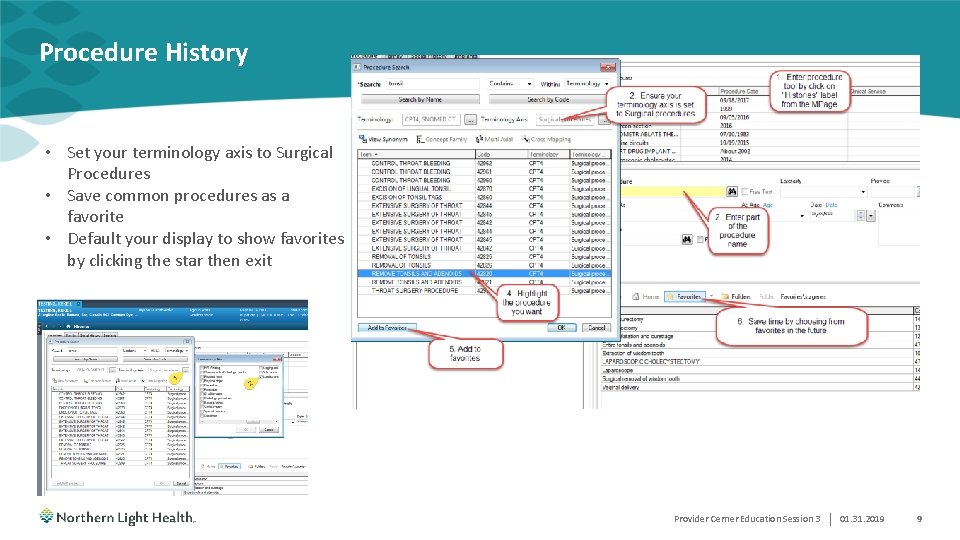
Procedure History • Set your terminology axis to Surgical Procedures • Save common procedures as a favorite • Default your display to show favorites by clicking the star then exit Provider Cerner Education Session 3 | 01. 31. 2019 9
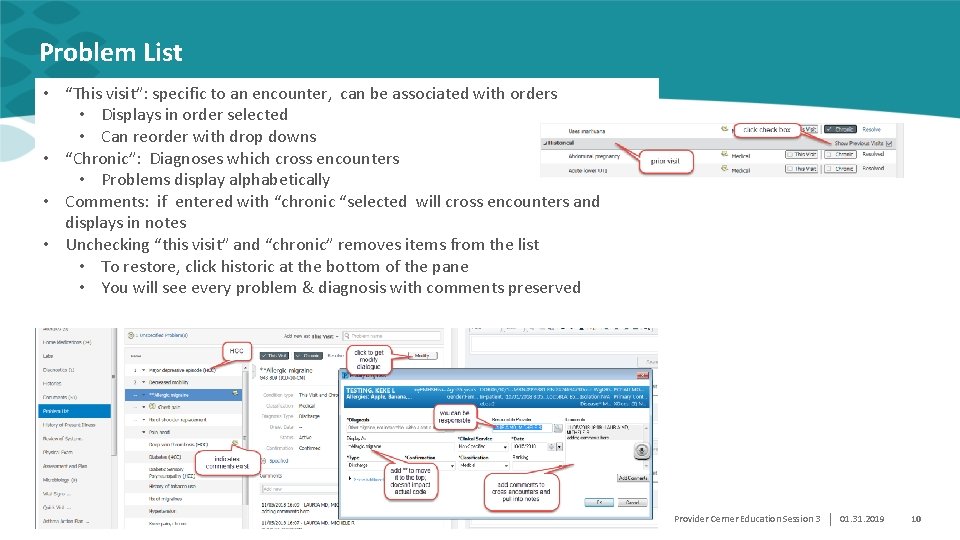
Problem List • “This visit”: specific to an encounter, can be associated with orders • Displays in order selected • Can reorder with drop downs • “Chronic”: Diagnoses which cross encounters • Problems display alphabetically • Comments: if entered with “chronic “selected will cross encounters and displays in notes • Unchecking “this visit” and “chronic” removes items from the list • To restore, click historic at the bottom of the pane • You will see every problem & diagnosis with comments preserved Provider Cerner Education Session 3 | 01. 31. 2019 10
A Taste of what is to come…. . mm. dd. yyyy Modify with Insert > Header & Footer | 11
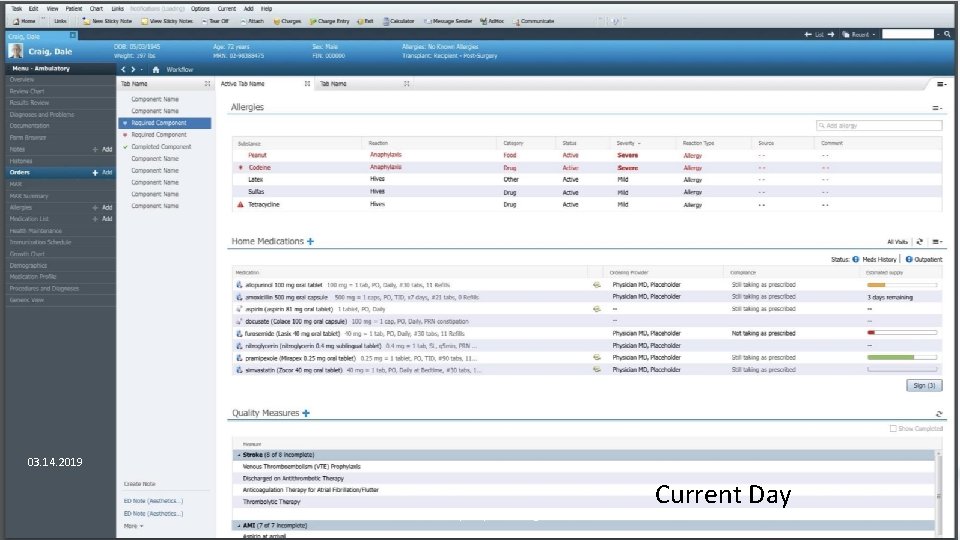
03. 14. 2019 Laboratory Request Changes Current Day | 12
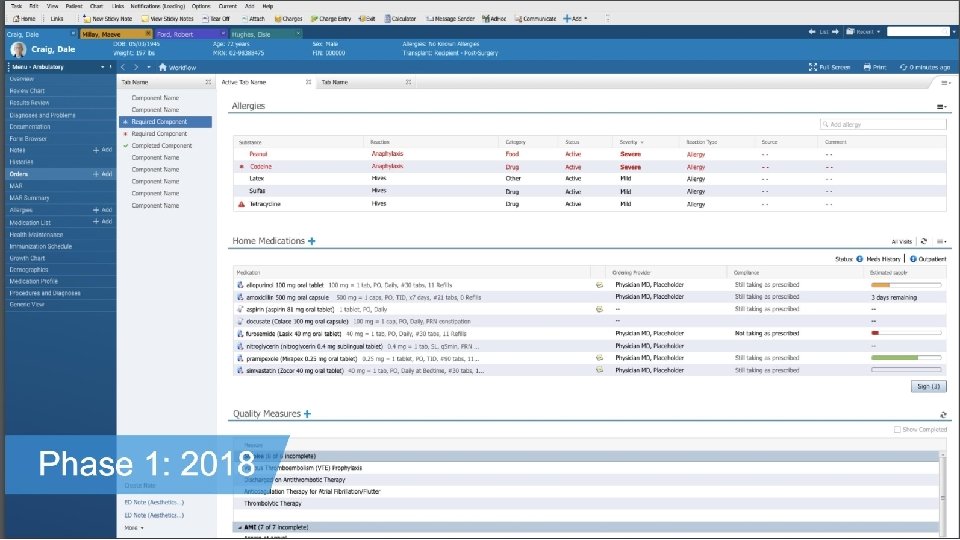
Laboratory Request Changes | 13
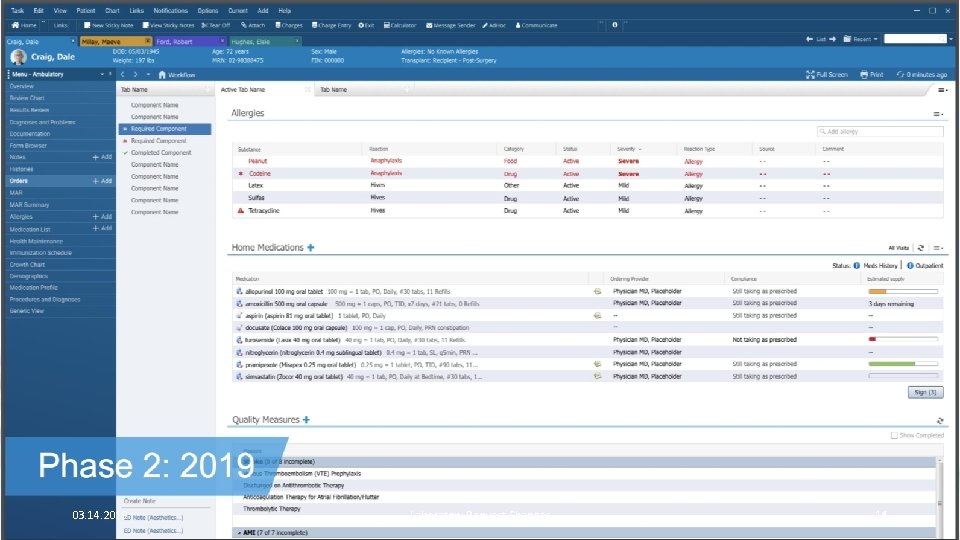
03. 14. 2019 Laboratory Request Changes | 14
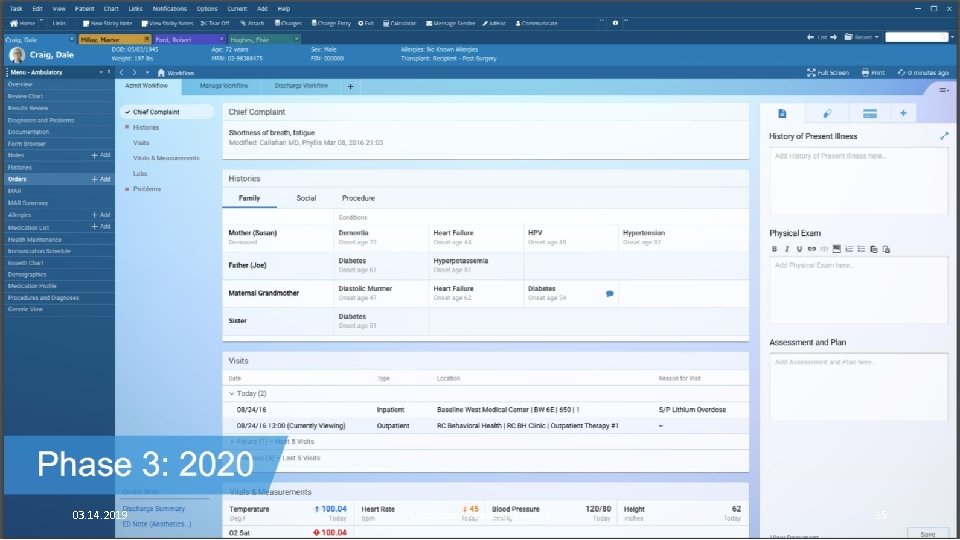
03. 14. 2019 Laboratory Request Changes | 15
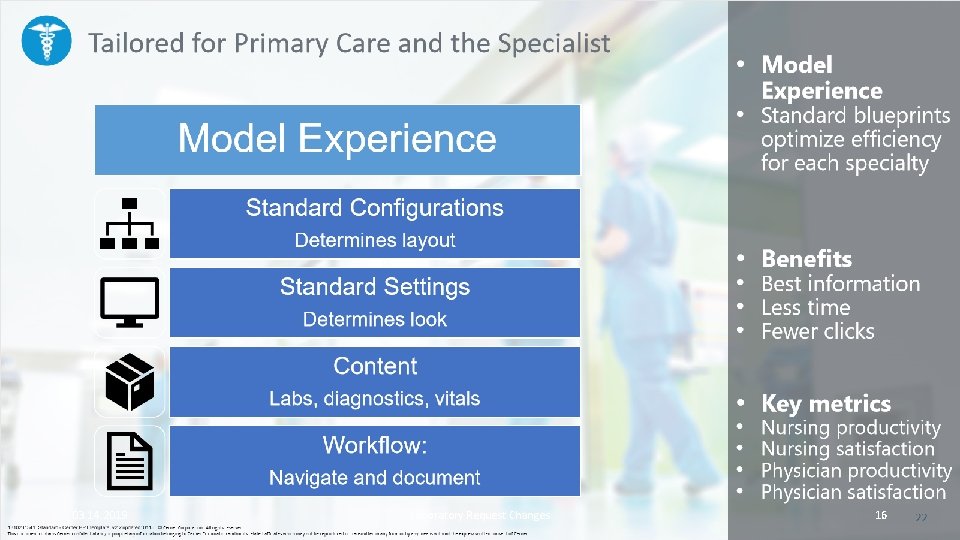
03. 14. 2019 Laboratory Request Changes | 16
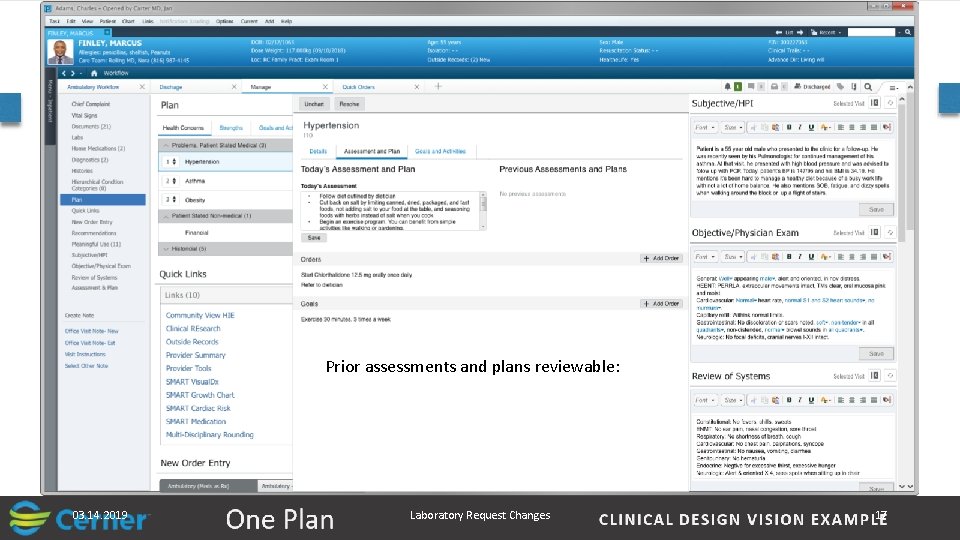
Prior assessments and plans reviewable: 03. 14. 2019 Laboratory Request Changes | 17
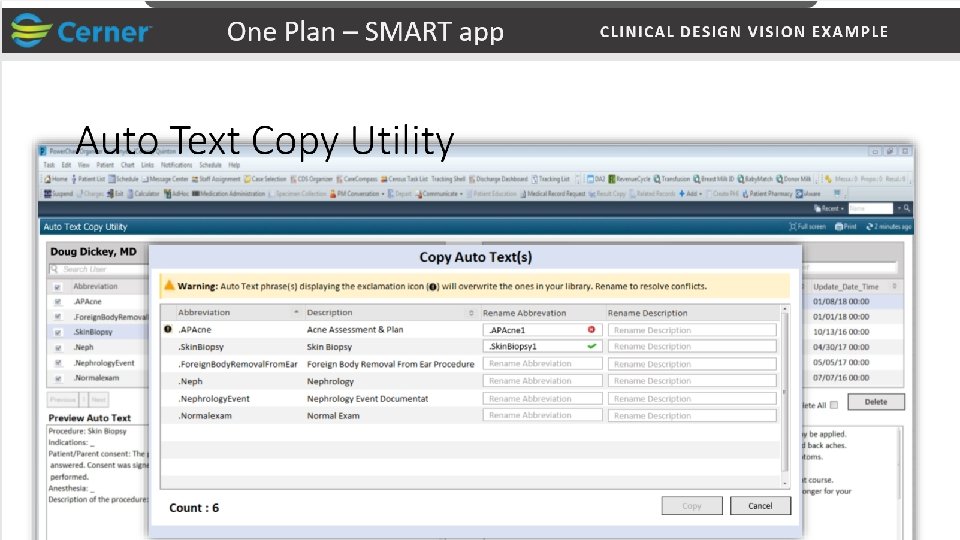
03. 14. 2019 Laboratory Request Changes | 18
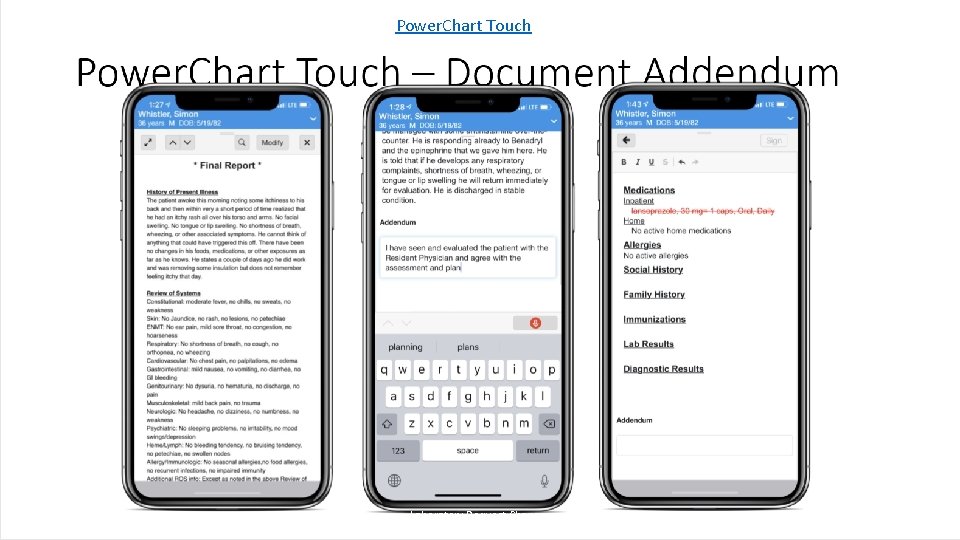
Power. Chart Touch 03. 14. 2019 Laboratory Request Changes | 19
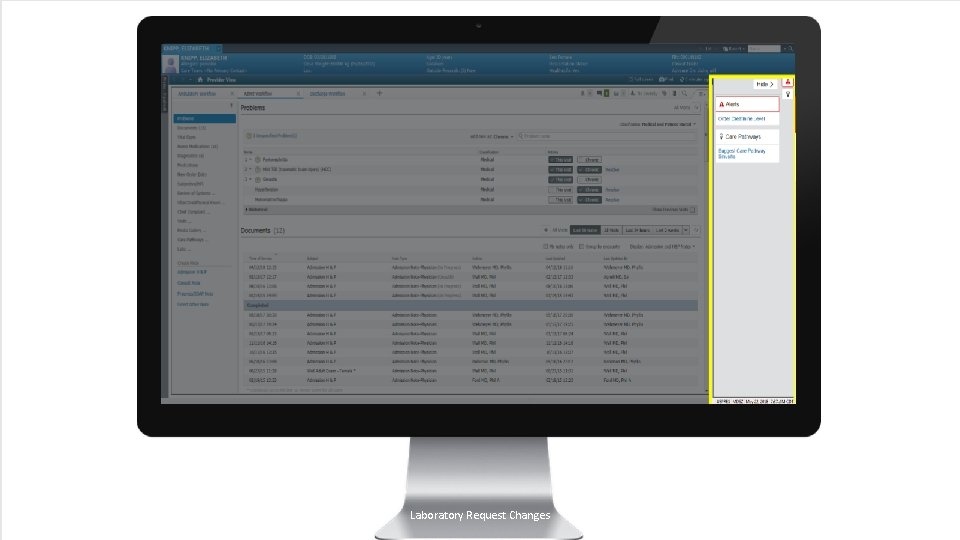
03. 14. 2019 Laboratory Request Changes | 20
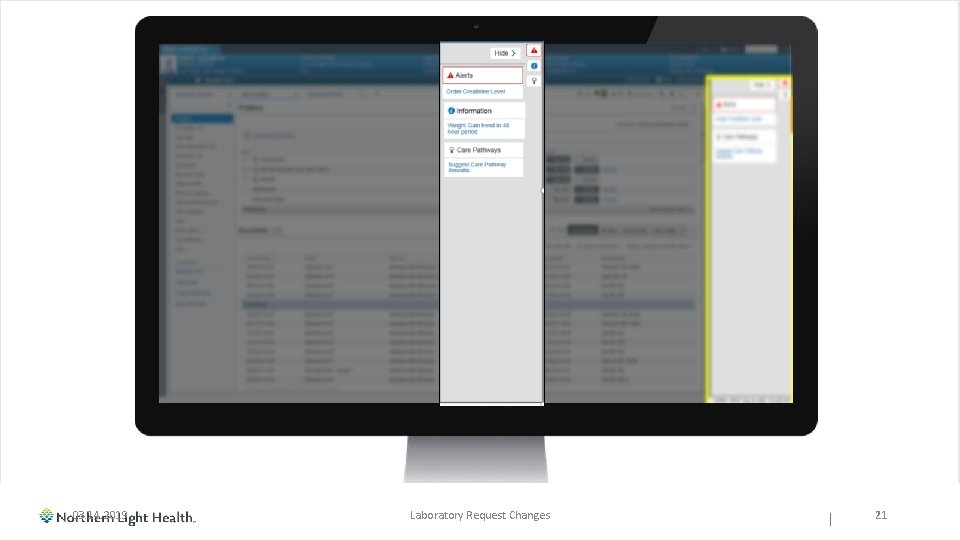
03. 14. 2019 Laboratory Request Changes | 21
- Slides: 21