
BLOCK 2 UNIT 3 COMPUTER SOFTWARE Ver AB
BLOCK 2 UNIT 3 COMPUTER SOFTWARE Ver AB 07 -1 1
OBJECTIVES 3 a. Identify basic facts about computer software Ver AB 07 -1 2
OBJECTIVE 3 a Identify basic facts about computer software • Operating systems (UNIX, Windows, LINUX, etc. ) • Applications (Word, Excel, Power Point, Share Point, etc. ) • Infectious and malicious software Ver AB 07 -1 3
Basic Facts – Computer Software • What is it? Ver AB 07 -1 4
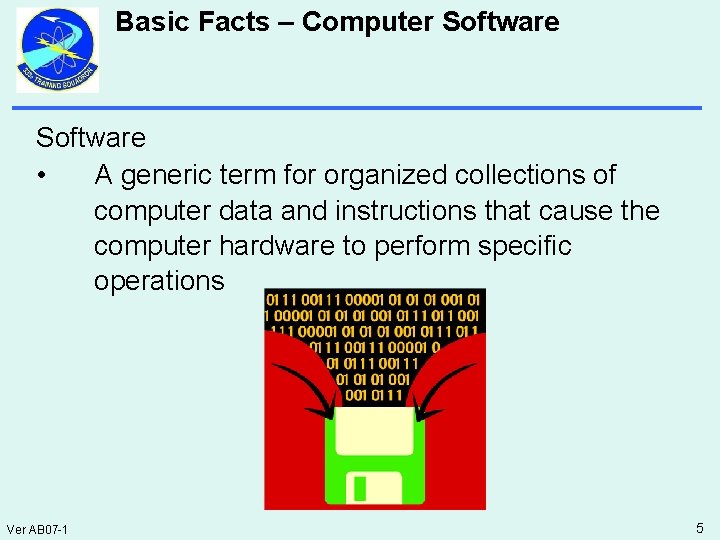
Basic Facts – Computer Software • A generic term for organized collections of computer data and instructions that cause the computer hardware to perform specific operations Ver AB 07 -1 5
Basic Facts – Computer Software • • Ver AB 07 -1 Software is virtual Consists of lines of code Easier to upgrade than hardware Contains the programs that instruct the computer what to do 6
Basic Facts – Computer Software Categories Of Software: • System Software – Instructions that provides basic, non-task-specific, functions of the computer system – Generally, system software consists of an operating system and some fundamental utilities Ver AB 07 -1 7
Basic Facts – Computer Software Categories Of Software: • Application Software – Programs that perform real work for users and allow them to interface with the computer to accomplish specific tasks Ver AB 07 -1 8
Basic Facts – Computer Software includes: • Protocols • An Operating System • Network Operating System (NOS) • Application Programs • Infectious And Malicious Software • Maintenance And Security Software Ver AB 07 -1 9
Basic Facts – Computer Software Types of Software Packages: • System Software – Operating System (OS) – Network Operating System (NOS) – Client Software – Server Software • Application Software Ver AB 07 -1 10
Basic Facts – Computer Software Operating Systems (UNIX, Windows, Linux) Operating System • The set of instructions responsible for managing the computer hardware • Without an operating system, no software programs can run Ver AB 07 -1 11
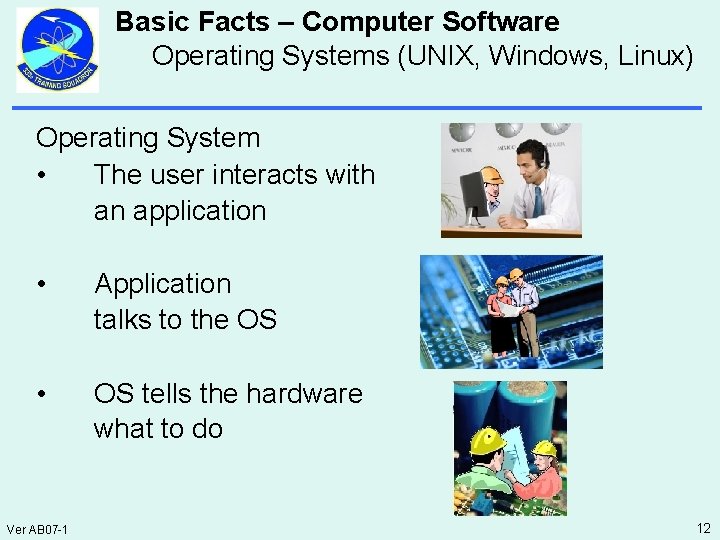
Basic Facts – Computer Software Operating Systems (UNIX, Windows, Linux) Operating System • The user interacts with an application • Application talks to the OS • OS tells the hardware what to do Ver AB 07 -1 12
Basic Facts – Computer Software Operating Systems (UNIX, Windows, Linux) Operating System • Set of instructions responsible for managing the computer hardware • Allocates memory • Processes tasks • Accesses disks and peripherals • Serves as the user interface • Provides security Ver AB 07 -1 13
Basic Facts – Computer Software Operating Systems (UNIX, Windows, Linux) Common popular Operating Systems: • UNIX • LINUX • Windows • Mac OS Ver AB 07 -1 14
Basic Facts – Computer Software Operating Systems (UNIX, Windows, Linux) UNIX • An operating system developed to operate on a wide range of computer systems • Not a single operating system • Refers to a family of operating systems • The first open or standard operating system that could be improved or enhanced by anyone Ver AB 07 -1 15
Basic Facts – Computer Software Operating Systems (UNIX, Windows, Linux) UNIX • Files are the basic unit for storing and manipulating a collection of logically related information known as data • The first OS to develop a file structure • Uses directories and path names • Allows quicker search time and access of files Ver AB 07 -1 16
Basic Facts – Computer Software Operating Systems (UNIX, Windows, Linux) LINUX • A modular UNIX-like, multitasking, multiuser, 32 and 64 bit operating system • Used for a variety of hardware platforms • Licensed under an open source license • Uses the operating system kernel • The kernel is the part that makes all other programs run Ver AB 07 -1 17
Basic Facts – Computer Software Operating Systems (UNIX, Windows, Linux) Windows • Several generations of Microsoft operating system products • A Graphical User Interface (GUI) program • Two parallel routes in its operating systems – For The Home User – For The Professional IT User Ver AB 07 -1 18
Basic Facts – Computer Software Operating Systems (UNIX, Windows, Linux) Windows Products You May Find In Use: • Windows 2000 – Professional – Server – Advanced Server – Datacenter Server • XP (e. XPerience) • Windows Server 2003 • Vista • Windows 7 Ver AB 07 -1 19
Basic Facts – Computer Software Operating Systems (UNIX, Windows, Linux) Macintosh • Commonly shortened to Mac • Covers several lines of personal computers • Designed, developed, and marketed by Apple Inc • The first commercially successful personal computer to feature a mouse and a graphical user interface Ver AB 07 -1 20
Basic Facts – Computer Software Operating Systems (UNIX, Windows, Linux) Network Operating System (NOS) • Enhances the basic operating system by adding network features • Coordinates the activities of multiple computers to keep the network running smoothly • Manages the other resources shared by the network • Can be further divided into client software and server software Ver AB 07 -1 21
Basic Facts – Computer Software Operating Systems (UNIX, Windows, Linux) Client Software • Can perform some or all of the application processing • A piece of software is considered client software if it initiates TCP connections • Does not need to run continuously Ver AB 07 -1 22
Basic Facts – Computer Software Operating Systems (UNIX, Windows, Linux) Server Software • Listens to a TCP port for connections and accepts and services those connections • Might act in a client role to access the information they serve Ver AB 07 -1 23
Basic Facts – Computer Software Operating Systems (UNIX, Windows, Linux) Network Servers • A combination of hardware and software that manages network resources • Servers can be broadly classified as either Dedicated or Non-Dedicated Ver AB 07 -1 24
Basic Facts – Computer Software Operating Systems (UNIX, Windows, Linux) Dedicated Servers • A single, stand-alone, self sufficient computer • Specifically reserved for serving the needs of the network • Normally associated with client/server networks (domains) • Some functions may be combined in a dedicated server Ver AB 07 -1 25
Basic Facts – Computer Software Operating Systems (UNIX, Windows, Linux) Non-Dedicated Servers • Can be used (operated) as a workstation as well as a server • Normally known as a peer-to-peer LAN (network) • Service by a peer-to-peer LAN is often cheaper • Must divide its workload between its application work and its server work Ver AB 07 -1 26
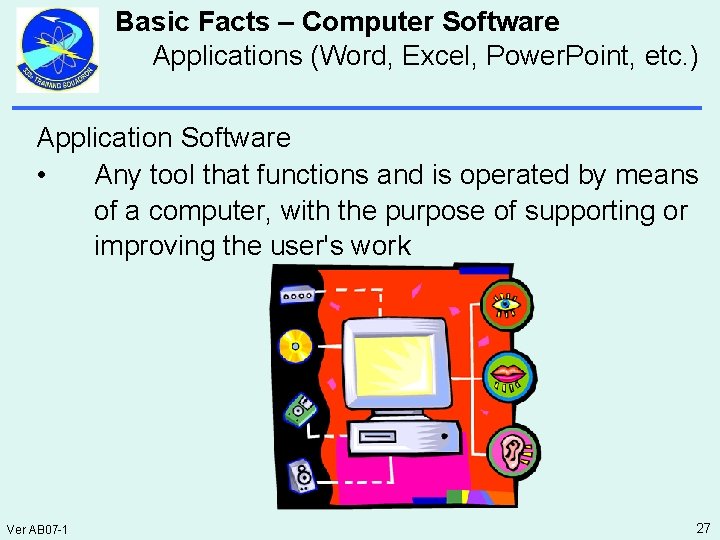
Basic Facts – Computer Software Applications (Word, Excel, Power. Point, etc. ) Application Software • Any tool that functions and is operated by means of a computer, with the purpose of supporting or improving the user's work Ver AB 07 -1 27
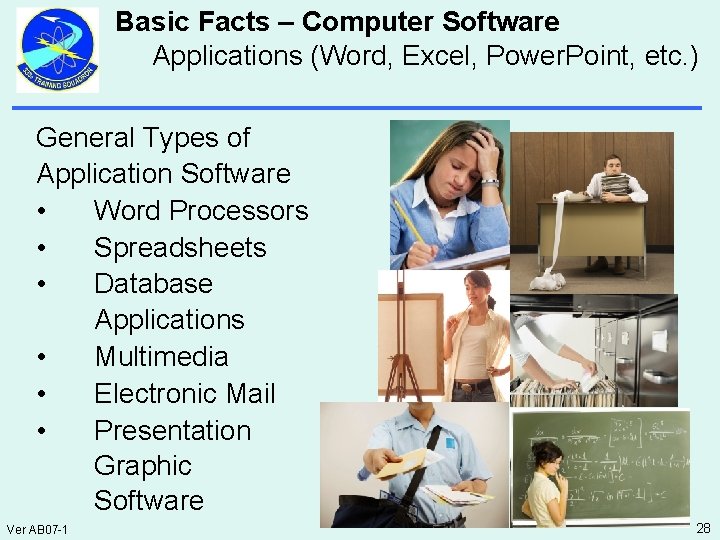
Basic Facts – Computer Software Applications (Word, Excel, Power. Point, etc. ) General Types of Application Software • Word Processors • Spreadsheets • Database Applications • Multimedia • Electronic Mail • Presentation Graphic Software Ver AB 07 -1 28
Basic Facts – Computer Software Applications (Word, Excel, Power. Point, etc. ) Word Processors • Used for the production of any sort of printable material • Desktop publishing systems are used for creation of text documents 332 Training Squadron ST E 3 ATR 1 B 020 00 AA - 20 Keesler Air Force Base, Mississippi October 2009 STUDENT TEXT BLOCK II This student text provides information and review questions to assist you in achieving the objectives in the Computer Networking block of the Information Technology (IT) Fundamentals Course. The information provided pertains to communications and network protocols, network types, computer software, DTE/DCE, cyber operations, cyber security, and network fault isolation techniques. Ver AB 07 -1 29
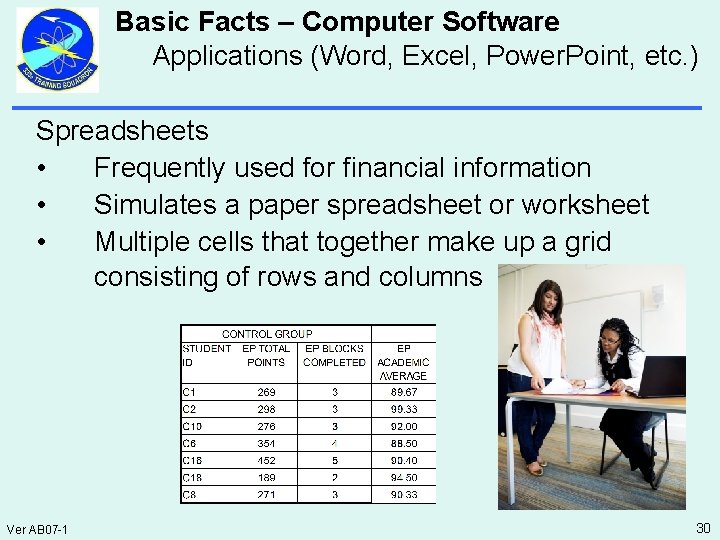
Basic Facts – Computer Software Applications (Word, Excel, Power. Point, etc. ) Spreadsheets • Frequently used for financial information • Simulates a paper spreadsheet or worksheet • Multiple cells that together make up a grid consisting of rows and columns Ver AB 07 -1 30
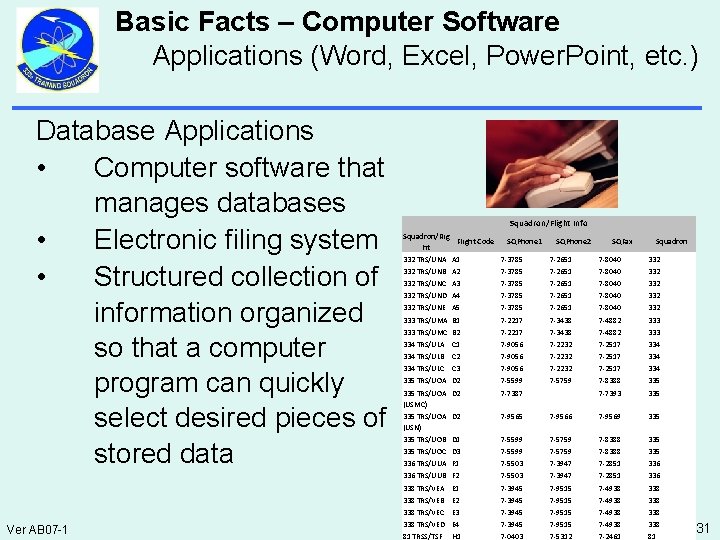
Basic Facts – Computer Software Applications (Word, Excel, Power. Point, etc. ) Database Applications • Computer software that manages databases • Electronic filing system • Structured collection of information organized so that a computer program can quickly select desired pieces of stored data Ver AB 07 -1 Squadron/Flight Info Squadron/Flight Code ht SQPhone 1 SQPhone 2 SQFax Squadron 332 TRS/UNA A 1 7 -3785 7 -2651 7 -8040 332 TRS/UNB A 2 7 -3785 7 -2651 7 -8040 332 TRS/UNC A 3 7 -3785 7 -2651 7 -8040 332 TRS/UND A 4 7 -3785 7 -2651 7 -8040 332 TRS/UNE A 5 7 -3785 7 -2651 7 -8040 332 333 TRS/UMA B 1 7 -2217 7 -3438 7 -4882 333 TRS/UMC B 2 7 -2217 7 -3438 7 -4882 333 334 TRS/ULA C 1 7 -9056 7 -2232 7 -2517 334 TRS/ULB C 2 7 -9056 7 -2232 7 -2517 334 TRS/ULC C 3 7 -9056 7 -2232 7 -2517 334 335 TRS/UOA D 2 7 -5599 7 -5759 7 -8388 335 TRS/UOA D 2 (USMC) 7 -7387 7 -7393 335 TRS/UOA D 2 (USN) 7 -9565 7 -9566 7 -9569 335 TRS/UOB D 1 7 -5599 7 -5759 7 -8388 335 TRS/UOC D 3 7 -5599 7 -5759 7 -8388 335 336 TRS/UUA F 1 7 -5503 7 -3947 7 -2851 336 TRS/UUB F 2 7 -5503 7 -3947 7 -2851 336 338 TRS/VEA E 1 7 -3945 7 -9515 7 -4938 338 TRS/VEB E 2 7 -3945 7 -9515 7 -4938 338 TRS/VEC E 3 7 -3945 7 -9515 7 -4938 338 TRS/VED E 4 7 -3945 7 -9515 7 -4938 338 81 TRSS/TSF 7 -0403 7 -5312 7 -2461 81 H 1 31
Basic Facts – Computer Software Applications (Word, Excel, Power. Point, etc. ) Multimedia • Describes electronic media devices used to store & experience multimedia content • Also represents the convergence of text, pictures, video and sound into a single media form Ver AB 07 -1 32
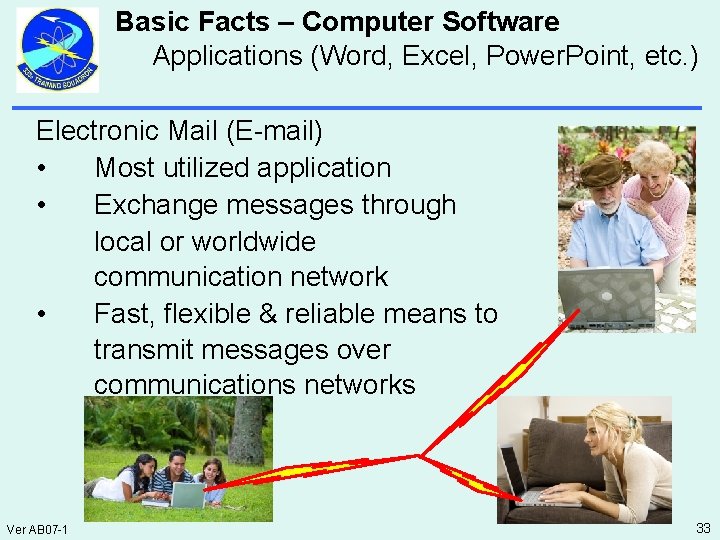
Basic Facts – Computer Software Applications (Word, Excel, Power. Point, etc. ) Electronic Mail (E-mail) • Most utilized application • Exchange messages through local or worldwide communication network • Fast, flexible & reliable means to transmit messages over communications networks Ver AB 07 -1 33
Basic Facts – Computer Software Applications (Word, Excel, Power. Point, etc. ) Presentation Graphic Software • Create, store and display multimedia information • Offers easy control over the information displayed • Various types of charts, graphs & text in a variety of fonts Ver AB 07 -1 34
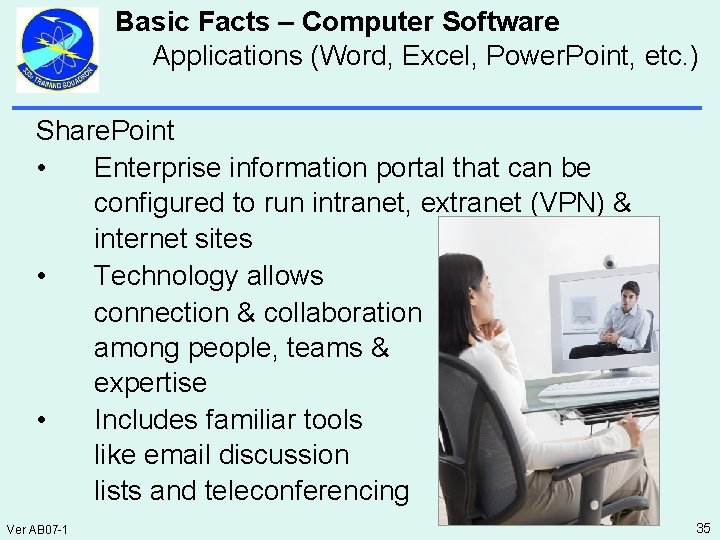
Basic Facts – Computer Software Applications (Word, Excel, Power. Point, etc. ) Share. Point • Enterprise information portal that can be configured to run intranet, extranet (VPN) & internet sites • Technology allows connection & collaboration among people, teams & expertise • Includes familiar tools like email discussion lists and teleconferencing Ver AB 07 -1 35
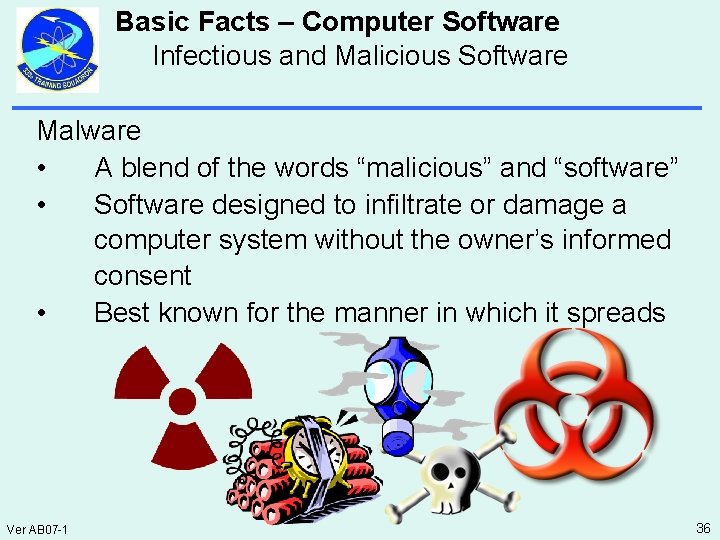
Basic Facts – Computer Software Infectious and Malicious Software Malware • A blend of the words “malicious” and “software” • Software designed to infiltrate or damage a computer system without the owner’s informed consent • Best known for the manner in which it spreads Ver AB 07 -1 36
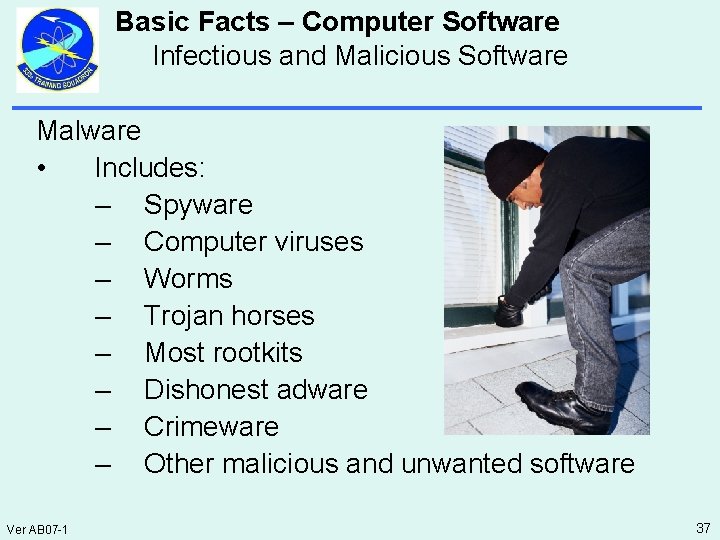
Basic Facts – Computer Software Infectious and Malicious Software Malware • Includes: – Spyware – Computer viruses – Worms – Trojan horses – Most rootkits – Dishonest adware – Crimeware – Other malicious and unwanted software Ver AB 07 -1 37
Basic Facts – Computer Software Infectious and Malicious Software Spyware • Most costly form of malware in terms of time & money spent in recovery • Monitors a users activity • Collects personal information • Shows pop-up ads • Altering web-browser behavior • Often called “stealware” by the media • Example: Zango virus Ver AB 07 -1 38
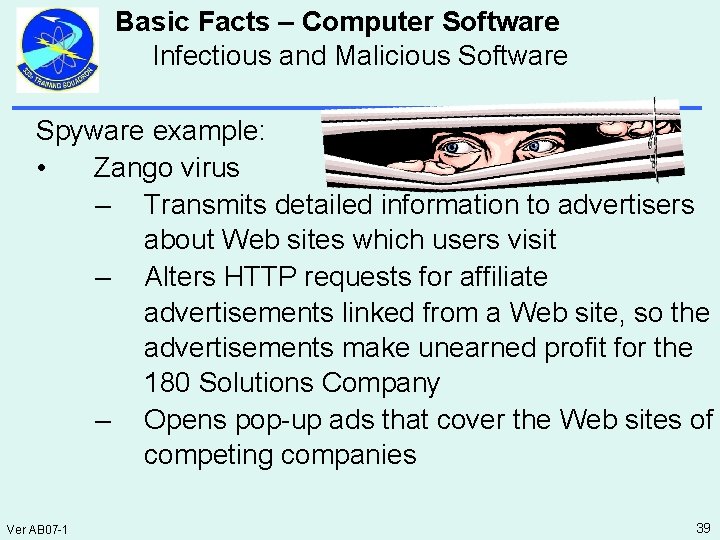
Basic Facts – Computer Software Infectious and Malicious Software Spyware example: • Zango virus – Transmits detailed information to advertisers about Web sites which users visit – Alters HTTP requests for affiliate advertisements linked from a Web site, so the advertisements make unearned profit for the 180 Solutions Company – Opens pop-up ads that cover the Web sites of competing companies Ver AB 07 -1 39
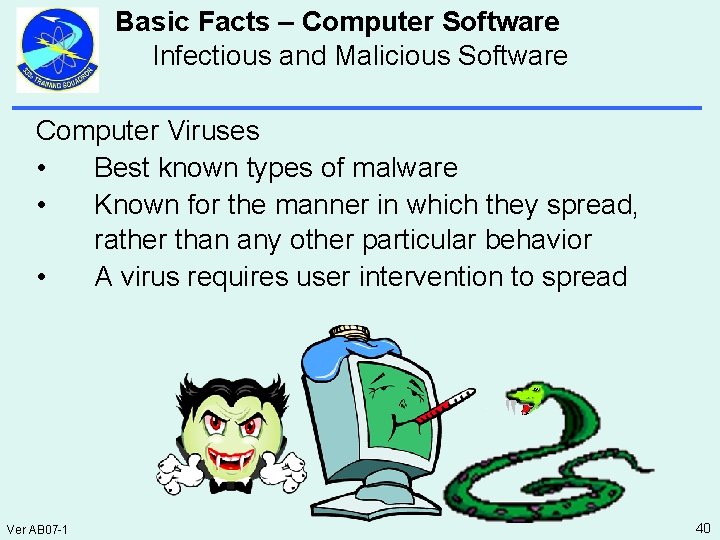
Basic Facts – Computer Software Infectious and Malicious Software Computer Viruses • Best known types of malware • Known for the manner in which they spread, rather than any other particular behavior • A virus requires user intervention to spread Ver AB 07 -1 40
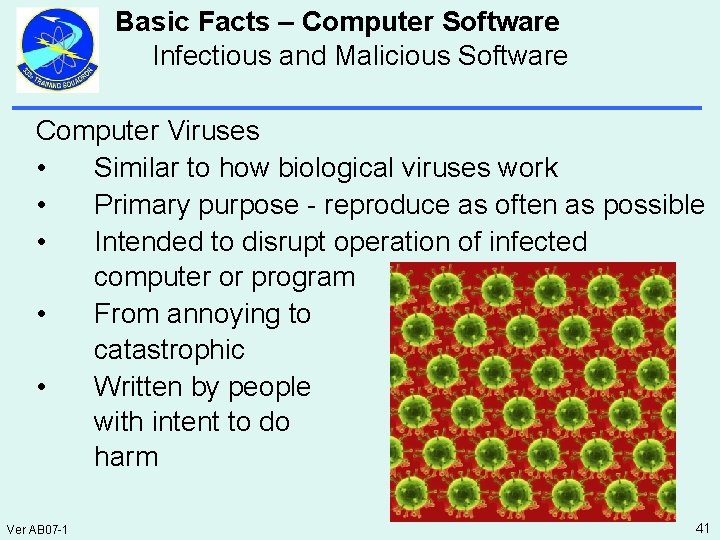
Basic Facts – Computer Software Infectious and Malicious Software Computer Viruses • Similar to how biological viruses work • Primary purpose - reproduce as often as possible • Intended to disrupt operation of infected computer or program • From annoying to catastrophic • Written by people with intent to do harm Ver AB 07 -1 41
Basic Facts – Computer Software Infectious and Malicious Software Computer Virus • Propagation – Computer viruses do not create themselves – They do not spread through the air unaided – Some kind of exchange between two computers must take place – A common method of spreading a virus is through e-mail services Ver AB 07 -1 42
Basic Facts – Computer Software Infectious and Malicious Software Computer Viruses • Classified Into Two Categories: – Boot-sector – File Infector Virus Ver AB 07 -1 43
Basic Facts – Computer Software Infectious and Malicious Software Boot-Sector • Resides in the first sector of a disk or USB drive • Determines partition from which the computer boots • When the computer is booted, the virus executes • Controls the boot sequence • A boot sector virus is extremely dangerous Ver AB 07 -1 44
Basic Facts – Computer Software Infectious and Malicious Software Boot-Sector virus example: • Michelangelo virus • A typical infector of diskette boot records and master boot record of hard disks • If an infected system is booted on March 6 of any year, the Michelangelo virus will overwrite parts of the hard disk with random data • This renders the hard disk of the system, and all of its information, inaccessible Ver AB 07 -1 45
Basic Facts – Computer Software Infectious and Malicious Software File Infector Virus • A parasitic viruses • Operates in memory and usually infects executable files • Usually. Com or. Exe files • Attaches itself to a file or program • Activates any time the infected file is used Ver AB 07 -1 46
Basic Facts – Computer Software Infectious and Malicious Software Common File Infectors • Companion Virus: – So named because it uses the name of a real program - its companion – Creates a new program which (unknown to the user) is executed instead of the intended program – Activates by using a different file extension from its companion – Example: W 32. Cleevix virus Ver AB 07 -1 47
Basic Facts – Computer Software Infectious and Malicious Software Common File Infectors • Macro Virus: – Written as a macro for a specific application – When opened the virus attaches itself to the application – Then infects any other files accessed by that application – Example: Nuclear virus • A back door virus that gives an attacker full control over the compromised computer Ver AB 07 -1 48
Basic Facts – Computer Software Infectious and Malicious Software Common File Infectors • Polymorphic Virus: – One of the more complex computer threats – It changes its appearance every time it is replicated • Creates slightly modified, fully functional copies of itself • Has the capability of changing its own code Ver AB 07 -1 49
Basic Facts – Computer Software Infectious and Malicious Software Common File Infectors • Polymorphic Virus example: – Polip - A memory-resident virus – Once executed, it injects code in the running processes and hooks imported functions for the infected process, so that all executables accessed by those processes will be infected Ver AB 07 -1 50
Basic Facts – Computer Software Infectious and Malicious Software Common File Infectors • Stealth Virus: – Attempts to hide from detection – It conceals the changes it makes – Takes control of system functions that interpret files or system sectors – Eludes antivirus programs Ver AB 07 -1 51
Basic Facts – Computer Software Infectious and Malicious Software Common File Infectors • Stealth Virus example: – Frodo - a virus with a destructive payload that triggers on September 22 – The birthday of Frodo and Bilbo Baggins, characters in J. R. R. Tolkien's Lord of the Rings – Attempts to plant a Trojan Horse in boot sectors Ver AB 07 -1 52
Basic Facts – Computer Software Infectious and Malicious Software Worms • Spreads automatically • This means that infections transmitted by email, rely on the recipient opening an attachment to infect the system • Example: Code. Red • Targeted webservers, not individual computers • This worm was propagated as an ‘http get request’ (a request to get a webpage from a server) Ver AB 07 -1 53
Basic Facts – Computer Software Infectious and Malicious Software Trojan Horses • A Trojan may be sent as an attachment in email, but it's certainly not an email virus • It is a program that appears to be legitimate, but in fact does something malicious • There are several different types of Trojans – Remote Access Trojans (RATs) – Backdoor Trojans (backdoors) – IRC Trojans (IRCbots) – Keylogging Trojans Ver AB 07 -1 54
Basic Facts – Computer Software Infectious and Malicious Software Trojan Horse example: • W 32/Rbot-TW • Can be used to steal registration and key details from several computer games and applications Ver AB 07 -1 55
Basic Facts – Computer Software Infectious and Malicious Software Rootkits • Allows hackers to maintain system access by implementing a back door and hiding evidence of system compromise • May be included in a larger software package or installed by an attacker who has been able to take advantage of a vulnerability on your computer or has convinced you to download it Ver AB 07 -1 56
Basic Facts – Computer Software Infectious and Malicious Software Rootkit example: • Hacktool. Rootkit • Comprises a set of programs and scripts that work together to allow attackers to break into a system • If Hacktool. Rootkit is detected on a system, it is very likely that an attacker has gained complete control of that system Ver AB 07 -1 57
Basic Facts – Computer Software Infectious and Malicious Software Dishonest adware • Can be quite destructive • Oftentimes it is extremely difficult to get rid of it • Is often used to change the user's computer settings, such as the browser homepage or popup blocker settings Ver AB 07 -1 58
Basic Facts – Computer Software Infectious and Malicious Software Crimeware • Any computer program or set of programs designed expressly to facilitate illegal activity online • Gathers information illegally by secretly installing a keylogger in your computer system • Will then record everything that is entered at the keyboard, including passwords and other privileged information Ver AB 07 -1 59
Basic Facts – Computer Software Infectious and Malicious Software Consequences of a Virus • A virus can cause many kinds of harm to a computer • All viruses cause some degree of harm by wasting resources • Viruses may cause data to be lost • Some are designed specifically to delete files • Some issue a physically harmful series of instructions to hard drives Ver AB 07 -1 60
Basic Facts – Computer Software Infectious and Malicious Software Consequences of a Virus • The “ILOVEYOU” Virus: – May 2000 – Disrupted the U. S. Department of Health and Human Services for many hours – U. S. Department of Defense shifted many personnel from their primary duties to deal with the virus Ver AB 07 -1 61
Basic Facts – Computer Software Infectious and Malicious Software Consequences of a Virus • The “Storm. Worm” Virus: – January 2007 – Identified as a fast spreading email spamming threat – Infected 1. 7 million computers by June 30 th – Grew to between 1 and 10 million computers by September 2007 Ver AB 07 -1 62
Basic Facts – Computer Software Infectious and Malicious Software Consequences of a Virus • Common symptoms of computer virus infection – Computer won’t boot – Data is scrambled or corrupted – Computer operates erratically – A partition is lost – Hard drive is reformatted Ver AB 07 -1 63
Basic Facts – Computer Software Infectious and Malicious Software Consequences of a Virus • Common symptoms of computer virus infection – Programs suddenly open and close without your help – Warnings & error messages displayed at unusual times – Most common symptom of virus infection in a network is one or more misbehaving workstations Ver AB 07 -1 64
Basic Facts – Computer Software Infectious and Malicious Software Security Programs • Applications designed to protect computer data from compromise • Computer security is the process of: – Preventing, – Detecting, – Responding to: • unauthorized use of, or, • access to your computer Ver AB 07 -1 65
Basic Facts – Computer Software Infectious and Malicious Software Security Programs • Prevention – Stops unauthorized users (also known as "intruders") from accessing any part of your computer system Ver AB 07 -1 66
Basic Facts – Computer Software Infectious and Malicious Software Security Programs • Detection – Helps determine: • If someone attempted to break into your system • If they were successful • What they may have done Ver AB 07 -1 67
Basic Facts – Computer Software Infectious and Malicious Software Security Programs • Response – Knowing the value of your data and the impact upon day-to-day operations if specific systems become unavailable or compromised Ver AB 07 -1 68
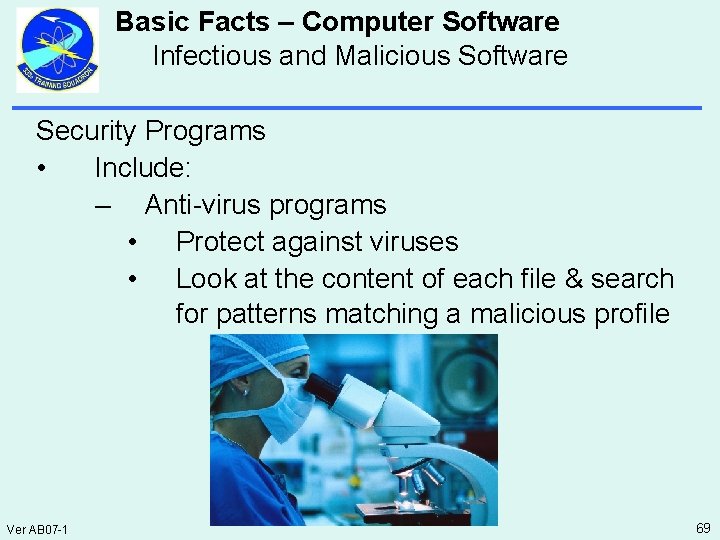
Basic Facts – Computer Software Infectious and Malicious Software Security Programs • Include: – Anti-virus programs • Protect against viruses • Look at the content of each file & search for patterns matching a malicious profile Ver AB 07 -1 69
Basic Facts – Computer Software Infectious and Malicious Software Security Programs • Include: – Anti-spyware • Prevents spyware from collecting information about the user Ver AB 07 -1 70
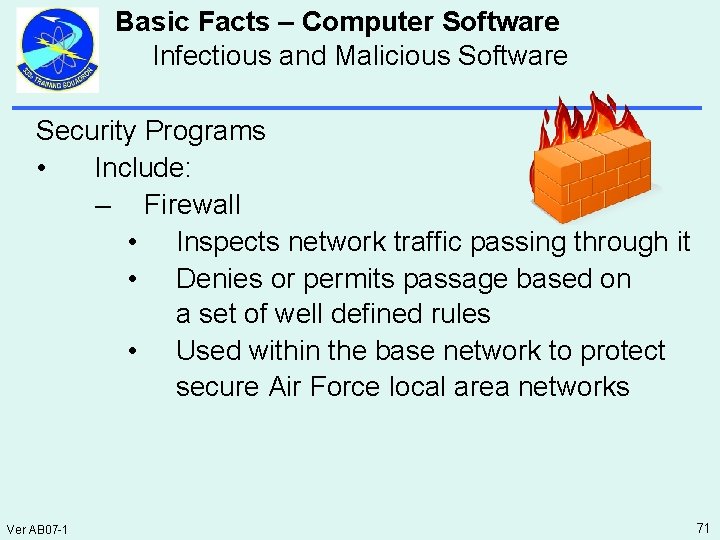
Basic Facts – Computer Software Infectious and Malicious Software Security Programs • Include: – Firewall • Inspects network traffic passing through it • Denies or permits passage based on a set of well defined rules • Used within the base network to protect secure Air Force local area networks Ver AB 07 -1 71
Summary Identify basic facts about computer software • Operating systems (UNIX, Windows, LINUX, etc. ) • Applications (Word, Excel, Power Point, Share Point, etc. ) • Infectious and malicious software Ver AB 07 -1 72
- Slides: 72