
Blender Introduction Modelling and Exporting 4076GV 07 Virtual
Blender: Introduction, Modelling and Exporting 4076/GV 07: Virtual Environments (VE) MSci 4 th year, MSc VIVE, Eng. D Will Steptoe Room 6. 22, Computer Science W. Steptoe@cs. ucl. ac. uk http: //www. cs. ucl. ac. uk/staff/W. Steptoe
Aims • Introduce the main concepts and practical issues in constructing and understanding Virtual Environments, and how people respond to VE experiences. • Use Blender to construct your VE and its inhabitants • Export Blender content to XVR • Develop content in XVR’s scripting language
Software • Blender – Download: – Tutorials: http: //www. blender. org http: //en. wikibooks. org/wiki/Blender_3 D • XVR – Download: – Forums: http: //www. vrmedia. it http: //www. forums. vrmedia. it • Blender -> XVR exporter script (. aam) – Download: http: //www. vrmedia. it/wikifiles/blender_scripts/aam_exporter. py – Copy to: {Blender Installation Directory}. blenderscripts – Help: http: //wiki. vrmedia. it/index. php? title=AAM_exporter_for_Blender – Make sure Blender is in Edit mode (TAB)
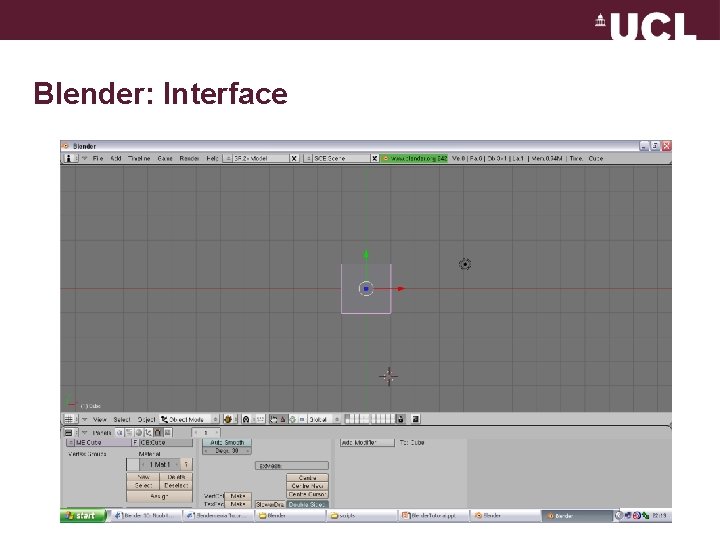
Blender: Interface
Blender: Viewport • Acronyms – LMB: Left Mouse Button – MMB: Middle Mouse Button – RMB: Right Mouse Button • Use split/join functionality to customise interface: – Hover separator & click RMB • Choose from a pop-up menu • Use View menu to set different views of the scene
Blender: Navigation • Click and drag MMB to rotate the view freely • Hold Shift and drag MMB to pan scene on the plane • Use mouse-wheel or hold Ctrl and drag MMB to zoom in and out of the scene – Press “C” and “Shift + C” to find out what they do… – Press “Z” and see what happens • Also use the “Viewport Shading” button to see the different options • . . . shortcuts for everything
Blender: Modelling • Start with the Cube in your new file – Notice the camera and light source • RMB (not LMB) is used to select objects – “Shift + RMB” to select multiple objects • There are many modes in Blender – Object (whole objects) and Edit (vertices) modes – Use the TAB key to toggle between modes
Blender: Object and Edit modes • Object mode allows you to scale, rotate and translate objects • Edit mode allows you to do the same to the vertices of an object – Can’t toggle into edit mode if a Camera or Light is selected (not composed of vertices) • Select an object/vertex, grab using g key and move cursor around – Or click LMB in the middle of the transform gizmo – What happens once you click on RMB or LMB after that?
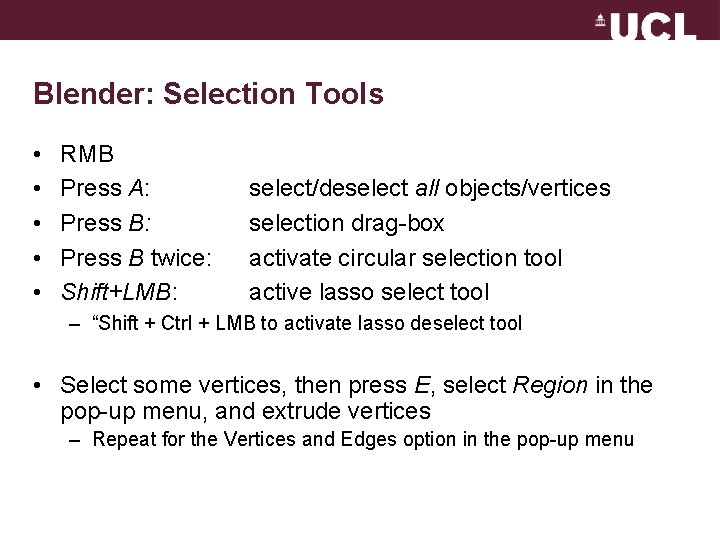
Blender: Selection Tools • • • RMB Press A: Press B twice: Shift+LMB: select/deselect all objects/vertices selection drag-box activate circular selection tool active lasso select tool – “Shift + Ctrl + LMB to activate lasso deselect tool • Select some vertices, then press E, select Region in the pop-up menu, and extrude vertices – Repeat for the Vertices and Edges option in the pop-up menu
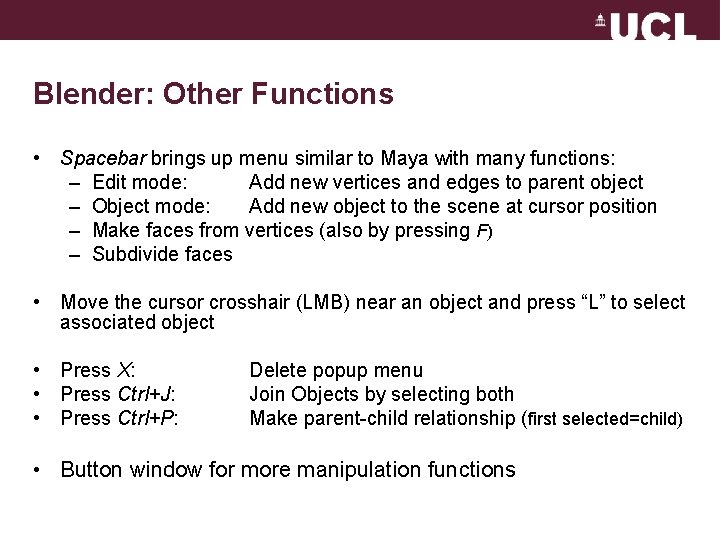
Blender: Other Functions • Spacebar brings up menu similar to Maya with many functions: – Edit mode: Add new vertices and edges to parent object – Object mode: Add new object to the scene at cursor position – Make faces from vertices (also by pressing F) – Subdivide faces • Move the cursor crosshair (LMB) near an object and press “L” to select associated object • Press X: • Press Ctrl+J: • Press Ctrl+P: Delete popup menu Join Objects by selecting both Make parent-child relationship (first selected=child) • Button window for more manipulation functions
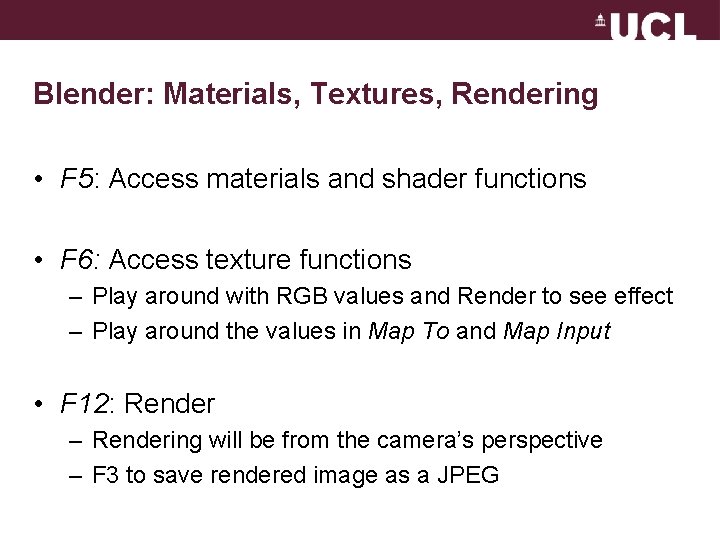
Blender: Materials, Textures, Rendering • F 5: Access materials and shader functions • F 6: Access texture functions – Play around with RGB values and Render to see effect – Play around the values in Map To and Map Input • F 12: Render – Rendering will be from the camera’s perspective – F 3 to save rendered image as a JPEG
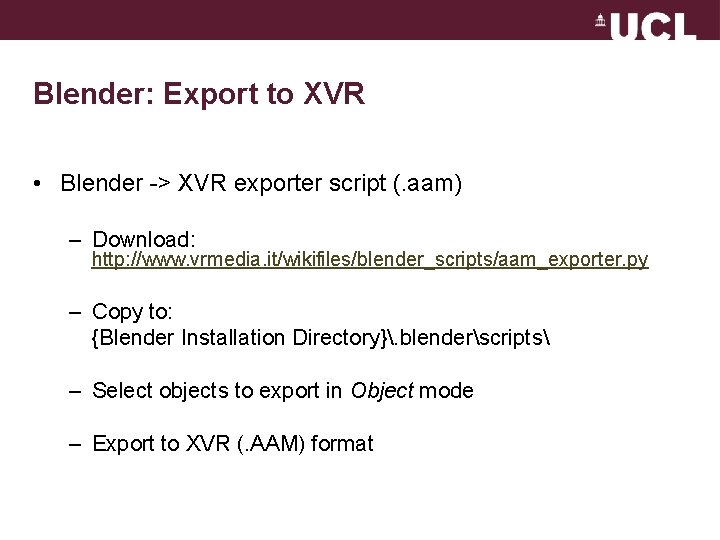
Blender: Export to XVR • Blender -> XVR exporter script (. aam) – Download: http: //www. vrmedia. it/wikifiles/blender_scripts/aam_exporter. py – Copy to: {Blender Installation Directory}. blenderscripts – Select objects to export in Object mode – Export to XVR (. AAM) format
The End • http: //www. cs. ucl. ac. uk/staff/W. Steptoe • Room 6. 22, Computer Science • http: //en. wikibooks. org/wiki/Blender_3 D: _Noob_to_Pro • http: //forums. vrmedia. it • http: //wiki. vrmedia. it • Task: – Familiarise yourselves with Blender and XVR – Recreating your version of the PIT experiment
- Slides: 13